 ChecklistGuro
 Art Gallery Visitor Engagement Survey Checklist
Uncover hidden insights & elevate your gallery experience! This Art Gallery Visitor Engagement Survey Checklist ensures you capture valuable feedback on exhibits, atmosphere, and overall satisfaction. Optimize your programming and create a more welcoming space - download now!
This Template was installed 2 times.
Arrival & Atmosphere
Assesses initial impressions and the overall ambiance of the gallery.
Arrival Time (Minutes)
Ease of Finding Parking?
Initial Impression of Exterior?
Describe the overall atmosphere upon arrival.
Noise Level?
Exhibition Layout & Navigation
Evaluates the clarity and ease of moving through the gallery space and understanding the exhibition flow.
How easy was it to find your way around the gallery?
Was the flow of the exhibition clear and logical?
If you selected 'No' above, please explain what made the flow unclear.
Were the artworks clearly labeled?
Estimate how much time (in minutes) did you spend finding your way between artworks?
Do you have any suggestions for improving the gallery's layout and navigation?
Artwork Information & Interpretation
Focuses on the quality and accessibility of information provided about the artworks.
Was the artist’s statement clear and understandable?
How helpful were the labels accompanying the artwork?
Please describe any difficulties you had understanding the artwork.
On a scale of 1 to 10 (1 being not informative at all, 10 being extremely informative), how would you rate the artwork descriptions?
Did the descriptions provide adequate background information about the artist?
If applicable, please provide any suggestions for improving the presentation of artwork information.
Staff Interaction & Assistance
Measures the helpfulness and approachability of gallery staff.
How approachable did you find the gallery staff?
How knowledgeable did you find the staff about the artwork?
Please describe any specific interactions you had with gallery staff. (Optional)
If you asked for assistance, how promptly was it provided?
On a scale of 1-5 (1 being not helpful, 5 being very helpful), how would you rate the staff's helpfulness?
Accessibility & Inclusivity
Addresses physical accessibility and the inclusiveness of the gallery experience for all visitors.
Did you encounter any physical barriers preventing access to artworks?
If yes, please describe the physical barrier(s) you encountered.
Were there sufficient accessible restroom facilities?
Which of the following accessibility accommodations would be helpful for future visits?
Did you feel welcome and respected during your visit?
Please share any suggestions for improving the accessibility and inclusivity of our gallery.
Overall Experience & Recommendations
Gathers overall satisfaction and encourages suggestions for improvement.
Overall Satisfaction (1-10)
How likely are you to recommend this gallery to a friend?
What did you enjoy most about your visit?
What could we do to improve the gallery experience?
Which of the following best describes your reason for visiting?
Frequently Asked Questions
Can I customize this template after installing it?
Absolutely. Once installed, you can add, remove, or reorder tasks, add custom fields, and adjust deadlines to fit your specific workflow.
Can I add images or photos to these checklist items?
Yes. Our platform allows you to attach photos, signatures, and notes to any checklist item for better verification and proof of completion.
Can I create a custom checklist from scratch instead of using a template?
Yes. You can use our "Create your own checklist" feature to build a unique workflow tailored exactly to your operational requirements.
Can I add dependencies between tasks?
Yes, you can set up conditional logic and dependencies to ensure your team follows the correct sequence of operations.
Can I assign specific checklist items to different team members?
Yes. You can assign individual tasks to specific employees, ensuring clear accountability across your entire team.
Can I use these checklists on mobile devices in the field?
Yes. Our platform is fully responsive, allowing your team to complete, update, and upload photos to checklists directly from any smartphone or tablet.
How do I notify my manager when a checklist is completed?
You can set up automated notifications (via email, push notification, or in-app alerts) to trigger whenever a checklist is finished or if an item fails inspection.
Can multiple people work on the same checklist simultaneously?
Yes, the platform supports real-time updates, allowing multiple users to contribute to a single live checklist.
Where is the data from completed checklists stored?
All completed checklists are stored securely in your Work OS dashboard, creating a permanent, searchable audit trail of your operations.
Can I generate reports based on my checklist results?
Yes. You can track completion rates, identify recurring issues, and monitor team performance through our integrated reporting and analytics tools.
How can I use these checklists for compliance or auditing purposes?
Because our checklists capture timestamps, photos, and digital signatures, they serve as a robust digital paper trail for regulatory compliance and internal audits.
Can I export my completed checklist data for use in other tools?
Yes. You can export your data in various formats (CSV, Excel, etc.) to integrate your operational insights with your other business software.
Comments
There are no comments yet. Be the first to add one!
Survey Management Solution Demo
Gather valuable insights with ease! ChecklistGuro simplifies survey creation, distribution, and analysis. Automate data collection, improve response rates, and make data-driven decisions. Manage it all with our Work OS.
Related Checklist Templates

Performing Arts Audience Feedback Survey Checklist
Cannabis Retail Customer Experience Survey Checklist
Gambling & Casino Player Satisfaction Survey Checklist
Religious Organization Congregant Feedback Survey Checklist
Tourism Destination Visitor Experience Survey Checklist
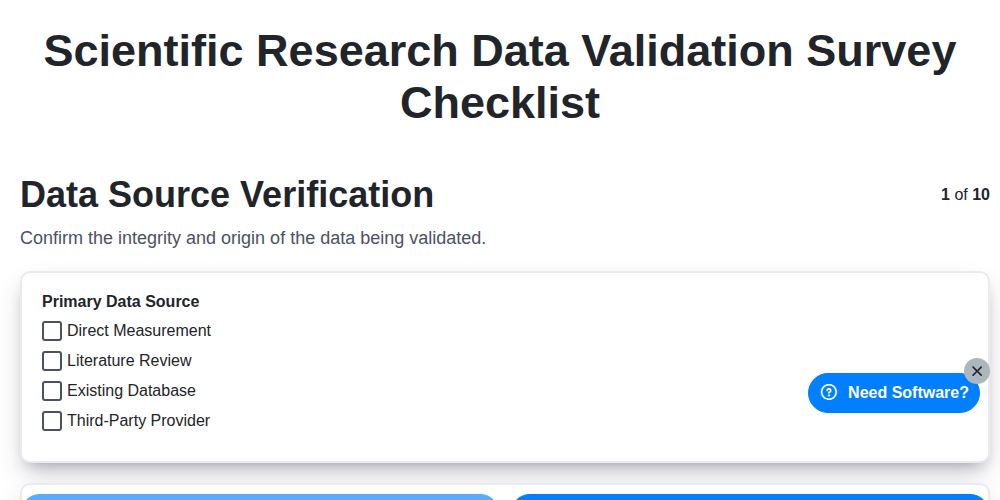
Scientific Research Data Validation Survey Checklist
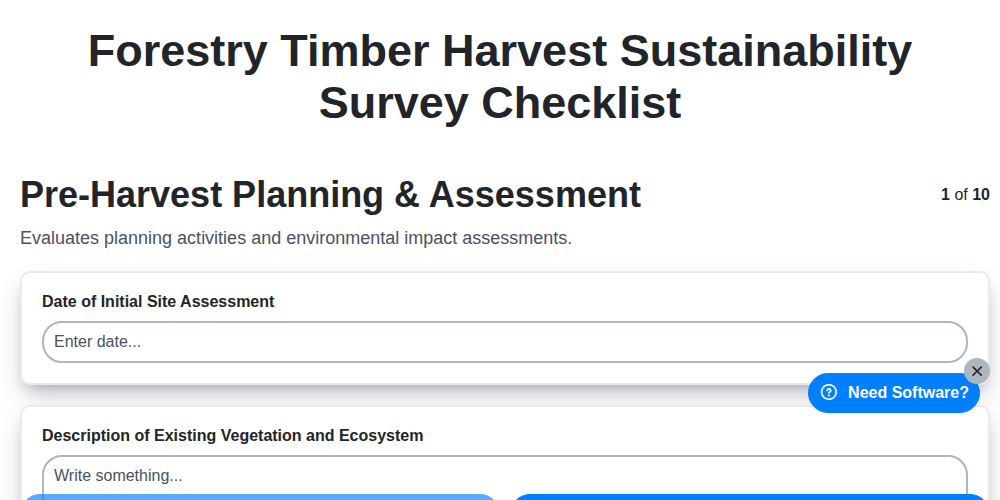
Forestry Timber Harvest Sustainability Survey Checklist
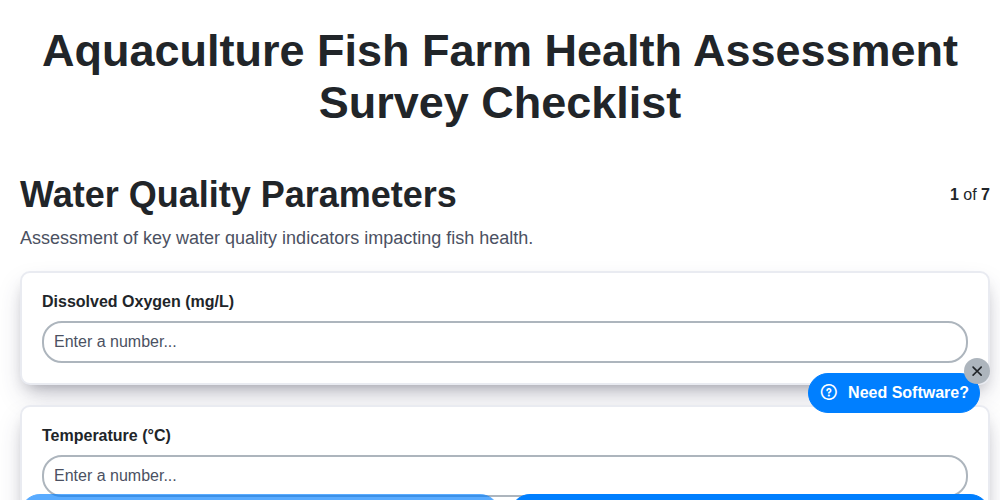
Aquaculture Fish Farm Health Assessment Survey Checklist
We can do it Together
Need help with
Survey Management?
Have a question? We're here to help. Please submit your inquiry, and we'll respond promptly.