 ChecklistGuro
 Warehouse WMS Capacity Planning Checklist
Ensure your warehouse can handle future growth! This WMS Capacity Planning Checklist helps you proactively assess storage limits, optimize space utilization, and avoid costly bottlenecks. Download now for a streamlined and scalable warehouse operation.
This Template was installed 4 times.
Demand Forecasting Accuracy
Assess the accuracy of current demand forecasting methods and identify areas for improvement.
Forecast Accuracy Rate (%)
Description of Forecasting Methodology
Software Used for Forecasting
Average Forecast Error (Units)
Date of Last Forecast Review
Data Sources Used for Forecasting
Storage Space Utilization
Evaluate current storage space utilization rates and identify opportunities to optimize layout and racking.
Overall Rack Space Utilization (%)
Average Pallet Density per Rack Level
Racking Type in Use
Description of Current Storage Layout
Percentage of Empty Rack Locations
Areas of Low Utilization (Select all that apply)
Receiving Capacity Assessment
Analyze current receiving capacity, including dock doors, labor, and equipment, to determine potential bottlenecks.
Number of Dock Doors
Average Daily Receipts (Units)
Peak Daily Receipts (Units)
Receiving Labor Available (Full-Time Equivalents)
Current Receiving Process
Describe any current bottlenecks in the receiving process
Date of last Receiving Capacity Review
Putaway Resource Evaluation
Review putaway labor and equipment, ensuring adequate resources to handle incoming inventory.
Current Number of Putaway Laborers
Average Putaway Rate (Units/Laborer/Hour)
Primary Putaway Equipment
Number of Available Forklifts/Pallet Jacks
Description of Current Putaway Process
Current Putaway Method
Average Time to Complete Putaway (Minutes)
Picking & Packing Capacity
Analyze current picking and packing capacity, considering labor, equipment, and order profiles.
Average Orders Processed Per Hour
Peak Hour Order Volume
Number of Picking Stations
Average Pick Time Per Order (minutes)
Number of Packing Stations
Average Packing Time Per Order (minutes)
Picking Method
Notes on Bottlenecks or Challenges
Shipping Capacity & Dock Scheduling
Evaluate shipping capacity, dock door availability, and scheduling efficiency.
Number of Dock Doors Available
Average Dock Door Utilization Rate (%)
Maximum Number of Shipments Per Day
Average Dock Door Turnaround Time (Minutes)
Earliest Shipping Start Time
Latest Shipping End Time
Dock Scheduling Method
Labor Availability & Skill Sets
Assess current labor pool size, skill sets, and potential for future staffing needs.
Current Number of Warehouse Associates
Projected Number of Associates Needed (Next 6 Months)
Dominant Skill Set Deficiency
Training Programs Currently Offered
Date of Last Workforce Skills Assessment
Description of Current Labor Challenges
Equipment Maintenance & Reliability
Review equipment maintenance schedules and reliability to minimize downtime and disruptions.
Last Preventative Maintenance Date
Total Equipment Downtime (Hours) - Last Month
Description of Recent Equipment Issues/Repairs
Equipment Condition Rating (1-5)
Next Scheduled Maintenance Date
Number of Critical Equipment Failures Last Quarter
Automation Potential Assessment
Identify opportunities for automation to increase throughput and efficiency.
Describe current manual processes suitable for automation.
Which automation technologies are being considered?
Estimated ROI (Return on Investment) for automation implementation.
Estimated cost of automation implementation.
Target implementation date for automation.
Level of automation being considered (e.g., Partial, Full)
Peak Season Planning & Scalability
Review plans for handling peak seasons and assess the scalability of current processes.
Projected Peak Season Order Volume Increase (%)
Additional Labor Needed (Full-Time Equivalents)
Extra Dock Doors Required (Number)
Start Date of Peak Season Prep (YYYY-MM-DD)
End Date of Peak Season (YYYY-MM-DD)
Peak Season Strategy
Potential Bottlenecks During Peak Season
Warehouse Layout Optimization
Evaluate the current warehouse layout for efficiency and identify areas for redesign.
Describe current warehouse layout challenges.
Current average travel distance per pick (feet).
Primary layout type (e.g., flow-through, U-shaped, I-shaped).
Which areas are experiencing bottlenecks?
Describe proposed layout changes and rationale.
Estimated reduction in travel distance with new layout (%).
Frequently Asked Questions
Can I customize this template after installing it?
Absolutely. Once installed, you can add, remove, or reorder tasks, add custom fields, and adjust deadlines to fit your specific workflow.
Can I add images or photos to these checklist items?
Yes. Our platform allows you to attach photos, signatures, and notes to any checklist item for better verification and proof of completion.
Can I create a custom checklist from scratch instead of using a template?
Yes. You can use our "Create your own checklist" feature to build a unique workflow tailored exactly to your operational requirements.
Can I add dependencies between tasks?
Yes, you can set up conditional logic and dependencies to ensure your team follows the correct sequence of operations.
Can I assign specific checklist items to different team members?
Yes. You can assign individual tasks to specific employees, ensuring clear accountability across your entire team.
Can I use these checklists on mobile devices in the field?
Yes. Our platform is fully responsive, allowing your team to complete, update, and upload photos to checklists directly from any smartphone or tablet.
How do I notify my manager when a checklist is completed?
You can set up automated notifications (via email, push notification, or in-app alerts) to trigger whenever a checklist is finished or if an item fails inspection.
Can multiple people work on the same checklist simultaneously?
Yes, the platform supports real-time updates, allowing multiple users to contribute to a single live checklist.
Where is the data from completed checklists stored?
All completed checklists are stored securely in your Work OS dashboard, creating a permanent, searchable audit trail of your operations.
Can I generate reports based on my checklist results?
Yes. You can track completion rates, identify recurring issues, and monitor team performance through our integrated reporting and analytics tools.
How can I use these checklists for compliance or auditing purposes?
Because our checklists capture timestamps, photos, and digital signatures, they serve as a robust digital paper trail for regulatory compliance and internal audits.
Can I export my completed checklist data for use in other tools?
Yes. You can export your data in various formats (CSV, Excel, etc.) to integrate your operational insights with your other business software.
Comments
There are no comments yet. Be the first to add one!
WMS - Warehouse Management System Solution Demo
Optimize your warehouse operations & boost efficiency! ChecklistGuro's WMS streamlines inventory management, order fulfillment, and shipping. Reduce errors, improve accuracy, & maximize space utilization. Manage it all with our Work OS.
Related Checklist Templates
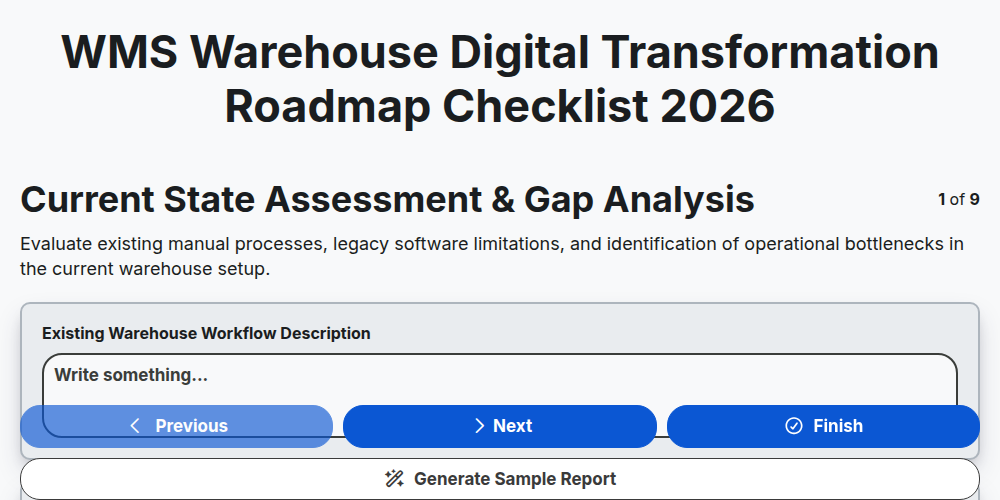
WMS Warehouse Digital Transformation Roadmap Checklist 2026
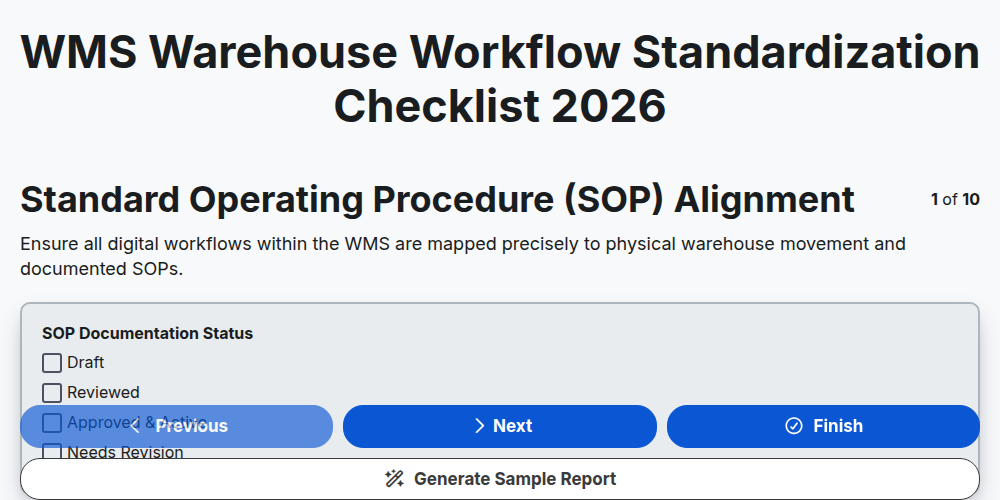
WMS Warehouse Workflow Standardization Checklist 2026
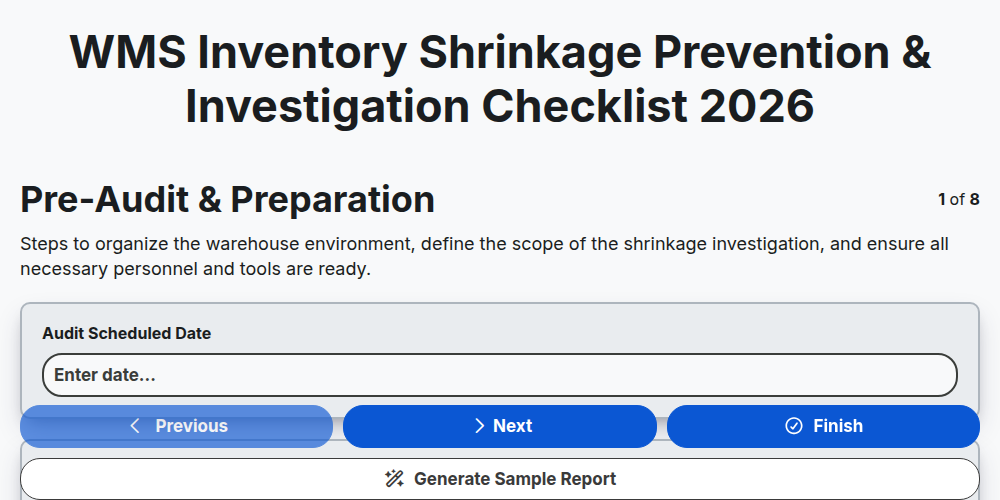
WMS Inventory Shrinkage Prevention & Investigation Checklist 2026
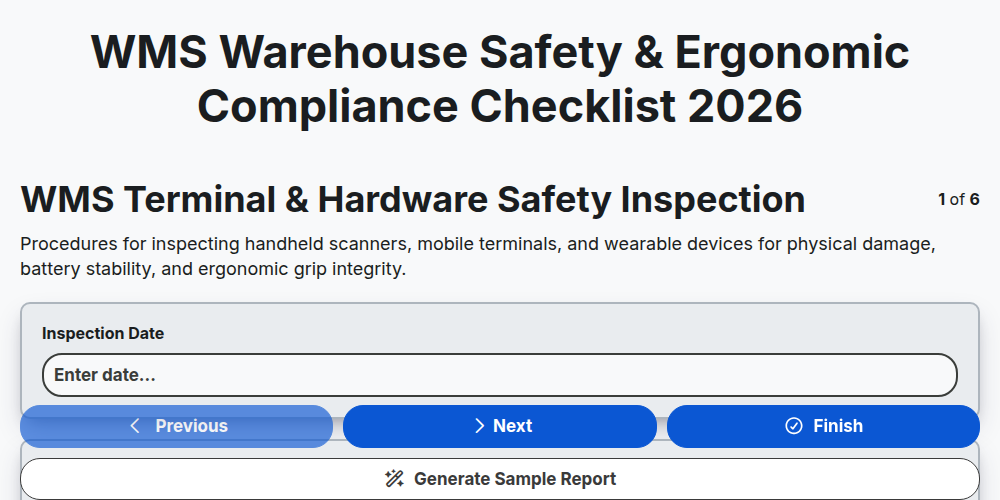
WMS Warehouse Safety & Ergonomic Compliance Checklist 2026
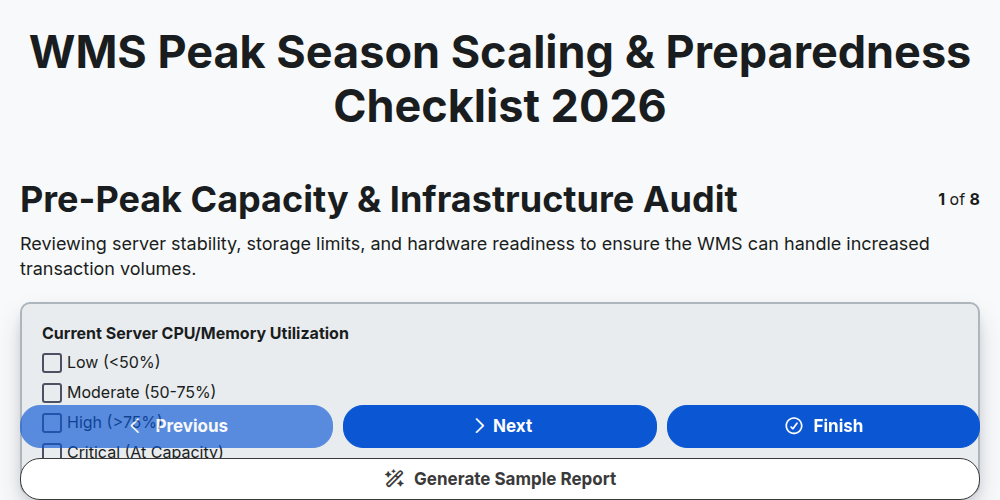
WMS Peak Season Scaling & Preparedness Checklist 2026
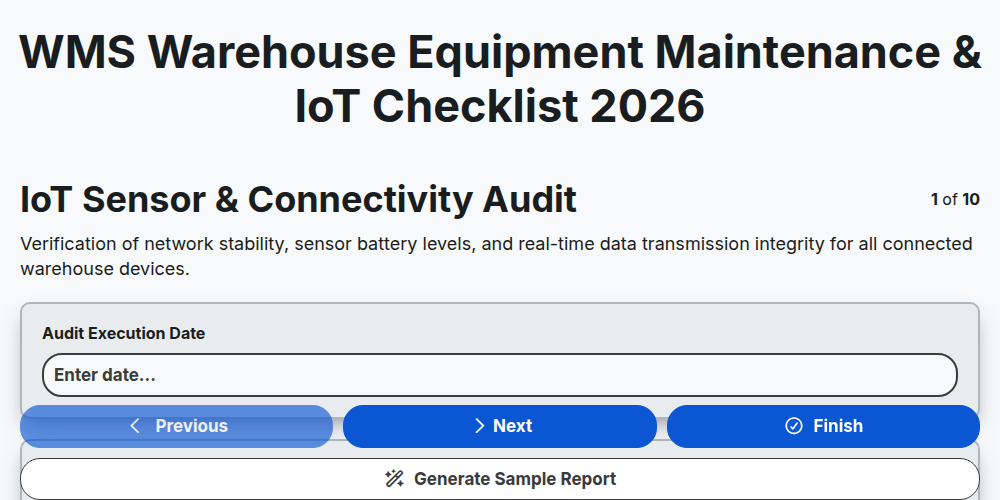
WMS Warehouse Equipment Maintenance & IoT Checklist 2026
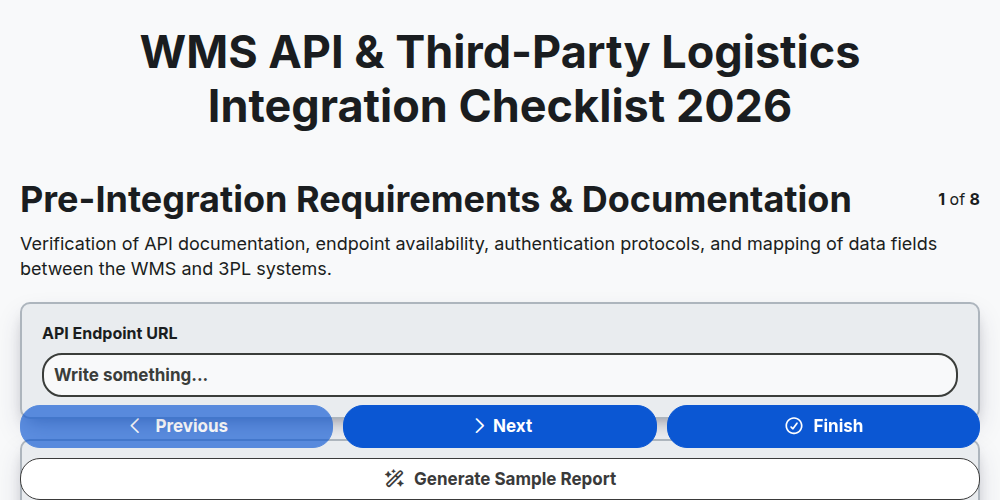
WMS API & Third-Party Logistics Integration Checklist 2026
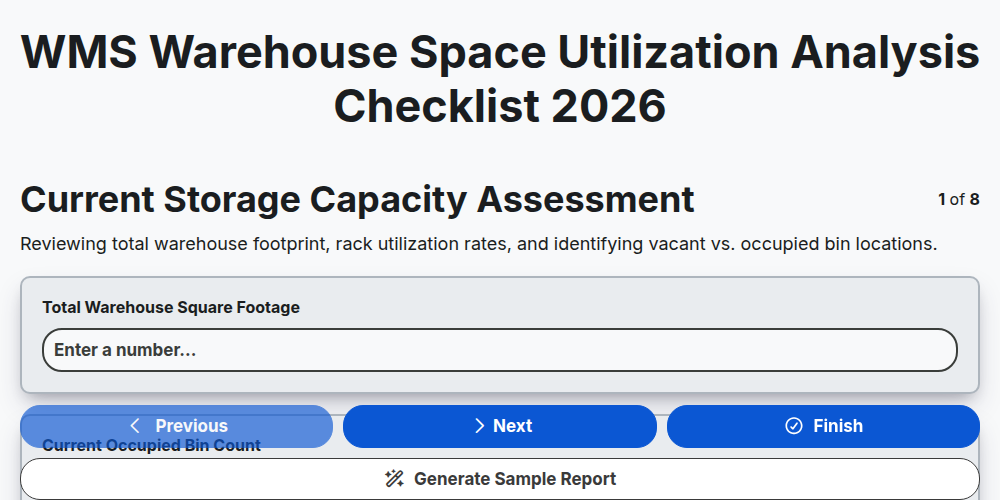
WMS Warehouse Space Utilization Analysis Checklist 2026
Need help with
Warehouse Management System (WMS)?
Have a question? We're here to help. Please submit your inquiry, and we'll respond promptly.