 ChecklistGuro
 Warehouse WMS Reporting Checklist Template
Ensure accurate warehouse insights & compliance! Our WMS Reporting Checklist Template helps you validate key reports, identify discrepancies, and optimize your data-driven decisions. Download now & boost your warehouse performance.
This Template was installed 3 times.
Report Configuration
Verify proper setup and parameters for standard WMS reports.
Standard Report Type
Record Start Date (for Date Range Reports)
Record End Date (for Date Range Reports)
Number of Records to Include
Included Data Fields
Report Format
Custom Filters/Criteria (optional)
Data Accuracy & Completeness
Confirm report data aligns with physical inventory records and system transactions.
Inventory Quantity Discrepancy (Units)
Value of Discrepancy (USD)
Description of Discrepancy
Reason for Discrepancy
Date of Discrepancy Identified
Time of Discrepancy Identified
Supporting Documentation (e.g., Cycle Count Sheet)
Report Scheduling & Delivery
Ensure scheduled reports are generated and delivered on time, to the correct recipients.
Report Start Date
Report Generation Time
Delivery Method
Recipient Email Address(es)
Number of Recipients
Report Frequency
Next Scheduled Run Date
User Access & Permissions
Confirm appropriate user access controls are in place for report access and modification.
Report Viewer Group Assignment
Data Export Permissions
Report Access Levels
Maximum Concurrent Users
Last Access Review Date
Report Performance & Optimization
Assess report generation time and identify potential optimization opportunities.
Average Report Generation Time (seconds)
Peak Report Generation Time (seconds)
Database Query Response Time (seconds)
Report Server Resource Utilization (%)
Detailed Notes on Performance Issues
Index Optimization Needed?
Date of Last Performance Review
Report Customization & Validation
Validate any custom reports for accuracy and usability.
Describe the custom report's purpose and intended use.
Expected report generation time (in seconds).
Data source(s) used by the report.
Which fields are included in the report?
Date of last customization.
Describe any validation rules applied to the report's output.
Audit Trail & Logging
Verify logging of report generation and access for audit purposes.
Last Audit Trail Review Date
Number of Audit Log Entries Reviewed
Summary of Audit Log Findings
Audit Trail Access Control Review
Time of last audit trail extraction
Description of any anomalies detected in audit logs
Frequently Asked Questions
Can I customize this template after installing it?
Absolutely. Once installed, you can add, remove, or reorder tasks, add custom fields, and adjust deadlines to fit your specific workflow.
Can I add images or photos to these checklist items?
Yes. Our platform allows you to attach photos, signatures, and notes to any checklist item for better verification and proof of completion.
Can I create a custom checklist from scratch instead of using a template?
Yes. You can use our "Create your own checklist" feature to build a unique workflow tailored exactly to your operational requirements.
Can I add dependencies between tasks?
Yes, you can set up conditional logic and dependencies to ensure your team follows the correct sequence of operations.
Can I assign specific checklist items to different team members?
Yes. You can assign individual tasks to specific employees, ensuring clear accountability across your entire team.
Can I use these checklists on mobile devices in the field?
Yes. Our platform is fully responsive, allowing your team to complete, update, and upload photos to checklists directly from any smartphone or tablet.
How do I notify my manager when a checklist is completed?
You can set up automated notifications (via email, push notification, or in-app alerts) to trigger whenever a checklist is finished or if an item fails inspection.
Can multiple people work on the same checklist simultaneously?
Yes, the platform supports real-time updates, allowing multiple users to contribute to a single live checklist.
Where is the data from completed checklists stored?
All completed checklists are stored securely in your Work OS dashboard, creating a permanent, searchable audit trail of your operations.
Can I generate reports based on my checklist results?
Yes. You can track completion rates, identify recurring issues, and monitor team performance through our integrated reporting and analytics tools.
How can I use these checklists for compliance or auditing purposes?
Because our checklists capture timestamps, photos, and digital signatures, they serve as a robust digital paper trail for regulatory compliance and internal audits.
Can I export my completed checklist data for use in other tools?
Yes. You can export your data in various formats (CSV, Excel, etc.) to integrate your operational insights with your other business software.
Comments
There are no comments yet. Be the first to add one!
WMS - Warehouse Management System Solution Demo
Optimize your warehouse operations & boost efficiency! ChecklistGuro's WMS streamlines inventory management, order fulfillment, and shipping. Reduce errors, improve accuracy, & maximize space utilization. Manage it all with our Work OS.
Related Checklist Templates
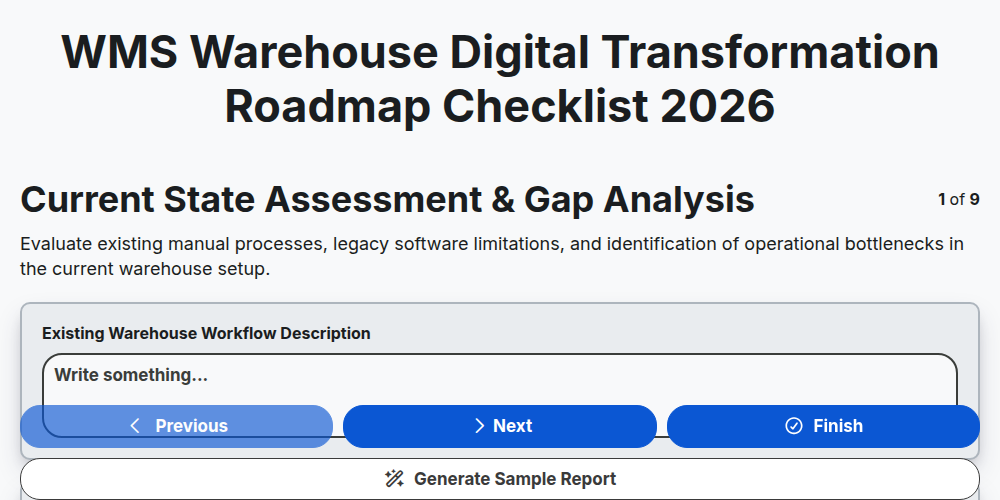
WMS Warehouse Digital Transformation Roadmap Checklist 2026
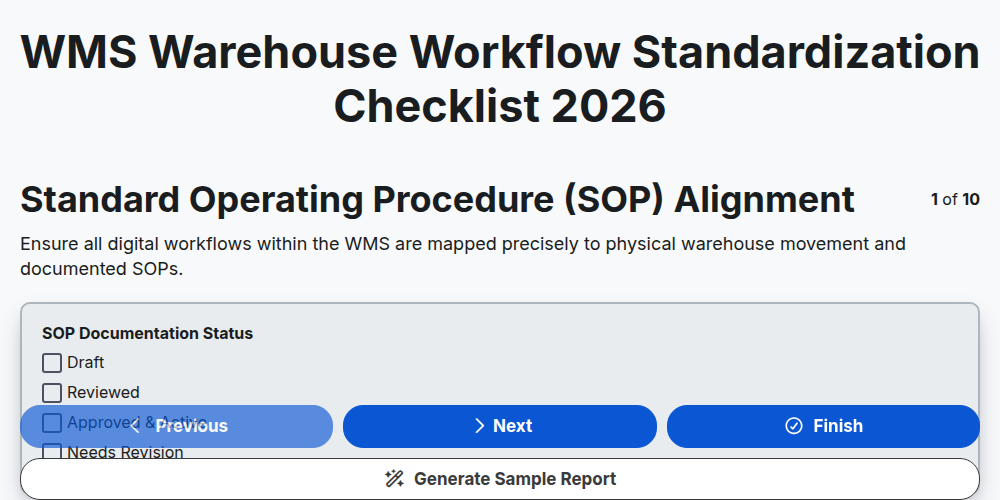
WMS Warehouse Workflow Standardization Checklist 2026
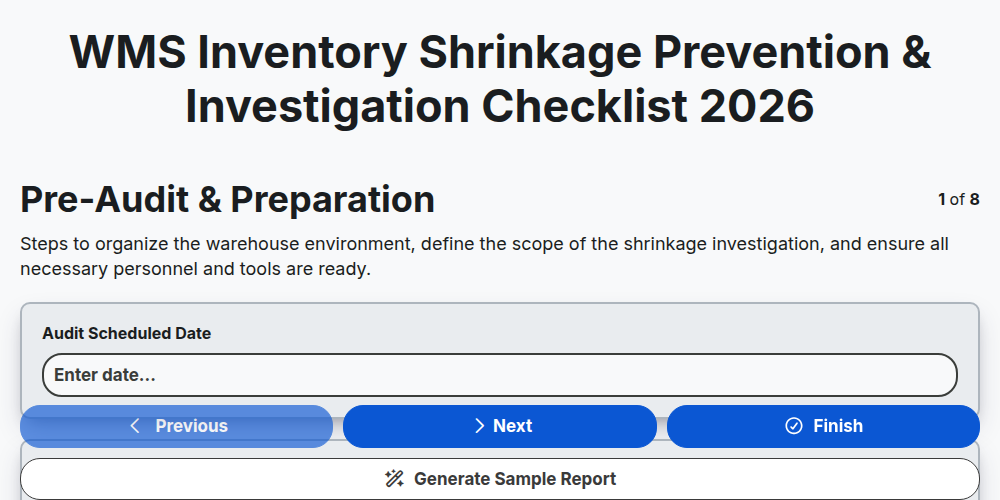
WMS Inventory Shrinkage Prevention & Investigation Checklist 2026
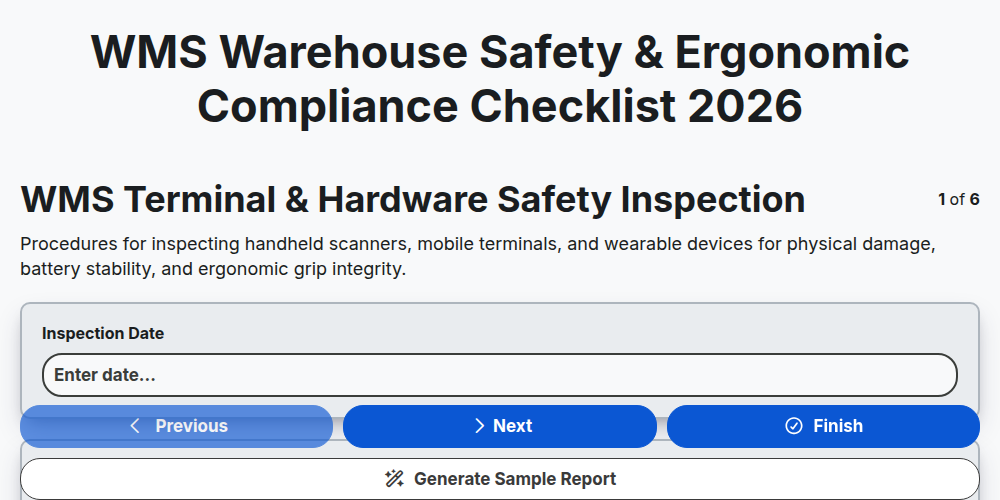
WMS Warehouse Safety & Ergonomic Compliance Checklist 2026
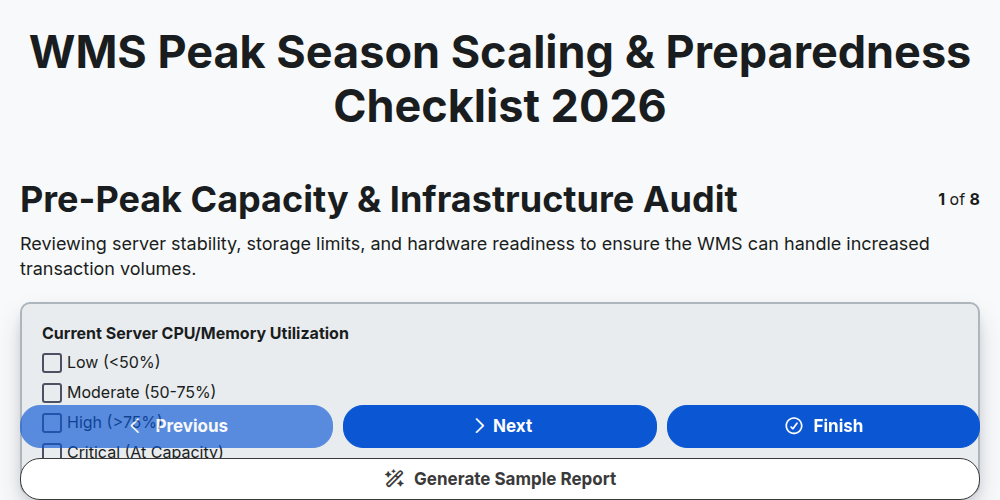
WMS Peak Season Scaling & Preparedness Checklist 2026
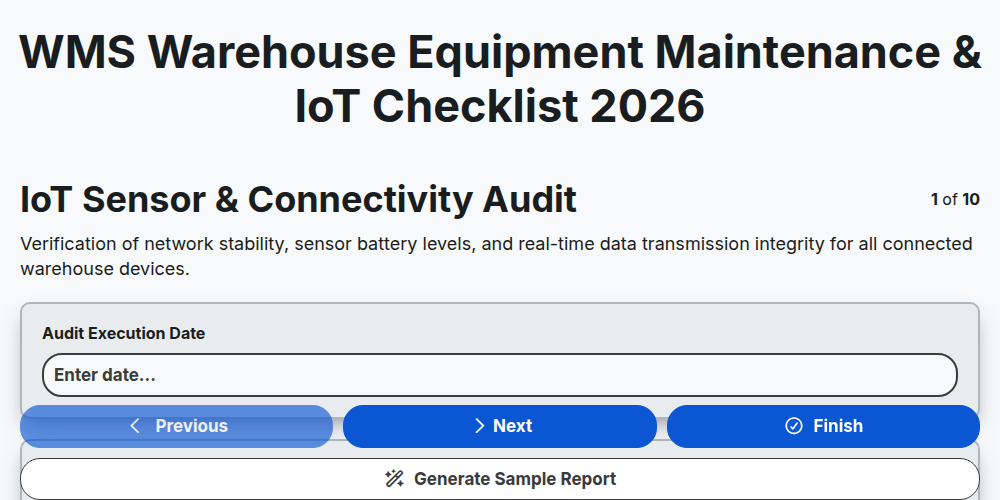
WMS Warehouse Equipment Maintenance & IoT Checklist 2026
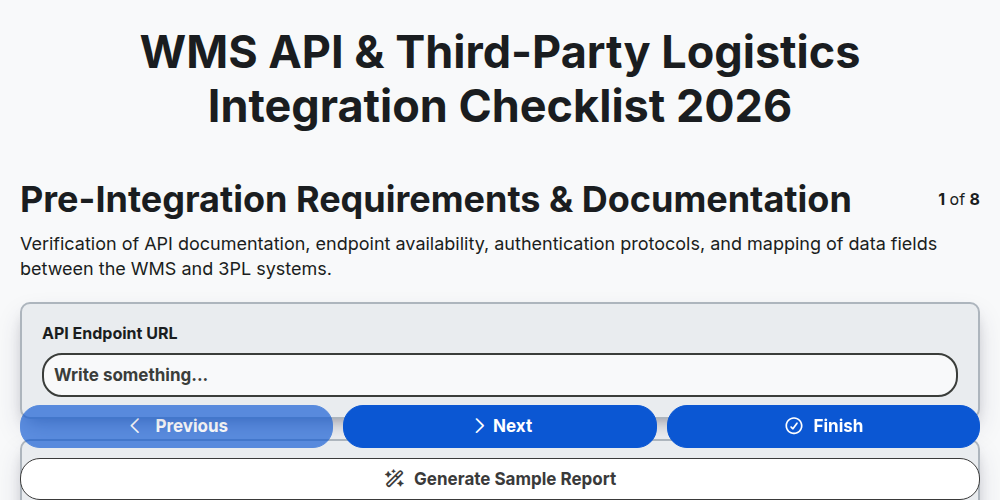
WMS API & Third-Party Logistics Integration Checklist 2026
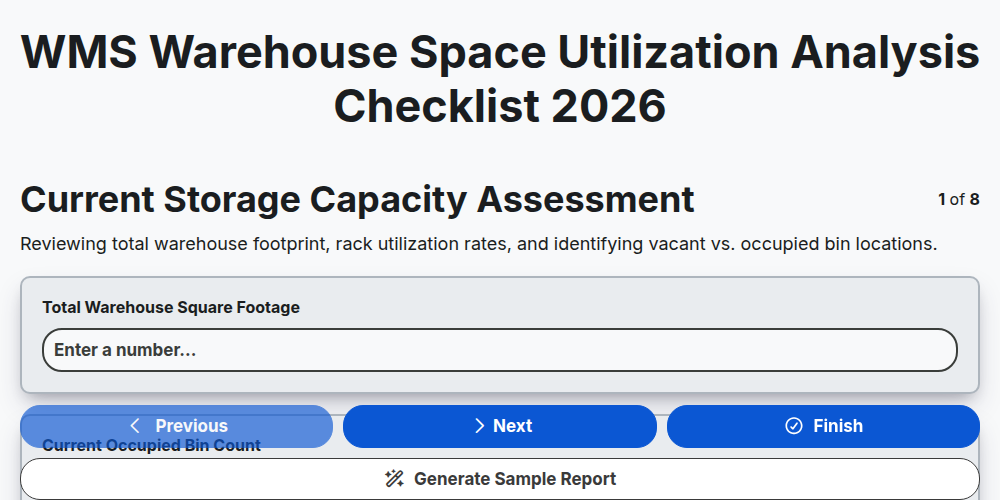
WMS Warehouse Space Utilization Analysis Checklist 2026
Need help with
Warehouse Management System (WMS)?
Have a question? We're here to help. Please submit your inquiry, and we'll respond promptly.