 ChecklistGuro
 WMS Automation Validation Checklist
Ensure your WMS automation is working flawlessly! This checklist helps you validate critical processes, minimize errors, and maximize warehouse efficiency. Validate picking, packing, putaway & more. Download now!
This Template was installed 5 times.
System Configuration
Verify core system settings and parameters are correctly configured.
Warehouse Capacity (Pallets)
Units of Measure (Default)
Last System Configuration Review Date
Description of System Configuration Changes (if any)
Default Picking Strategy
Default Batch Size
Warehouse ID
Workflow Validation
Test automated workflows from receipt to shipping.
Receipt Quantity Verified vs. Expected
Putaway Task Completion Status
Date of First Shipment
Time of Order Picked
Palletization Rules Applied?
Notes on Discrepancies (if any)
Shipping Carrier Selected?
Data Mapping and Transformation
Confirm accuracy of data transfer between systems.
Source System for Item Data
Item Code Length in Source System
Data Transformation Type (e.g., Concatenation)
Transformation Rules Description
Decimal Precision Conversion
Unit of Measure Conversion Required?
Unit of Measure Conversion Details
Transformation Validation Date
Exception Handling
Test automated responses to common error scenarios.
Describe the Exception Scenario
Exception Code (if applicable)
Exception Type
Error Message from System
Affected Processes
Exception Occurrence Date
Exception Occurrence Time
User Interface & Task Automation
Assess the usability and effectiveness of automated user tasks.
Task Button Visibility
Task Completion Time (Seconds)
Automated Field Population
Last UI Modification Date
Notes on User Experience
Auto-Populate Data Source
Integration Points
Validate communication and data exchange with integrated systems (ERP, TMS, etc.).
ERP System Integration Status
Data Transfer Frequency (hours)
Data Mapping Validation Method
Details of Data Transformation Rules
Last Integration Sync Date
Integrated Systems
Describe any integration errors encountered
Reporting & Analytics
Check automated report generation and data accuracy.
Number of Automated Reports Generated
Report Generation Success Rate
Last Report Validation Date
Description of any Failed Reports (if applicable)
Time taken to generate critical reports (seconds)
Data Accuracy Validation Type
Security & Access Controls
Verify automated access control and security protocols.
Multi-Factor Authentication Enabled?
Password Complexity Policy Applied?
Password Expiration Days
Role-Based Access Controls (RBAC) Implemented?
Privilege Escalation Procedures Defined?
Last Security Audit Date
Audit Trail Description
Performance & Scalability
Assess automated process execution speed and ability to handle increased volume.
Maximum Expected Transactions per Hour
Current Average Response Time (seconds)
Peak User Concurrency
Simulated User Load (for testing)
Scaling Method (Vertical/Horizontal)
Date of Last Performance Test
Observed Performance Degradation Notes (if any)
Monitoring & Logging
Review automated logging and monitoring features for identifying and resolving issues.
Log Volume (Events/Hour)
Log Level (Debug, Info, Warning, Error, Critical)
Last Log Rotation Date
Next Scheduled Log Backup Time
Summary of Recent Error Logs
Alert Notification Method (Email, SMS, Dashboard)
Found this Checklist Template helpful?
Comments
There are no comments yet. Be the first to add one!
WMS - Warehouse Management System Solution Demo
Optimize your warehouse operations & boost efficiency! ChecklistGuro's WMS streamlines inventory management, order fulfillment, and shipping. Reduce errors, improve accuracy, & maximize space utilization. Manage it all with our Work OS.
Related Checklist Templates

Warehouse WMS Blockchain Integration Checklist
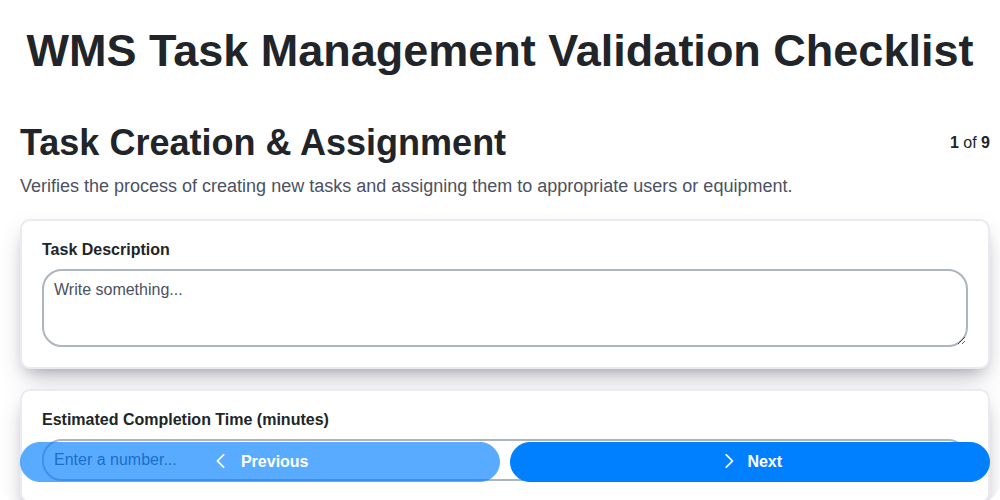
WMS Task Management Validation Checklist

WMS System Performance Monitoring Checklist
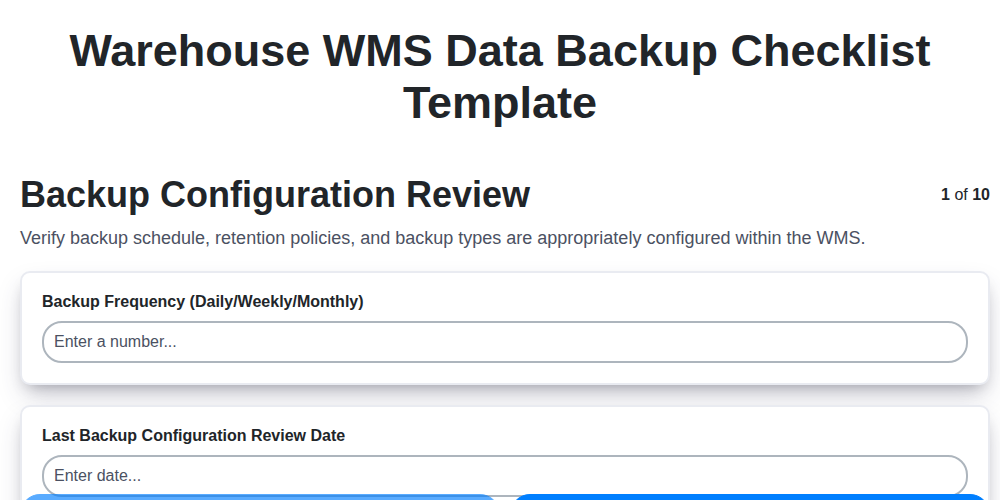
Warehouse WMS Data Backup Checklist Template

WMS Automation Maintenance Checklist

Warehouse WMS Capacity Planning Checklist

WMS RFID Integration Checklist Template

Warehouse WMS Vendor Compliance Checklist
We can do it Together
Need help with
Warehouse Management System (WMS)?
Have a question? We're here to help. Please submit your inquiry, and we'll respond promptly.