 ChecklistGuro
 Automotive Digital Marketing Lead Workflow
Streamline your dealership's sales funnel with our Automotive Digital Marketing Lead Workflow. Automate lead capture, optimize follow-up sequences, and convert more inquiries into showroom visits with this high-performance, end-to-end process designed specifically for automotive retailers and digital marketing agencies.
This Template was installed 4 times.
Start
Start of the Workflow/Process.
1. Fetch New Web Lead
Retrieve new lead entries from the Lead Data Model submitted via website forms.
2. Create CRM Lead Profile
Create a new entry in the CRM Data Model to track the lead's journey.
3. Calculate Lead Score
Execute a formula based on lead attributes (e.g., model interest, budget, and urgency) to assign a priority score.
4. Assign Sales Representative
Create a task for the Sales Team Lead to assign the lead to a specific agent.
5. Send Welcome Email
Send an automated personalized email to the lead confirming receipt of their inquiry.
6. Instant SMS Notification
Send an SMS alert to the assigned Sales Rep to notify them of a high-priority lead.
7. Update Lead Status
Update the lead entry status to 'In Progress' once a salesperson is assigned.
8. Fetch Vehicle Inventory
Retrieve details from the Vehicle Inventory Data Model to match lead preferences.
9. Schedule Test Drive
Create a task for the Sales Agent to contact the lead and coordinate a vehicle viewing.
10. Create Test Drive Appointment
Create a new entry in the Appointment Data Model once a date is confirmed.
11. Calculate Monthly Lead Volume
Aggregate all lead entries for the current month to calculate total lead count and conversion rate.
12. Follow-up Post-Test Drive
Create a task for the agent to follow up with the customer 24 hours after the appointment.
13. Update Lead Disposition
Update the Lead entry with the outcome of the test drive (e.g., 'Interested', 'Not Interested').
14. Weekly Marketing ROI Report
Generate a report summarizing lead sources, costs, and conversion success for the marketing manager.
15. Archive Spam Leads
Delete or move entries to an archive model that have been flagged as fraudulent or spam.
End
End of the Workflow/Process.
Start of the Workflow/Process.
Retrieve new lead entries from the Lead Data Model submitted via website forms.
Create a new entry in the CRM Data Model to track the lead's journey.
Execute a formula based on lead attributes (e.g., model interest, budget, and urgency) to assign a priority score.
Create a task for the Sales Team Lead to assign the lead to a specific agent.
Send an automated personalized email to the lead confirming receipt of their inquiry.
Send an SMS alert to the assigned Sales Rep to notify them of a high-priority lead.
Update the lead entry status to 'In Progress' once a salesperson is assigned.
Retrieve details from the Vehicle Inventory Data Model to match lead preferences.
Create a task for the Sales Agent to contact the lead and coordinate a vehicle viewing.
Create a new entry in the Appointment Data Model once a date is confirmed.
Aggregate all lead entries for the current month to calculate total lead count and conversion rate.
Create a task for the agent to follow up with the customer 24 hours after the appointment.
Update the Lead entry with the outcome of the test drive (e.g., 'Interested', 'Not Interested').
Generate a report summarizing lead sources, costs, and conversion success for the marketing manager.
Delete or move entries to an archive model that have been flagged as fraudulent or spam.
End of the Workflow/Process.
Frequently Asked Questions
Comments
There are no comments yet. Be the first to add one!
Automotive Manufacturing Management Solution Demo
Optimize your automotive production! ChecklistGuro digitizes workflows, from parts inspection to final testing. Reduce errors, boost efficiency & ensure quality compliance. Drive results with our Work OS.
Related Workflow Templates
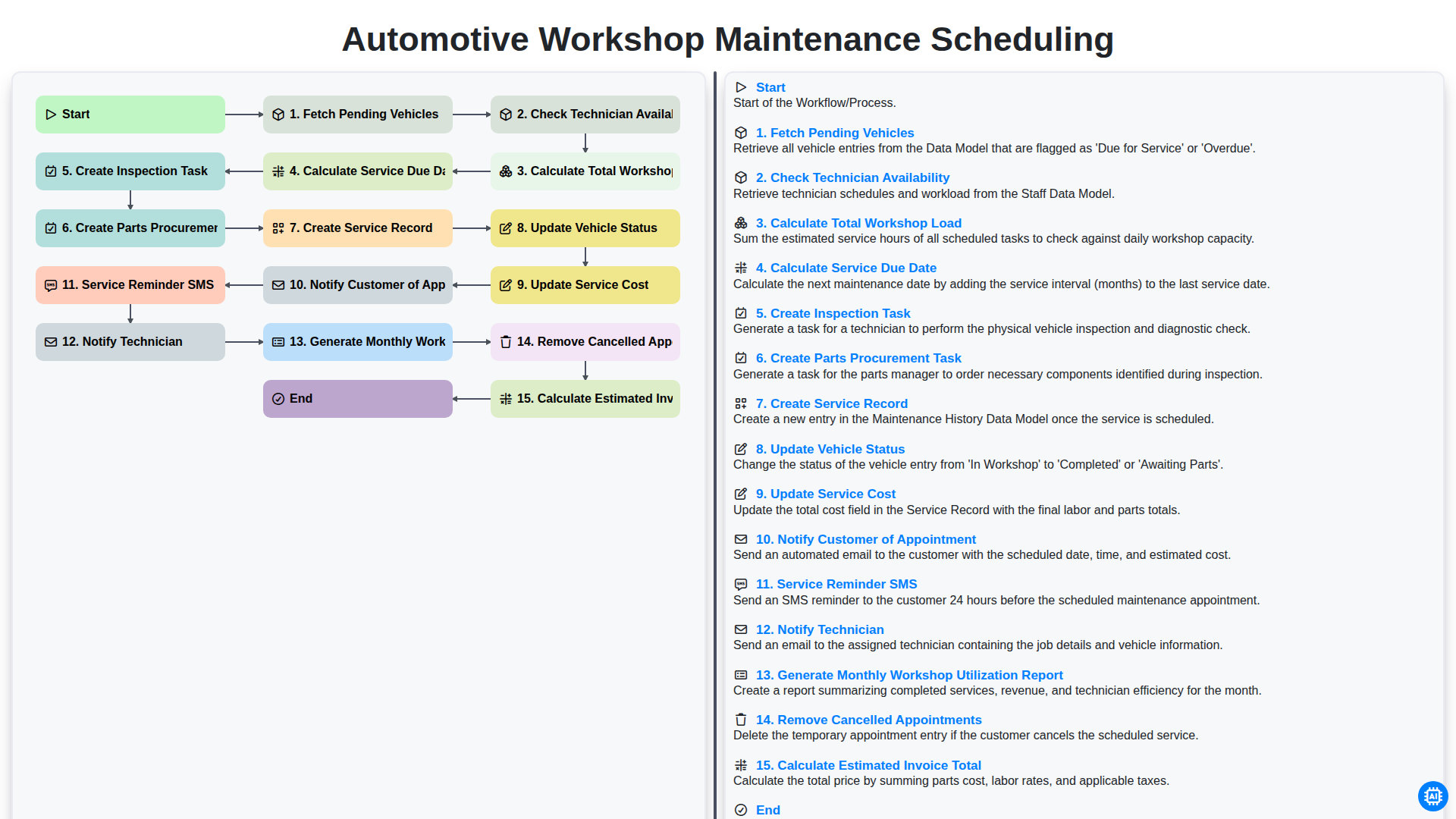
Automotive Workshop Maintenance Scheduling

Automotive Service Appointment Management

Automotive Vehicle Delivery and Handover Process

Automotive Customer Feedback and Survey Process

Automotive Vehicle Trade-In Evaluation Process
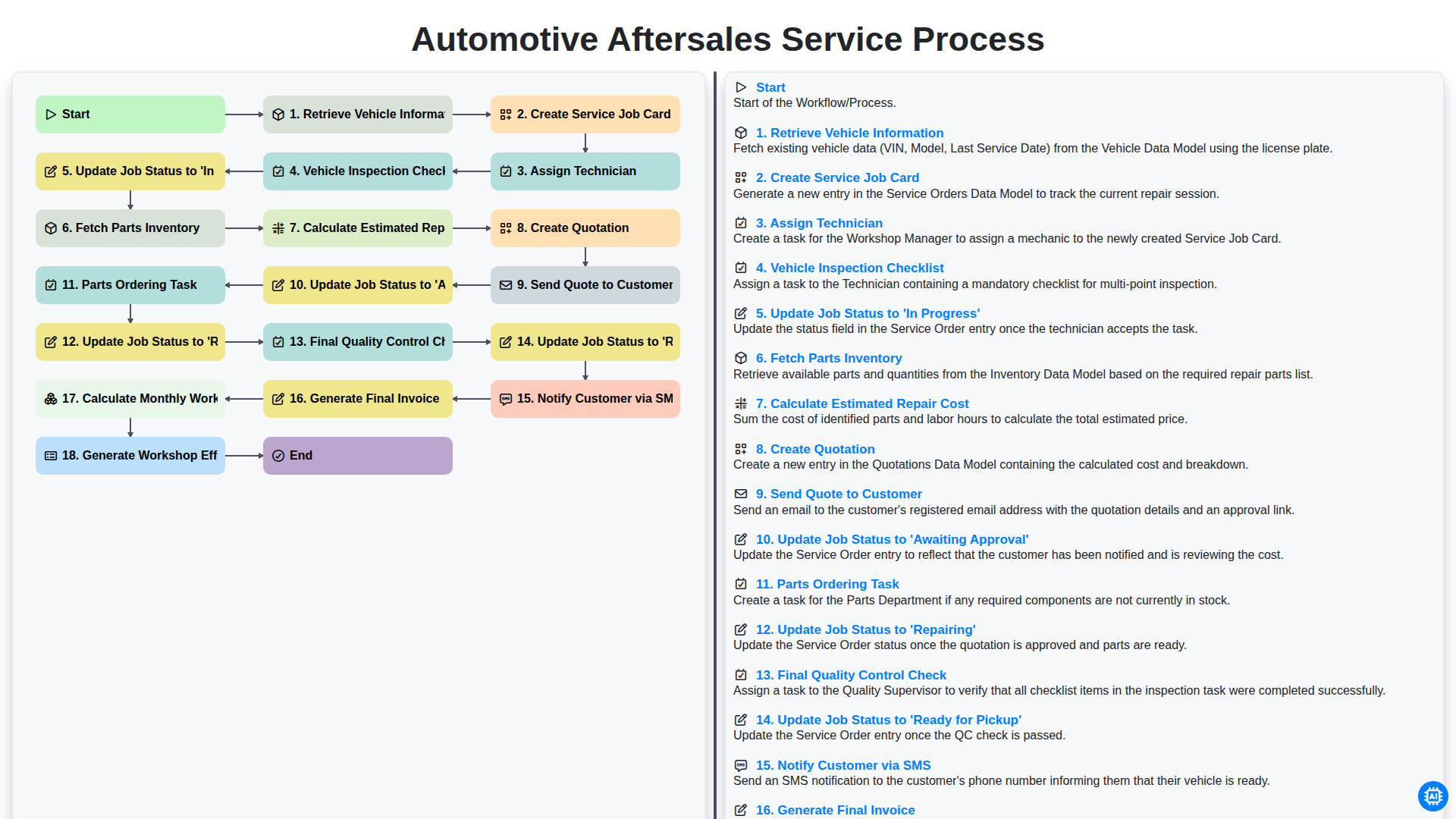
Automotive Aftersales Service Process
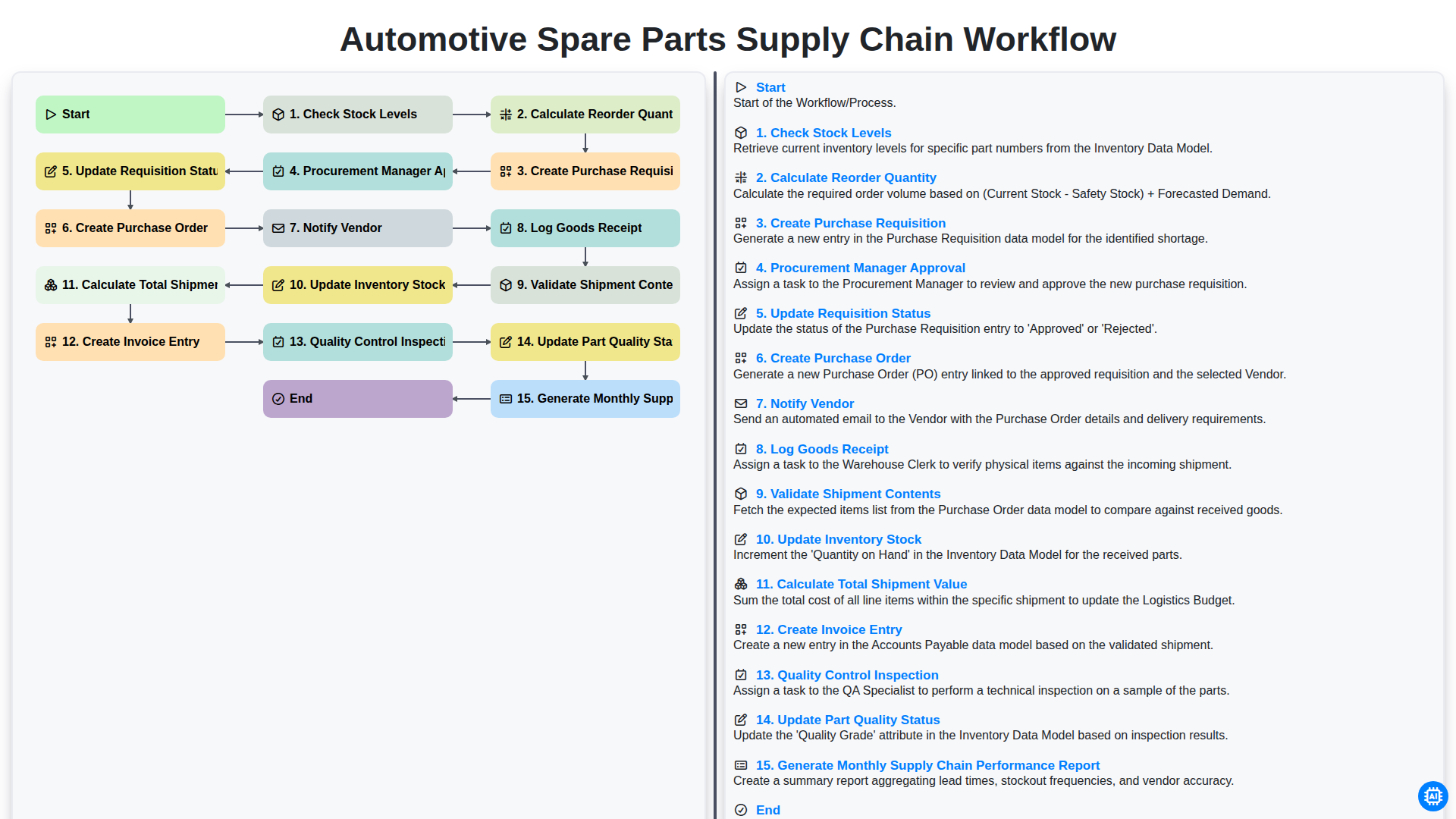
Automotive Spare Parts Supply Chain Workflow
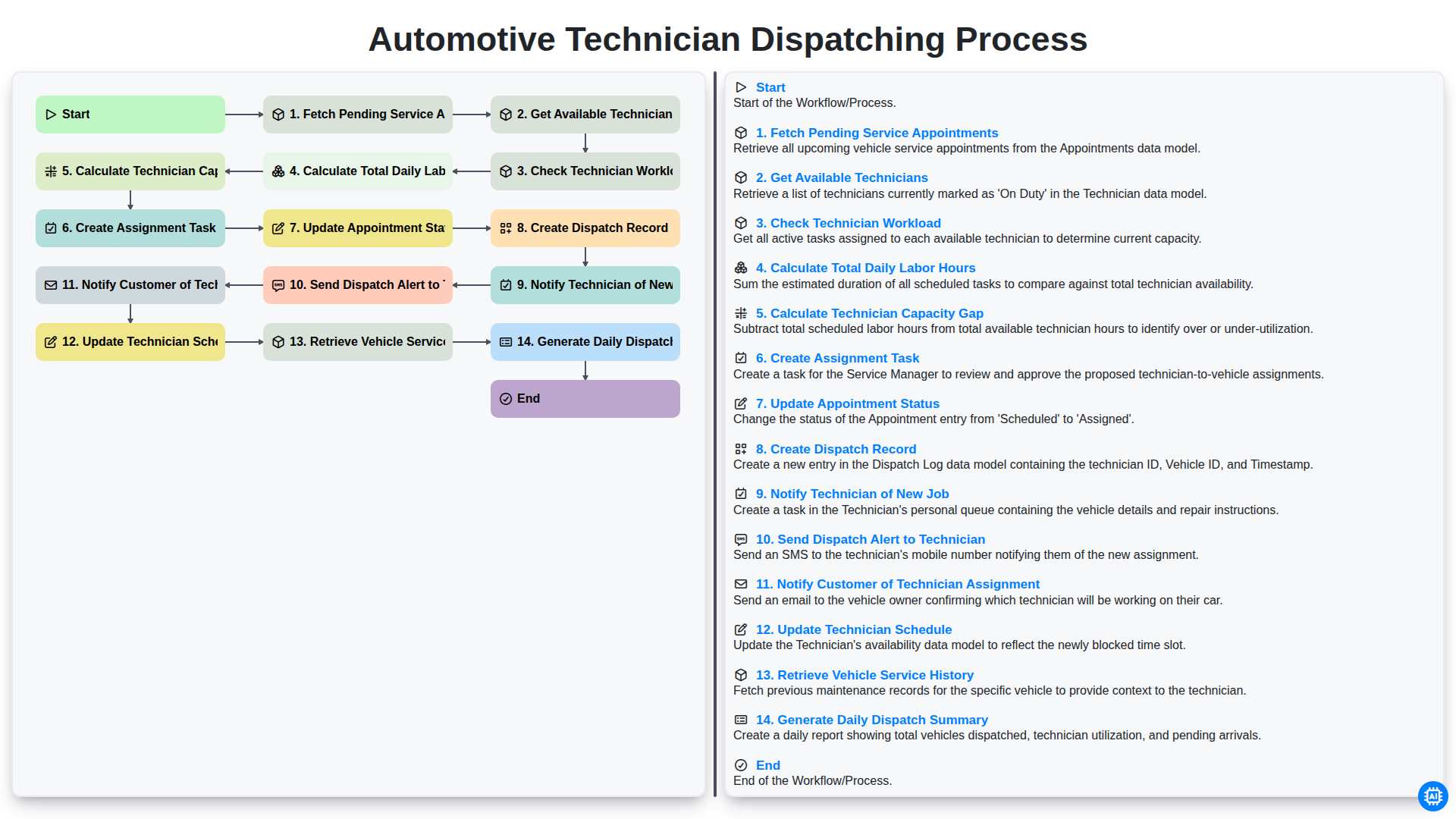
Automotive Technician Dispatching Process
Need help with
Automotive?
Have a question? We're here to help. Please submit your inquiry, and we'll respond promptly.