 ChecklistGuro
 Automotive Vehicle Delivery and Handover Process
Streamline your dealership's customer experience with our comprehensive Automotive Vehicle Delivery and Handover Process. From final quality inspections and pre-delivery preparation to the seamless ceremonial handover and digital documentation, this optimized workflow ensures every new car delivery is professional, efficient, and memorable, boosting customer satisfaction and driving repeat business.
This Template was installed 3 times.
Start
Start of the Workflow/Process.
1. Retrieve Customer Order Details
Fetch all information regarding the specific vehicle, customer contact details, and agreed-upon delivery date from the Sales Data Model.
2. Check Vehicle Availability
Verify the current status and location of the specific VIN (Vehicle Identification Number) in the Inventory Data Model.
3. Pre-Delivery Inspection (PDI) Task
Assign a task to the Workshop Technician to perform a comprehensive mechanical and cosmetic check of the vehicle.
4. Update Vehicle Status to 'Ready'
Change the vehicle status in the Inventory Data Model from 'In Preparation' to 'Ready for Delivery' upon PDI completion.
5. Generate Delivery Checklist
Create a new entry in the Handover Checklist Data Model linked to the specific Vehicle and Customer.
6. Final Detailing Task
Assign a task to the Valeting Team to ensure the vehicle is cleaned and polished for presentation.
7. Calculate Total Delivery Fees
Calculate the final amount due by summing the vehicle price, registration fees, and any additional accessories or prep services.
8. Update Invoice with Final Totals
Update the Sales Order entry with the newly calculated total delivery cost.
9. Send Delivery Confirmation Email
Send an automated email to the Customer confirming the time, location, and required documents for the handover.
10. Send Handover Reminder SMS
Send a brief SMS reminder to the Customer 24 hours before the scheduled appointment.
11. Handover Presentation Task
Assign a task to the Sales Consultant to perform the physical vehicle walkthrough and document signing with the customer.
12. Mark Vehicle as 'Delivered'
Update the Inventory Data Model to reflect that the vehicle has been officially handed over to the customer.
13. Create Post-Delivery Feedback Request
Create a new entry in the Customer Satisfaction (CSAT) Data Model to track the customer's experience.
14. Calculate Monthly Delivery Volume
Aggregate the number of 'Delivered' status entries in the Inventory Model for the current month to track KPIs.
15. Generate Monthly Delivery Performance Report
Create a summary report for management showing completed handovers, average prep time, and customer satisfaction scores.
End
End of the Workflow/Process.
Start of the Workflow/Process.
Fetch all information regarding the specific vehicle, customer contact details, and agreed-upon delivery date from the Sales Data Model.
Verify the current status and location of the specific VIN (Vehicle Identification Number) in the Inventory Data Model.
Assign a task to the Workshop Technician to perform a comprehensive mechanical and cosmetic check of the vehicle.
Change the vehicle status in the Inventory Data Model from 'In Preparation' to 'Ready for Delivery' upon PDI completion.
Create a new entry in the Handover Checklist Data Model linked to the specific Vehicle and Customer.
Assign a task to the Valeting Team to ensure the vehicle is cleaned and polished for presentation.
Calculate the final amount due by summing the vehicle price, registration fees, and any additional accessories or prep services.
Update the Sales Order entry with the newly calculated total delivery cost.
Send an automated email to the Customer confirming the time, location, and required documents for the handover.
Send a brief SMS reminder to the Customer 24 hours before the scheduled appointment.
Assign a task to the Sales Consultant to perform the physical vehicle walkthrough and document signing with the customer.
Update the Inventory Data Model to reflect that the vehicle has been officially handed over to the customer.
Create a new entry in the Customer Satisfaction (CSAT) Data Model to track the customer's experience.
Aggregate the number of 'Delivered' status entries in the Inventory Model for the current month to track KPIs.
Create a summary report for management showing completed handovers, average prep time, and customer satisfaction scores.
End of the Workflow/Process.
Frequently Asked Questions
Comments
There are no comments yet. Be the first to add one!
Automotive Manufacturing Management Solution Demo
Optimize your automotive production! ChecklistGuro digitizes workflows, from parts inspection to final testing. Reduce errors, boost efficiency & ensure quality compliance. Drive results with our Work OS.
Related Workflow Templates
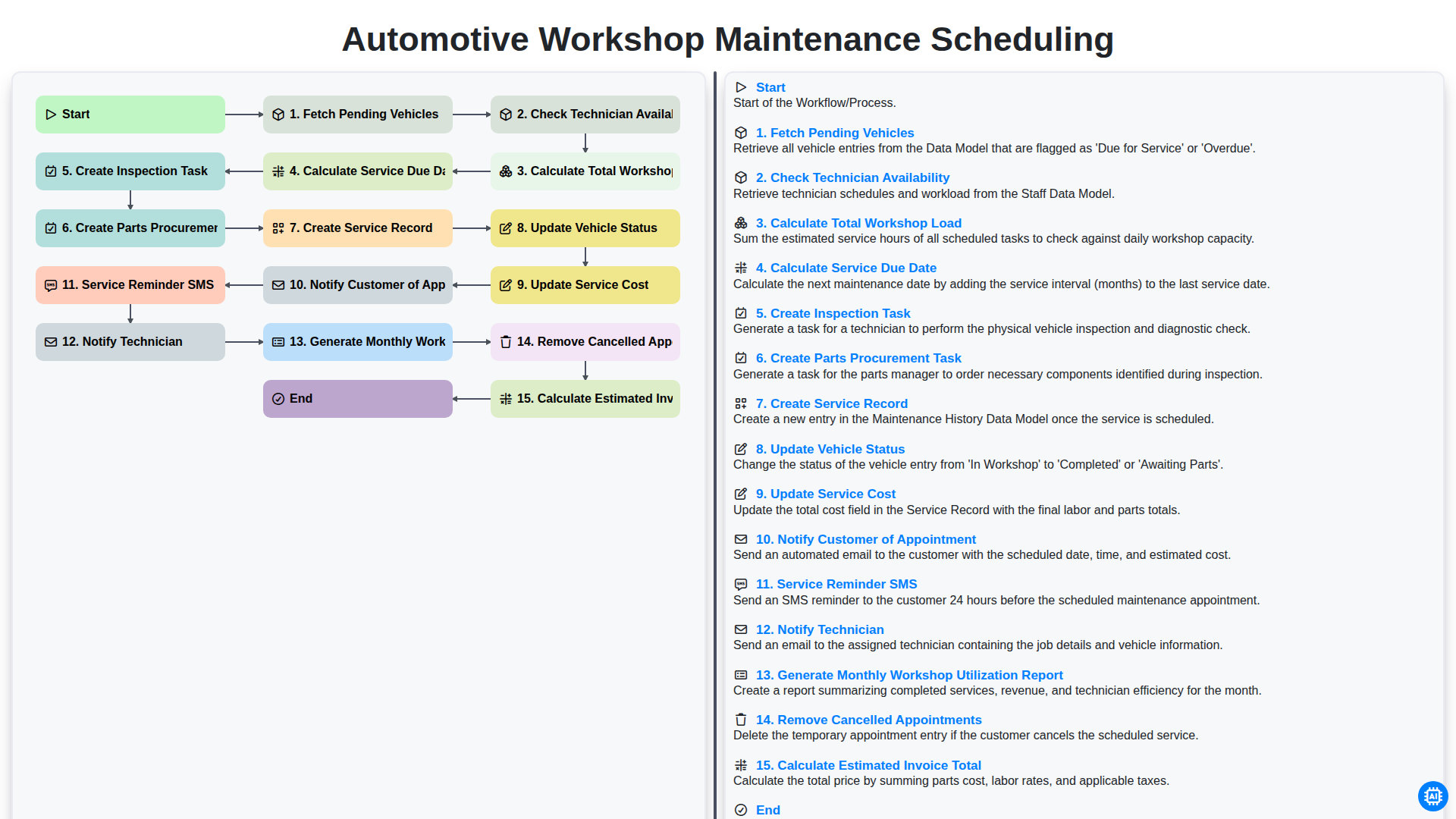
Automotive Workshop Maintenance Scheduling

Automotive Service Appointment Management

Automotive Customer Feedback and Survey Process

Automotive Vehicle Trade-In Evaluation Process

Automotive Digital Marketing Lead Workflow
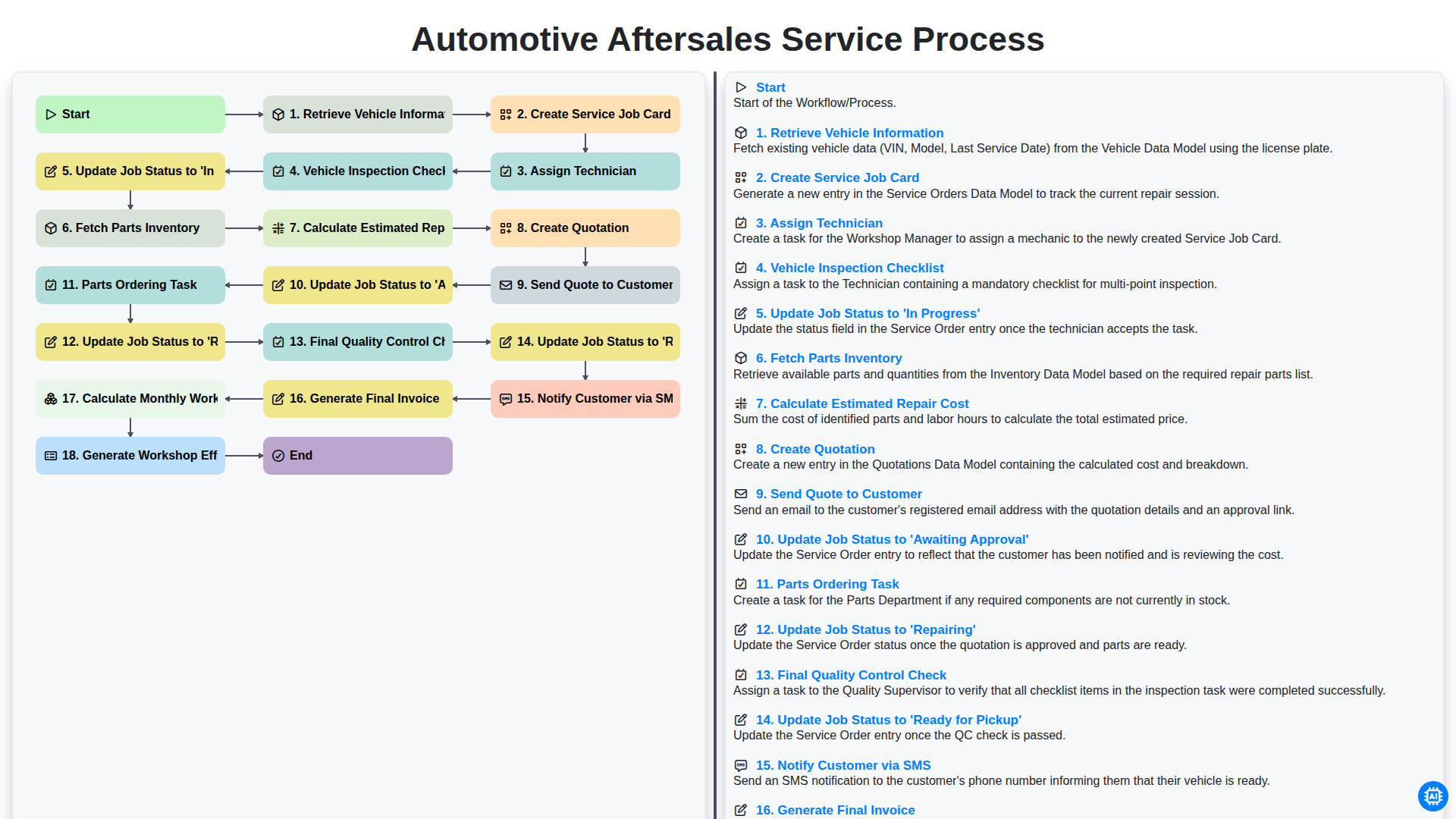
Automotive Aftersales Service Process
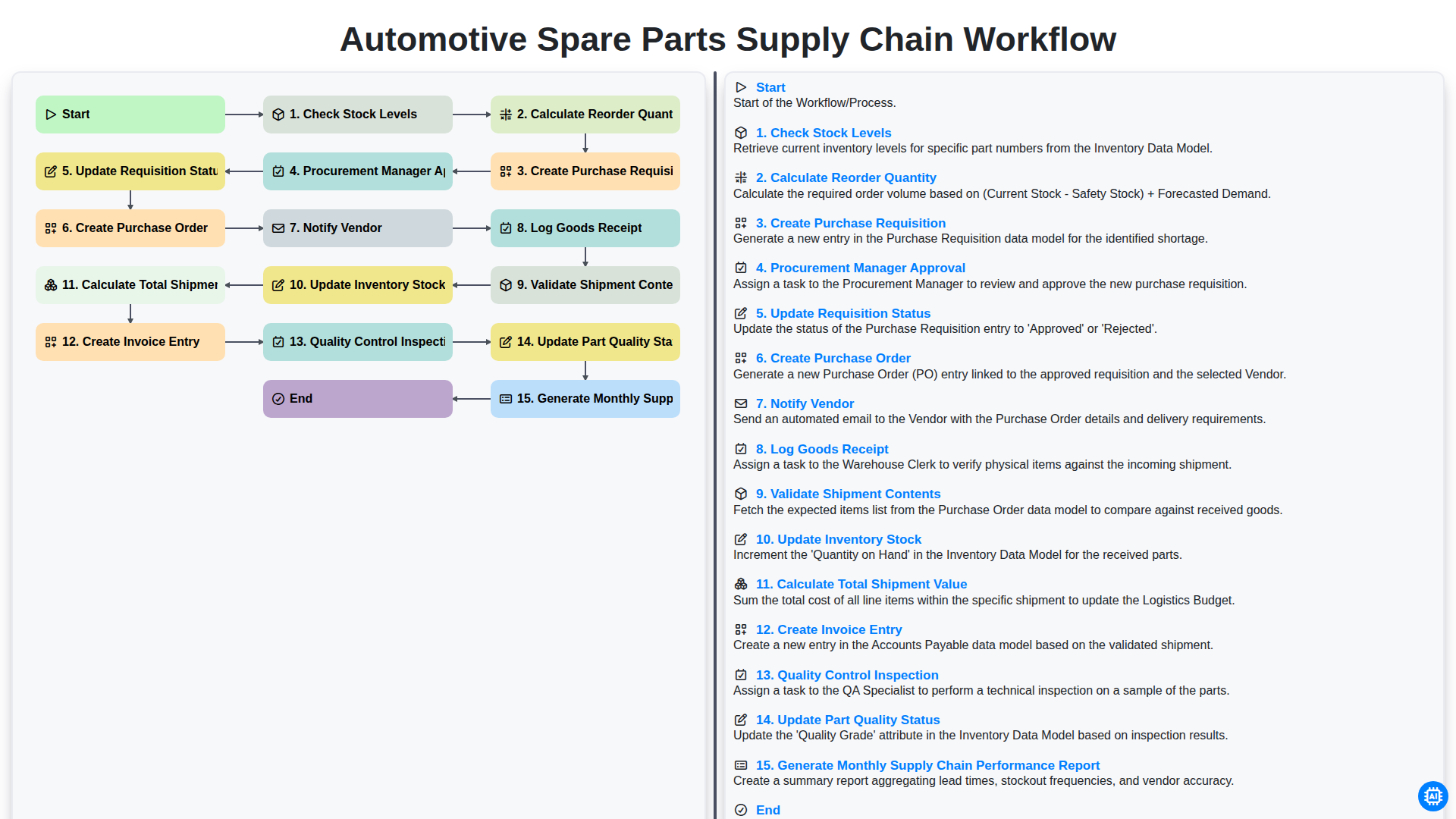
Automotive Spare Parts Supply Chain Workflow
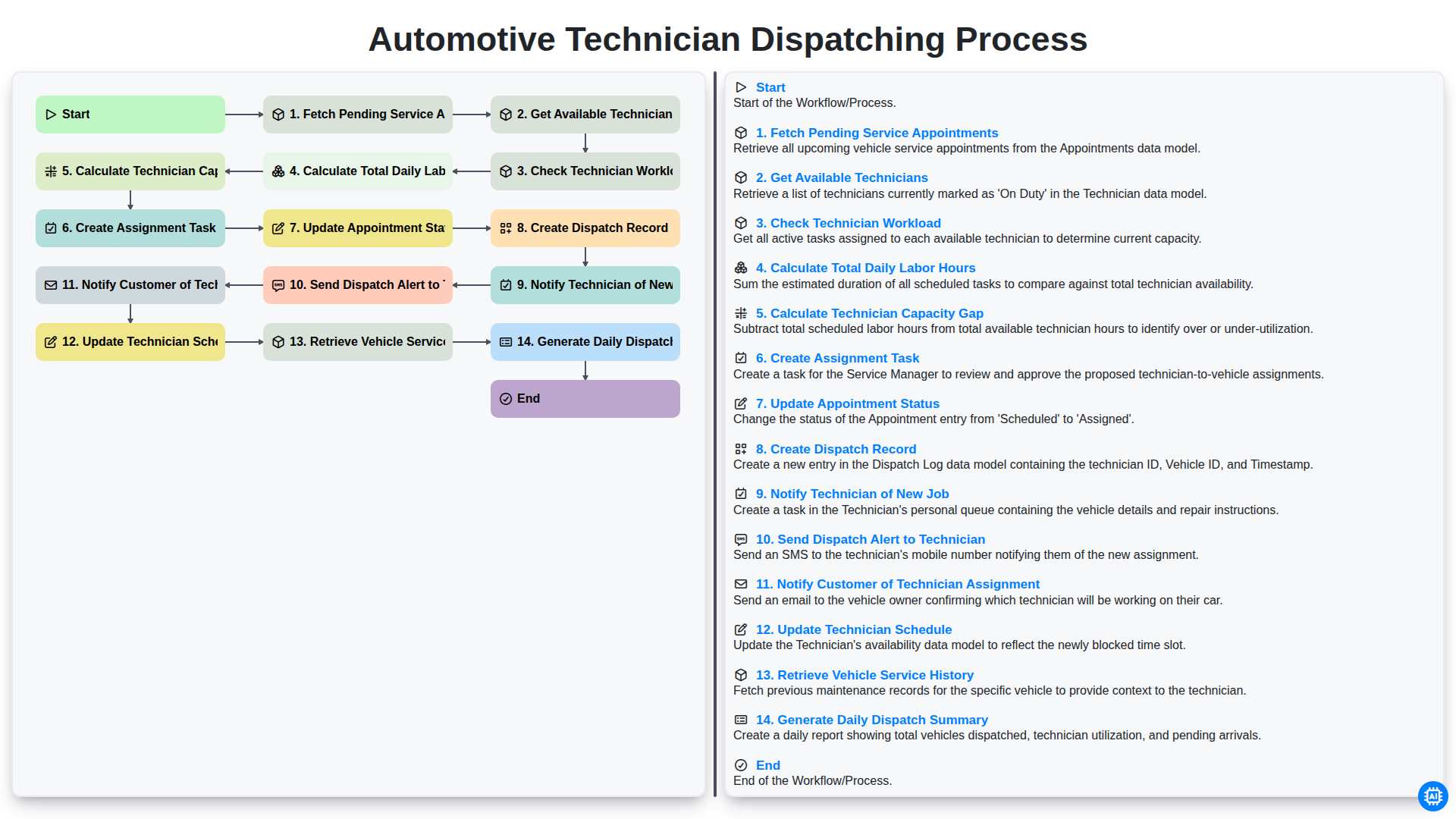
Automotive Technician Dispatching Process
We can do it Together
Need help with
Automotive?
Have a question? We're here to help. Please submit your inquiry, and we'll respond promptly.