 ChecklistGuro
 Automotive Vehicle Trade-In Evaluation Process
Streamline your dealership's profitability with our Automotive Vehicle Trade-In Evaluation Process. This optimized workflow guides technicians and appraisers through a step-by-step inspection, valuation, and offer sequence, ensuring maximum accuracy, consistent vehicle grading, and a frictionless customer experience to boost trade-in conversions.
This Template was installed 5 times.
Start
Start of the Workflow/Process.
1. Fetch Vehicle Details
Retrieve existing vehicle information from the Vehicle Master Data model based on VIN.
2. Create Evaluation Record
Generate a new evaluation entry in the Trade-In Assessment data model to track the current session.
3. Physical Inspection Task
Assign a task to a technician to perform the visual and mechanical inspection of the vehicle.
4. Update Inspection Results
Update the Evaluation Record with findings from the physical inspection (scratches, dents, mechanical issues).
5. Get Market Pricing Data
Fetch current market valuation data and historical pricing for the specific vehicle model.
6. Calculate Depreciated Value
Calculate the estimated trade-in value by applying depreciation formulas to the market price based on vehicle condition.
7. Calculate Final Offer
Calculate the final offer amount by subtracting estimated reconditioning costs from the depreciated value.
8. Sum Reconditioning Costs
Aggregate all individual repair cost entries found during inspection to get a total estimated repair cost.
9. Finalize Evaluation Entry
Update the Evaluation Record with the final calculated offer and completion timestamp.
10. Manager Approval Task
Assign a task to the Sales Manager to review and approve the calculated trade-in offer.
11. Send Offer to Customer
Send an automated email to the customer containing the final trade-in offer details.
12. Notify Customer via SMS
Send a brief SMS notification to the customer letting them know their valuation is ready for review.
13. Create Purchase Agreement
Generate a new entry in the Contracts data model to initiate the legal trade-in paperwork.
14. Generate Valuation Summary Report
Create a PDF report summarizing the vehicle condition, market comparison, and final offer for the dealership archives.
15. Remove Draft Evaluation
Delete the temporary evaluation draft if the customer declines the offer and the process is aborted.
End
End of the Workflow/Process.
Start of the Workflow/Process.
Retrieve existing vehicle information from the Vehicle Master Data model based on VIN.
Generate a new evaluation entry in the Trade-In Assessment data model to track the current session.
Assign a task to a technician to perform the visual and mechanical inspection of the vehicle.
Update the Evaluation Record with findings from the physical inspection (scratches, dents, mechanical issues).
Fetch current market valuation data and historical pricing for the specific vehicle model.
Calculate the estimated trade-in value by applying depreciation formulas to the market price based on vehicle condition.
Calculate the final offer amount by subtracting estimated reconditioning costs from the depreciated value.
Aggregate all individual repair cost entries found during inspection to get a total estimated repair cost.
Update the Evaluation Record with the final calculated offer and completion timestamp.
Assign a task to the Sales Manager to review and approve the calculated trade-in offer.
Send an automated email to the customer containing the final trade-in offer details.
Send a brief SMS notification to the customer letting them know their valuation is ready for review.
Generate a new entry in the Contracts data model to initiate the legal trade-in paperwork.
Create a PDF report summarizing the vehicle condition, market comparison, and final offer for the dealership archives.
Delete the temporary evaluation draft if the customer declines the offer and the process is aborted.
End of the Workflow/Process.
Frequently Asked Questions
Comments
There are no comments yet. Be the first to add one!
Automotive Manufacturing Management Solution Demo
Optimize your automotive production! ChecklistGuro digitizes workflows, from parts inspection to final testing. Reduce errors, boost efficiency & ensure quality compliance. Drive results with our Work OS.
Related Workflow Templates
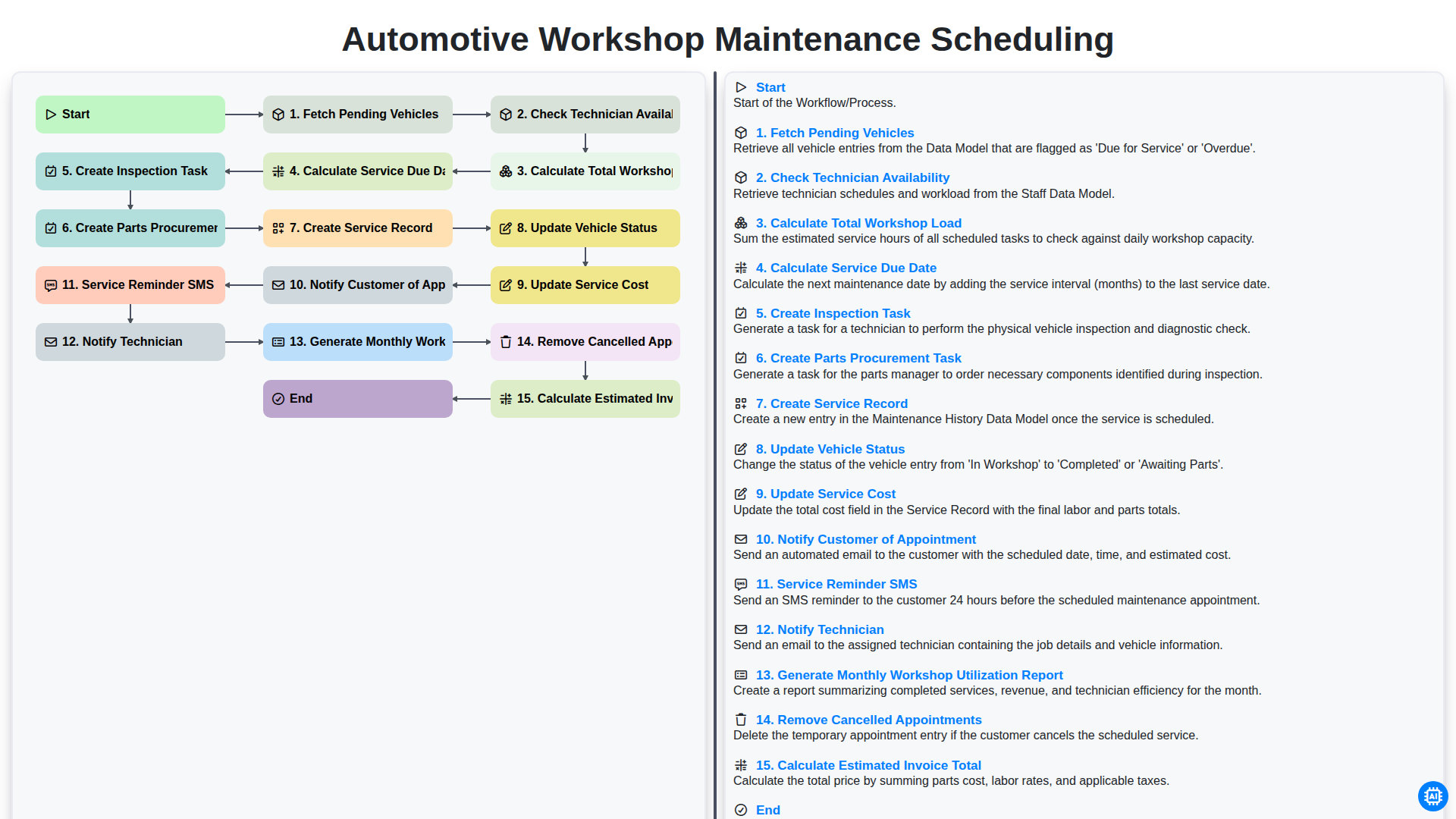
Automotive Workshop Maintenance Scheduling

Automotive Service Appointment Management

Automotive Vehicle Delivery and Handover Process

Automotive Customer Feedback and Survey Process

Automotive Digital Marketing Lead Workflow
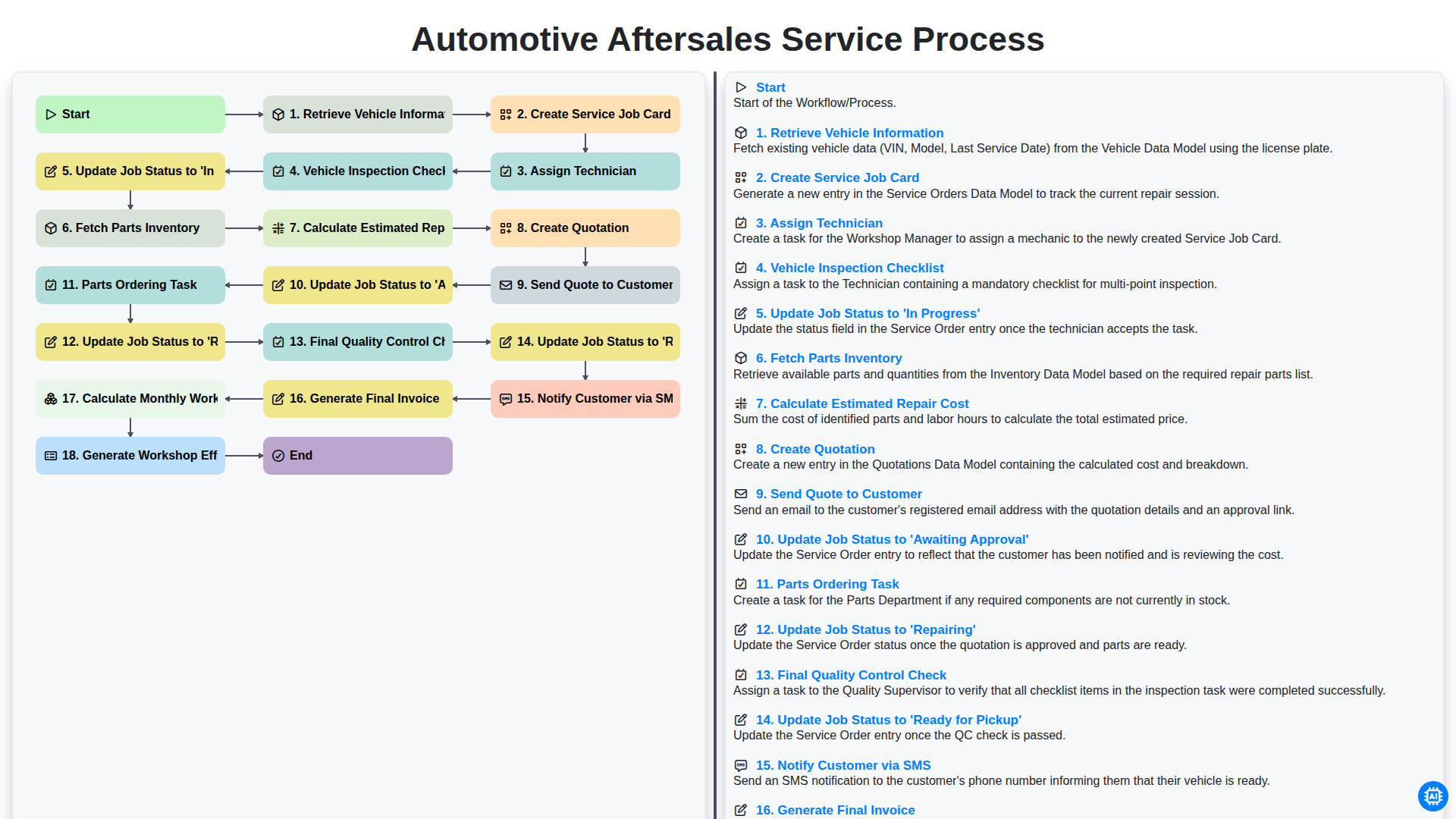
Automotive Aftersales Service Process
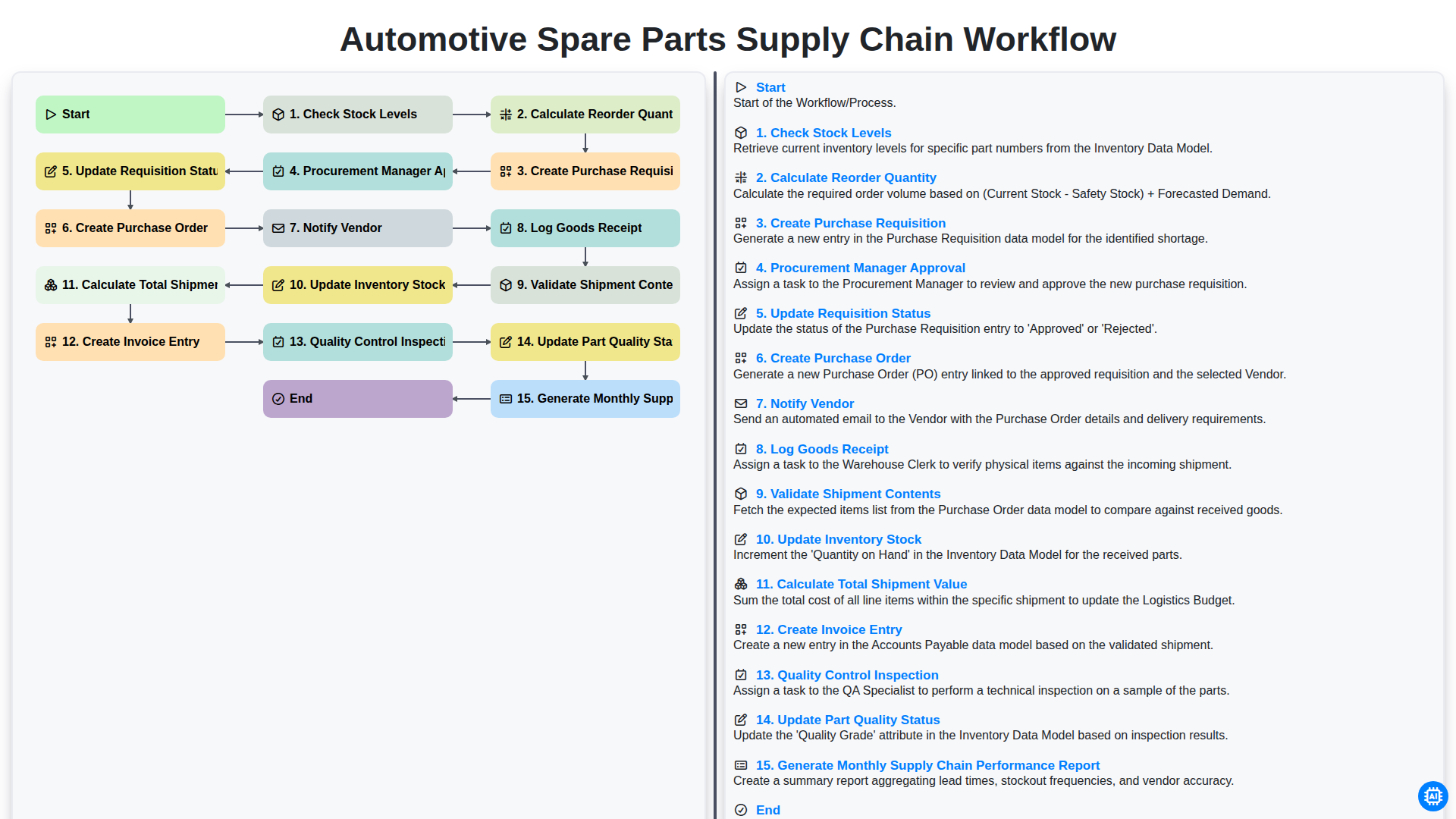
Automotive Spare Parts Supply Chain Workflow
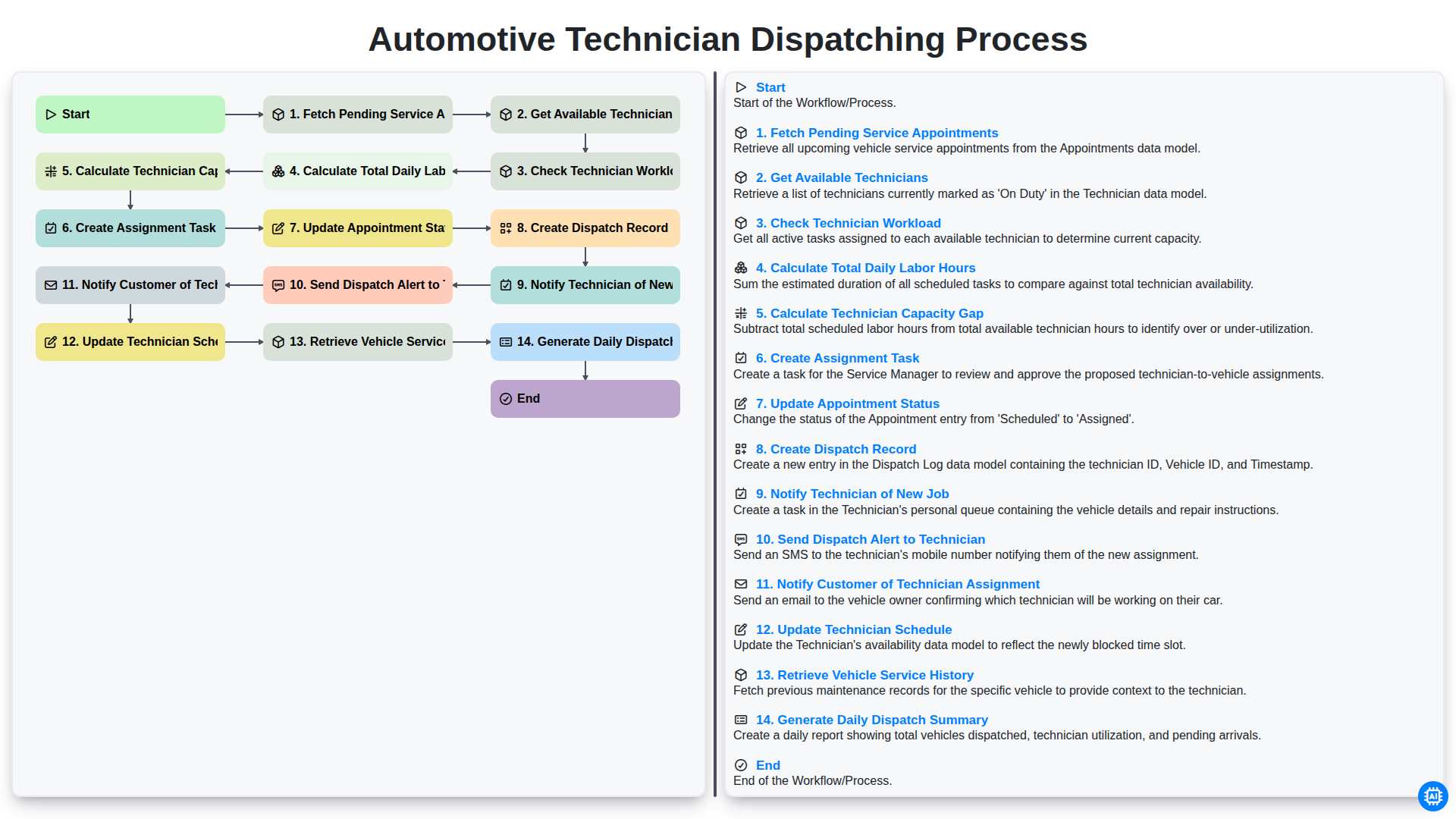
Automotive Technician Dispatching Process
Need help with
Automotive?
Have a question? We're here to help. Please submit your inquiry, and we'll respond promptly.