 ChecklistGuro
 Automotive Workshop Maintenance Scheduling
Streamline your garage operations and eliminate downtime with our Automotive Workshop Maintenance Scheduling workflow. Optimize service intervals, automate technician dispatch, and ensure peak vehicle performance through a seamless, automated maintenance tracking process designed for modern auto repair shops.
This Template was installed 4 times.
Start
Start of the Workflow/Process.
1. Fetch Pending Vehicles
Retrieve all vehicle entries from the Data Model that are flagged as 'Due for Service' or 'Overdue'.
2. Check Technician Availability
Retrieve technician schedules and workload from the Staff Data Model.
3. Calculate Total Workshop Load
Sum the estimated service hours of all scheduled tasks to check against daily workshop capacity.
4. Calculate Service Due Date
Calculate the next maintenance date by adding the service interval (months) to the last service date.
5. Create Inspection Task
Generate a task for a technician to perform the physical vehicle inspection and diagnostic check.
6. Create Parts Procurement Task
Generate a task for the parts manager to order necessary components identified during inspection.
7. Create Service Record
Create a new entry in the Maintenance History Data Model once the service is scheduled.
8. Update Vehicle Status
Change the status of the vehicle entry from 'In Workshop' to 'Completed' or 'Awaiting Parts'.
9. Update Service Cost
Update the total cost field in the Service Record with the final labor and parts totals.
10. Notify Customer of Appointment
Send an automated email to the customer with the scheduled date, time, and estimated cost.
11. Service Reminder SMS
Send an SMS reminder to the customer 24 hours before the scheduled maintenance appointment.
12. Notify Technician
Send an email to the assigned technician containing the job details and vehicle information.
13. Generate Monthly Workshop Utilization Report
Create a report summarizing completed services, revenue, and technician efficiency for the month.
14. Remove Cancelled Appointments
Delete the temporary appointment entry if the customer cancels the scheduled service.
15. Calculate Estimated Invoice Total
Calculate the total price by summing parts cost, labor rates, and applicable taxes.
End
End of the Workflow/Process.
Start of the Workflow/Process.
Retrieve all vehicle entries from the Data Model that are flagged as 'Due for Service' or 'Overdue'.
Retrieve technician schedules and workload from the Staff Data Model.
Sum the estimated service hours of all scheduled tasks to check against daily workshop capacity.
Calculate the next maintenance date by adding the service interval (months) to the last service date.
Generate a task for a technician to perform the physical vehicle inspection and diagnostic check.
Generate a task for the parts manager to order necessary components identified during inspection.
Create a new entry in the Maintenance History Data Model once the service is scheduled.
Change the status of the vehicle entry from 'In Workshop' to 'Completed' or 'Awaiting Parts'.
Update the total cost field in the Service Record with the final labor and parts totals.
Send an automated email to the customer with the scheduled date, time, and estimated cost.
Send an SMS reminder to the customer 24 hours before the scheduled maintenance appointment.
Send an email to the assigned technician containing the job details and vehicle information.
Create a report summarizing completed services, revenue, and technician efficiency for the month.
Delete the temporary appointment entry if the customer cancels the scheduled service.
Calculate the total price by summing parts cost, labor rates, and applicable taxes.
End of the Workflow/Process.
Frequently Asked Questions
Comments
There are no comments yet. Be the first to add one!
Automotive Manufacturing Management Solution Demo
Optimize your automotive production! ChecklistGuro digitizes workflows, from parts inspection to final testing. Reduce errors, boost efficiency & ensure quality compliance. Drive results with our Work OS.
Related Workflow Templates

Automotive Service Appointment Management

Automotive Vehicle Delivery and Handover Process

Automotive Customer Feedback and Survey Process

Automotive Vehicle Trade-In Evaluation Process

Automotive Digital Marketing Lead Workflow
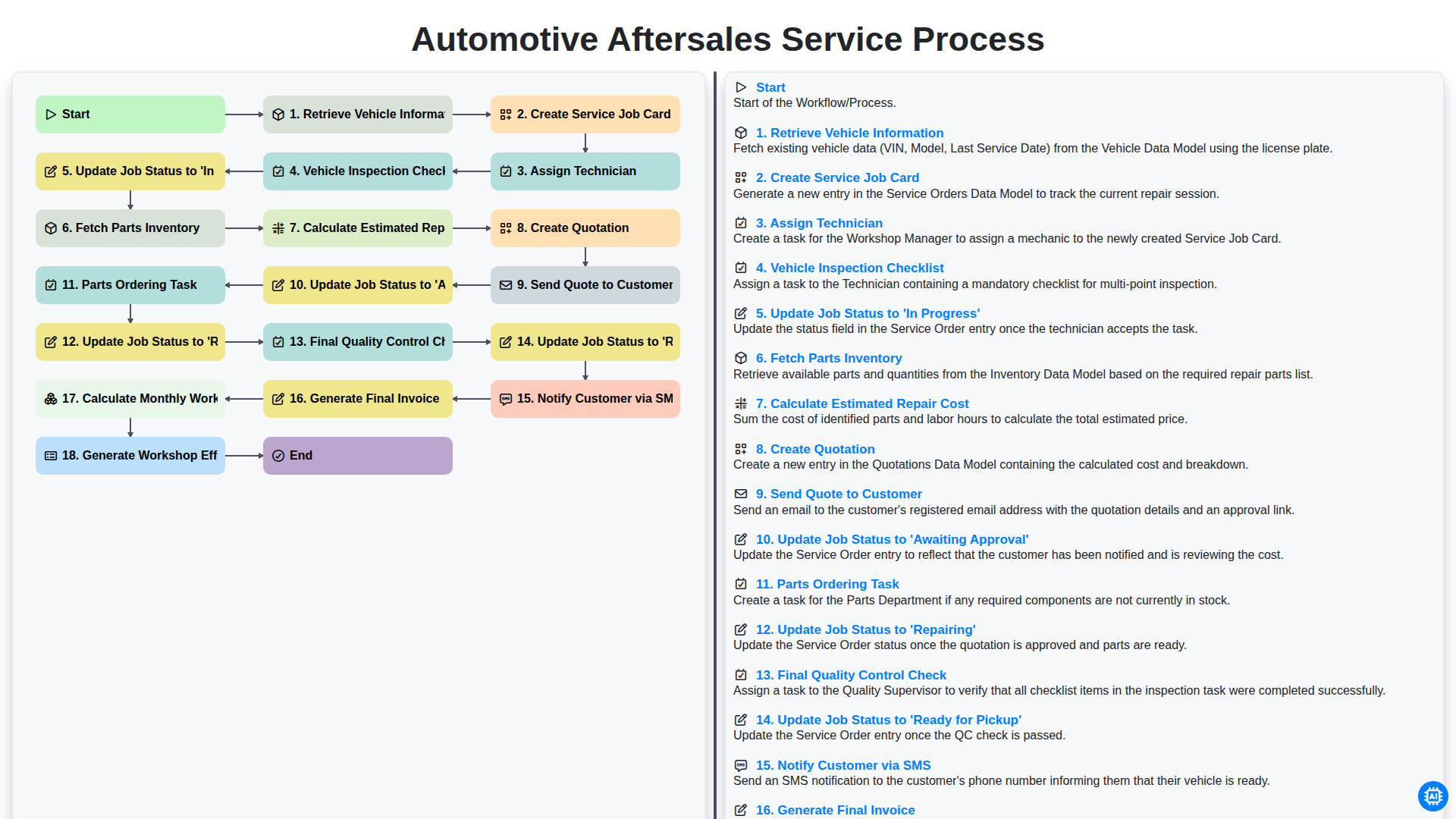
Automotive Aftersales Service Process
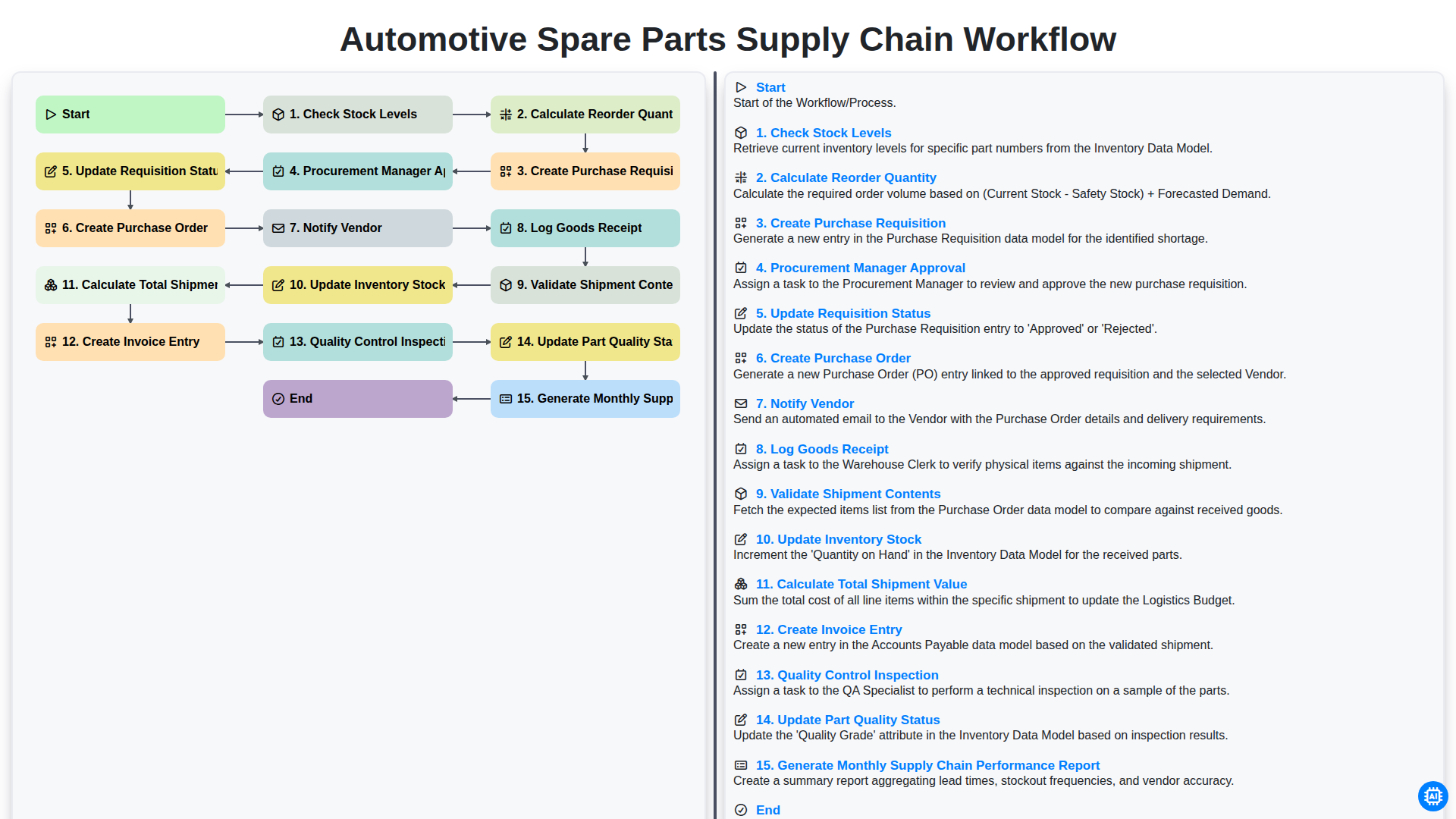
Automotive Spare Parts Supply Chain Workflow
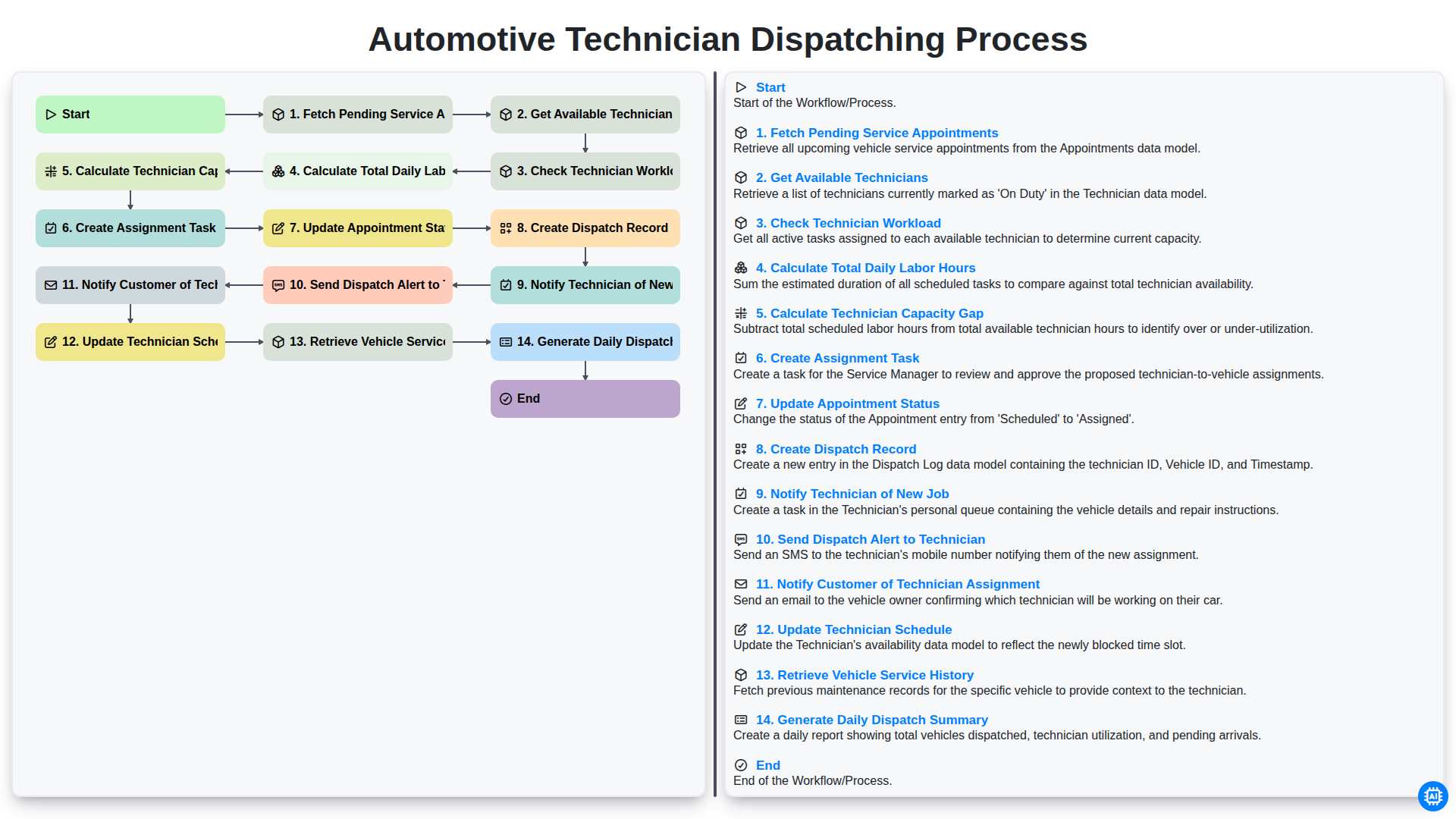
Automotive Technician Dispatching Process
We can do it Together
Need help with
Automotive?
Have a question? We're here to help. Please submit your inquiry, and we'll respond promptly.