 ChecklistGuro
 Hotel VIP Guest Arrival and Personalized Service Process
Elevate your guest experience with our comprehensive Hotel VIP Guest Arrival and Personalized Service Process workflow. Designed specifically for the hospitality industry, this step-by-step guide outlines essential protocols for seamless check-ins, bespoke amenities, and proactive personalized service. Perfect for luxury hotel managers and front-office teams aiming to master the art of VIP handling, drive guest loyalty, and ensure flawless operational excellence from the moment of arrival.
This Template was installed 1 times.
Start
Start of the Workflow/Process.
1. Fetch VIP Guest Profile
Retrieve guest details, preferences, and stay history from the Guest Data Model.
2. Retrieve Room Assignment
Get details of the specific room assigned to the VIP guest for the upcoming arrival.
3. Calculate Total Stay Spend
Sum all historical and current booking charges to determine the guest's total value/tier.
4. Determine VIP Tier Level
Calculate the service level (e.g., Gold, Platinum, Diamond) based on aggregated spend and frequency.
5. Assign Room Inspection Task
Create a task for the Housekeeping Supervisor to perform a deep-clean and amenity check.
6. Assign Amenity Preparation Task
Create a task for the Concierge/F&B team to prepare personalized welcome gifts (e.g., fruit basket, wine).
7. Create Arrival Checklist
Generate a new checklist entry specifically for this VIP arrival instance.
8. Update Room Status to 'VIP Ready'
Update the room record in the Room Data Model to indicate it is prepared for a VIP.
9. Assign Personalized Greeting Task
Create a task for the Front Desk Manager to personally greet the guest upon arrival.
10. Send Pre-Arrival Welcome Email
Send a personalized welcome email to the guest's email address confirming their VIP status and special arrangements.
11. Send Arrival Alert SMS
Send an SMS to the Guest Relations Manager when the guest is 15 minutes away from the hotel.
12. Log Arrival Time
Update the Guest Arrival entry with the actual timestamp of their check-in.
13. Post-Arrival Follow-up Task
Create a task for the Guest Relations team to follow up 2 hours after check-in to ensure satisfaction.
14. Generate VIP Service Quality Report
Create a summary report of all VIP arrivals and completed service tasks for the weekly management review.
End
End of the Workflow/Process.
Start of the Workflow/Process.
Retrieve guest details, preferences, and stay history from the Guest Data Model.
Get details of the specific room assigned to the VIP guest for the upcoming arrival.
Sum all historical and current booking charges to determine the guest's total value/tier.
Calculate the service level (e.g., Gold, Platinum, Diamond) based on aggregated spend and frequency.
Create a task for the Housekeeping Supervisor to perform a deep-clean and amenity check.
Create a task for the Concierge/F&B team to prepare personalized welcome gifts (e.g., fruit basket, wine).
Generate a new checklist entry specifically for this VIP arrival instance.
Update the room record in the Room Data Model to indicate it is prepared for a VIP.
Create a task for the Front Desk Manager to personally greet the guest upon arrival.
Send a personalized welcome email to the guest's email address confirming their VIP status and special arrangements.
Send an SMS to the Guest Relations Manager when the guest is 15 minutes away from the hotel.
Update the Guest Arrival entry with the actual timestamp of their check-in.
Create a task for the Guest Relations team to follow up 2 hours after check-in to ensure satisfaction.
Create a summary report of all VIP arrivals and completed service tasks for the weekly management review.
End of the Workflow/Process.
Frequently Asked Questions
Comments
There are no comments yet. Be the first to add one!
Hospitality Management Solution Demo
Running a hotel, restaurant, or other hospitality business is demanding. ChecklistGuro's Work OS platform simplifies management, from reservations and guest services to inventory and staff scheduling. Improve efficiency, enhance guest experience, and boost profitability! See how ChecklistGuro can transform your hospitality operations.
Related Workflow Templates

Hotel Departmental Communication and Task Management Workflow
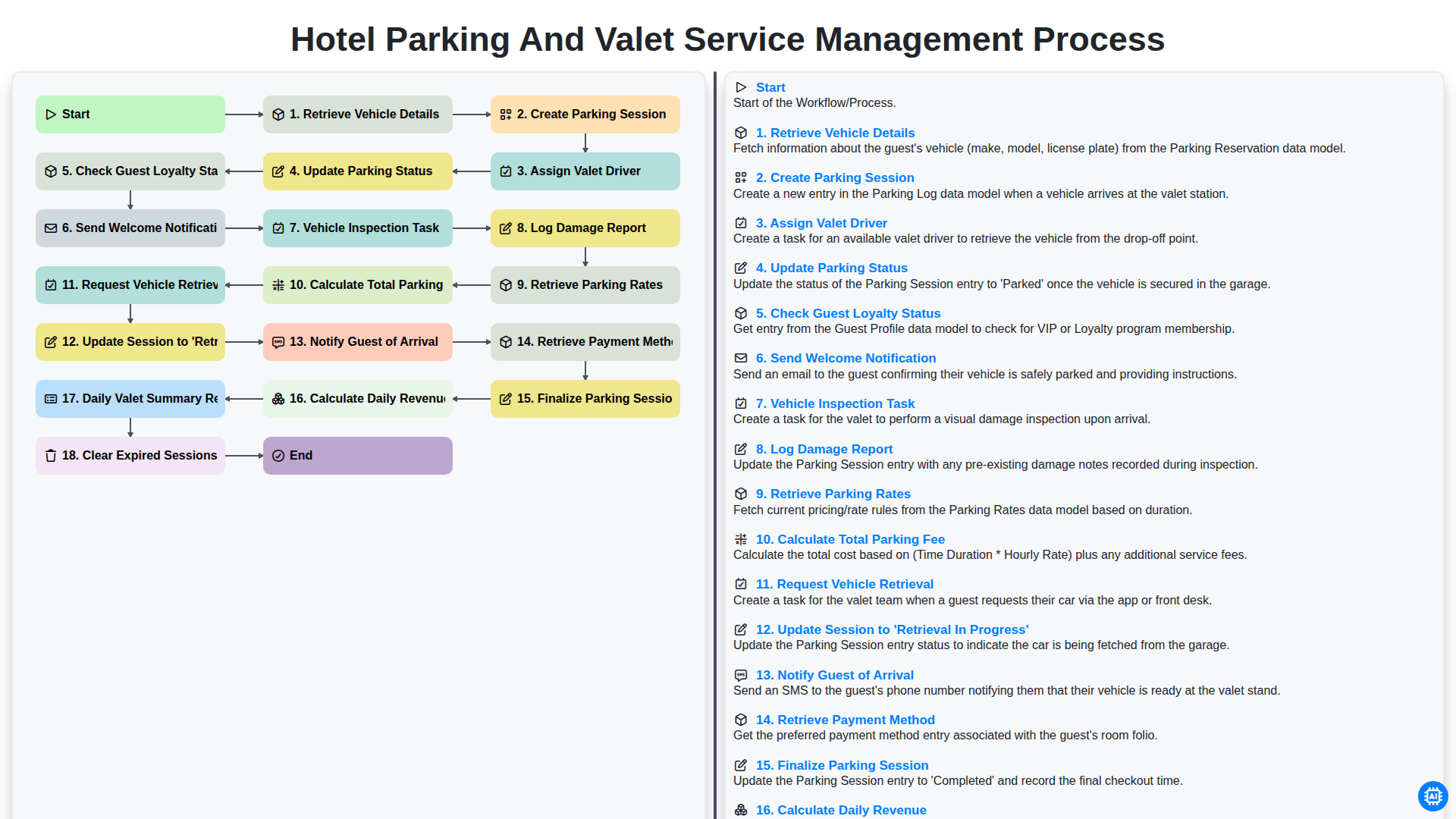
Hotel Parking and Valet Service Management Process
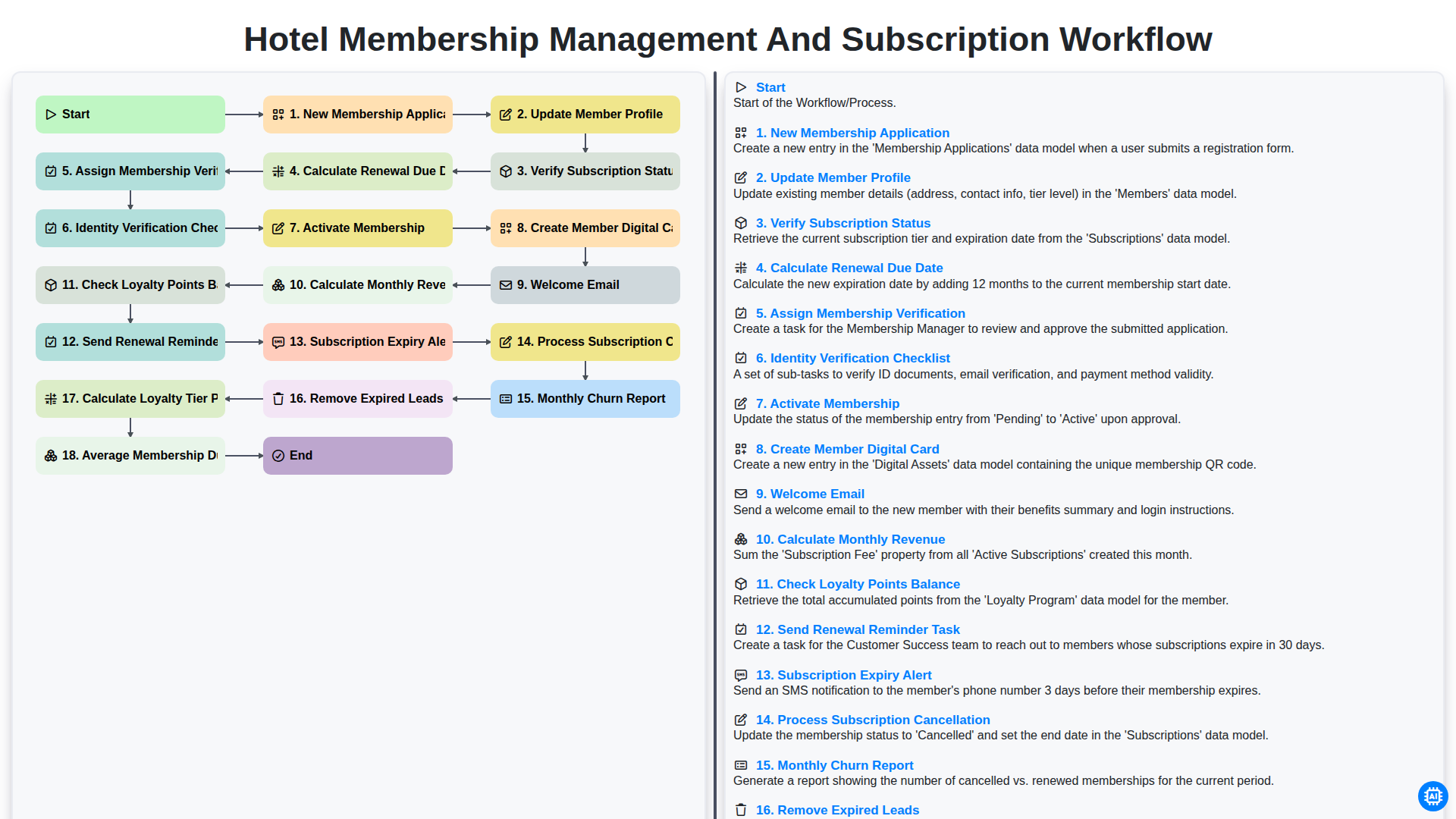
Hotel Membership Management and Subscription Workflow

Hotel Staff Onboarding and Training Management Workflow
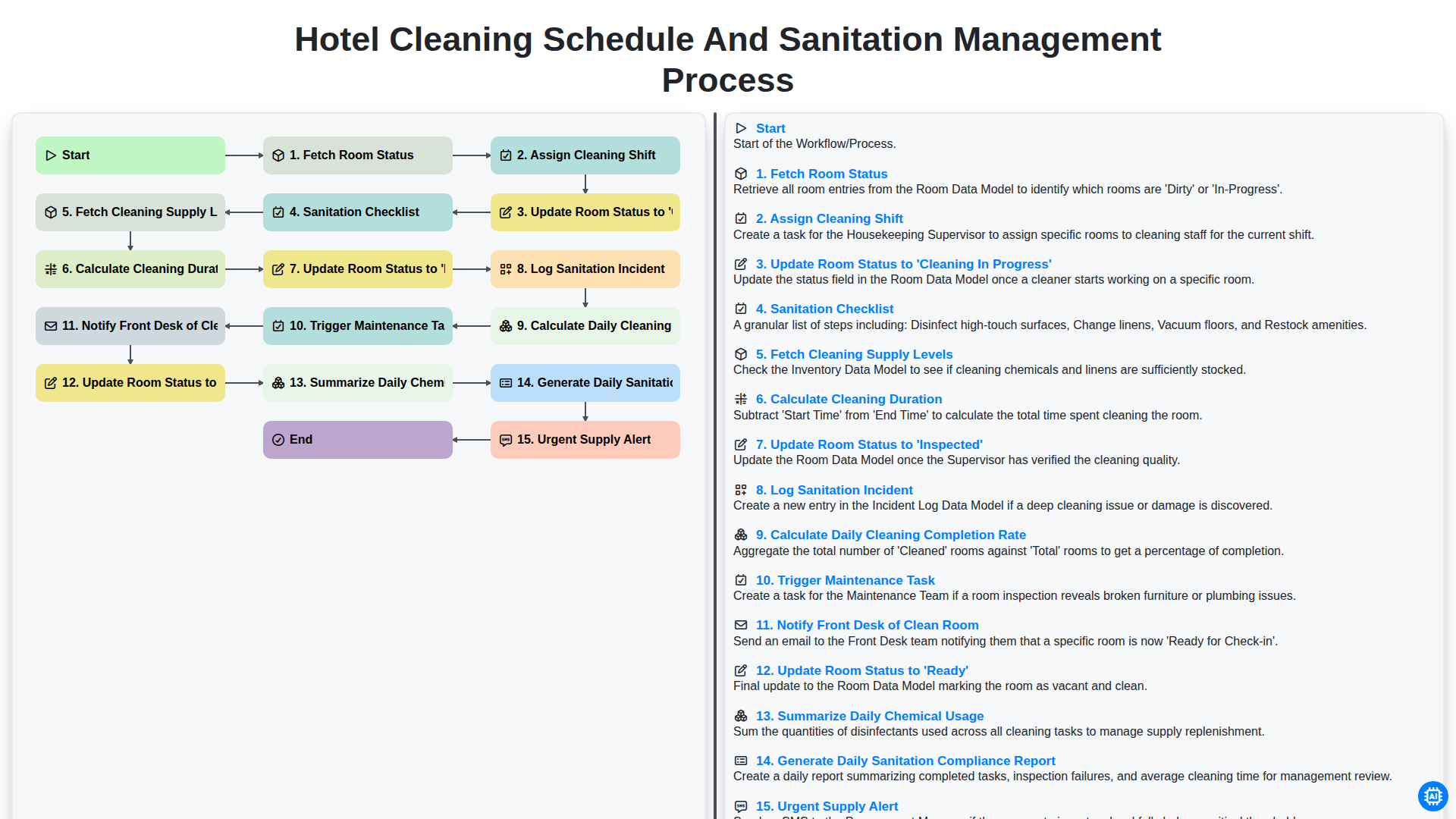
Hotel Cleaning Schedule and Sanitation Management Process

Hotel Group Booking and Room Block Management Workflow
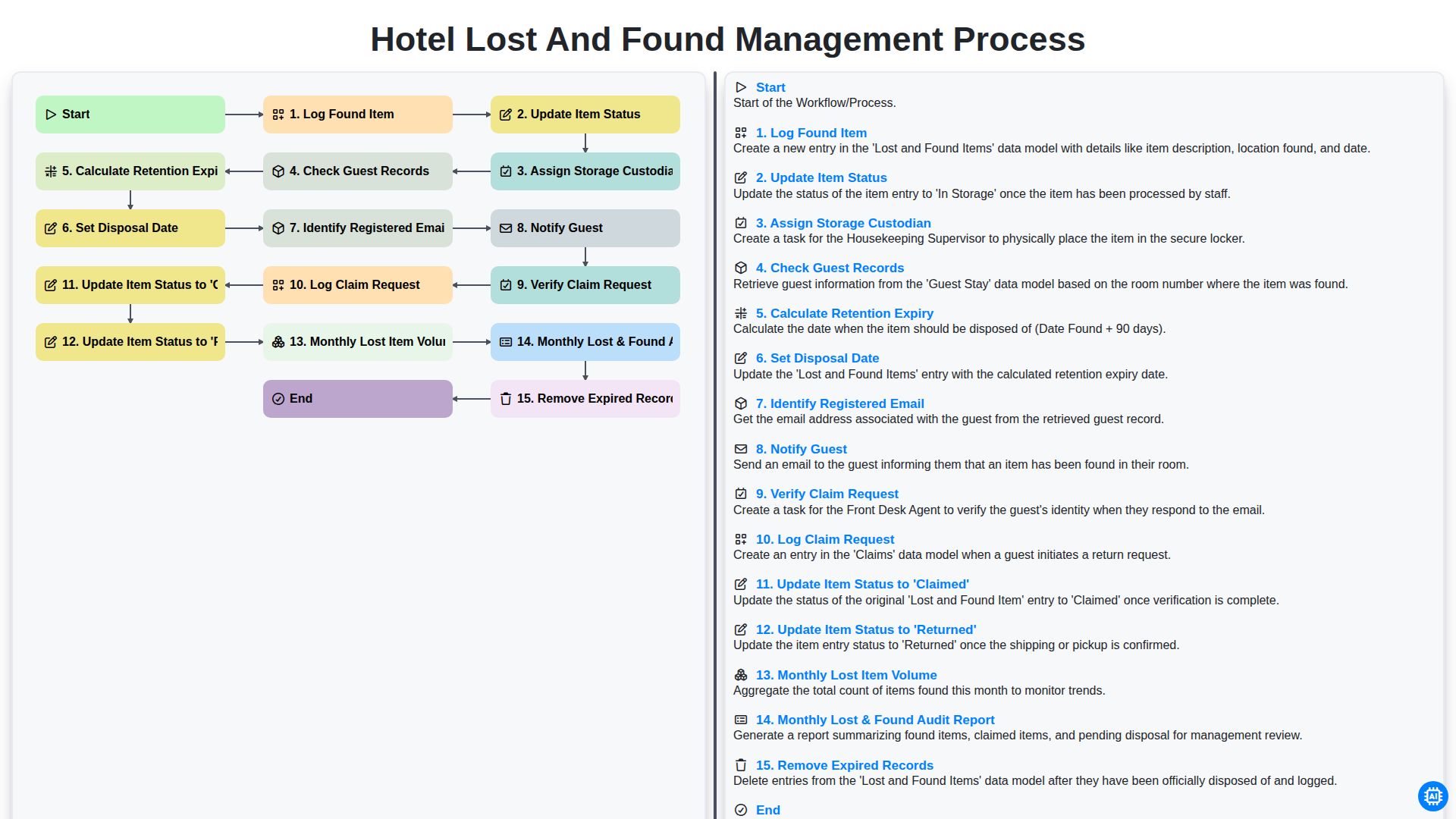
Hotel Lost and Found Management Process
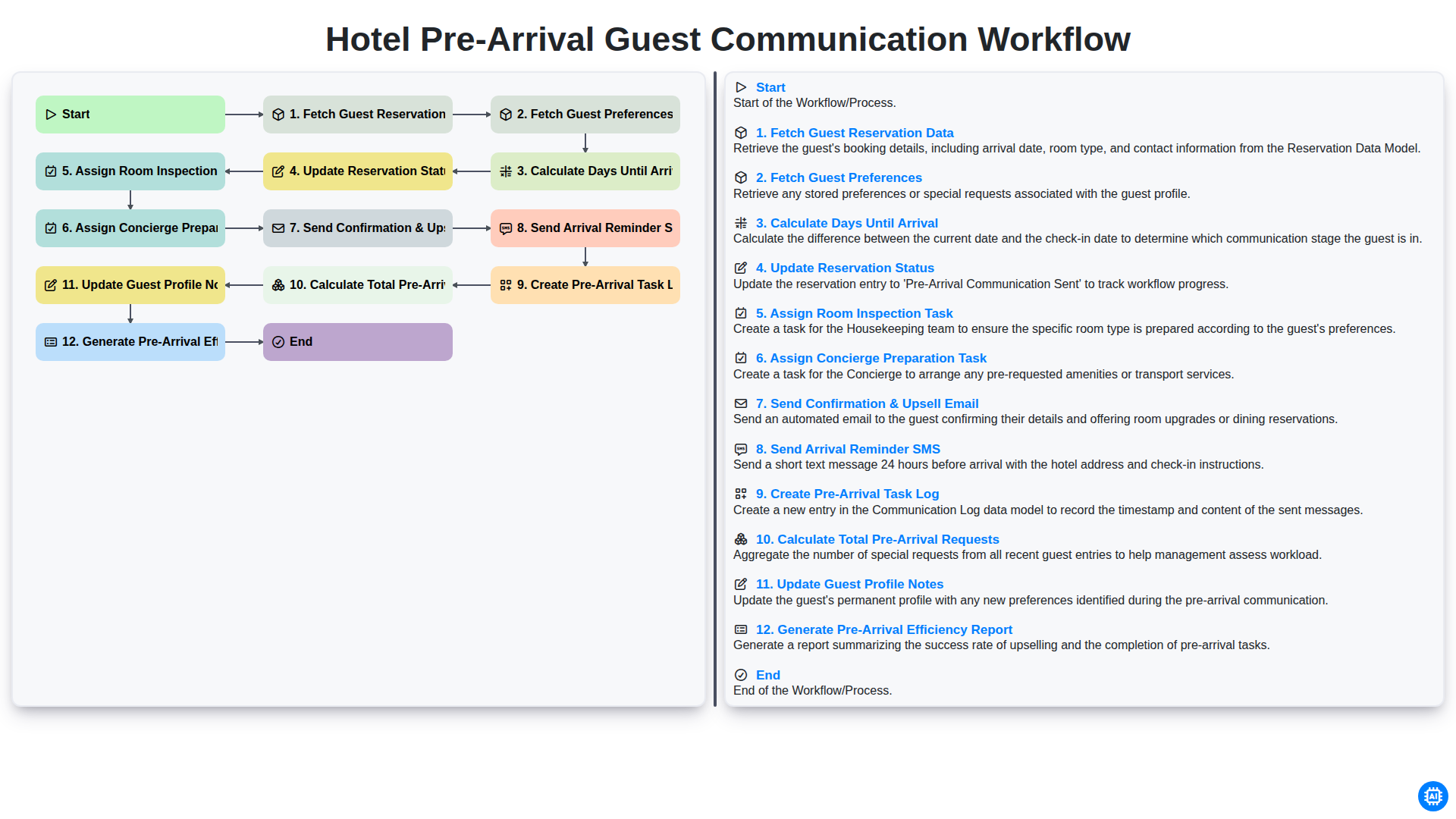
Hotel Pre-Arrival Guest Communication Workflow
We can do it Together
Need help with
Hospitality?
Have a question? We're here to help. Please submit your inquiry, and we'll respond promptly.