 ChecklistGuro
 Hotel Departmental Communication and Task Management Workflow
Streamline your hotel operations and eliminate communication gaps with our Hotel Departmental Communication and Task Management Workflow. Designed specifically for the hospitality industry, this automated process optimizes real-time coordination between front office, housekeeping, maintenance, and food & beverage teams. Boost guest satisfaction, reduce service delays, and enhance staff productivity by centralizing task tracking, incident reporting, and inter-departmental updates in one seamless, easy-to-follow digital workflow.
This Template was installed 5 times.
Start
Start of the Workflow/Process.
1. Fetch Daily Shift Schedule
Retrieve the list of staff members currently on duty for the specific department.
2. Get Pending Maintenance Requests
Fetch all unresolved maintenance entries from the facility data model.
3. Calculate Total Occupancy Rate
Sum the occupied rooms and divide by total available rooms to determine daily capacity.
4. Total Cleaning Supplies Cost
Aggregate the cost of all supply entries used during the last shift for budget tracking.
5. Log Incident Report
Create a new entry in the Incident Data Model when a guest complaint or breakage is reported.
6. Update Room Status
Change the room status from 'Dirty' to 'Clean' in the Housekeeping Data Model.
7. Remove Completed Internal Memo
Delete expired or redundant communication entries from the departmental feed.
8. Assign Room Cleaning
Create a task for a Housekeeping staff member to clean a specific room number.
9. Assign Maintenance Repair
Create a task for the Engineering department to address a specific facility issue.
10. Assign Guest Follow-up
Create a task for the Front Desk manager to call a guest regarding a recent feedback entry.
11. Send Shift Handover Email
Send a summary of completed and pending tasks to the incoming shift supervisor.
12. Notify Management of Incident
Send an automated email to the General Manager when a high-priority incident is logged.
13. Urgent Maintenance Alert
Send an SMS to the On-Call Engineer for critical plumbing or electrical failures.
14. Calculate Cleaning Time Remaining
Subtract the elapsed time from the total allocated cleaning window for a room.
15. Calculate Daily Revenue Estimate
Multiply the number of occupied rooms by the average daily rate (ADR).
16. Generate End-of-Day Summary
Create a summary report of all completed tasks and incidents for the daily management review.
17. Monthly Supply Usage Report
Generate a report aggregating all supply consumption entries for inventory auditing.
End
End of the Workflow/Process.
Start of the Workflow/Process.
Retrieve the list of staff members currently on duty for the specific department.
Fetch all unresolved maintenance entries from the facility data model.
Sum the occupied rooms and divide by total available rooms to determine daily capacity.
Aggregate the cost of all supply entries used during the last shift for budget tracking.
Create a new entry in the Incident Data Model when a guest complaint or breakage is reported.
Change the room status from 'Dirty' to 'Clean' in the Housekeeping Data Model.
Delete expired or redundant communication entries from the departmental feed.
Create a task for a Housekeeping staff member to clean a specific room number.
Create a task for the Engineering department to address a specific facility issue.
Create a task for the Front Desk manager to call a guest regarding a recent feedback entry.
Send a summary of completed and pending tasks to the incoming shift supervisor.
Send an automated email to the General Manager when a high-priority incident is logged.
Send an SMS to the On-Call Engineer for critical plumbing or electrical failures.
Subtract the elapsed time from the total allocated cleaning window for a room.
Multiply the number of occupied rooms by the average daily rate (ADR).
Create a summary report of all completed tasks and incidents for the daily management review.
Generate a report aggregating all supply consumption entries for inventory auditing.
End of the Workflow/Process.
Frequently Asked Questions
Comments
There are no comments yet. Be the first to add one!
Hospitality Management Solution Demo
Running a hotel, restaurant, or other hospitality business is demanding. ChecklistGuro's Work OS platform simplifies management, from reservations and guest services to inventory and staff scheduling. Improve efficiency, enhance guest experience, and boost profitability! See how ChecklistGuro can transform your hospitality operations.
Related Workflow Templates
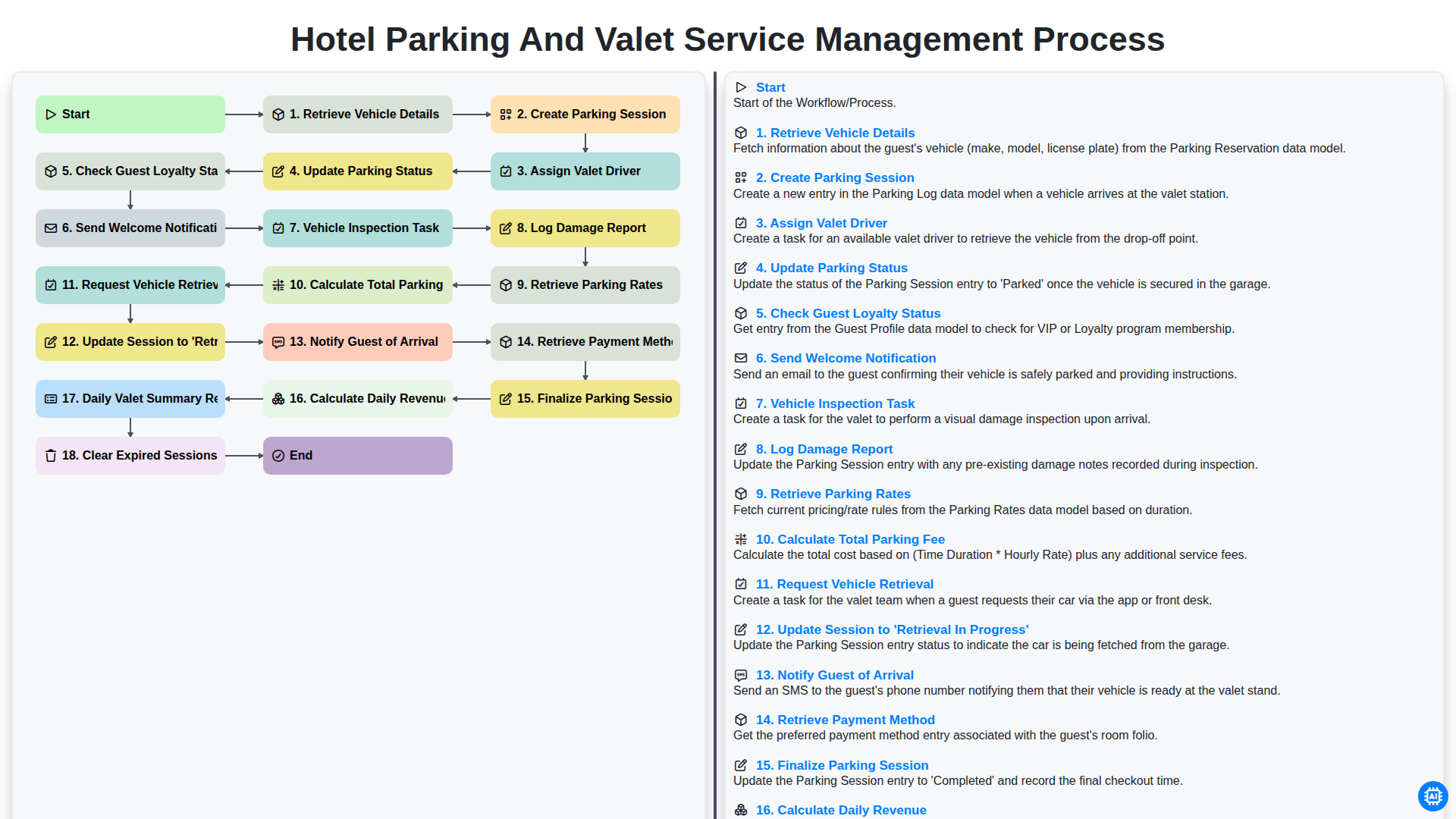
Hotel Parking and Valet Service Management Process
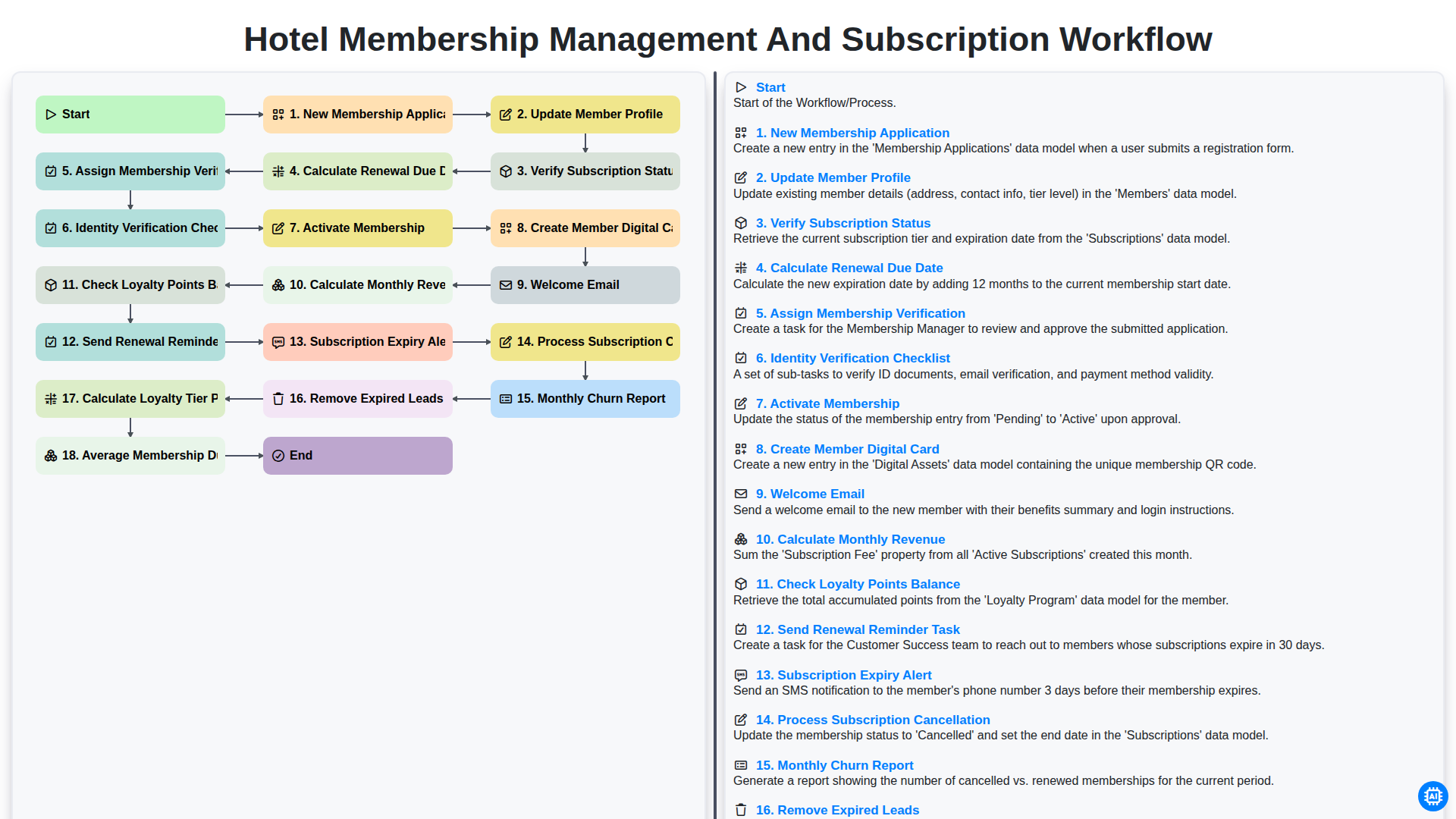
Hotel Membership Management and Subscription Workflow

Hotel VIP Guest Arrival and Personalized Service Process

Hotel Staff Onboarding and Training Management Workflow
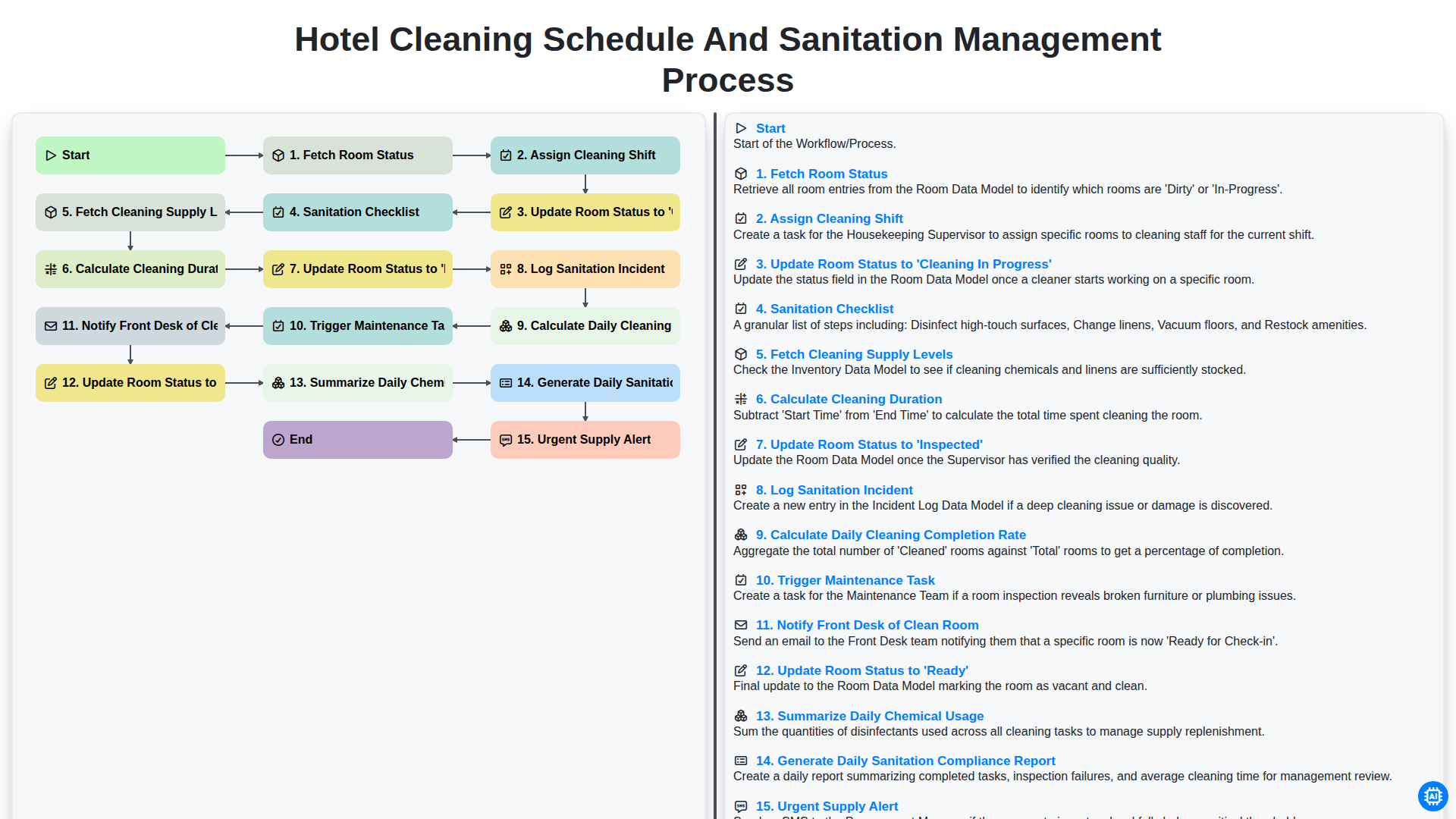
Hotel Cleaning Schedule and Sanitation Management Process

Hotel Group Booking and Room Block Management Workflow
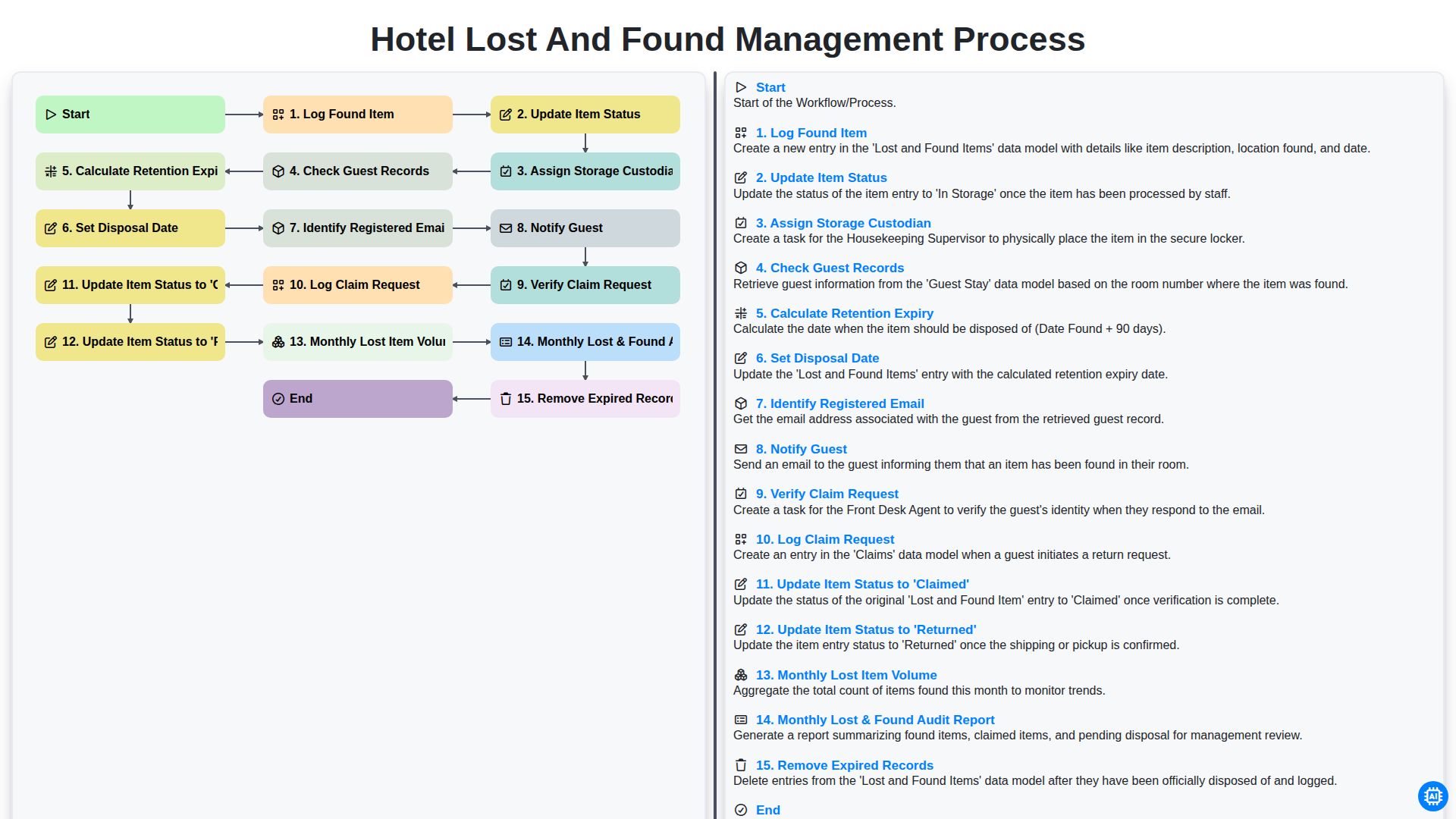
Hotel Lost and Found Management Process
Hotel Pre-Arrival Guest Communication Workflow
Need help with
Hospitality?
Have a question? We're here to help. Please submit your inquiry, and we'll respond promptly.