 ChecklistGuro
 Hotel Revenue Audit and Financial Reporting Workflow
Maximize profitability and ensure financial accuracy with our Hotel Revenue Audit and Financial Reporting Workflow. Streamline daily reconciliation, automate night audit verification, and generate real-time, actionable financial insights to optimize RevPAR and drive smarter hospitality decision-making.
This Template was installed 2 times.
Start
Start of the Workflow/Process.
1. Fetch Daily Night Audit Logs
Retrieve all completed Night Audit entries from the Audit Data Model for the previous 24-hour period.
2. Fetch Daily Revenue Transactions
Retrieve all individual transaction entries (Room, F&B, Spa, etc.) from the Transactions Data Model.
3. Calculate Total Daily Revenue
Sum the 'amount' property of all retrieved transaction entries to get the total gross revenue.
4. Calculate Total Tax Collected
Sum the 'tax_amount' property from all transaction entries to verify tax liabilities.
5. Calculate Net Revenue
Subtract total discounts and refunds from the Total Daily Revenue to determine net income.
6. Fetch Discrepancy Reports
Retrieve any flagged error entries or manual discrepancy logs from the Audit Data Model.
7. Calculate Variance
Subtract the aggregated 'System Revenue' from the 'Manual Cash Count' to identify discrepancies.
8. Assign Discrepancy Investigation
Create a task for the Finance Manager to investigate any variance exceeding the defined threshold.
9. Create Daily Financial Summary
Create a new entry in the 'Daily Financial Reports' Data Model containing the aggregated totals and calculated net revenue.
10. Update Audit Status
Update the status of the original Night Audit entries to 'Verified' or 'Audited'.
11. Generate Executive Revenue Report
Generate a formatted PDF report summarizing the day's financial performance for stakeholders.
12. Notify General Manager of Completion
Send an email to the GM with the Daily Financial Summary details and the link to the generated report.
13. Alert Finance Team of High Variance
Send an urgent email to the Accounting Department if the Variance calculation exceeds a specific limit.
End
End of the Workflow/Process.
Start of the Workflow/Process.
Retrieve all completed Night Audit entries from the Audit Data Model for the previous 24-hour period.
Retrieve all individual transaction entries (Room, F&B, Spa, etc.) from the Transactions Data Model.
Sum the 'amount' property of all retrieved transaction entries to get the total gross revenue.
Sum the 'tax_amount' property from all transaction entries to verify tax liabilities.
Subtract total discounts and refunds from the Total Daily Revenue to determine net income.
Retrieve any flagged error entries or manual discrepancy logs from the Audit Data Model.
Subtract the aggregated 'System Revenue' from the 'Manual Cash Count' to identify discrepancies.
Create a task for the Finance Manager to investigate any variance exceeding the defined threshold.
Create a new entry in the 'Daily Financial Reports' Data Model containing the aggregated totals and calculated net revenue.
Update the status of the original Night Audit entries to 'Verified' or 'Audited'.
Generate a formatted PDF report summarizing the day's financial performance for stakeholders.
Send an email to the GM with the Daily Financial Summary details and the link to the generated report.
Send an urgent email to the Accounting Department if the Variance calculation exceeds a specific limit.
End of the Workflow/Process.
Found this Workflow Template helpful?
Comments
There are no comments yet. Be the first to add one!
Hospitality Management Solution Demo
Running a hotel, restaurant, or other hospitality business is demanding. ChecklistGuro's Work OS platform simplifies management, from reservations and guest services to inventory and staff scheduling. Improve efficiency, enhance guest experience, and boost profitability! See how ChecklistGuro can transform your hospitality operations.
Related Workflow Templates

Hotel Departmental Communication and Task Management Workflow
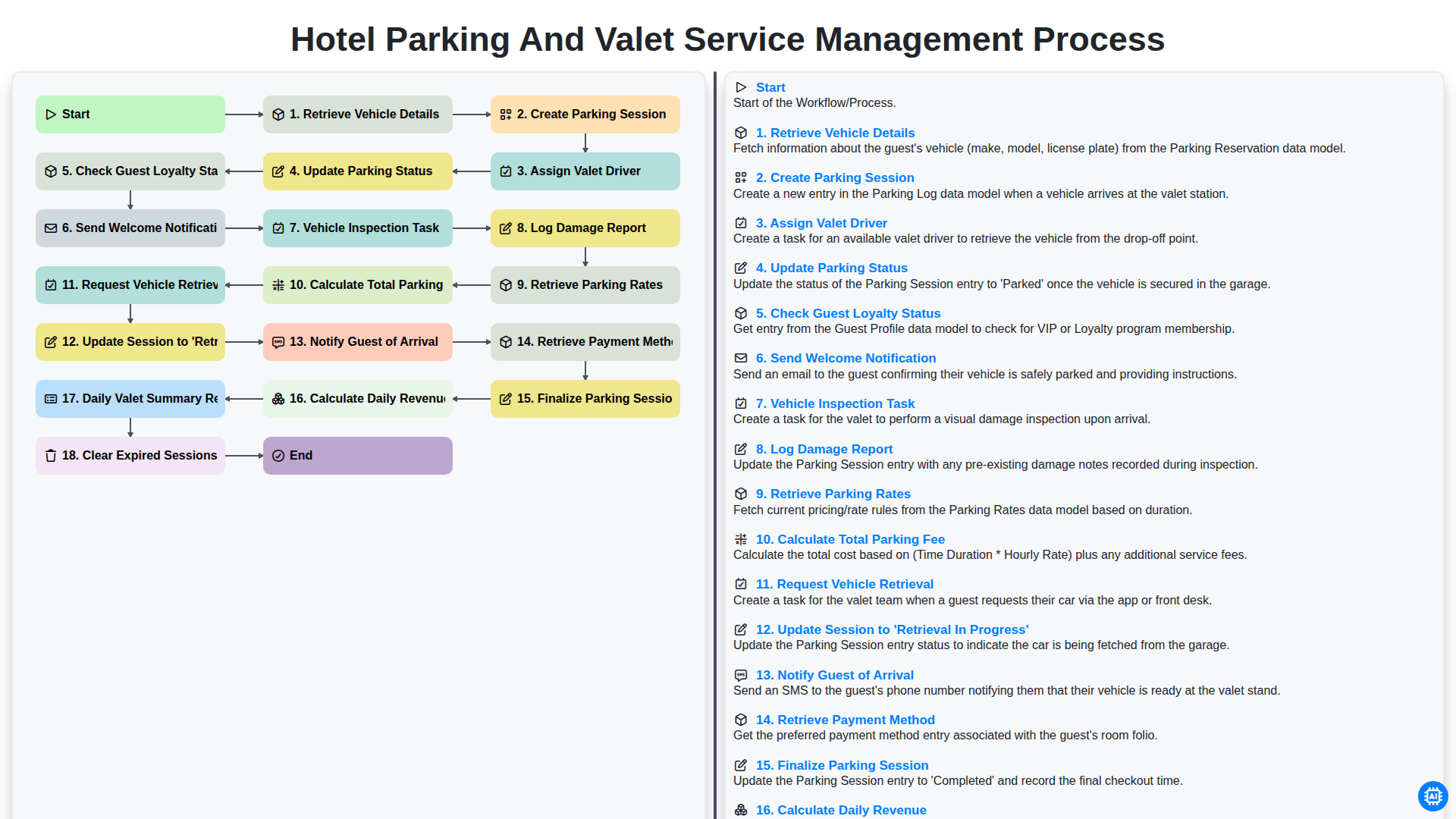
Hotel Parking and Valet Service Management Process
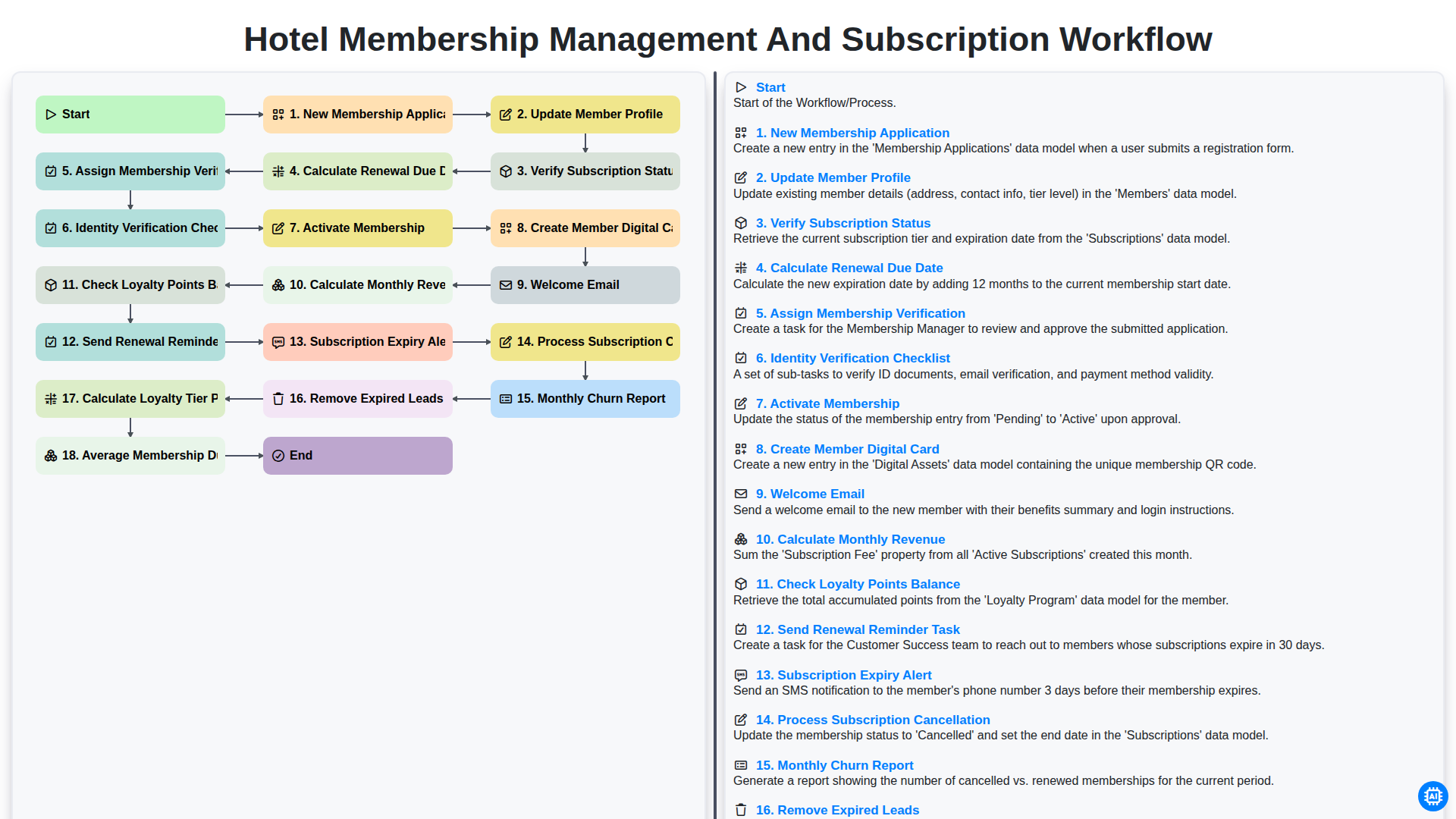
Hotel Membership Management and Subscription Workflow

Hotel VIP Guest Arrival and Personalized Service Process

Hotel Staff Onboarding and Training Management Workflow
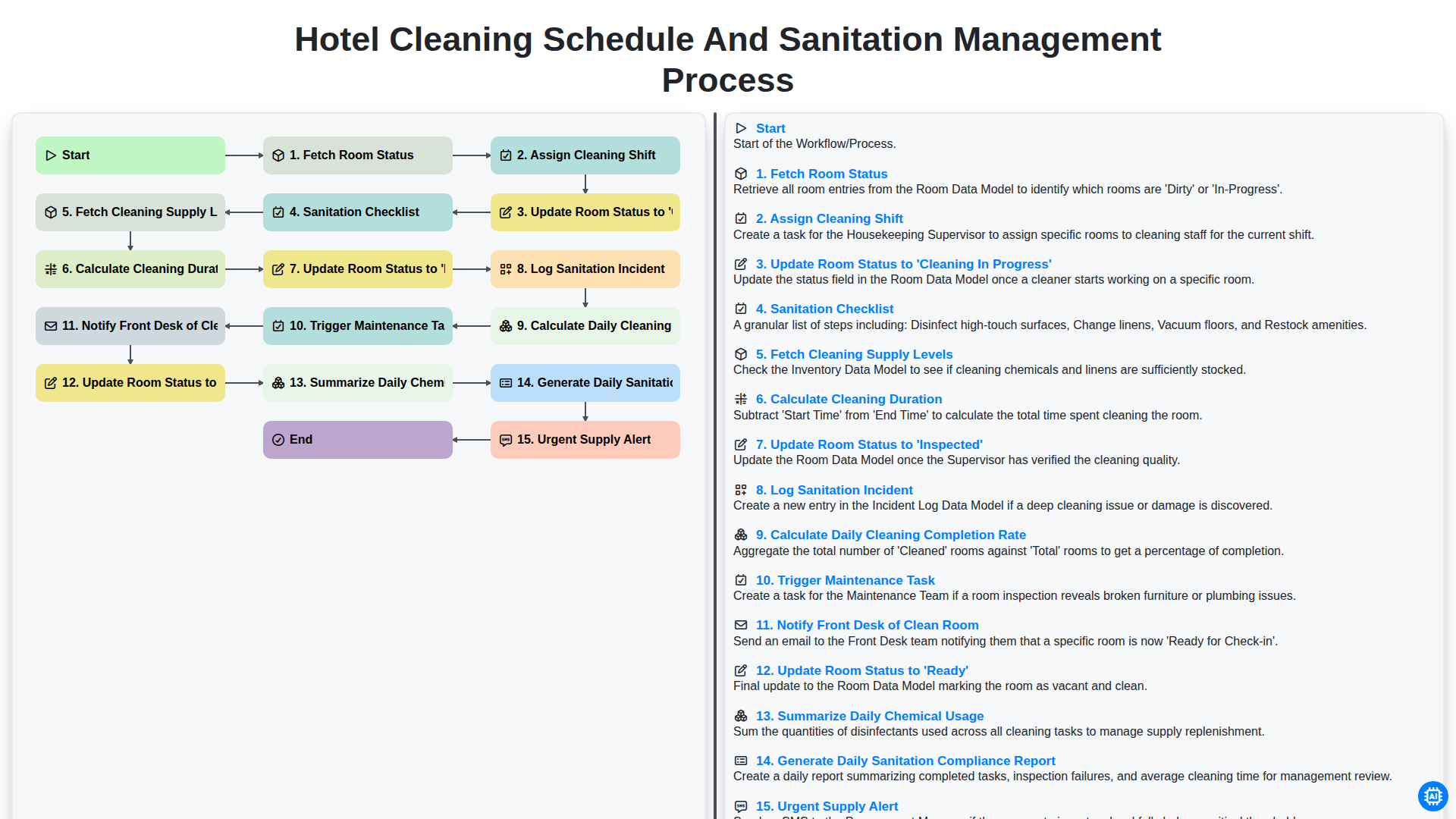
Hotel Cleaning Schedule and Sanitation Management Process

Hotel Group Booking and Room Block Management Workflow
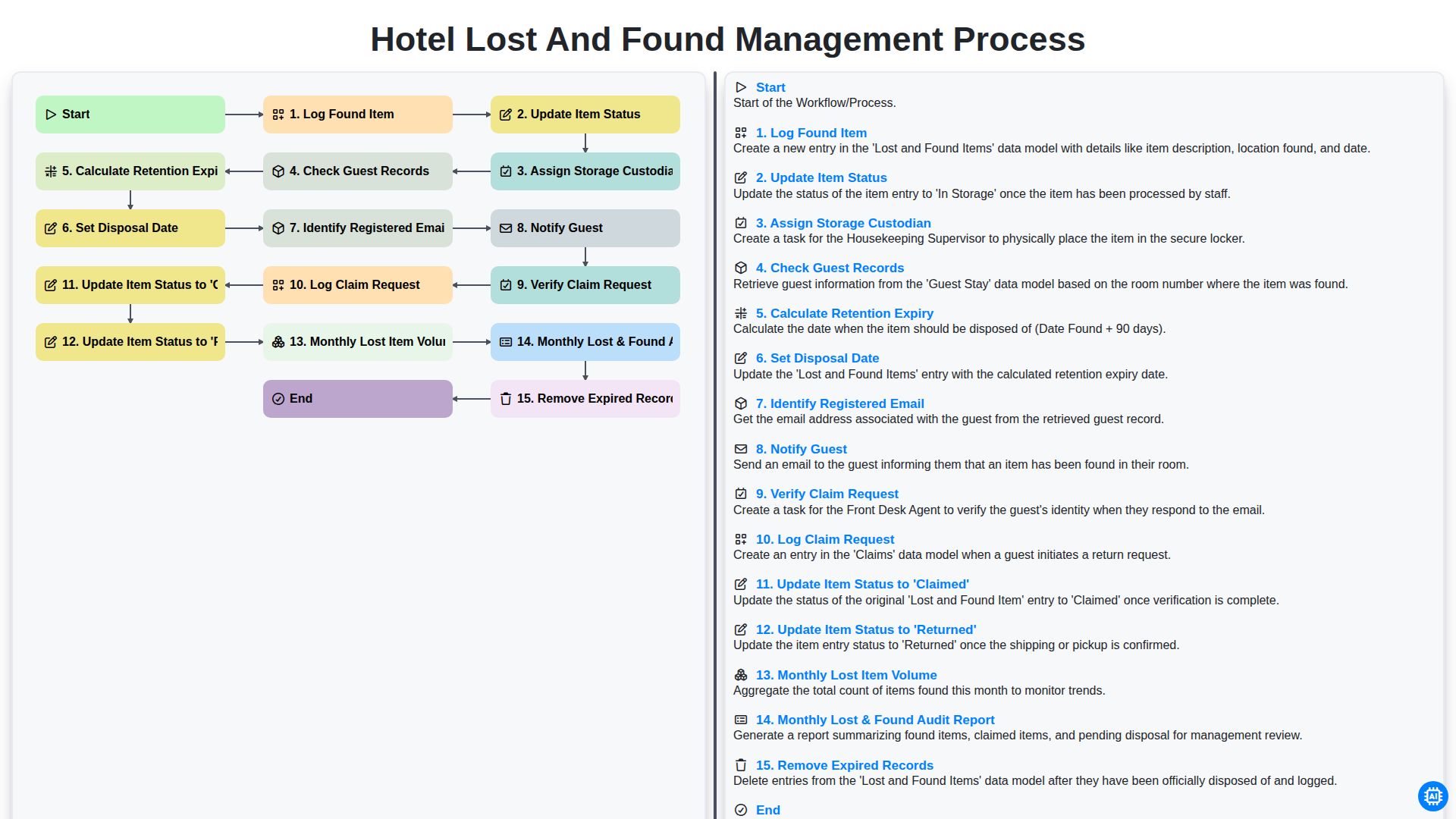
Hotel Lost and Found Management Process
We can do it Together
Need help with
Hospitality?
Have a question? We're here to help. Please submit your inquiry, and we'll respond promptly.