 ChecklistGuro
 Hotel Staff Scheduling and Shift Management Process
Master the art of seamless operations with our comprehensive Hotel Staff Scheduling and Shift Management Process. Designed specifically for the hospitality industry, this streamlined workflow eliminates scheduling conflicts, optimizes labor costs, and ensures perfect coverage during peak hours. Learn how to automate roster creation, manage employee availability, and boost staff productivity to deliver an unforgettable guest experience every single shift.
This Template was installed 3 times.
Start
Start of the Workflow/Process.
1. Retrieve Employee Availability
Fetch all available staff entries from the Employee Data Model for the upcoming week.
2. Get Shift Requirements
Retrieve the predefined staffing requirements (number of staff needed per department) from the Schedule Template model.
3. Calculate Total Scheduled Hours
Sum the total hours of all assigned shifts to ensure they do not exceed labor budget or legal limits.
4. Calculate Total Staff Cost
Aggregate the total cost of all scheduled shifts based on hourly rates to monitor labor spend.
5. Check Overtime Threshold
Calculate if the sum of hours for an employee exceeds 40 hours to flag potential overtime costs.
6. Create Weekly Shift Schedule
Create new entries in the Shift Data Model for the finalized schedule.
7. Assign Shift Verification Task
Create a task for the Hotel Manager to review and approve the proposed schedule.
8. Generate Staff Duty Checklist
Create tasks for specific staff members containing their specific shift responsibilities (e.g., Opening/Closing duties).
9. Update Shift Status
Update the status of a shift entry from 'Draft' to 'Published' once approved.
10. Notify Staff of New Schedule
Send an email to all employees containing their assigned shifts for the upcoming week.
11. Urgent Shift Alert
Send an SMS to staff members if a last-minute shift change or emergency coverage is required.
12. Generate Weekly Labor Report
Create a report summarizing scheduled vs. required staff and total projected labor cost.
13. Remove Cancelled Shifts
Delete shift entries that have been officially cancelled by management.
End
End of the Workflow/Process.
Start of the Workflow/Process.
Fetch all available staff entries from the Employee Data Model for the upcoming week.
Retrieve the predefined staffing requirements (number of staff needed per department) from the Schedule Template model.
Sum the total hours of all assigned shifts to ensure they do not exceed labor budget or legal limits.
Aggregate the total cost of all scheduled shifts based on hourly rates to monitor labor spend.
Calculate if the sum of hours for an employee exceeds 40 hours to flag potential overtime costs.
Create new entries in the Shift Data Model for the finalized schedule.
Create a task for the Hotel Manager to review and approve the proposed schedule.
Create tasks for specific staff members containing their specific shift responsibilities (e.g., Opening/Closing duties).
Update the status of a shift entry from 'Draft' to 'Published' once approved.
Send an email to all employees containing their assigned shifts for the upcoming week.
Send an SMS to staff members if a last-minute shift change or emergency coverage is required.
Create a report summarizing scheduled vs. required staff and total projected labor cost.
Delete shift entries that have been officially cancelled by management.
End of the Workflow/Process.
Found this Workflow Template helpful?
Hospitality Management Solution Demo
Running a hotel, restaurant, or other hospitality business is demanding. ChecklistGuro's Work OS platform simplifies management, from reservations and guest services to inventory and staff scheduling. Improve efficiency, enhance guest experience, and boost profitability! See how ChecklistGuro can transform your hospitality operations.
Related Workflow Templates

Hotel Departmental Communication and Task Management Workflow
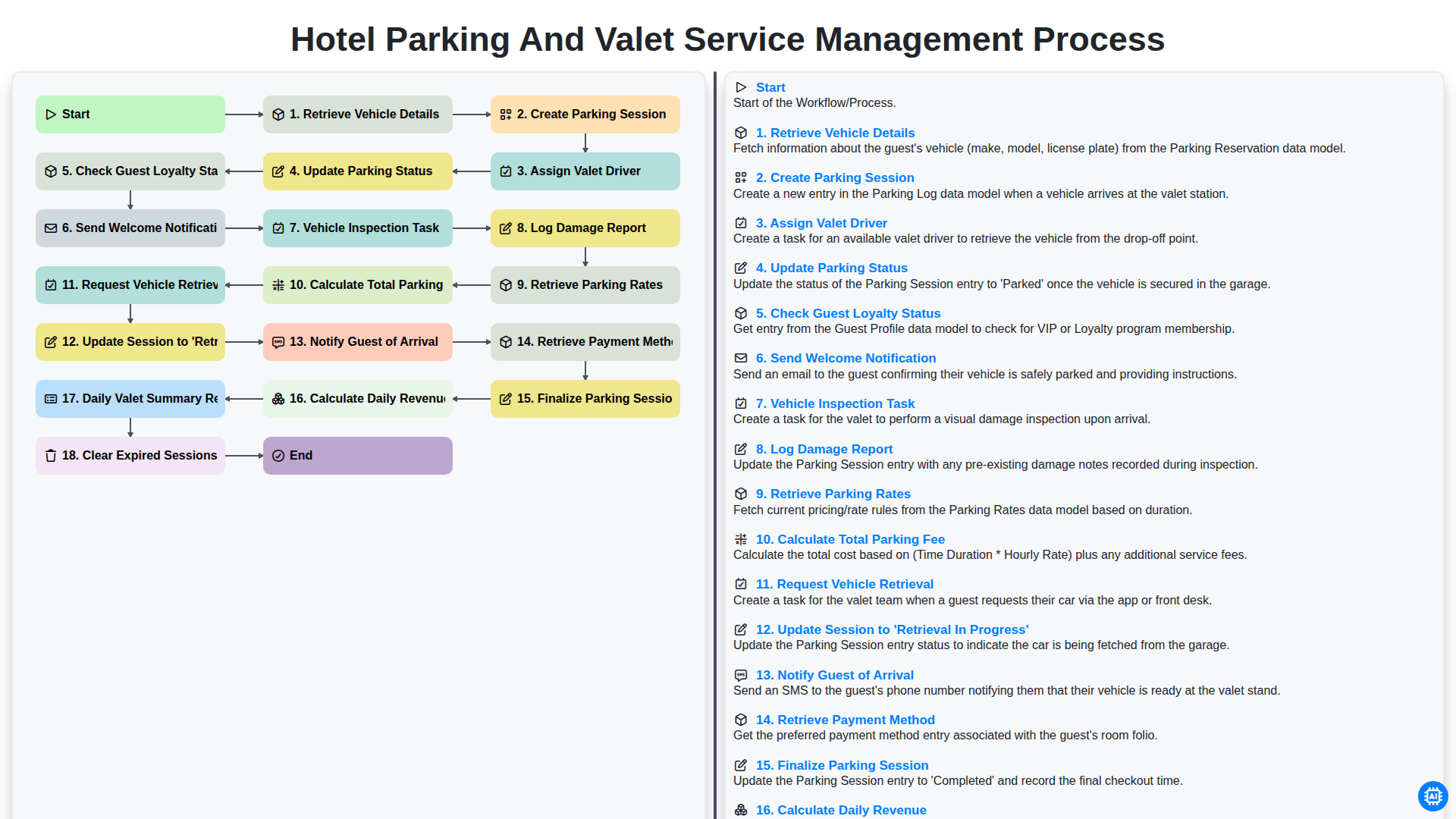
Hotel Parking and Valet Service Management Process
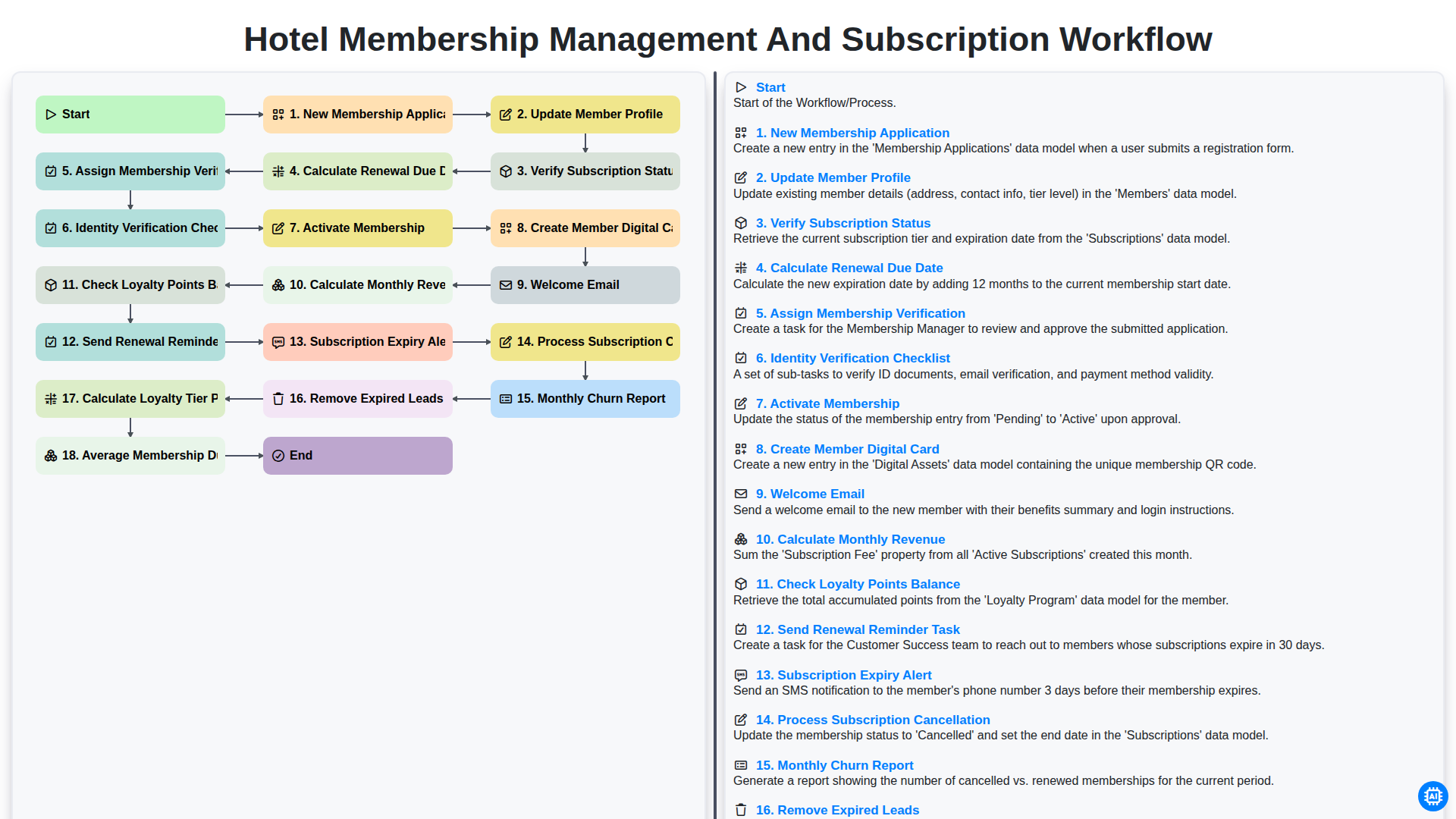
Hotel Membership Management and Subscription Workflow

Hotel VIP Guest Arrival and Personalized Service Process

Hotel Staff Onboarding and Training Management Workflow
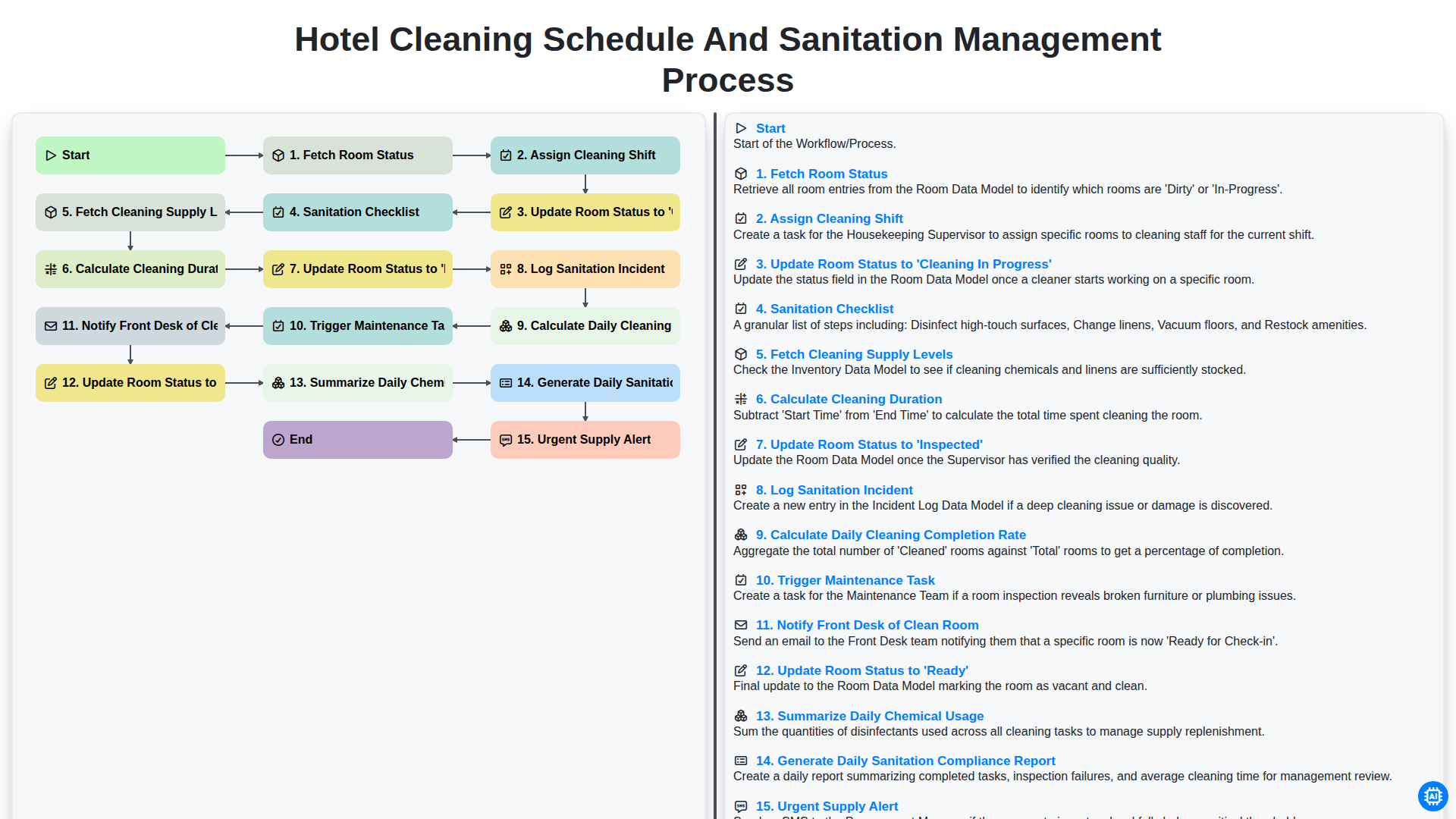
Hotel Cleaning Schedule and Sanitation Management Process

Hotel Group Booking and Room Block Management Workflow
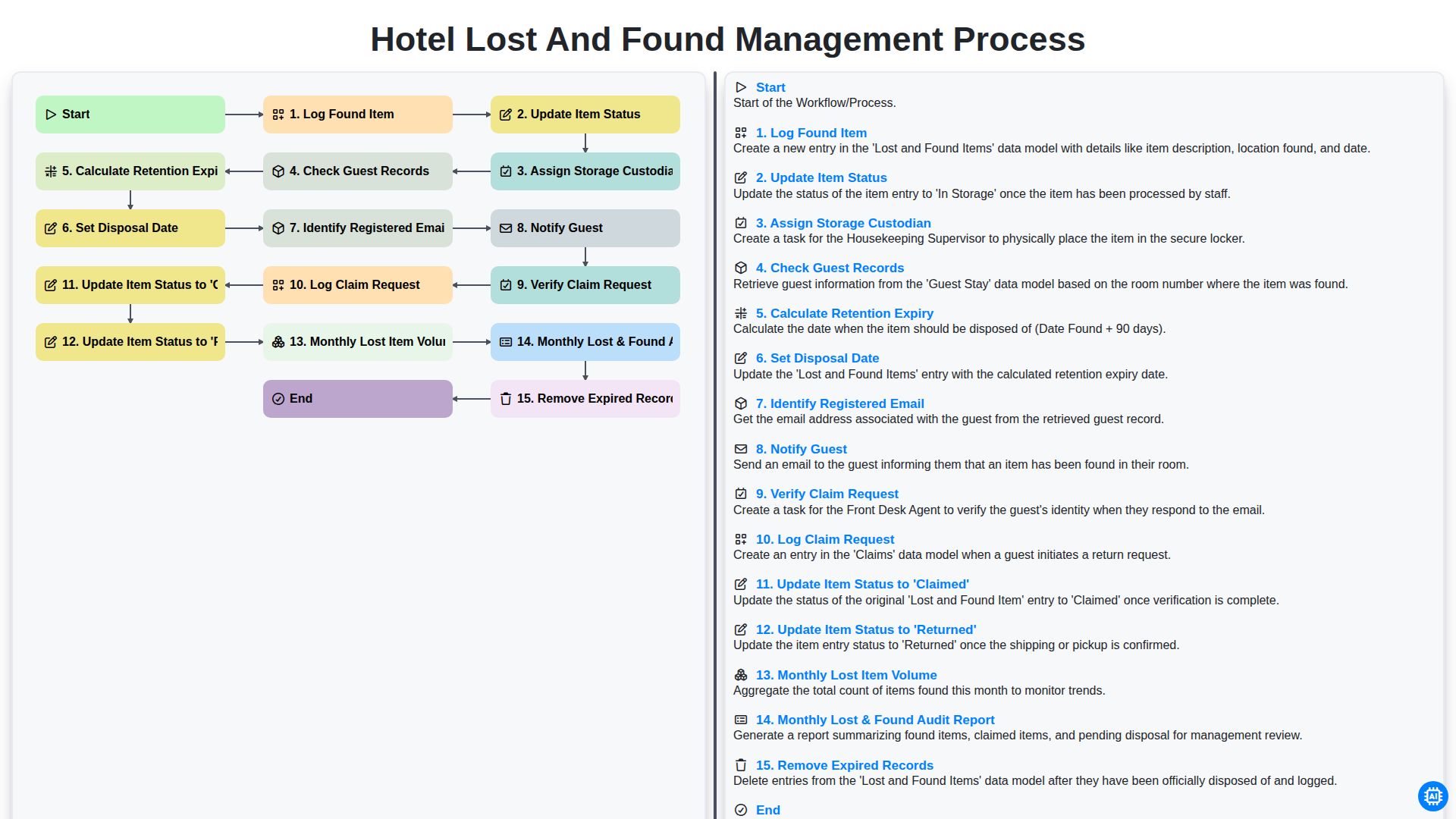
Hotel Lost and Found Management Process
We can do it Together
Need help with
Hospitality?
Have a question? We're here to help. Please submit your inquiry, and we'll respond promptly.