 ChecklistGuro
 Construction Inspection Workflow: Digital Field Audits and Progress Tracking
Streamline construction site inspections with our digital workflow. Capture real-time data, manage checklists, and track project progress efficiently. Enhance site safety and ensure compliance from start to finish.
This Template was installed 4 times.
Start
Start of the Workflow/Process.
1. Initiate Inspection Task
Create a new inspection task assigned to the relevant site crew or inspector.
2. Retrieve Project Scope & Checklists
Fetch necessary project data, required checklists, and scope details from the central data model.
3. Get Equipment/Material Inventory Data
Pull current asset lists, serial numbers, or material specifications needed for inspection verification.
4. Record Inspection Findings/Observations
Allow inspectors to create detailed, time-stamped entries for observations, defects, or successful checks.
5. Update Task Status
Change the status of the inspection task (e.g., Pending -> In Progress -> Completed).
6. Calculate Deficiency Count
Aggregate all recorded deficiency entries to provide a total count for the final report.
7. Calculate Area/Volume Measurements
Execute formulas to calculate required dimensions or volumes based on recorded measurements (e.g., total linear feet inspected).
8. Notify Project Manager of Completion
Automatically email the Project Manager upon submission of the final inspection report.
9. Alert Supervisor of Critical Failure
Send immediate SMS alerts to the Site Supervisor if a critical, safety-related defect is logged.
10. Generate Final Inspection Report
Compile all gathered data, findings, calculations, and photos into a standardized, signed-off report.
End
End of the Workflow/Process.
Start of the Workflow/Process.
Create a new inspection task assigned to the relevant site crew or inspector.
Fetch necessary project data, required checklists, and scope details from the central data model.
Pull current asset lists, serial numbers, or material specifications needed for inspection verification.
Allow inspectors to create detailed, time-stamped entries for observations, defects, or successful checks.
Change the status of the inspection task (e.g., Pending -> In Progress -> Completed).
Aggregate all recorded deficiency entries to provide a total count for the final report.
Execute formulas to calculate required dimensions or volumes based on recorded measurements (e.g., total linear feet inspected).
Automatically email the Project Manager upon submission of the final inspection report.
Send immediate SMS alerts to the Site Supervisor if a critical, safety-related defect is logged.
Compile all gathered data, findings, calculations, and photos into a standardized, signed-off report.
End of the Workflow/Process.
Frequently Asked Questions
Comments
There are no comments yet. Be the first to add one!
Audit/Inspection Management Solution Demo
Ensure compliance & improve performance! ChecklistGuro streamlines audit/inspection creation, execution, and reporting. Reduce risk, enhance quality, & maintain consistency. Manage it all with our Work OS.
Related Workflow Templates
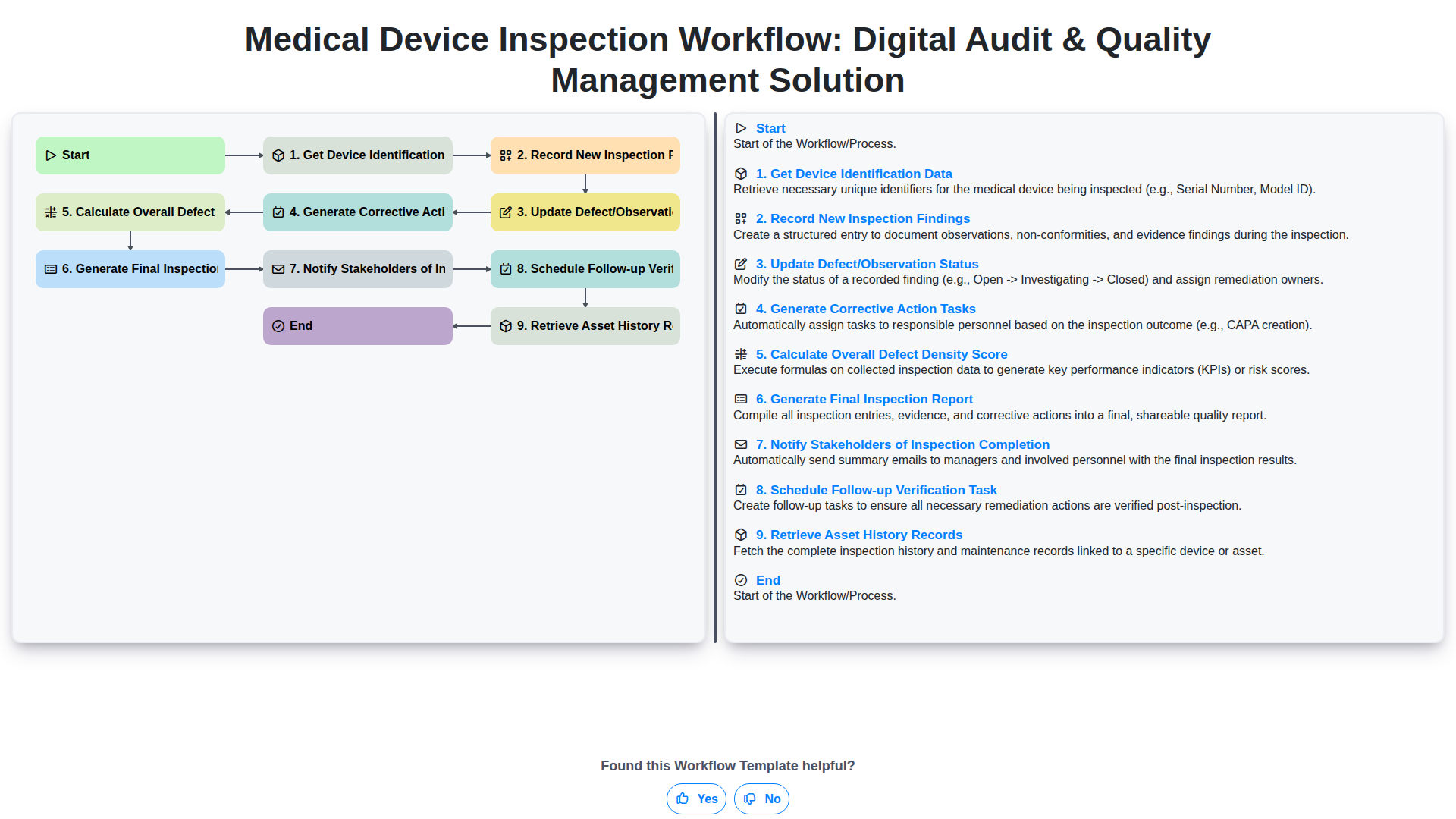
Medical Device Inspection Workflow: Digital Audit & Quality Management Solution
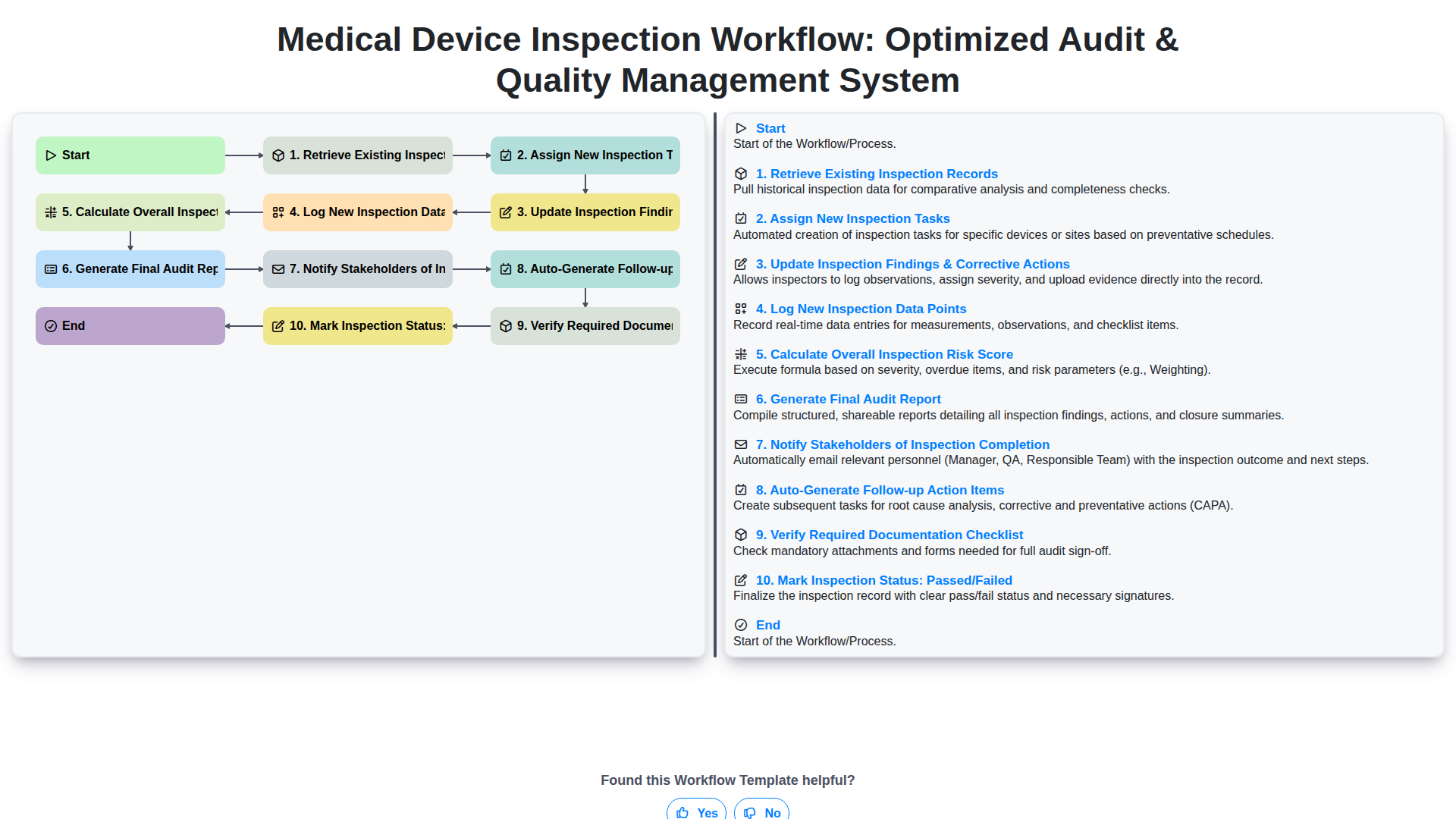
Medical Device Inspection Workflow: Optimized Audit & Quality Management System
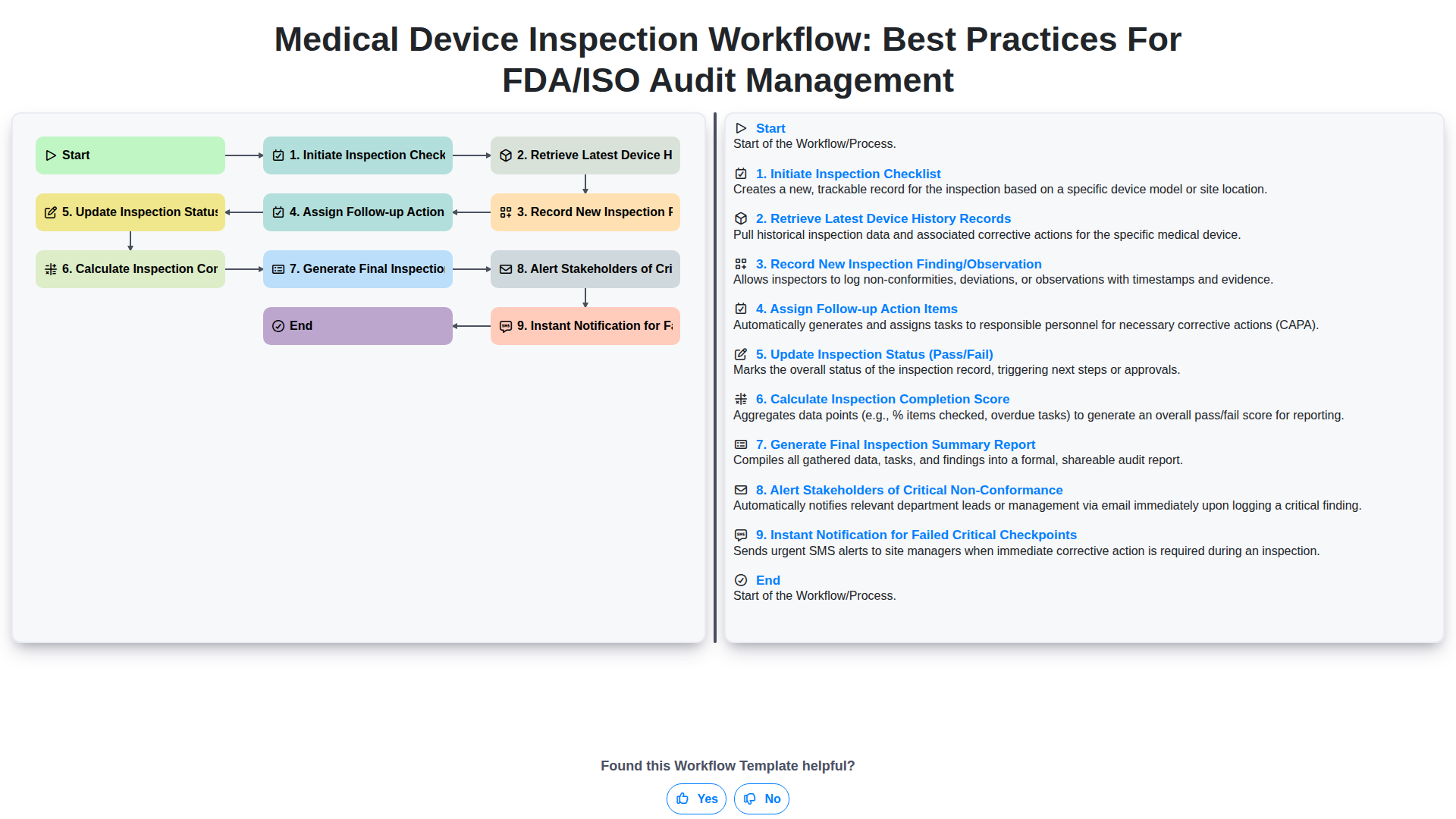
Medical Device Inspection Workflow: Best Practices for FDA/ISO Audit Management
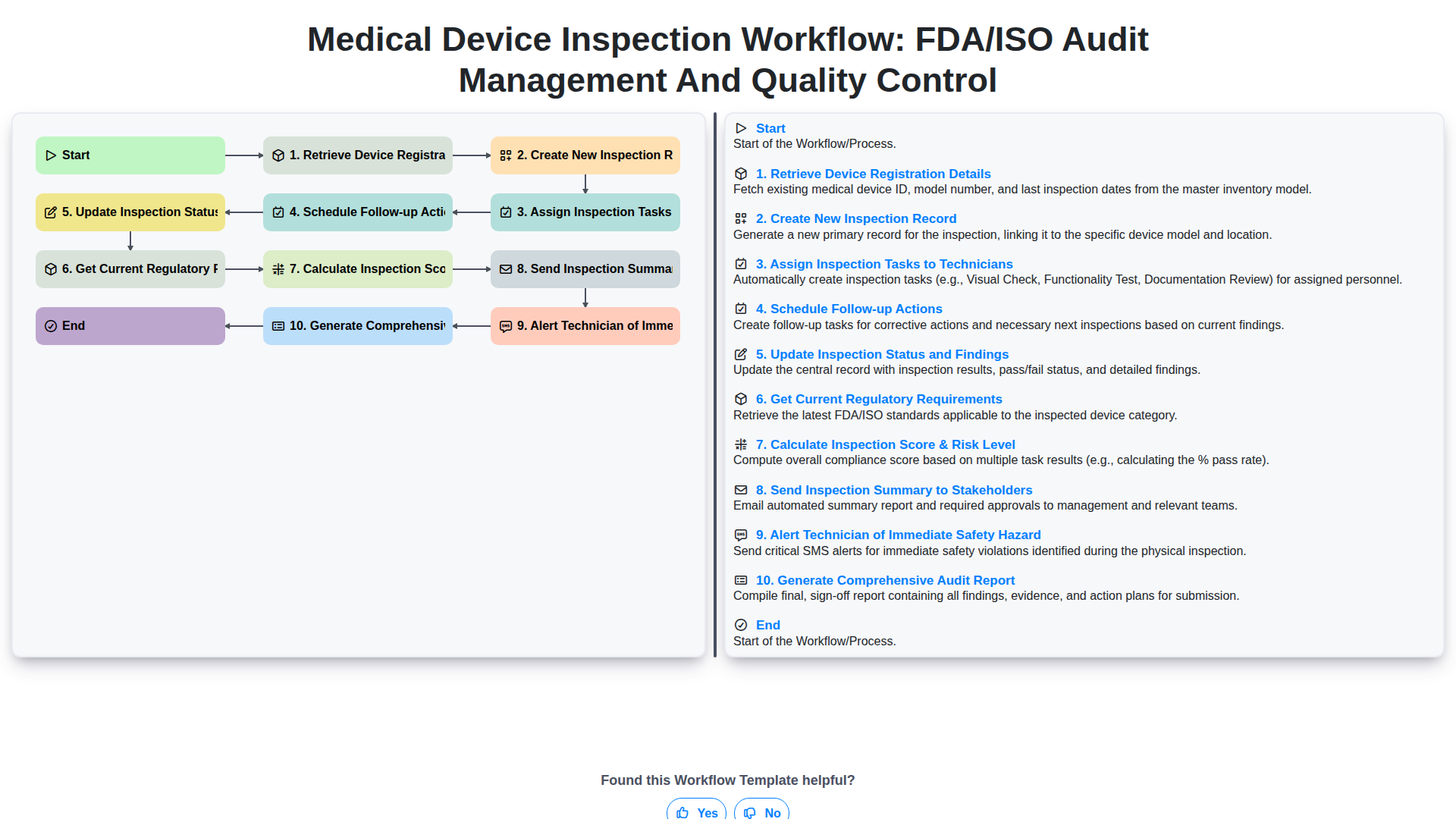
Medical Device Inspection Workflow: FDA/ISO Audit Management and Quality Control
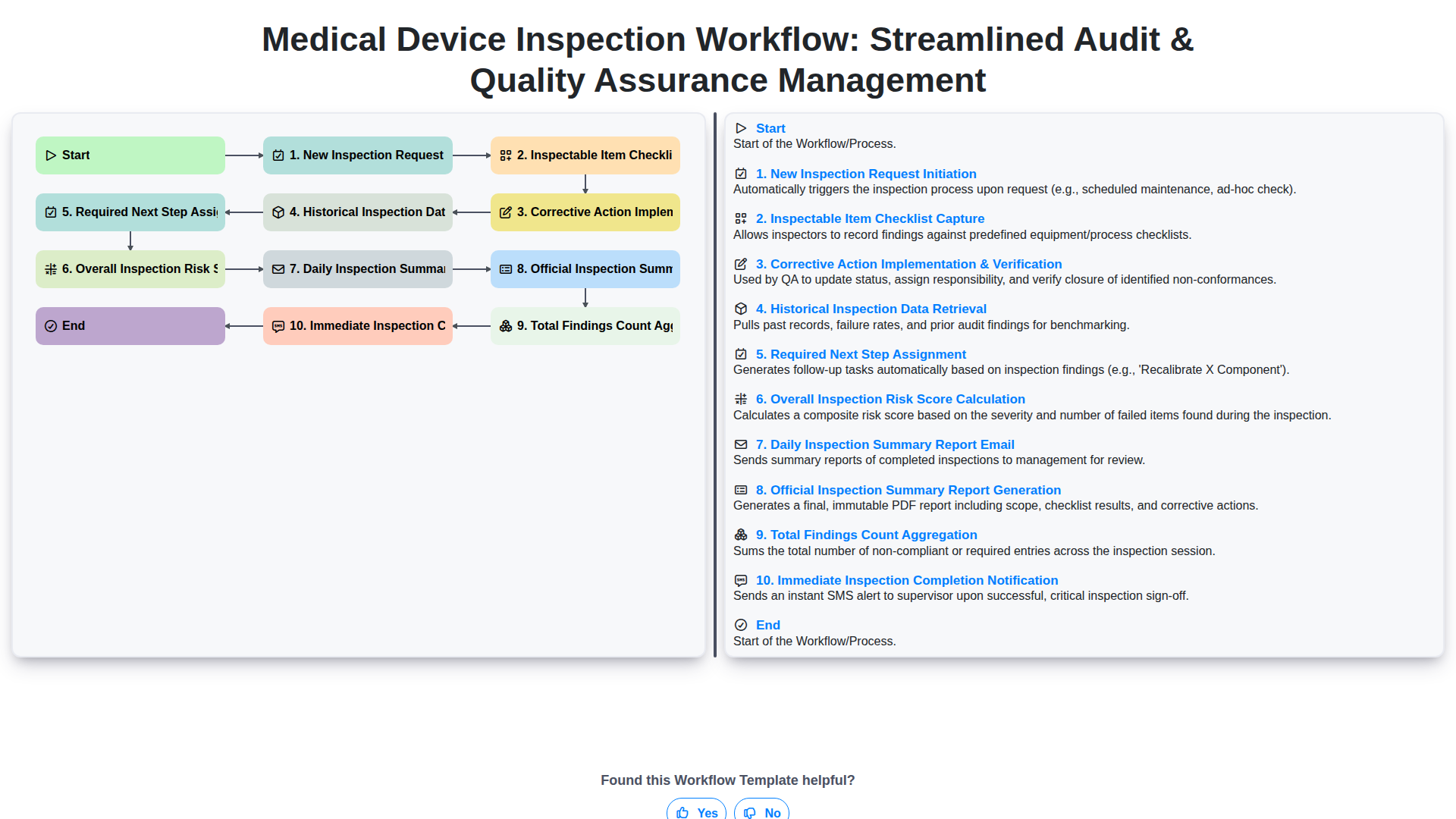
Medical Device Inspection Workflow: Streamlined Audit & Quality Assurance Management
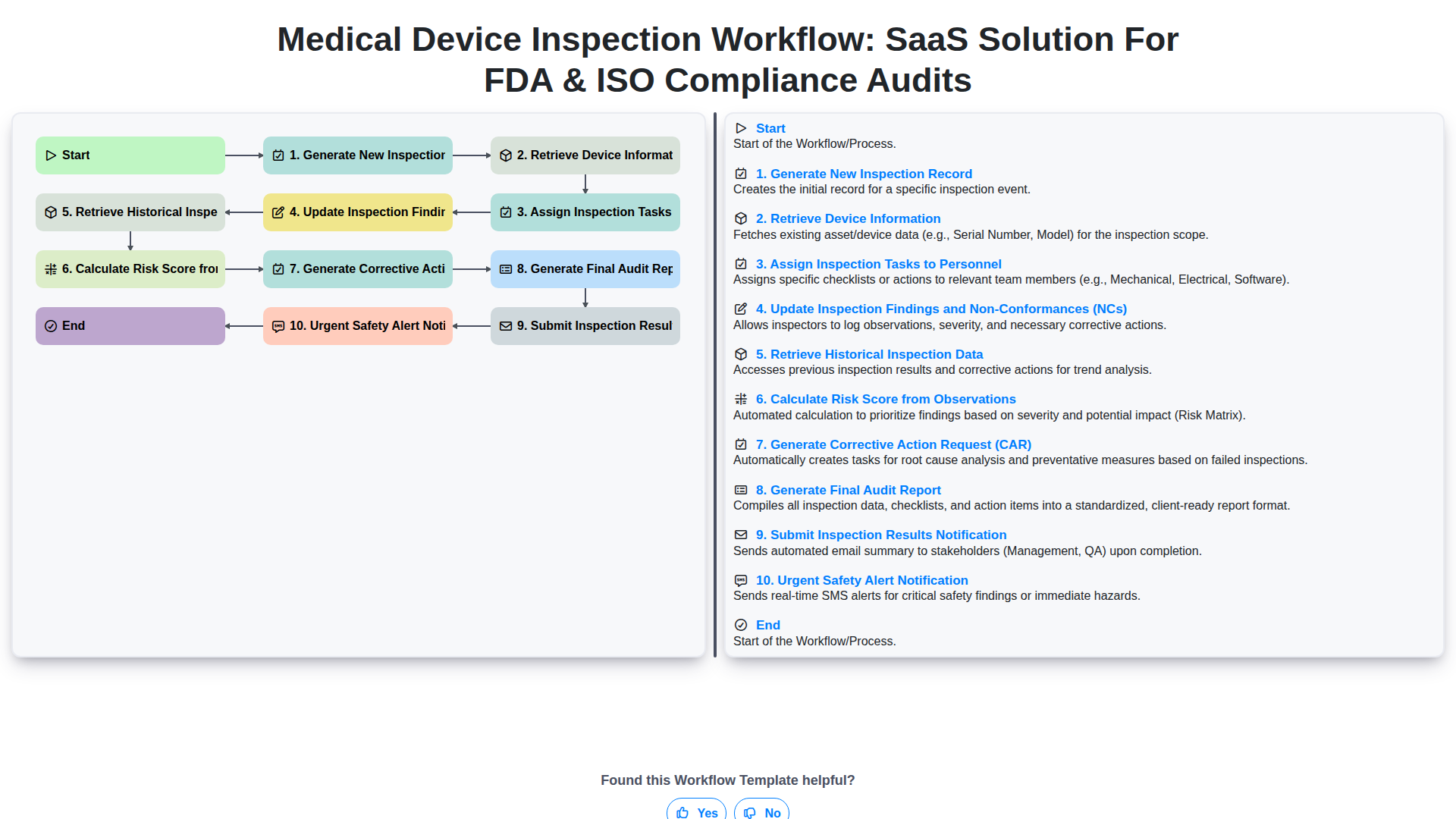
Medical Device Inspection Workflow: SaaS Solution for FDA & ISO Compliance Audits
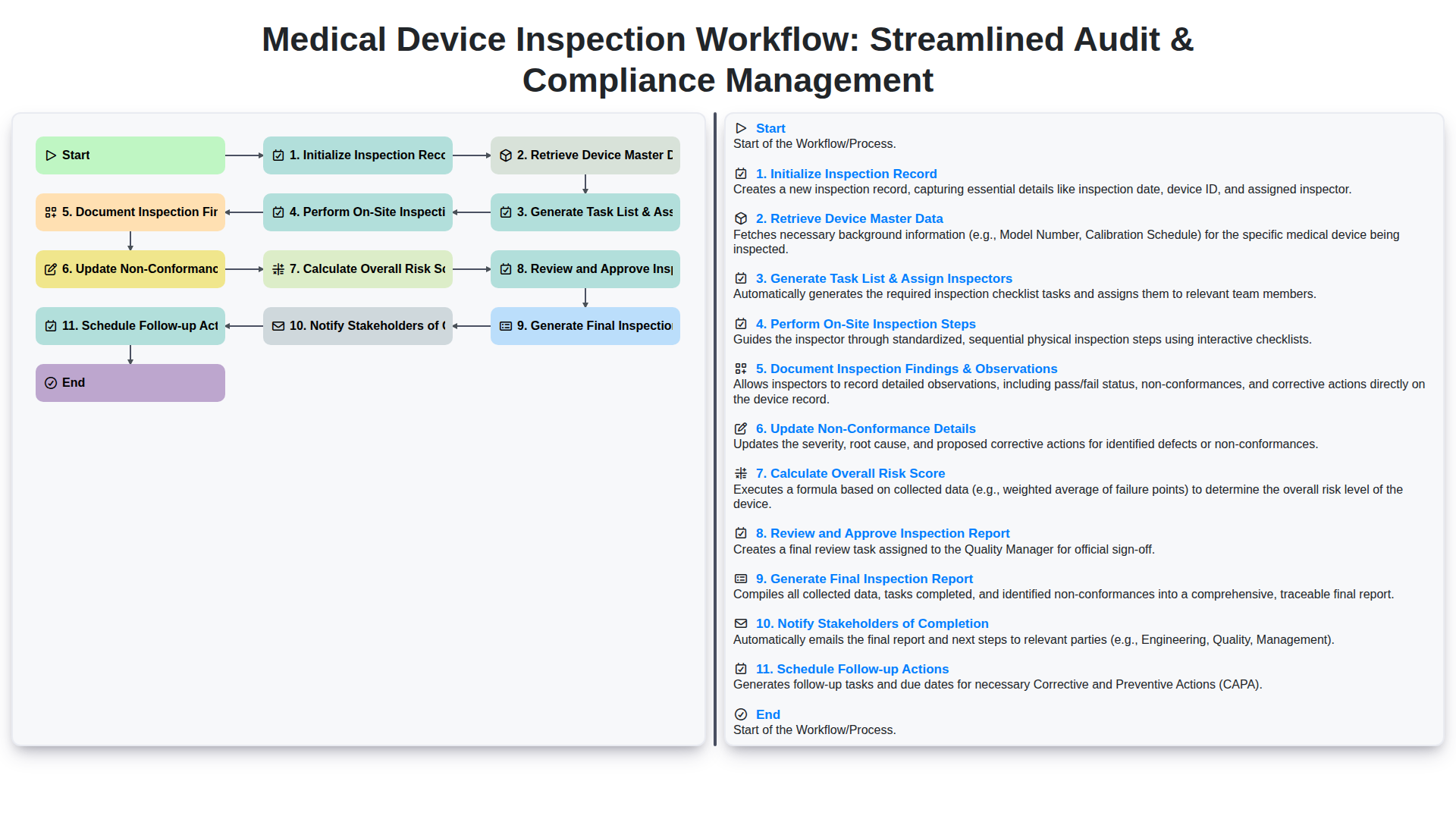
Medical Device Inspection Workflow: Streamlined Audit & Compliance Management
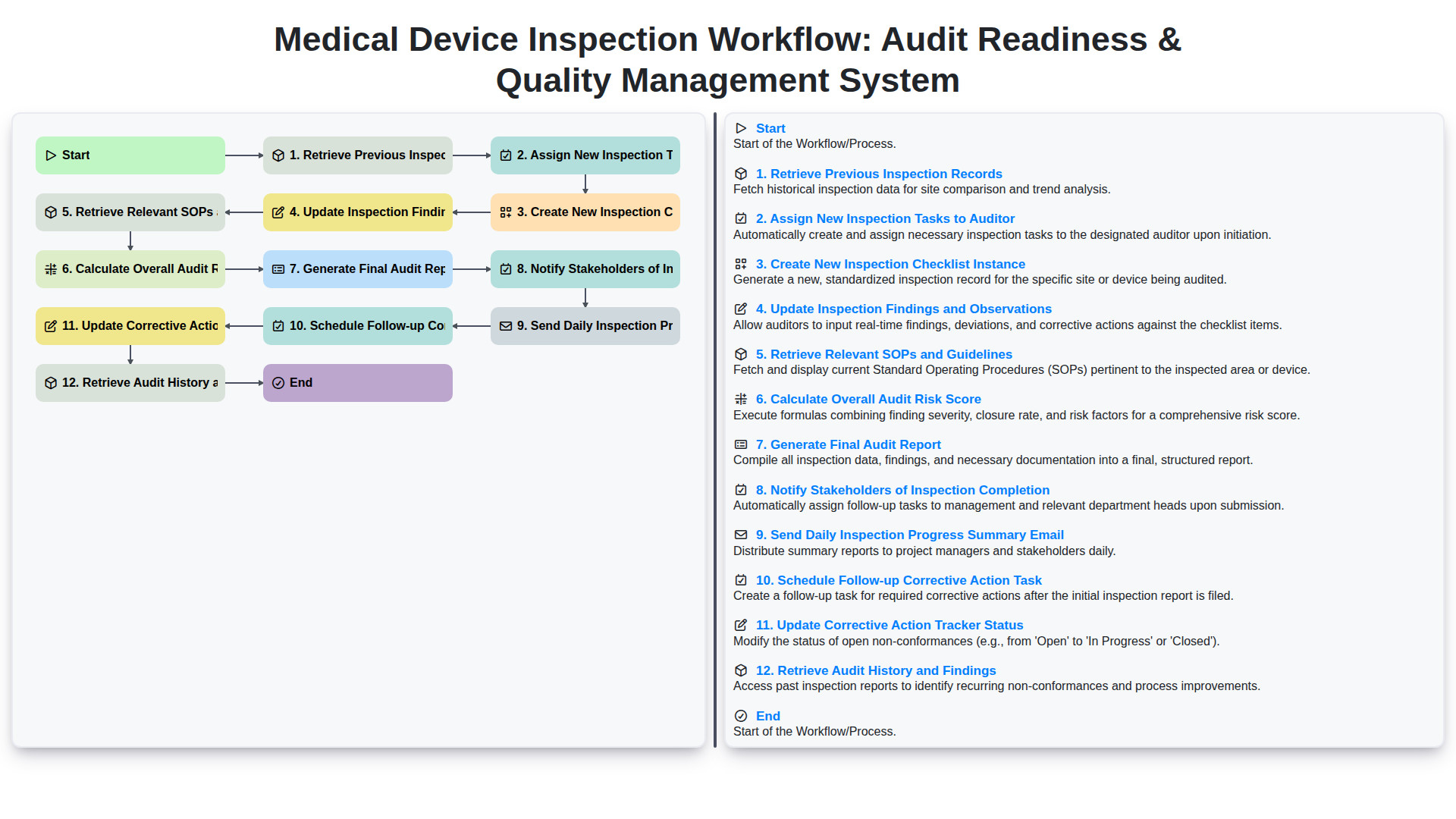
Medical Device Inspection Workflow: Audit Readiness & Quality Management System
We can do it Together
Need help with
Inspection Management?
Have a question? We're here to help. Please submit your inquiry, and we'll respond promptly.