 ChecklistGuro
 Construction Site Inspection Workflow: Digital Management for Project Quality & Compliance
Master construction site inspections with our digital workflow. Streamline quality checks, ensure safety compliance, and manage project quality seamlessly from start to finish.
This Template was installed 4 times.
Start
Start of the Workflow/Process.
1. Initial Site Inspection Task Assignment
Assigns the inspection task to the relevant site supervisor or inspector.
2. Retrieve Current Site Plan Data
Fetches necessary blueprints or site layout data model records for context.
3. Retrieve Safety Guideline Data
Gets the latest required safety standards and regulatory checklists from the data model.
4. Generate Deficiency Checklists
Creates specific inspection tasks based on the retrieved site plan and safety guidelines.
5. Record Inspection Findings
Allows inspectors to create new entries logging observations (deficiencies, completed checks) against a specific task.
6. Update Closure Status
Updates the status of a previously logged deficiency (e.g., 'Open' to 'Closed').
7. Calculate Risk Score
Executes a formula to calculate a site risk score based on severity and number of findings.
8. Notify Project Manager of Critical Issues
Sends an alert email to the Project Manager when a high-severity hazard is recorded.
9. Alert Site Foreman on Immediate Danger
Sends an urgent SMS notification to the site foreman for immediate action required.
10. Generate Final Daily Inspection Report
Compiles all inspection entries, calculations, and tasks into a formal, exportable report.
11. Summarize Completed Checklist Items
Aggregates all 'Pass' entries to calculate the percentage of inspections completed.
12. Schedule Follow-up Inspection
Creates a future task reminder for necessary re-inspections of flagged areas.
End
End of the Workflow/Process.
Start of the Workflow/Process.
Assigns the inspection task to the relevant site supervisor or inspector.
Fetches necessary blueprints or site layout data model records for context.
Gets the latest required safety standards and regulatory checklists from the data model.
Creates specific inspection tasks based on the retrieved site plan and safety guidelines.
Allows inspectors to create new entries logging observations (deficiencies, completed checks) against a specific task.
Updates the status of a previously logged deficiency (e.g., 'Open' to 'Closed').
Executes a formula to calculate a site risk score based on severity and number of findings.
Sends an alert email to the Project Manager when a high-severity hazard is recorded.
Sends an urgent SMS notification to the site foreman for immediate action required.
Compiles all inspection entries, calculations, and tasks into a formal, exportable report.
Aggregates all 'Pass' entries to calculate the percentage of inspections completed.
Creates a future task reminder for necessary re-inspections of flagged areas.
End of the Workflow/Process.
Frequently Asked Questions
Comments
There are no comments yet. Be the first to add one!
Audit/Inspection Management Solution Demo
Ensure compliance & improve performance! ChecklistGuro streamlines audit/inspection creation, execution, and reporting. Reduce risk, enhance quality, & maintain consistency. Manage it all with our Work OS.
Related Workflow Templates
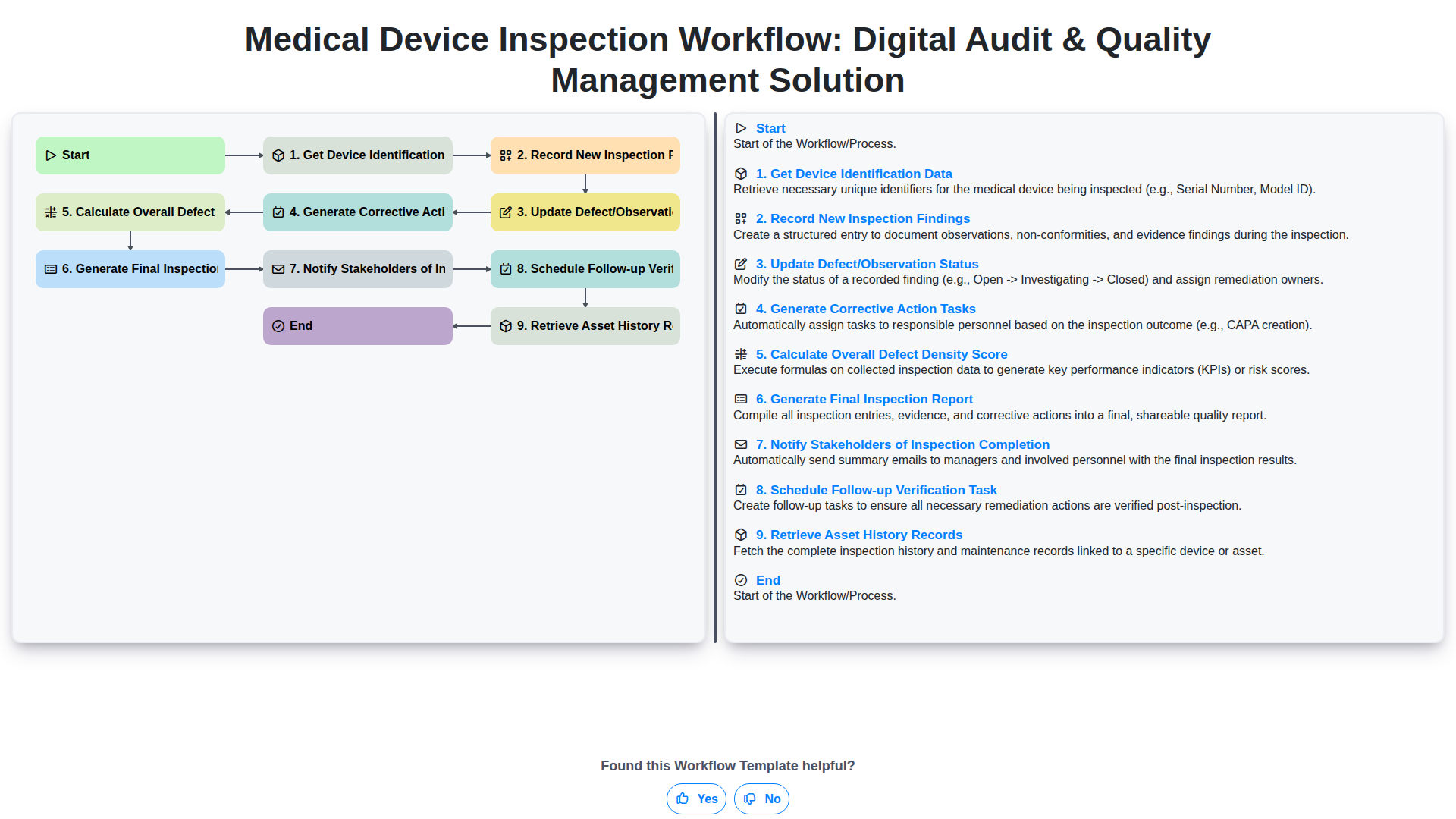
Medical Device Inspection Workflow: Digital Audit & Quality Management Solution
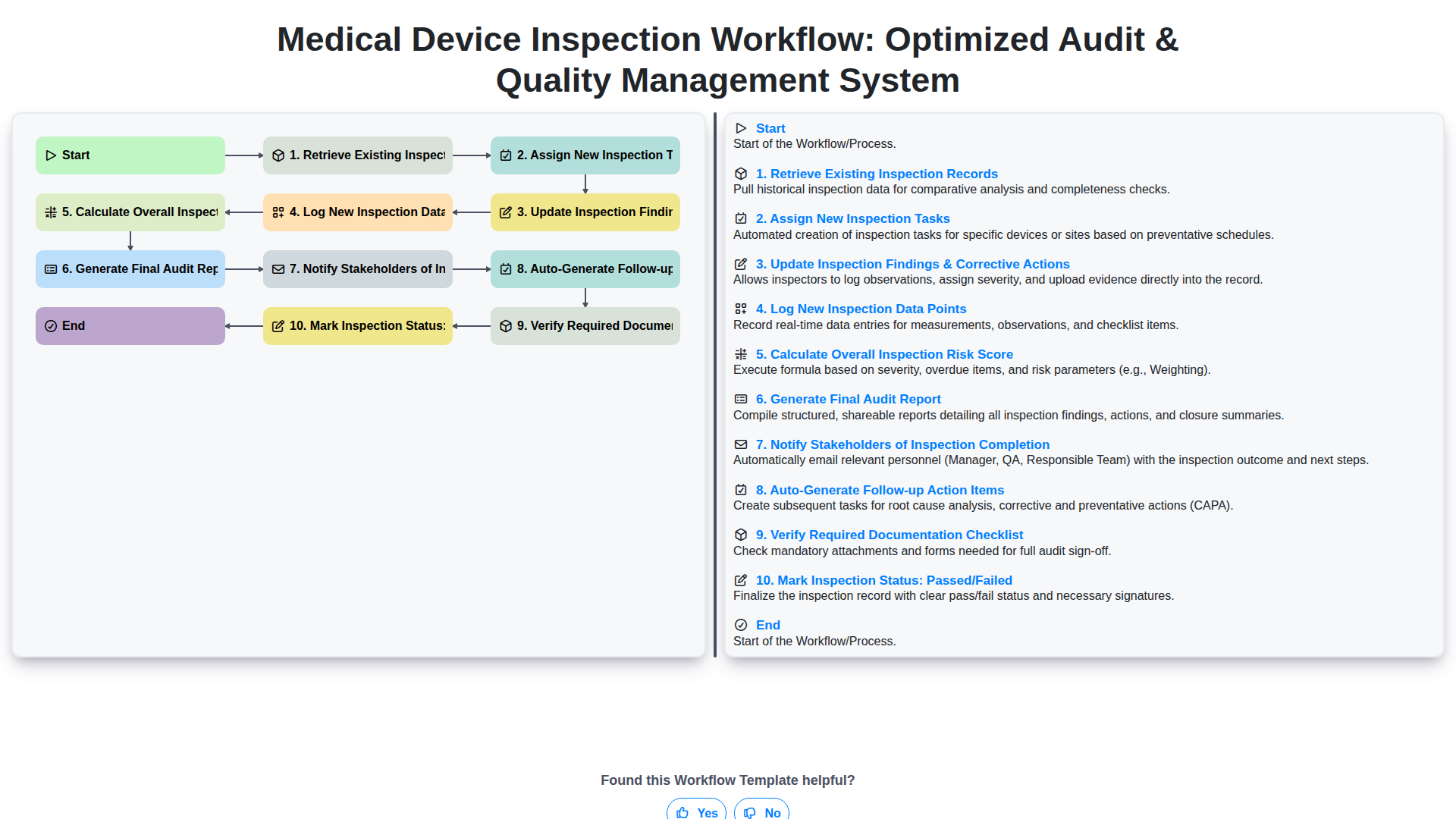
Medical Device Inspection Workflow: Optimized Audit & Quality Management System
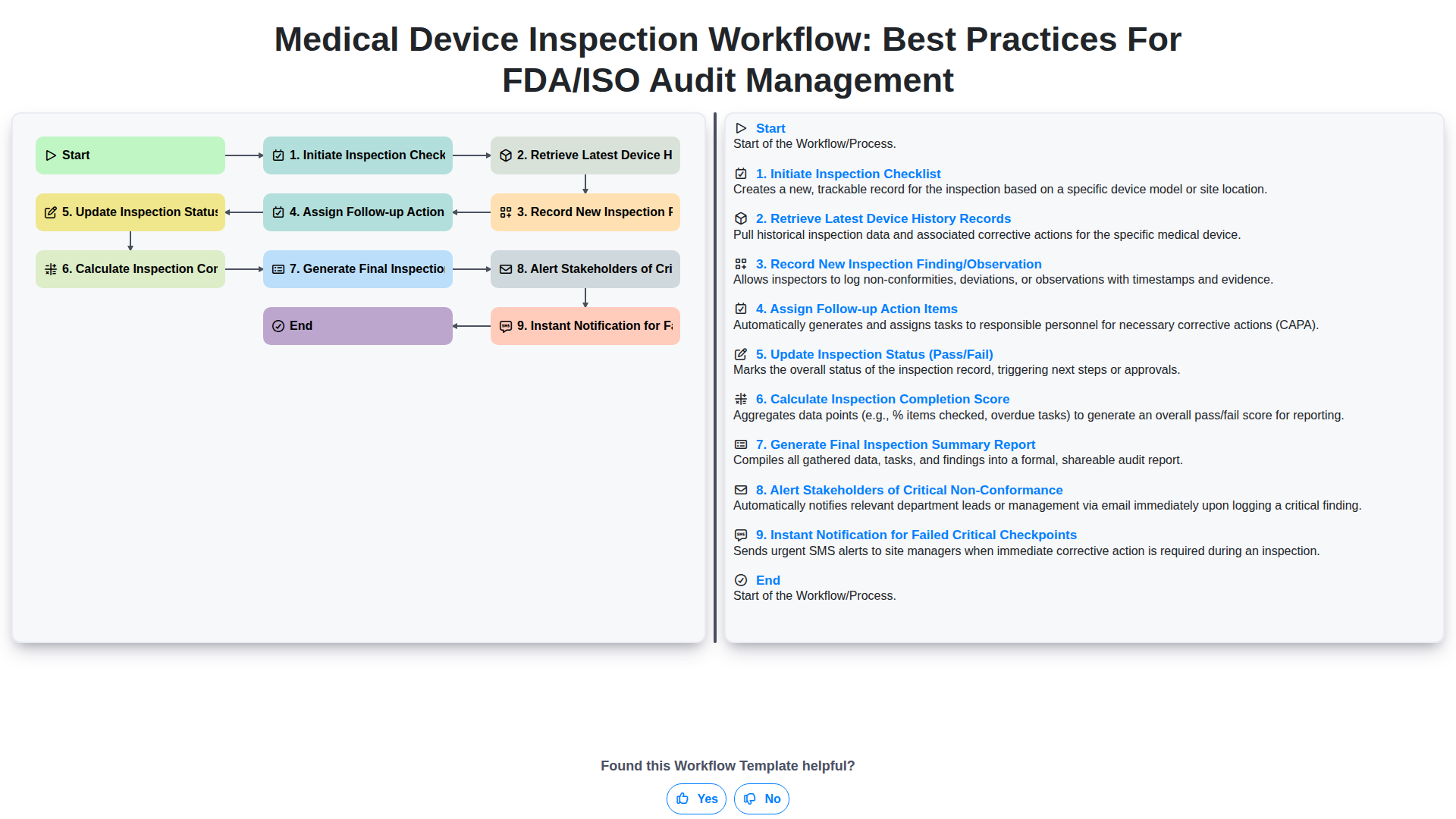
Medical Device Inspection Workflow: Best Practices for FDA/ISO Audit Management
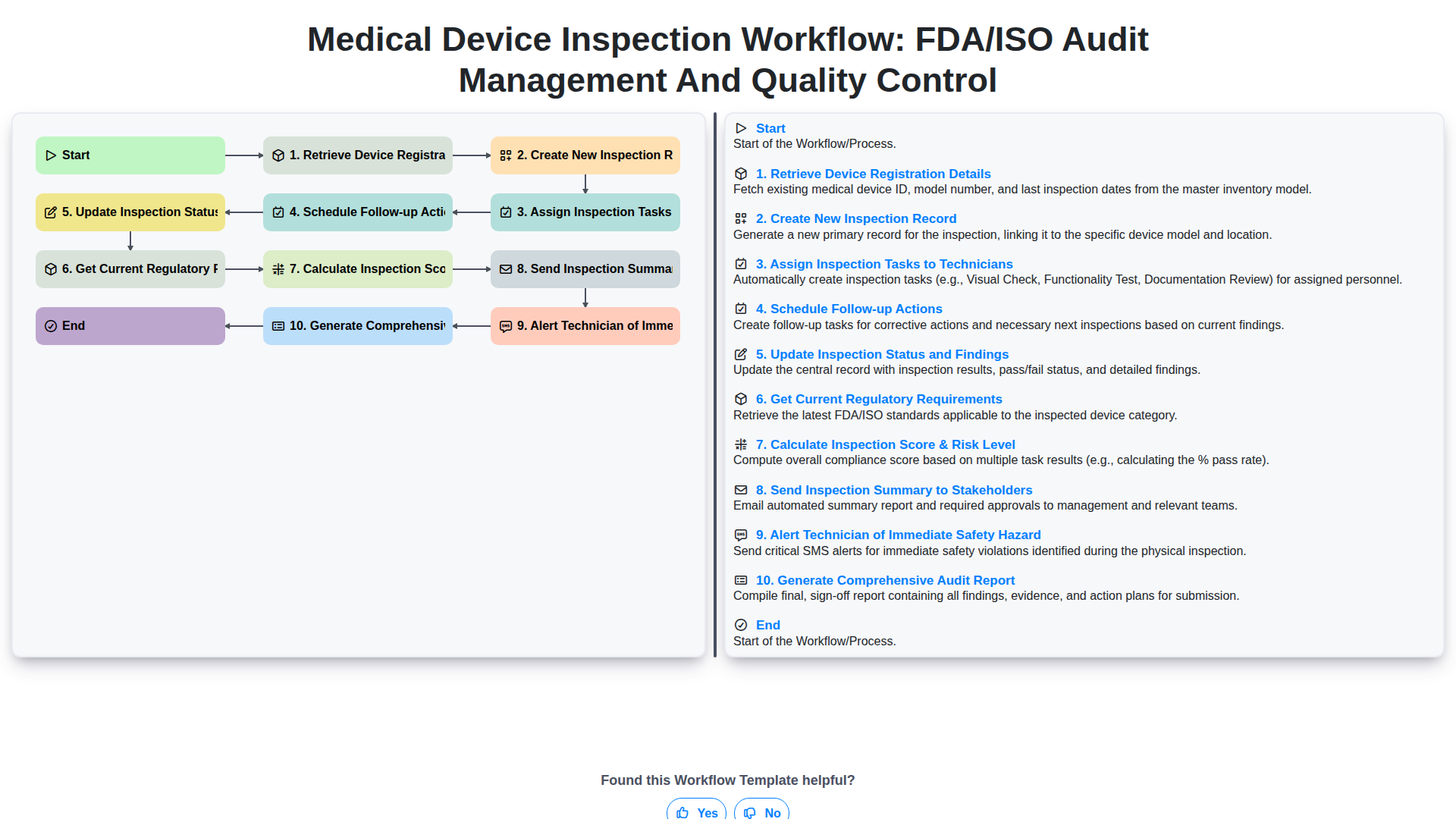
Medical Device Inspection Workflow: FDA/ISO Audit Management and Quality Control
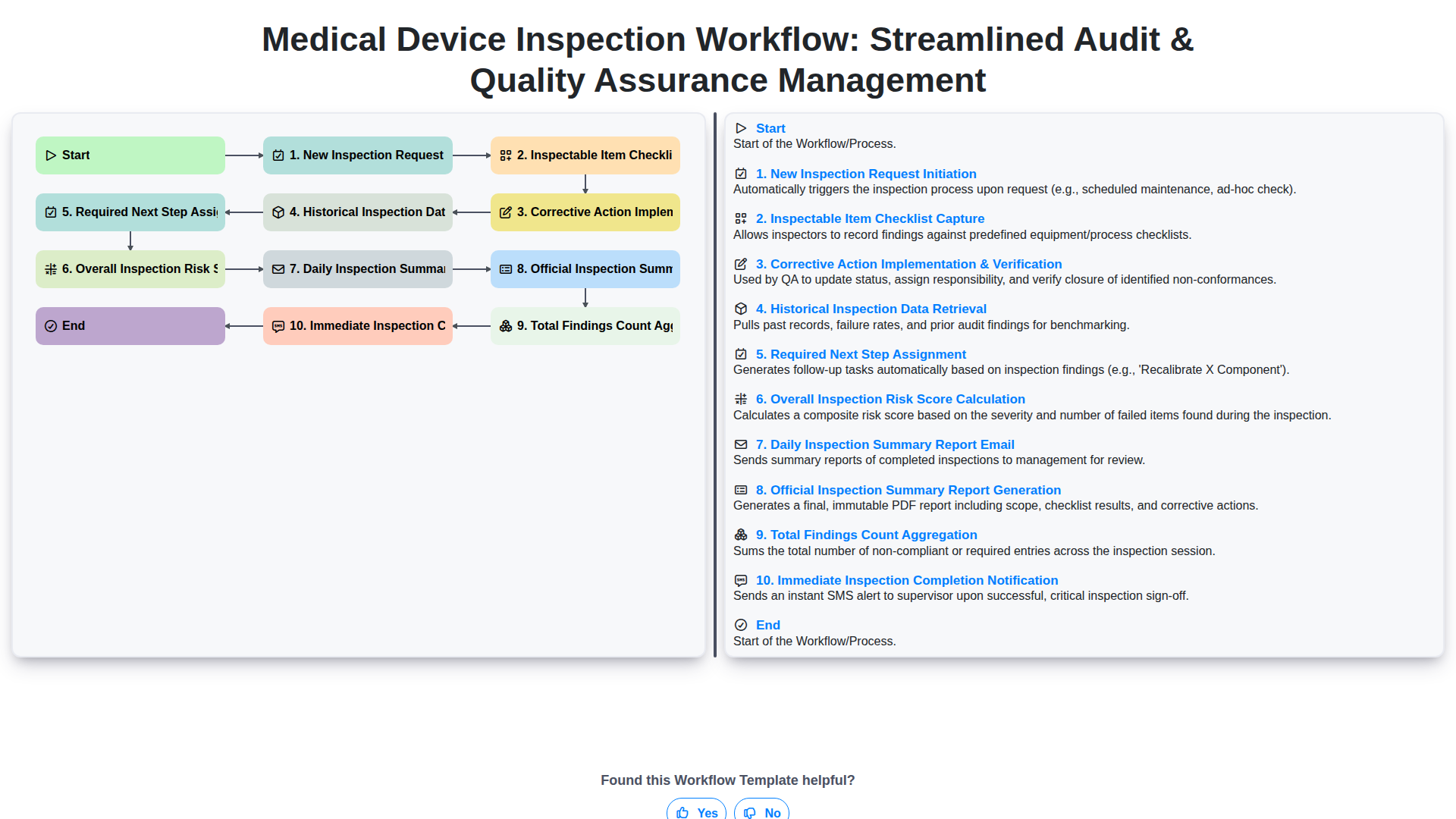
Medical Device Inspection Workflow: Streamlined Audit & Quality Assurance Management
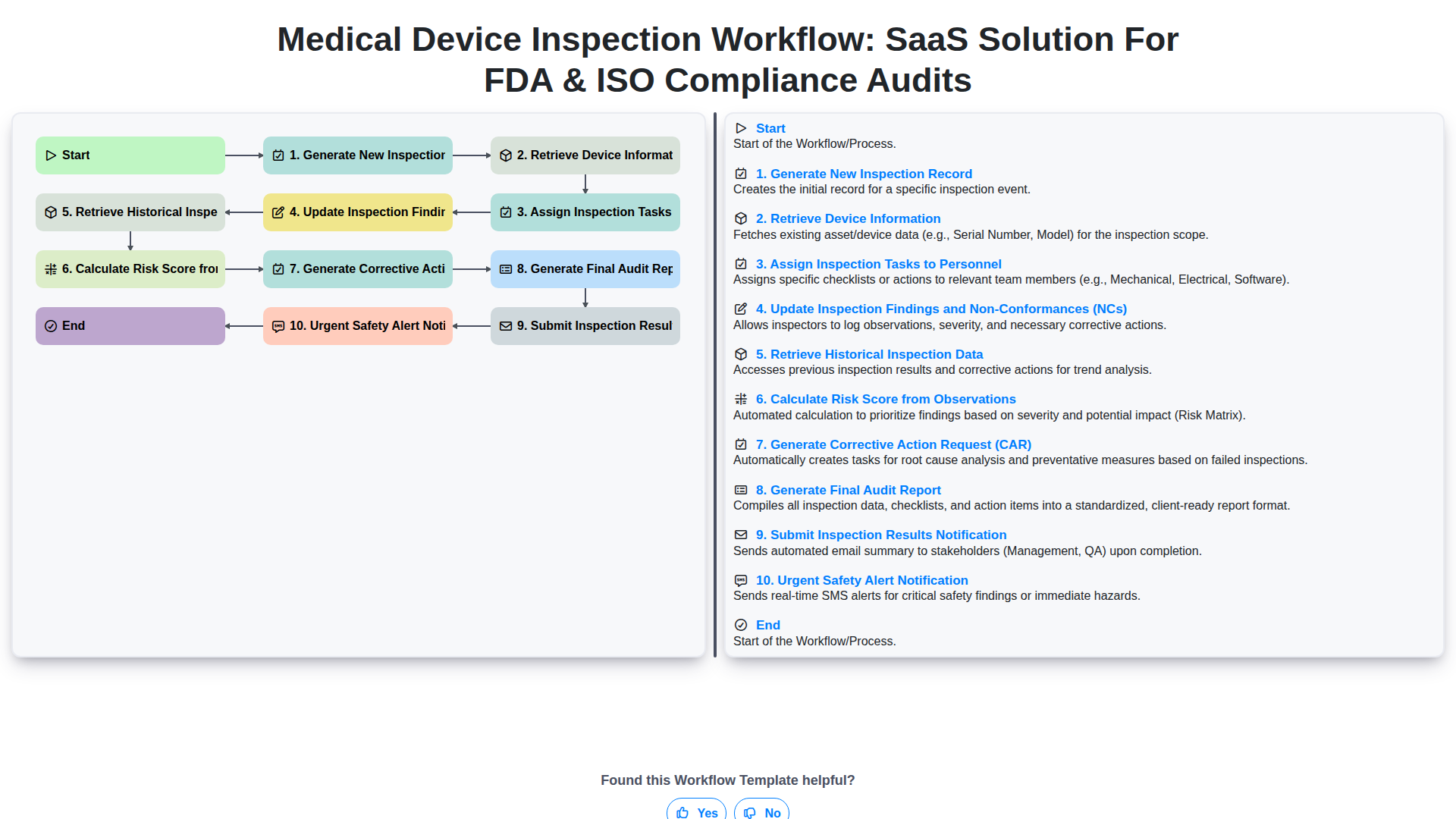
Medical Device Inspection Workflow: SaaS Solution for FDA & ISO Compliance Audits
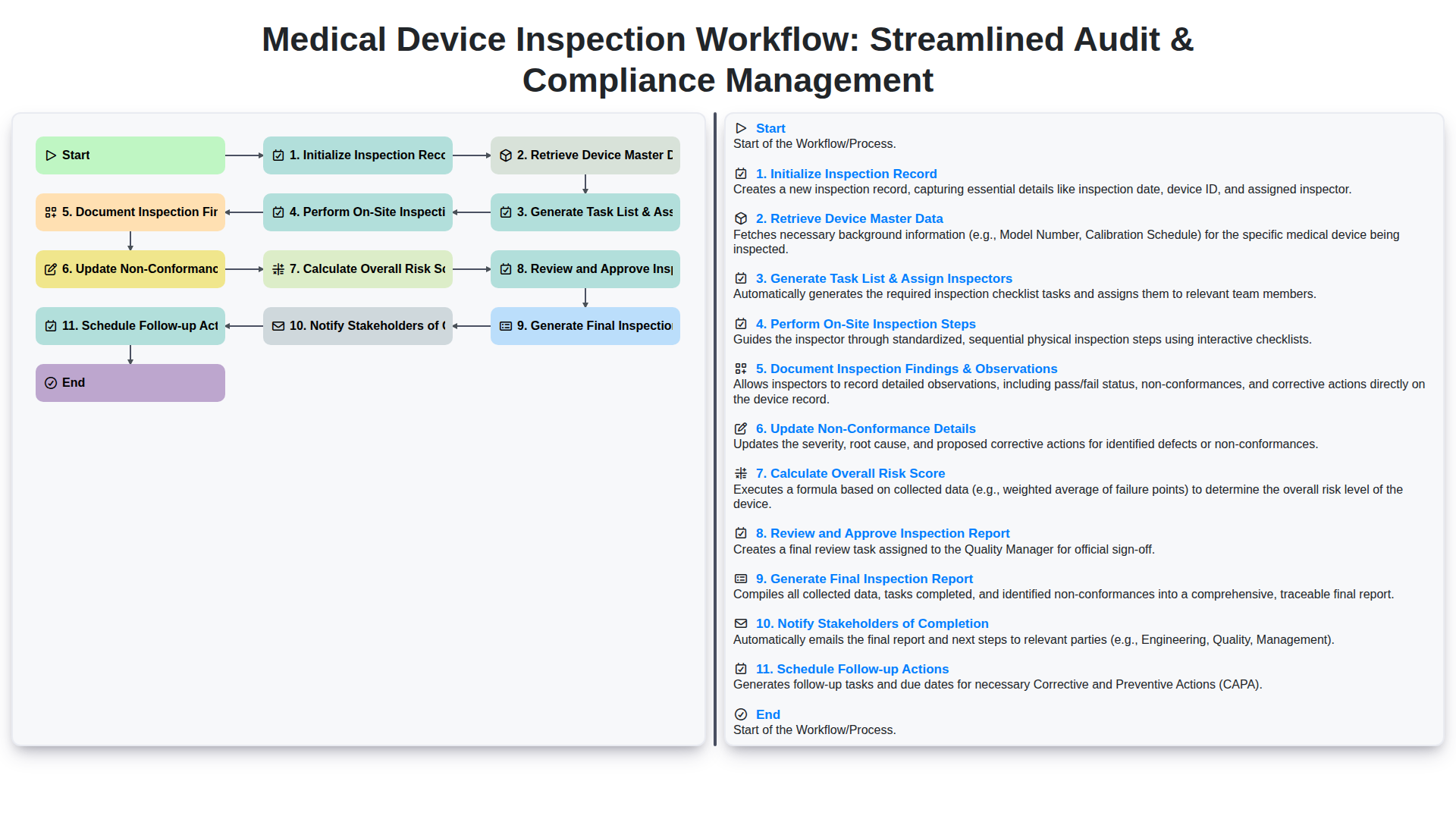
Medical Device Inspection Workflow: Streamlined Audit & Compliance Management
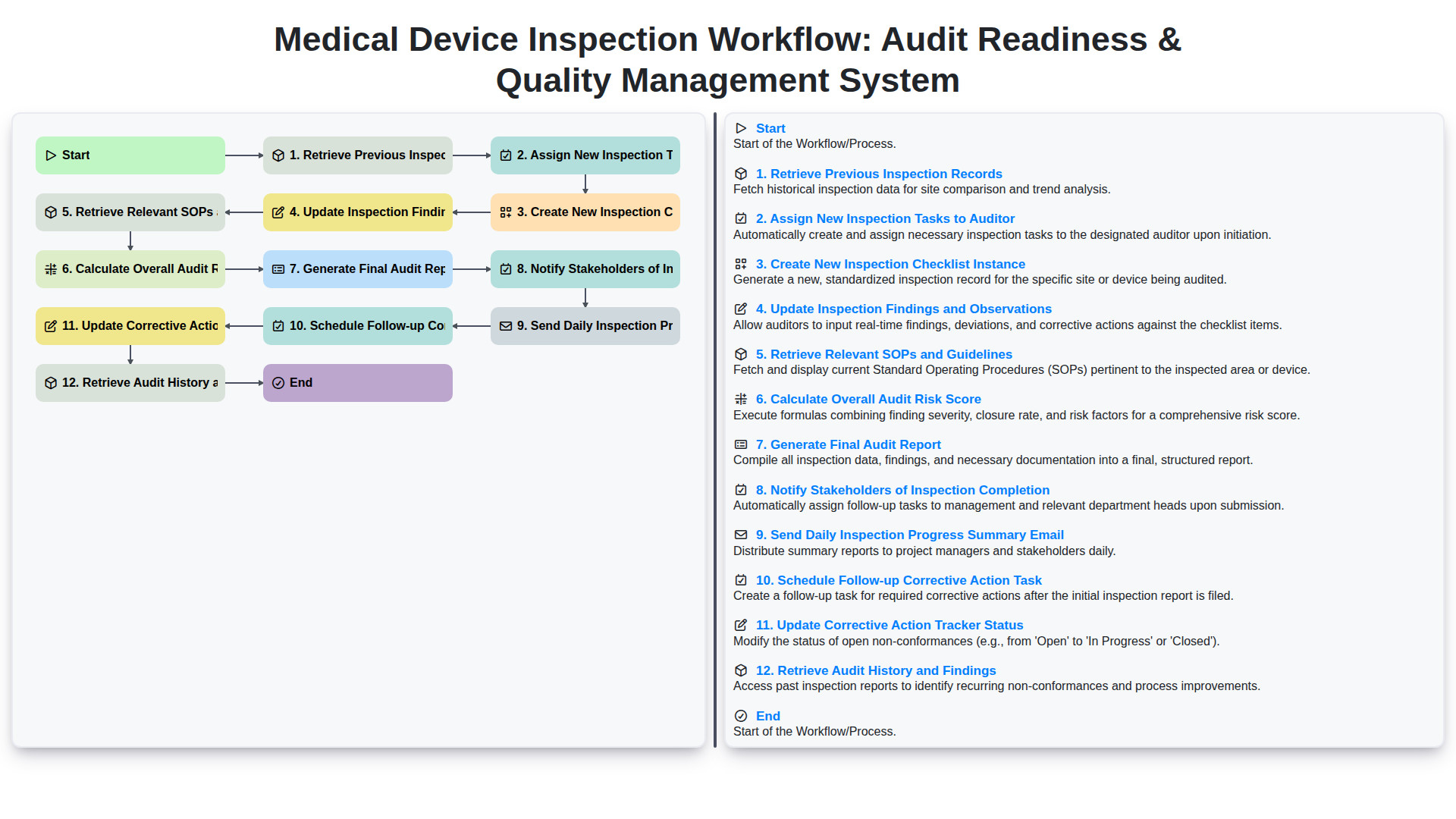
Medical Device Inspection Workflow: Audit Readiness & Quality Management System
We can do it Together
Need help with
Inspection Management?
Have a question? We're here to help. Please submit your inquiry, and we'll respond promptly.