 ChecklistGuro
 Digital Inspection Workflow Automation for Enhanced Quality Control
Transform your inspections from paper-heavy bottlenecks to seamless digital precision. Our Digital Inspection Workflow Automation for Enhanced Quality Control guide walks you through implementing an intelligent, automated system for your entire inspection process. Minimize errors, accelerate sign-offs, and boost compliance with best-in-class, industry-specific workflows designed to keep your quality control running flawlessly, every time.
This Template was installed 1 times.
Start
Start of the Workflow/Process.
1. Get Inspection Details
Retrieve baseline inspection data (e.g., asset ID, location) using specific filters.
2. Retrieve Checklist Data
Fetch predefined inspection checklist items and required fields for the specific inspection type.
3. Assign Initial Inspection Task
Automatically create the primary task for the inspector, setting due dates and ownership.
4. Notify Supervisor of Inspection Start
Create a follow-up task for the supervisor to monitor the inspection progress.
5. Record Inspection Findings
Allow the inspector to create a new entry for each checklist item, logging observations and pass/fail status.
6. Update Asset Status Post-Inspection
Update the master data model record to reflect the overall pass/fail status of the inspected asset.
7. Calculate Overall Compliance Score
Execute a formula to determine a final compliance percentage based on all recorded findings.
8. Send Inspection Completion Email
Send a summary email to stakeholders upon successful workflow completion, including initial report data.
9. Generate Final Inspection Report
Compile all gathered data entries, calculations, and checklists into a structured, immutable PDF report.
10. Alert Management of Critical Failure
Send an immediate SMS alert to management if any mandatory critical check fails during the inspection.
End
End of the Workflow/Process.
Start of the Workflow/Process.
Retrieve baseline inspection data (e.g., asset ID, location) using specific filters.
Fetch predefined inspection checklist items and required fields for the specific inspection type.
Automatically create the primary task for the inspector, setting due dates and ownership.
Create a follow-up task for the supervisor to monitor the inspection progress.
Allow the inspector to create a new entry for each checklist item, logging observations and pass/fail status.
Update the master data model record to reflect the overall pass/fail status of the inspected asset.
Execute a formula to determine a final compliance percentage based on all recorded findings.
Send a summary email to stakeholders upon successful workflow completion, including initial report data.
Compile all gathered data entries, calculations, and checklists into a structured, immutable PDF report.
Send an immediate SMS alert to management if any mandatory critical check fails during the inspection.
End of the Workflow/Process.
Frequently Asked Questions
Comments
There are no comments yet. Be the first to add one!
Audit/Inspection Management Solution Demo
Ensure compliance & improve performance! ChecklistGuro streamlines audit/inspection creation, execution, and reporting. Reduce risk, enhance quality, & maintain consistency. Manage it all with our Work OS.
Related Workflow Templates
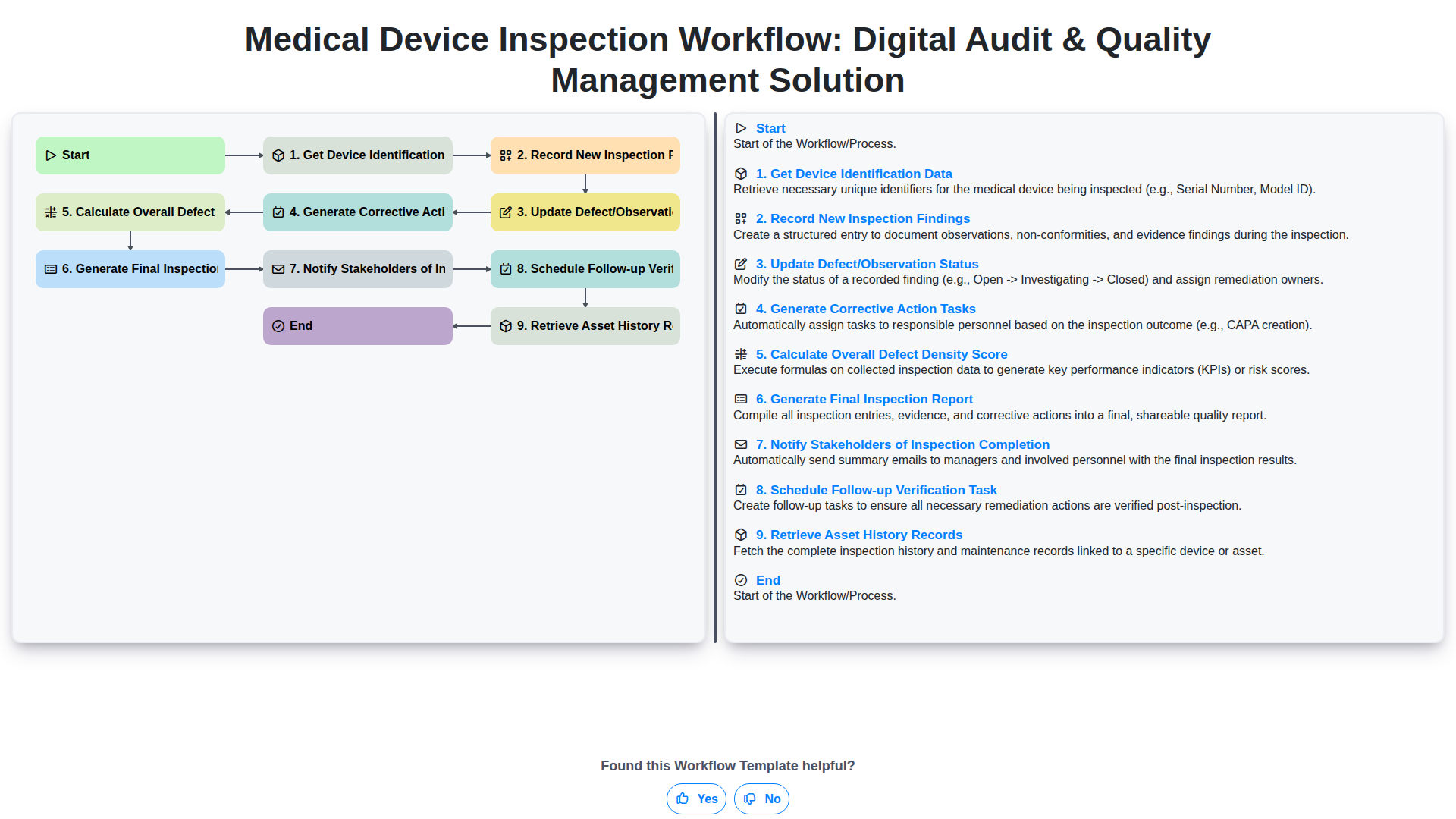
Medical Device Inspection Workflow: Digital Audit & Quality Management Solution
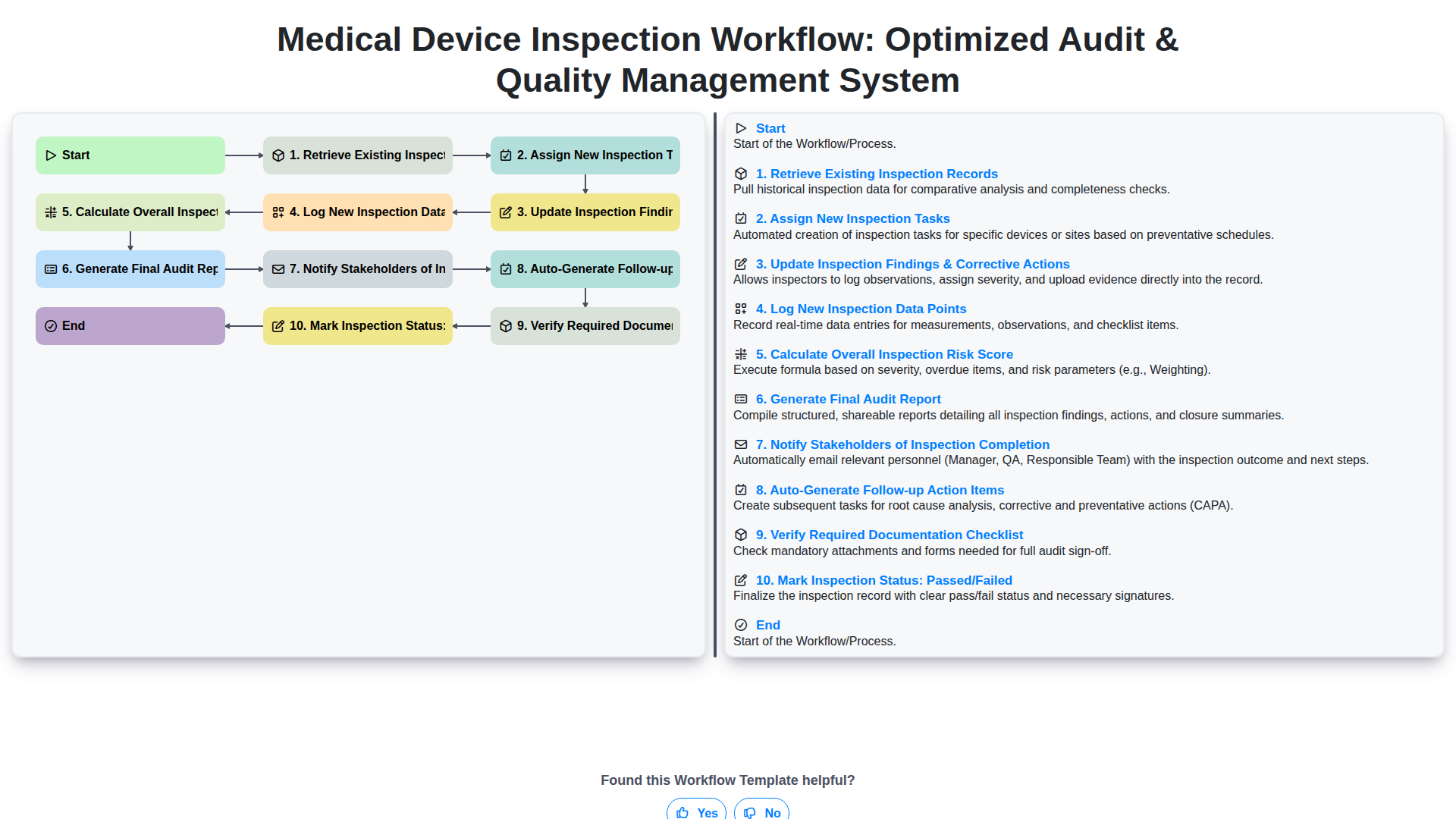
Medical Device Inspection Workflow: Optimized Audit & Quality Management System
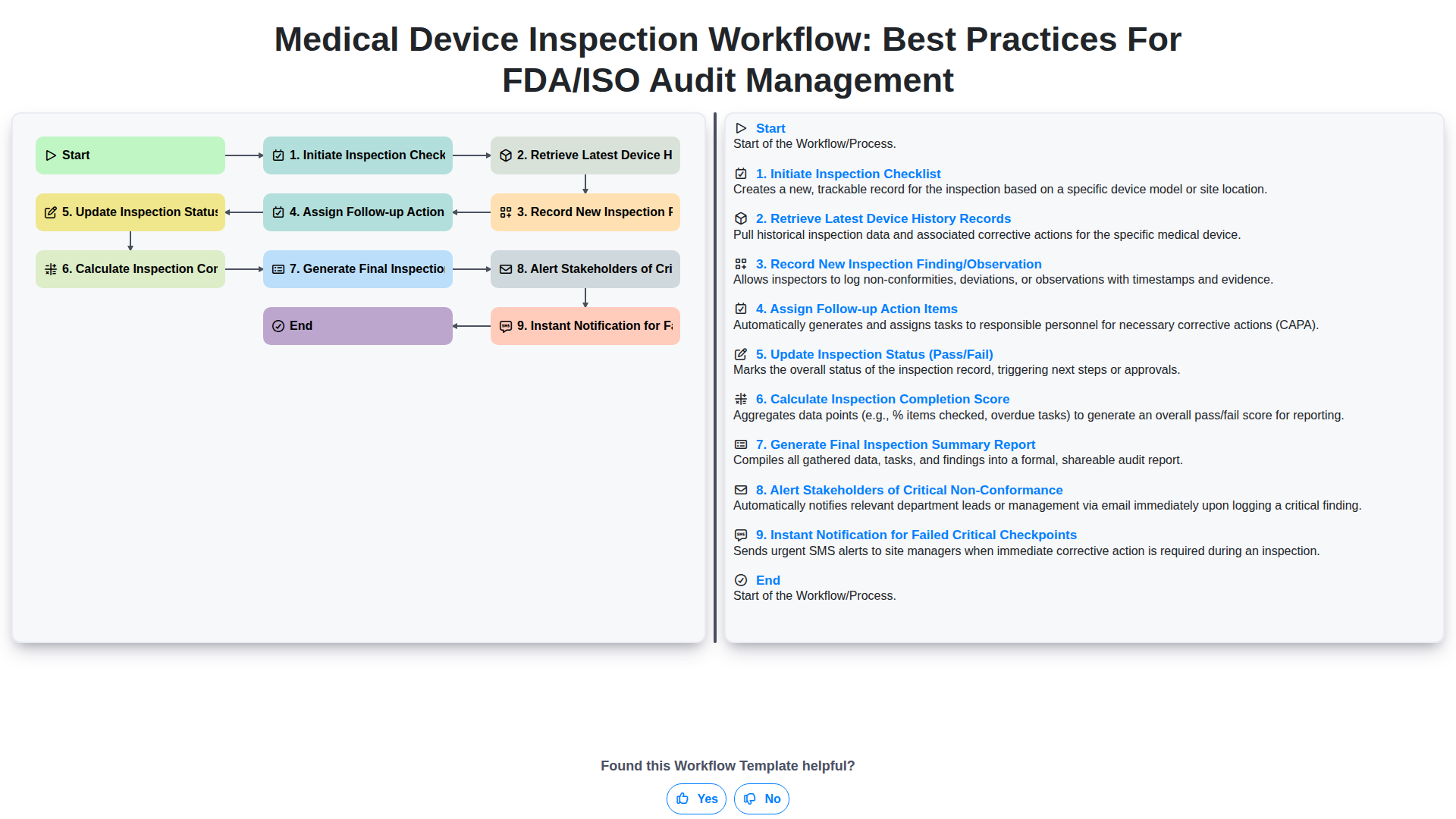
Medical Device Inspection Workflow: Best Practices for FDA/ISO Audit Management
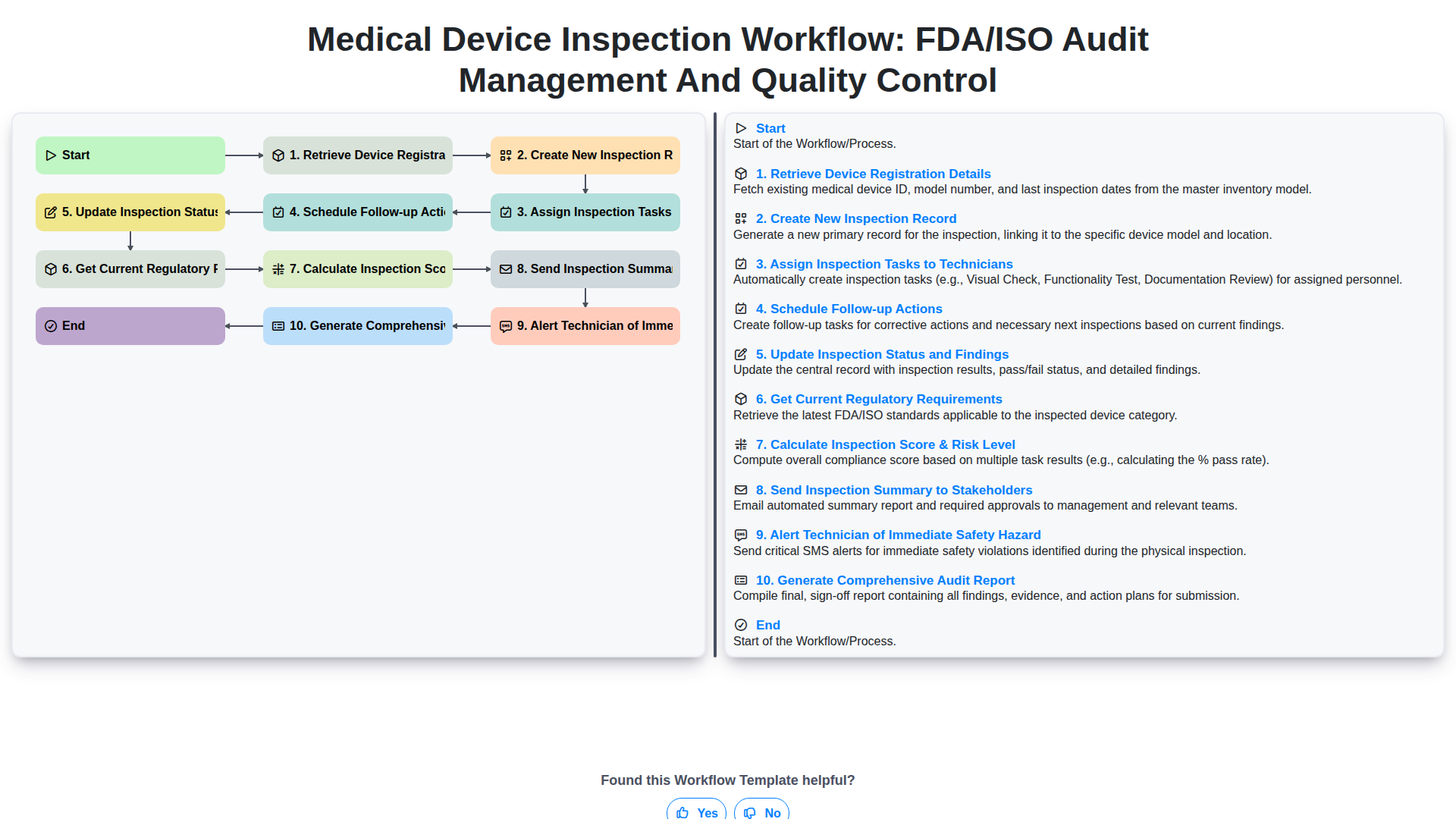
Medical Device Inspection Workflow: FDA/ISO Audit Management and Quality Control
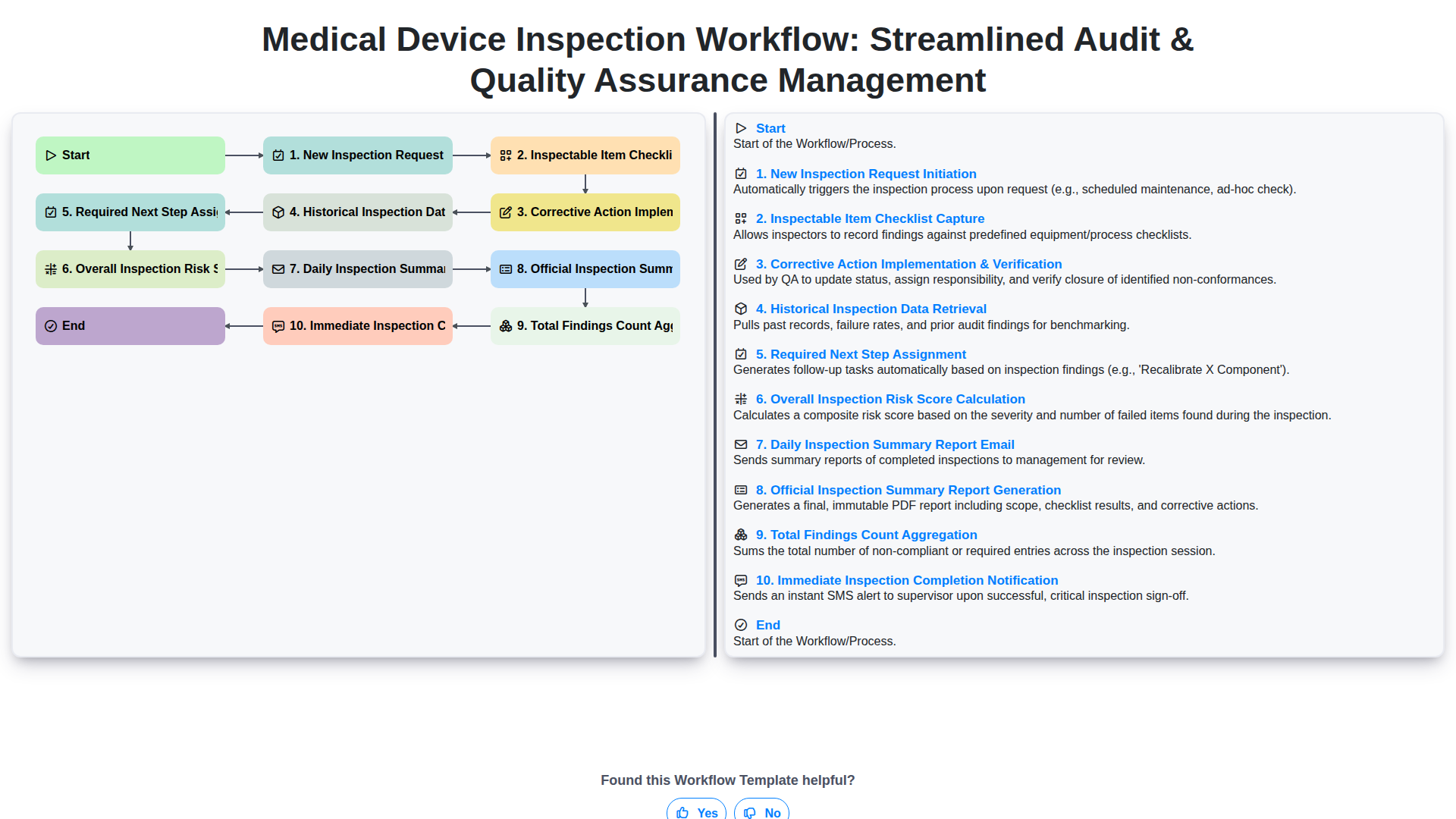
Medical Device Inspection Workflow: Streamlined Audit & Quality Assurance Management
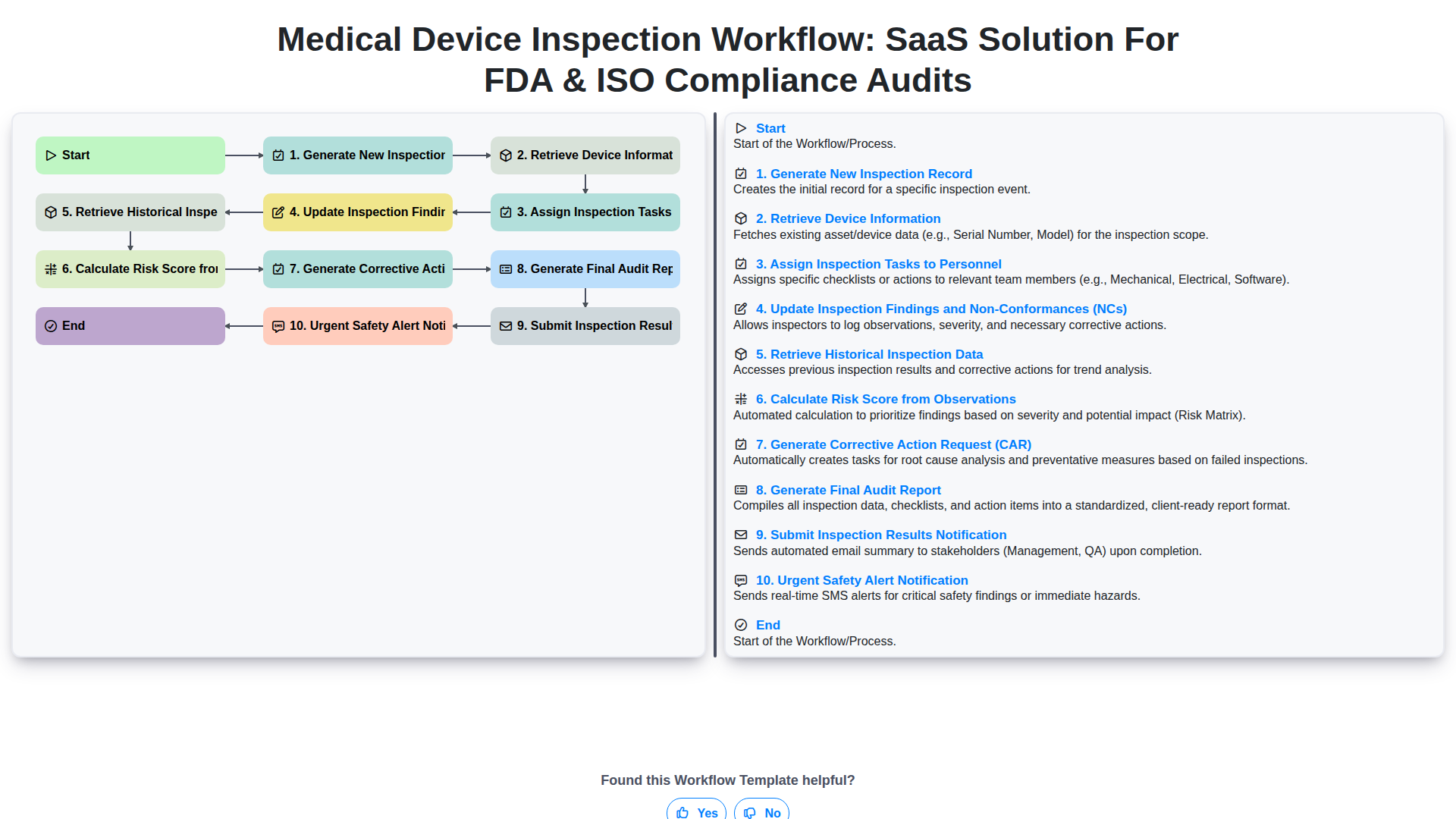
Medical Device Inspection Workflow: SaaS Solution for FDA & ISO Compliance Audits
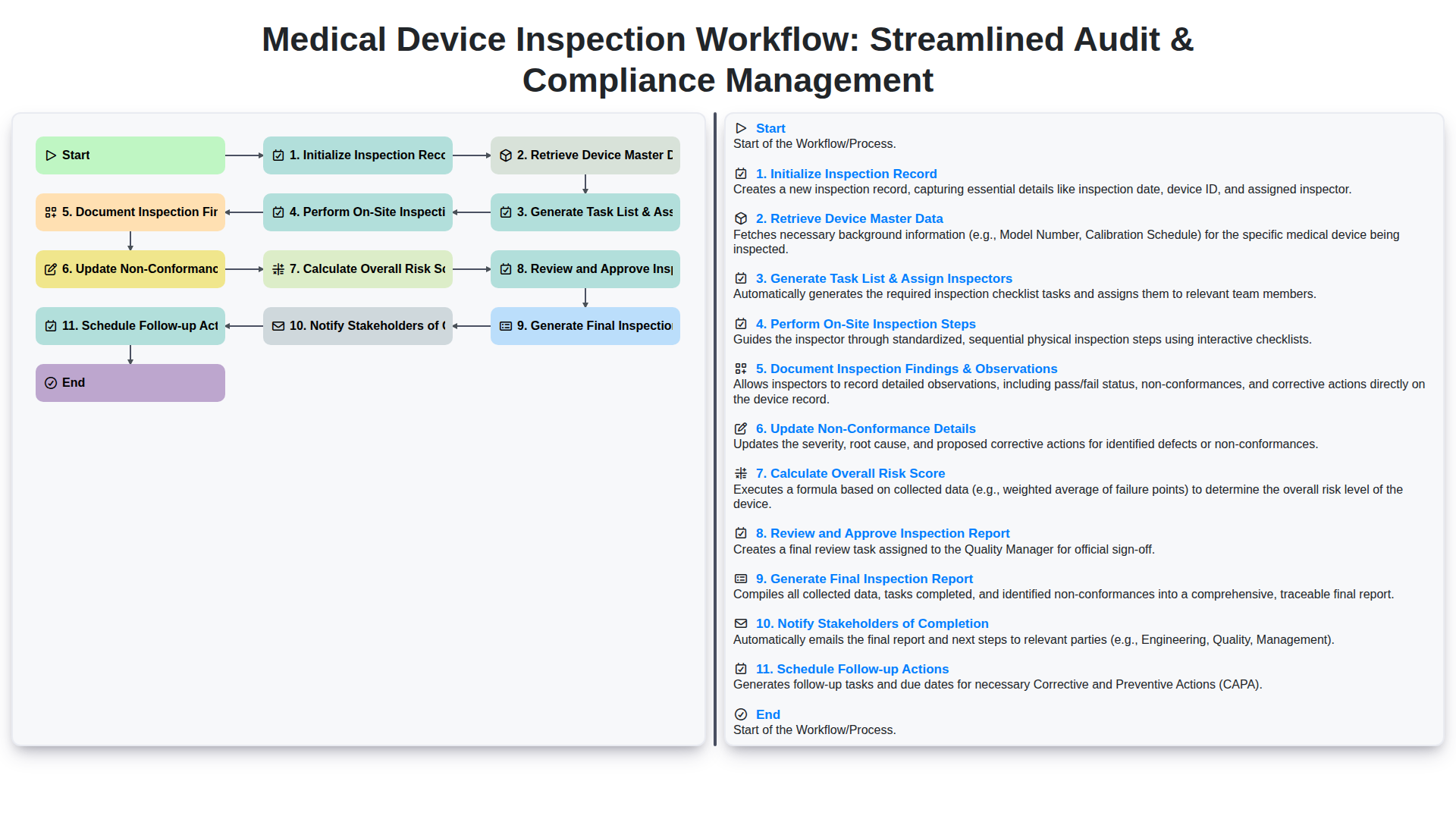
Medical Device Inspection Workflow: Streamlined Audit & Compliance Management
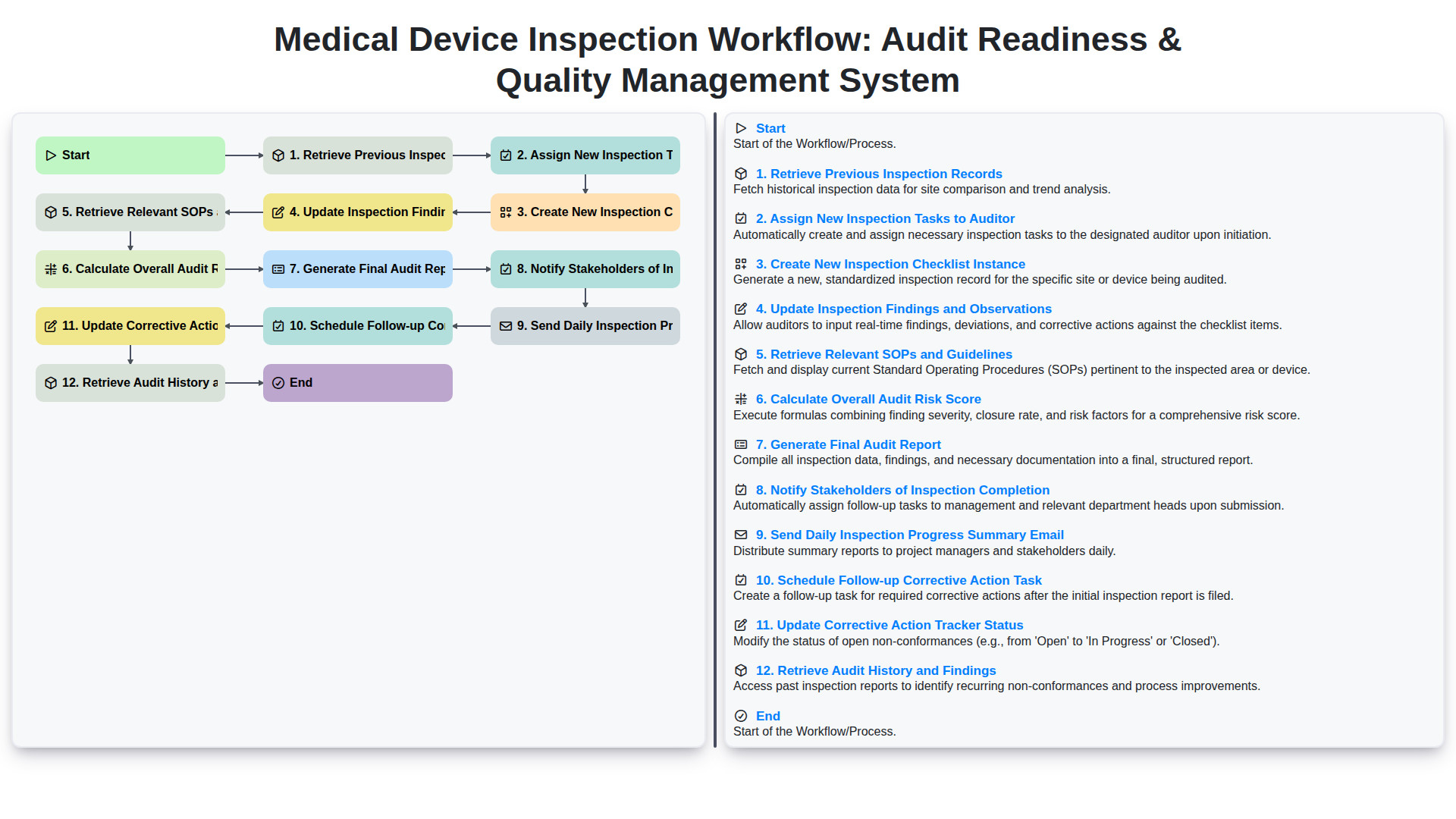
Medical Device Inspection Workflow: Audit Readiness & Quality Management System
We can do it Together
Need help with
Inspection Management?
Have a question? We're here to help. Please submit your inquiry, and we'll respond promptly.