 ChecklistGuro
 OSHA Safety Inspection Workflow: Digital Compliance & Incident Reporting
Streamline OSHA Safety Inspections with our comprehensive workflow. Digitize compliance, eliminate paperwork, and automate incident reporting for proactive workplace safety. Ensure adherence to OSHA standards easily on your Work OS platform.
This Template was installed 5 times.
Start
Start of the Workflow/Process.
1. Assign Initial Inspection Task
Creates the primary inspection task assigned to the relevant field user.
2. Retrieve Site Safety Data Model
Fetches pre-existing site information, records, and checklist data for the current location.
3. Record New Inspection Findings
Creates a new entry capturing observations, deficiencies, and immediate corrective actions taken during the inspection.
4. Generate Follow-up Action Task
Automatically creates necessary follow-up tasks for deficiencies found, assigning ownership and due dates.
5. Update Deficiency Status
Allows supervisors to update the status of reported safety items (Open, In Progress, Closed).
6. Fetch Historical Safety Records
Retrieves past inspection data for trend analysis and comparison against current findings.
7. Notify Safety Manager of Critical Findings
Sends immediate email alerts to management when high-severity safety violations are logged.
8. Calculate Total Items Inspected
Aggregates the count of completed checklist items for overall scope tracking.
9. Schedule Review Meeting
Creates a mandatory task for a debriefing meeting with stakeholders after inspection completion.
10. Generate Final Safety Inspection Report
Compiles all collected data (findings, actions, photos) into a comprehensive, shareable compliance report.
End
End of the Workflow/Process.
Start of the Workflow/Process.
Creates the primary inspection task assigned to the relevant field user.
Fetches pre-existing site information, records, and checklist data for the current location.
Creates a new entry capturing observations, deficiencies, and immediate corrective actions taken during the inspection.
Automatically creates necessary follow-up tasks for deficiencies found, assigning ownership and due dates.
Allows supervisors to update the status of reported safety items (Open, In Progress, Closed).
Retrieves past inspection data for trend analysis and comparison against current findings.
Sends immediate email alerts to management when high-severity safety violations are logged.
Aggregates the count of completed checklist items for overall scope tracking.
Creates a mandatory task for a debriefing meeting with stakeholders after inspection completion.
Compiles all collected data (findings, actions, photos) into a comprehensive, shareable compliance report.
End of the Workflow/Process.
Frequently Asked Questions
Comments
There are no comments yet. Be the first to add one!
Audit/Inspection Management Solution Demo
Ensure compliance & improve performance! ChecklistGuro streamlines audit/inspection creation, execution, and reporting. Reduce risk, enhance quality, & maintain consistency. Manage it all with our Work OS.
Related Workflow Templates
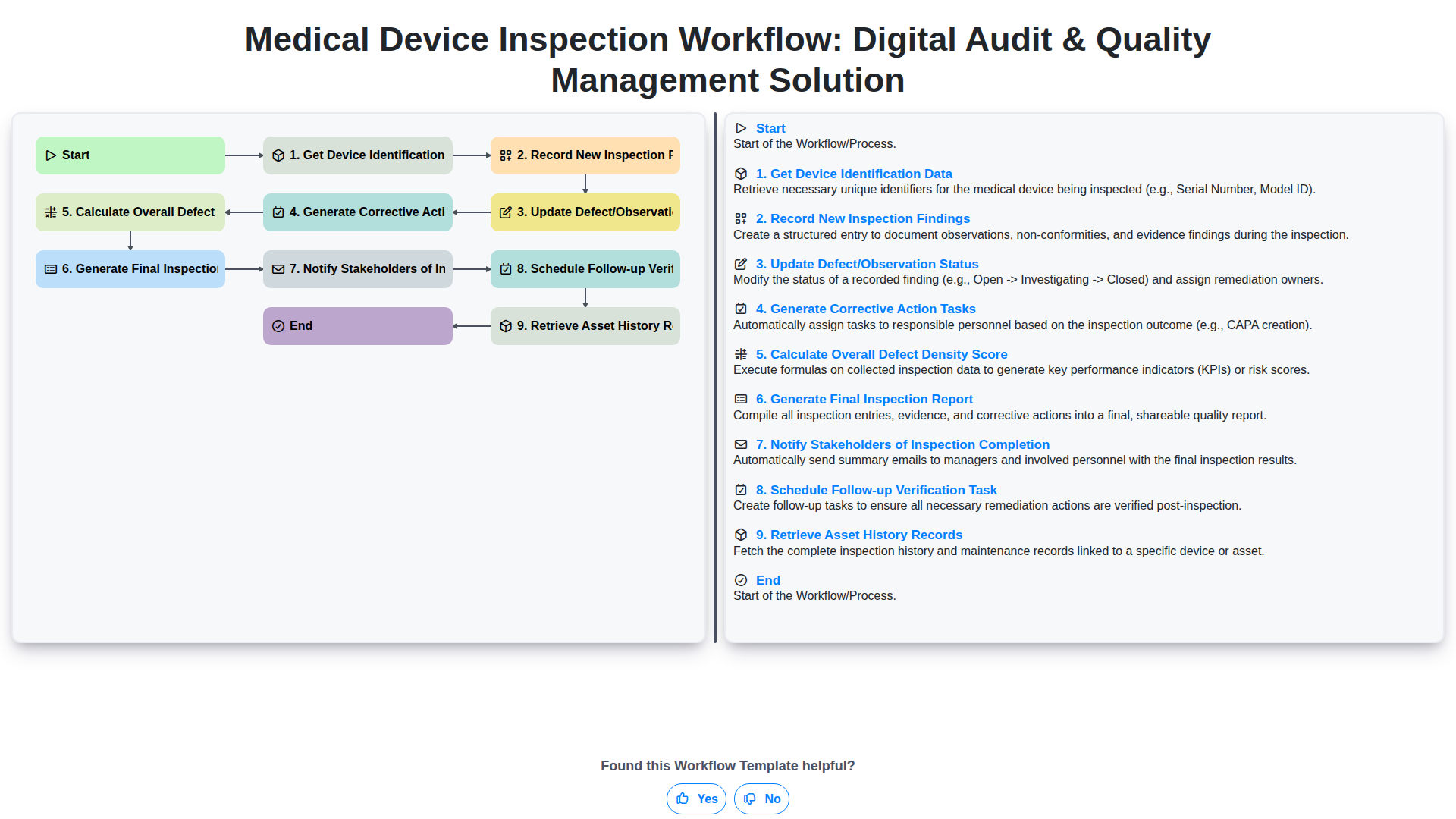
Medical Device Inspection Workflow: Digital Audit & Quality Management Solution
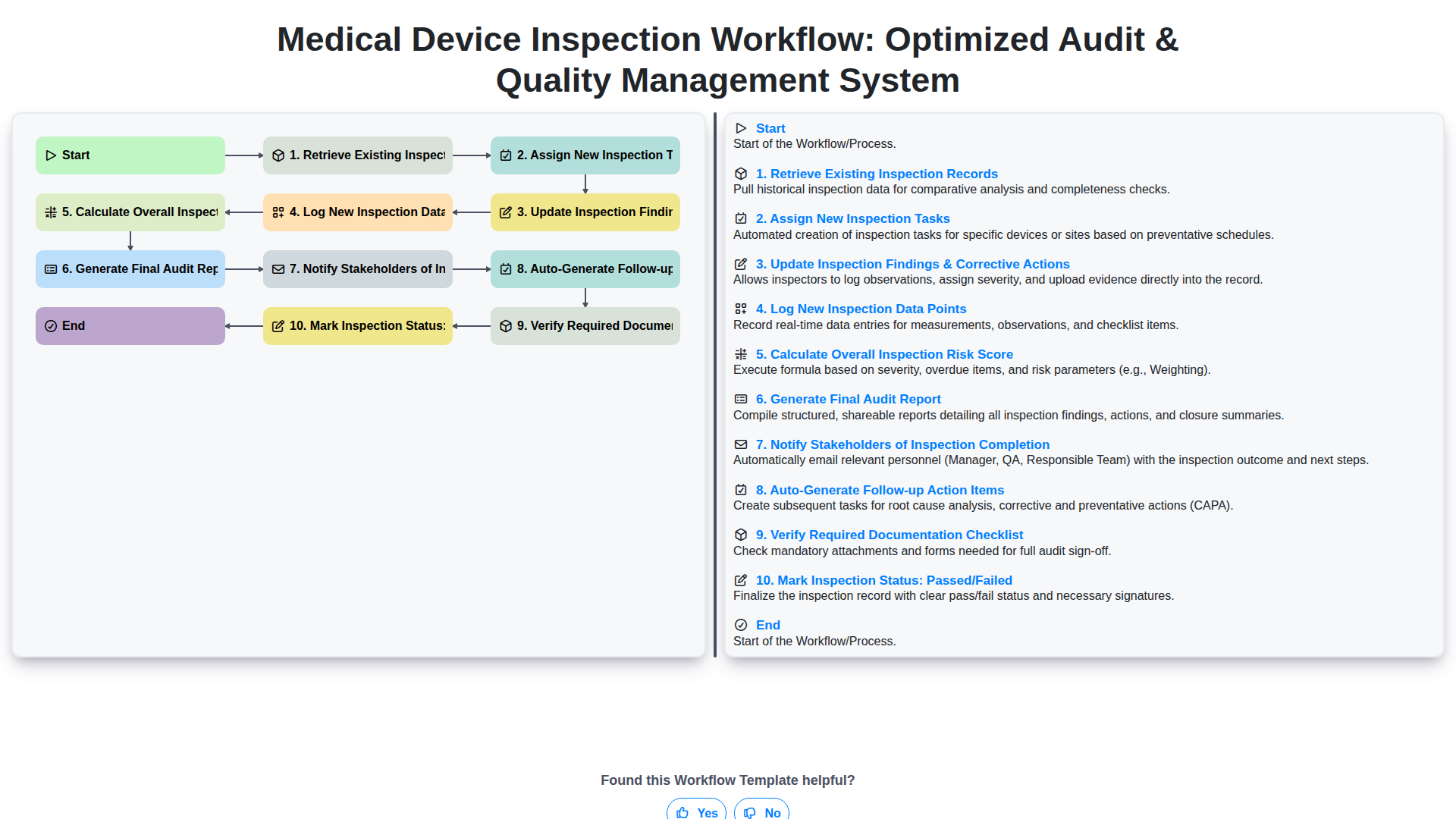
Medical Device Inspection Workflow: Optimized Audit & Quality Management System
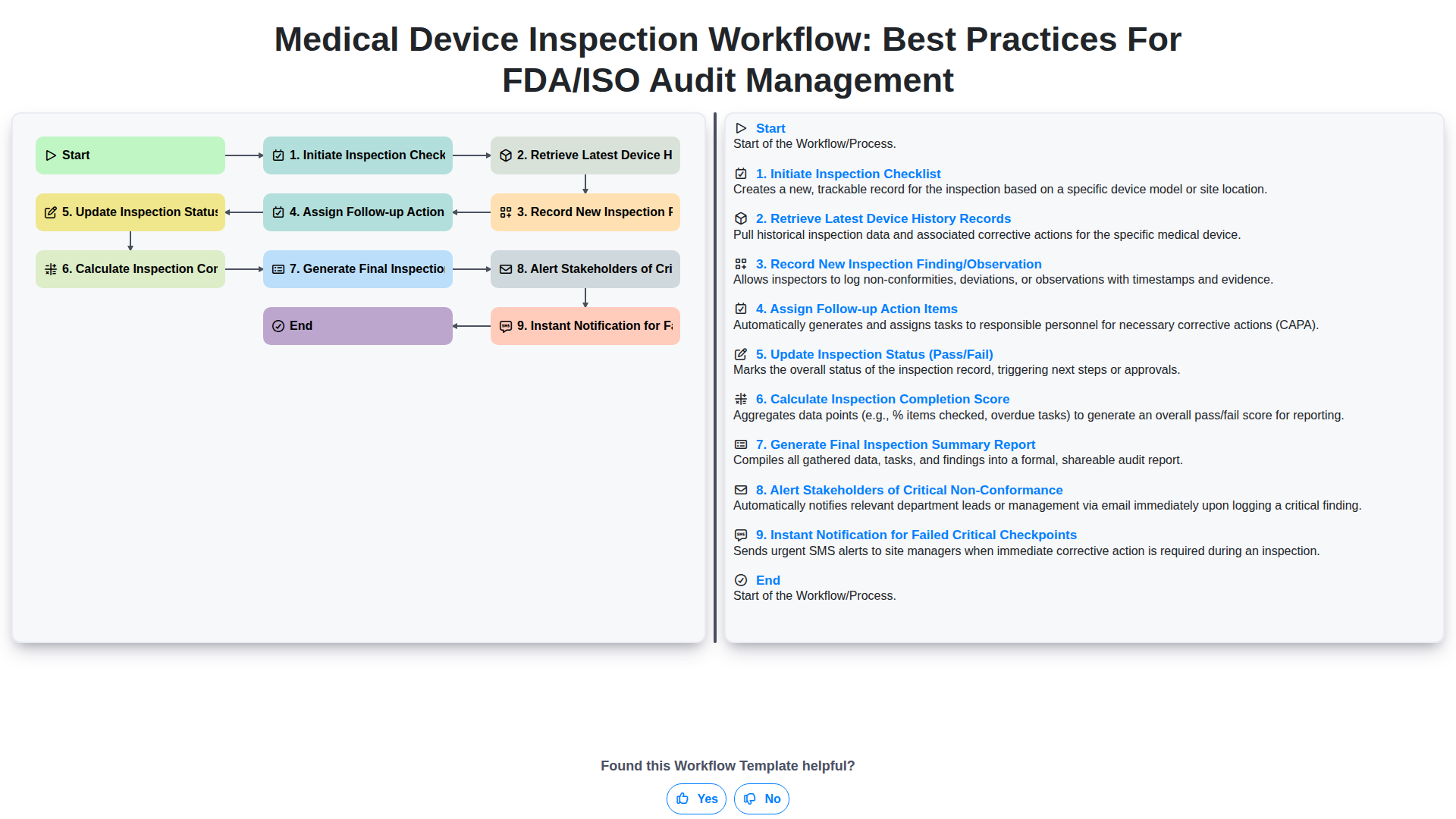
Medical Device Inspection Workflow: Best Practices for FDA/ISO Audit Management
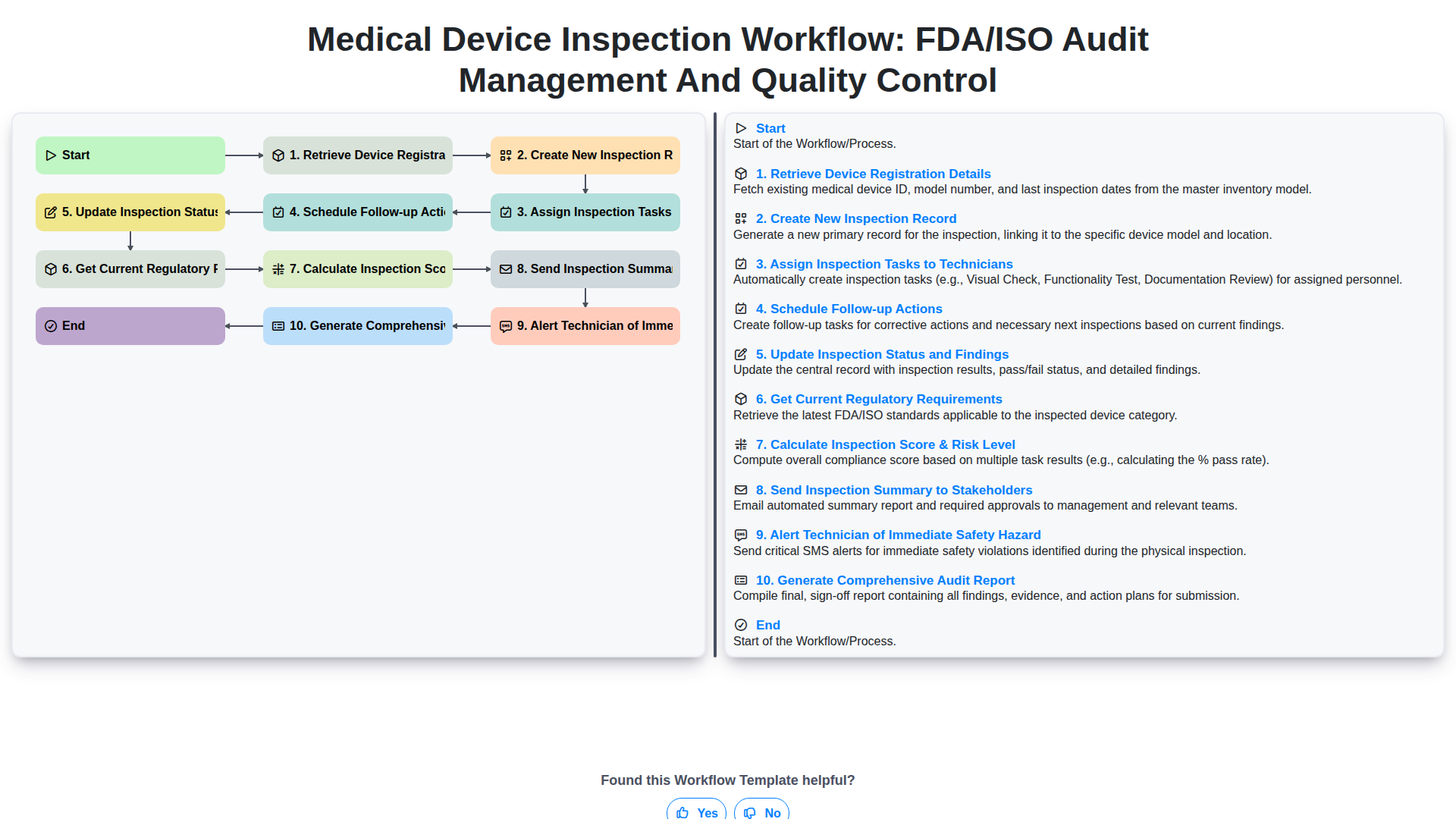
Medical Device Inspection Workflow: FDA/ISO Audit Management and Quality Control
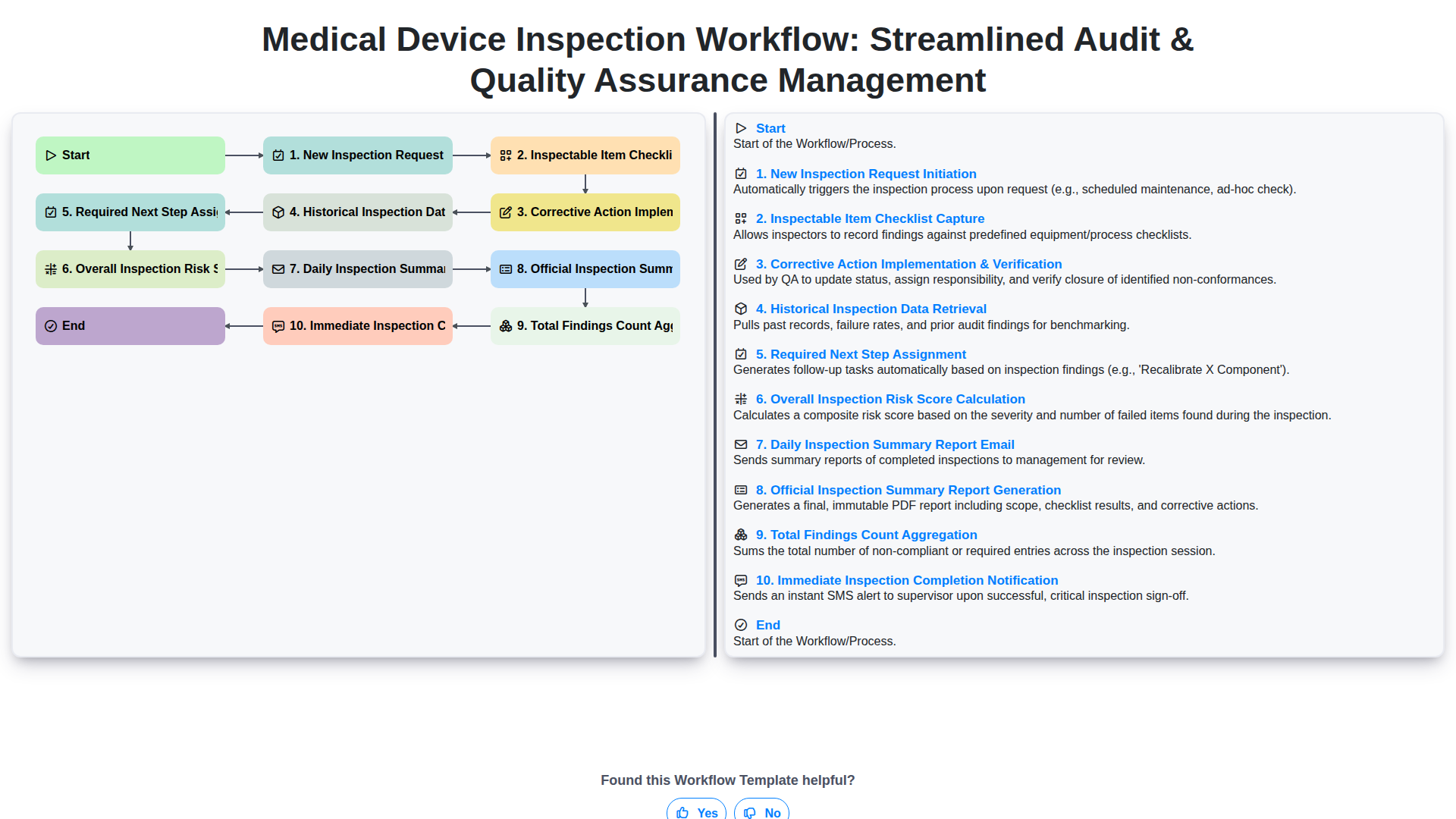
Medical Device Inspection Workflow: Streamlined Audit & Quality Assurance Management
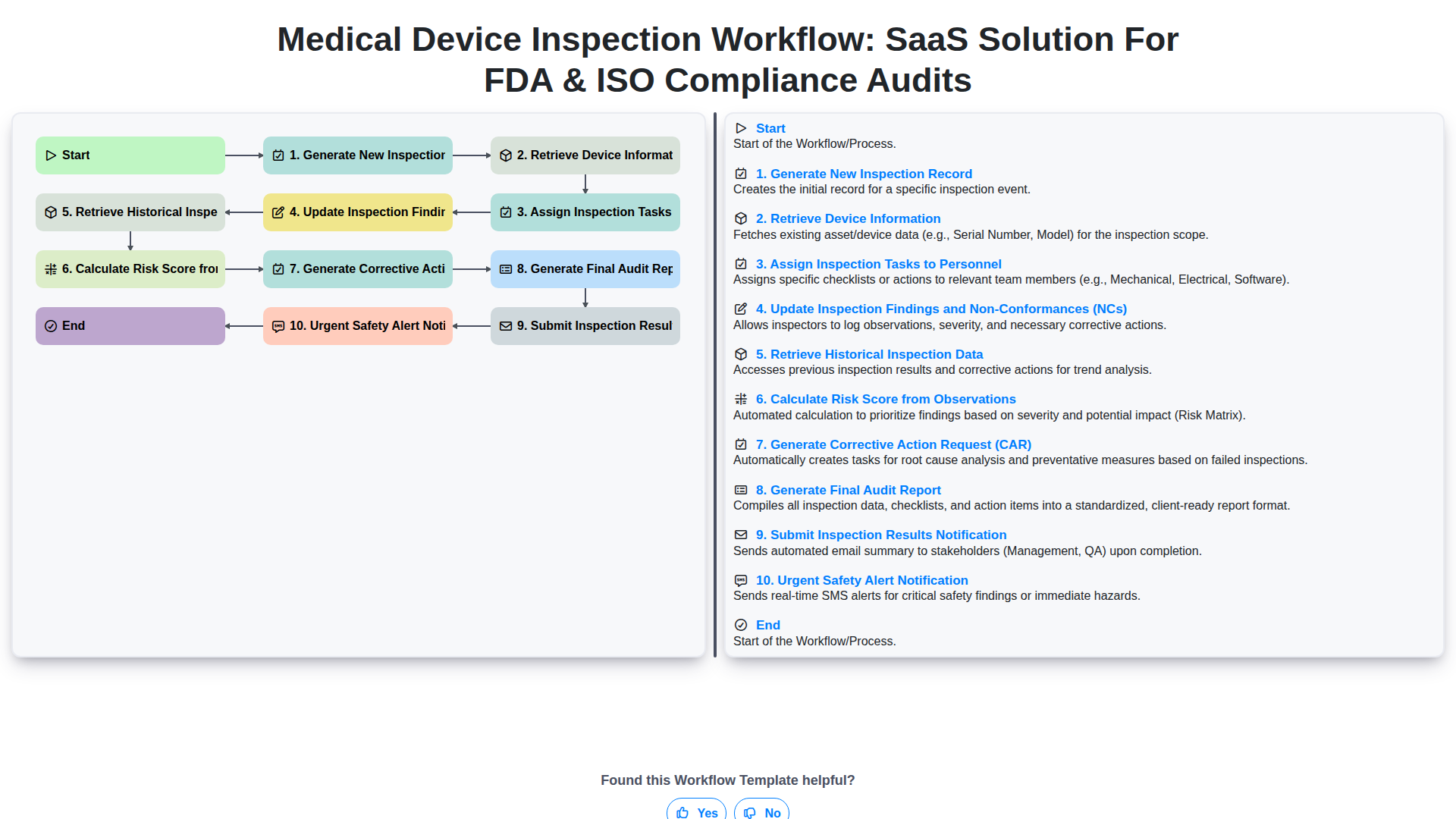
Medical Device Inspection Workflow: SaaS Solution for FDA & ISO Compliance Audits
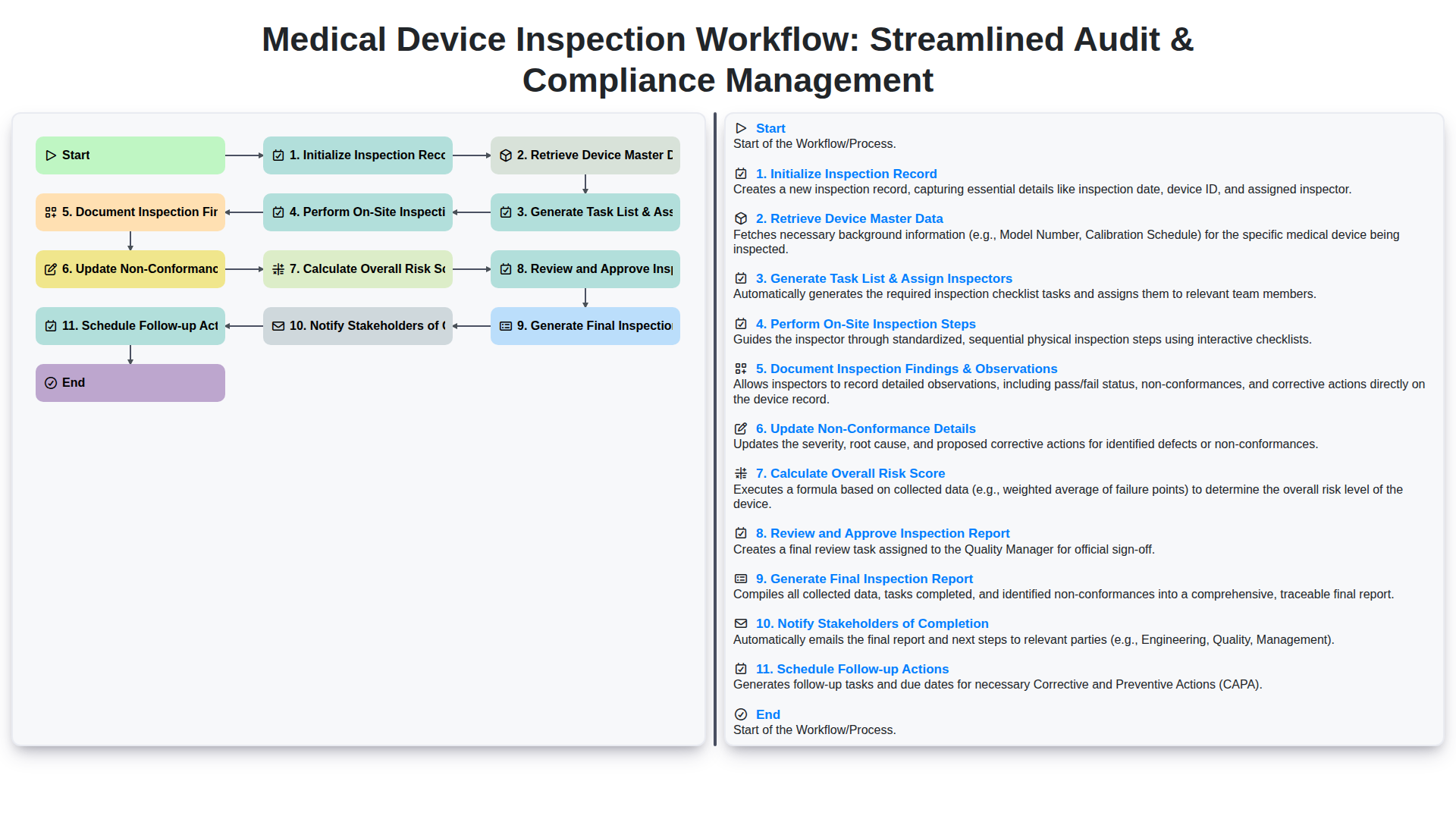
Medical Device Inspection Workflow: Streamlined Audit & Compliance Management
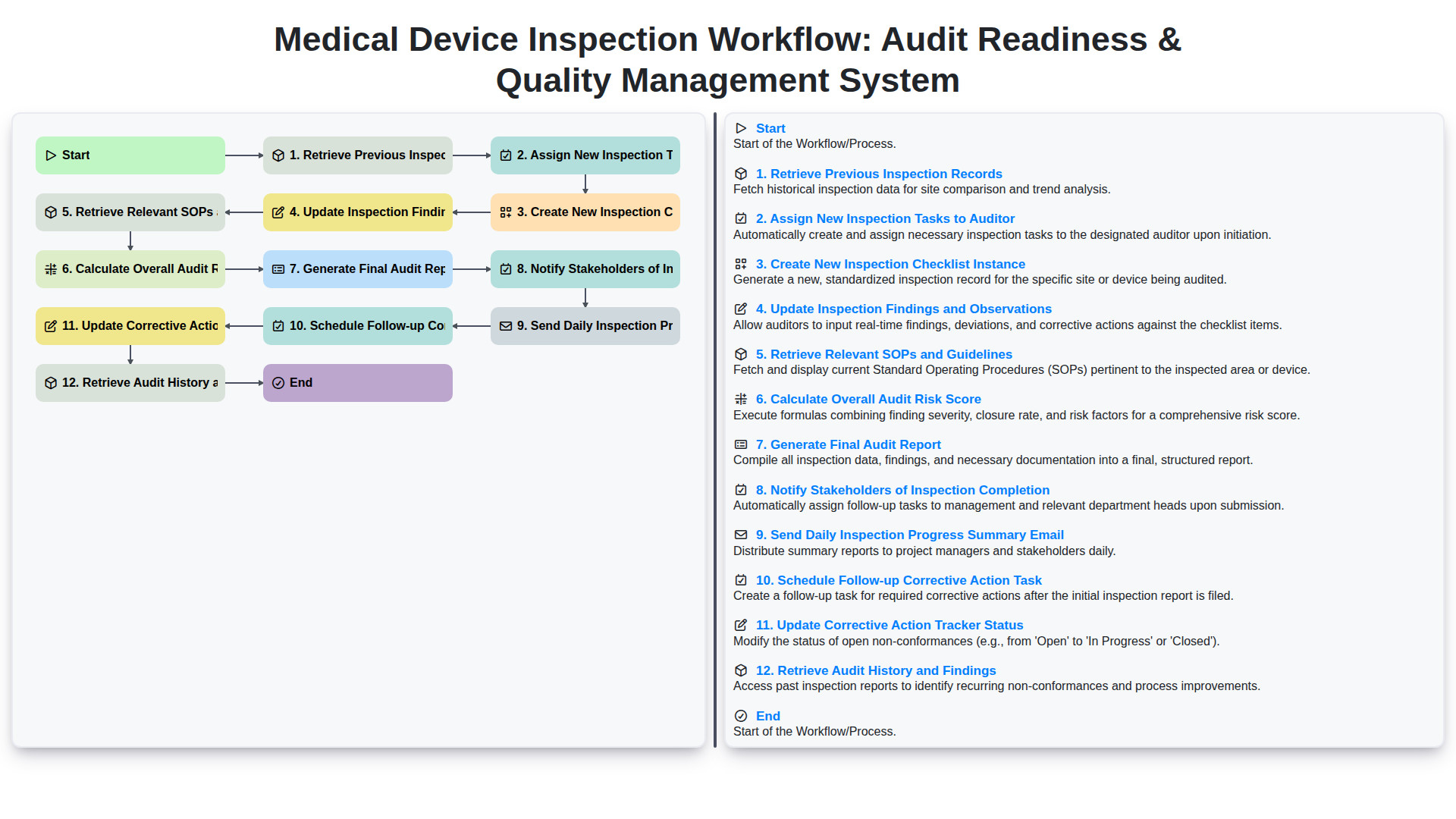
Medical Device Inspection Workflow: Audit Readiness & Quality Management System
We can do it Together
Need help with
Inspection Management?
Have a question? We're here to help. Please submit your inquiry, and we'll respond promptly.