 ChecklistGuro
 Automated Freight Forwarding Workflow
Streamline your supply chain with our Automated Freight Forwarding Workflow. Eliminate manual errors, optimize shipment tracking, and accelerate customs documentation with a seamless, end-to-end logistics automation solution designed to boost efficiency and reduce operational costs.
This Template was installed 2 times.
Start
Start of the Workflow/Process.
1. Retrieve Shipment Booking
Fetch the initial shipment request details from the Shipment Data Model.
2. Create Shipment Record
Generate a new entry in the Master Shipment Log based on the booking request.
3. Assign Customs Broker
Create a task for the Compliance Team to review documentation for customs clearance.
4. Update Cargo Status
Update the shipment entry status to 'In Transit' once the carrier confirms pickup.
5. Calculate Total Freight Cost
Execute a formula summing the ocean freight, fuel surcharge, and documentation fees.
6. Fetch Carrier Rates
Retrieve current agreed-upon rates from the Carrier Rate Card data model.
7. Calculate Total Weight per Shipment
Sum the weight properties of all individual line items/packages within the shipment entry.
8. Verify Warehouse Arrival
Create a task for the Warehouse Manager to confirm receipt of goods.
9. Notify Shipper of Departure
Send an automated email to the client containing the Vessel Name and ETA.
10. Update Estimated Time of Arrival (ETA)
Update the shipment entry with the new arrival date provided by the carrier.
11. Alert Driver of Pickup
Send an SMS to the truck driver with the pickup location and reference number.
12. Retrieve Invoice Details
Get all billing-related entries associated with the specific Shipment ID.
13. Calculate Total Payable Amount
Aggregate all pending charges and taxes to determine the final invoice total.
14. Final Documentation Audit
Create a task for the Operations Lead to ensure all Bill of Lading and Commercial Invoices are attached.
15. Generate Shipment Summary Report
Create a PDF report summarizing the completed shipment lifecycle for the client.
16. Cleanup Temporary Drafts
Delete temporary shipment draft entries that were not converted to active shipments.
17. Send Final Invoice to Client
Send the final aggregated billing email to the customer's billing contact.
End
End of the Workflow/Process.
Start of the Workflow/Process.
Fetch the initial shipment request details from the Shipment Data Model.
Generate a new entry in the Master Shipment Log based on the booking request.
Create a task for the Compliance Team to review documentation for customs clearance.
Update the shipment entry status to 'In Transit' once the carrier confirms pickup.
Execute a formula summing the ocean freight, fuel surcharge, and documentation fees.
Retrieve current agreed-upon rates from the Carrier Rate Card data model.
Sum the weight properties of all individual line items/packages within the shipment entry.
Create a task for the Warehouse Manager to confirm receipt of goods.
Send an automated email to the client containing the Vessel Name and ETA.
Update the shipment entry with the new arrival date provided by the carrier.
Send an SMS to the truck driver with the pickup location and reference number.
Get all billing-related entries associated with the specific Shipment ID.
Aggregate all pending charges and taxes to determine the final invoice total.
Create a task for the Operations Lead to ensure all Bill of Lading and Commercial Invoices are attached.
Create a PDF report summarizing the completed shipment lifecycle for the client.
Delete temporary shipment draft entries that were not converted to active shipments.
Send the final aggregated billing email to the customer's billing contact.
End of the Workflow/Process.
Frequently Asked Questions
Comments
There are no comments yet. Be the first to add one!
Logistics Management Solution Demo
Tired of shipping delays, lost packages, and inefficient routes? ChecklistGuro's Work OS platform streamlines your entire logistics operation, from warehouse management and order fulfillment to route optimization and delivery tracking. Gain real-time visibility, reduce costs, and improve customer satisfaction. Learn how ChecklistGuro can transform your logistics business!
Related Workflow Templates
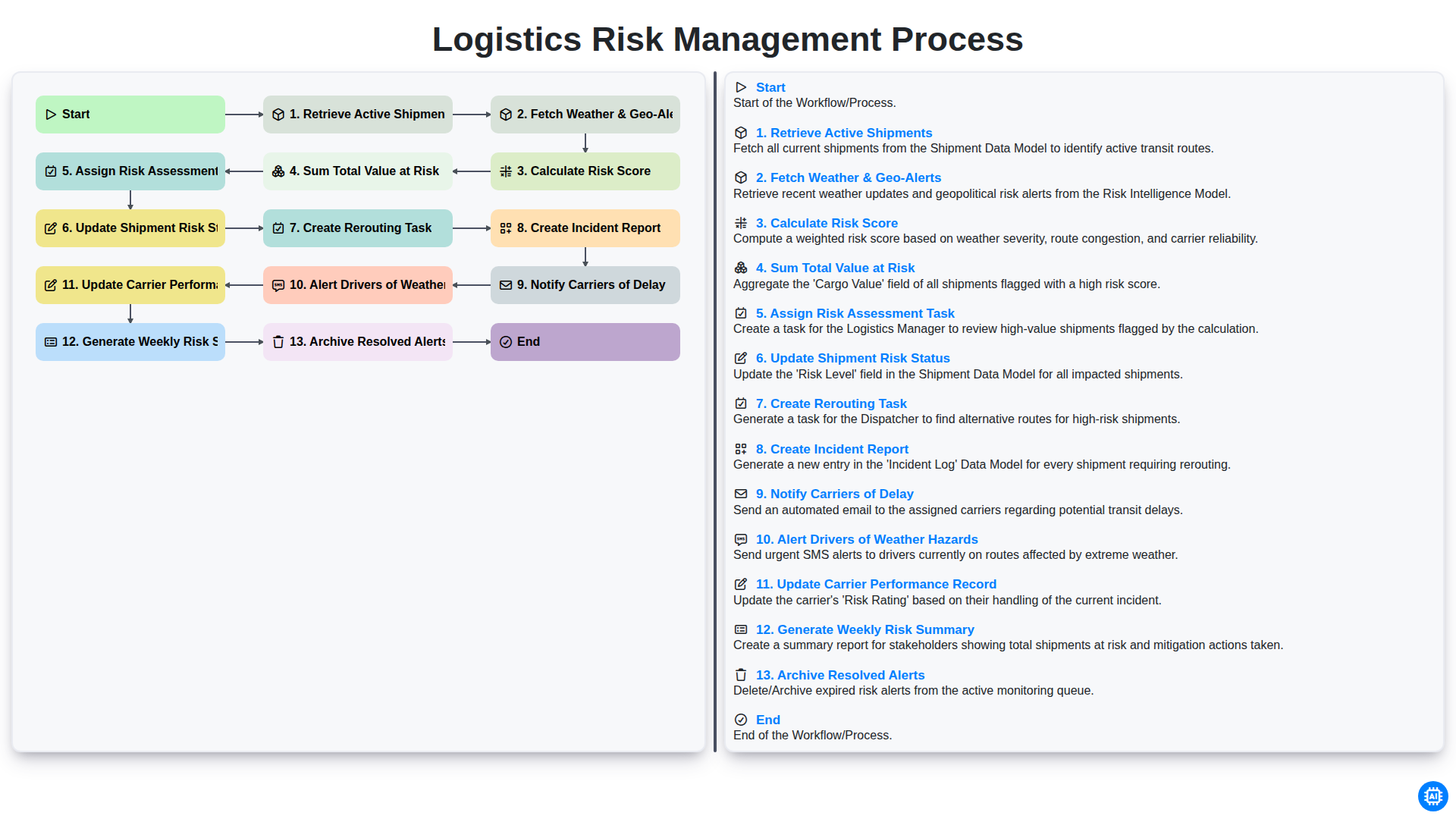
Logistics Risk Management Process
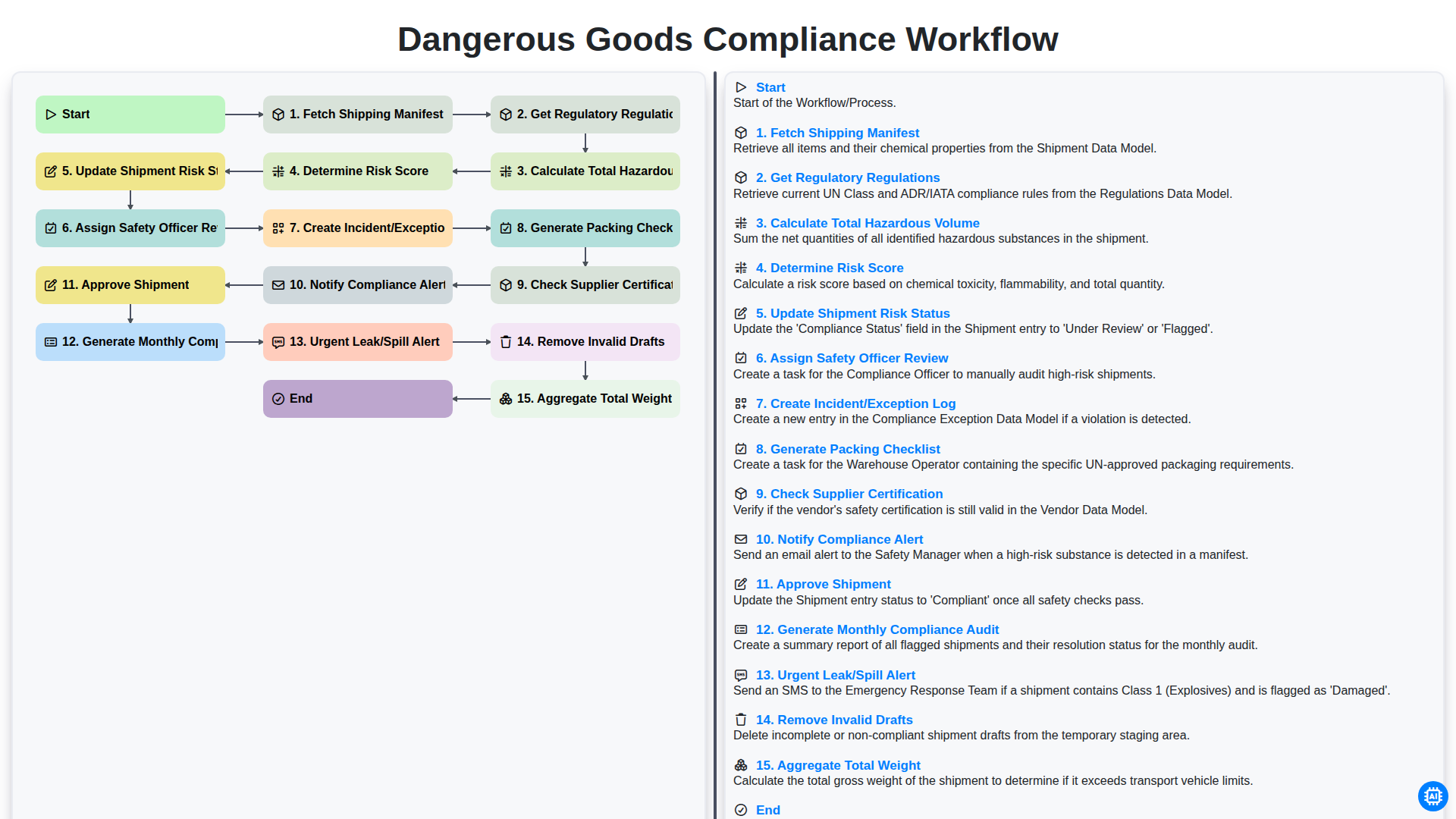
Dangerous Goods Compliance Workflow
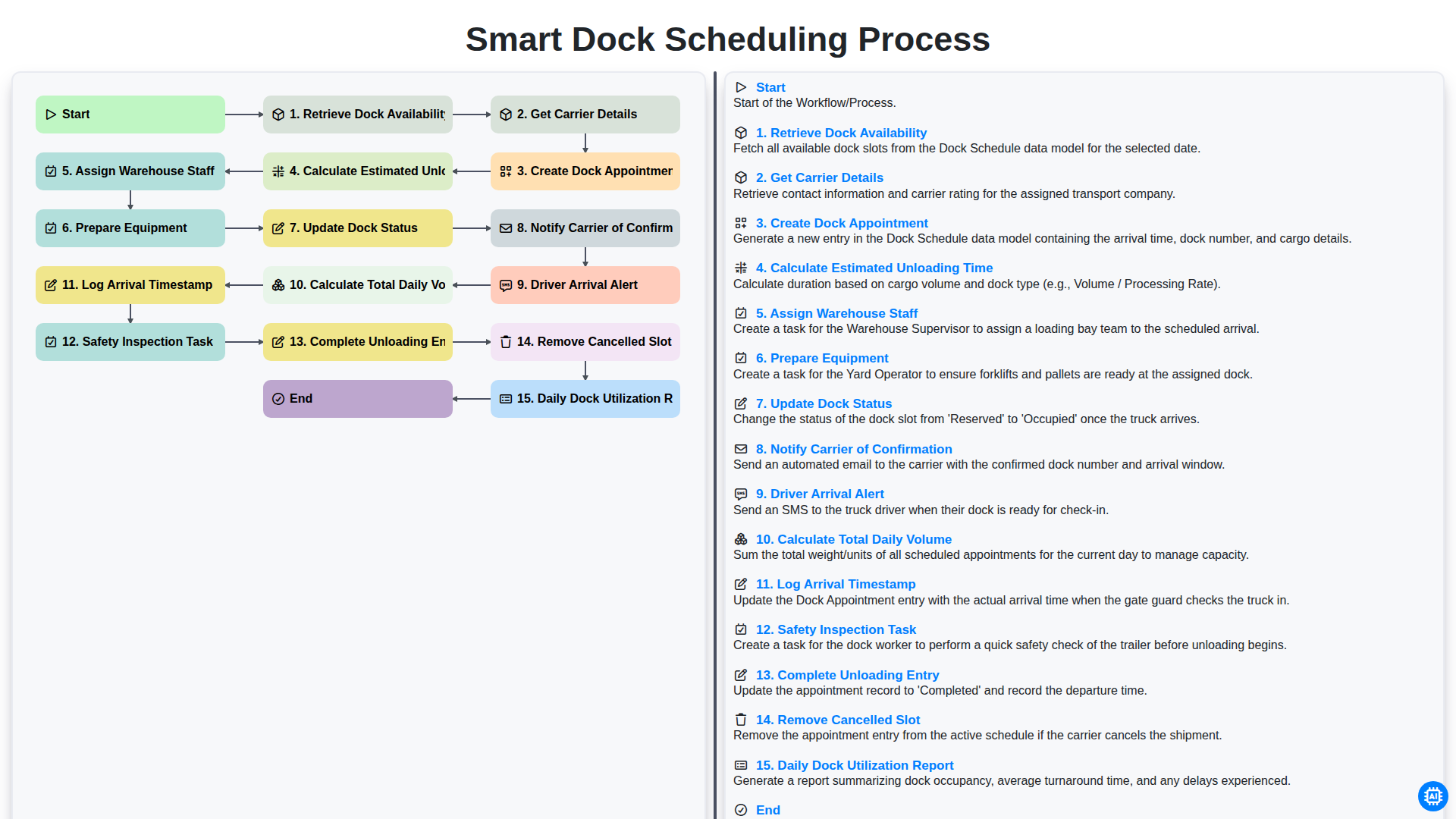
Smart Dock Scheduling Process
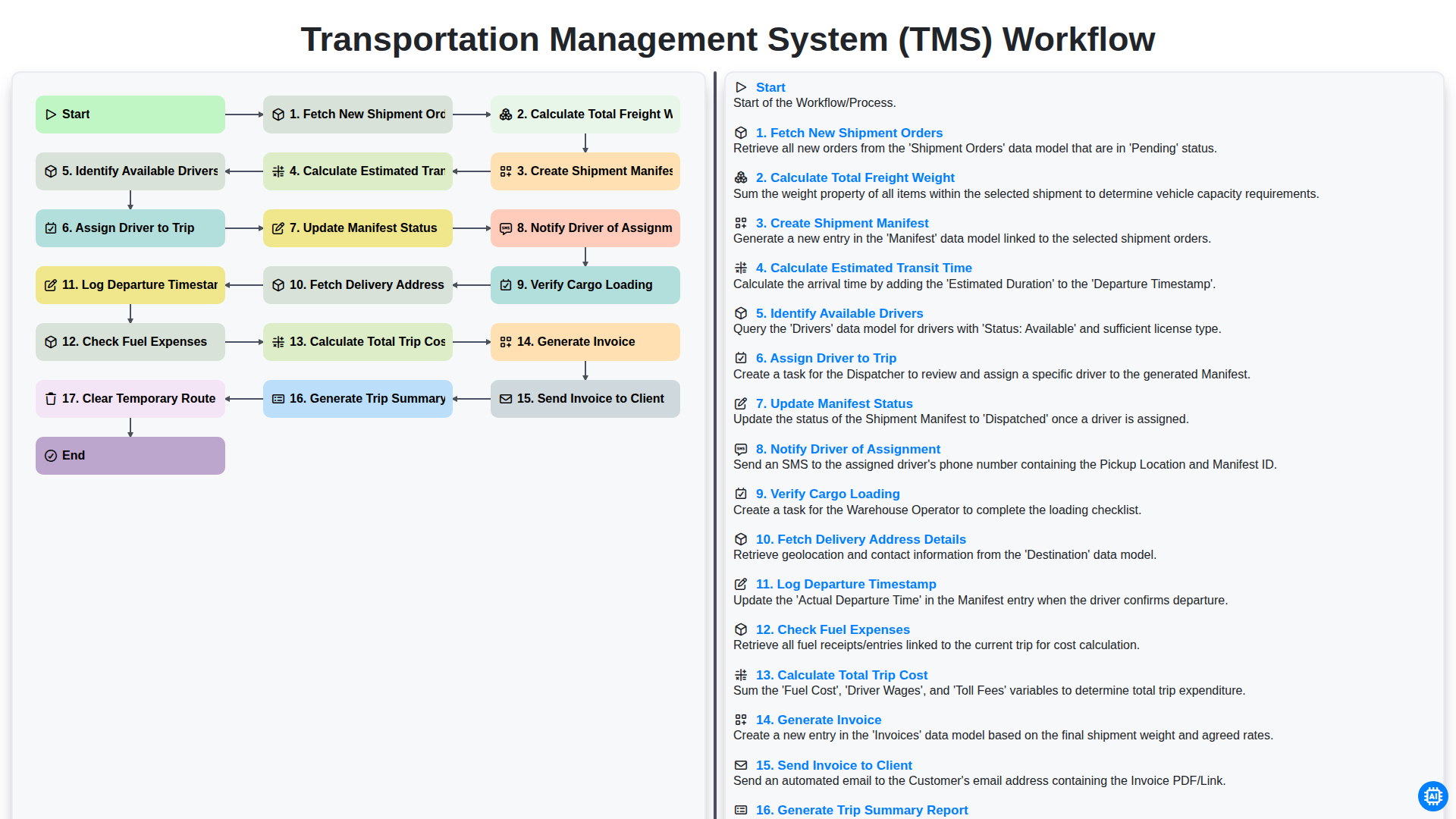
Transportation Management System (TMS) Workflow
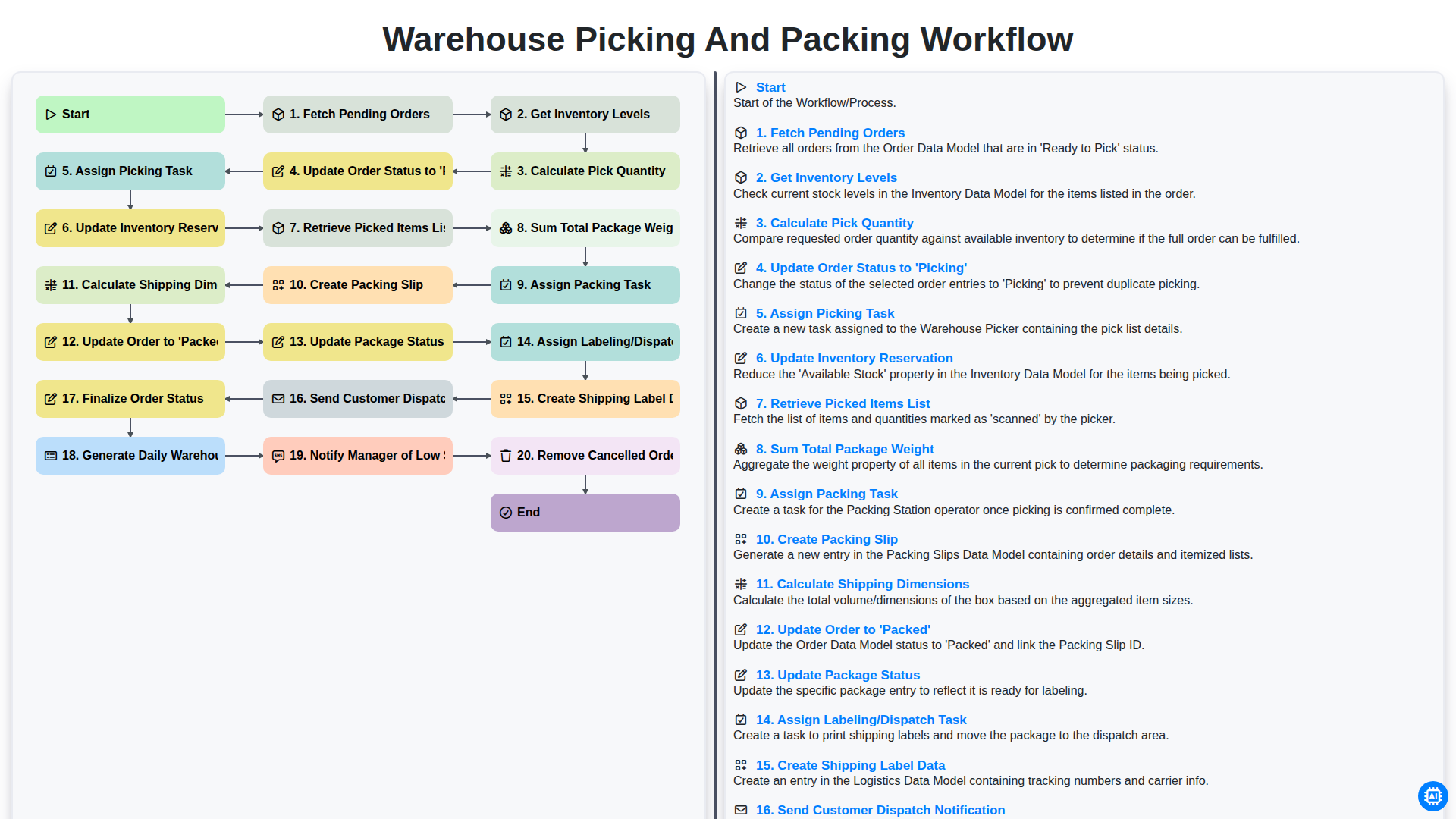
Warehouse Picking and Packing Workflow
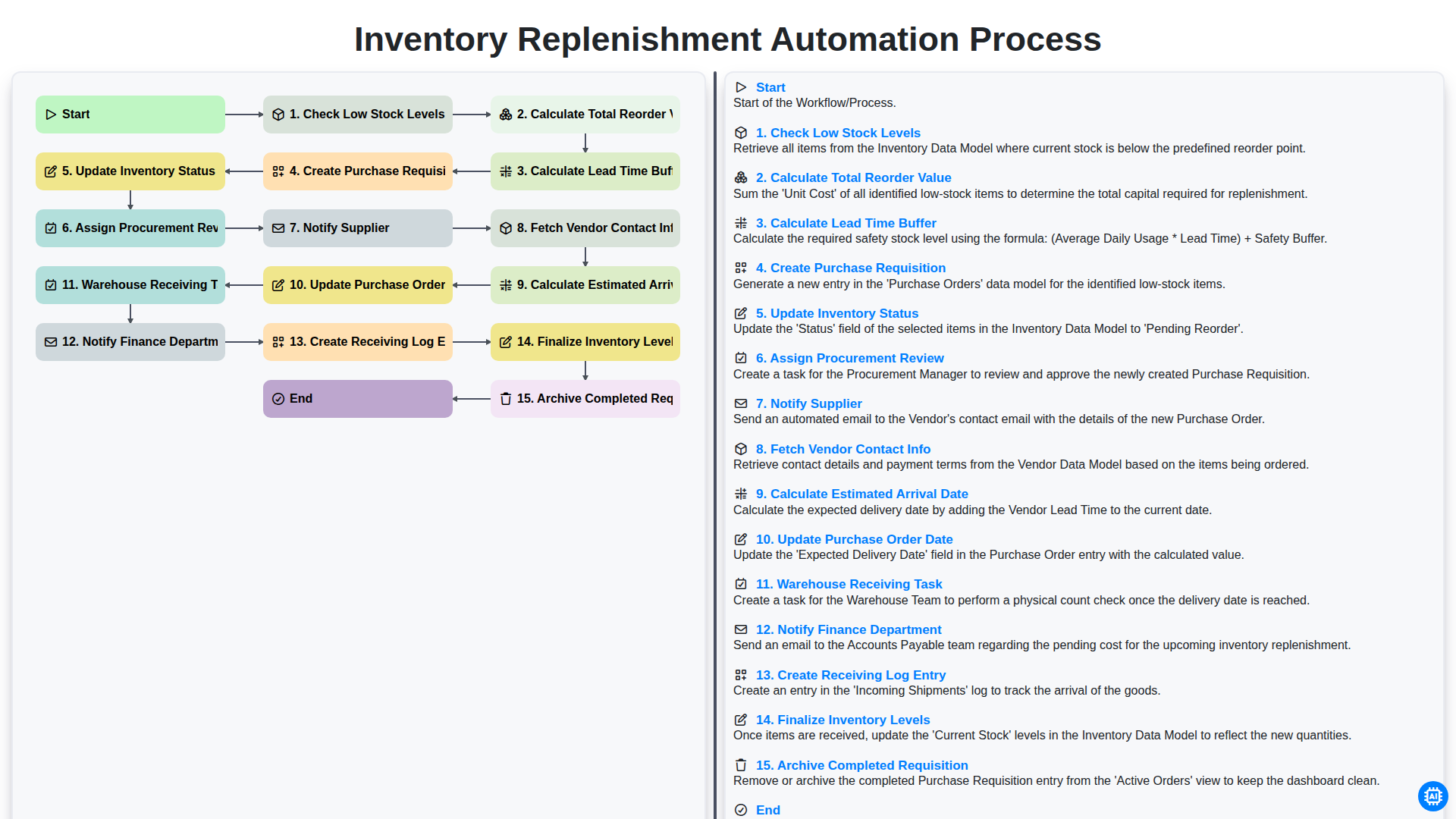
Inventory Replenishment Automation Process
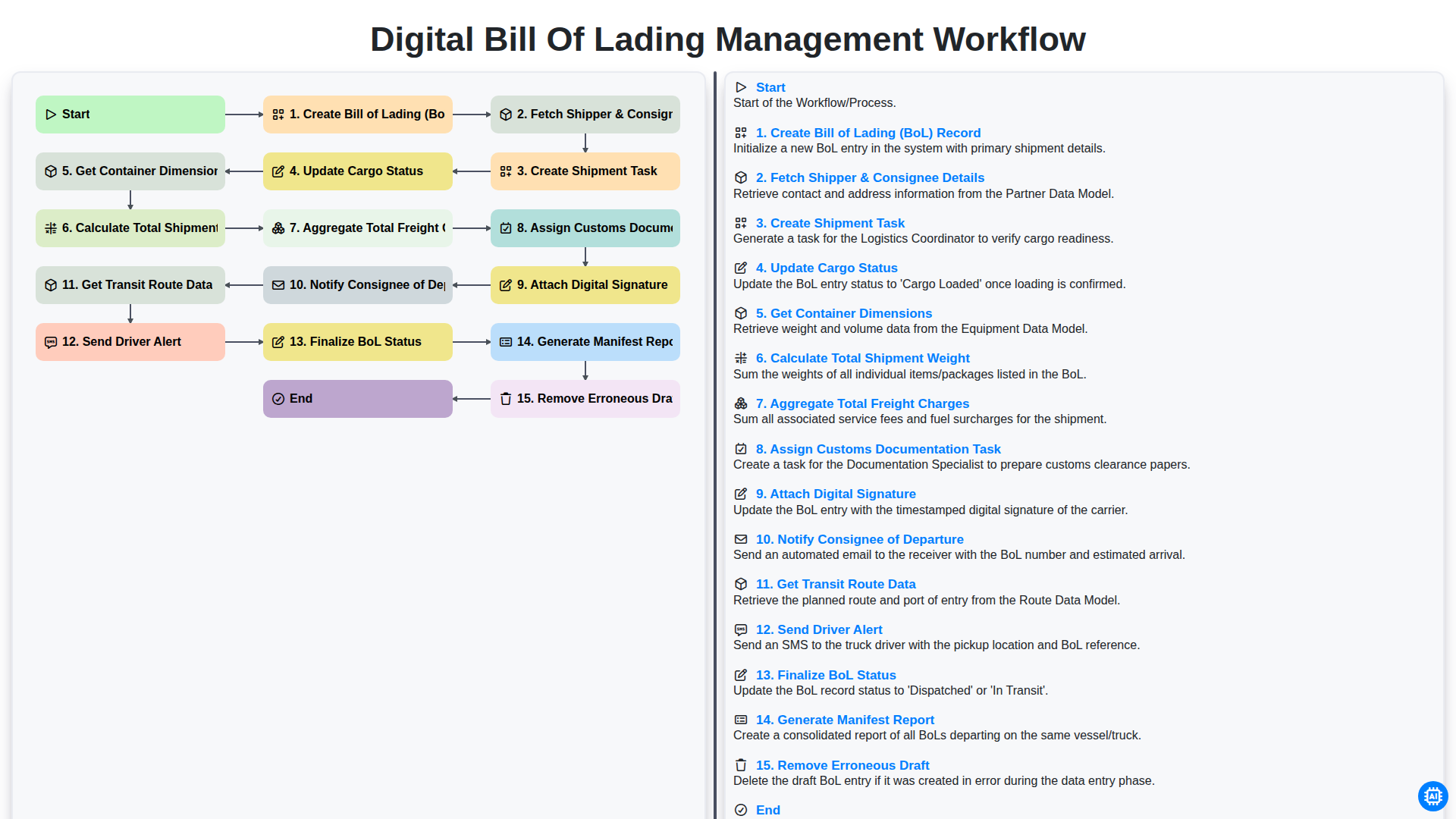
Digital Bill of Lading Management Workflow
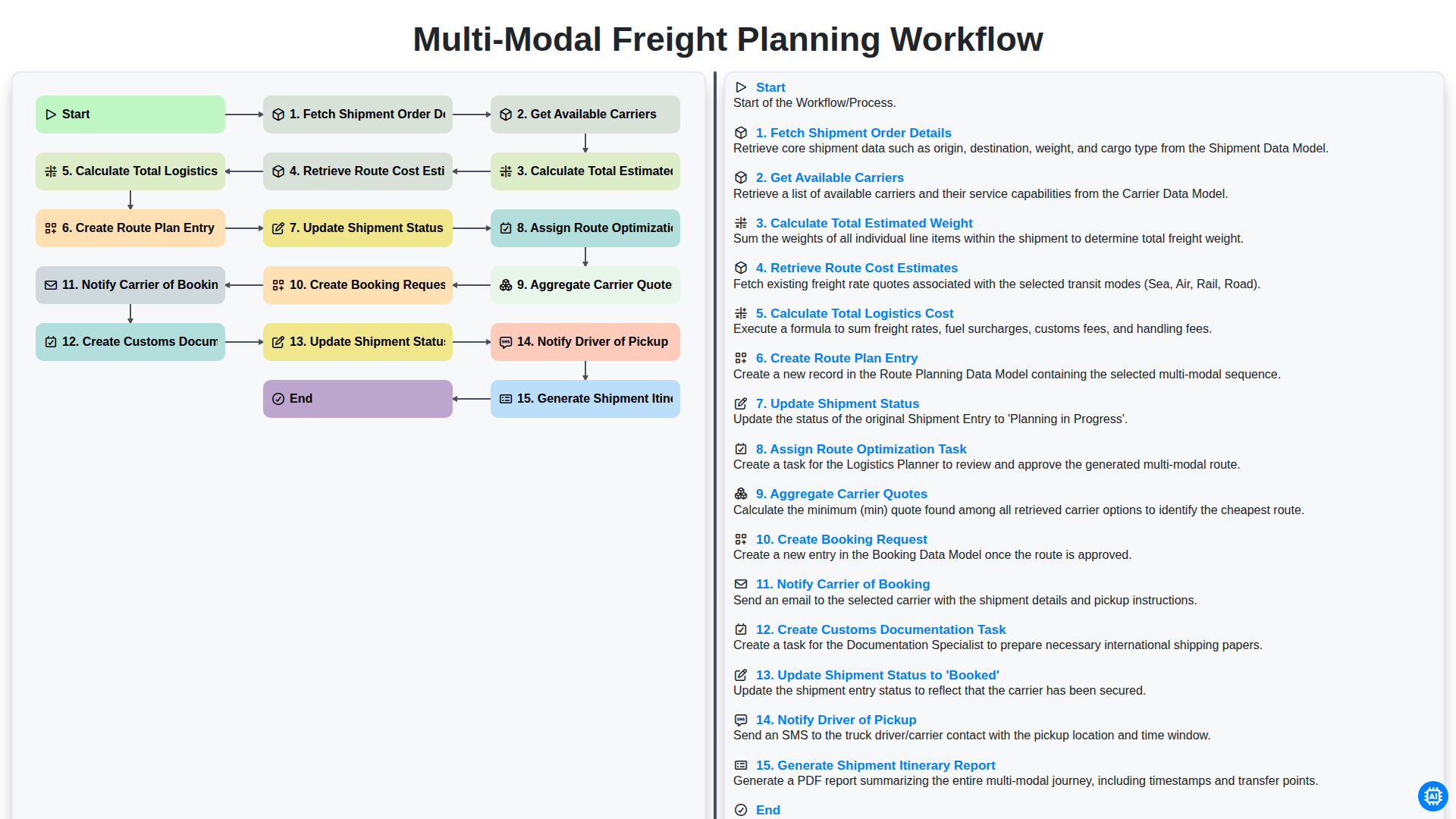
Multi-Modal Freight Planning Workflow
We can do it Together
Need help with
Logistics?
Have a question? We're here to help. Please submit your inquiry, and we'll respond promptly.