 ChecklistGuro
 Digital Bill of Lading Management Workflow
Streamline your supply chain with our Digital Bill of Lading Management Workflow. Eliminate manual paperwork, reduce errors, and accelerate freight documentation processing through automated tracking, real-time visibility, and secure digital signatures. Optimize logistics efficiency and ensure seamless end-to-end cargo documentation management.
This Template was installed 4 times.
Start
Start of the Workflow/Process.
1. Create Bill of Lading (BoL) Record
Initialize a new BoL entry in the system with primary shipment details.
2. Fetch Shipper & Consignee Details
Retrieve contact and address information from the Partner Data Model.
3. Create Shipment Task
Generate a task for the Logistics Coordinator to verify cargo readiness.
4. Update Cargo Status
Update the BoL entry status to 'Cargo Loaded' once loading is confirmed.
5. Get Container Dimensions
Retrieve weight and volume data from the Equipment Data Model.
6. Calculate Total Shipment Weight
Sum the weights of all individual items/packages listed in the BoL.
7. Aggregate Total Freight Charges
Sum all associated service fees and fuel surcharges for the shipment.
8. Assign Customs Documentation Task
Create a task for the Documentation Specialist to prepare customs clearance papers.
9. Attach Digital Signature
Update the BoL entry with the timestamped digital signature of the carrier.
10. Notify Consignee of Departure
Send an automated email to the receiver with the BoL number and estimated arrival.
11. Get Transit Route Data
Retrieve the planned route and port of entry from the Route Data Model.
12. Send Driver Alert
Send an SMS to the truck driver with the pickup location and BoL reference.
13. Finalize BoL Status
Update the BoL record status to 'Dispatched' or 'In Transit'.
14. Generate Manifest Report
Create a consolidated report of all BoLs departing on the same vessel/truck.
15. Remove Erroneous Draft
Delete the draft BoL entry if it was created in error during the data entry phase.
End
End of the Workflow/Process.
Start of the Workflow/Process.
Initialize a new BoL entry in the system with primary shipment details.
Retrieve contact and address information from the Partner Data Model.
Generate a task for the Logistics Coordinator to verify cargo readiness.
Update the BoL entry status to 'Cargo Loaded' once loading is confirmed.
Retrieve weight and volume data from the Equipment Data Model.
Sum the weights of all individual items/packages listed in the BoL.
Sum all associated service fees and fuel surcharges for the shipment.
Create a task for the Documentation Specialist to prepare customs clearance papers.
Update the BoL entry with the timestamped digital signature of the carrier.
Send an automated email to the receiver with the BoL number and estimated arrival.
Retrieve the planned route and port of entry from the Route Data Model.
Send an SMS to the truck driver with the pickup location and BoL reference.
Update the BoL record status to 'Dispatched' or 'In Transit'.
Create a consolidated report of all BoLs departing on the same vessel/truck.
Delete the draft BoL entry if it was created in error during the data entry phase.
End of the Workflow/Process.
Frequently Asked Questions
Comments
There are no comments yet. Be the first to add one!
Logistics Management Solution Demo
Tired of shipping delays, lost packages, and inefficient routes? ChecklistGuro's Work OS platform streamlines your entire logistics operation, from warehouse management and order fulfillment to route optimization and delivery tracking. Gain real-time visibility, reduce costs, and improve customer satisfaction. Learn how ChecklistGuro can transform your logistics business!
Related Workflow Templates
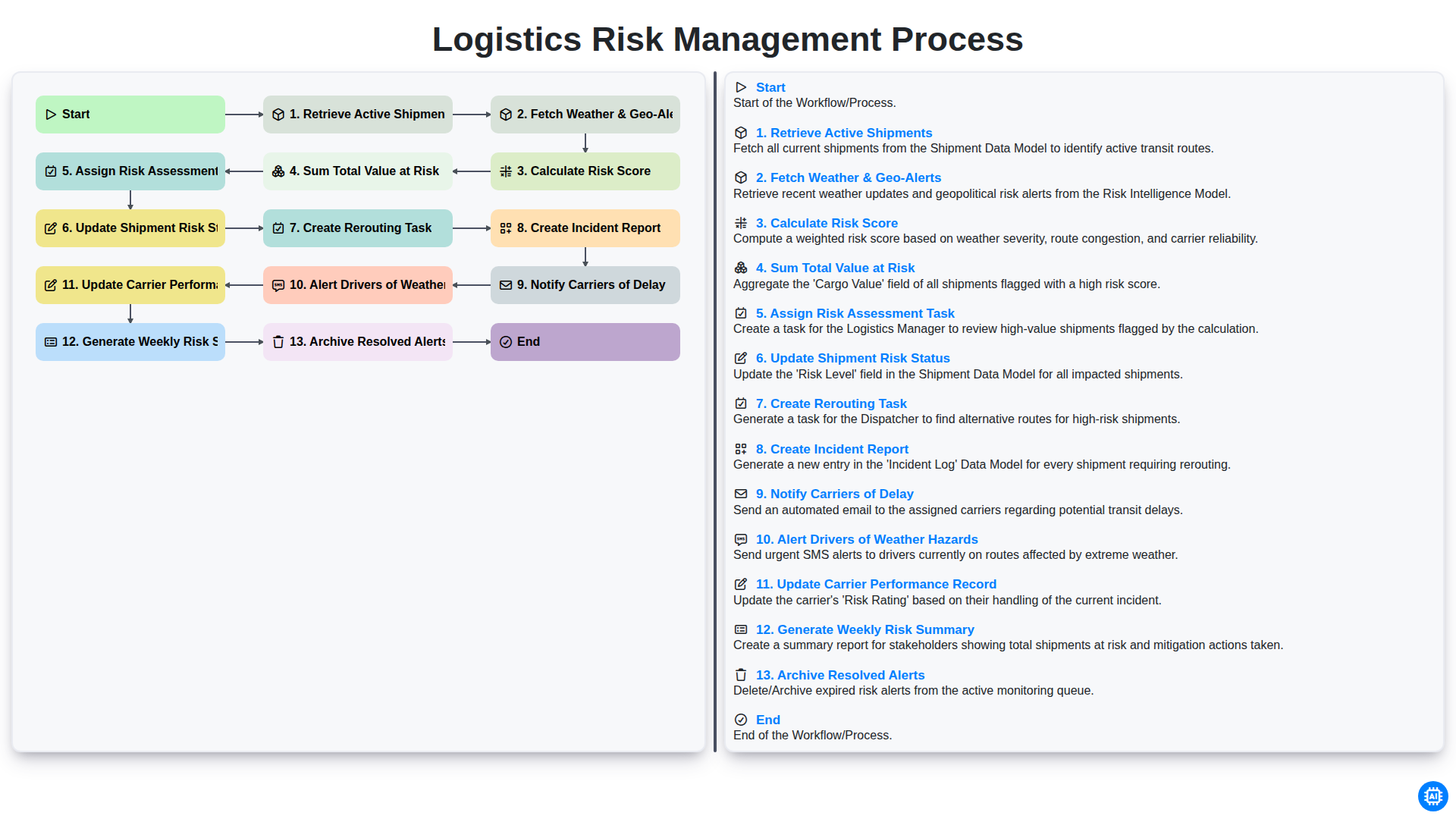
Logistics Risk Management Process
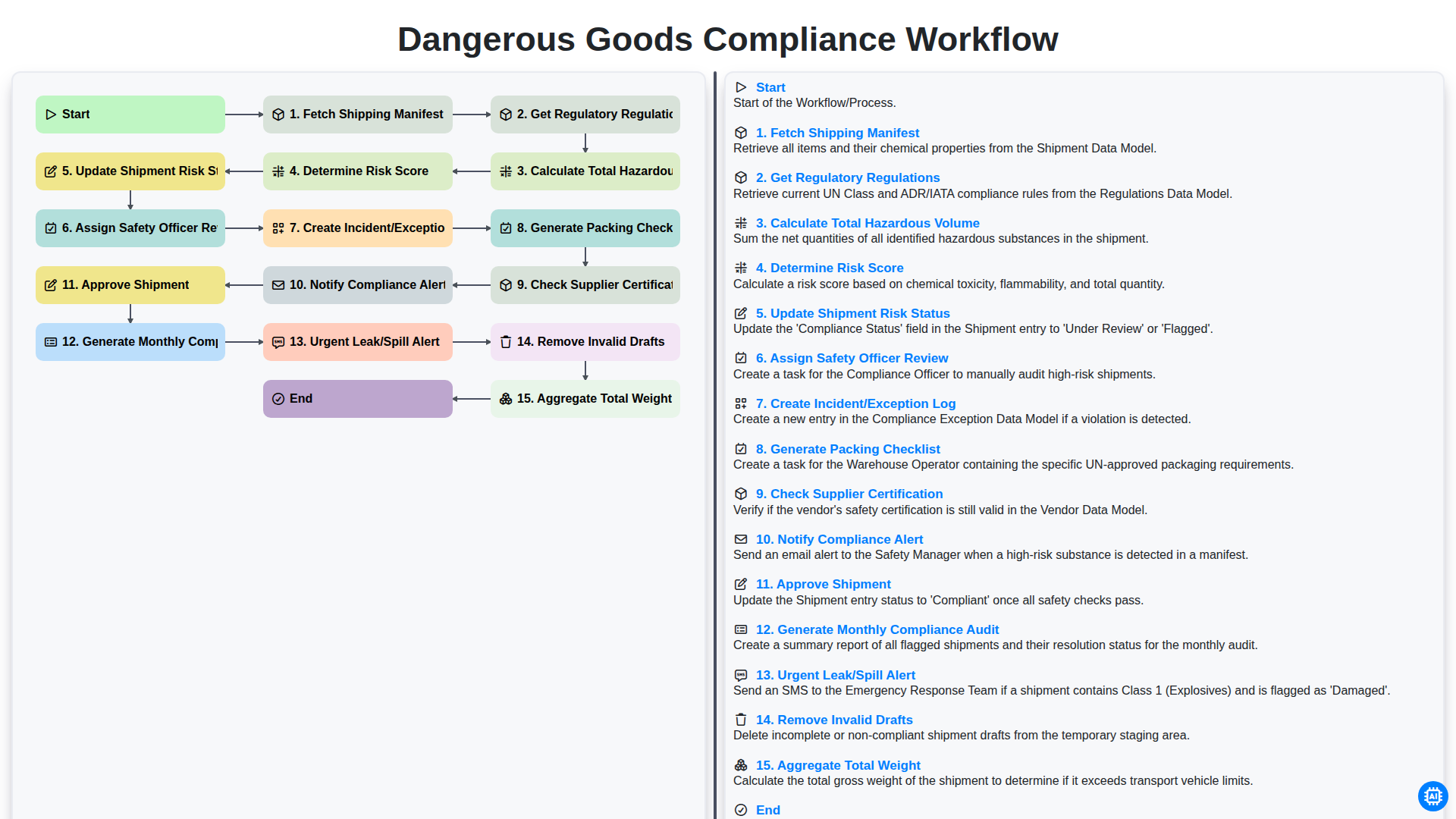
Dangerous Goods Compliance Workflow
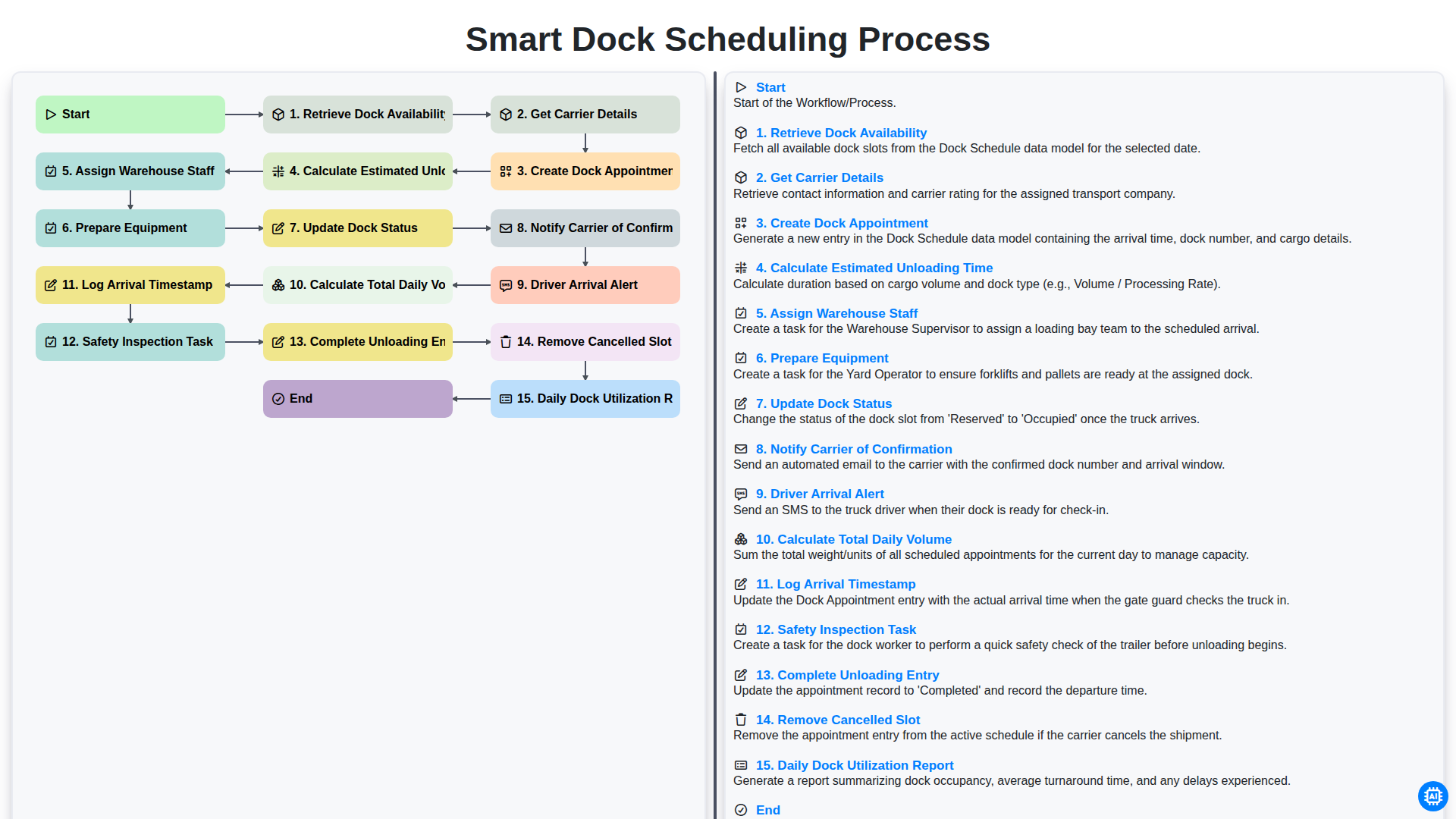
Smart Dock Scheduling Process
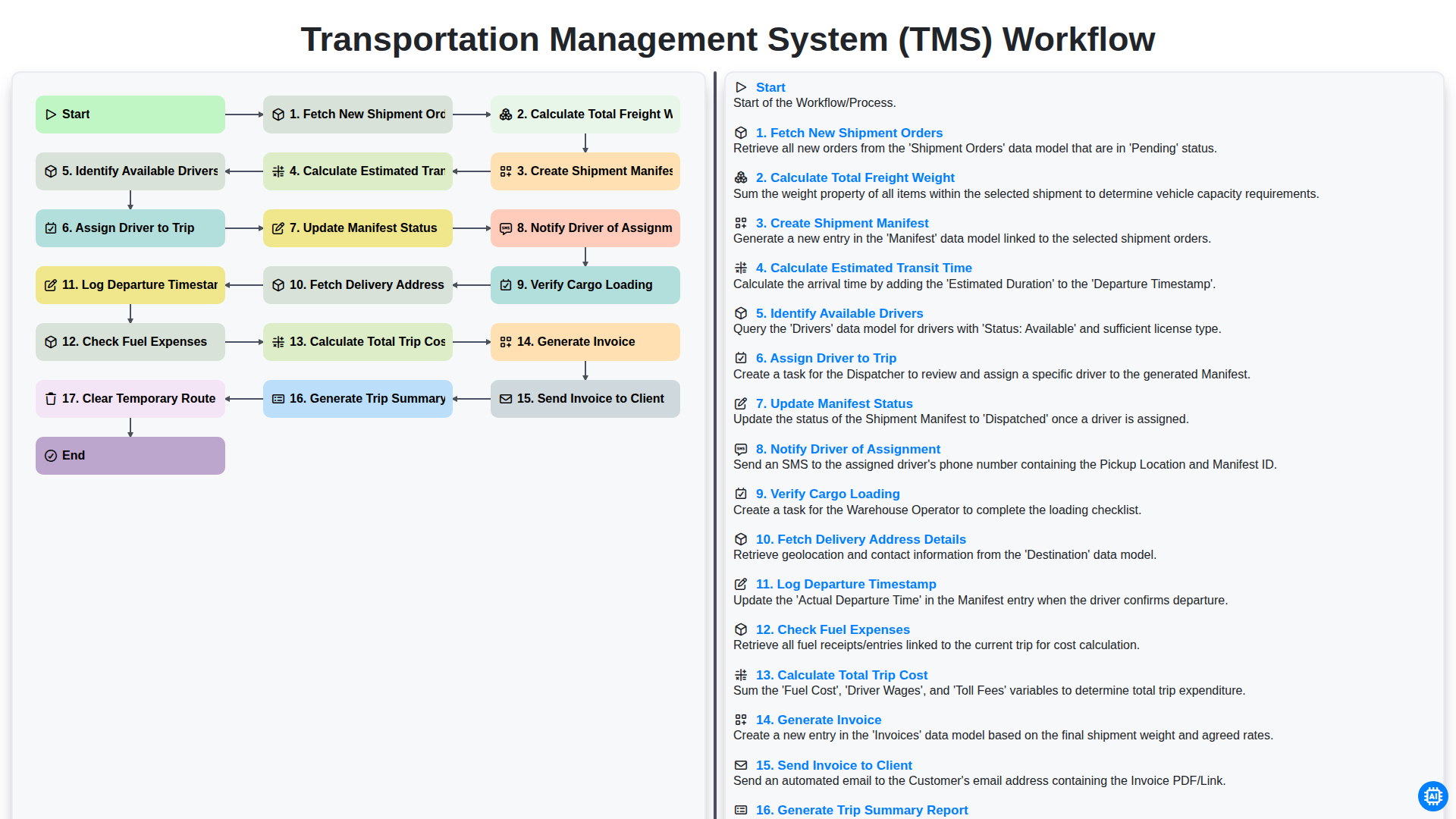
Transportation Management System (TMS) Workflow
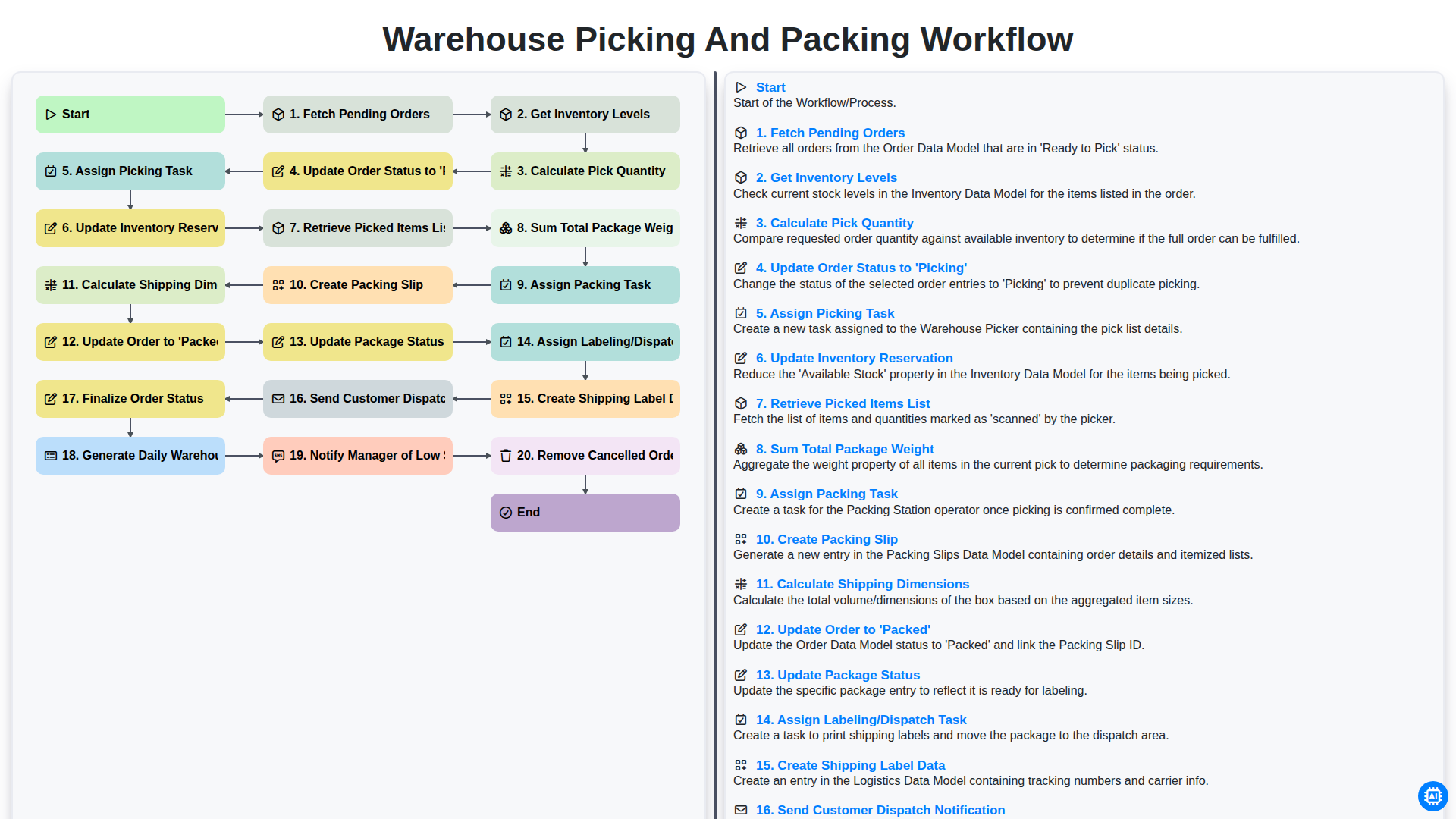
Warehouse Picking and Packing Workflow
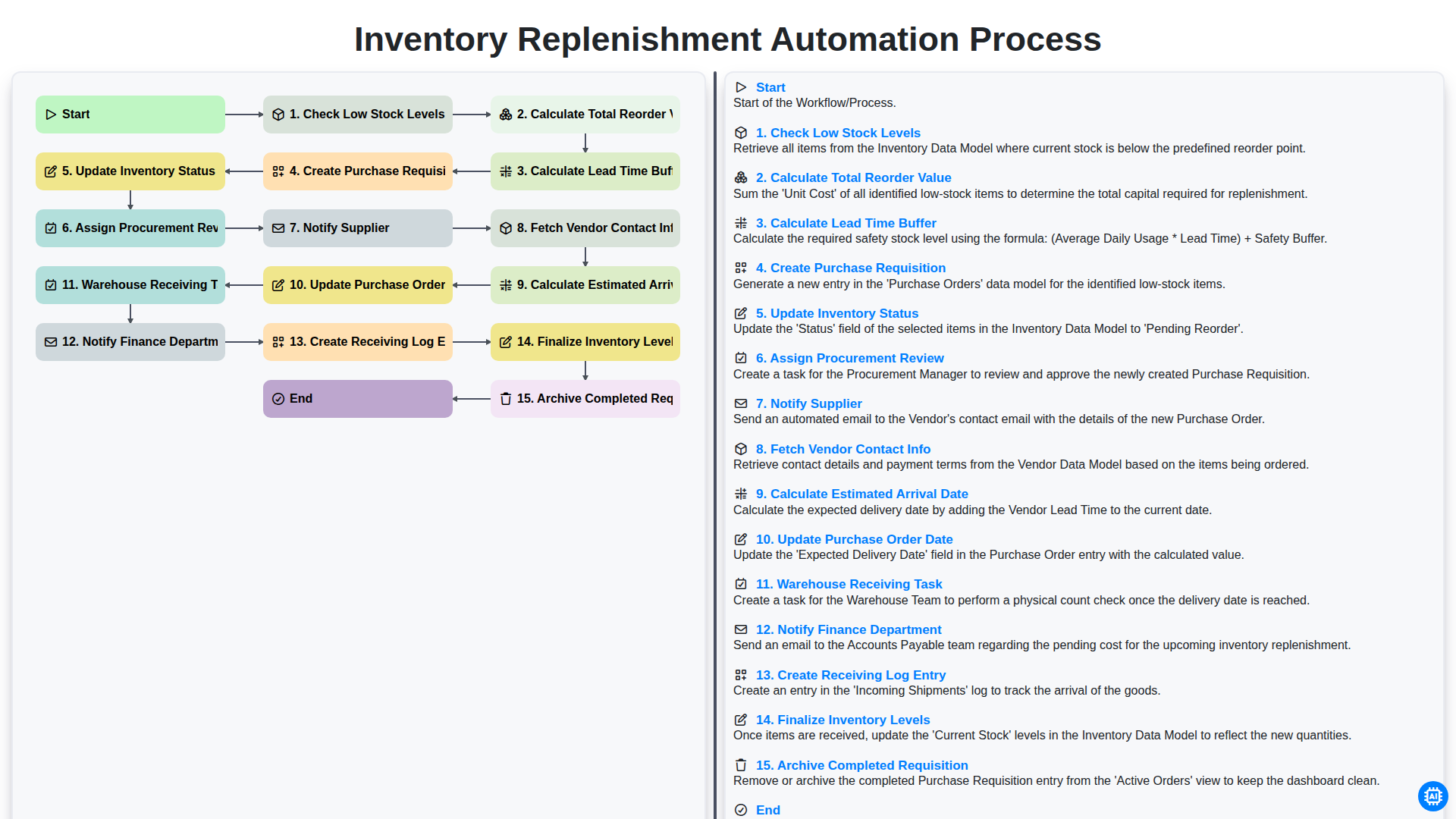
Inventory Replenishment Automation Process
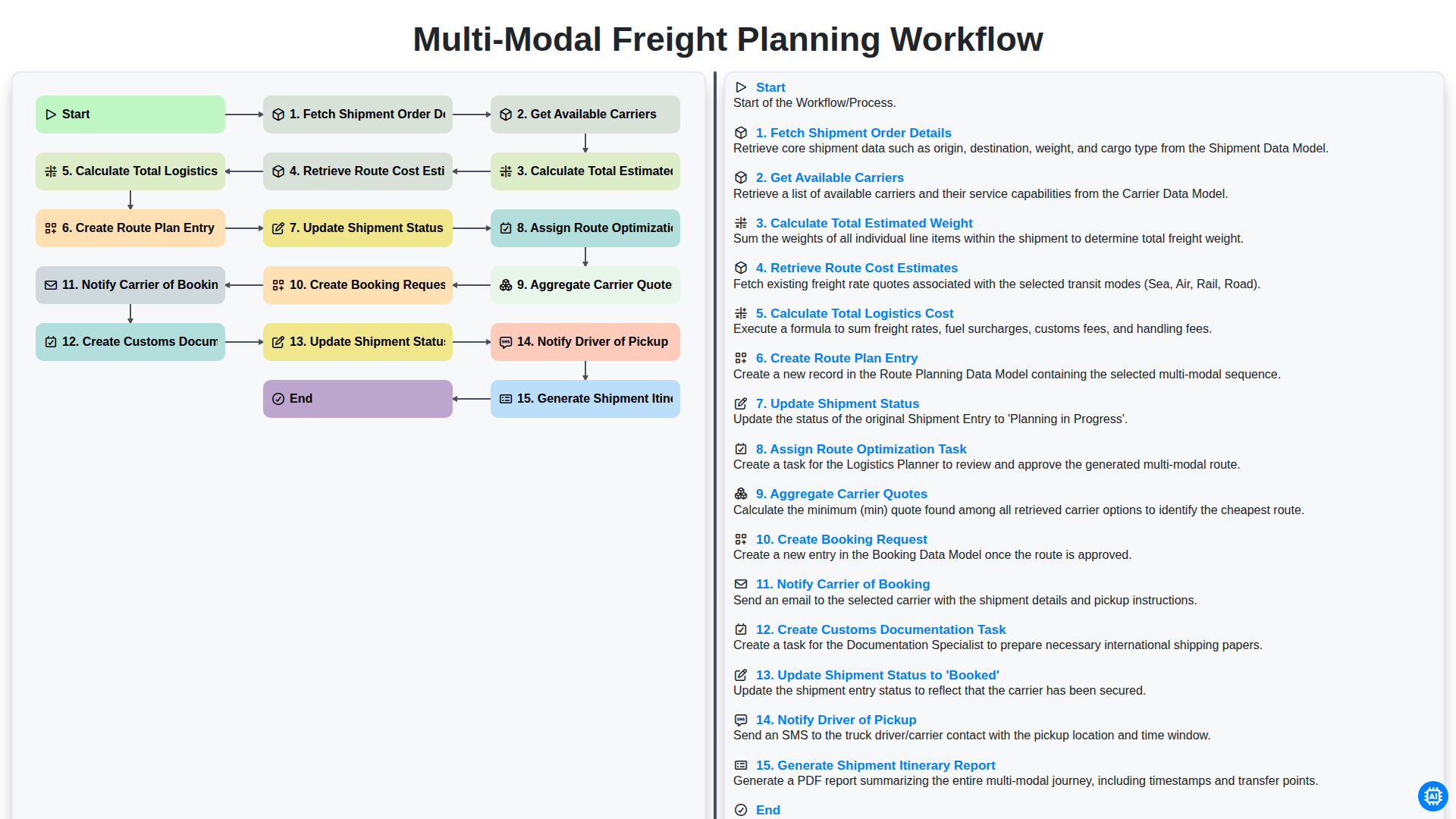
Multi-Modal Freight Planning Workflow
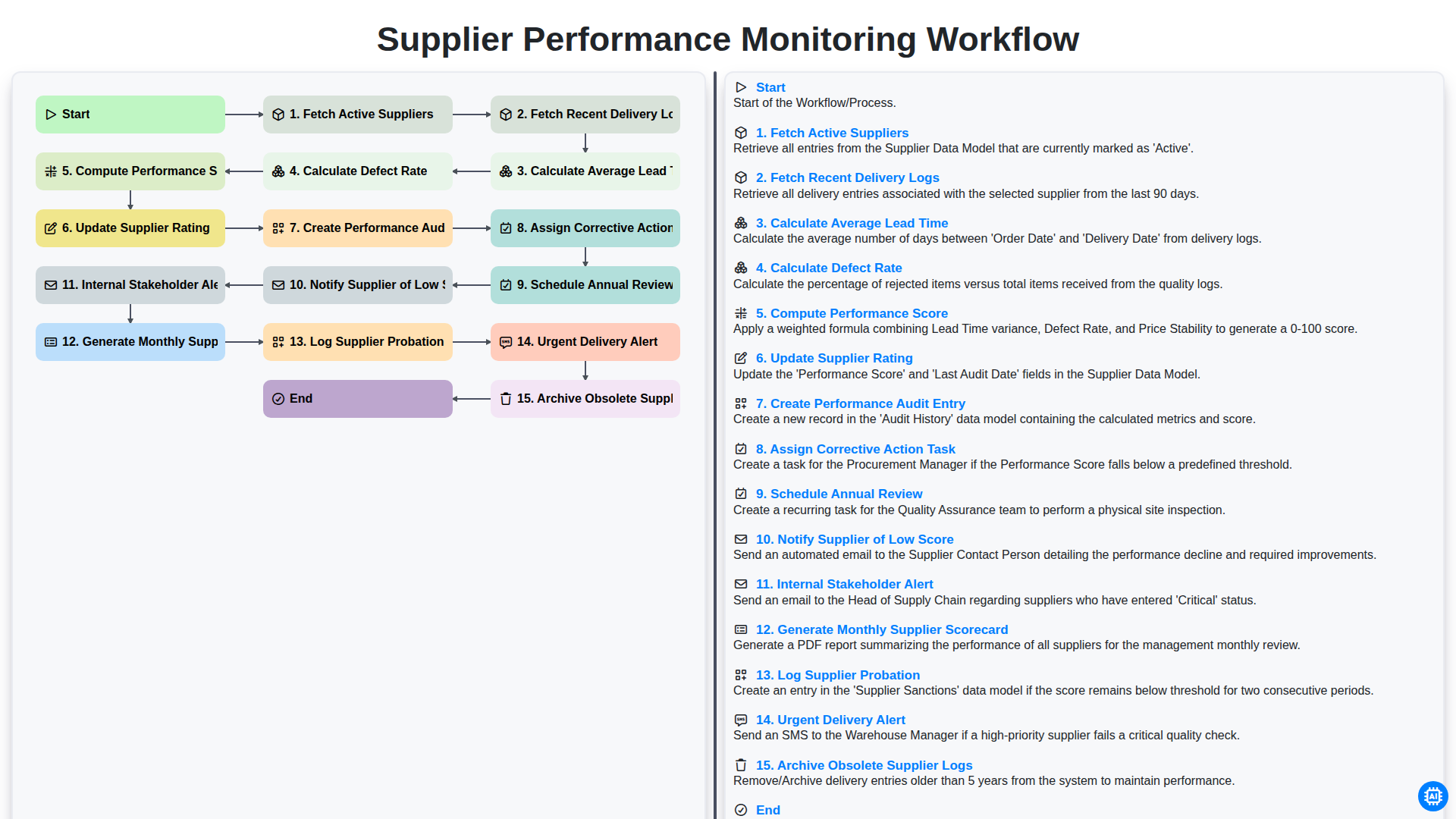
Supplier Performance Monitoring Workflow
We can do it Together
Need help with
Logistics?
Have a question? We're here to help. Please submit your inquiry, and we'll respond promptly.