 ChecklistGuro
 Multi-Modal Freight Planning Workflow
Streamline your supply chain with our Multi-Modal Freight Planning Workflow. Optimize complex shipping routes by seamlessly integrating sea, air, rail, and road logistics. This automated process enhances load optimization, reduces transit times, and cuts operational costs by synchronizing diverse transport modes into a single, efficient, and real-time tracking strategy for global freight management.
This Template was installed 5 times.
Start
Start of the Workflow/Process.
1. Fetch Shipment Order Details
Retrieve core shipment data such as origin, destination, weight, and cargo type from the Shipment Data Model.
2. Get Available Carriers
Retrieve a list of available carriers and their service capabilities from the Carrier Data Model.
3. Calculate Total Estimated Weight
Sum the weights of all individual line items within the shipment to determine total freight weight.
4. Retrieve Route Cost Estimates
Fetch existing freight rate quotes associated with the selected transit modes (Sea, Air, Rail, Road).
5. Calculate Total Logistics Cost
Execute a formula to sum freight rates, fuel surcharges, customs fees, and handling fees.
6. Create Route Plan Entry
Create a new record in the Route Planning Data Model containing the selected multi-modal sequence.
7. Update Shipment Status
Update the status of the original Shipment Entry to 'Planning in Progress'.
8. Assign Route Optimization Task
Create a task for the Logistics Planner to review and approve the generated multi-modal route.
9. Aggregate Carrier Quotes
Calculate the minimum (min) quote found among all retrieved carrier options to identify the cheapest route.
10. Create Booking Request
Create a new entry in the Booking Data Model once the route is approved.
11. Notify Carrier of Booking
Send an email to the selected carrier with the shipment details and pickup instructions.
12. Create Customs Documentation Task
Create a task for the Documentation Specialist to prepare necessary international shipping papers.
13. Update Shipment Status to 'Booked'
Update the shipment entry status to reflect that the carrier has been secured.
14. Notify Driver of Pickup
Send an SMS to the truck driver/carrier contact with the pickup location and time window.
15. Generate Shipment Itinerary Report
Generate a PDF report summarizing the entire multi-modal journey, including timestamps and transfer points.
End
End of the Workflow/Process.
Start of the Workflow/Process.
Retrieve core shipment data such as origin, destination, weight, and cargo type from the Shipment Data Model.
Retrieve a list of available carriers and their service capabilities from the Carrier Data Model.
Sum the weights of all individual line items within the shipment to determine total freight weight.
Fetch existing freight rate quotes associated with the selected transit modes (Sea, Air, Rail, Road).
Execute a formula to sum freight rates, fuel surcharges, customs fees, and handling fees.
Create a new record in the Route Planning Data Model containing the selected multi-modal sequence.
Update the status of the original Shipment Entry to 'Planning in Progress'.
Create a task for the Logistics Planner to review and approve the generated multi-modal route.
Calculate the minimum (min) quote found among all retrieved carrier options to identify the cheapest route.
Create a new entry in the Booking Data Model once the route is approved.
Send an email to the selected carrier with the shipment details and pickup instructions.
Create a task for the Documentation Specialist to prepare necessary international shipping papers.
Update the shipment entry status to reflect that the carrier has been secured.
Send an SMS to the truck driver/carrier contact with the pickup location and time window.
Generate a PDF report summarizing the entire multi-modal journey, including timestamps and transfer points.
End of the Workflow/Process.
Frequently Asked Questions
Comments
There are no comments yet. Be the first to add one!
Logistics Management Solution Demo
Tired of shipping delays, lost packages, and inefficient routes? ChecklistGuro's Work OS platform streamlines your entire logistics operation, from warehouse management and order fulfillment to route optimization and delivery tracking. Gain real-time visibility, reduce costs, and improve customer satisfaction. Learn how ChecklistGuro can transform your logistics business!
Related Workflow Templates
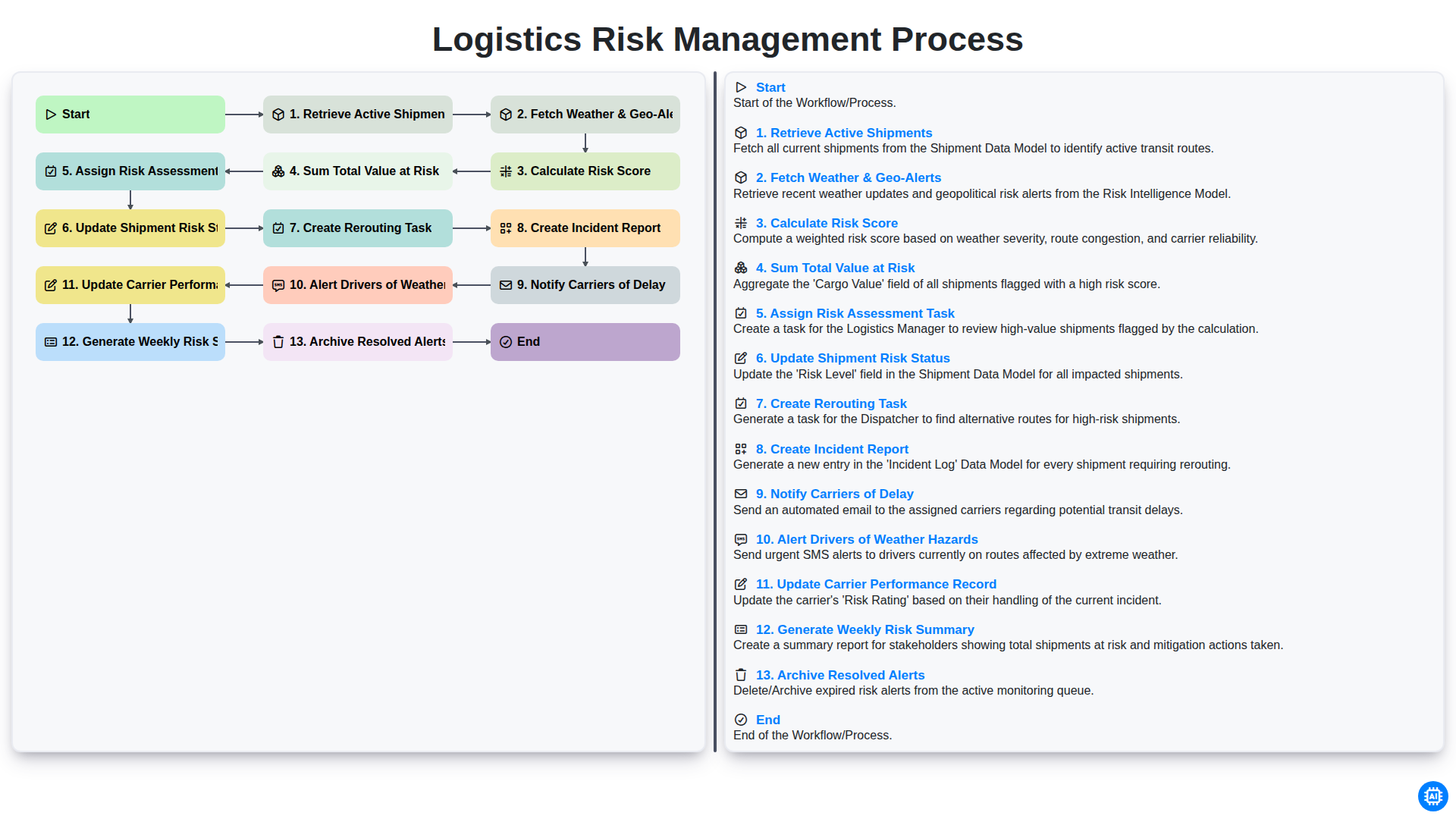
Logistics Risk Management Process
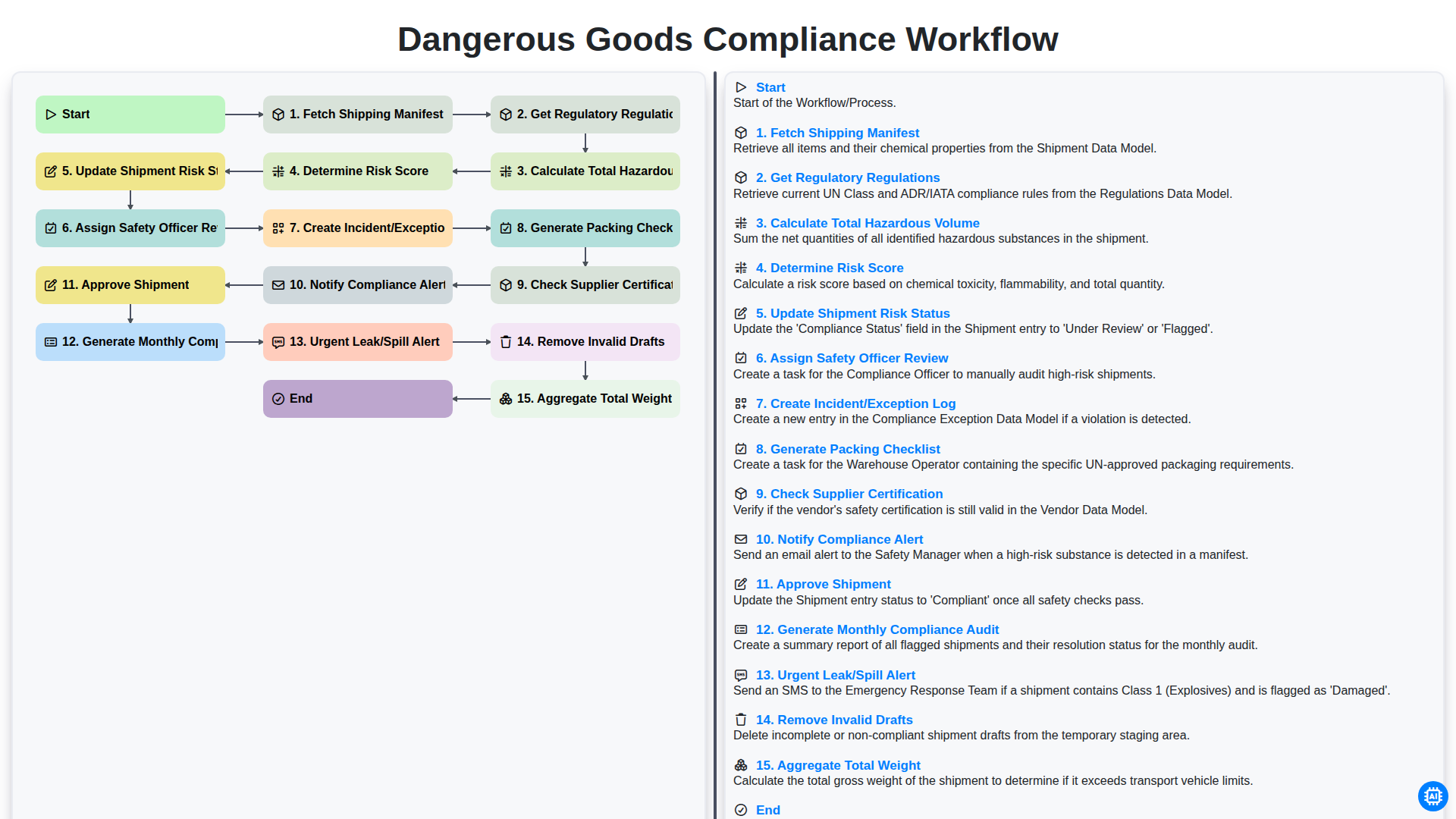
Dangerous Goods Compliance Workflow
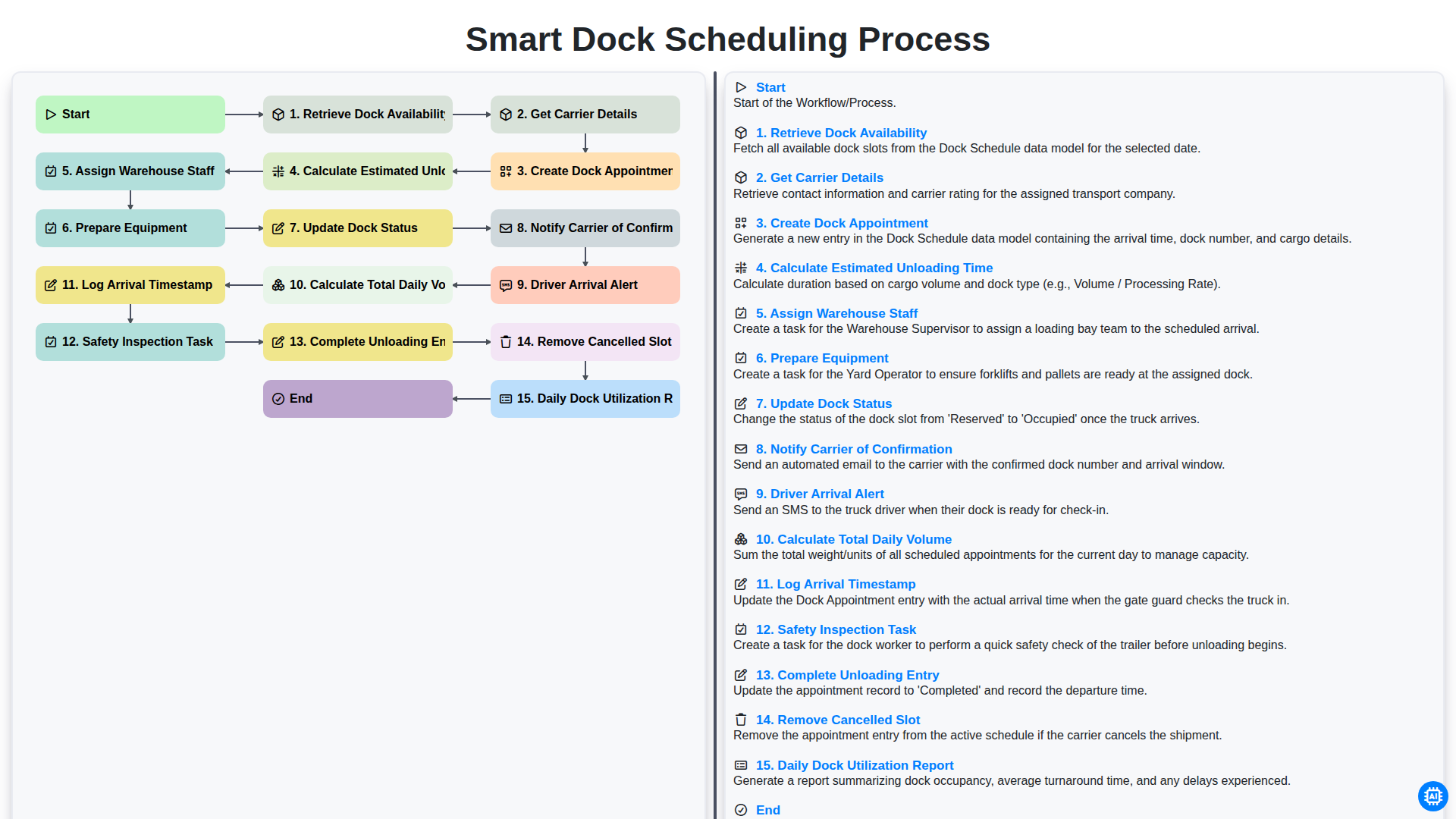
Smart Dock Scheduling Process
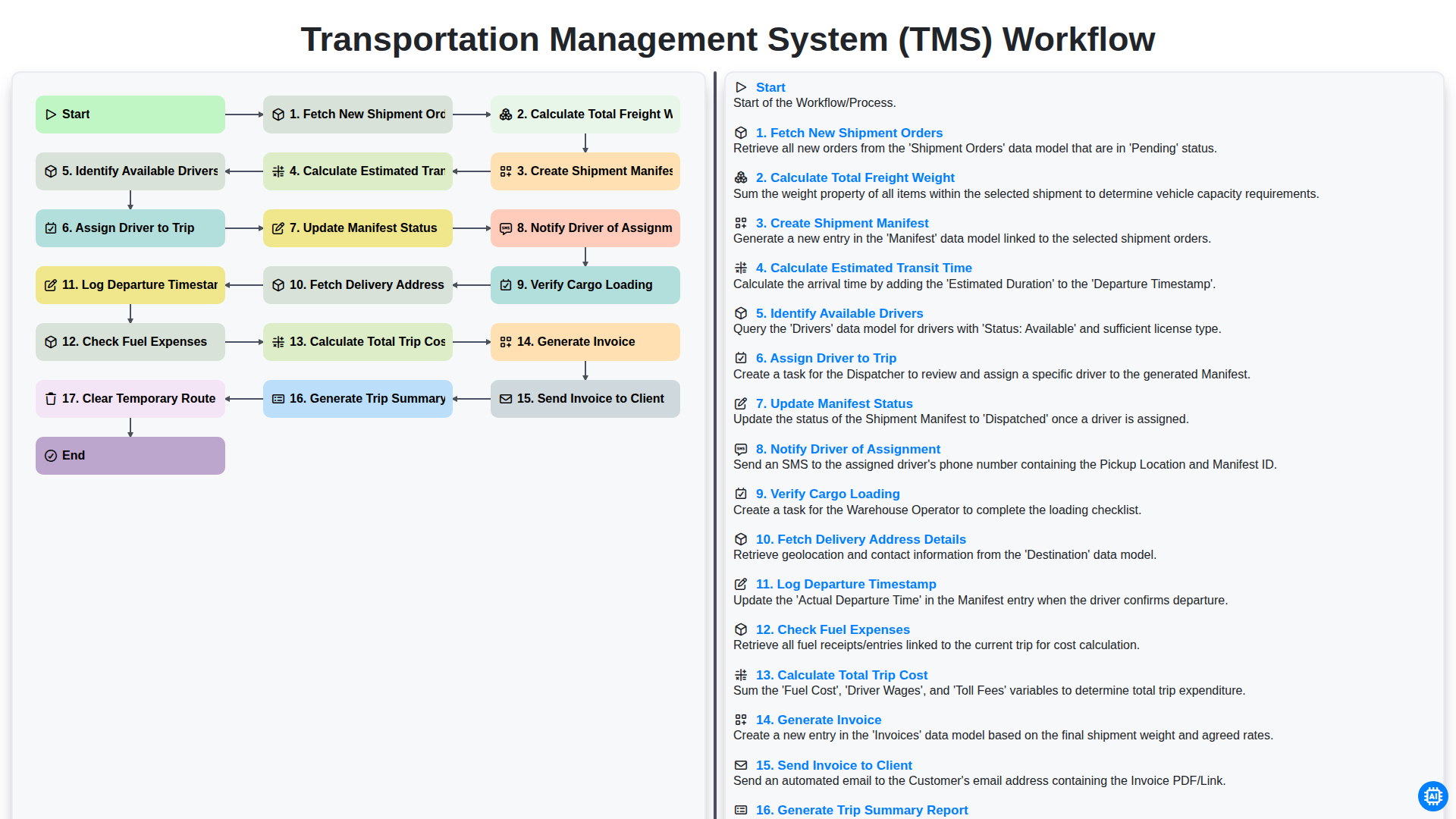
Transportation Management System (TMS) Workflow
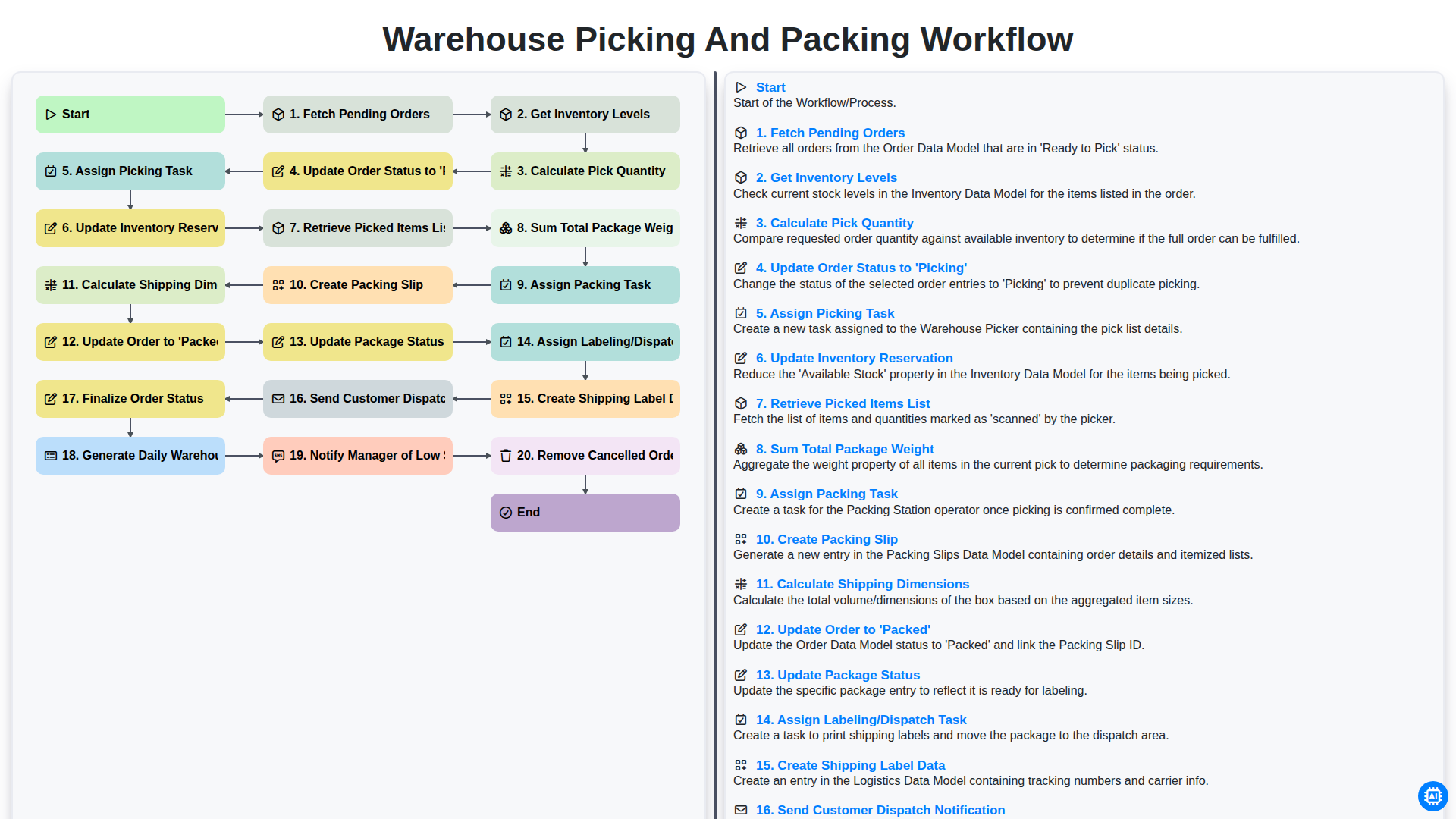
Warehouse Picking and Packing Workflow
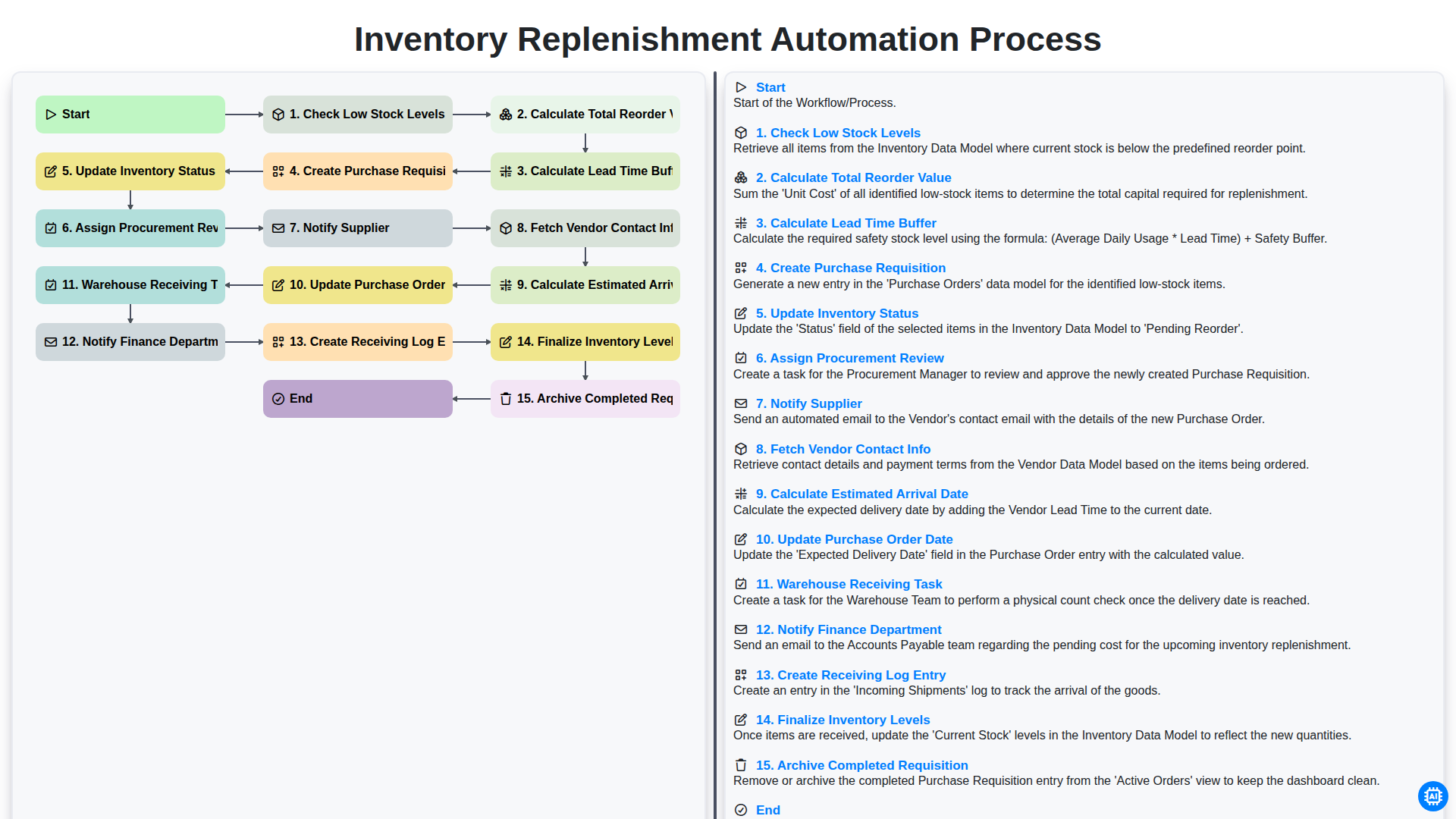
Inventory Replenishment Automation Process
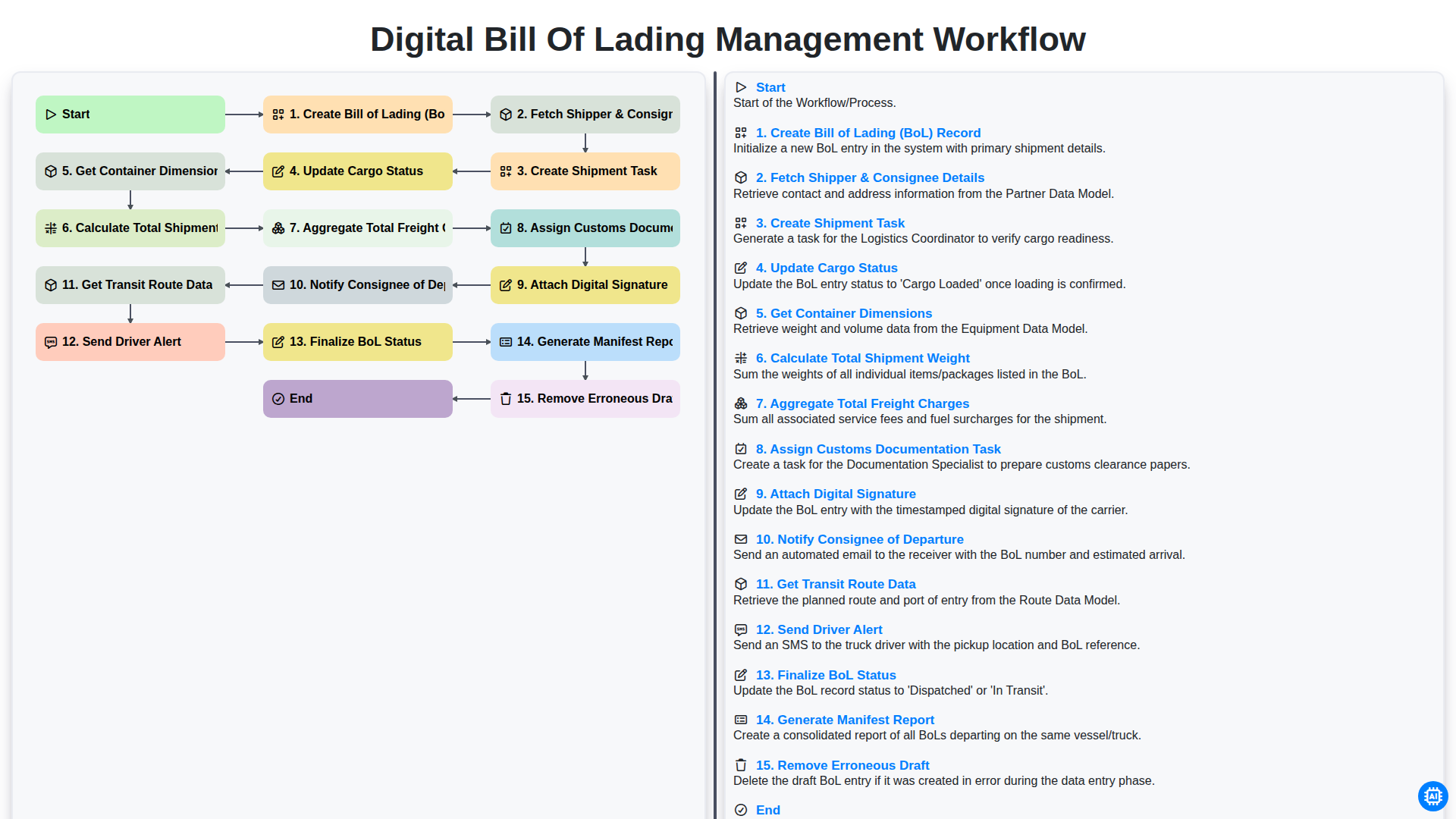
Digital Bill of Lading Management Workflow
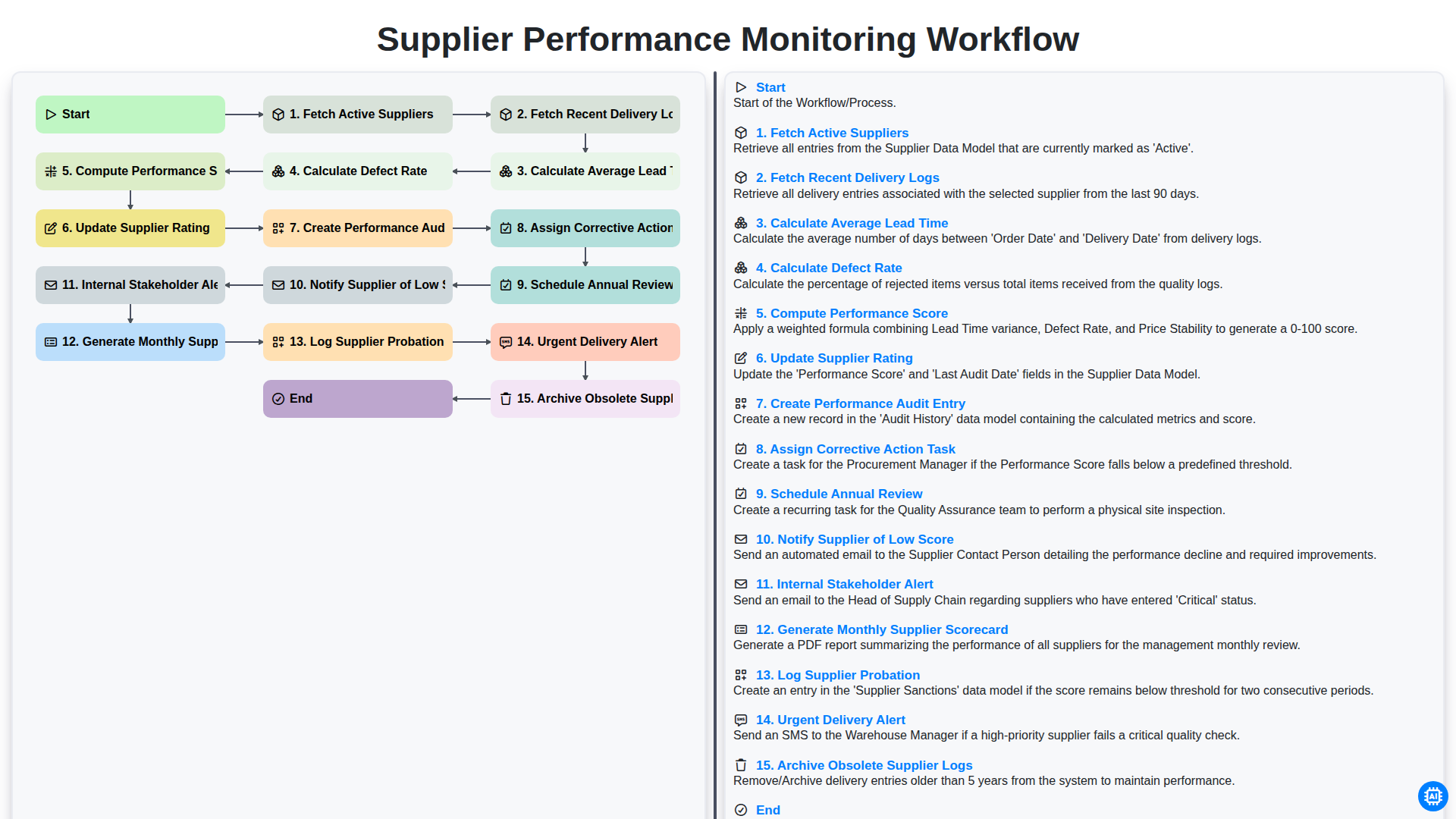
Supplier Performance Monitoring Workflow
We can do it Together
Need help with
Logistics?
Have a question? We're here to help. Please submit your inquiry, and we'll respond promptly.