 ChecklistGuro
 Automated Order Fulfillment Workflow
Streamline your supply chain with our Automated Order Fulfillment Workflow. Eliminate manual errors, optimize warehouse picking, and accelerate shipping timelines with a seamless, end-to-end logistics process designed to boost efficiency and enhance customer satisfaction.
This Template was installed 2 times.
Start
Start of the Workflow/Process.
1. Create Order Entry
Initialize a new order record in the Orders data model when a customer places an order.
2. Fetch Inventory Levels
Retrieve current stock levels for the items specified in the new order.
3. Calculate Total Order Value
Multiply unit prices by quantities and add applicable taxes and shipping fees.
4. Update Order Status to 'Processing'
Update the status field of the specific order entry to indicate it has entered the fulfillment pipeline.
5. Verify Product Availability
Check if the requested quantity is available in the Inventory data model.
6. Warehouse Picking Task
Create a task for the Warehouse Team to physically pick items from the shelves.
7. Quality Control Checklist
Create a task for the QC Specialist to verify item condition and order accuracy.
8. Update Inventory Stock
Deduct the ordered quantity from the Inventory data model entries.
9. Create Packing Slip
Generate a new entry in the Shipping Documents data model containing order details.
10. Packaging Task
Assign a task to the Packing Department to box the items and include the packing slip.
11. Get Shipping Carrier Rates
Retrieve available shipping methods and costs from the Logistics data model.
12. Update Order with Tracking Number
Update the Order entry with the tracking ID once the shipping label is generated.
13. Send Order Confirmation Email
Send an automated email to the customer's email address notifying them their order is confirmed.
14. Send Shipping Notification
Send an email to the customer once the order status changes to 'Shipped' with tracking info.
15. Send Delivery Alert SMS
Send a text message to the customer's phone number when the order is out for delivery.
16. Calculate Daily Order Volume
Sum the total number of orders processed today to monitor warehouse load.
17. Aggregate Total Revenue
Sum the total value of all orders marked as 'Completed' in the current period.
18. Generate Daily Fulfillment Report
Create a summary report of all completed, pending, and failed orders for management review.
19. Cleanup Cancelled Drafts
Delete temporary order entries that were abandoned during the checkout process.
End
End of the Workflow/Process.
Start of the Workflow/Process.
Initialize a new order record in the Orders data model when a customer places an order.
Retrieve current stock levels for the items specified in the new order.
Multiply unit prices by quantities and add applicable taxes and shipping fees.
Update the status field of the specific order entry to indicate it has entered the fulfillment pipeline.
Check if the requested quantity is available in the Inventory data model.
Create a task for the Warehouse Team to physically pick items from the shelves.
Create a task for the QC Specialist to verify item condition and order accuracy.
Deduct the ordered quantity from the Inventory data model entries.
Generate a new entry in the Shipping Documents data model containing order details.
Assign a task to the Packing Department to box the items and include the packing slip.
Retrieve available shipping methods and costs from the Logistics data model.
Update the Order entry with the tracking ID once the shipping label is generated.
Send an automated email to the customer's email address notifying them their order is confirmed.
Send an email to the customer once the order status changes to 'Shipped' with tracking info.
Send a text message to the customer's phone number when the order is out for delivery.
Sum the total number of orders processed today to monitor warehouse load.
Sum the total value of all orders marked as 'Completed' in the current period.
Create a summary report of all completed, pending, and failed orders for management review.
Delete temporary order entries that were abandoned during the checkout process.
End of the Workflow/Process.
Frequently Asked Questions
Comments
There are no comments yet. Be the first to add one!
Logistics Management Solution Demo
Tired of shipping delays, lost packages, and inefficient routes? ChecklistGuro's Work OS platform streamlines your entire logistics operation, from warehouse management and order fulfillment to route optimization and delivery tracking. Gain real-time visibility, reduce costs, and improve customer satisfaction. Learn how ChecklistGuro can transform your logistics business!
Related Workflow Templates
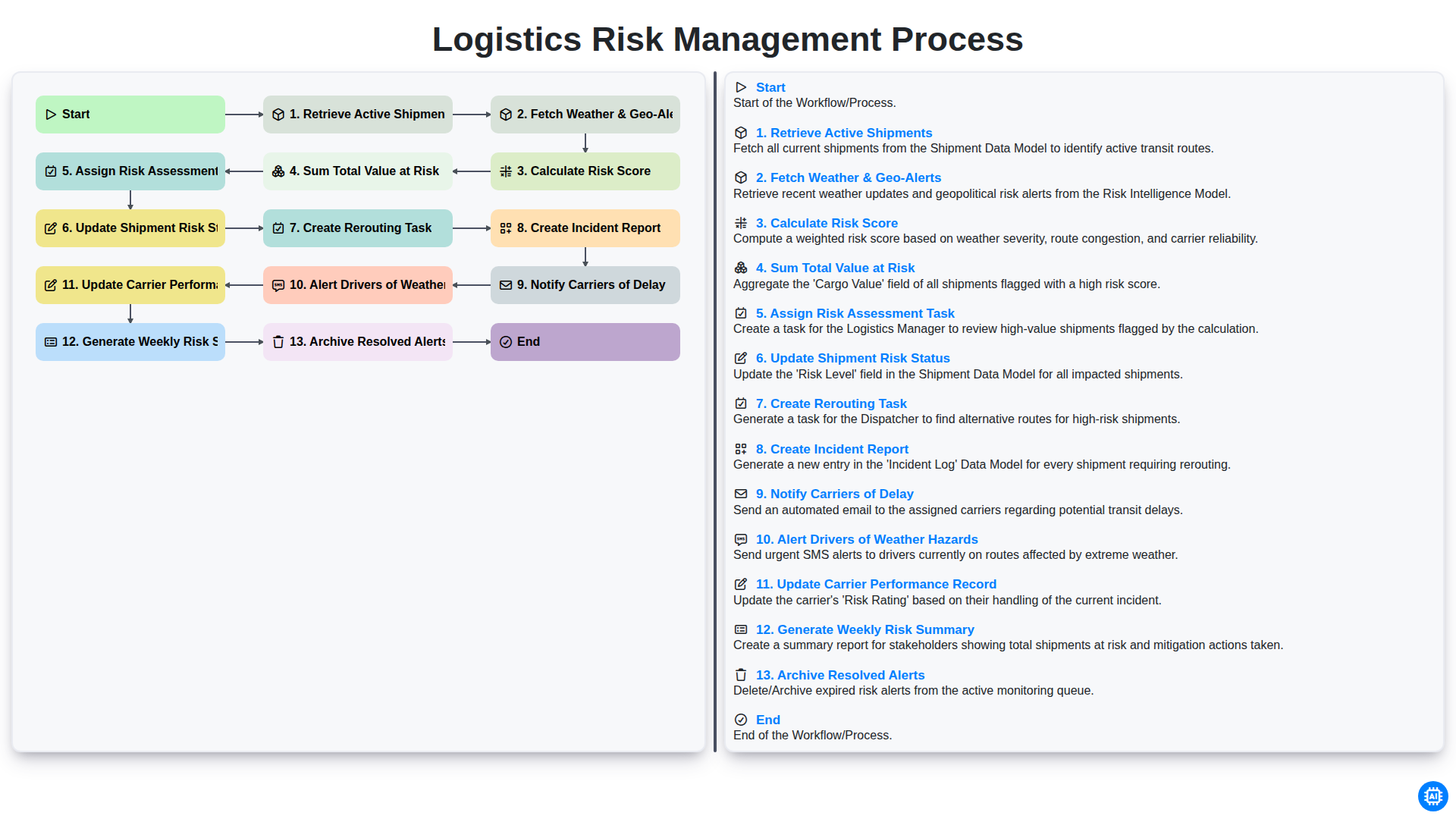
Logistics Risk Management Process
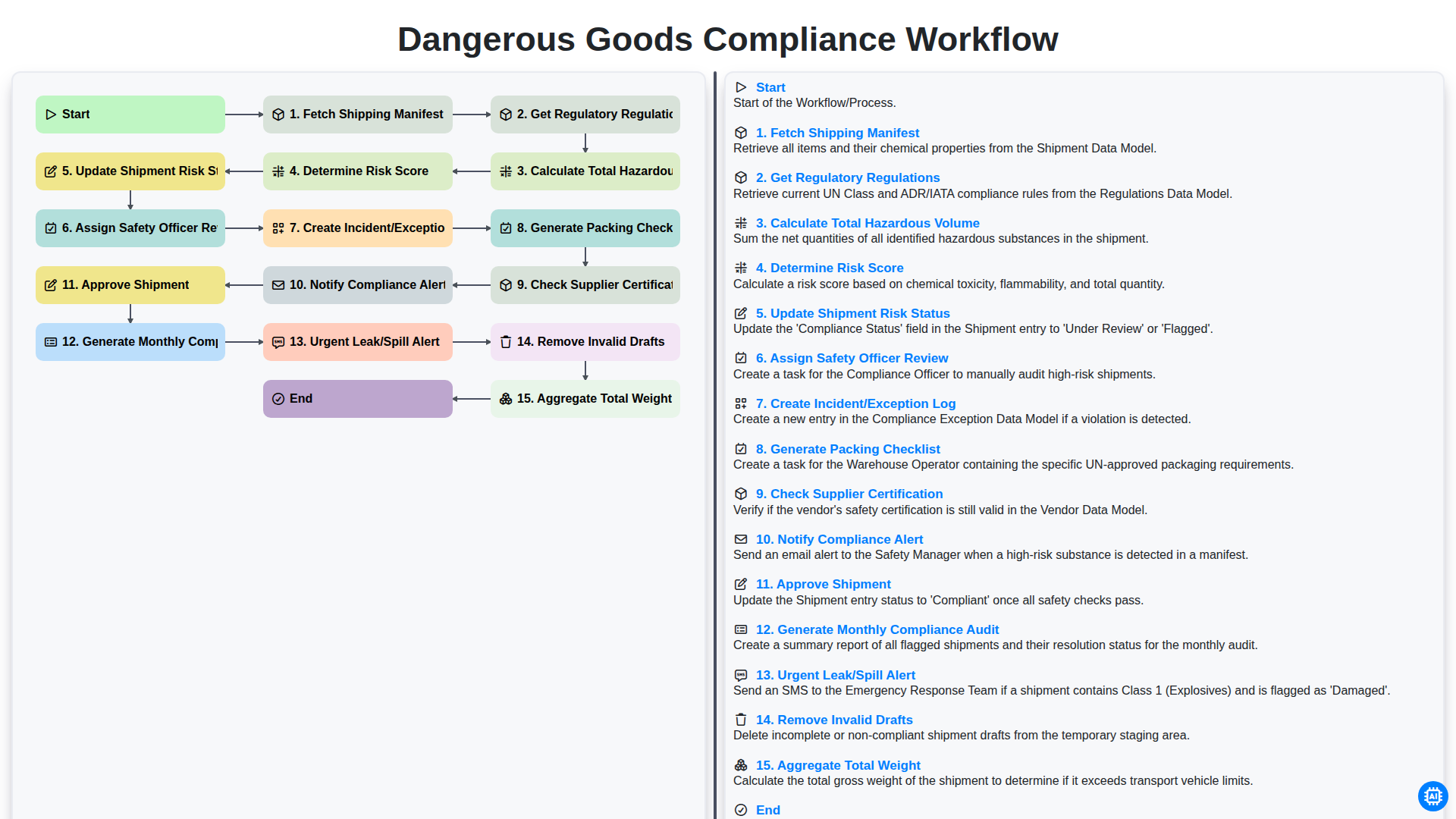
Dangerous Goods Compliance Workflow
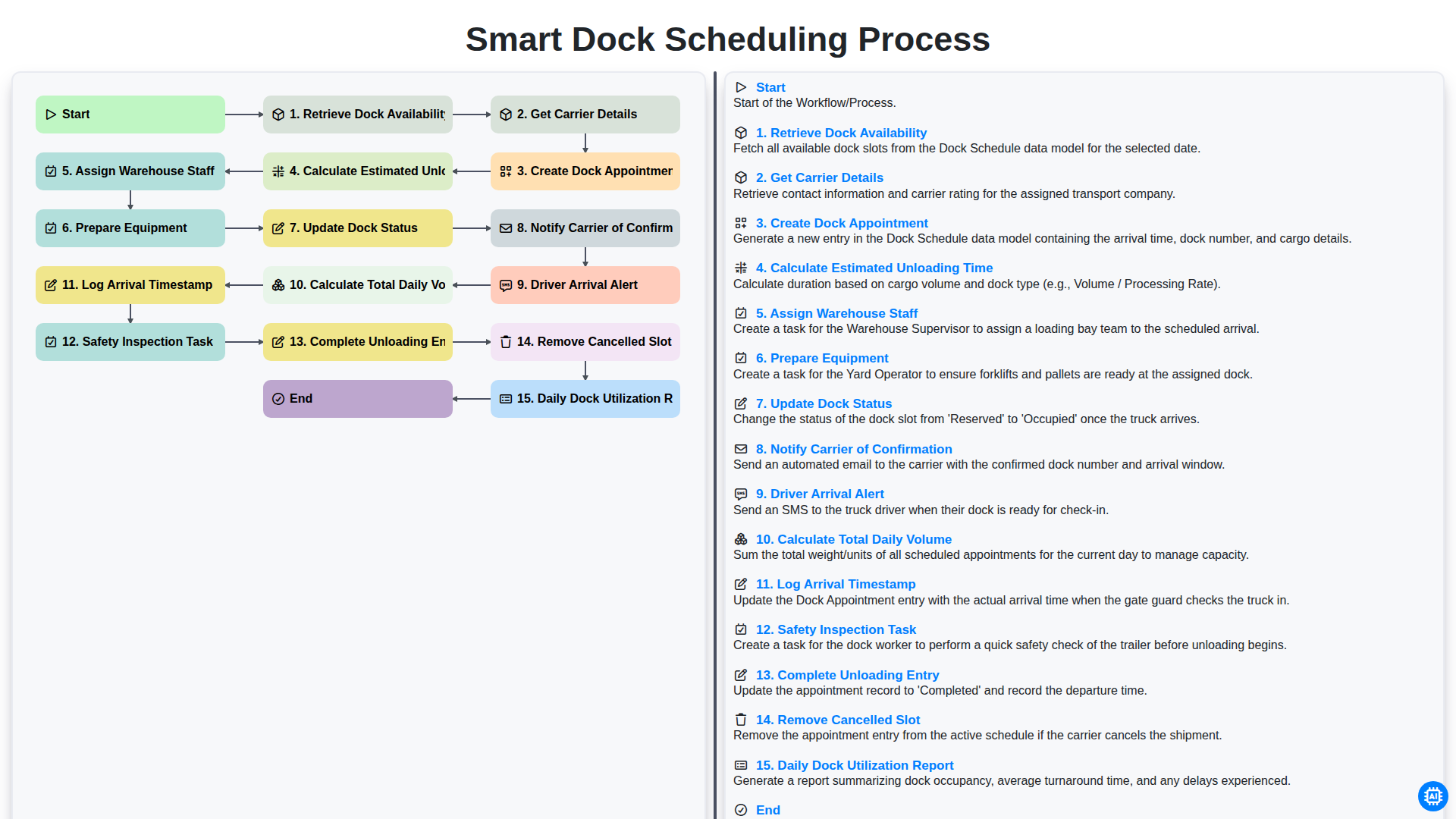
Smart Dock Scheduling Process
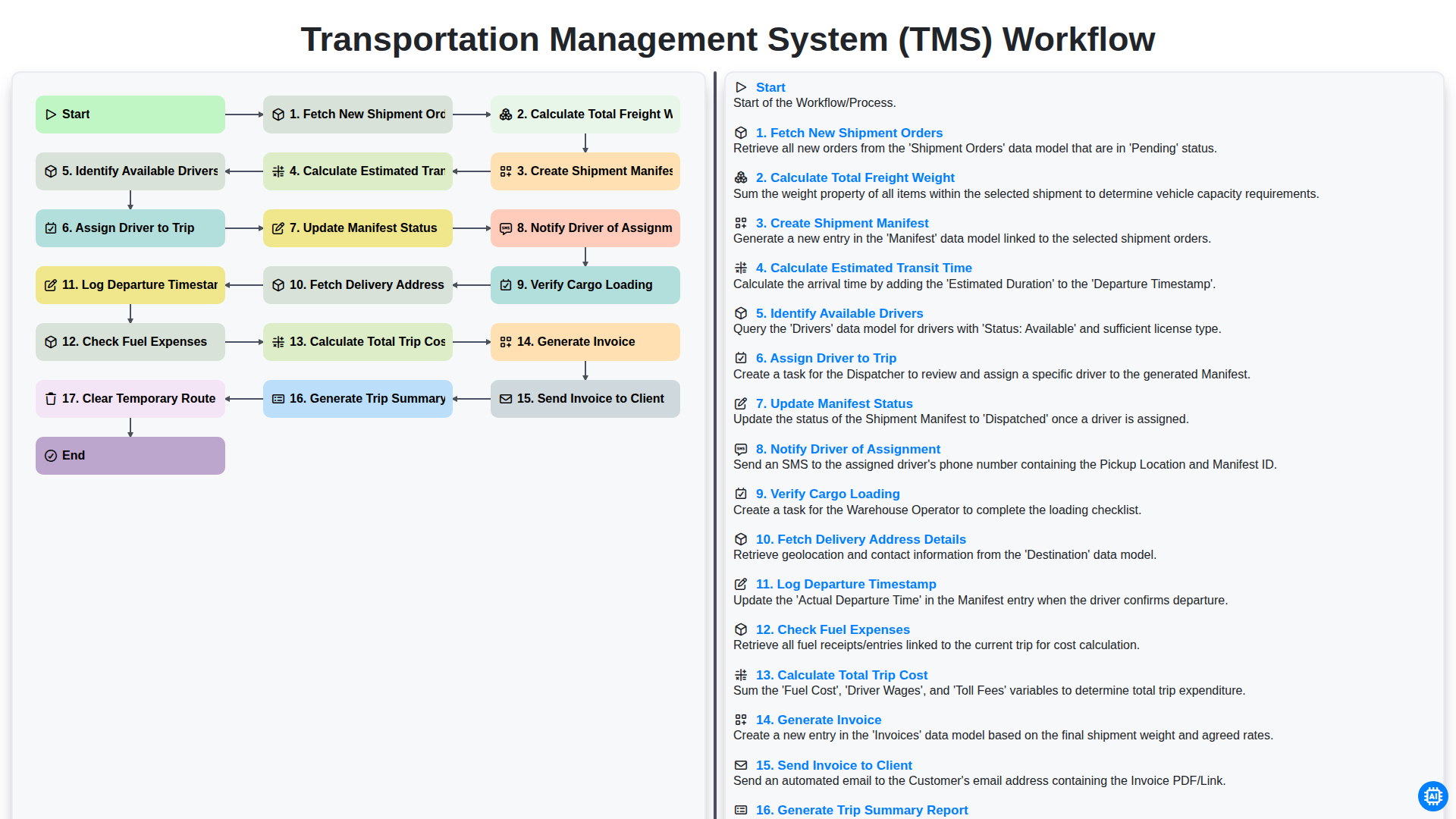
Transportation Management System (TMS) Workflow
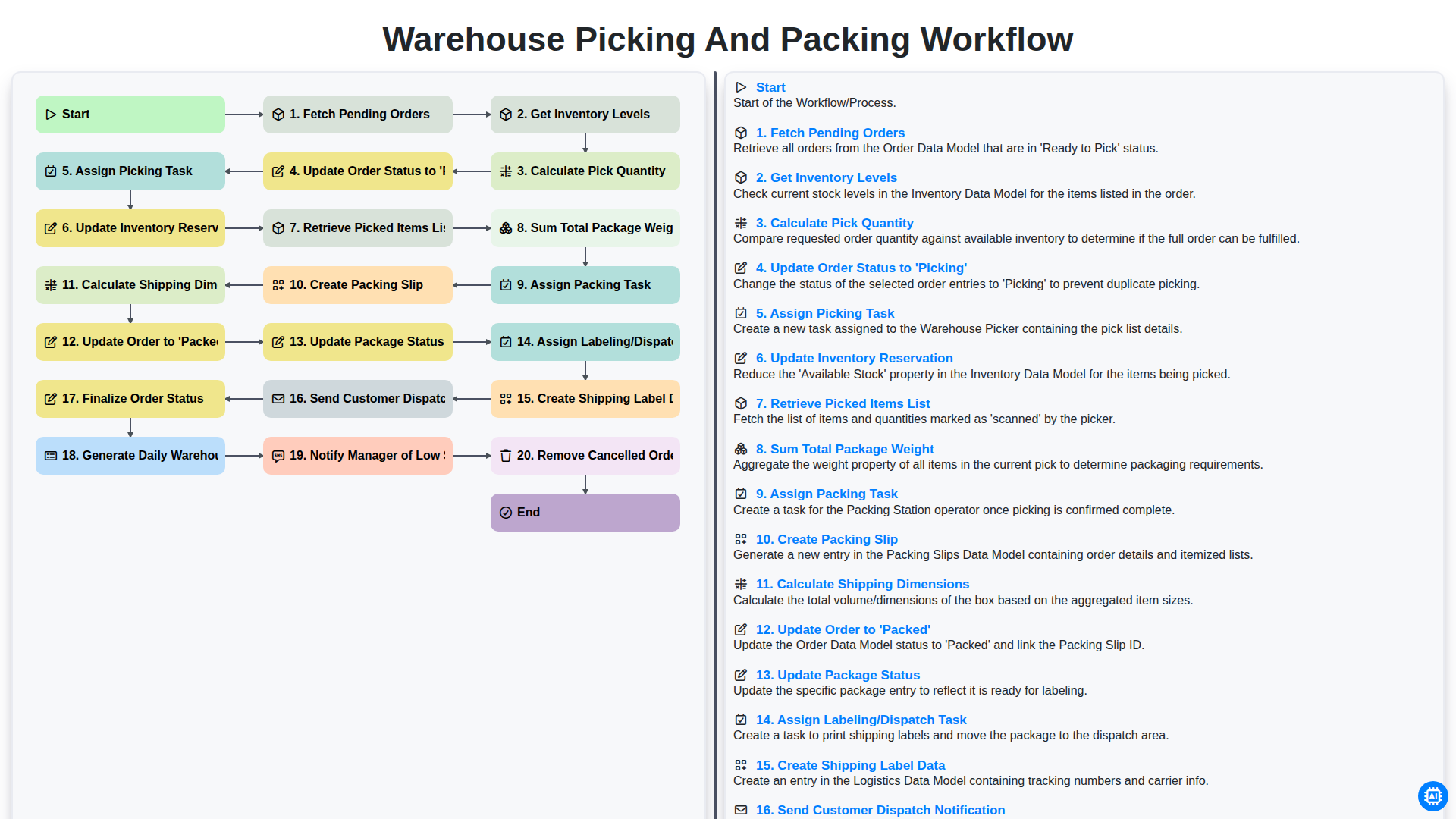
Warehouse Picking and Packing Workflow
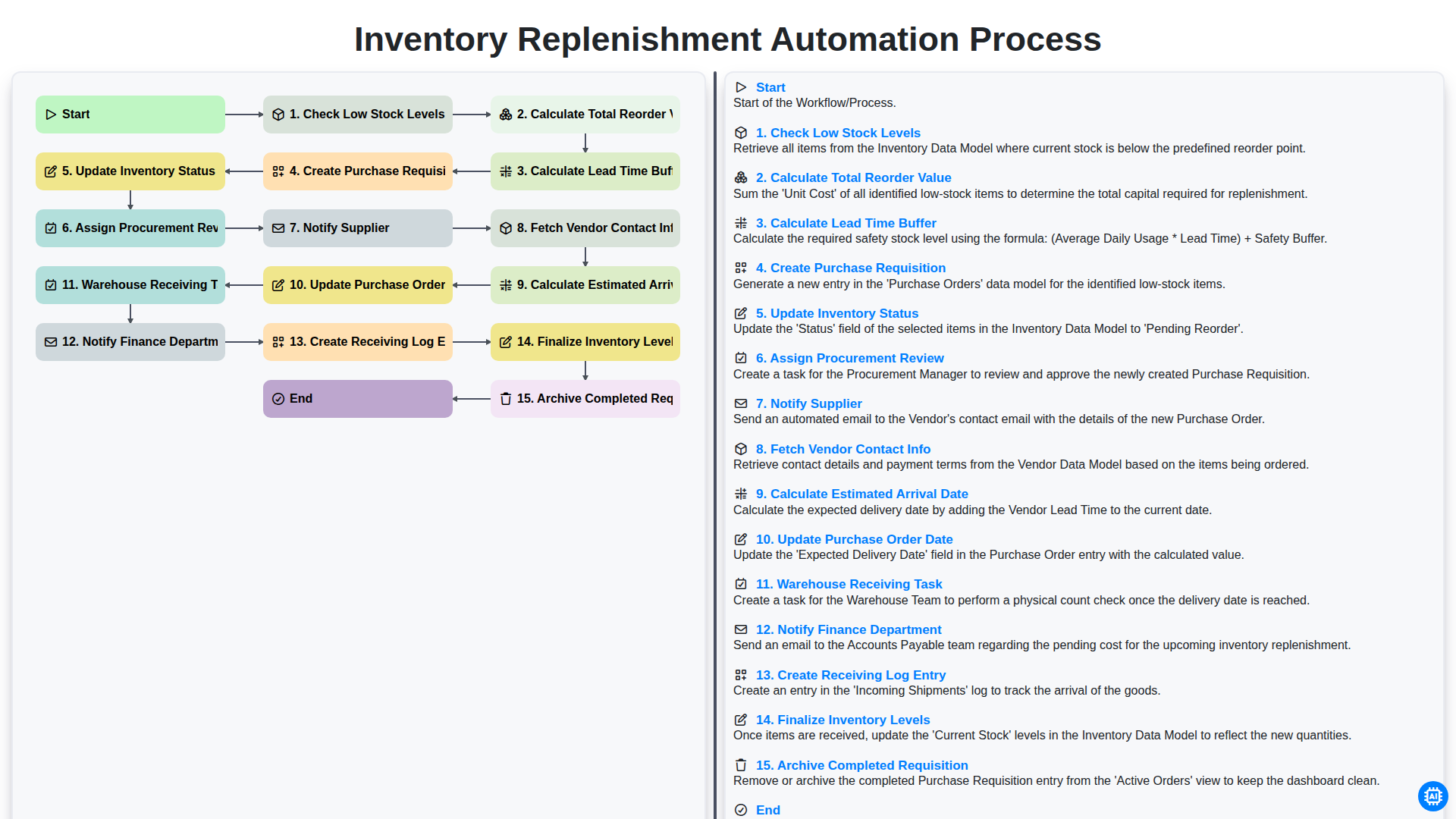
Inventory Replenishment Automation Process
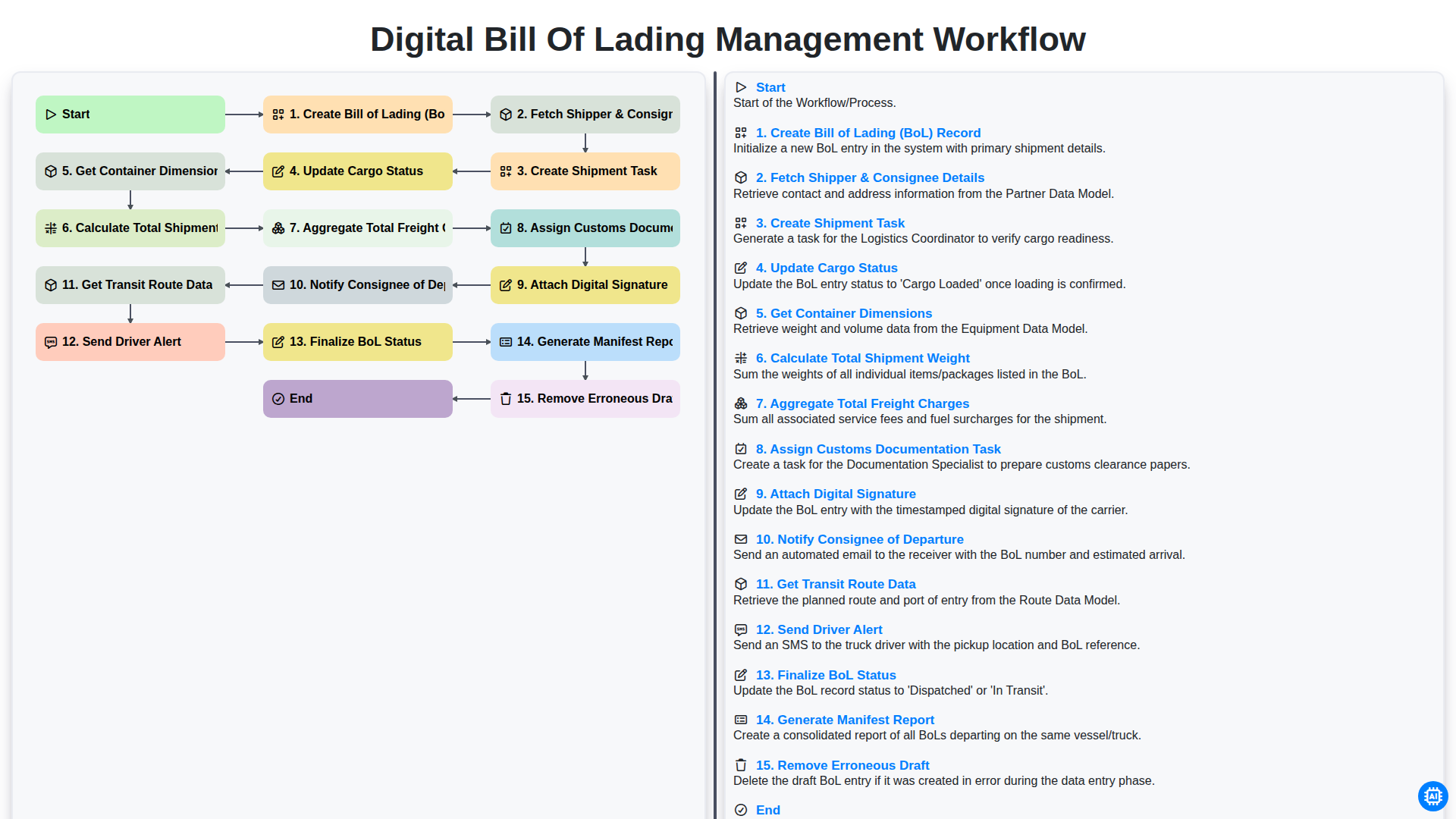
Digital Bill of Lading Management Workflow
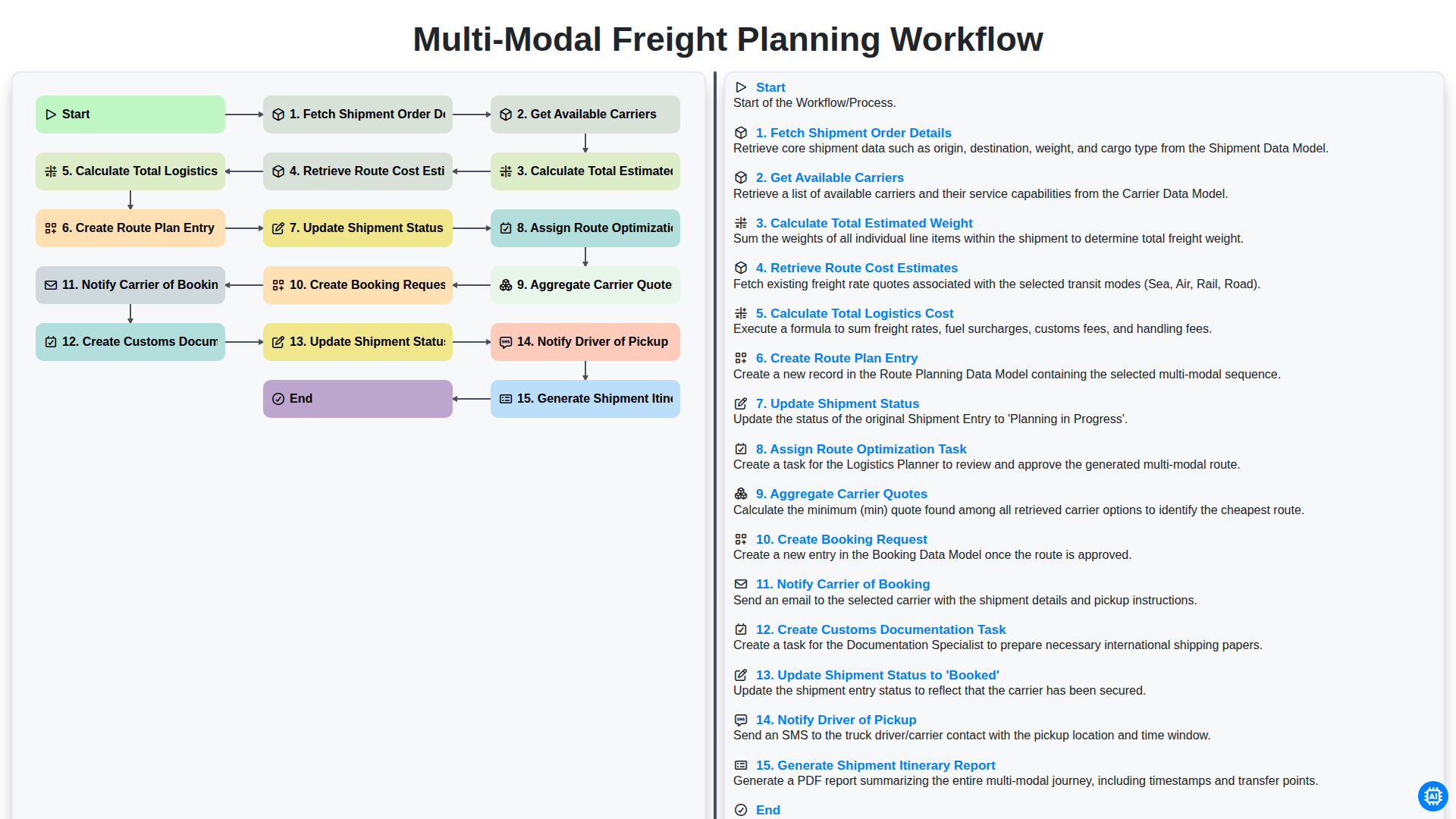
Multi-Modal Freight Planning Workflow
We can do it Together
Need help with
Logistics?
Have a question? We're here to help. Please submit your inquiry, and we'll respond promptly.