 ChecklistGuro
 Inbound Shipment Processing
Streamline your supply chain with our optimized Inbound Shipment Processing workflow. Master every stage of the receiving lifecycle-from advanced shipping notices (ASN) and dock scheduling to unloading, inspection, and inventory reconciliation-to eliminate bottlenecks, reduce receiving errors, and ensure seamless warehouse integration.
This Template was installed 4 times.
Start
Start of the Workflow/Process.
1. Fetch Pending Purchase Orders
Retrieve all Purchase Order entries with a status of 'Confirmed' but no associated 'Shipment' record.
2. Create Shipment Record
Create a new entry in the 'Shipments' data model linked to the identified Purchase Orders.
3. Assign Dock Inspection Task
Create a task for the Warehouse Supervisor to physically inspect the incoming goods.
4. Update Shipment Status to 'In Transit'
Update the Shipment entry status to reflect that the carrier has picked up the goods.
5. Get Shipment Manifest
Retrieve the manifest details and expected item quantities from the Shipment record.
6. Unloading and Verification Task
Create a task for the Receiving Clerk to unload items and verify contents against the manifest.
7. Log Received Quantities
Update the Shipment entry with the actual quantities received and note any discrepancies.
8. Calculate Total Discrepancy Value
Sum the total monetary value of all items marked as 'Damaged' or 'Missing' in the current shipment.
9. Calculate Variance Percentage
Calculate the percentage difference between 'Expected Quantity' and 'Received Quantity'.
10. Discrepancy Investigation Task
If discrepancies exist, create a task for the Procurement Manager to contact the vendor.
11. Notify Vendor of Damage
Send an email to the Vendor's contact email with photos and details of damaged goods.
12. Create Discrepancy Report Entry
Create an entry in the 'Claims/Discrepancy' data model to track the investigation process.
13. Create a task for the Inventory Controller to increment stock levels in the system.
Create a task for the Inventory Controller to increment stock levels in the system.
14. Finalize Shipment Status
Update the Shipment entry status to 'Completed' or 'Closed'.
15. Generate Weekly Receiving Summary
Generate a report summarizing all completed shipments, total items received, and total value of discrepancies for the week.
16. Notify Warehouse Manager of Completion
Send an email to the Warehouse Manager confirming that all inbound shipments for the day have been processed.
End
End of the Workflow/Process.
Start of the Workflow/Process.
Retrieve all Purchase Order entries with a status of 'Confirmed' but no associated 'Shipment' record.
Create a new entry in the 'Shipments' data model linked to the identified Purchase Orders.
Create a task for the Warehouse Supervisor to physically inspect the incoming goods.
Update the Shipment entry status to reflect that the carrier has picked up the goods.
Retrieve the manifest details and expected item quantities from the Shipment record.
Create a task for the Receiving Clerk to unload items and verify contents against the manifest.
Update the Shipment entry with the actual quantities received and note any discrepancies.
Sum the total monetary value of all items marked as 'Damaged' or 'Missing' in the current shipment.
Calculate the percentage difference between 'Expected Quantity' and 'Received Quantity'.
If discrepancies exist, create a task for the Procurement Manager to contact the vendor.
Send an email to the Vendor's contact email with photos and details of damaged goods.
Create an entry in the 'Claims/Discrepancy' data model to track the investigation process.
Create a task for the Inventory Controller to increment stock levels in the system.
Update the Shipment entry status to 'Completed' or 'Closed'.
Generate a report summarizing all completed shipments, total items received, and total value of discrepancies for the week.
Send an email to the Warehouse Manager confirming that all inbound shipments for the day have been processed.
End of the Workflow/Process.
Frequently Asked Questions
Comments
There are no comments yet. Be the first to add one!
Logistics Management Solution Demo
Tired of shipping delays, lost packages, and inefficient routes? ChecklistGuro's Work OS platform streamlines your entire logistics operation, from warehouse management and order fulfillment to route optimization and delivery tracking. Gain real-time visibility, reduce costs, and improve customer satisfaction. Learn how ChecklistGuro can transform your logistics business!
Related Workflow Templates
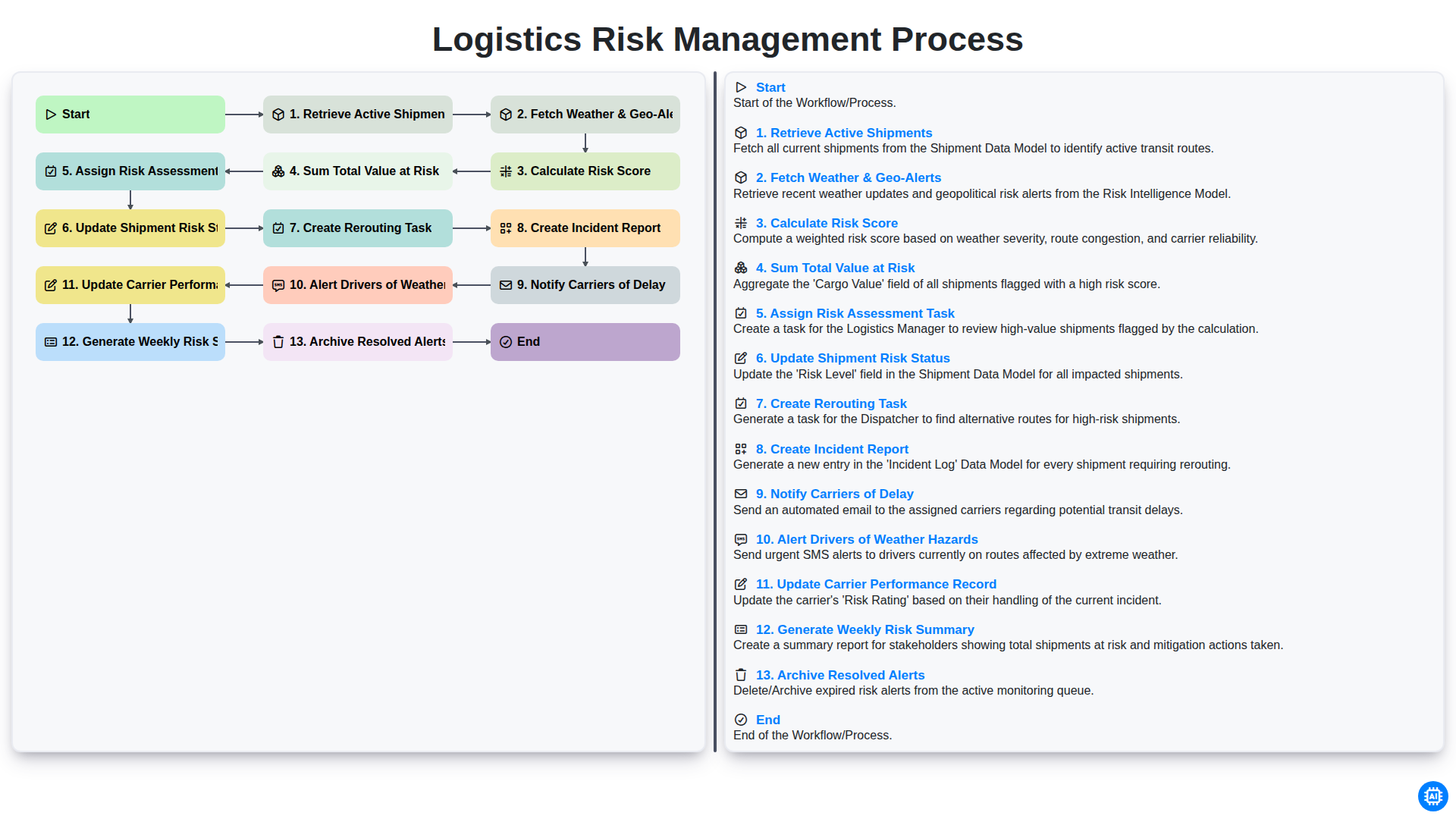
Logistics Risk Management Process
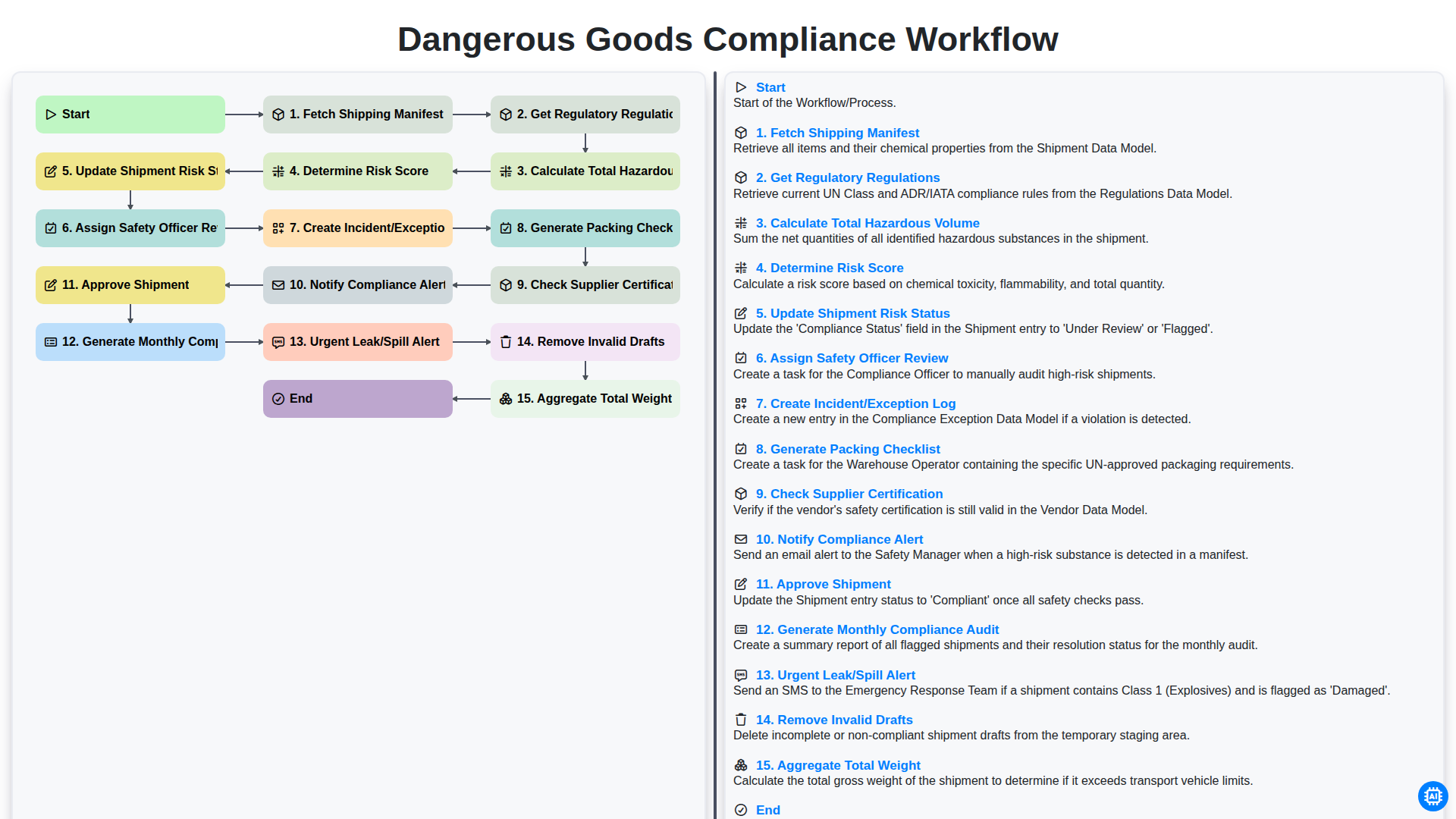
Dangerous Goods Compliance Workflow
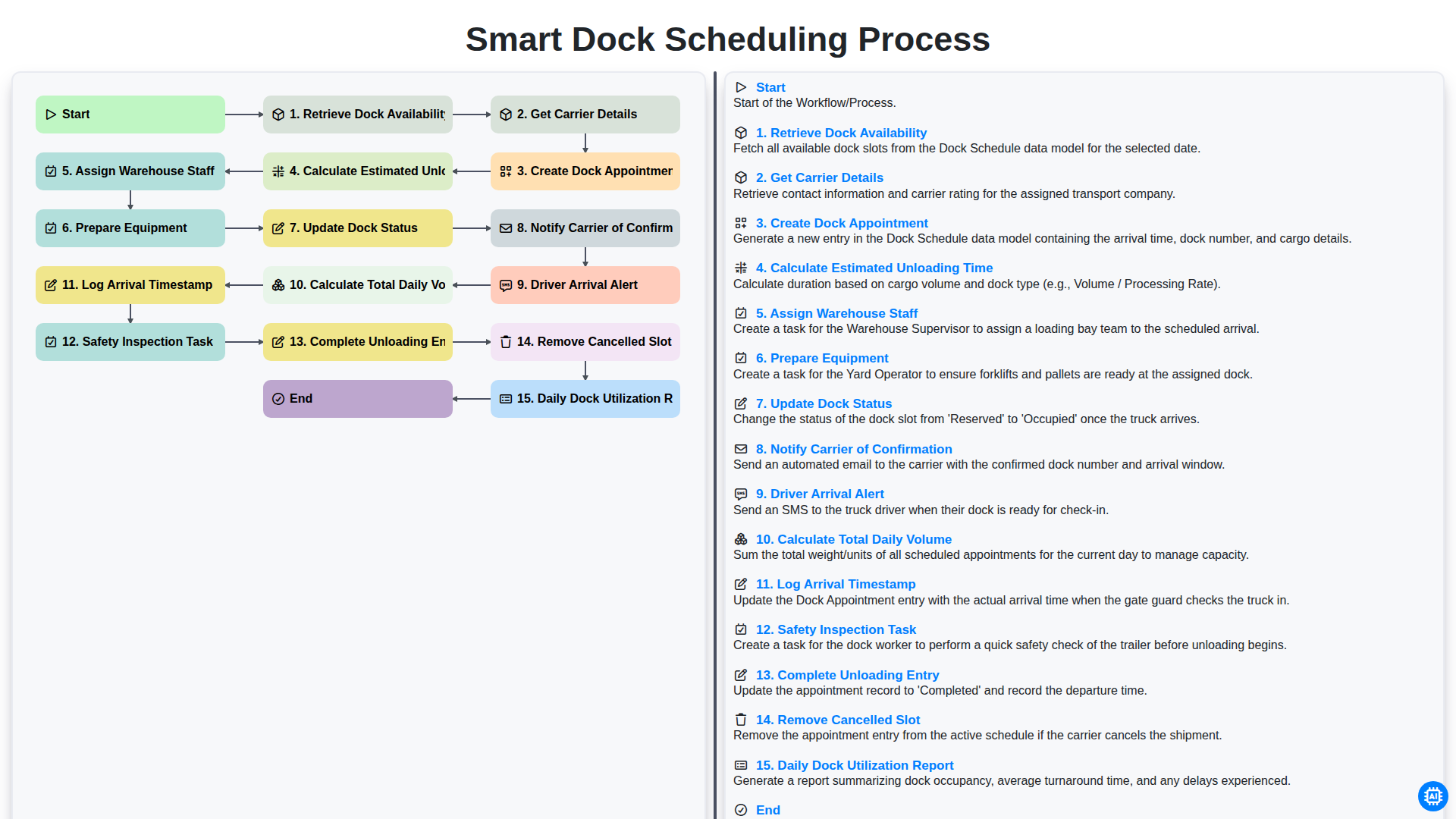
Smart Dock Scheduling Process
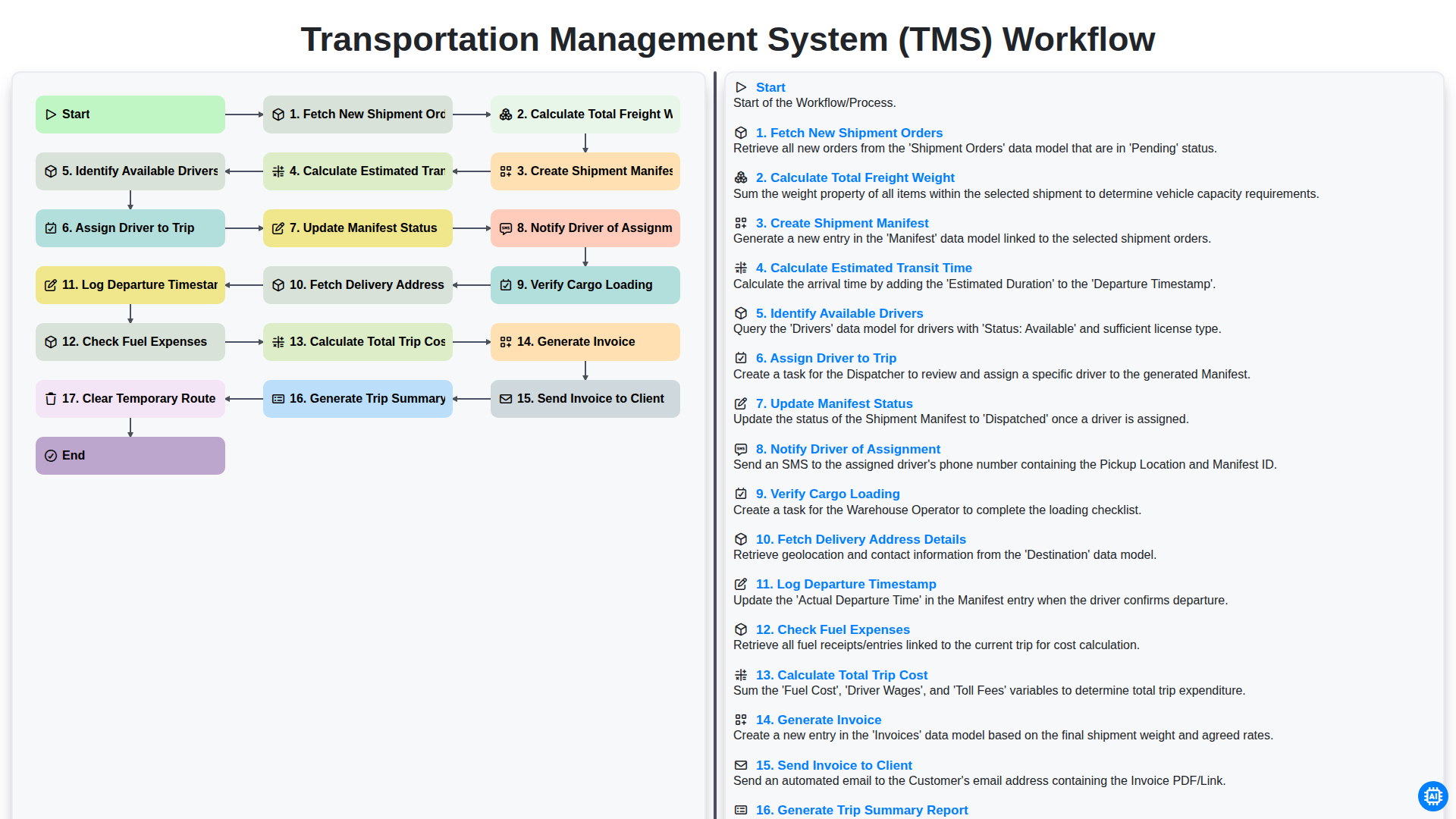
Transportation Management System (TMS) Workflow
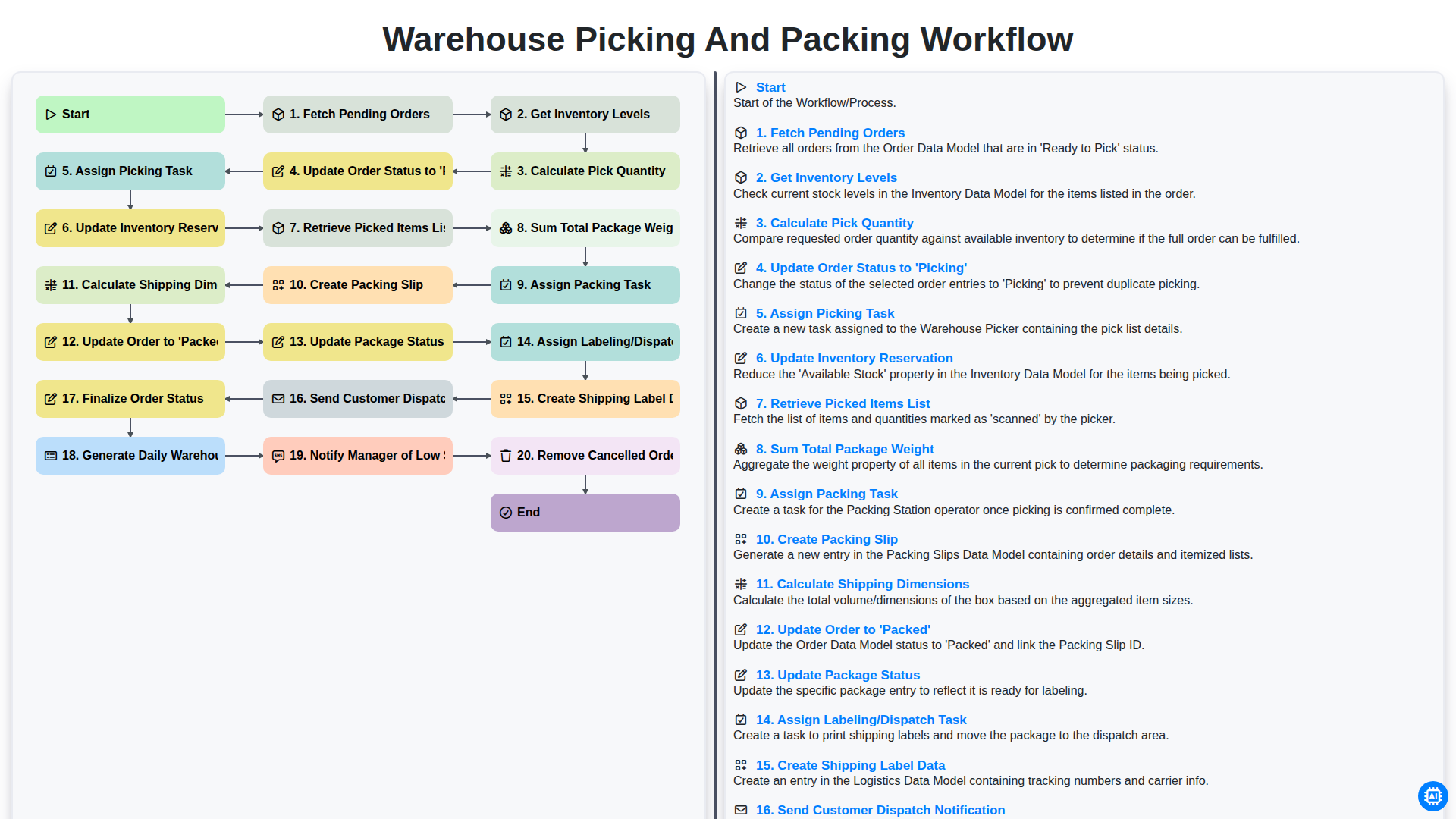
Warehouse Picking and Packing Workflow
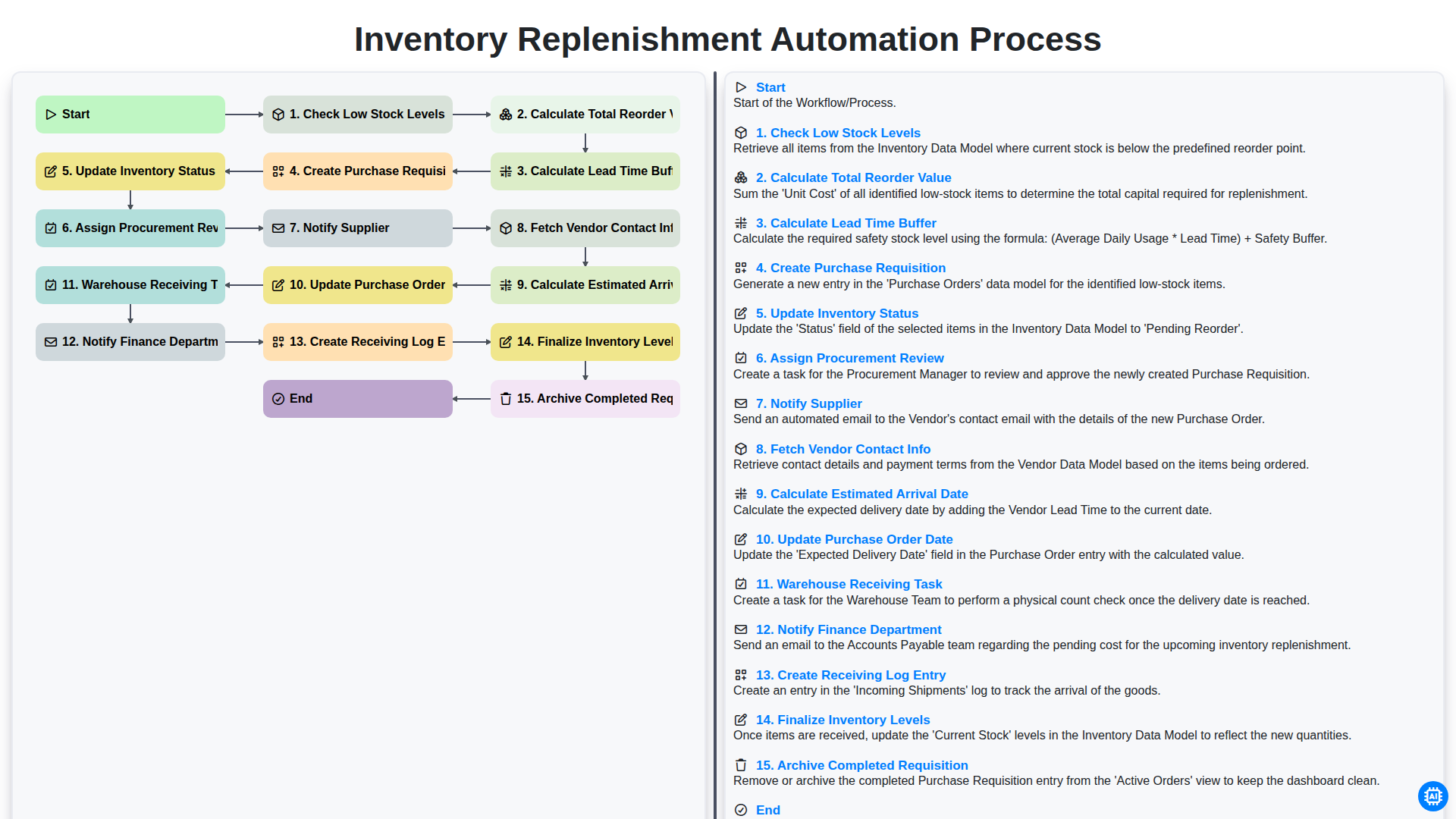
Inventory Replenishment Automation Process
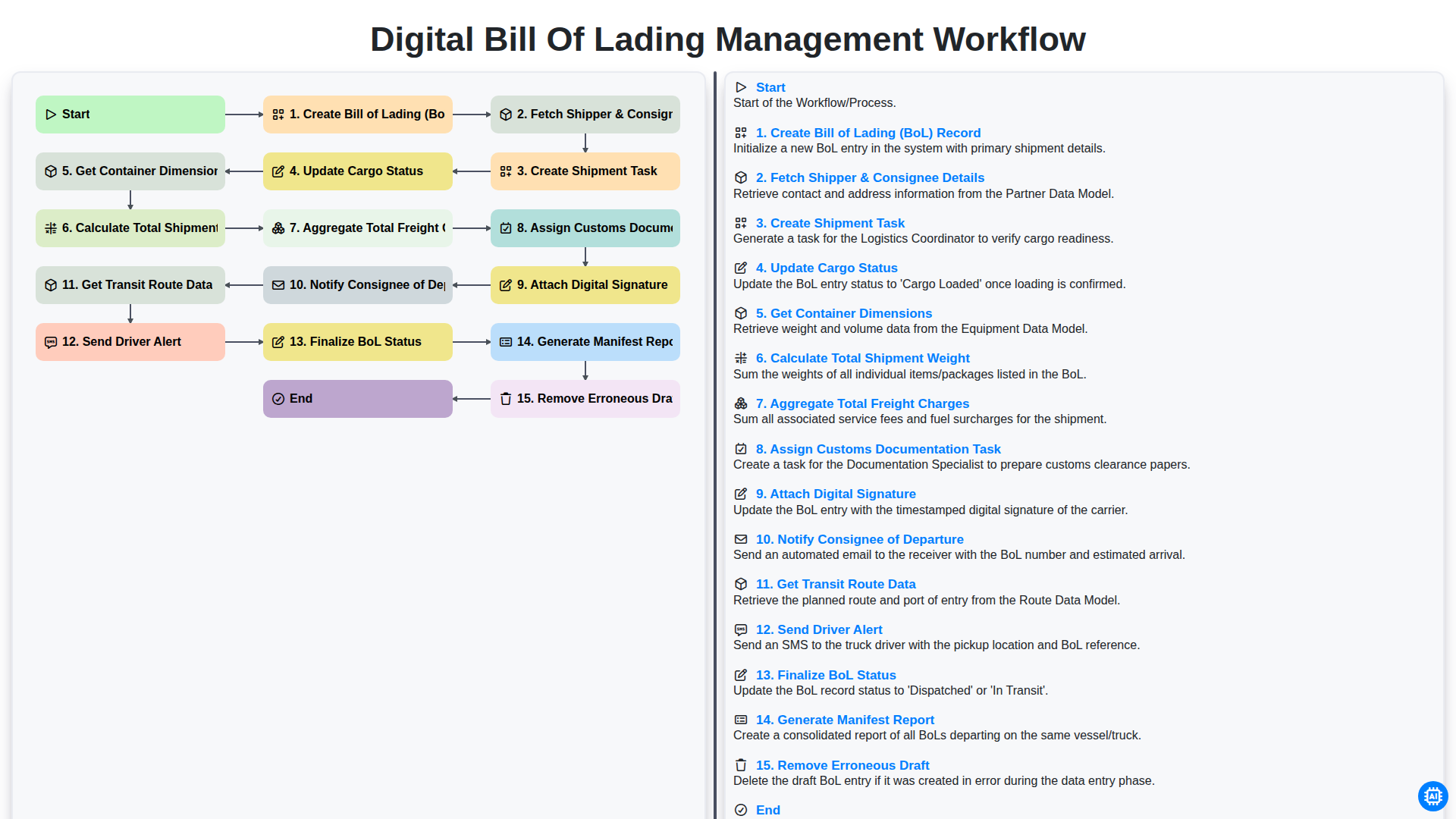
Digital Bill of Lading Management Workflow
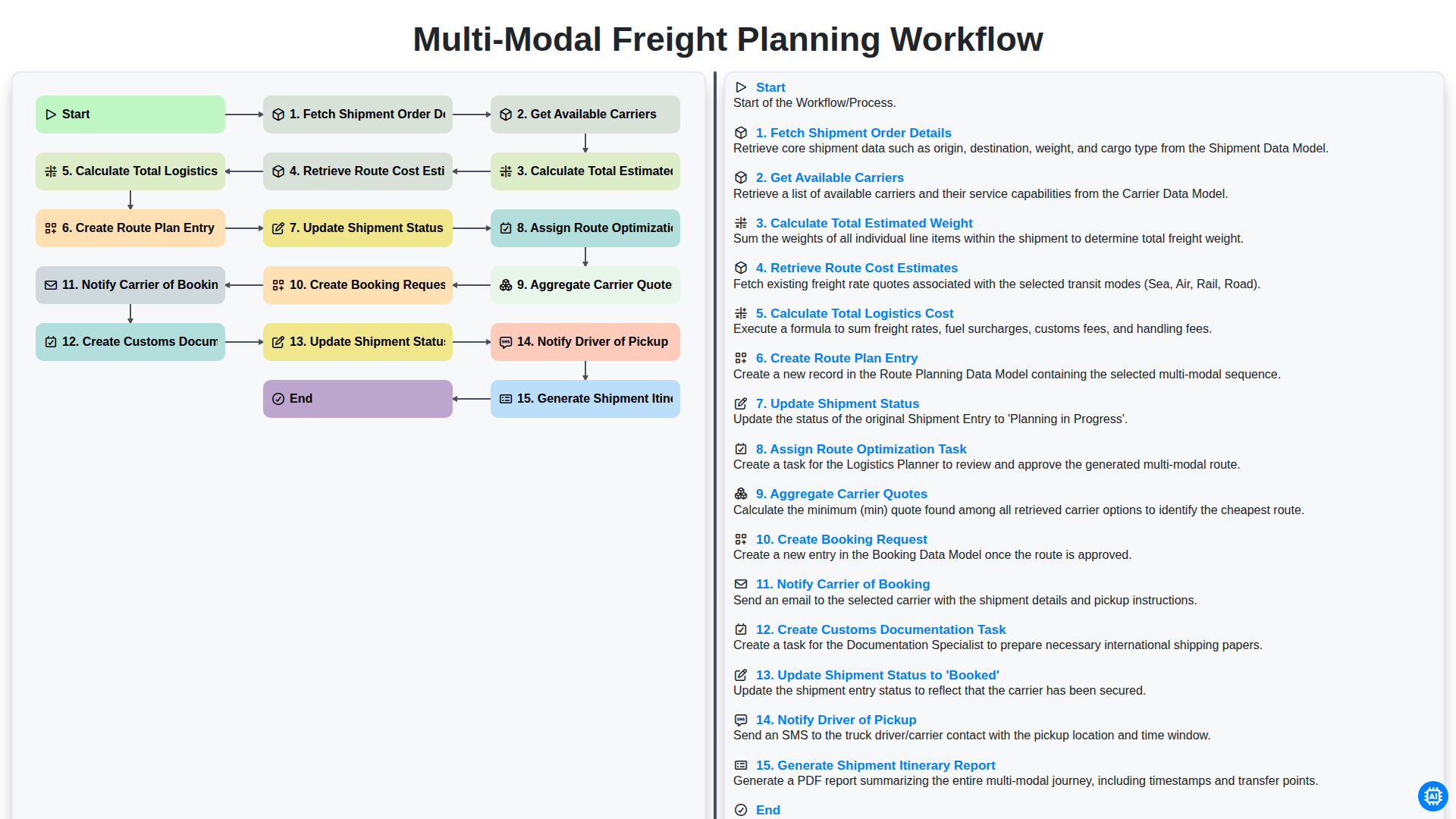
Multi-Modal Freight Planning Workflow
We can do it Together
Need help with
Logistics?
Have a question? We're here to help. Please submit your inquiry, and we'll respond promptly.