 ChecklistGuro
 Shop Floor Execution Workflow for Manufacturers
Gain real-time visibility and control of your production floor. This Shop Floor Execution Workflow streamlines operations, reduces bottlenecks, and boosts efficiency for manufacturers - from work order tracking to machine data integration. Optimize your processes and deliver superior quality, faster.
This Template was installed 5 times.
Start
Start of the Workflow/Process.
1. Retrieve Production Order Details
Fetches details of the current production order from the Production Order Data Model.
2. Fetch Machine Status
Retrieves real-time status of the assigned machine from the Machine Status Data Model.
3. Assign Operator Task
Creates a task for the shop floor operator to begin production.
4. Record Start Time
Updates the Production Order record with the actual start time.
5. Quality Check Task
Creates a quality check task after a defined quantity is produced.
6. Update Quantity Produced
Updates the Production Order record with the quantity produced.
7. Calculate Yield Rate
Calculates the yield rate based on good and rejected units.
8. Record Rejection Reasons
Updates the Production Order record with details of rejected units and reasons.
9. Escalate Quality Issue
Creates a task to escalate quality issues to the quality control team.
10. Record Downtime
Updates the Production Order record with downtime details (reason, duration).
11. Get Material Batch Information
Retrieves information about the material batch used in the production run.
12. Generate Production Run Summary Report
Creates a report summarizing the production run details (quantity, yield, downtime).
13. Notify Supervisor of Completion
Sends an email to the supervisor upon completion of the production order.
14. Create Production Event Log
Creates a log entry documenting the entire production event with timestamps and operator details.
15. Update Machine OEE
Updates the Overall Equipment Effectiveness (OEE) data for the machine.
End
End of the Workflow/Process.
Start of the Workflow/Process.
Fetches details of the current production order from the Production Order Data Model.
Retrieves real-time status of the assigned machine from the Machine Status Data Model.
Creates a task for the shop floor operator to begin production.
Updates the Production Order record with the actual start time.
Creates a quality check task after a defined quantity is produced.
Updates the Production Order record with the quantity produced.
Calculates the yield rate based on good and rejected units.
Updates the Production Order record with details of rejected units and reasons.
Creates a task to escalate quality issues to the quality control team.
Updates the Production Order record with downtime details (reason, duration).
Retrieves information about the material batch used in the production run.
Creates a report summarizing the production run details (quantity, yield, downtime).
Sends an email to the supervisor upon completion of the production order.
Creates a log entry documenting the entire production event with timestamps and operator details.
Updates the Overall Equipment Effectiveness (OEE) data for the machine.
End of the Workflow/Process.
Comments
There are no comments yet. Be the first to add one!
Manufacturing Management Solution Demo
Stop chasing paperwork and wrestling with disconnected systems! Our solution brings clarity and control to your production process. From standard operating procedures (SOPs) and equipment maintenance to quality control and inventory tracking, we simplify every step.
Related Workflow Templates
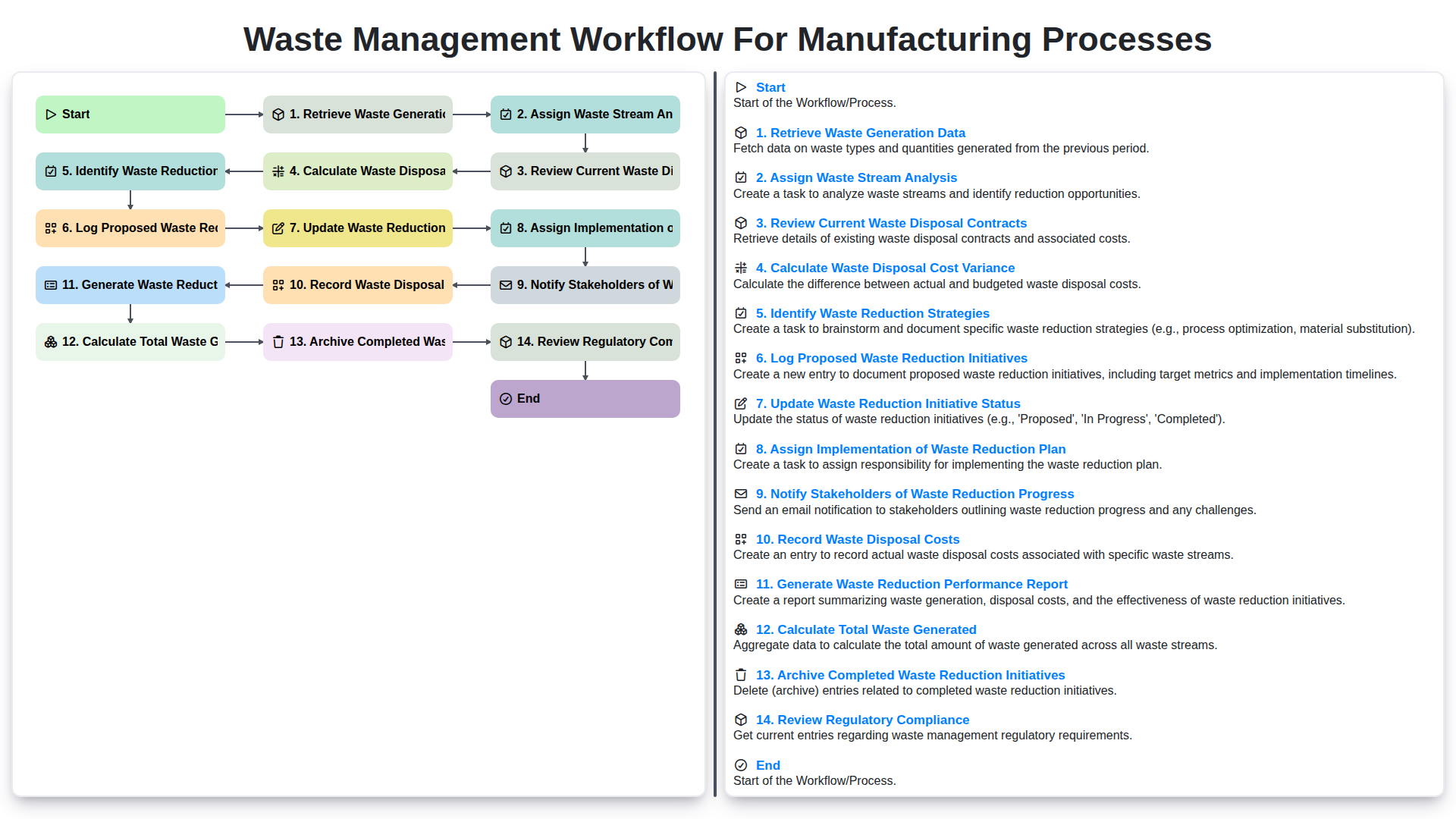
Waste Management Workflow for Manufacturing Processes
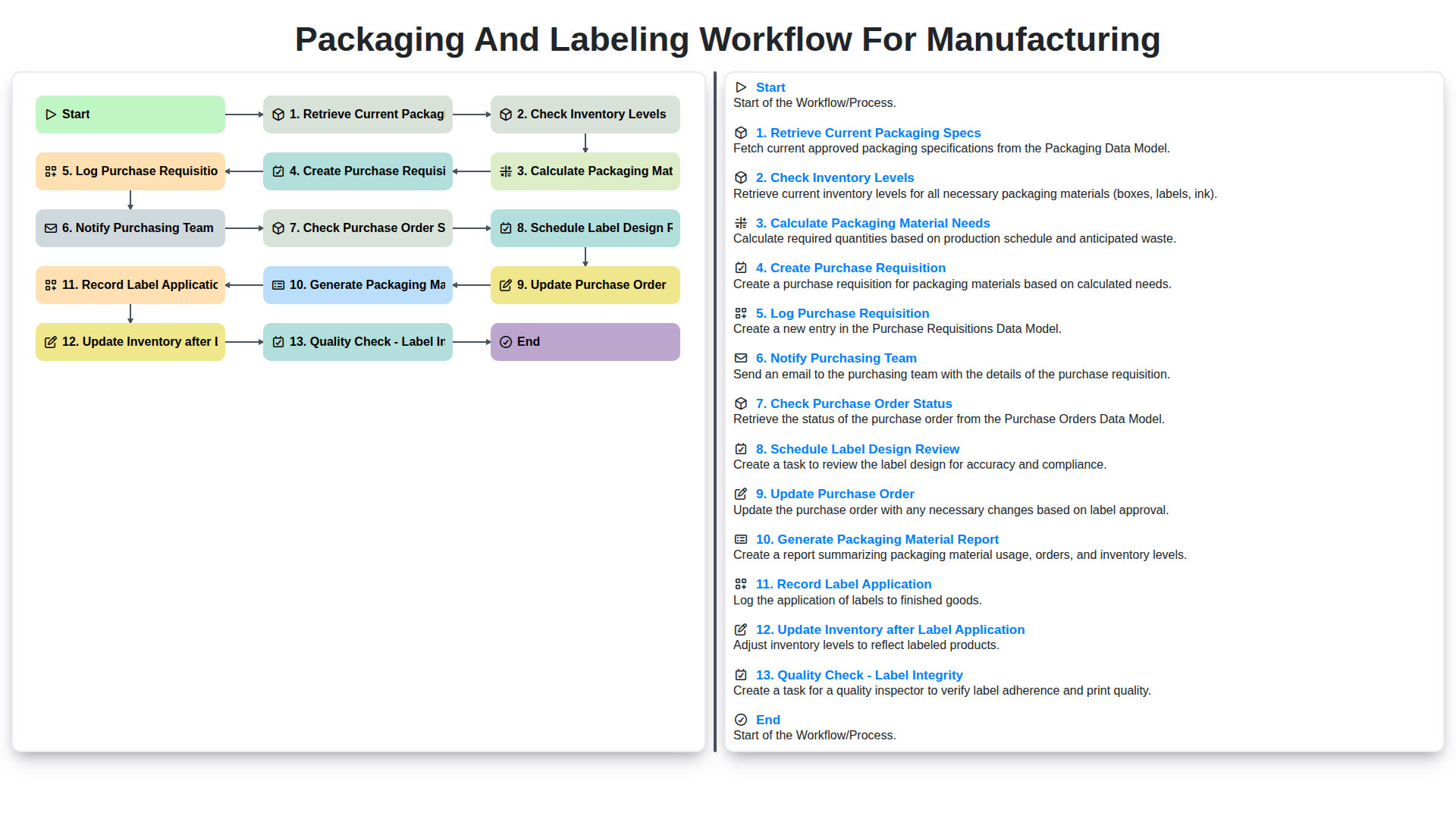
Packaging and Labeling Workflow for Manufacturing
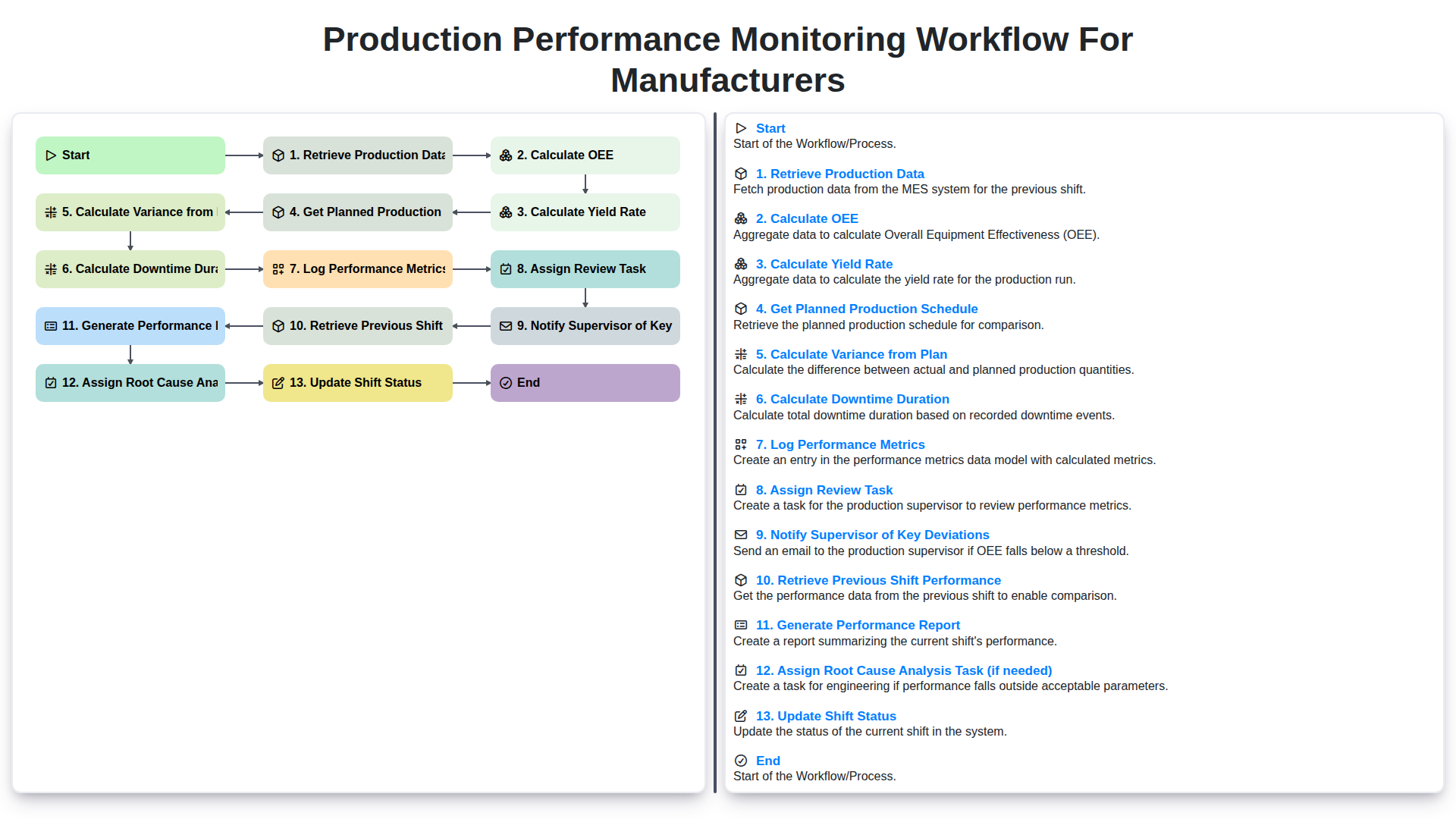
Production Performance Monitoring Workflow for Manufacturers
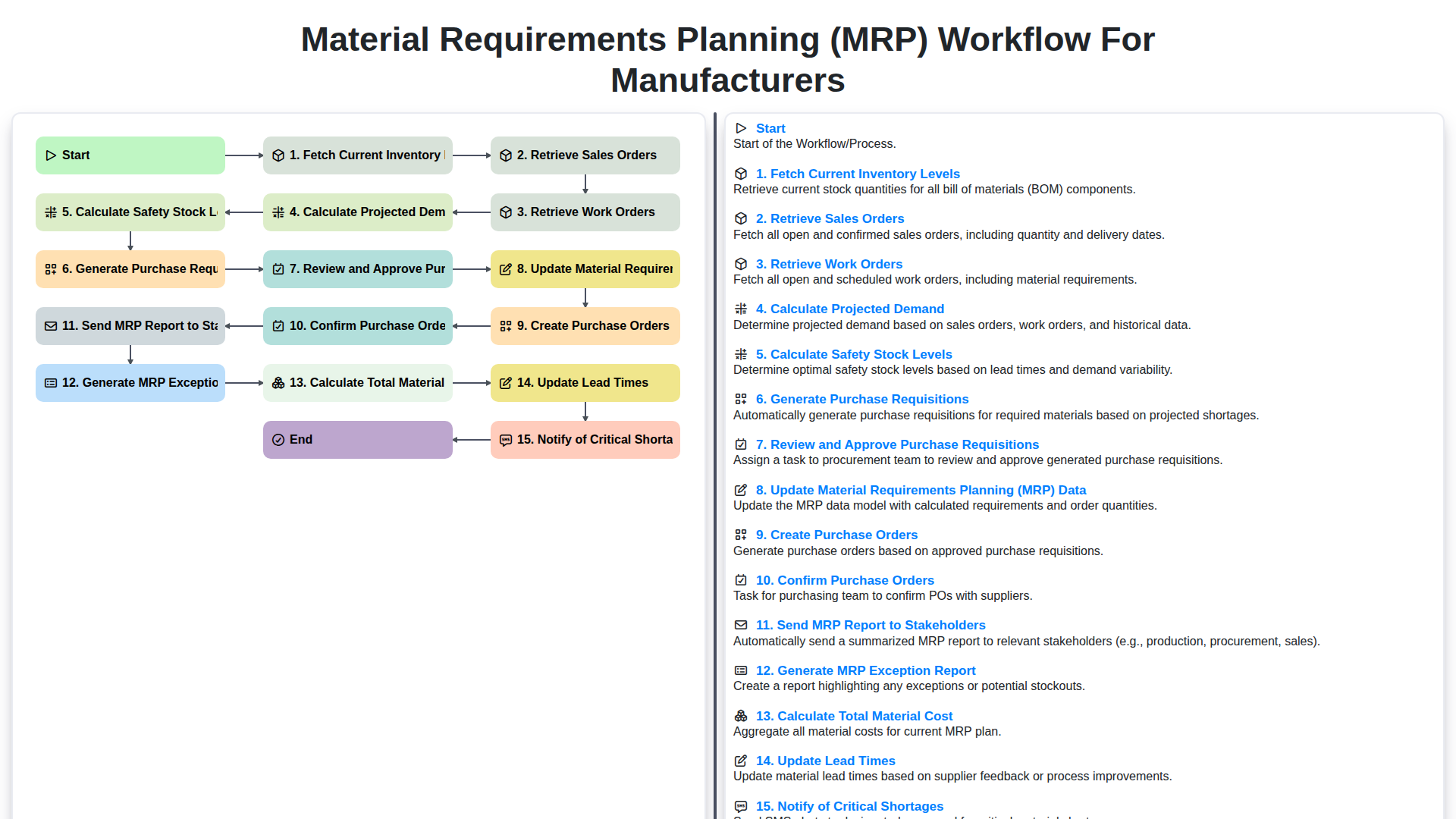
Material Requirements Planning (MRP) Workflow for Manufacturers
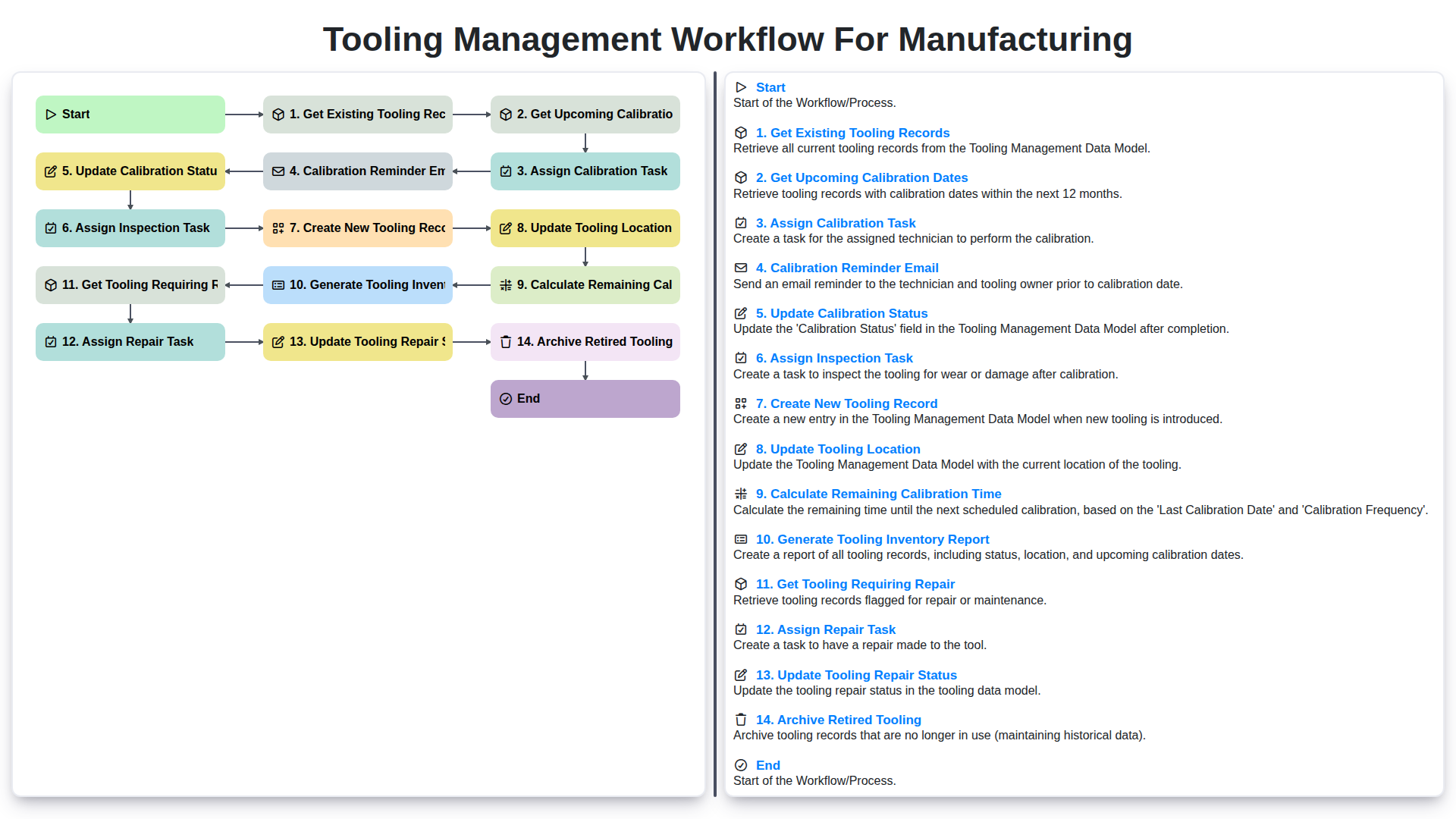
Tooling Management Workflow for Manufacturing
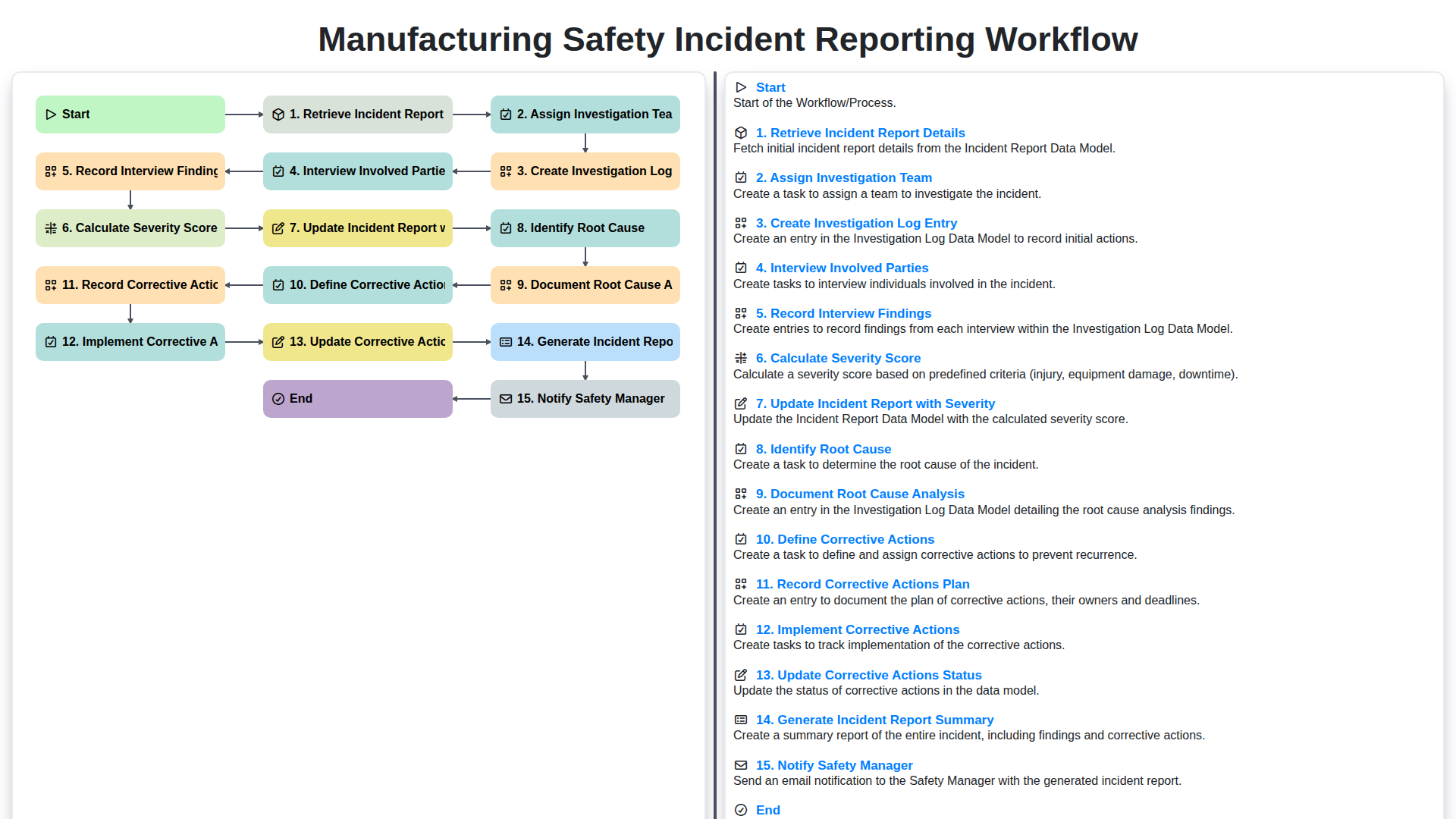
Manufacturing Safety Incident Reporting Workflow
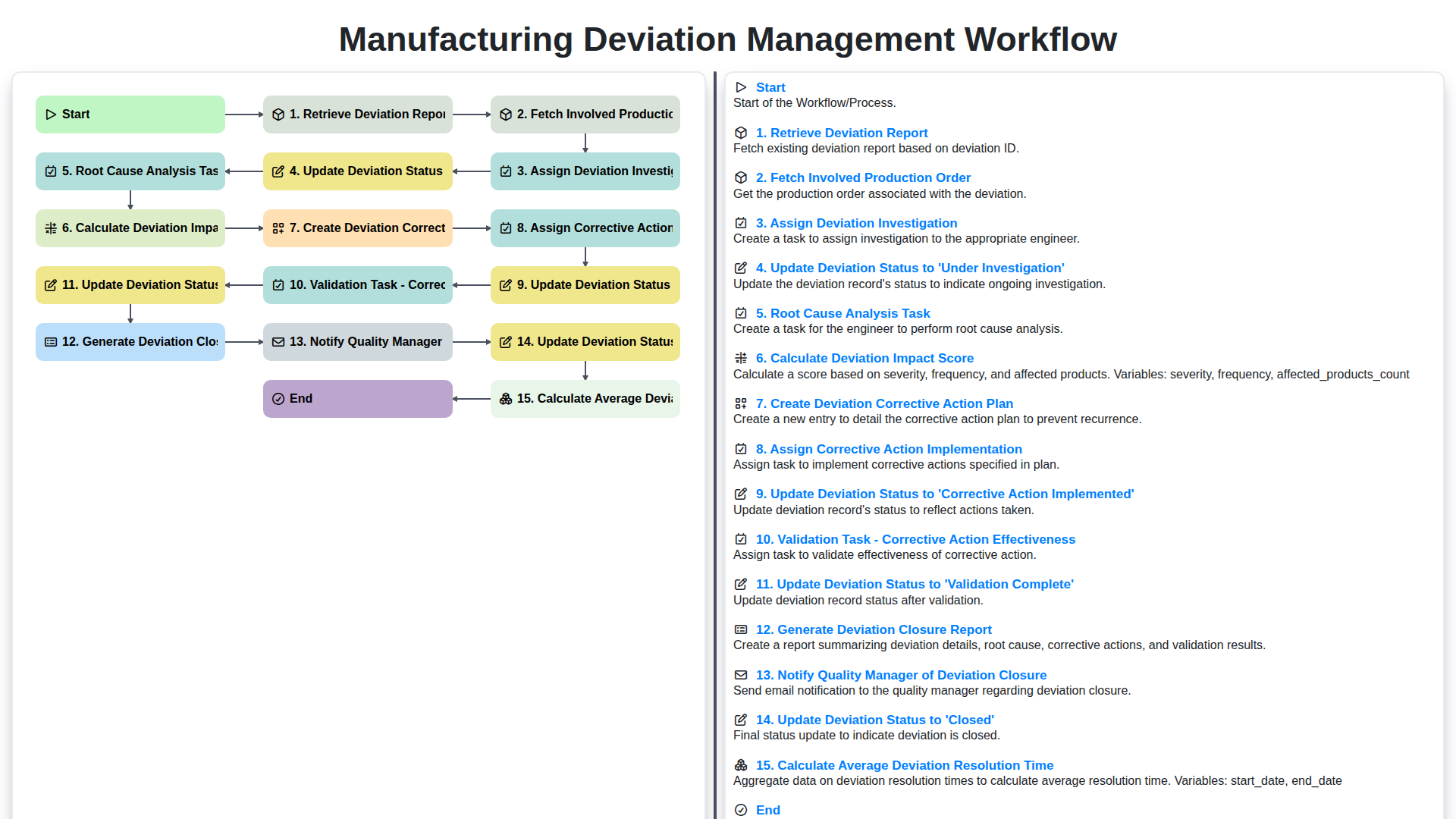
Manufacturing Deviation Management Workflow
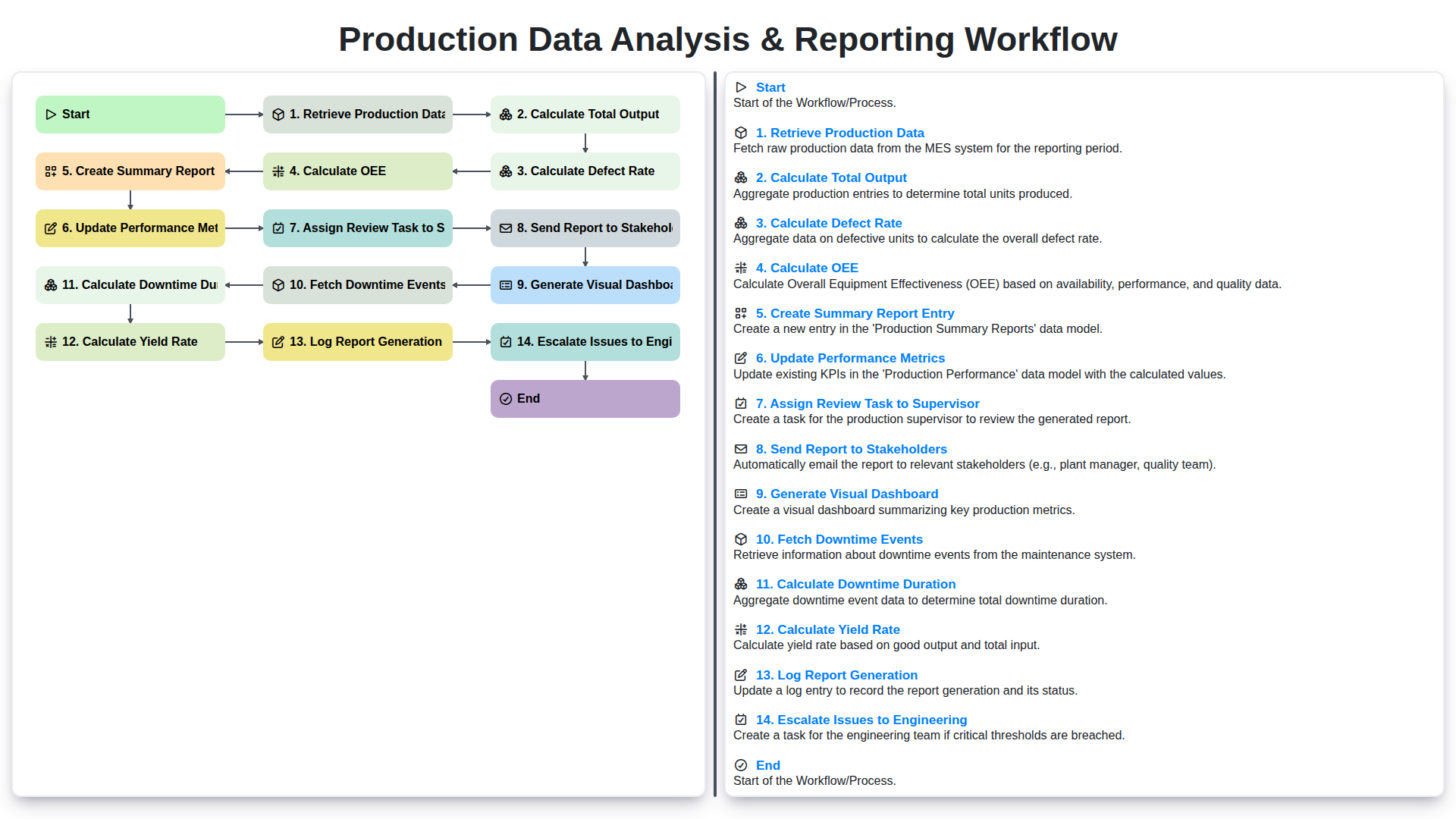
Production Data Analysis & Reporting Workflow
We can do it Together
Need help with
Manufacturing?
Have a question? We're here to help. Please submit your inquiry, and we'll respond promptly.