 ChecklistGuro
 Work Order Release Workflow for Manufacturers
Streamline your production and eliminate bottlenecks with our Work Order Release Workflow. Designed specifically for manufacturers, this automated process ensures timely and accurate work order distribution, reducing errors, accelerating production cycles, and boosting overall efficiency. Learn how to optimize your shop floor execution today!
This Template was installed 5 times.
Start
Start of the Workflow/Process.
1. Retrieve Work Order Details
Fetch details from the 'Work Orders' data model based on Work Order ID.
2. Check Material Availability
Retrieve current stock levels for required materials from the 'Inventory' data model.
3. Calculate Required Production Quantity
Determine the total production quantity needed based on order and demand forecasts.
4. Update Work Order Status
Change the status of the Work Order to 'Approved for Release'.
5. Assign Production Team
Create a task to assign the production team to the released work order.
6. Schedule Material Pull
Create a task for the warehouse team to pull necessary materials.
7. Notify Production Manager
Send an email to the Production Manager about the released work order.
8. Notify Warehouse Team
Send email to the warehouse team with a list of materials to pull.
9. Create Material Request
Create a request for the warehouse to pull required material.
10. Update Material Reservation
Reserve the required materials against the work order in the 'Inventory' data model.
11. Verify Material Pull Completion
Create a task for Production to verify materials received.
12. Generate Release Report
Create a report summarizing the details of the released work order.
13. Retrieve Resource Availability
Check availability of machines and labor.
End
End of the Workflow/Process.
Start of the Workflow/Process.
Fetch details from the 'Work Orders' data model based on Work Order ID.
Retrieve current stock levels for required materials from the 'Inventory' data model.
Determine the total production quantity needed based on order and demand forecasts.
Change the status of the Work Order to 'Approved for Release'.
Create a task to assign the production team to the released work order.
Create a task for the warehouse team to pull necessary materials.
Send an email to the Production Manager about the released work order.
Send email to the warehouse team with a list of materials to pull.
Create a request for the warehouse to pull required material.
Reserve the required materials against the work order in the 'Inventory' data model.
Create a task for Production to verify materials received.
Create a report summarizing the details of the released work order.
Check availability of machines and labor.
End of the Workflow/Process.
Comments
There are no comments yet. Be the first to add one!
Manufacturing Management Solution Demo
Stop chasing paperwork and wrestling with disconnected systems! Our solution brings clarity and control to your production process. From standard operating procedures (SOPs) and equipment maintenance to quality control and inventory tracking, we simplify every step.
Related Workflow Templates
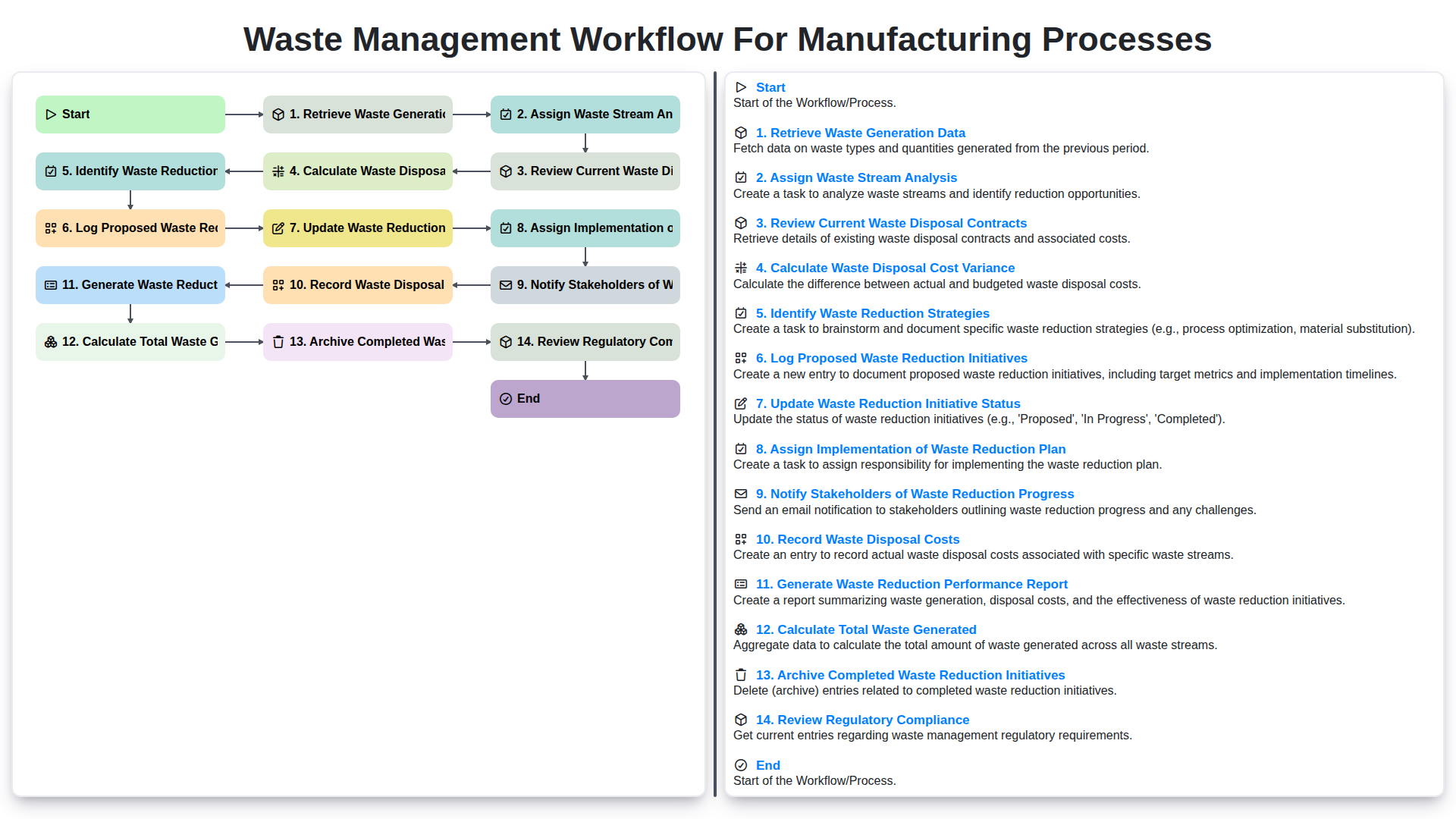
Waste Management Workflow for Manufacturing Processes
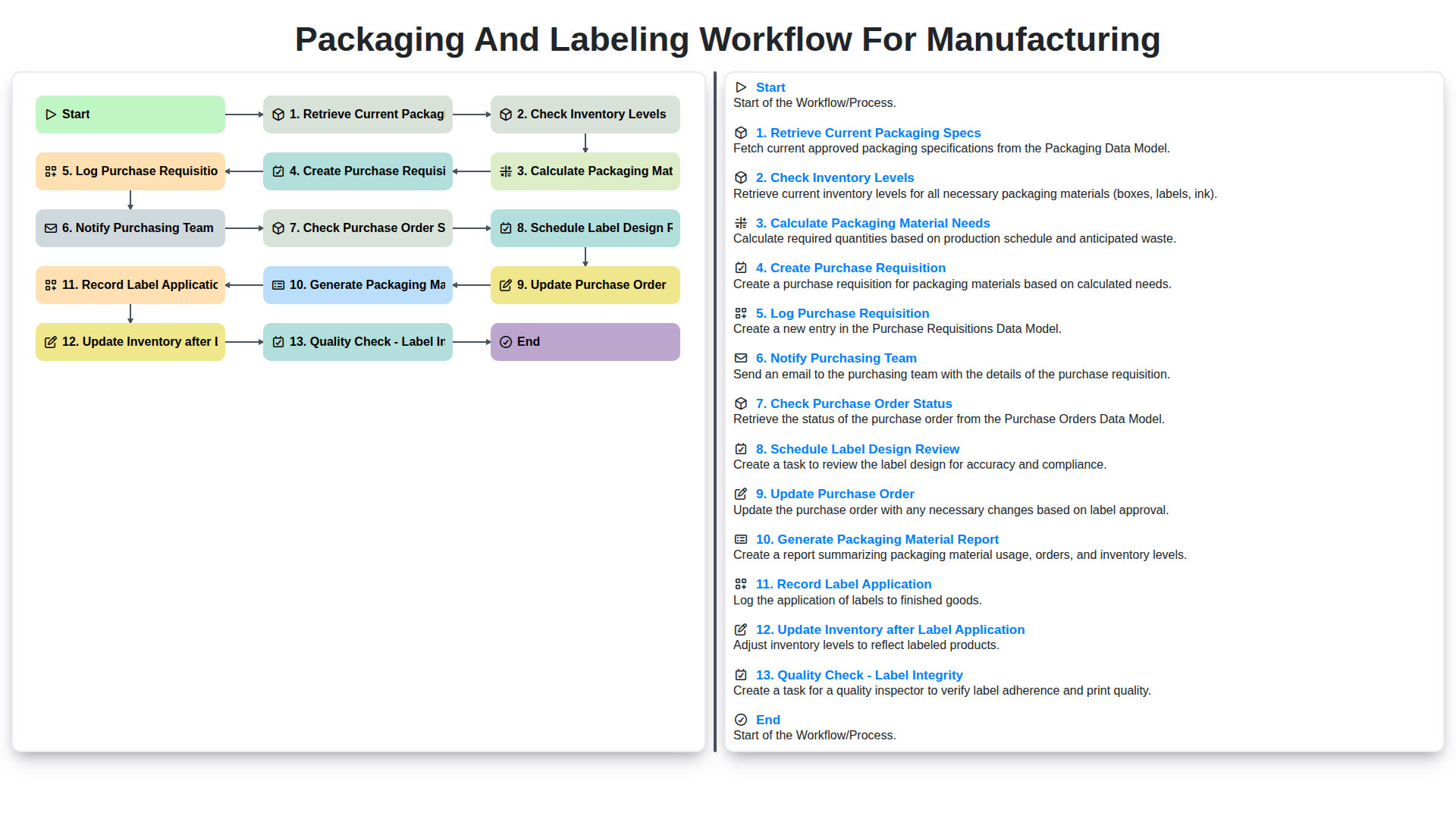
Packaging and Labeling Workflow for Manufacturing
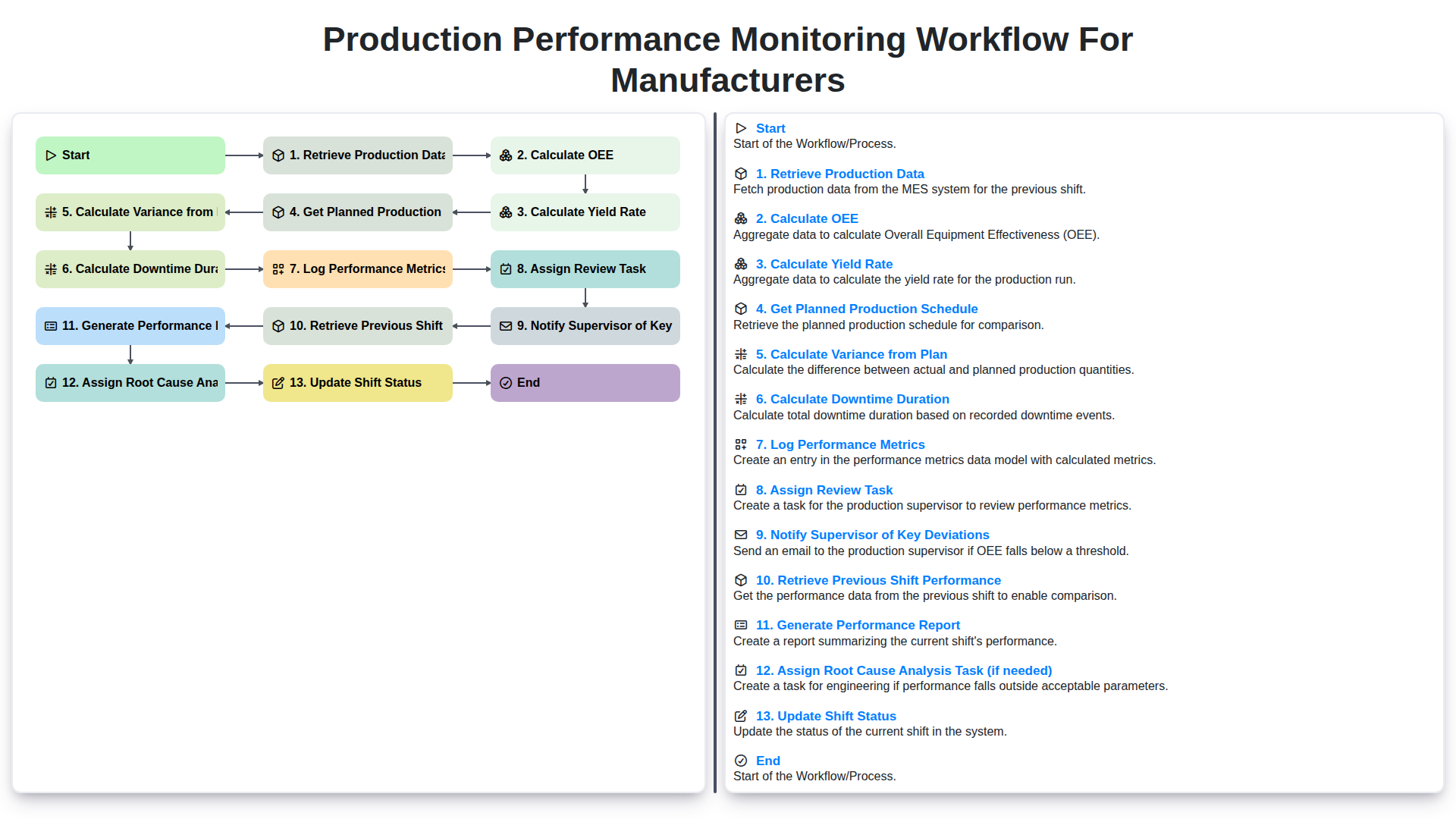
Production Performance Monitoring Workflow for Manufacturers
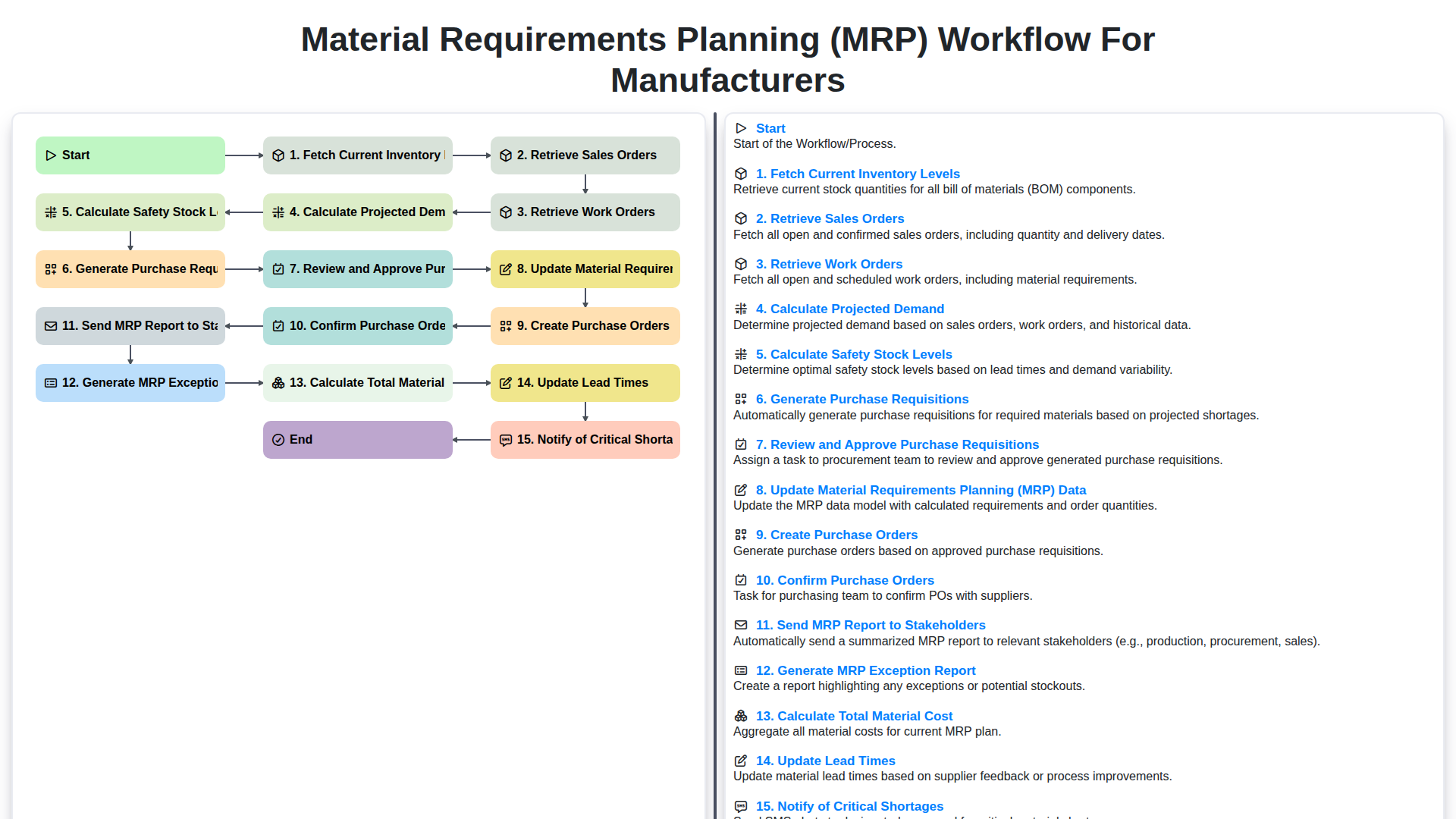
Material Requirements Planning (MRP) Workflow for Manufacturers
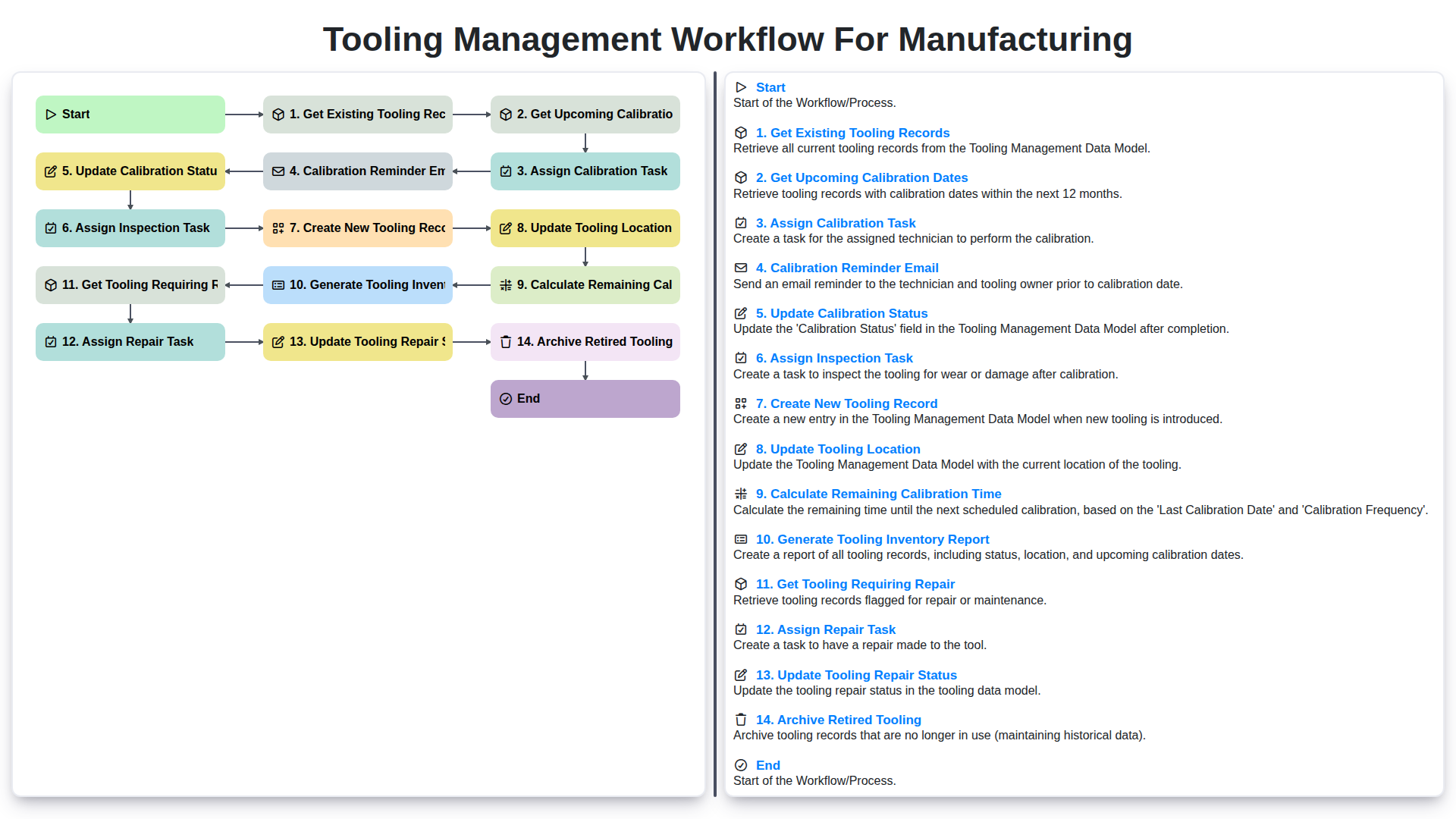
Tooling Management Workflow for Manufacturing
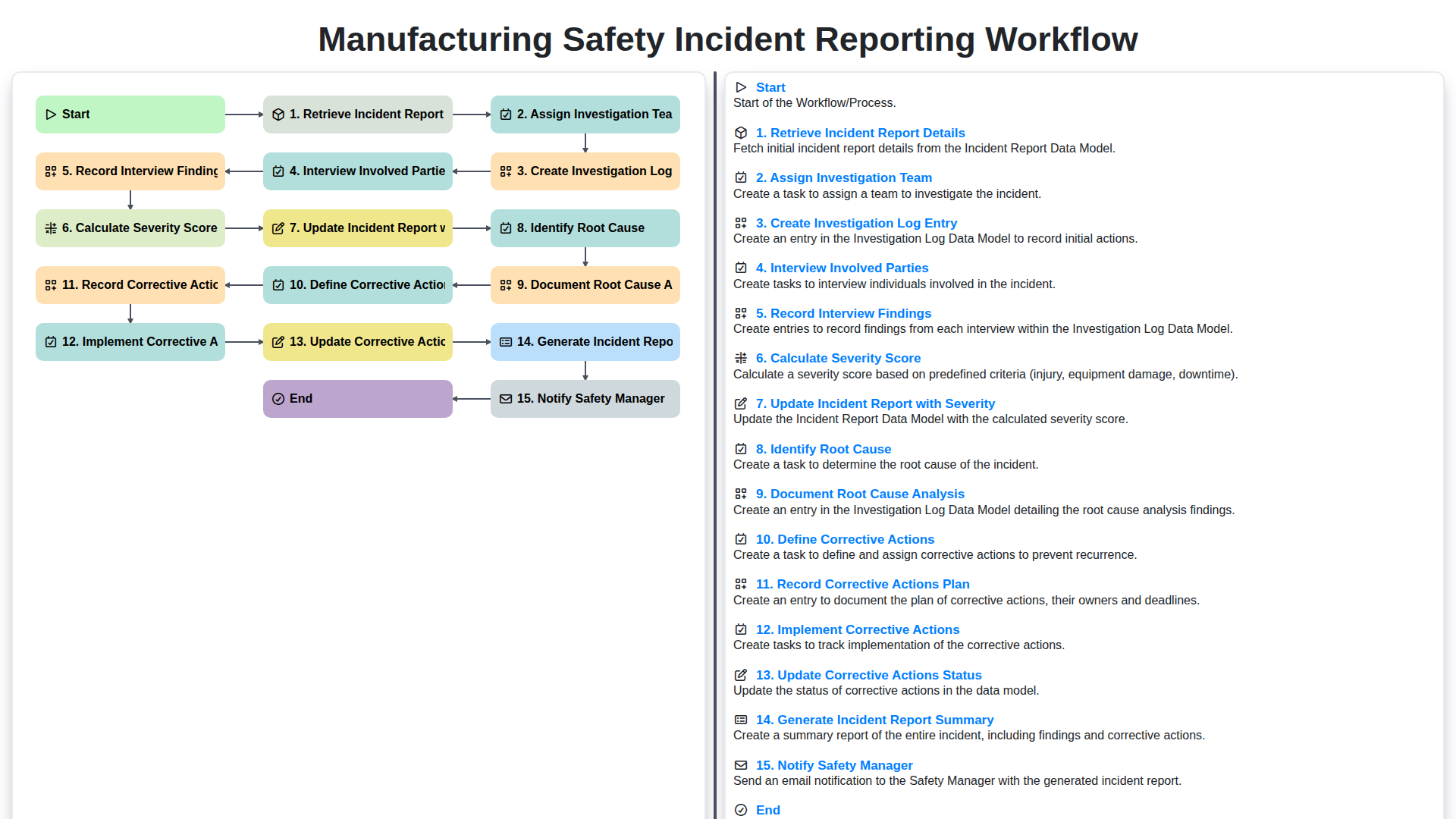
Manufacturing Safety Incident Reporting Workflow
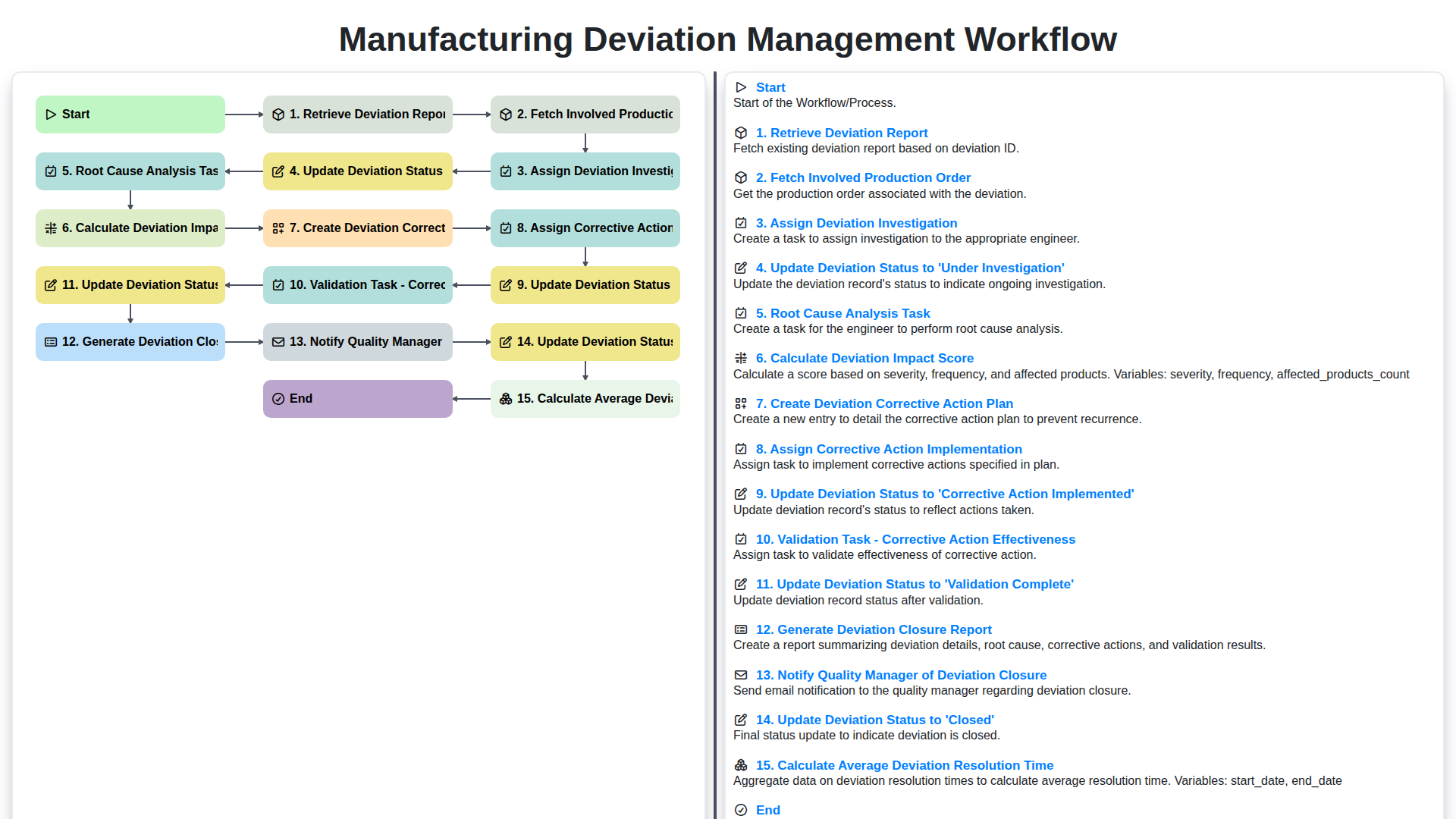
Manufacturing Deviation Management Workflow
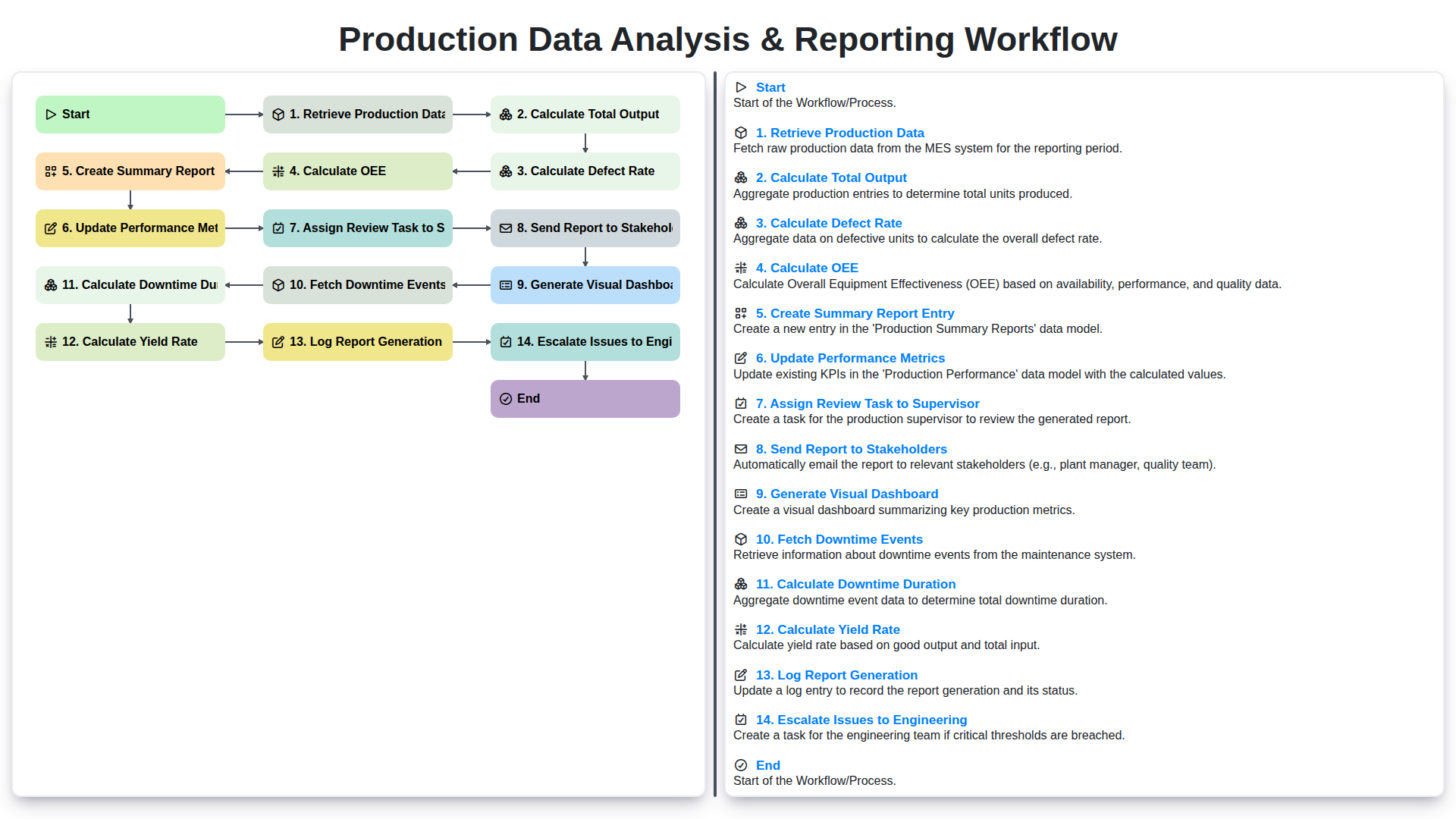
Production Data Analysis & Reporting Workflow
We can do it Together
Need help with
Manufacturing?
Have a question? We're here to help. Please submit your inquiry, and we'll respond promptly.