 ChecklistGuro
 Bus Depot Management and Vehicle Deployment Workflow
Streamline your transit operations with our comprehensive Bus Depot Management and Vehicle Deployment Workflow. Optimize fleet availability, automate driver scheduling, and master real-time vehicle assignment to reduce downtime and ensure seamless public transport service delivery.
This Template was installed 3 times.
Start
Start of the Workflow/Process.
1. Retrieve Available Vehicles
Fetch all vehicle entries from the Vehicle Data Model where status is 'Ready for Deployment'.
2. Check Driver Availability
Fetch driver entries from the Staff Data Model with an active status and no assigned shifts.
3. Calculate Vehicle Capacity Utilization
Calculate the percentage of total fleet capacity currently assigned to active routes.
4. Create Deployment Assignment
Create a new entry in the Deployment Log linking a specific Vehicle, Driver, and Route.
5. Update Vehicle Status
Change the status of the selected vehicle from 'Ready' to 'In Service'.
6. Assign Pre-Trip Inspection Checklist
Create a task for the assigned Driver containing the mandatory safety inspection checklist.
7. Sum Daily Fuel Consumption
Aggregate all fuel entries for the current date to monitor daily operational costs.
8. Update Driver Shift Schedule
Update the Driver entry to mark the driver as 'On Duty' for the current shift duration.
9. Notify Depot Manager
Send an email to the Depot Manager confirming that the morning deployment plan has been finalized.
10. Schedule Maintenance Check
Create a maintenance task for the workshop team if the vehicle's mileage exceeds the threshold.
11. Alert Driver of Assignment
Send an SMS to the driver's registered phone number with the assigned Route ID and Departure Time.
12. Remove Cancelled Deployment
Delete the deployment entry if the route is cancelled due to external factors (e.g., road closures).
13. Generate Daily Fleet Deployment Report
Generate a summary report containing all completed deployments, vehicle usage, and driver hours for the day.
End
End of the Workflow/Process.
Start of the Workflow/Process.
Fetch all vehicle entries from the Vehicle Data Model where status is 'Ready for Deployment'.
Fetch driver entries from the Staff Data Model with an active status and no assigned shifts.
Calculate the percentage of total fleet capacity currently assigned to active routes.
Create a new entry in the Deployment Log linking a specific Vehicle, Driver, and Route.
Change the status of the selected vehicle from 'Ready' to 'In Service'.
Create a task for the assigned Driver containing the mandatory safety inspection checklist.
Aggregate all fuel entries for the current date to monitor daily operational costs.
Update the Driver entry to mark the driver as 'On Duty' for the current shift duration.
Send an email to the Depot Manager confirming that the morning deployment plan has been finalized.
Create a maintenance task for the workshop team if the vehicle's mileage exceeds the threshold.
Send an SMS to the driver's registered phone number with the assigned Route ID and Departure Time.
Delete the deployment entry if the route is cancelled due to external factors (e.g., road closures).
Generate a summary report containing all completed deployments, vehicle usage, and driver hours for the day.
End of the Workflow/Process.
Comments
There are no comments yet. Be the first to add one!
Public Transport Management Solution Demo
Optimize public transport operations & enhance passenger experience! ChecklistGuro streamlines route planning, vehicle maintenance, and incident reporting. Improve efficiency, safety, and reliability. Manage it all with our Work OS.
Related Workflow Templates

Bus Stop Infrastructure Maintenance Workflow

Contactless Payment Processing and Settlement Workflow

Public Transport Resource Allocation and Dispatching

Transit Subscription and Pass Management Process

Automated Bus Inspection and Safety Audit Workflow

Real-Time Traffic Congestion Impact Analysis
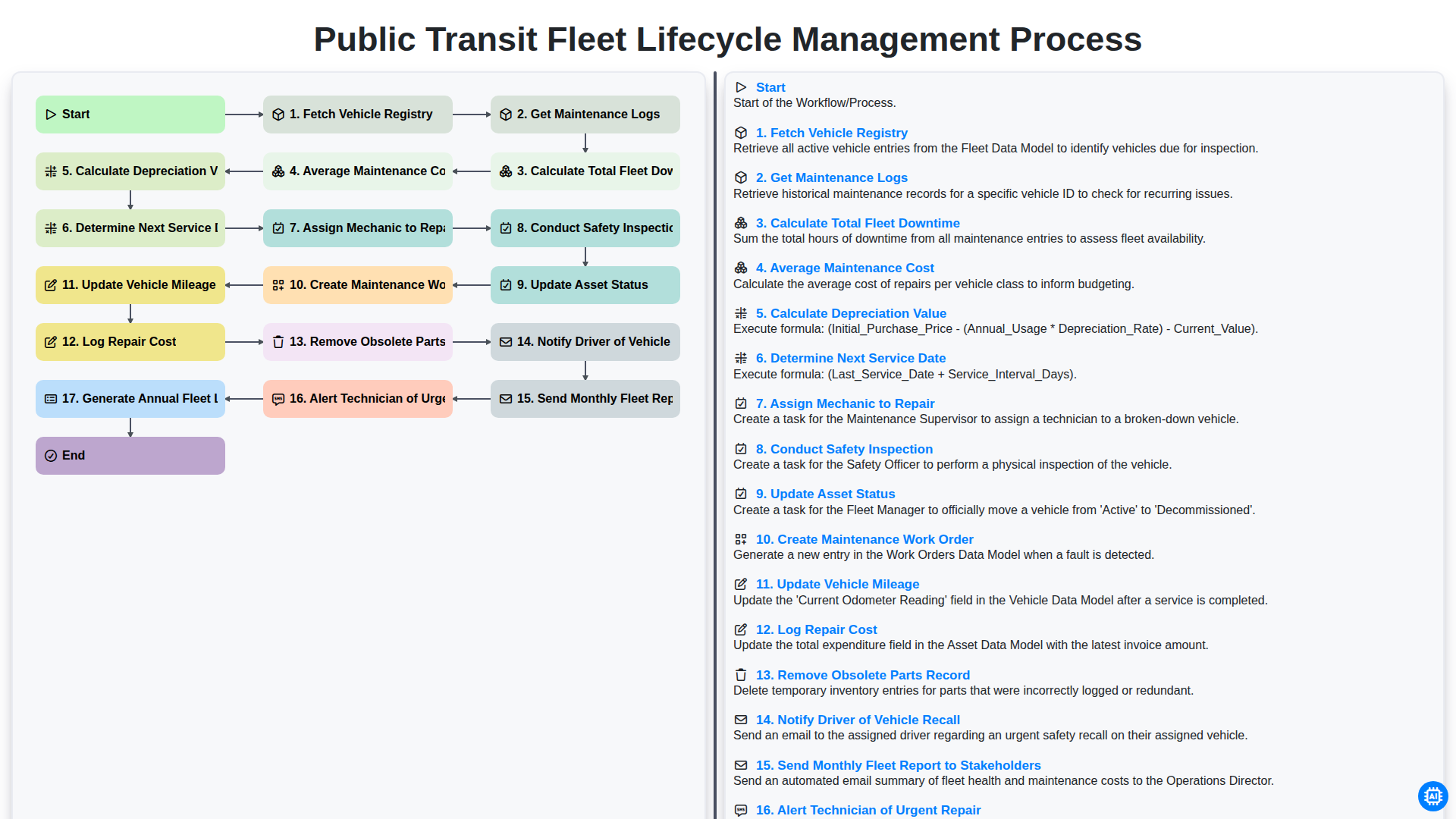
Public Transit Fleet Lifecycle Management Process
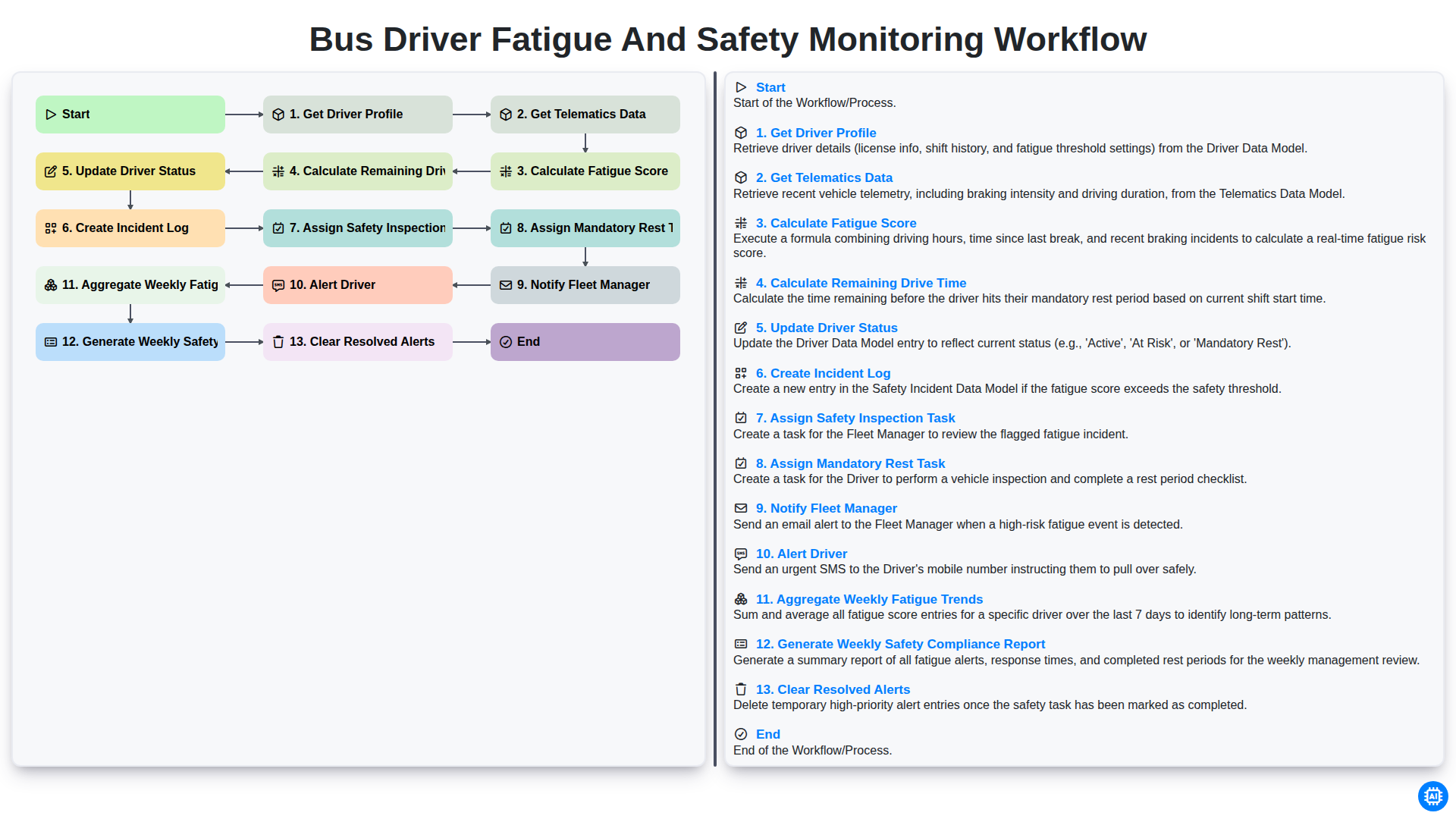
Bus Driver Fatigue and Safety Monitoring Workflow
We can do it Together
Need help with
Public Transport Management?
Have a question? We're here to help. Please submit your inquiry, and we'll respond promptly.