 ChecklistGuro
 Lead Management and Conversion Workflow
Transform your real estate pipeline with our Lead Management and Conversion Workflow. Master the art of nurturing prospects, automating follow-ups, and turning cold inquiries into closed deals. Streamline your entire sales process, optimize agent productivity, and never let a high-value lead slip through the cracks again.
This Template was installed 3 times.
Start
Start of the Workflow/Process.
1. Fetch New Lead Details
Retrieve incoming lead information from the Leads Data Model.
2. Create Lead Record
Initialize a new entry in the Leads Data Model to track the new prospect.
3. Update Lead Source
Update the lead entry with the specific attribution source (e.g., Web, Referral, Cold Call).
4. Assign Lead to Sales Rep
Create a task for the assigned Sales Representative to perform initial outreach.
5. Lead Qualification Checklist
Create a task containing a checklist to verify budget, authority, need, and timeline (BANT).
6. Send Welcome Email
Send an automated introductory email to the lead's email address.
7. Calculate Lead Score
Calculate a score based on lead attributes like industry, company size, and engagement level.
8. Update Lead Score
Write the calculated score back into the Lead Data Model.
9. Check Account History
Get existing entries from the Accounts Data Model to see if the lead belongs to an existing client.
10. Determine Duplicate Status
Compare lead email/phone against existing records to identify duplicates.
11. Remove Duplicate Lead
Delete the redundant lead entry if a duplicate is identified.
12. Schedule Discovery Call
Create a follow-up task to schedule a meeting once the lead is qualified.
13. Create Opportunity
Create a new entry in the Opportunities Data Model once the lead reaches 'Qualified' status.
14. Calculate Pipeline Value
Aggregate the total potential revenue from all active opportunities in this stage.
15. Send SMS Alert
Send a text notification to the Sales Rep when a high-value lead is assigned.
16. Generate Daily Conversion Report
Create a report summarizing leads converted to opportunities during the last 24 hours.
17. Notify Management
Send an email to the Sales Manager when a 'Closed-Won' opportunity is detected.
End
End of the Workflow/Process.
Start of the Workflow/Process.
Retrieve incoming lead information from the Leads Data Model.
Initialize a new entry in the Leads Data Model to track the new prospect.
Update the lead entry with the specific attribution source (e.g., Web, Referral, Cold Call).
Create a task for the assigned Sales Representative to perform initial outreach.
Create a task containing a checklist to verify budget, authority, need, and timeline (BANT).
Send an automated introductory email to the lead's email address.
Calculate a score based on lead attributes like industry, company size, and engagement level.
Write the calculated score back into the Lead Data Model.
Get existing entries from the Accounts Data Model to see if the lead belongs to an existing client.
Compare lead email/phone against existing records to identify duplicates.
Delete the redundant lead entry if a duplicate is identified.
Create a follow-up task to schedule a meeting once the lead is qualified.
Create a new entry in the Opportunities Data Model once the lead reaches 'Qualified' status.
Aggregate the total potential revenue from all active opportunities in this stage.
Send a text notification to the Sales Rep when a high-value lead is assigned.
Create a report summarizing leads converted to opportunities during the last 24 hours.
Send an email to the Sales Manager when a 'Closed-Won' opportunity is detected.
End of the Workflow/Process.
Frequently Asked Questions
Comments
There are no comments yet. Be the first to add one!
Real Estate Management Solution Demo
Simplify your real estate operations! ChecklistGuro streamlines property management, lease renewals, and maintenance requests. Enhance tenant satisfaction and maximize ROI. Manage it all with our Work OS.
Related Workflow Templates
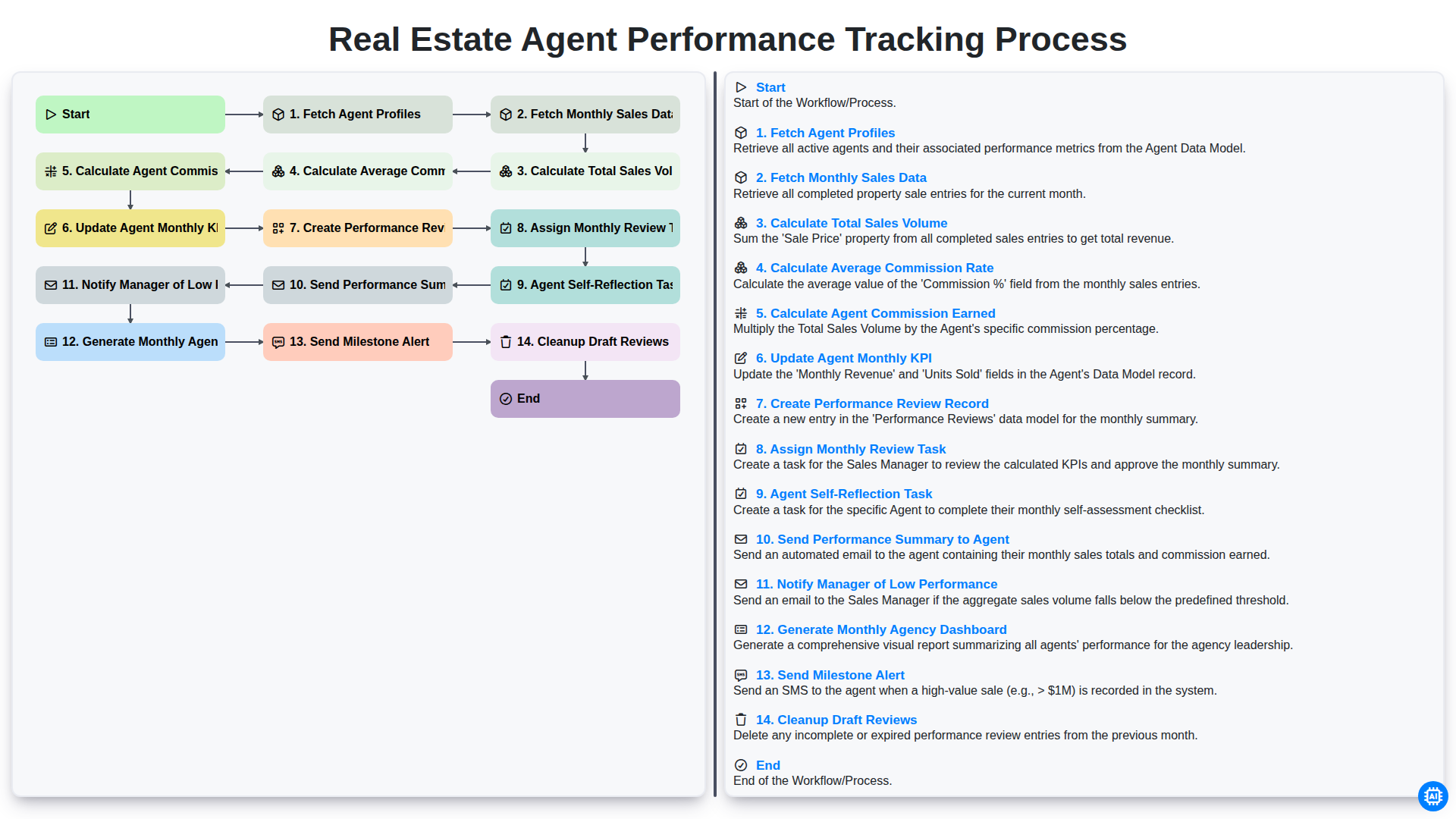
Real Estate Agent Performance Tracking Process
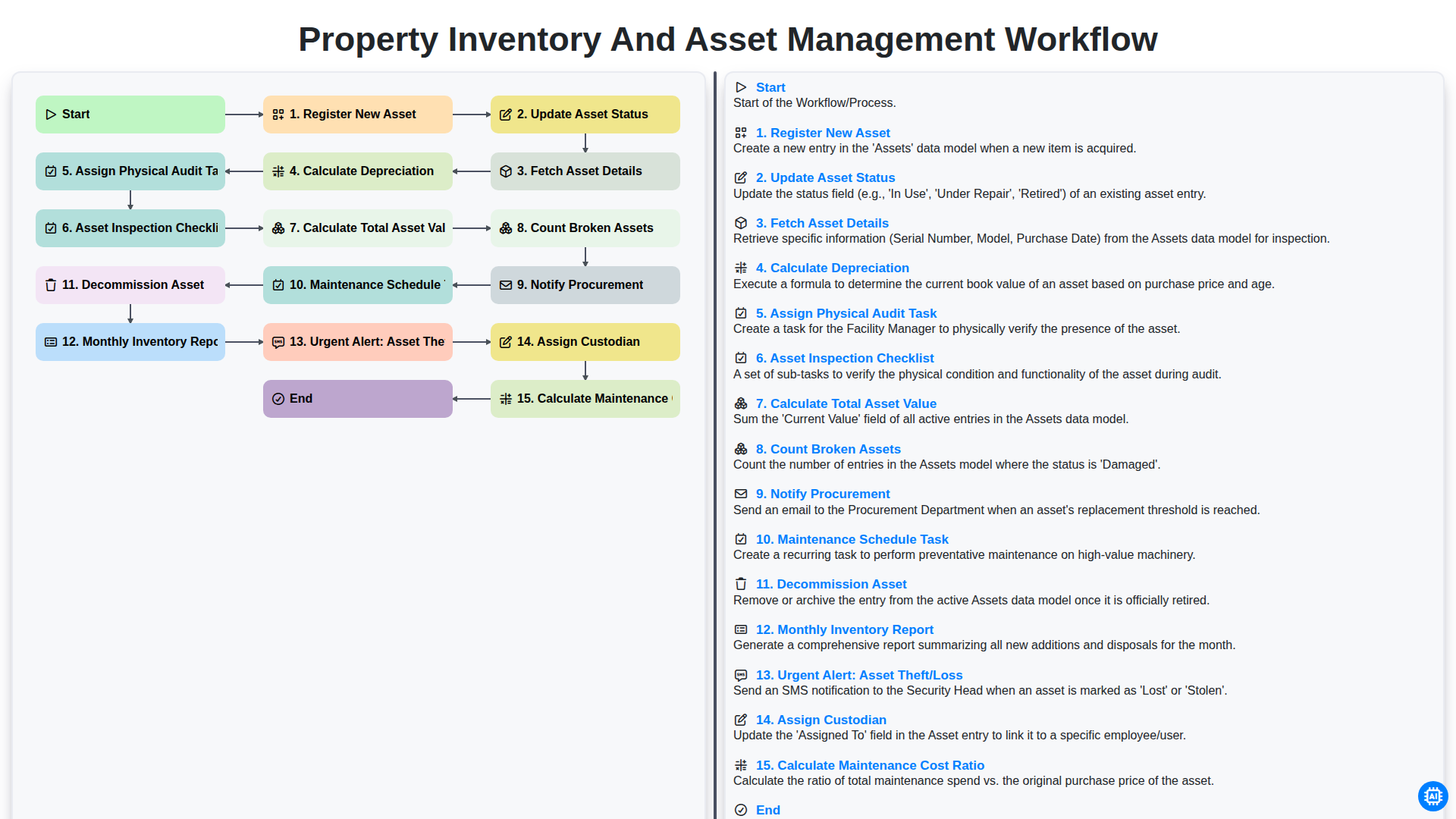
Property Inventory and Asset Management Workflow
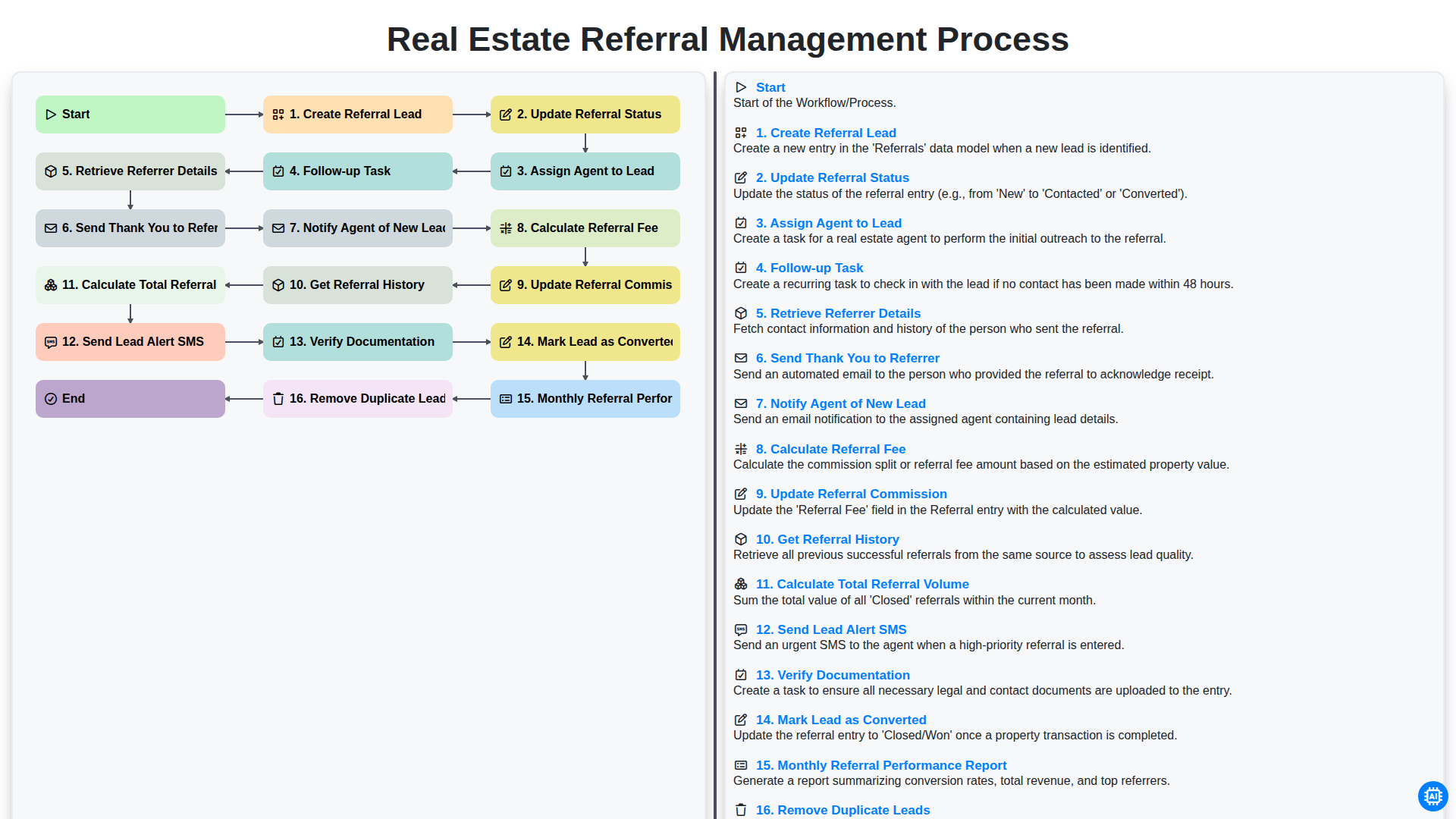
Real Estate Referral Management Process
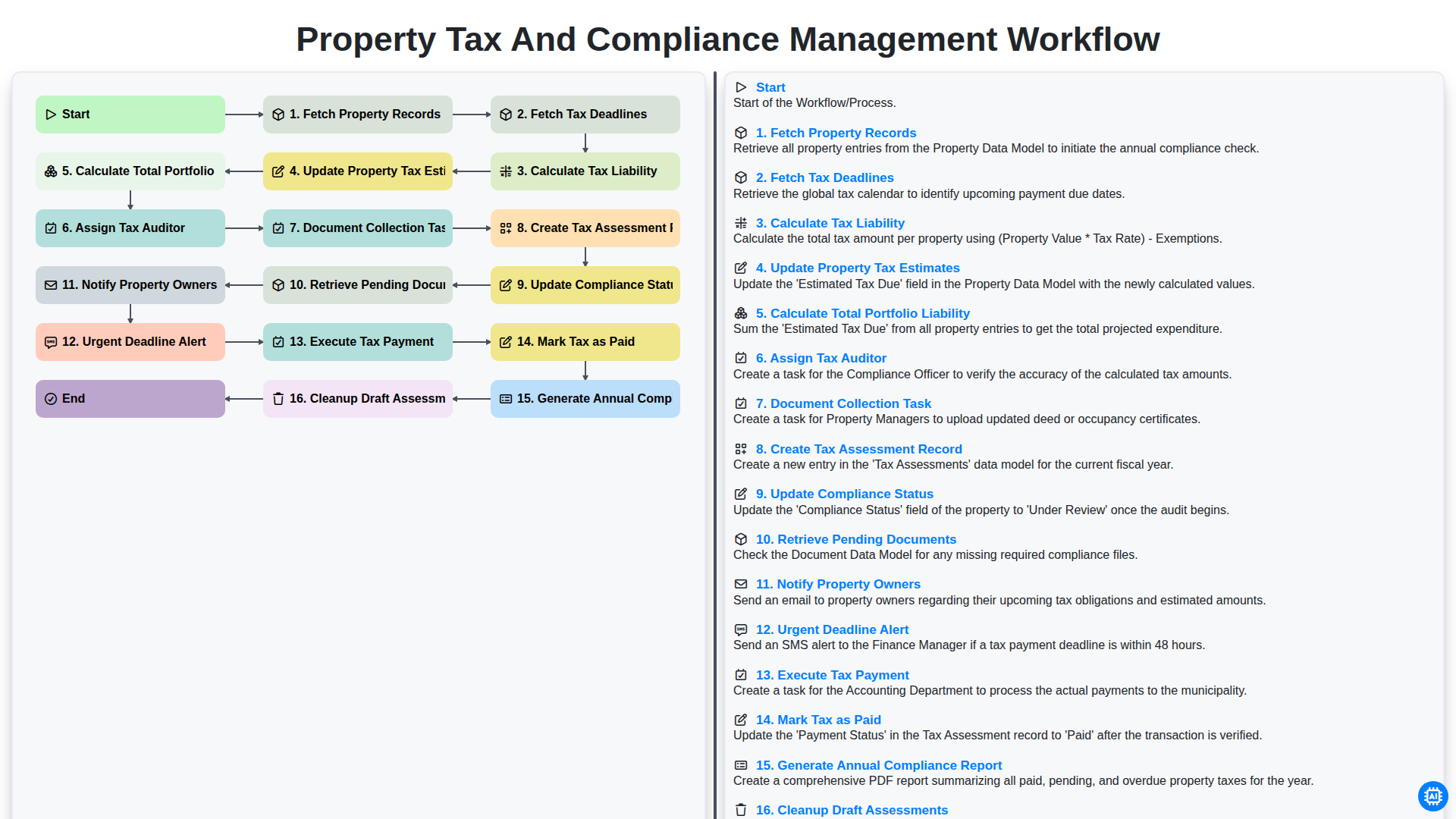
Property Tax and Compliance Management Workflow
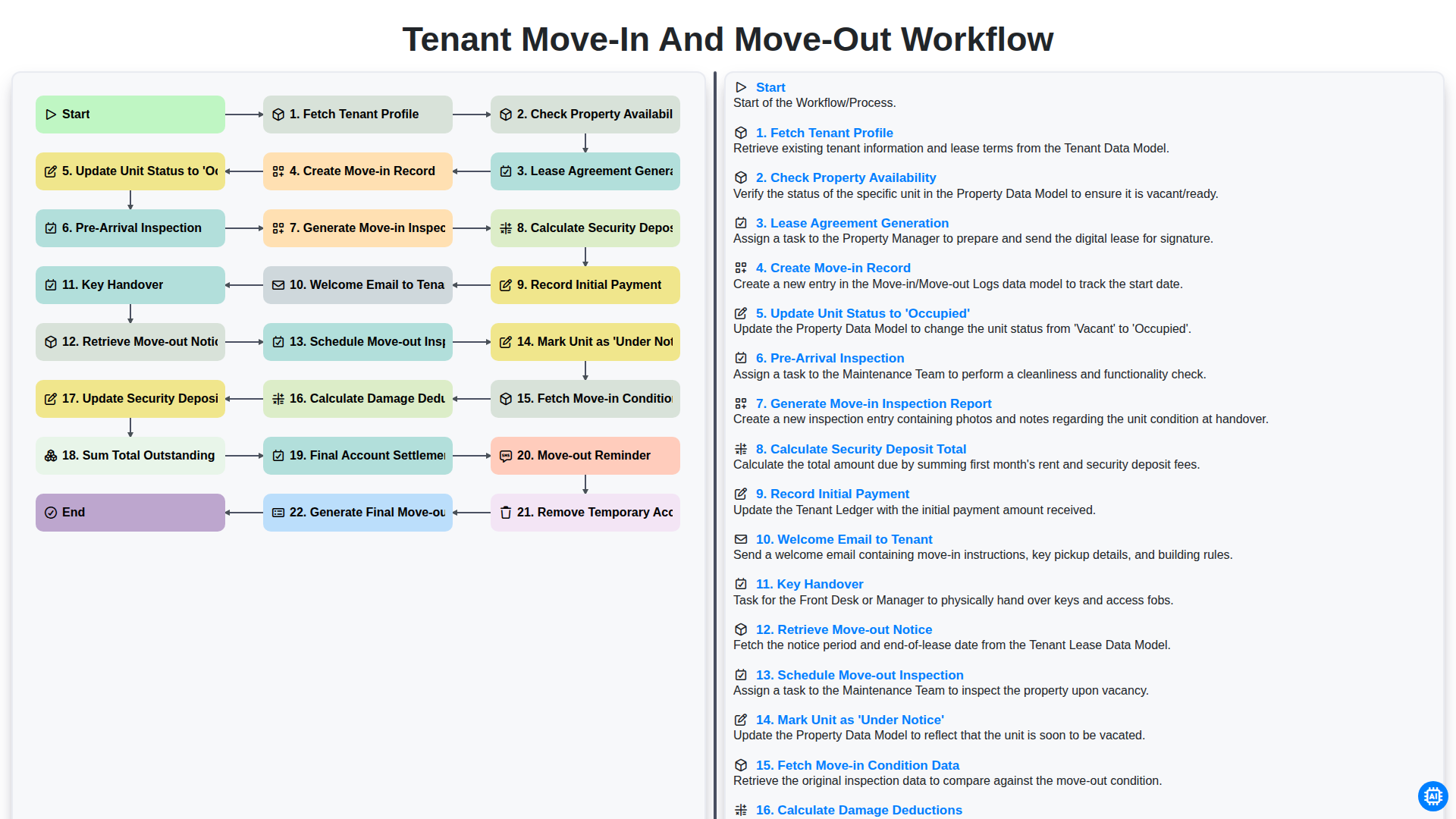
Tenant Move-in and Move-out Workflow
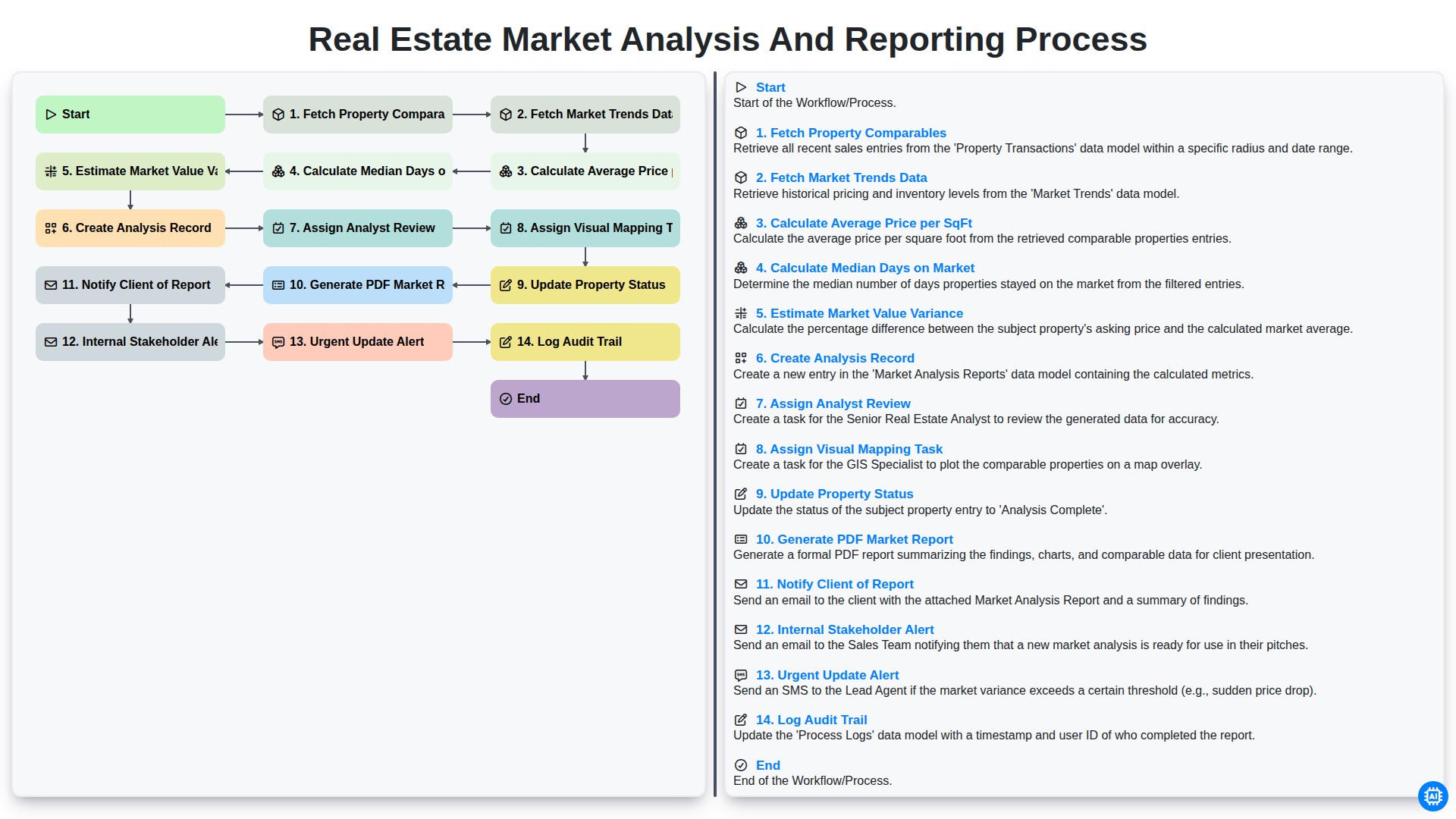
Real Estate Market Analysis and Reporting Process
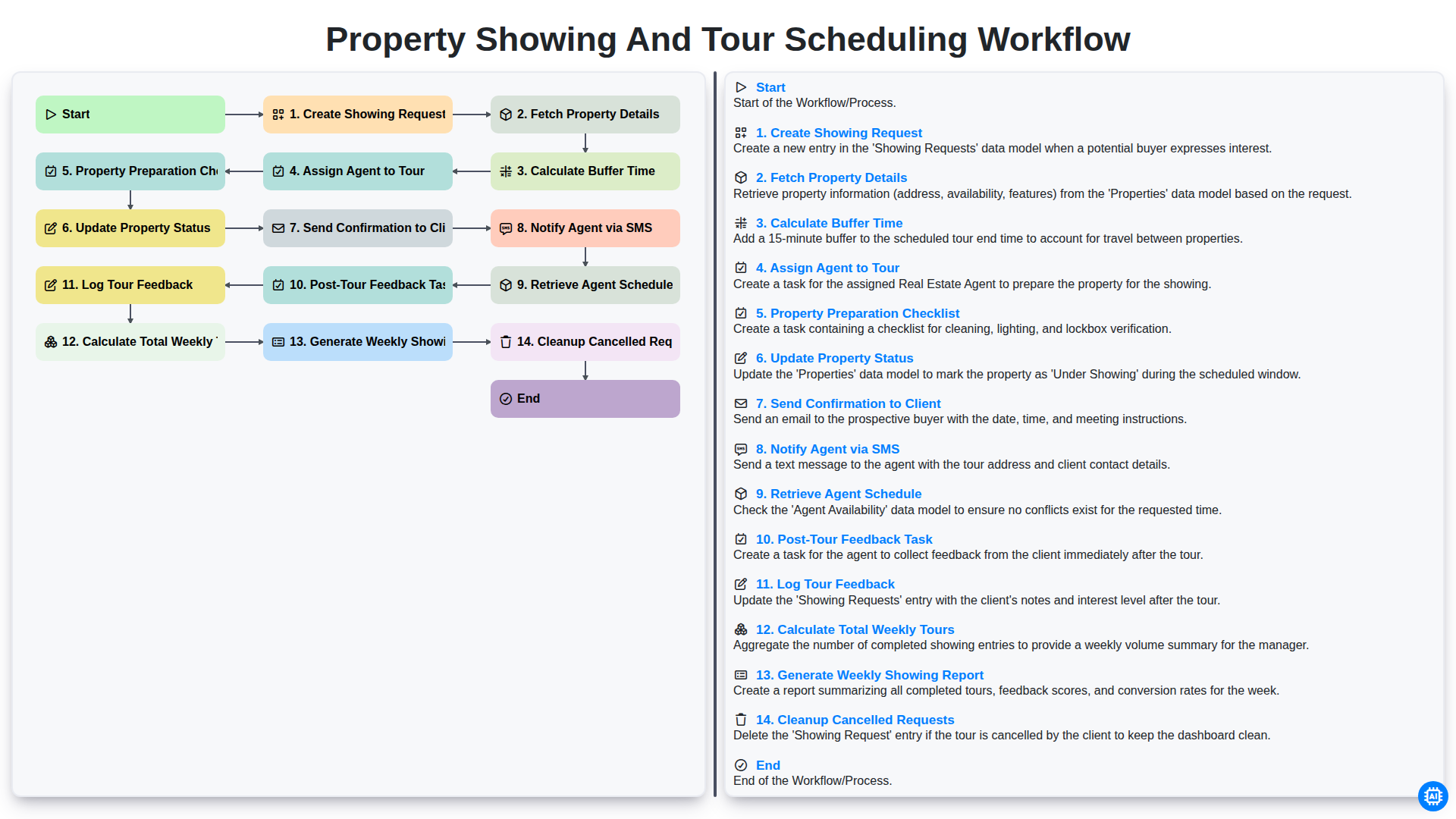
Property Showing and Tour Scheduling Workflow
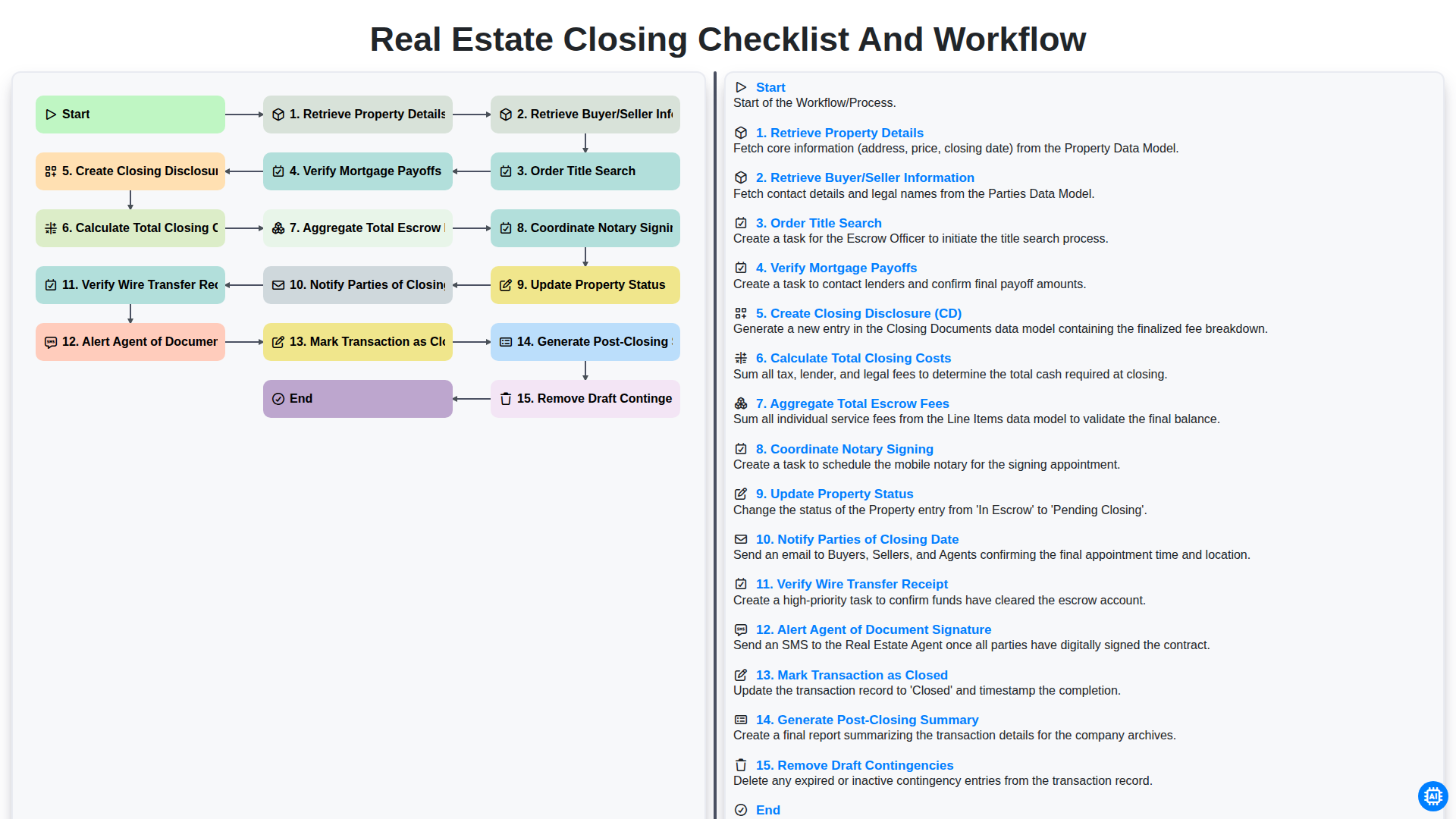
Real Estate Closing Checklist and Workflow
Need help with
Real Estate?
Have a question? We're here to help. Please submit your inquiry, and we'll respond promptly.