 ChecklistGuro
 Omnichannel Order Fulfillment Workflow
Streamline your retail operations with our Omnichannel Order Fulfillment Workflow. Master the complexity of unified commerce by seamlessly synchronizing inventory, managing multi-channel orders, and optimizing shipping processes across online stores and physical locations for a flawless customer experience.
This Template was installed 3 times.
Start
Start of the Workflow/Process.
1. Fetch New Order Data
Retrieve new order entries from the 'Orders' data model to initiate the fulfillment process.
2. Check Inventory Levels
Retrieve current stock levels from the 'Inventory' data model for the items listed in the order.
3. Calculate Total Order Value
Calculate the sum of item prices plus taxes and shipping fees for the order entry.
4. Update Order Status to 'Processing'
Update the status field in the 'Orders' data model to reflect that fulfillment has begun.
5. Calculate Total Warehouse Load
Aggregate the total weight or volume of all items in the current order to determine shipping requirements.
6. Create Picking Task
Generate a task for the Warehouse Staff to pick items from the shelves.
7. Create Packing Task
Generate a task for the Packing Station to secure items in appropriate packaging.
8. Create Shipment Record
Create a new entry in the 'Shipments' data model once packing is complete.
9. Decrement Inventory Stock
Update the 'Inventory' data model to reduce the quantity of the items being shipped.
10. Retrieve Customer Contact Info
Get customer email and phone number from the 'Customers' data model linked to the order.
11. Send Order Confirmation Email
Send an automated email to the customer notifying them that their order is being processed.
12. Send Shipping Alert SMS
Send a text message to the customer when the tracking number is generated.
13. Create Quality Control Task
Create a task for a supervisor to inspect high-value orders for accuracy.
14. Update Order Status to 'Shipped'
Update the 'Orders' data model status to 'Shipped' once the carrier picks up the package.
15. Generate Daily Fulfillment Report
Create a summary report of all orders completed within the last 24 hours.
16. Remove Cancelled Order Drafts
Delete temporary/draft order entries that were cancelled before processing began.
End
End of the Workflow/Process.
Start of the Workflow/Process.
Retrieve new order entries from the 'Orders' data model to initiate the fulfillment process.
Retrieve current stock levels from the 'Inventory' data model for the items listed in the order.
Calculate the sum of item prices plus taxes and shipping fees for the order entry.
Update the status field in the 'Orders' data model to reflect that fulfillment has begun.
Aggregate the total weight or volume of all items in the current order to determine shipping requirements.
Generate a task for the Warehouse Staff to pick items from the shelves.
Generate a task for the Packing Station to secure items in appropriate packaging.
Create a new entry in the 'Shipments' data model once packing is complete.
Update the 'Inventory' data model to reduce the quantity of the items being shipped.
Get customer email and phone number from the 'Customers' data model linked to the order.
Send an automated email to the customer notifying them that their order is being processed.
Send a text message to the customer when the tracking number is generated.
Create a task for a supervisor to inspect high-value orders for accuracy.
Update the 'Orders' data model status to 'Shipped' once the carrier picks up the package.
Create a summary report of all orders completed within the last 24 hours.
Delete temporary/draft order entries that were cancelled before processing began.
End of the Workflow/Process.
Frequently Asked Questions
Comments
There are no comments yet. Be the first to add one!
Retail Management Solution Demo
Boost retail efficiency! ChecklistGuro simplifies store operations, inventory management, and employee training. Improve customer experience and maximize profitability. Manage it all with our Work OS.
Related Workflow Templates
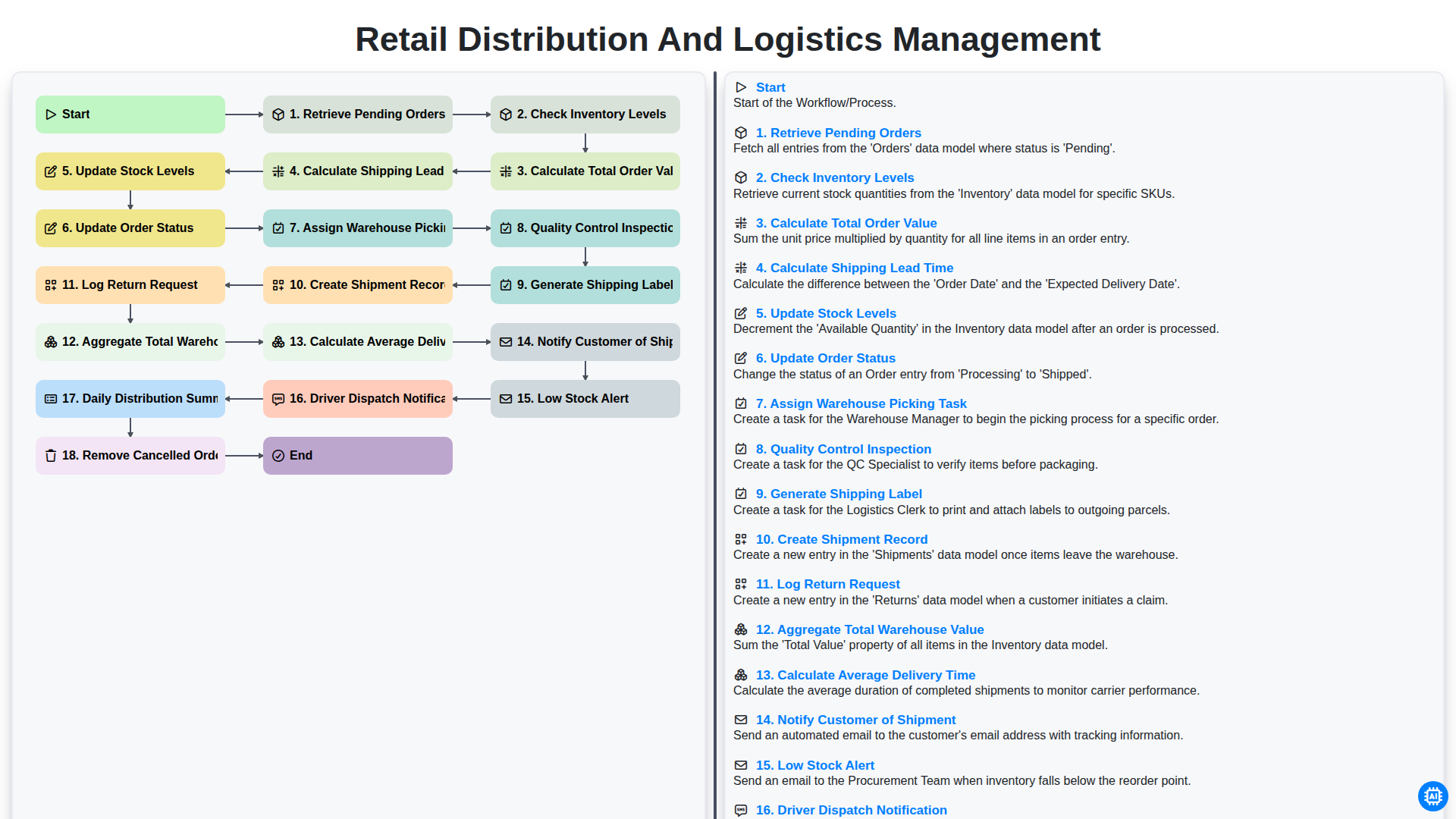
Retail Distribution and Logistics Management
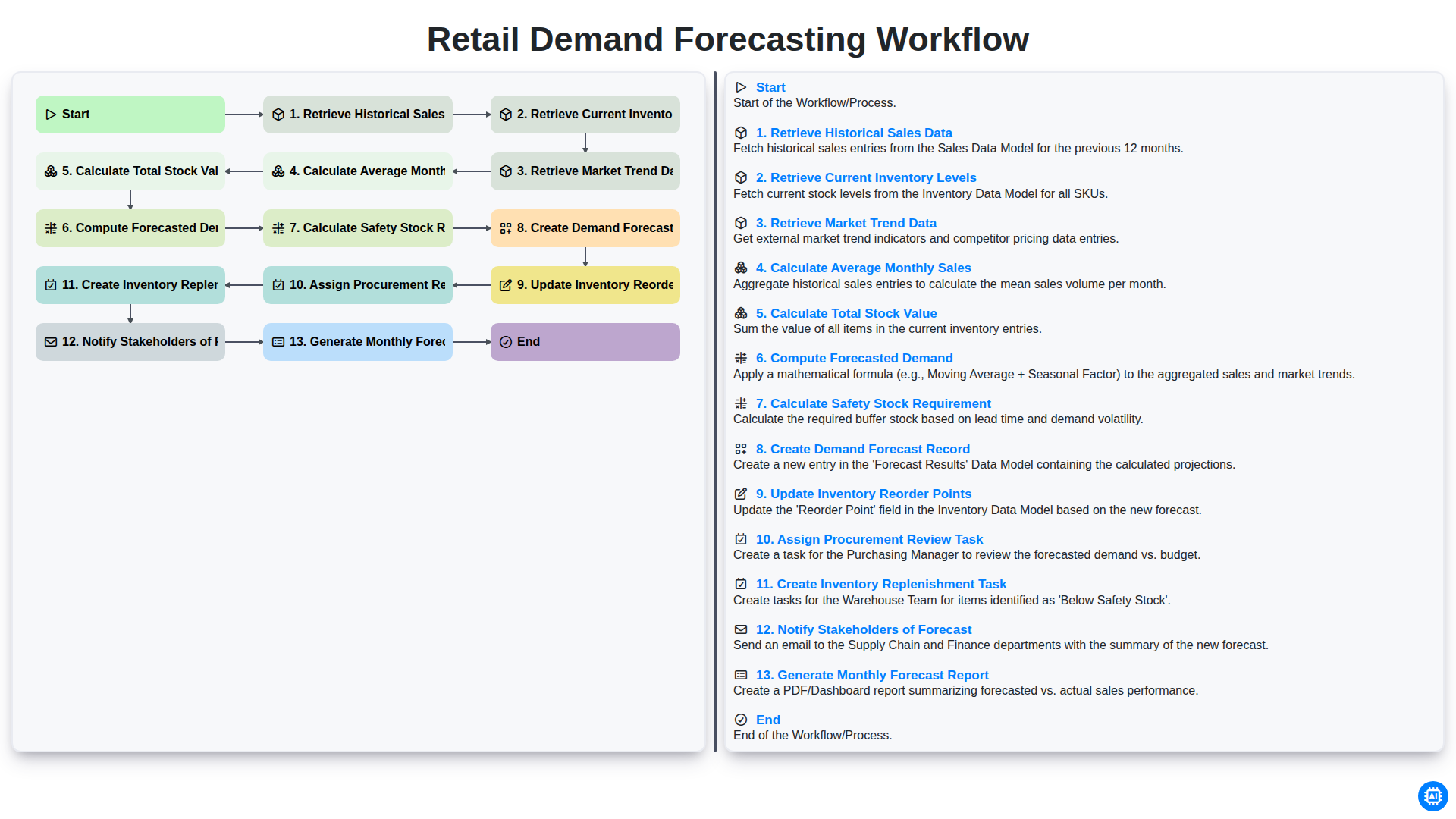
Retail Demand Forecasting Workflow
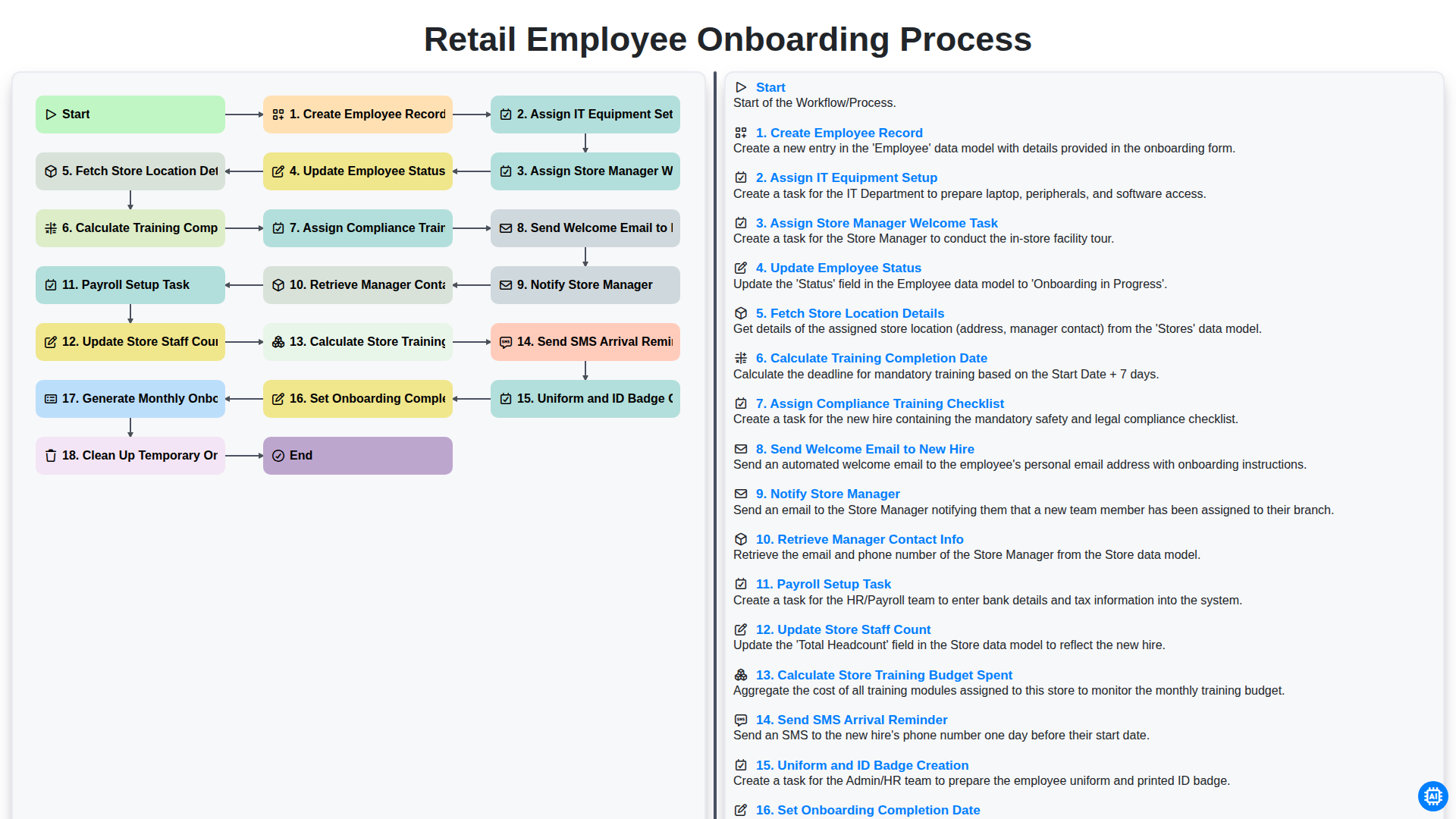
Retail Employee Onboarding Process
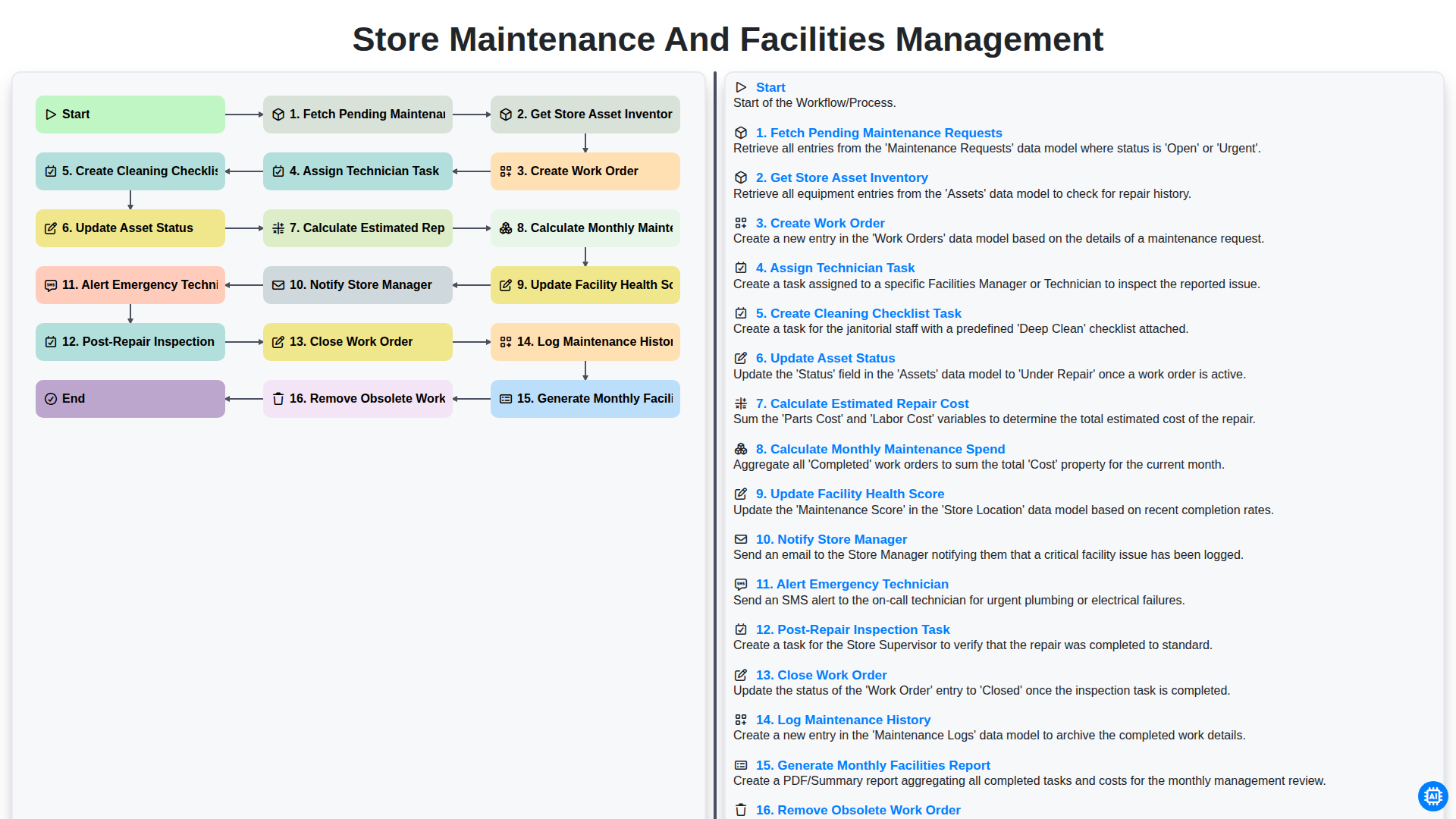
Store Maintenance and Facilities Management
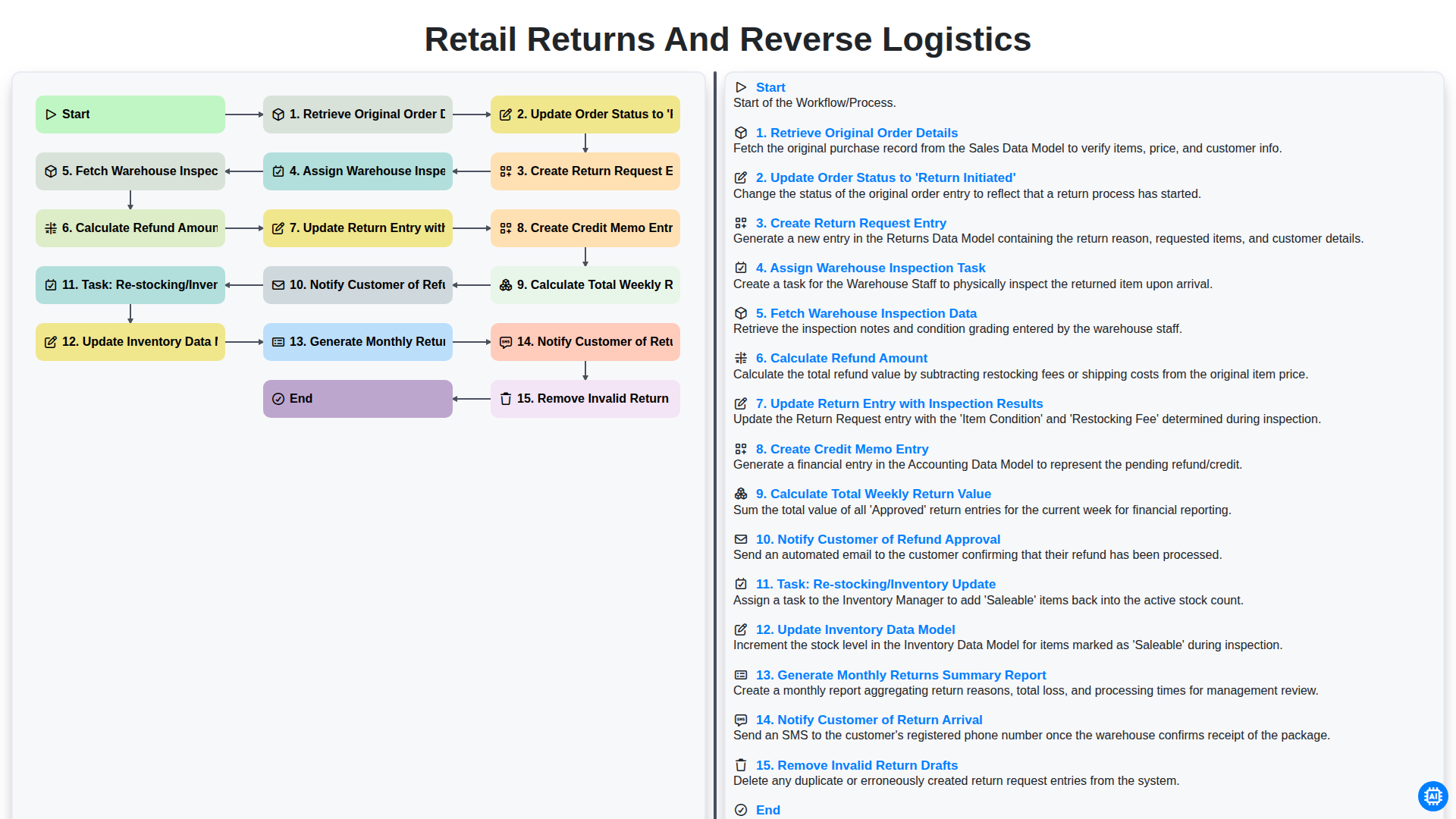
Retail Returns and Reverse Logistics
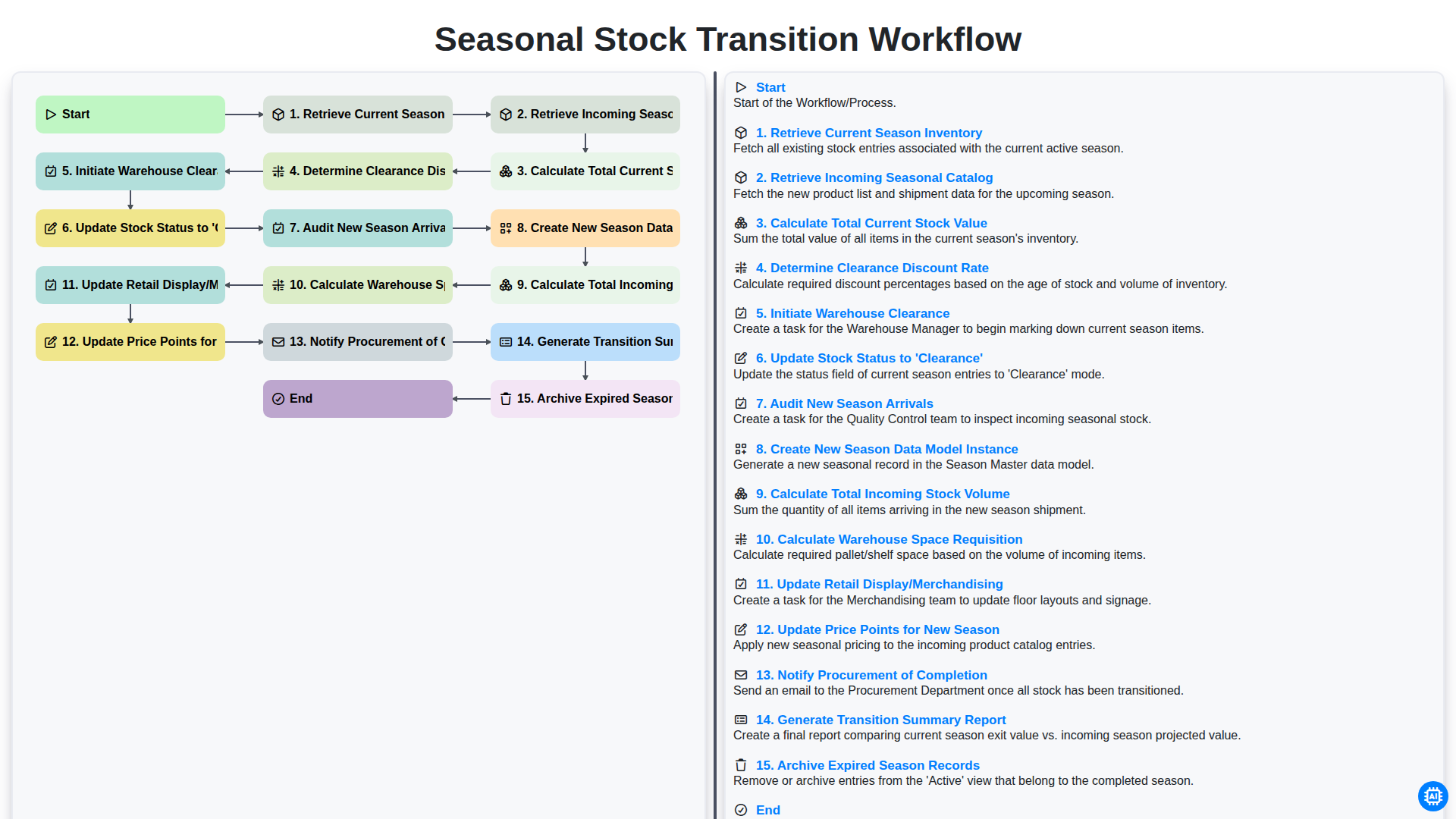
Seasonal Stock Transition Workflow
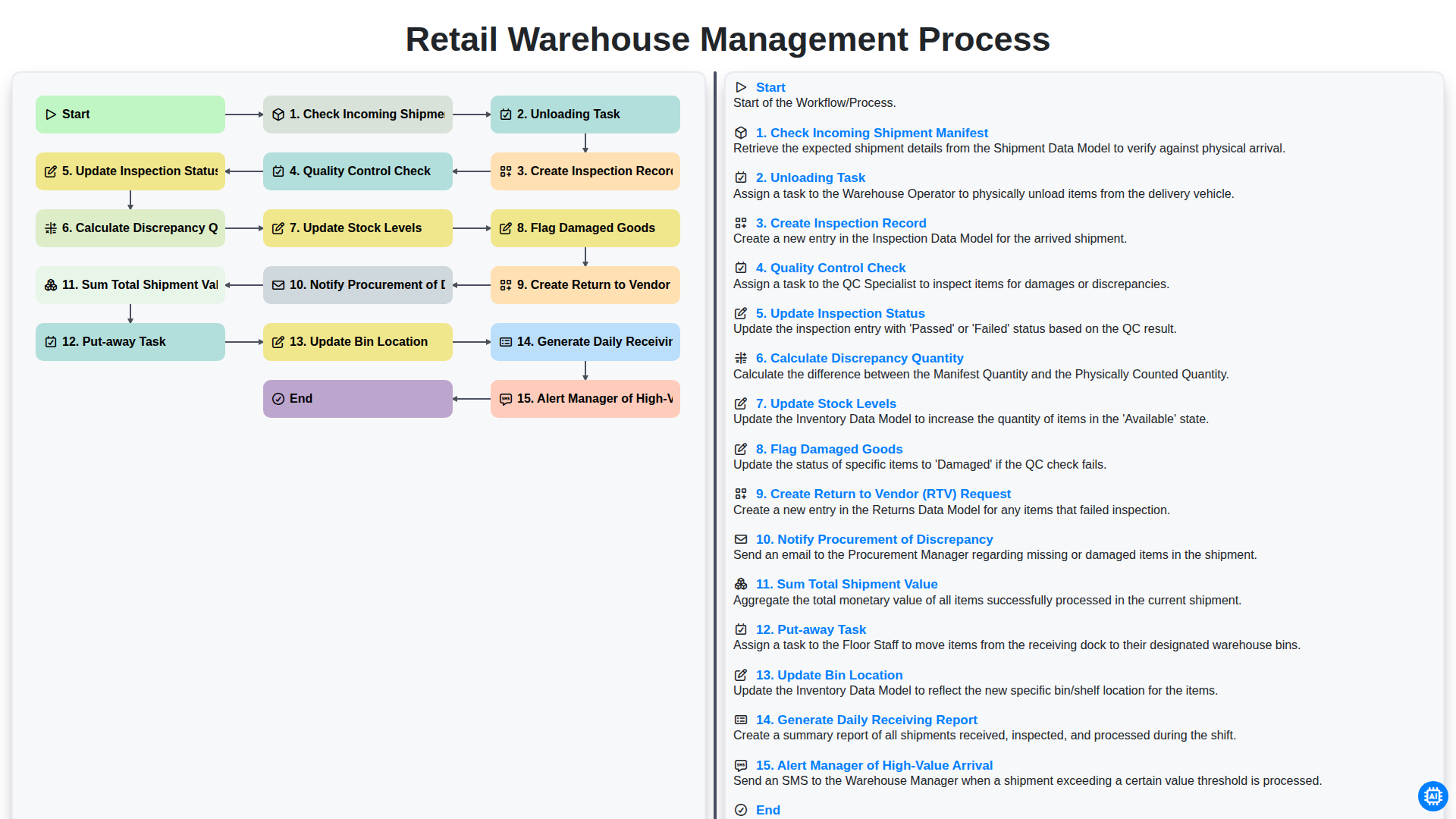
Retail Warehouse Management Process
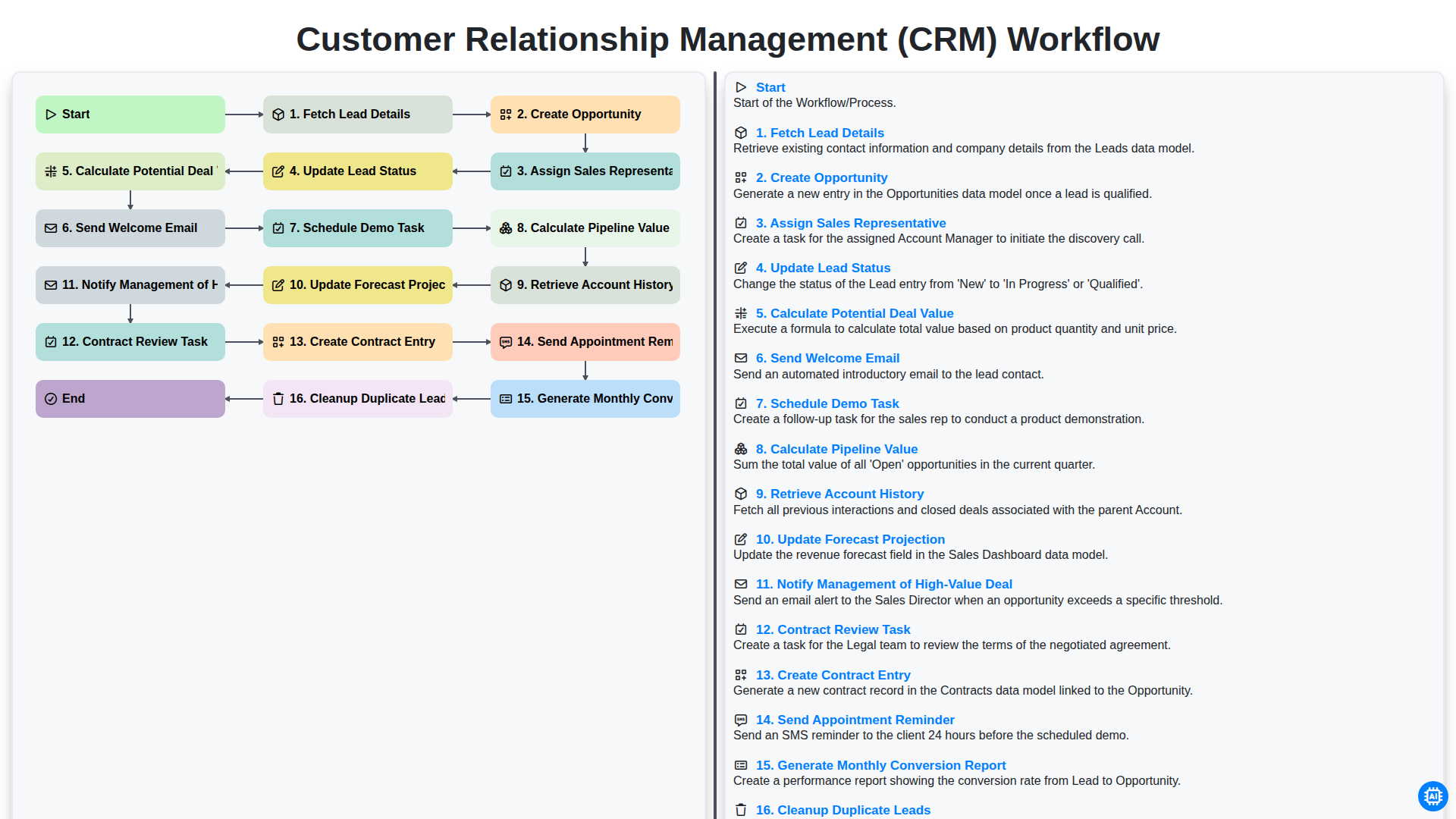
Customer Relationship Management (CRM) Workflow
Need help with
Retail?
Have a question? We're here to help. Please submit your inquiry, and we'll respond promptly.