 ChecklistGuro
 Point of Sale (POS) Transaction Process
Streamline your checkout experience with our comprehensive guide to the Point of Sale (POS) Transaction Process. Discover every essential step of the retail sales workflow-from barcode scanning and payment processing to receipt generation and inventory updates-to minimize friction, reduce errors, and boost customer satisfaction at the register.
This Template was installed 5 times.
Start
Start of the Workflow/Process.
1. Retrieve Product Details
Fetch product information (price, tax rate, stock level) from the Product Data Model using a barcode or ID.
2. Get Customer Loyalty Profile
Retrieve existing customer data and loyalty points from the Customer Data Model via phone number or email.
3. Create Transaction Entry
Create a new record in the Sales Transactions Data Model containing the header info (timestamp, cashier ID, total amount).
4. Create Transaction Line Items
Create individual entries in the Transaction Line Items Data Model for each product scanned in the basket.
5. Calculate Subtotal and Tax
Calculate the sum of line items and apply the appropriate VAT/Sales Tax percentage.
6. Apply Discounts and Loyalty Deductions
Subtract discount amounts or loyalty point values from the subtotal to arrive at the final payable amount.
7. Aggregate Total Basket Value
Sum all 'Price' properties from the Transaction Line Items entries to verify the final transaction total.
8. Update Inventory Levels
Decrement the 'Stock Quantity' in the Product Data Model based on the items sold in the transaction.
9. Update Customer Loyalty Points
Increment the 'Loyalty Points' field in the Customer Data Model based on the transaction value.
10. Create Restock Task
Create a task for the Inventory Manager if the updated stock level falls below the predefined reorder point.
11. Send Digital Receipt
Send an email to the customer's email address containing the transaction summary and breakdown.
12. Send Transaction Alert
Send an SMS to the customer's registered phone number confirming the purchase and updated loyalty balance.
13. Create Payment Record
Create an entry in the Payments Data Model recording the payment method (Cash, Card, Mobile) and authorization code.
14. Generate Daily Sales Summary
Create a report at the end of the shift aggregating all Transaction Entries to summarize total revenue and items sold.
15. Remove Item from Basket
Delete a specific Line Item entry from the current transaction if the customer changes their mind before checkout.
End
End of the Workflow/Process.
Start of the Workflow/Process.
Fetch product information (price, tax rate, stock level) from the Product Data Model using a barcode or ID.
Retrieve existing customer data and loyalty points from the Customer Data Model via phone number or email.
Create a new record in the Sales Transactions Data Model containing the header info (timestamp, cashier ID, total amount).
Create individual entries in the Transaction Line Items Data Model for each product scanned in the basket.
Calculate the sum of line items and apply the appropriate VAT/Sales Tax percentage.
Subtract discount amounts or loyalty point values from the subtotal to arrive at the final payable amount.
Sum all 'Price' properties from the Transaction Line Items entries to verify the final transaction total.
Decrement the 'Stock Quantity' in the Product Data Model based on the items sold in the transaction.
Increment the 'Loyalty Points' field in the Customer Data Model based on the transaction value.
Create a task for the Inventory Manager if the updated stock level falls below the predefined reorder point.
Send an email to the customer's email address containing the transaction summary and breakdown.
Send an SMS to the customer's registered phone number confirming the purchase and updated loyalty balance.
Create an entry in the Payments Data Model recording the payment method (Cash, Card, Mobile) and authorization code.
Create a report at the end of the shift aggregating all Transaction Entries to summarize total revenue and items sold.
Delete a specific Line Item entry from the current transaction if the customer changes their mind before checkout.
End of the Workflow/Process.
Frequently Asked Questions
Comments
There are no comments yet. Be the first to add one!
Retail Management Solution Demo
Boost retail efficiency! ChecklistGuro simplifies store operations, inventory management, and employee training. Improve customer experience and maximize profitability. Manage it all with our Work OS.
Related Workflow Templates
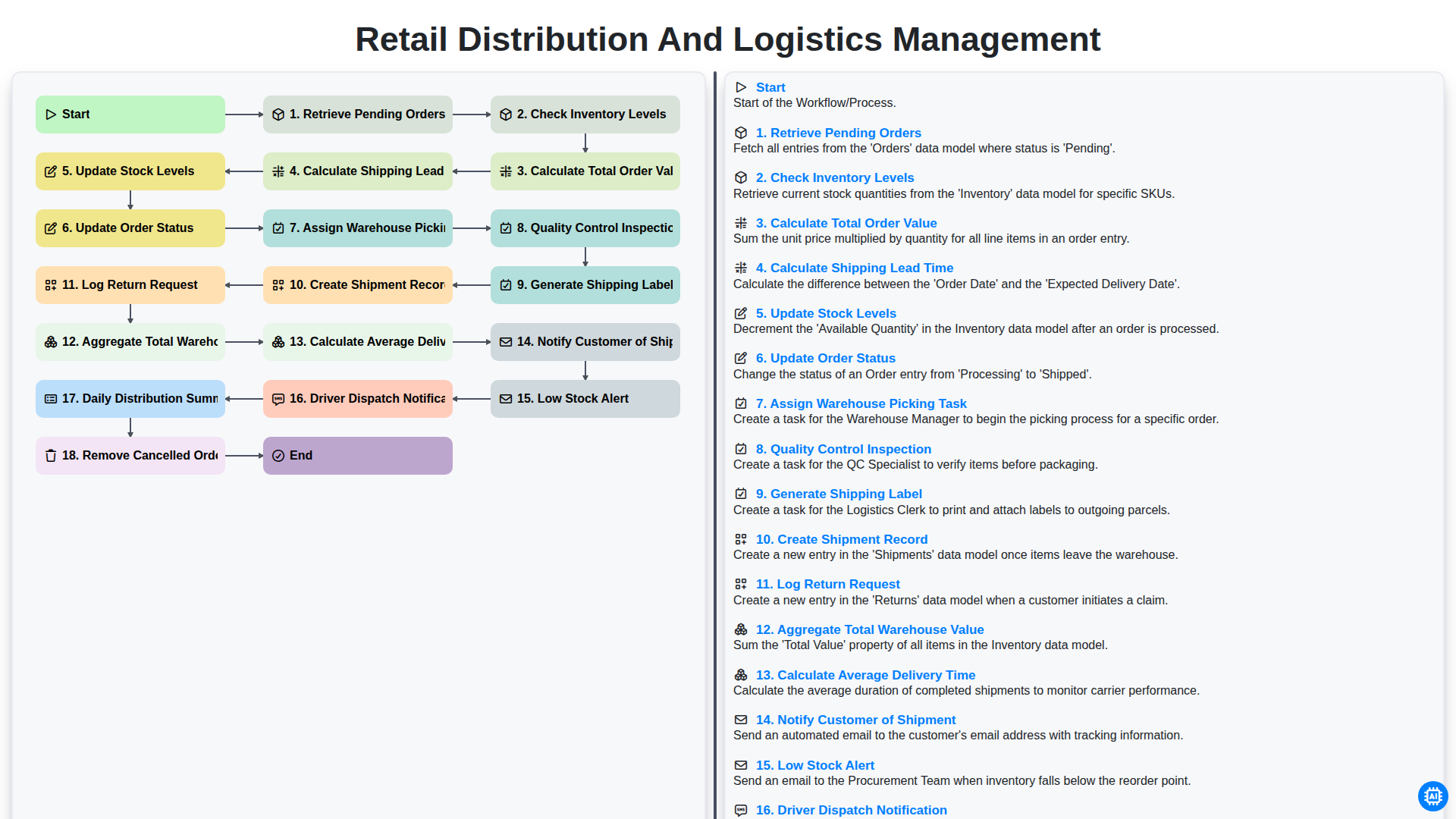
Retail Distribution and Logistics Management
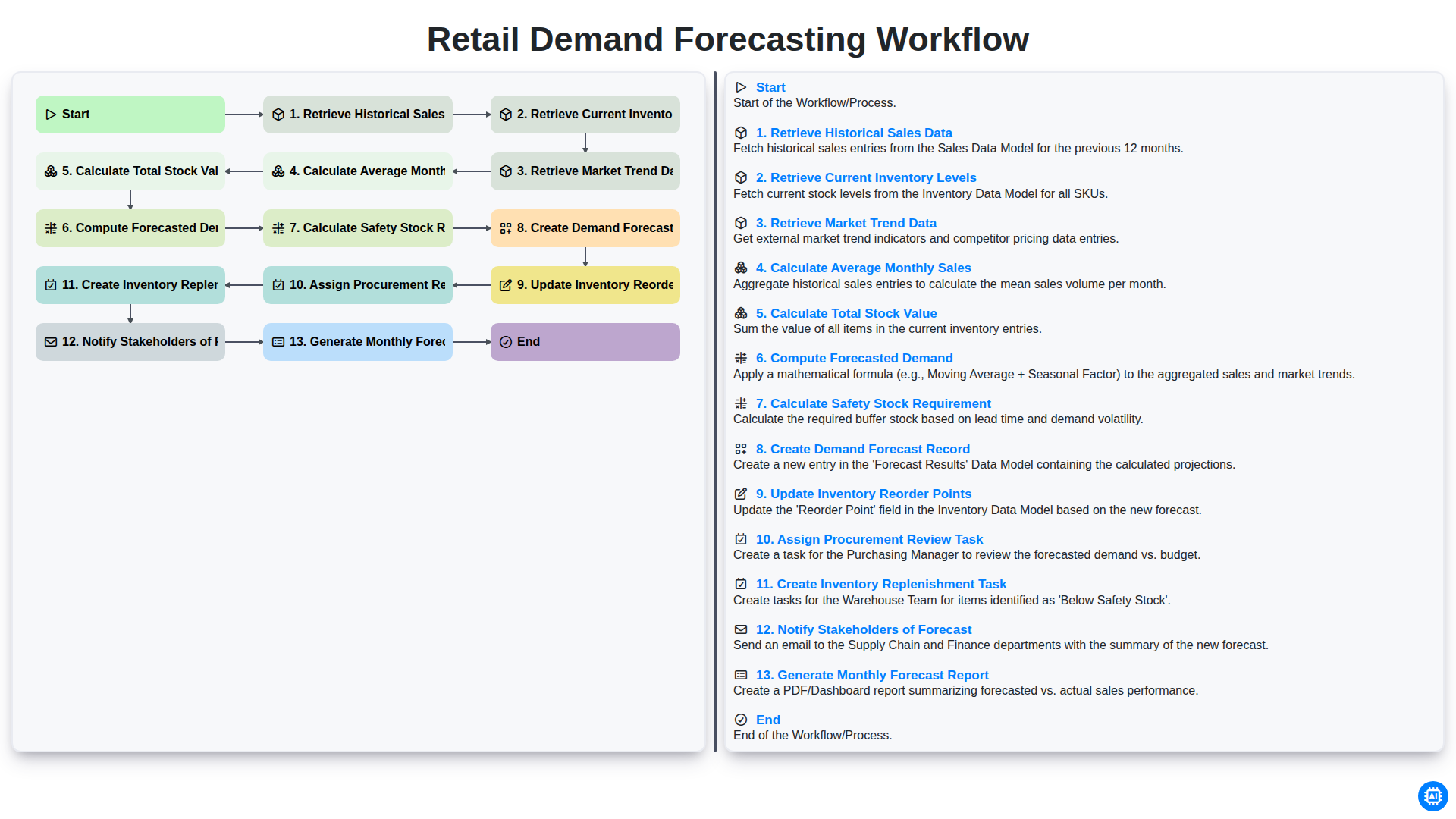
Retail Demand Forecasting Workflow
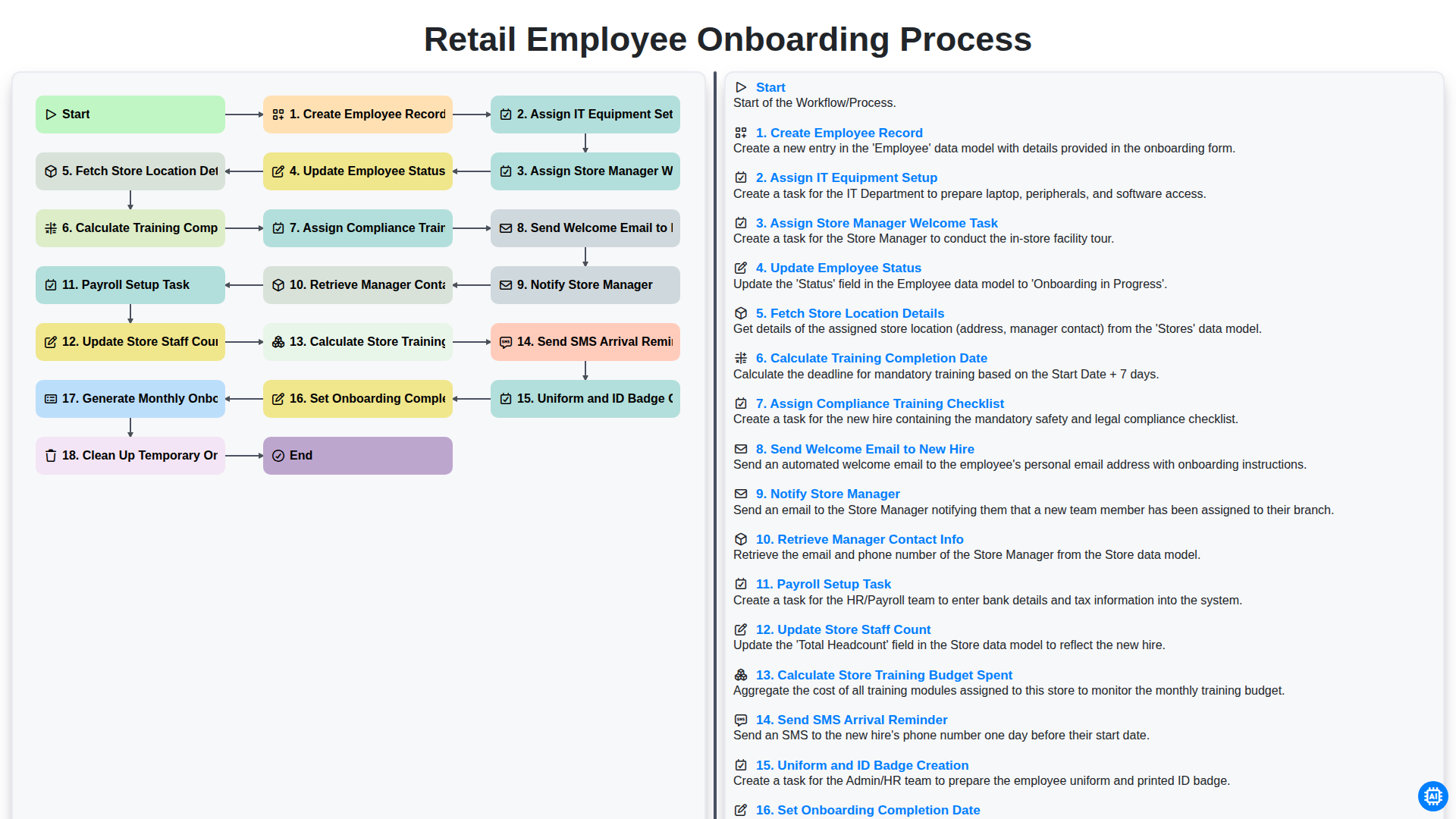
Retail Employee Onboarding Process
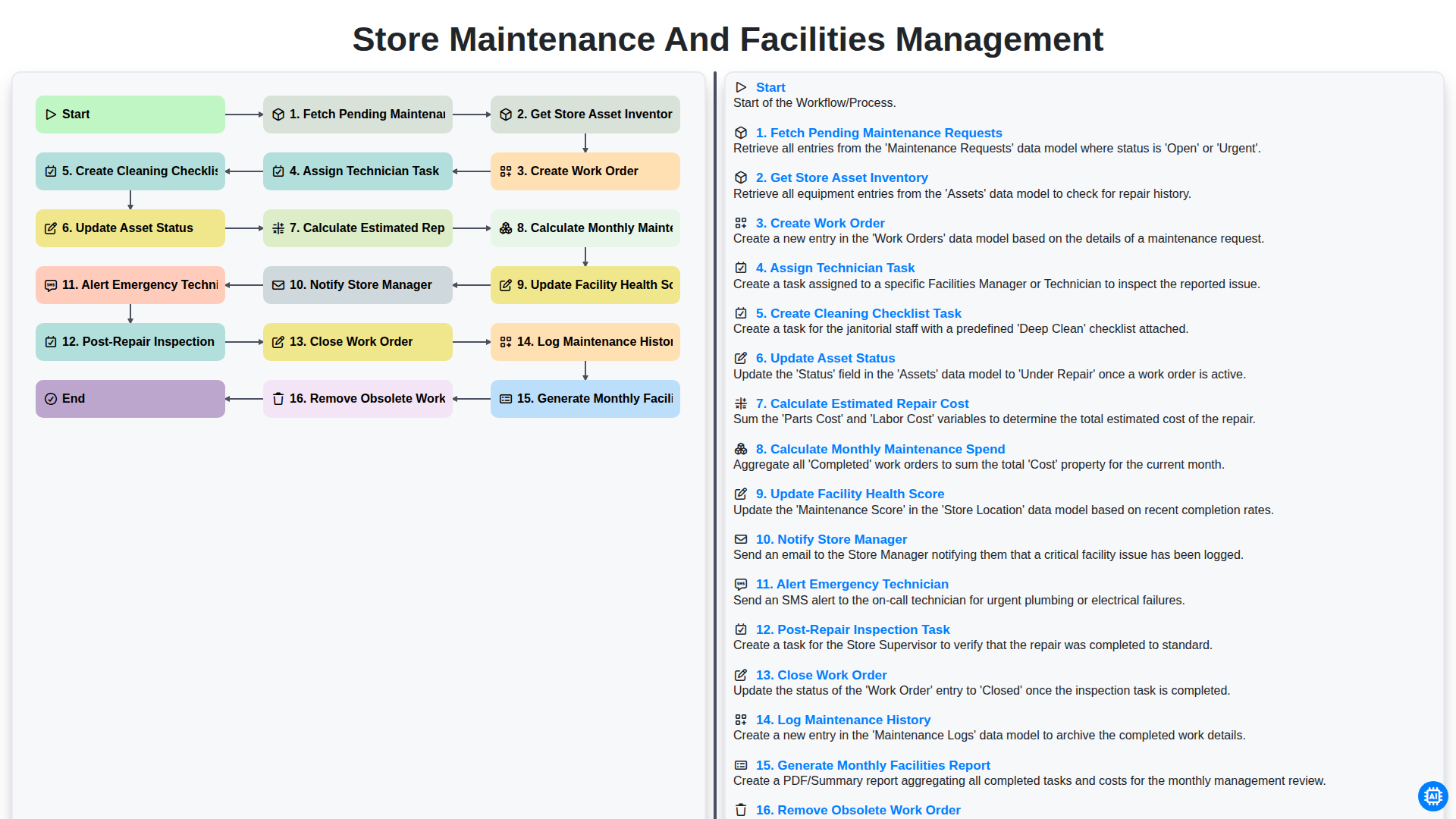
Store Maintenance and Facilities Management
Retail Returns and Reverse Logistics
Seasonal Stock Transition Workflow
Retail Warehouse Management Process
Customer Relationship Management (CRM) Workflow
Need help with
Retail?
Have a question? We're here to help. Please submit your inquiry, and we'll respond promptly.