 ChecklistGuro
 Customer Onboarding Lifecycle Process
Streamline your client integration with our comprehensive Customer Onboarding Lifecycle Process. Master every stage of the journey-from initial kickoff to long-term retention-with this structured task management workflow designed to eliminate friction, boost engagement, and ensure a seamless, repeatable transition for every new user.
This Template was installed 3 times.
Start
Start of the Workflow/Process.
1. Initialize Client Record
Create a new entry in the 'Client Profile' data model to begin the onboarding journey.
2. Update Onboarding Status
Update the 'Onboarding Stage' field in the Client Profile as the process moves from 'Initial' to 'Active'.
3. Retrieve Contract Details
Fetch the signed contract entry from the 'Documents' data model to extract service terms.
4. Assign Account Manager
Create a task for the Sales Lead to assign a dedicated Account Manager to the new client.
5. Technical Setup Checklist
Generate a checklist of technical configuration tasks (e.g., API keys, User Provisioning) for the DevOps team.
6. Welcome Email
Send an automated welcome email to the client's primary contact person with onboarding resources.
7. Calculate Implementation Timeline
Calculate the projected 'Go-Live Date' by adding the 'Standard Setup Duration' to the 'Contract Start Date'.
8. Fetch Client Requirements
Retrieve specific configuration requirements submitted via the client's intake form.
9. Calculate Total Contract Value (TCV)
Aggregate all line items from the 'Order' data model to sum the total revenue for this onboarding.
10. Kickoff Meeting Scheduling
Create a task for the Account Manager to schedule the first official kickoff call.
11. Internal Team Notification
Send an email to the Customer Success and Billing teams notifying them that a new client has been onboarded.
12. Update Billing Profile
Update the 'Billing Status' in the Client Profile to 'Active' once the first invoice is processed.
13. Urgent Setup Alert
Send an SMS to the Technical Lead if a critical configuration error is detected during setup.
14. Onboarding Completion Report
Generate a summary report of the onboarding duration and resource usage to be reviewed by Management.
15. Cleanup Temporary Intake Data
Delete the temporary staging entries used during the initial data collection phase to keep the data model clean.
End
End of the Workflow/Process.
Start of the Workflow/Process.
Create a new entry in the 'Client Profile' data model to begin the onboarding journey.
Update the 'Onboarding Stage' field in the Client Profile as the process moves from 'Initial' to 'Active'.
Fetch the signed contract entry from the 'Documents' data model to extract service terms.
Create a task for the Sales Lead to assign a dedicated Account Manager to the new client.
Generate a checklist of technical configuration tasks (e.g., API keys, User Provisioning) for the DevOps team.
Send an automated welcome email to the client's primary contact person with onboarding resources.
Calculate the projected 'Go-Live Date' by adding the 'Standard Setup Duration' to the 'Contract Start Date'.
Retrieve specific configuration requirements submitted via the client's intake form.
Aggregate all line items from the 'Order' data model to sum the total revenue for this onboarding.
Create a task for the Account Manager to schedule the first official kickoff call.
Send an email to the Customer Success and Billing teams notifying them that a new client has been onboarded.
Update the 'Billing Status' in the Client Profile to 'Active' once the first invoice is processed.
Send an SMS to the Technical Lead if a critical configuration error is detected during setup.
Generate a summary report of the onboarding duration and resource usage to be reviewed by Management.
Delete the temporary staging entries used during the initial data collection phase to keep the data model clean.
End of the Workflow/Process.
Found this Workflow Template helpful?
Comments
There are no comments yet. Be the first to add one!
Task Management Solution Demo
Get organized & boost productivity! ChecklistGuro simplifies task management, prioritization, & progress tracking. Achieve more, stress less, & hit your goals. Manage it all with our Work OS.
Related Workflow Templates
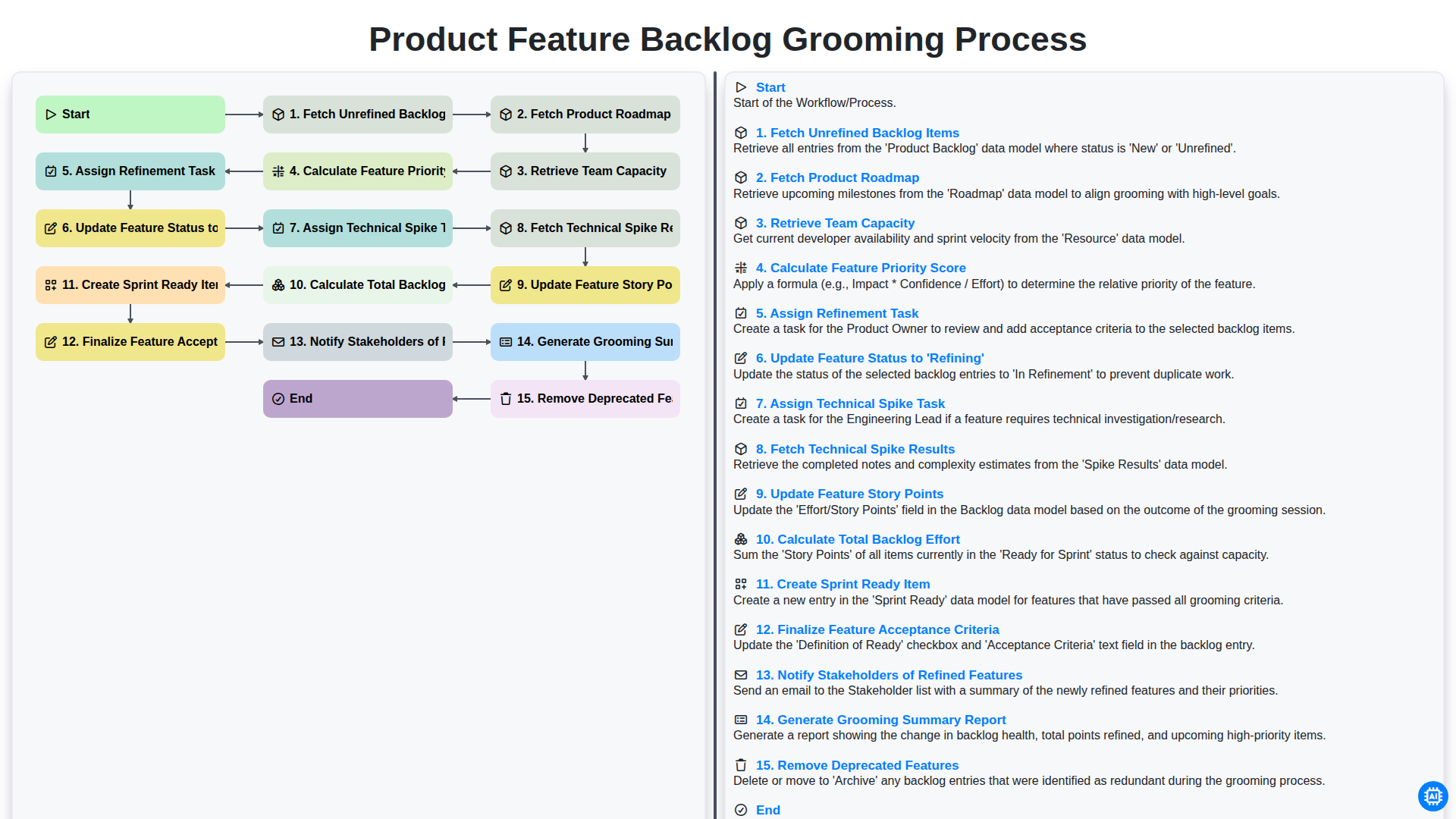
Product Feature Backlog Grooming Process
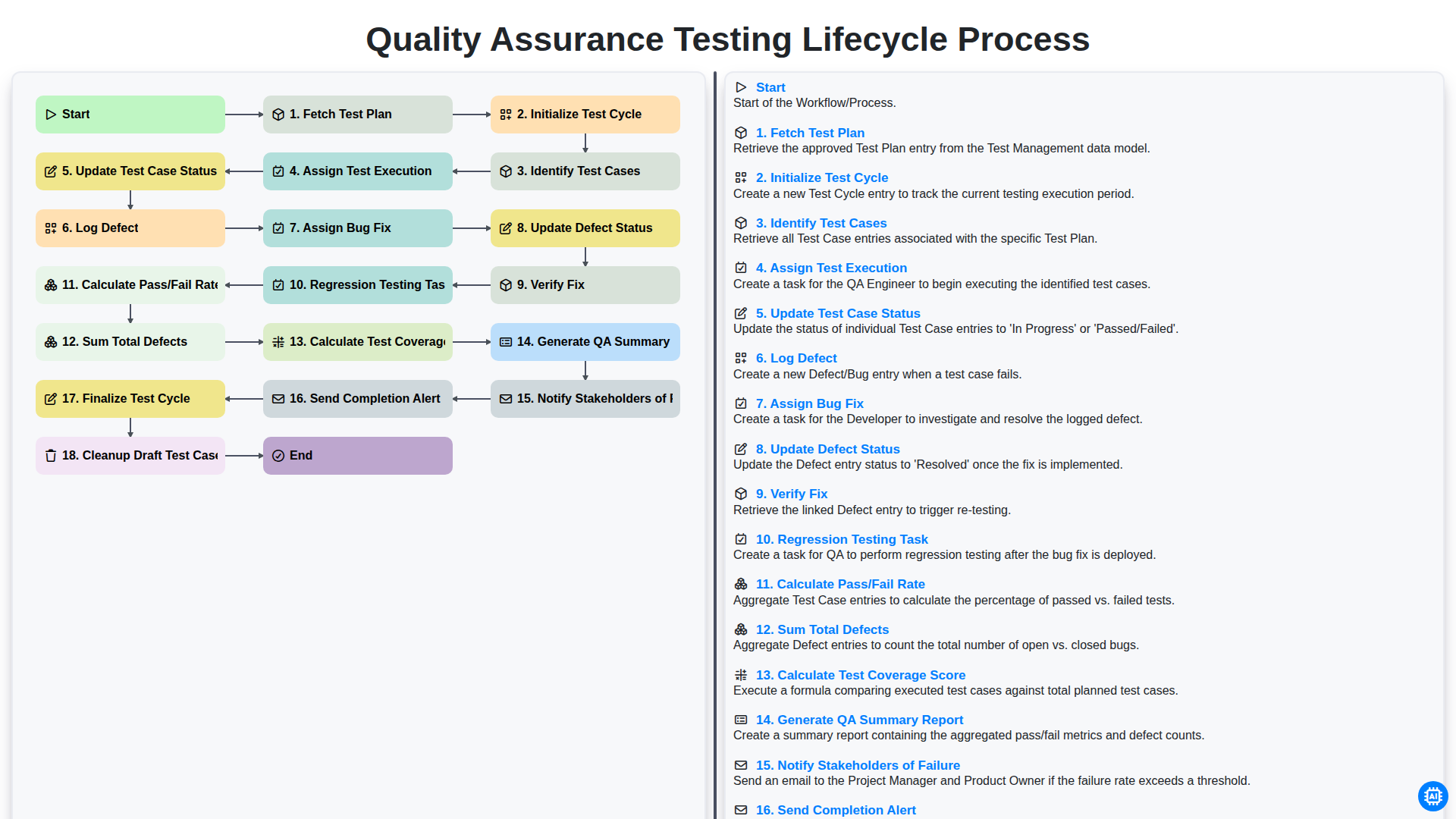
Quality Assurance Testing Lifecycle Process
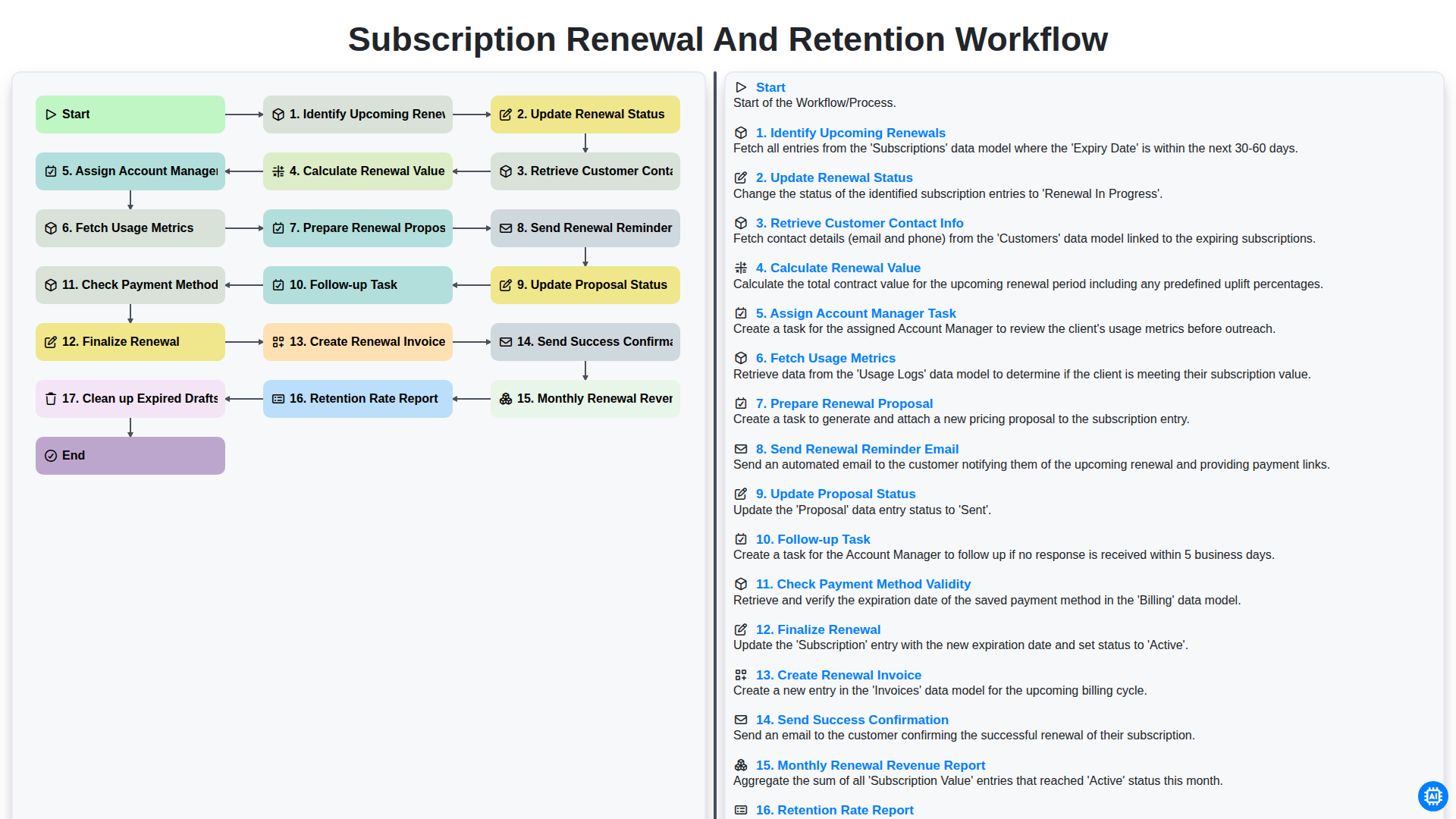
Subscription Renewal and Retention Workflow
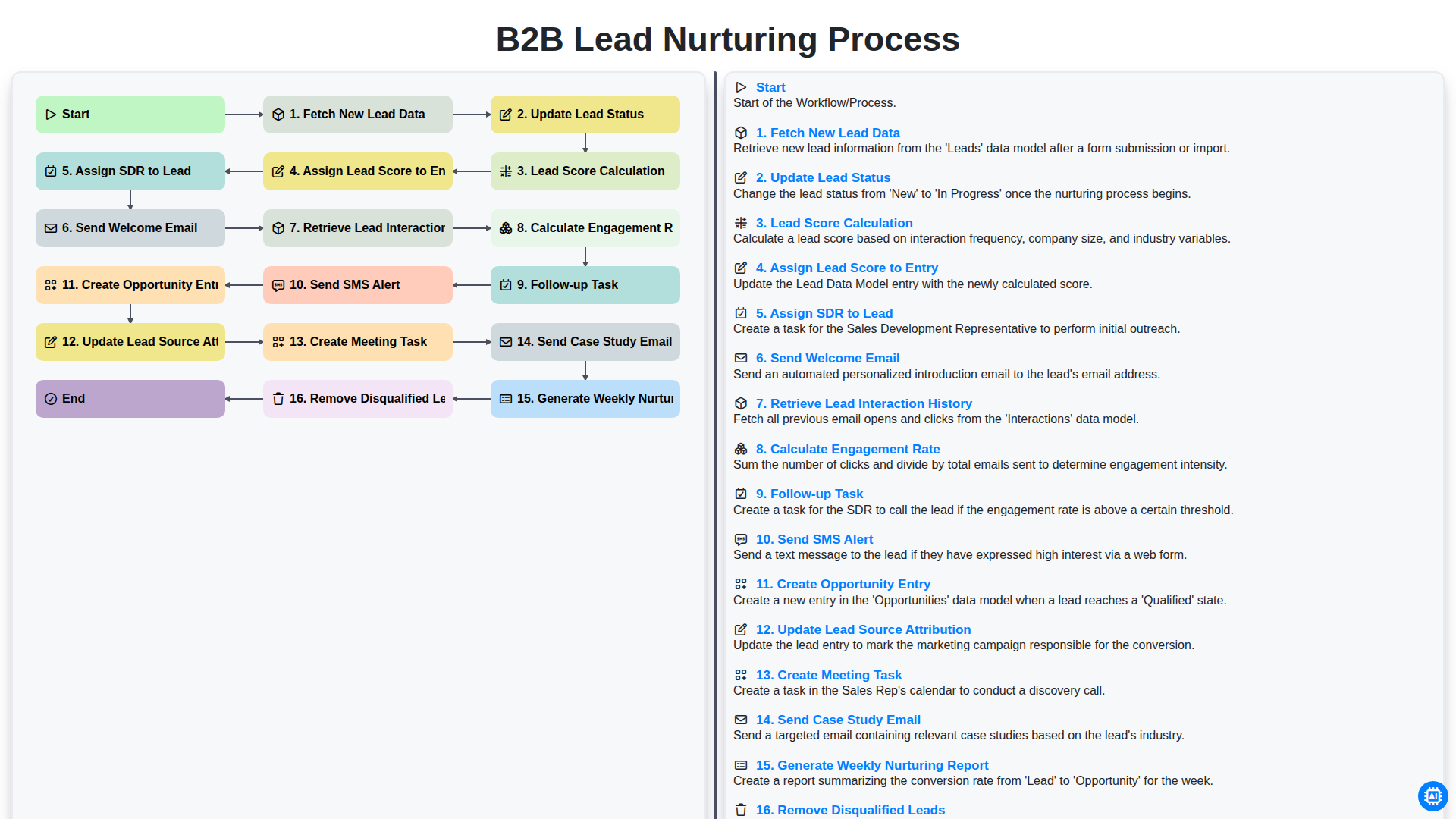
B2B Lead Nurturing Process
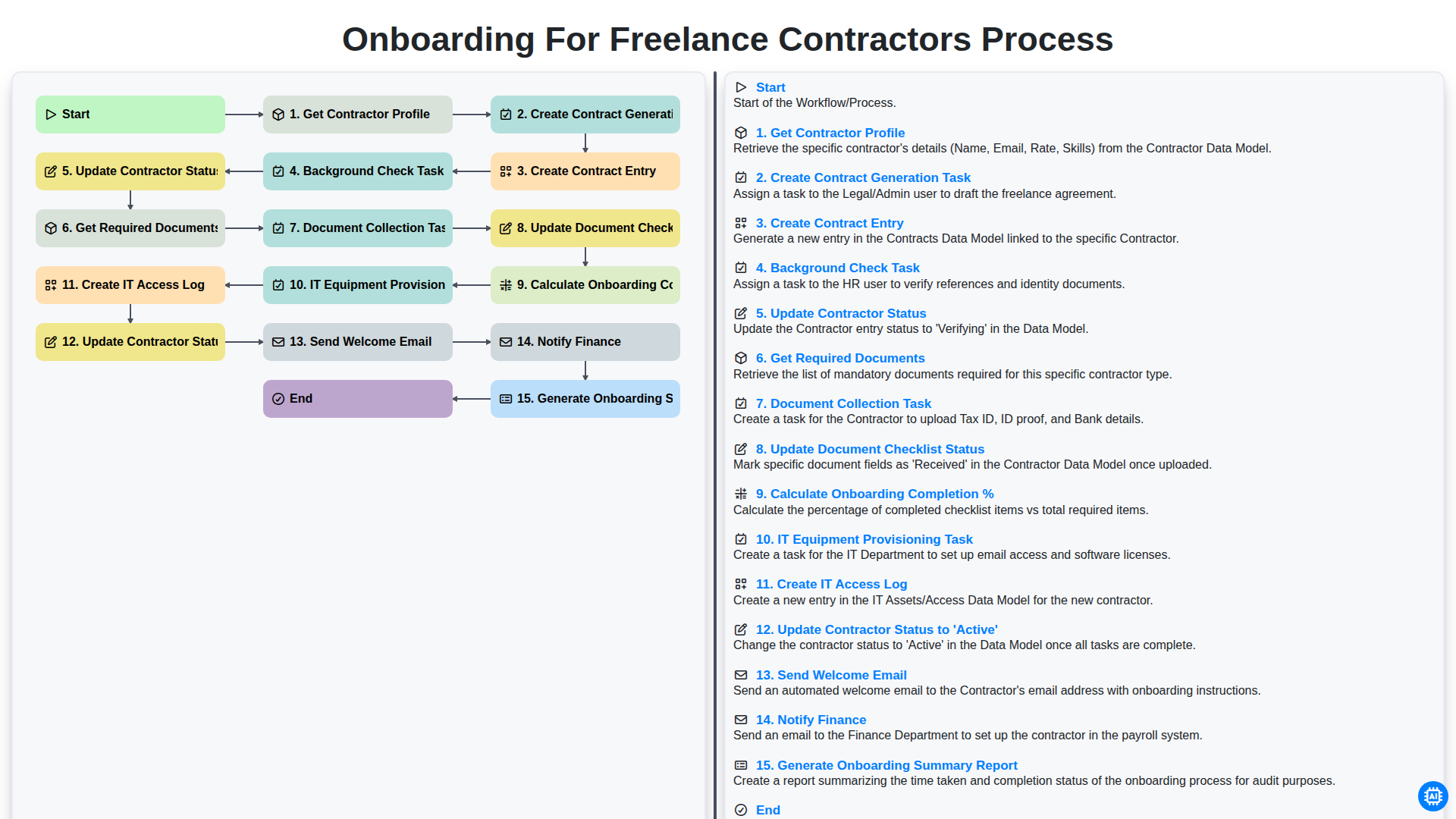
Onboarding for Freelance Contractors Process
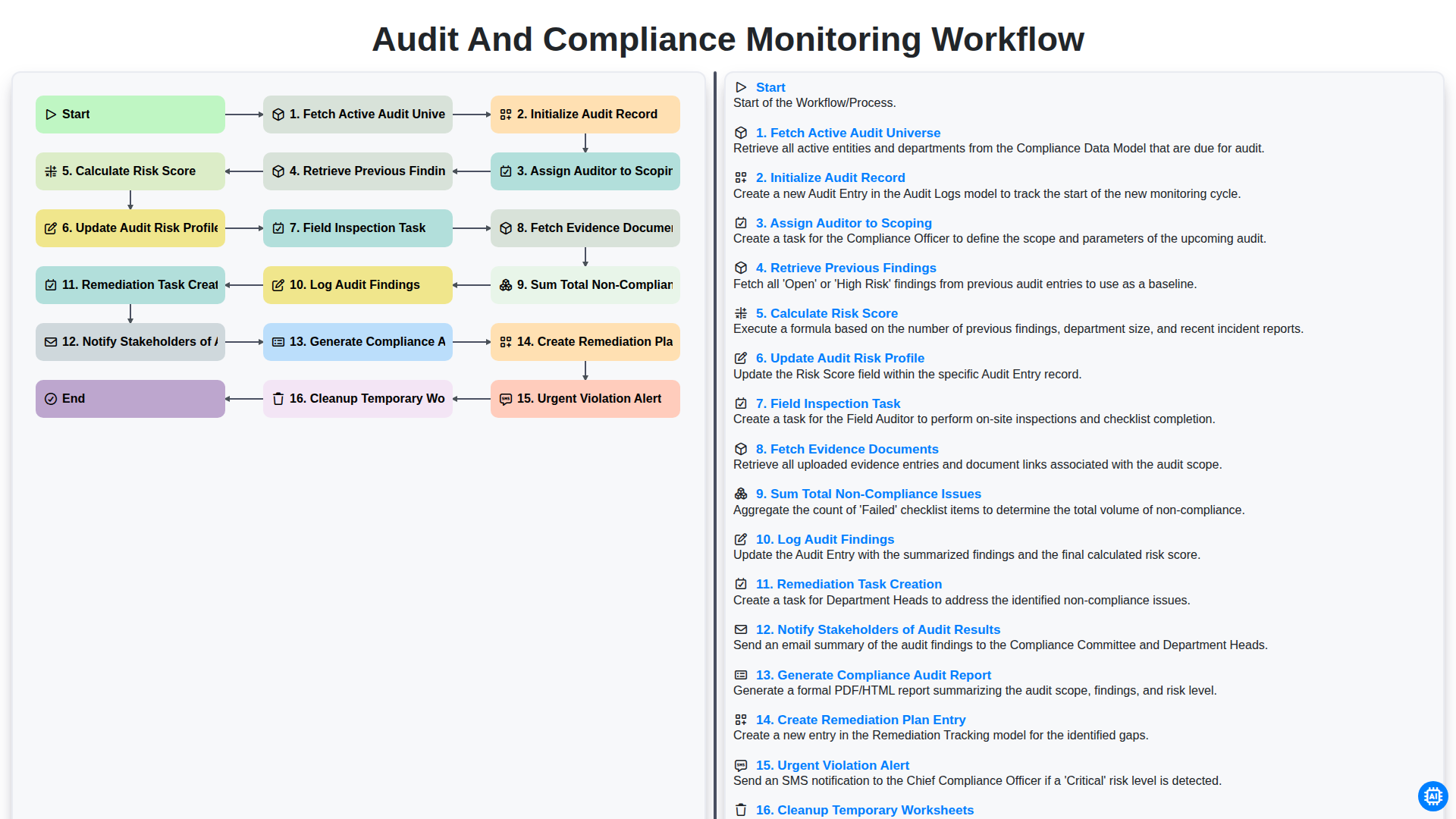
Audit and Compliance Monitoring Workflow
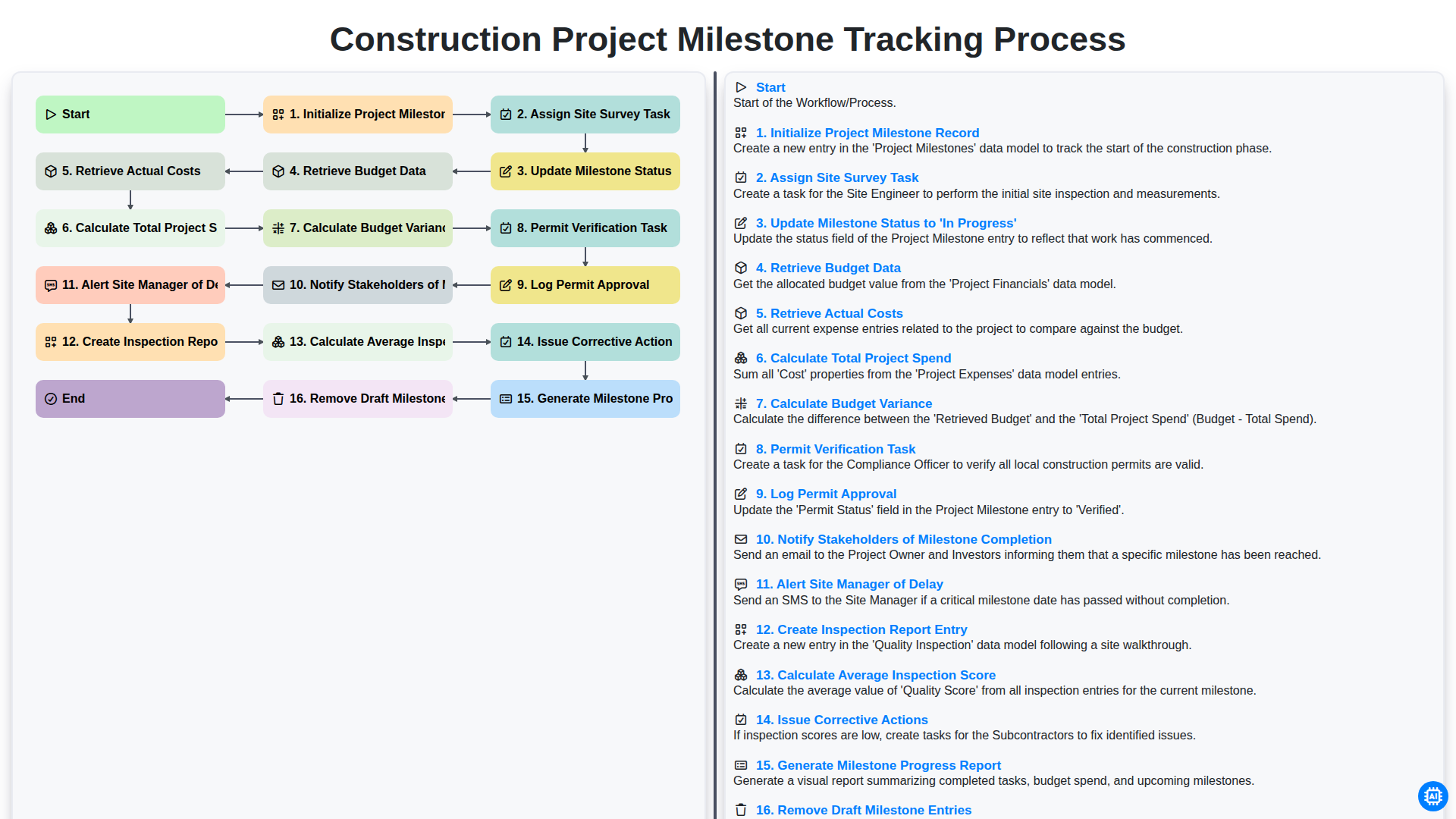
Construction Project Milestone Tracking Process
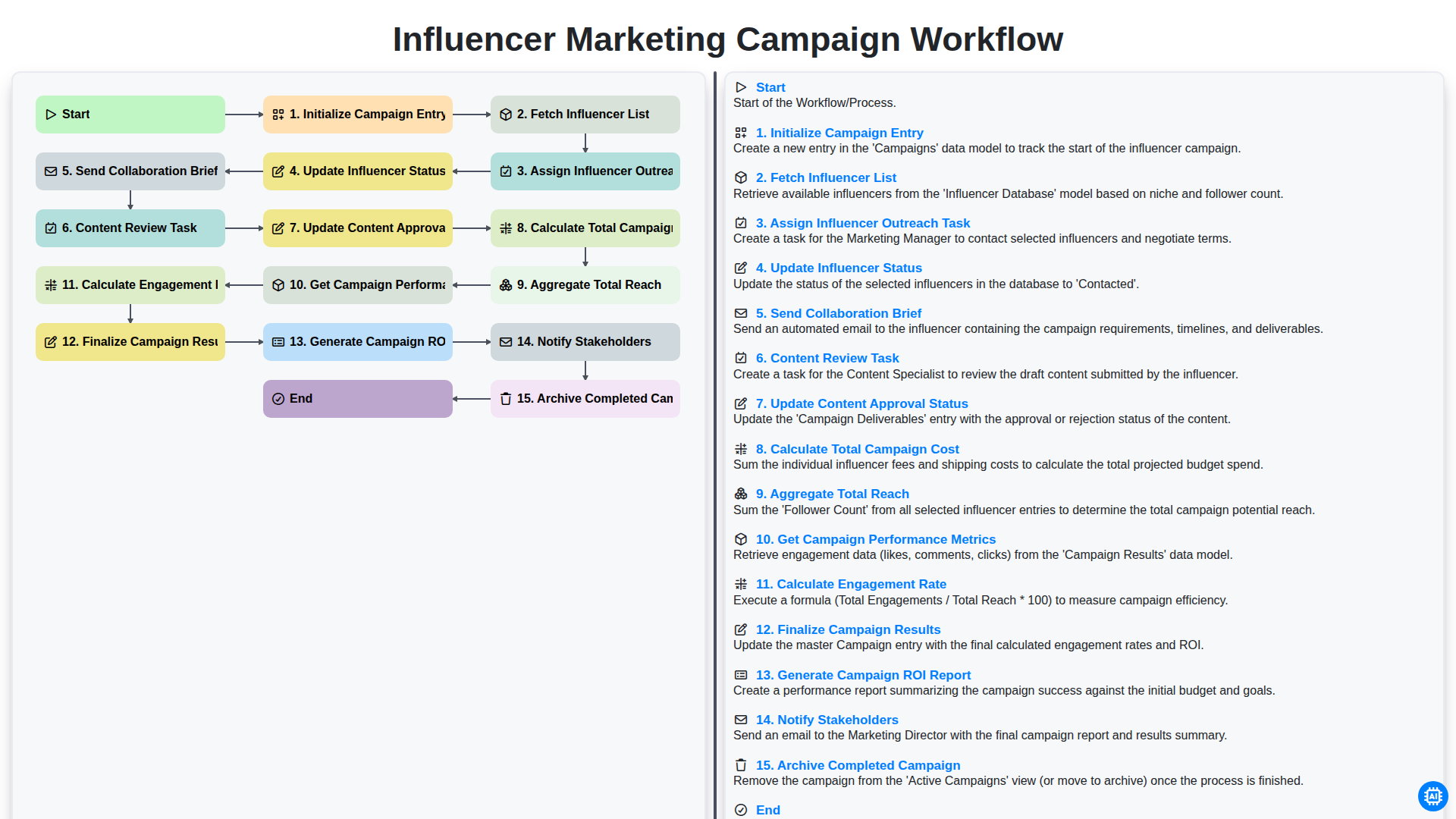
Influencer Marketing Campaign Workflow
We can do it Together
Need help with
Task Management?
Have a question? We're here to help. Please submit your inquiry, and we'll respond promptly.