 ChecklistGuro
 E-learning Course Development Process
Streamline your instructional design with our comprehensive E-learning Course Development Process. Master every stage of the workflow, from initial needs analysis and storyboarding to content creation and final deployment. This step-by-step task management guide ensures scalable, high-quality digital learning delivery, helping educators and L&D professionals optimize production timelines and maintain instructional excellence.
This Template was installed 2 times.
Start
Start of the Workflow/Process.
1. Initialize Course Project
Create a new entry in the 'Course Projects' data model to kick off the development lifecycle.
2. Retrieve Learning Objectives
Fetch the predefined learning objectives and target audience data from the 'Curriculum Blueprint' model.
3. Instructional Design Draft
Assign a task to the Instructional Designer to create the initial course outline and storyboard.
4. Generate Storyboard Entry
Create a new entry in the 'Storyboards' data model linked to the specific Course Project.
5. Multimedia Asset Creation
Assign tasks to Graphic Designers and Video Editors to create visual and auditory assets based on the storyboard.
6. Update Asset Status
Update the 'Multimedia Assets' entry to 'Completed' once all graphics and videos are uploaded.
7. Calculate Total Estimated Production Cost
Sum the costs of all associated multimedia asset entries to calculate the total project budget impact.
8. Course Development (Authoring)
Assign a task to the E-learning Developer to assemble the assets into the authoring tool (e.g., Articulate/Captivate).
9. Quality Assurance Review
Assign a task to the QA Specialist to check for bugs, broken links, and pedagogical accuracy.
10. Calculate Average QA Score
Aggregate all QA check entries to find the average quality score for the course.
11. Finalize Course Metadata
Update the Course Project entry with final metadata, such as final duration, difficulty level, and tags.
12. Notify Stakeholders of Completion
Send an email to the Subject Matter Experts and Project Managers informing them that the course is ready for deployment.
13. Project Post-Mortem Report
Generate a report summarizing the timeline, total cost, and QA results for the completed course.
14. Mark Course as Live
Update the 'Course Projects' entry status to 'Published' in the Learning Management System (LMS) registry.
15. Cleanup Draft Assets
Delete temporary or obsolete draft entries from the 'Work-in-Progress' data model to maintain cleanliness.
End
End of the Workflow/Process.
Start of the Workflow/Process.
Create a new entry in the 'Course Projects' data model to kick off the development lifecycle.
Fetch the predefined learning objectives and target audience data from the 'Curriculum Blueprint' model.
Assign a task to the Instructional Designer to create the initial course outline and storyboard.
Create a new entry in the 'Storyboards' data model linked to the specific Course Project.
Assign tasks to Graphic Designers and Video Editors to create visual and auditory assets based on the storyboard.
Update the 'Multimedia Assets' entry to 'Completed' once all graphics and videos are uploaded.
Sum the costs of all associated multimedia asset entries to calculate the total project budget impact.
Assign a task to the E-learning Developer to assemble the assets into the authoring tool (e.g., Articulate/Captivate).
Assign a task to the QA Specialist to check for bugs, broken links, and pedagogical accuracy.
Aggregate all QA check entries to find the average quality score for the course.
Update the Course Project entry with final metadata, such as final duration, difficulty level, and tags.
Send an email to the Subject Matter Experts and Project Managers informing them that the course is ready for deployment.
Generate a report summarizing the timeline, total cost, and QA results for the completed course.
Update the 'Course Projects' entry status to 'Published' in the Learning Management System (LMS) registry.
Delete temporary or obsolete draft entries from the 'Work-in-Progress' data model to maintain cleanliness.
End of the Workflow/Process.
Frequently Asked Questions
Comments
There are no comments yet. Be the first to add one!
Task Management Solution Demo
Get organized & boost productivity! ChecklistGuro simplifies task management, prioritization, & progress tracking. Achieve more, stress less, & hit your goals. Manage it all with our Work OS.
Related Workflow Templates
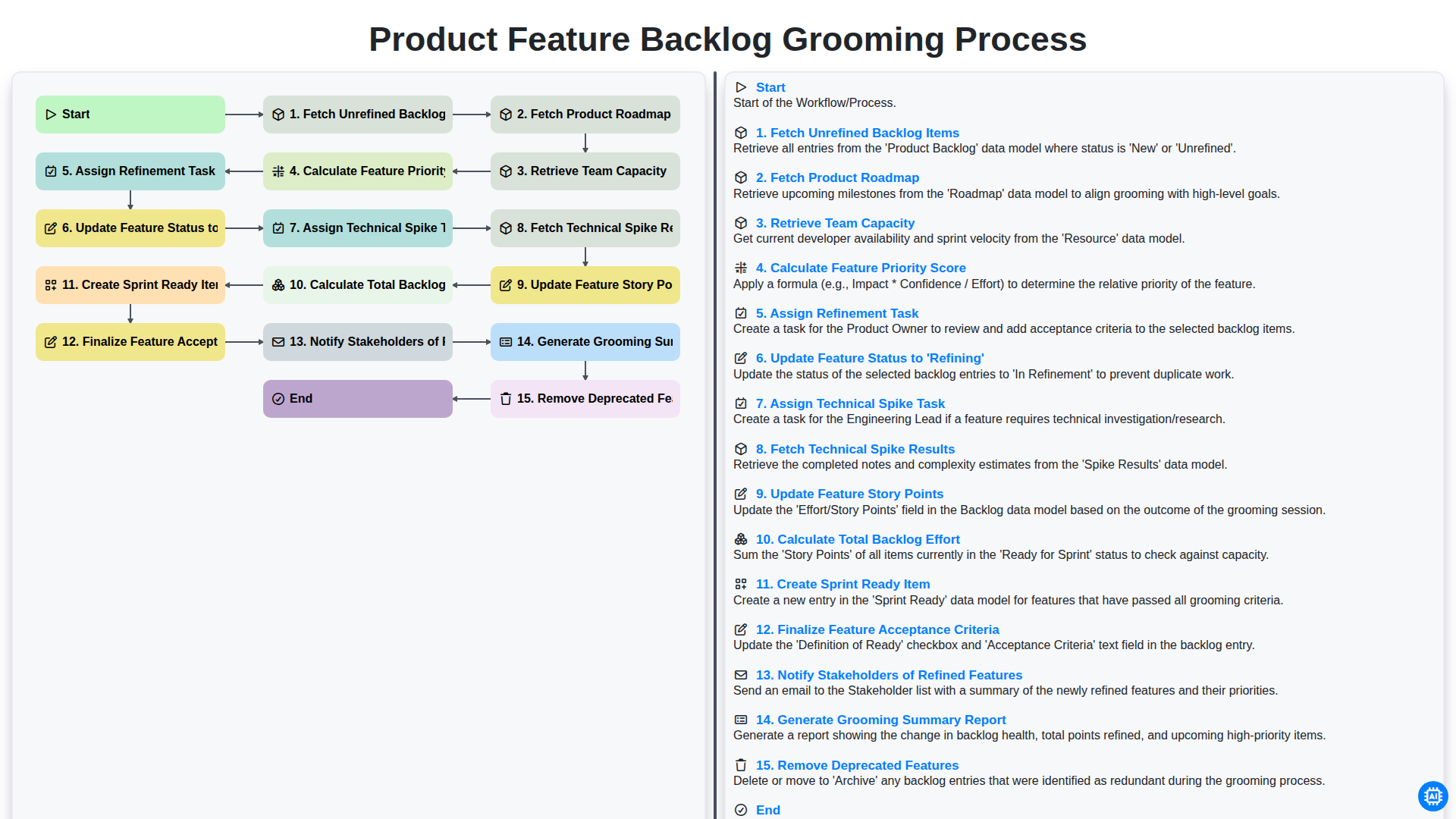
Product Feature Backlog Grooming Process
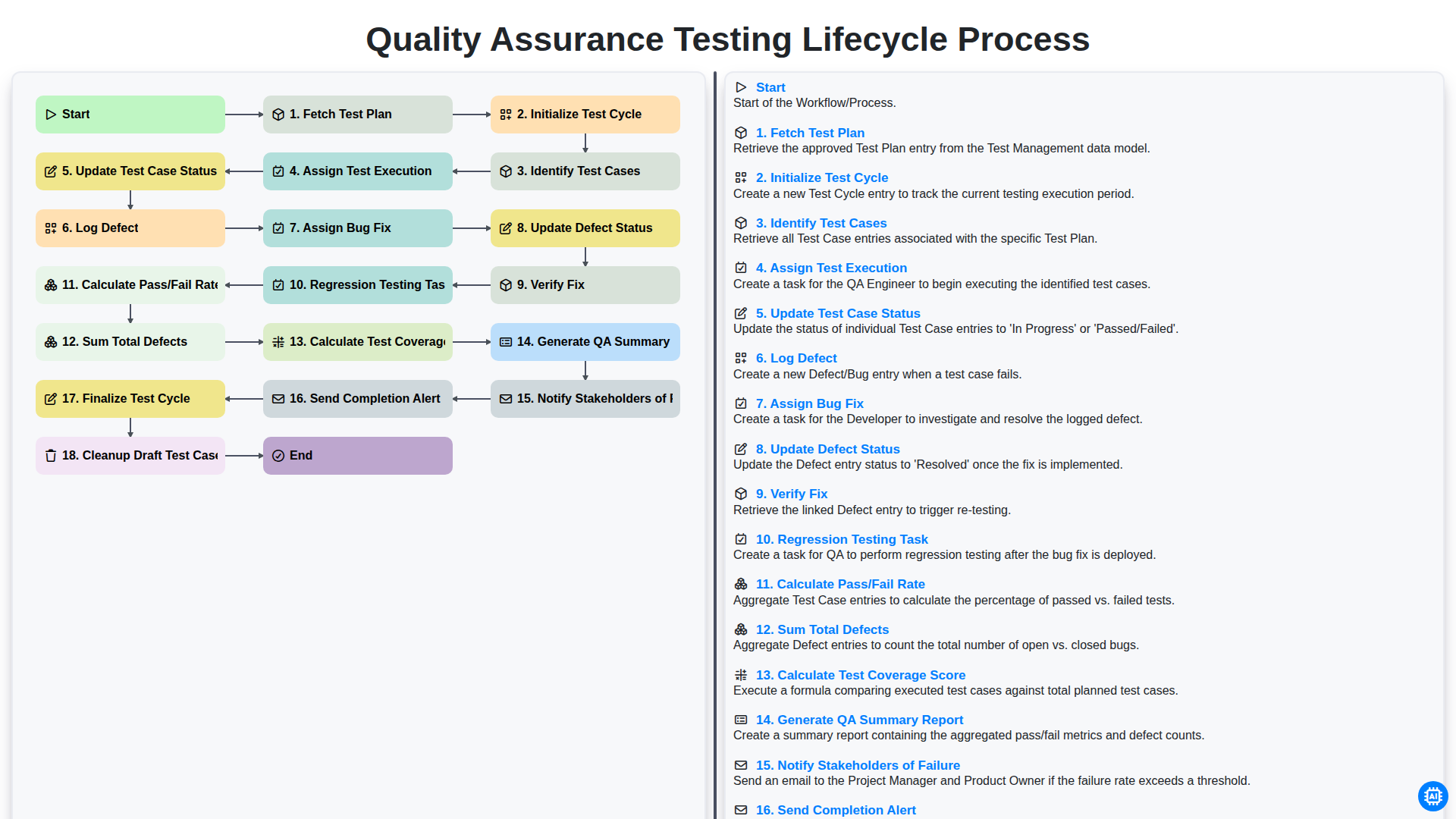
Quality Assurance Testing Lifecycle Process
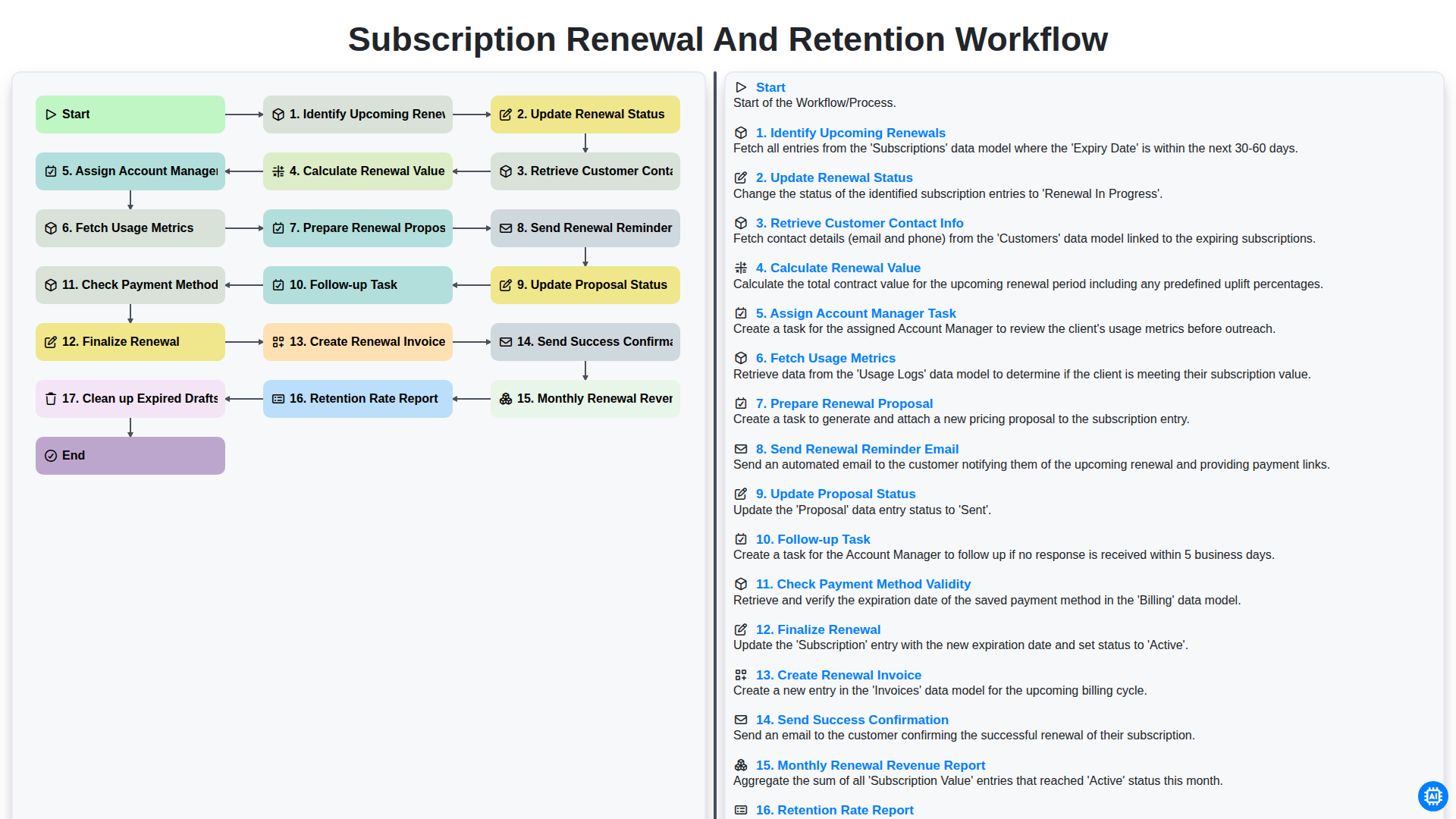
Subscription Renewal and Retention Workflow

B2B Lead Nurturing Process
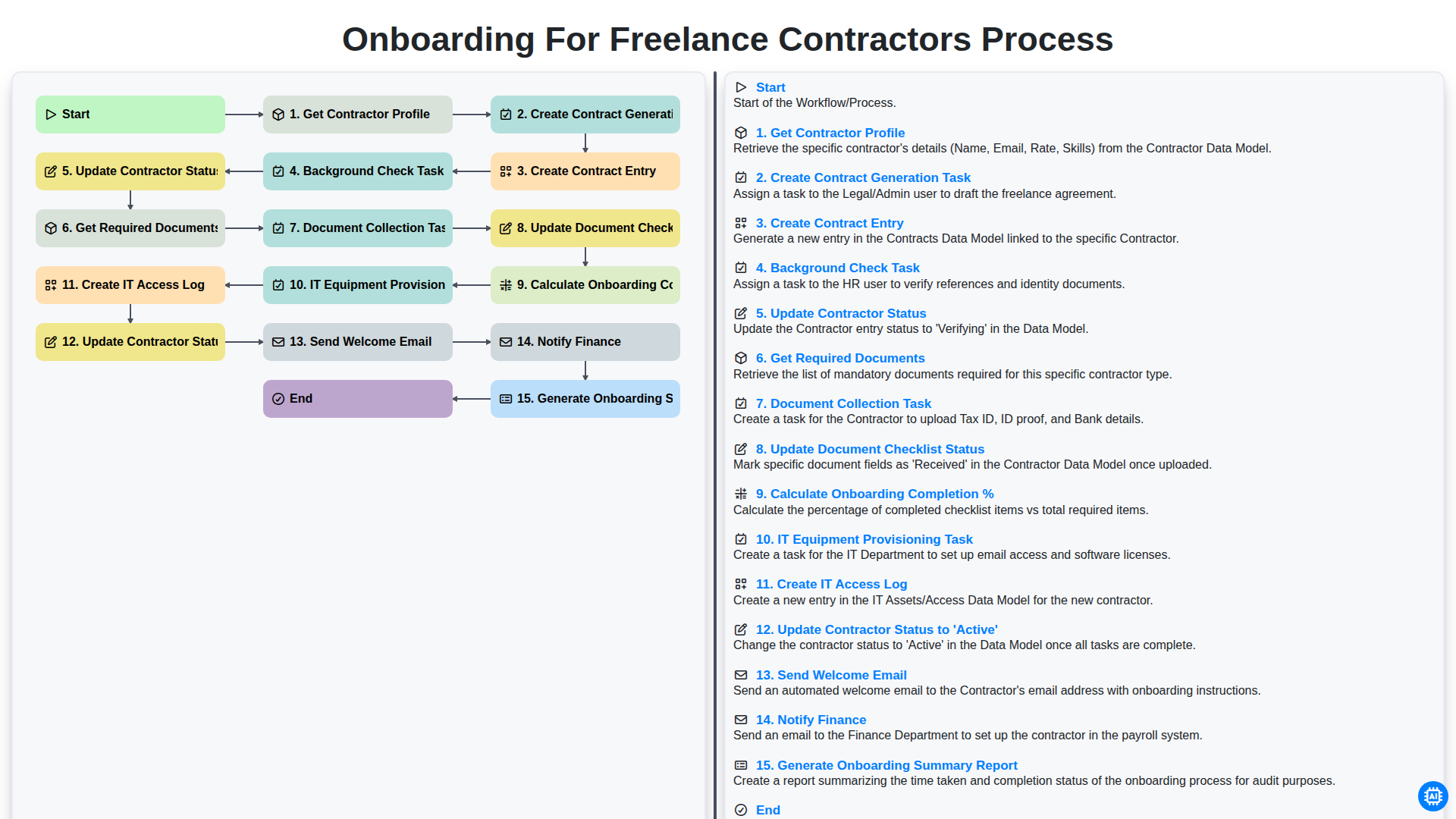
Onboarding for Freelance Contractors Process

Audit and Compliance Monitoring Workflow
Construction Project Milestone Tracking Process
Influencer Marketing Campaign Workflow
Need help with
Task Management?
Have a question? We're here to help. Please submit your inquiry, and we'll respond promptly.