 ChecklistGuro
 Recruitment and Talent Acquisition Process
Streamline your hiring journey with our comprehensive Recruitment and Talent Acquisition Process workflow. Master every stage of the talent lifecycle-from job requisition and candidate sourcing to interviewing and seamless onboarding. Designed for modern HR teams, this task management template optimizes recruitment efficiency, reduces time-to-hire, and ensures a flawless candidate experience through automated tracking and organized candidate pipelines.
This Template was installed 1 times.
Start
Start of the Workflow/Process.
1. Create Job Requisition
Create a new entry in the Job Requisition data model when a hiring manager submits a request.
2. Update Requisition Status
Update the status of the Job Really entry to 'Open' once approved.
3. Post Job Advertisement
Assign a task to the Recruitment Coordinator to publish the vacancy on job boards.
4. Fetch Candidate Applications
Retrieve all entries from the Candidate data model linked to the specific Job Requisition.
5. Initial Resume Screening
Assign a task to the Recruiter to review applications and filter candidates.
6. Schedule Interview
Assign a task to the Coordinator to coordinate calendars for the first round interview.
7. Send Interview Invitation
Send an automated email to the candidate with the interview date, time, and meeting link.
8. Conduct Technical Assessment
Assign a task to the Hiring Manager to perform the technical evaluation.
9. Update Candidate Score
Update the candidate's evaluation score in the Candidate data model after the assessment.
10. Calculate Average Interview Score
Execute a formula to average the scores from all interviewers for a specific candidate.
11. Check Reference Data
Retrieve reference contact entries associated with the candidate.
12. Perform Reference Check
Assign a task to the Recruiter to contact references and verify background information.
13. Generate Offer Letter
Create a new entry in the Offer Letter data model populated with candidate details.
14. Send Offer Email
Send the official offer details and digital contract to the candidate's email address.
15. Update Candidate Status to 'Hired'
Update the Candidate entry status to 'Hired' upon offer acceptance.
16. Trigger Onboarding Process
Create a new entry in the Onboarding data model for the new hire.
17. IT Provisioning
Assign a task to the IT Department to prepare hardware and software access.
18. Calculate Time-to-Hire
Aggregate the difference between 'Requisition Date' and 'Hire Date' to calculate recruitment efficiency.
19. Monthly Recruitment Report
Create a report summarizing all completed hires and active vacancies for the month.
End
End of the Workflow/Process.
Start of the Workflow/Process.
Create a new entry in the Job Requisition data model when a hiring manager submits a request.
Update the status of the Job Really entry to 'Open' once approved.
Assign a task to the Recruitment Coordinator to publish the vacancy on job boards.
Retrieve all entries from the Candidate data model linked to the specific Job Requisition.
Assign a task to the Recruiter to review applications and filter candidates.
Assign a task to the Coordinator to coordinate calendars for the first round interview.
Send an automated email to the candidate with the interview date, time, and meeting link.
Assign a task to the Hiring Manager to perform the technical evaluation.
Update the candidate's evaluation score in the Candidate data model after the assessment.
Execute a formula to average the scores from all interviewers for a specific candidate.
Retrieve reference contact entries associated with the candidate.
Assign a task to the Recruiter to contact references and verify background information.
Create a new entry in the Offer Letter data model populated with candidate details.
Send the official offer details and digital contract to the candidate's email address.
Update the Candidate entry status to 'Hired' upon offer acceptance.
Create a new entry in the Onboarding data model for the new hire.
Assign a task to the IT Department to prepare hardware and software access.
Aggregate the difference between 'Requisition Date' and 'Hire Date' to calculate recruitment efficiency.
Create a report summarizing all completed hires and active vacancies for the month.
End of the Workflow/Process.
Frequently Asked Questions
Comments
There are no comments yet. Be the first to add one!
Task Management Solution Demo
Get organized & boost productivity! ChecklistGuro simplifies task management, prioritization, & progress tracking. Achieve more, stress less, & hit your goals. Manage it all with our Work OS.
Related Workflow Templates
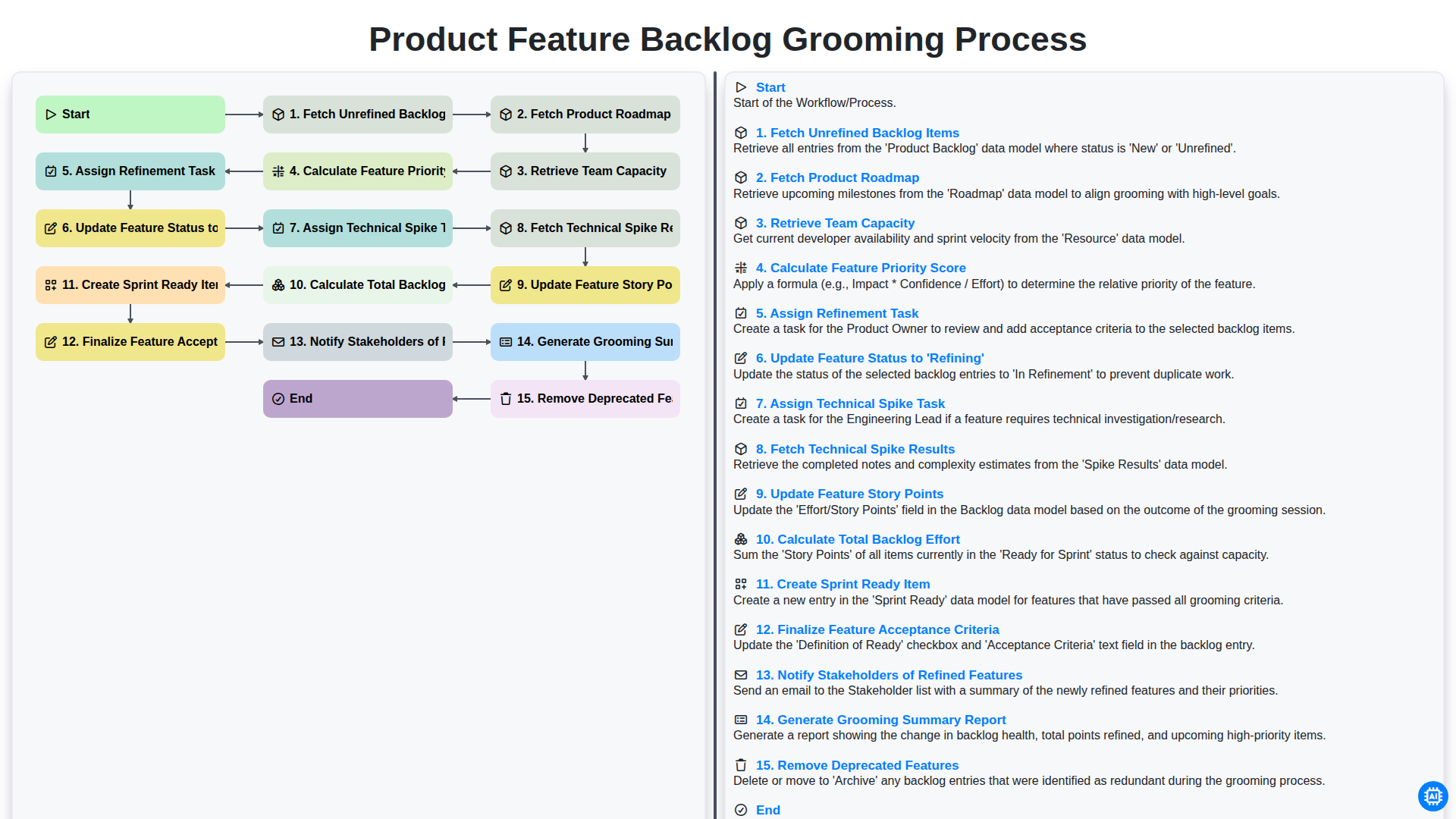
Product Feature Backlog Grooming Process
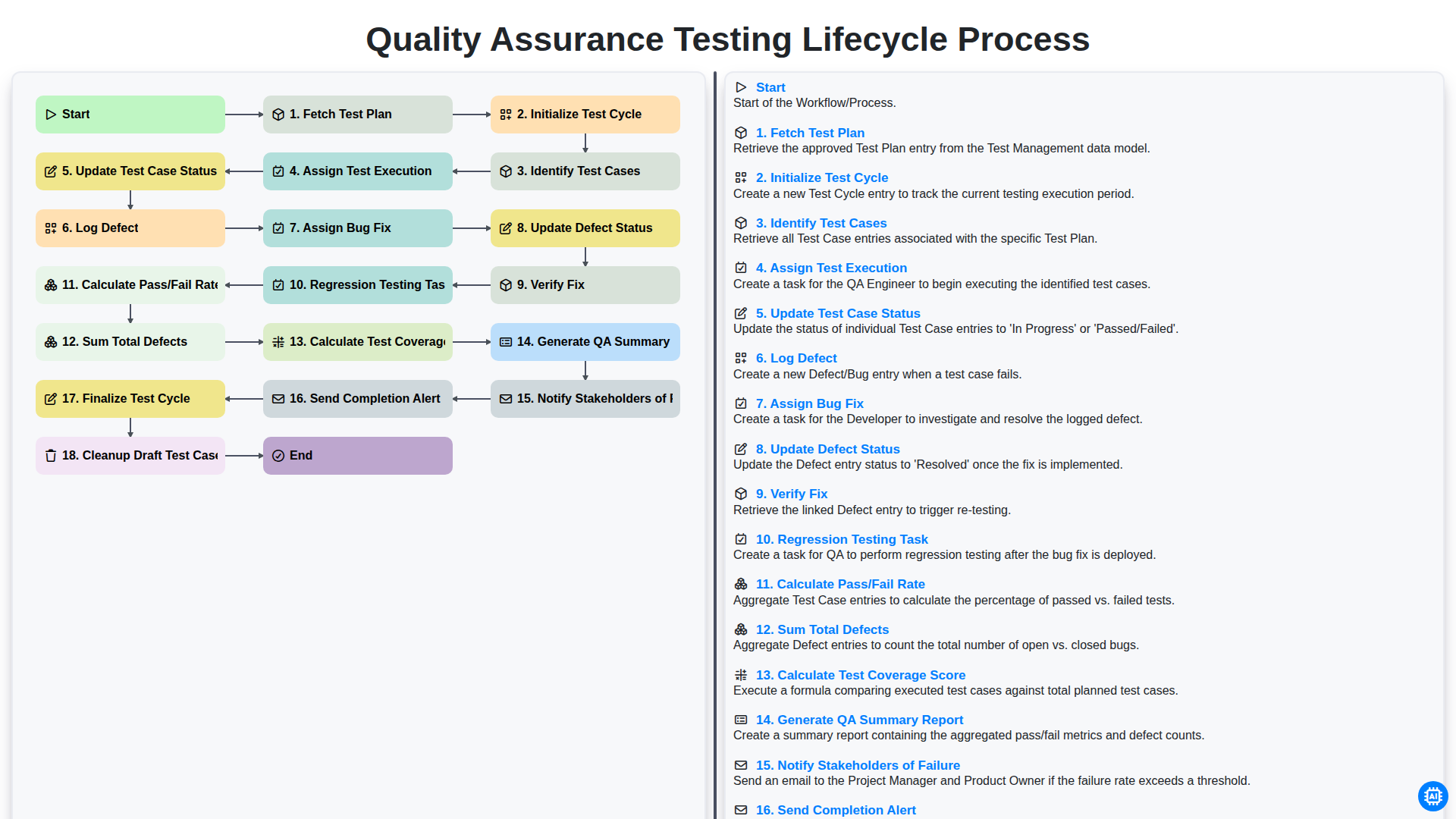
Quality Assurance Testing Lifecycle Process
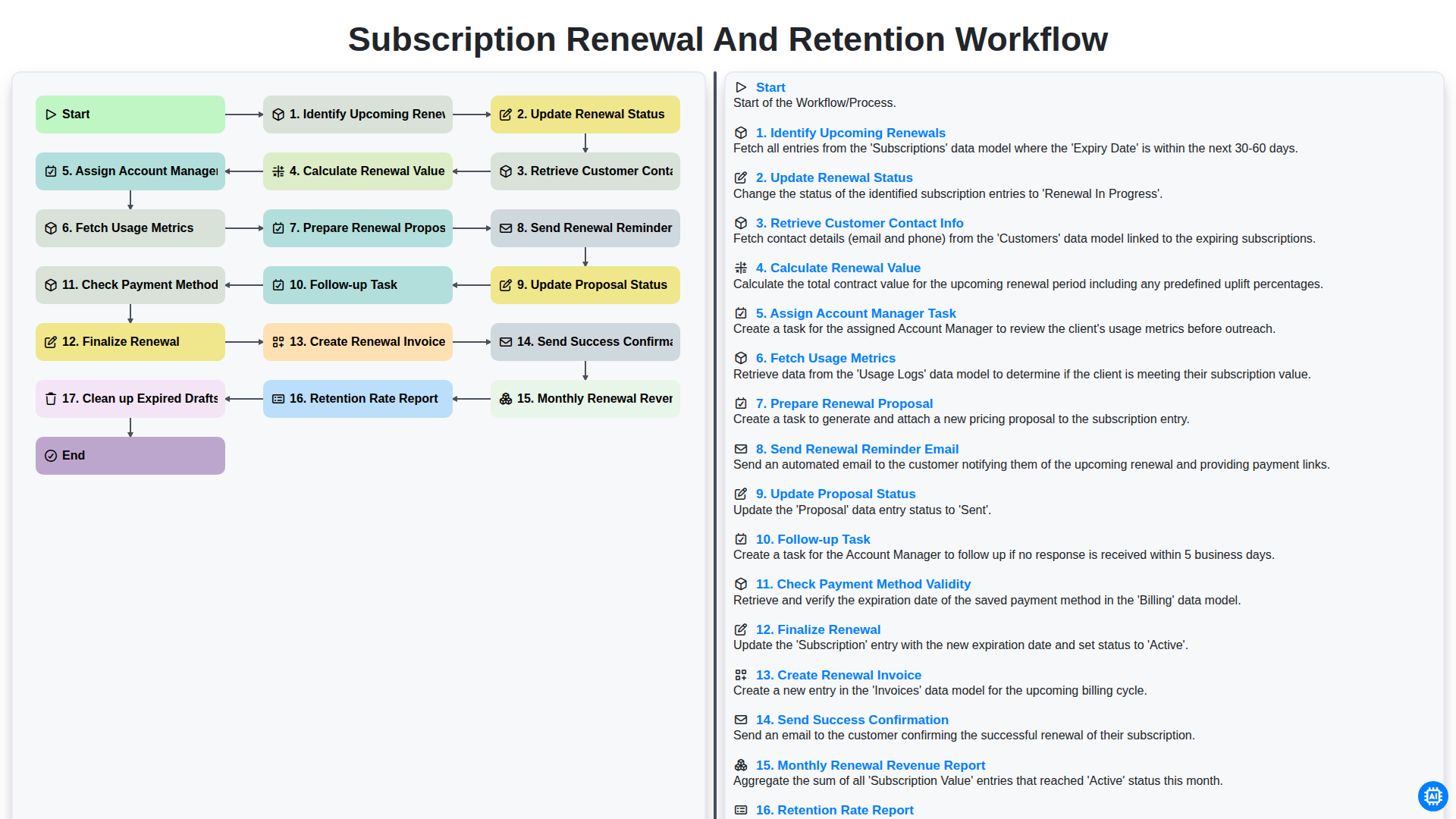
Subscription Renewal and Retention Workflow

B2B Lead Nurturing Process
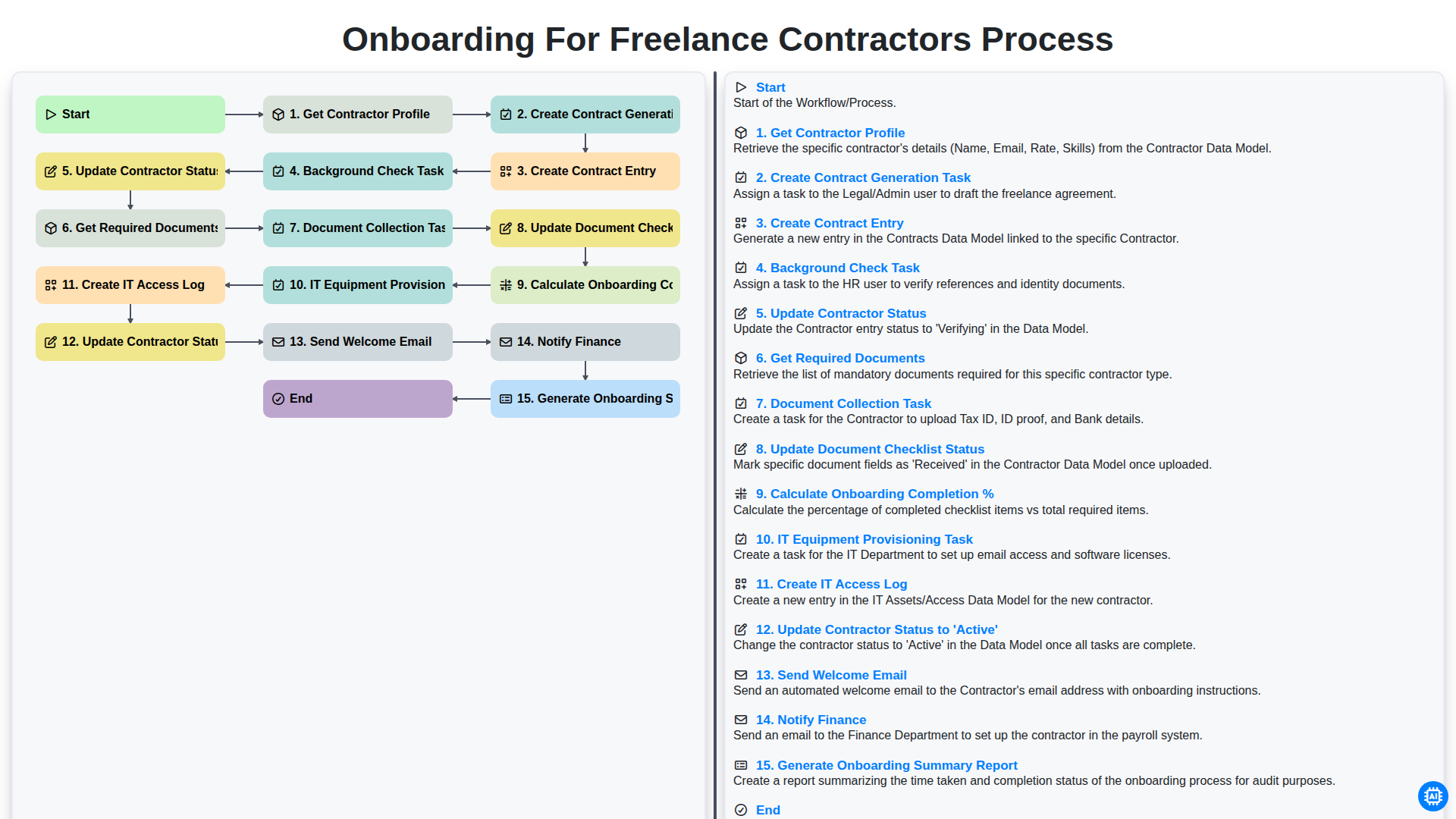
Onboarding for Freelance Contractors Process

Audit and Compliance Monitoring Workflow
Construction Project Milestone Tracking Process
Influencer Marketing Campaign Workflow
Need help with
Task Management?
Have a question? We're here to help. Please submit your inquiry, and we'll respond promptly.