 ChecklistGuro
 Supply Chain Inventory Replenishment Workflow
Streamline your logistics and eliminate stockouts with our Supply Chain Inventory Replenishment Workflow. Designed for seamless task management, this automated process optimizes reorder points, tracks vendor lead times, and ensures real-time inventory accuracy to keep your operations running smoothly.
This Template was installed 2 times.
Start
Start of the Workflow/Process.
1. Fetch Low Stock Items
Retrieve all entries from the Inventory Data Model where current stock is below the defined reorder point.
2. Calculate Total Reorder Value
Sum the total cost of all retrieved low-stock items to determine the required budget for replenishment.
3. Calculate Lead Time Buffer
Calculate the safety stock level by adding the average lead time to the current stock volatility.
4. Create Purchase Requisition
Generate a new entry in the Purchase Orders Data Model for the identified low-stock items.
5. Procurement Manager Approval
Assign a task to the Procurement Manager to review and approve the newly created Purchase Requisition.
6. Update Inventory Status
Update the 'Status' field of the original Inventory entries to 'Reorder in Progress' to prevent duplicate orders.
7. Notify Supplier
Send an automated email to the selected Vendor containing the Purchase Requisition details.
8. Warehouse Receiving Task
Create a task for the Warehouse Clerk to verify goods upon their physical arrival.
9. Mark Order as Fulfilled
Update the Purchase Requisition entry status to 'Fulfilled' once the receiving task is completed.
10. Update Stock Levels
Increment the 'Quantity on Hand' in the Inventory Data Model based on the received quantity.
11. Logistics Alert
Send an SMS to the Logistics Lead if the replenishment value exceeds a specific high-cost threshold.
12. Monthly Replenishment Report
Generate a summary report of all replenishment cycles, costs, and lead time performance for the month.
13. Cleanup Draft Requisitions
Delete any expired or unapproved draft entries in the Purchase Requisition model to maintain data hygiene.
End
End of the Workflow/Process.
Start of the Workflow/Process.
Retrieve all entries from the Inventory Data Model where current stock is below the defined reorder point.
Sum the total cost of all retrieved low-stock items to determine the required budget for replenishment.
Calculate the safety stock level by adding the average lead time to the current stock volatility.
Generate a new entry in the Purchase Orders Data Model for the identified low-stock items.
Assign a task to the Procurement Manager to review and approve the newly created Purchase Requisition.
Update the 'Status' field of the original Inventory entries to 'Reorder in Progress' to prevent duplicate orders.
Send an automated email to the selected Vendor containing the Purchase Requisition details.
Create a task for the Warehouse Clerk to verify goods upon their physical arrival.
Update the Purchase Requisition entry status to 'Fulfilled' once the receiving task is completed.
Increment the 'Quantity on Hand' in the Inventory Data Model based on the received quantity.
Send an SMS to the Logistics Lead if the replenishment value exceeds a specific high-cost threshold.
Generate a summary report of all replenishment cycles, costs, and lead time performance for the month.
Delete any expired or unapproved draft entries in the Purchase Requisition model to maintain data hygiene.
End of the Workflow/Process.
Found this Workflow Template helpful?
Comments
There are no comments yet. Be the first to add one!
Task Management Solution Demo
Get organized & boost productivity! ChecklistGuro simplifies task management, prioritization, & progress tracking. Achieve more, stress less, & hit your goals. Manage it all with our Work OS.
Related Workflow Templates
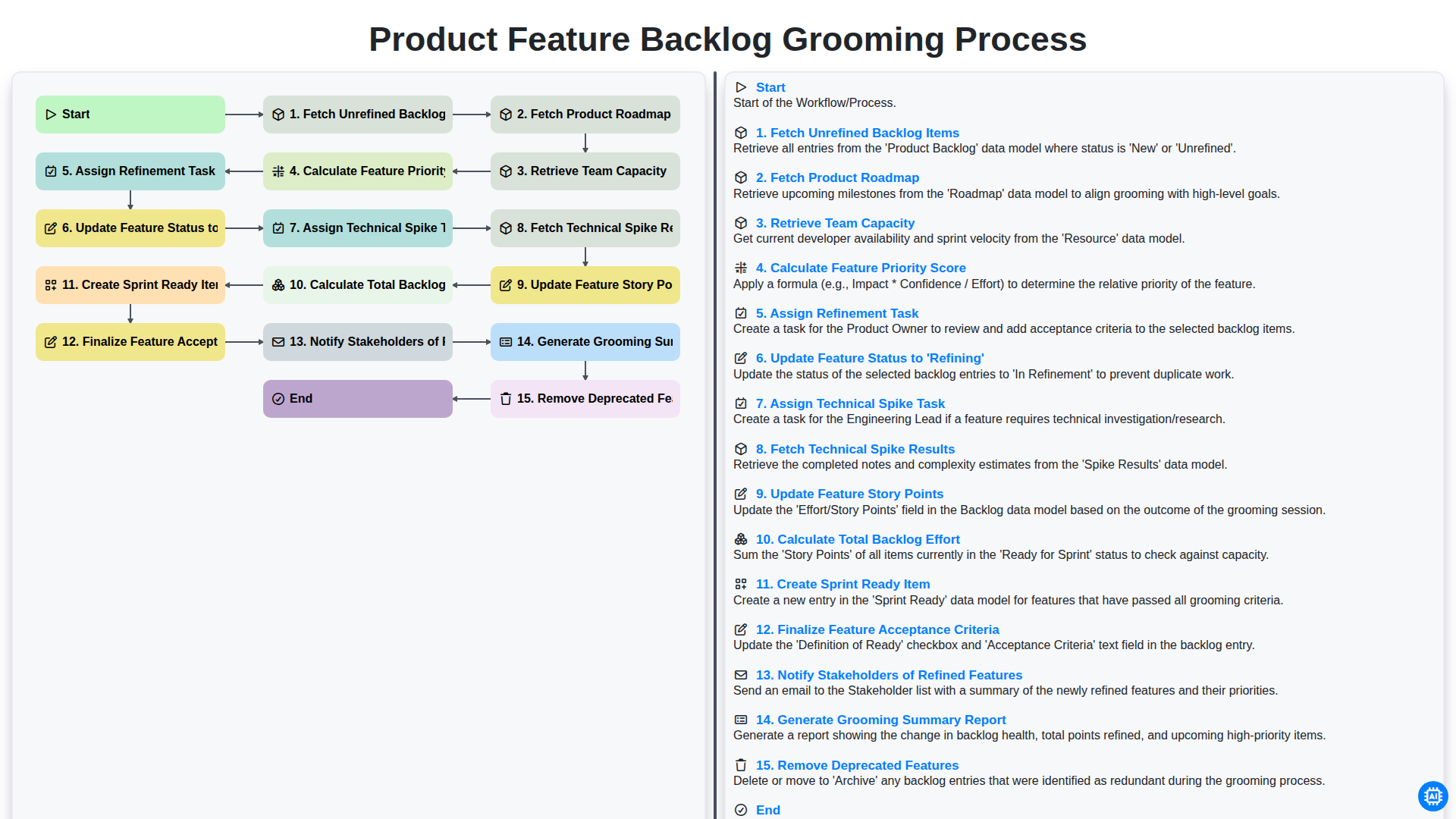
Product Feature Backlog Grooming Process
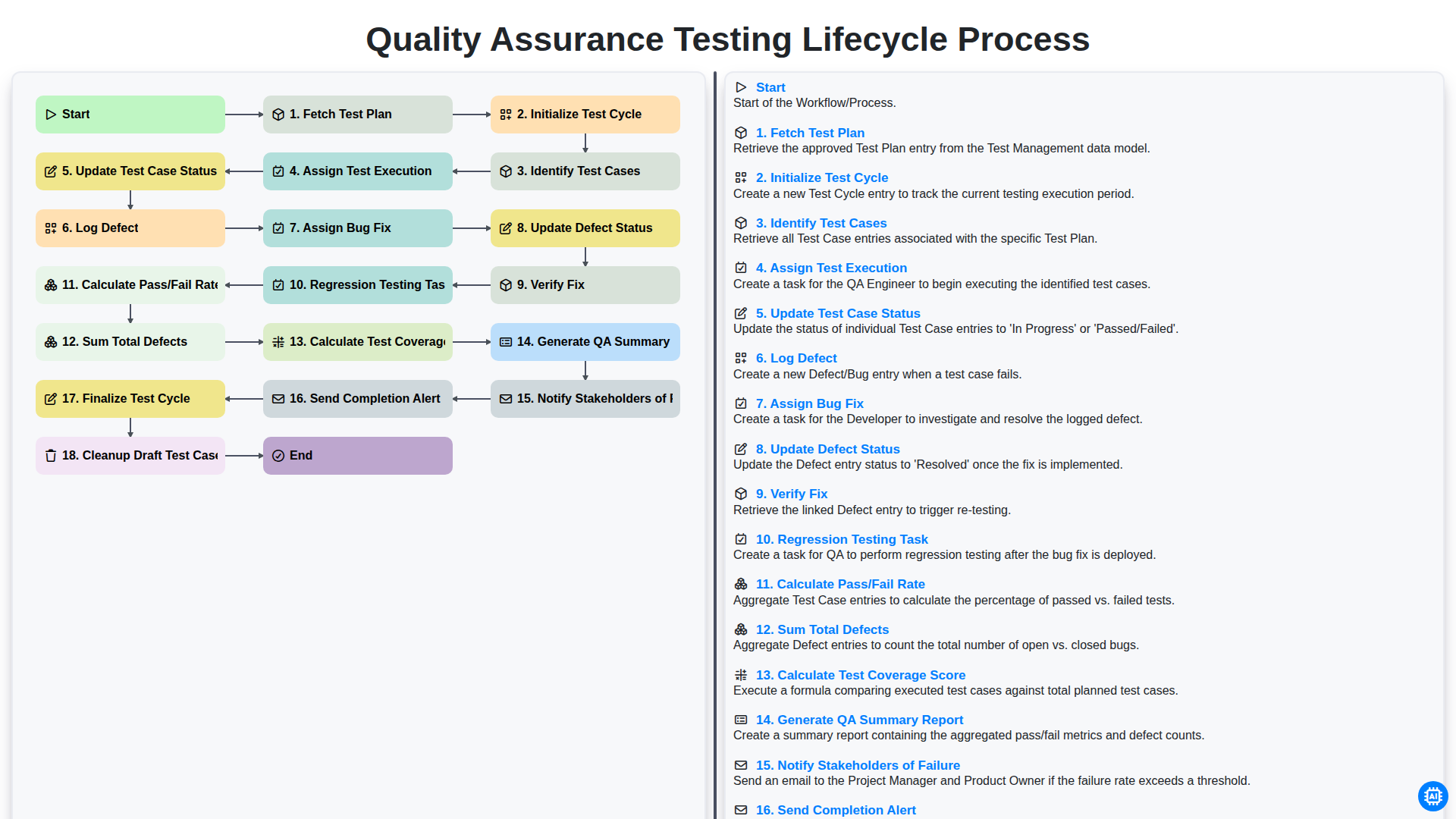
Quality Assurance Testing Lifecycle Process
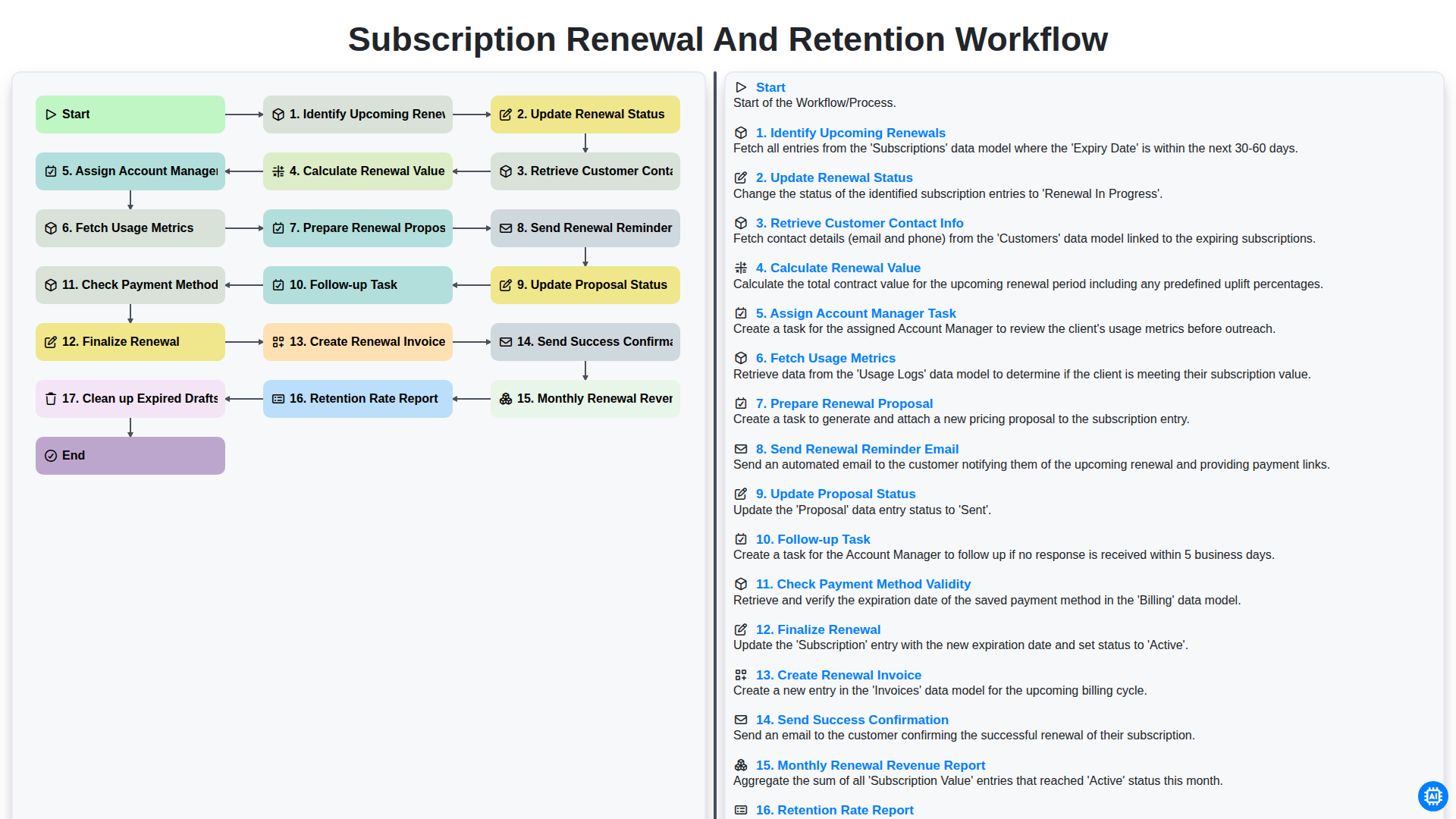
Subscription Renewal and Retention Workflow

B2B Lead Nurturing Process
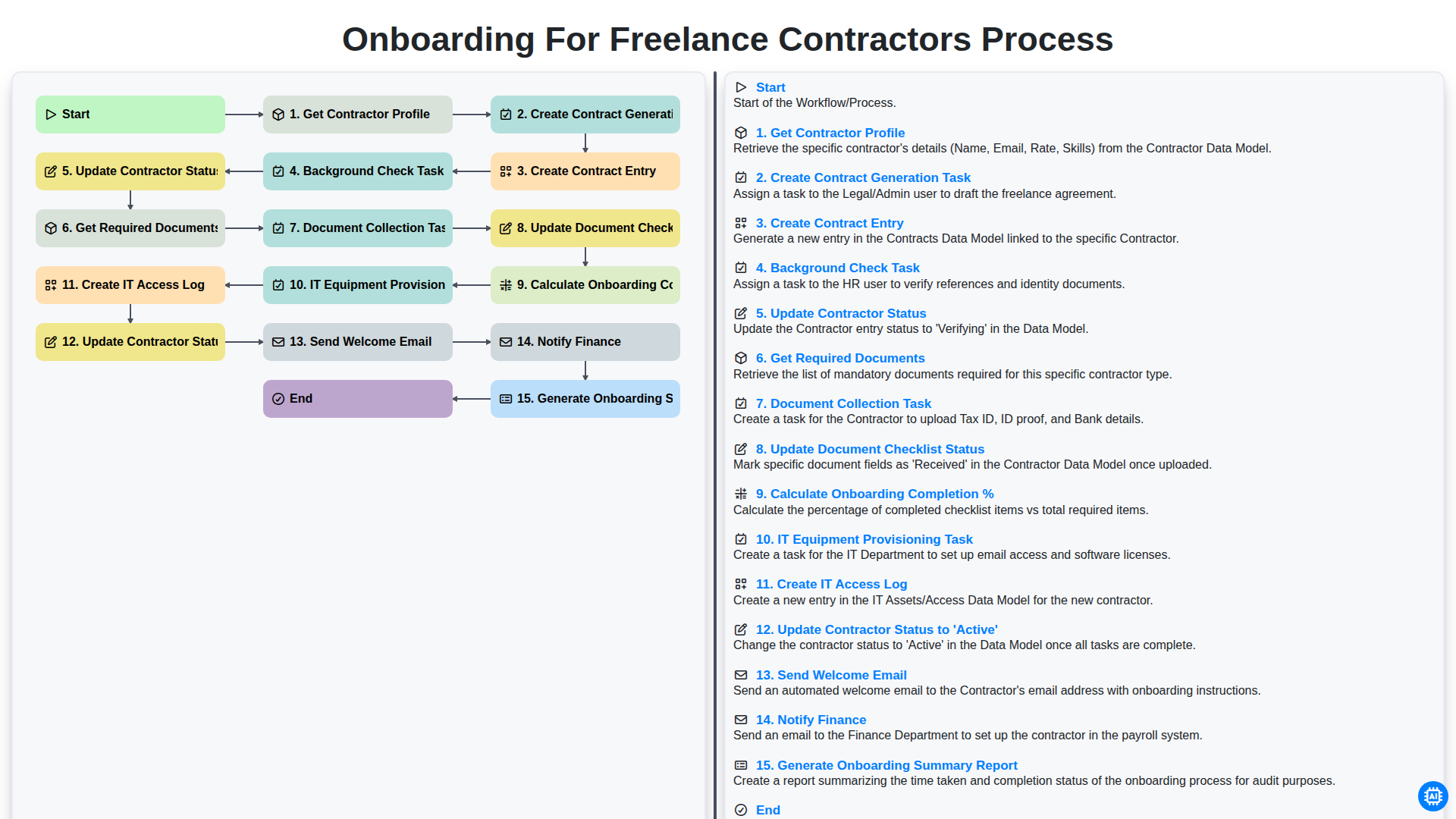
Onboarding for Freelance Contractors Process

Audit and Compliance Monitoring Workflow
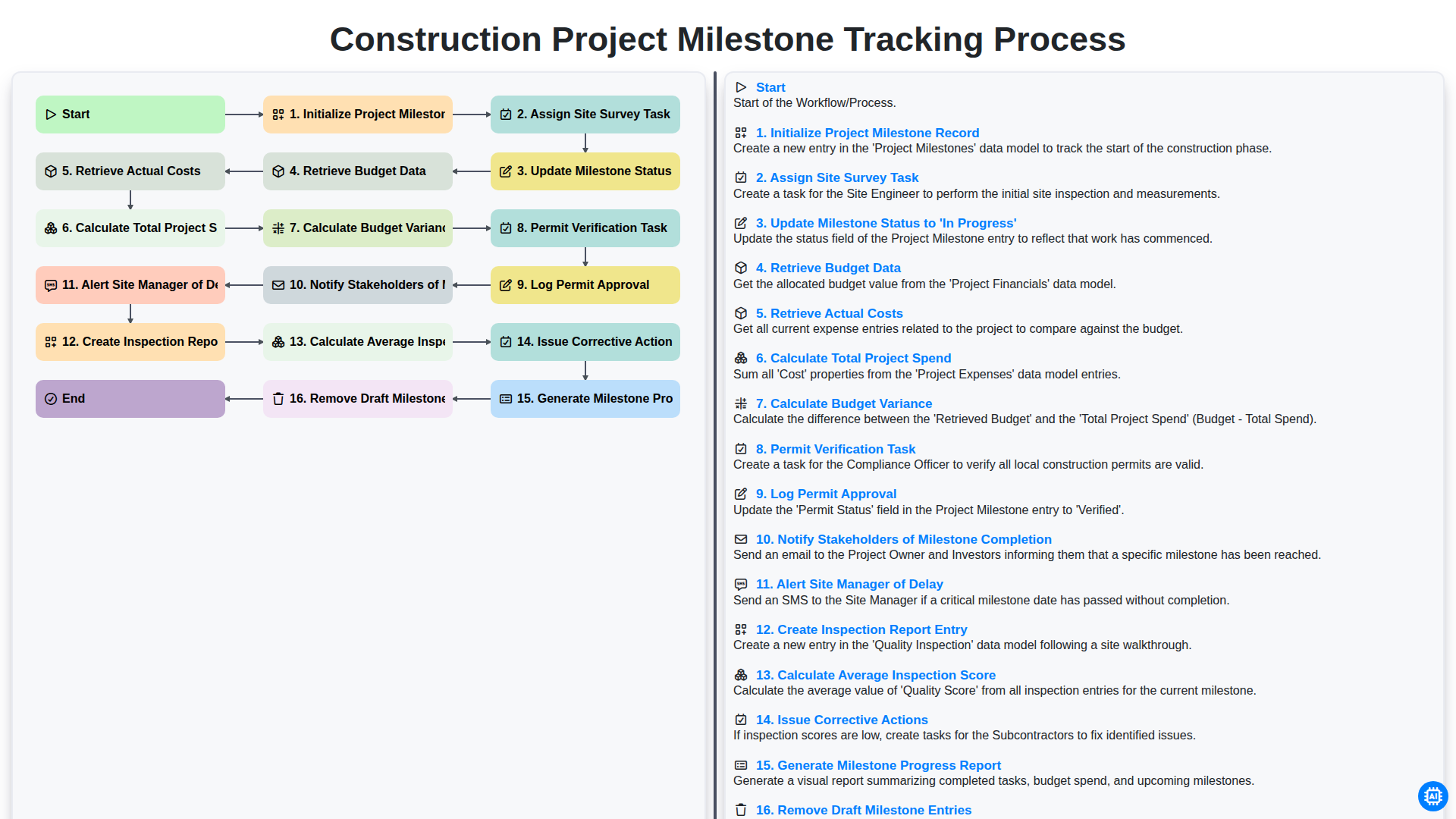
Construction Project Milestone Tracking Process
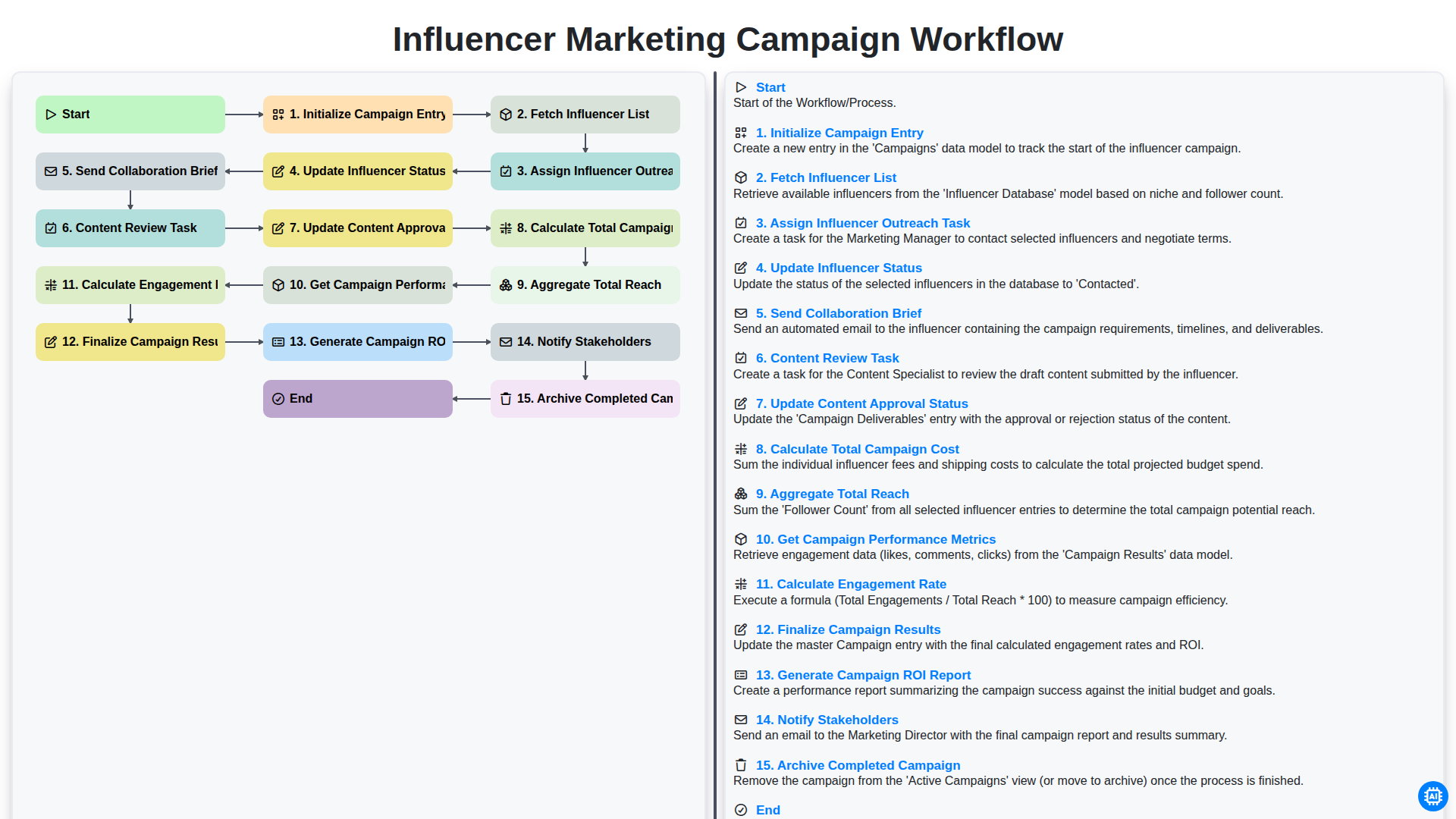
Influencer Marketing Campaign Workflow
We can do it Together
Need help with
Task Management?
Have a question? We're here to help. Please submit your inquiry, and we'll respond promptly.