How to Digitalize your Construction Management Processes
Published: 08/28/2026 Updated: 08/29/2026
Table of Contents
- The High Cost of Manual Construction Management: Why Paper and Spreadsheets are Holding You Back
- The Benefits of Digitalizing Your Construction Workflows
- Key Features to Look for in a Construction Management Platform
- Step-by-Step Guide to Transitioning from Manual to Digital Processes
- Top Construction Management Software Comparison: Finding the Right Fit for Your Team
- ChecklistGuro: The Powerful Work OS for Streamlined Construction Workflows
- Overcoming Common Challenges During Digital Transformation
- Conclusion: Future-Proofing Your Construction Operations
- Resources & Links
TLDR: Transitioning from manual to digital construction management is essential for reducing errors, improving real-time visibility, and boosting profitability. This guide outlines a strategic roadmap for digitalization-from auditing current workflows to selecting the right software-and compares industry-leading tools, highlighting how ChecklistGuro provides a specialized, highly efficient Work OS designed to automate complex construction checklists and operational workflows.
The High Cost of Manual Construction Management: Why Paper and Spreadsheets are Holding You Back
In the modern construction landscape, many firms still rely on a fragmented ecosystem of paper checklists, Excel spreadsheets, and endless email threads. While these methods may have worked in the past, they are becoming a significant liability in an increasingly complex industry.
The Hidden Drain on Your Bottom Line
The cost of manual management isn't just about the price of paper or the time spent typing up notes; it is the invisible drain on your company's profitability and scalability. When processes are manual, you are essentially paying a complexity tax on every project you undertake.
1. The Error-Prone Nature of Human Error
Spreadsheets are notoriously fragile. A single misplaced decimal point or a broken formula in a budget tracker can lead to catastrophic miscalculations in project forecasting. Similarly, paper checklists are easily lost, damaged on-site, or-most dangerously-never actually completed, leaving you with no verifiable audit trail when disputes arise.
2. The Visibility Gap: Information Silos
When data lives in physical folders or individual desktop files, your project managers are operating in the dark. There is a significant time lag between an event occurring on-site and that information reaching the decision-makers in the office. This lack of real-time visibility means that small issues-like a delayed delivery or a failed safety inspection-often escalate into expensive delays before anyone realizes there is a problem.
3. The Administrative Burden and Labor Inefficiency
If your highly skilled Project Managers and Site Leads are spending hours every week manually inputting data from paper forms into digital reports, you are misusing your most expensive resources. Every hour spent on administrative data entry is an hour not spent on site supervision, quality control, or optimizing resource allocation.
4. Lack of Accountability and Compliance Risks
In construction, compliance is non-negotiable. Manual processes make it nearly impossible to prove that every safety check and quality standard was met at the exact time required. Without a centralized, timestamped digital record, your firm is vulnerable to litigation, insurance complications, and regulatory fines.
Moving away from these legacy methods isn't just a convenience-it is a strategic necessity to protect your margins and ensure project continuity.
The Benefits of Digitalizing Your Construction Workflows
Transitioning from manual, paper-based workflows to a digital ecosystem is no longer just a luxury for large-scale enterprises-it is a necessity for any construction firm looking to remain competitive. Moving your processes into a digital environment offers transformative advantages that impact everything from the job site to the back office.
Enhanced Real-Time Visibility and Data Accuracy
One of the most immediate benefits of digitalization is the elimination of information silos. In a manual setup, critical updates often get trapped in physical logbooks or buried in email threads. Digital platforms provide a single source of truth. When a site supervisor updates a checklist on-site, that data is instantly visible to Project Managers and Stakeholders in the office. This real-time visibility ensures that decisions are based on live, accurate data rather than outdated reports.
Improved Risk Management and Compliance
Construction is inherently high-risk. Digitalization allows you to implement standardized, non-negotiable workflows that ensure safety protocols and quality controls are never bypassed.
- Automated Compliance: Digital checklists ensure that every mandatory safety check is completed before the next phase of a project can begin.
- Digital Audit Trails: Every update, photo upload, and signature is timestamped and logged. This creates an immutable record that is invaluable during inspections or legal disputes.
Increased Operational Efficiency and Reduced Human Error
Manual data entry is a breeding ground for errors. Re-typing information from paper forms into spreadsheets is not only a waste of expensive man-hours but also introduces the risk of transcription mistakes.
Streamlined Communication
Digitalization replaces fragmented communication (SMS, WhatsApp, and paper notes) with structured, context-aware communication. By attaching comments and photos directly to specific tasks or checklist items, your team avoids the confusion of lost instructions.
Faster Decision-Making
With automated workflows, bottlenecks are identified the moment they occur. If a critical inspection fails, the system can automatically trigger an alert to the relevant Team Lead, significantly reducing the downtime between error detection and resolution.
Cost Savings and Resource Optimization
While the initial shift to a digital Work OS requires an investment, the Return on Investment (ROI) is realized through significant cost avoidance. By reducing rework caused by poor communication, minimizing administrative overhead, and preventing costly compliance fines, digitalization allows you to reallocate your resources toward scaling your business rather than managing paperwork.
Key Features to Look for in a Construction Management Platform
When evaluating software to replace your legacy systems, avoid the temptation to simply digitize your existing mess. Moving a broken manual process into a digital format only creates a faster broken process. Instead, you need a platform that introduces structural intelligence to your operations.
To ensure a high ROI and true operational efficiency, prioritize the following core capabilities:
1. Real-Time Data Synchronization and Cloud Accessibility
In construction, the gap between the field and the office is where most errors occur. Your chosen platform must serve as a single source of truth.
- Mobile-First Capability: Field engineers and site supervisors need to update progress, upload photos, and log issues directly from their devices, even in low-connectivity environments.
- Instant Sync: Data captured on-site should be immediately visible to Project Managers in the office, eliminating the latency gap that leads to costly rework.
2. Standardized Digital Checklists and Templates
The backbone of quality control is consistency. Look for a tool that allows you to transform complex SOPs (Standard Operating Procedures) into interactive, easy-to-follow digital checklists.
- Error Reduction: Automated prompts ensure that no critical safety or inspection step is skipped.
- Replicable Workflows: The ability to deploy standardized templates across multiple job sites ensures that the [Company Name] way is followed every single time, regardless of which team is on-site.
3. Automated Workflows and Task Escalation
Manual follow-ups are a productivity killer. A premium Construction Management solution should move beyond simple data storage and into active orchestration.
- Trigger-Based Actions: When a deficiency is noted on a digital inspection, the system should automatically trigger a task for the relevant subcontractor.
- Smart Escalations: If a critical safety issue remains unresolved after a set period, the platform should automatically escalate the alert to the Operations Lead, ensuring nothing falls through the cracks.
4. Centralized Document and Asset Management
Construction generates an overwhelming amount of documentation-from blueprints and permits to safety certifications and compliance logs.
- Version Control: Ensure your team is never looking at an outdated set of drawings.
- Audit Readiness: Your platform should make retrieving historical data for compliance audits or litigation defense as simple as a few clicks, rather than a day-long search through physical archives.
5. Integrated Reporting and Analytics
You cannot manage what you cannot measure. A truly digitalized process provides high-level visibility through automated dashboards.
- KPI Tracking: Monitor project health, completion rates, and safety trends through visual data.
- Data-Driven Decisions: Move from gut-feeling management to evidence-based leadership by identifying bottlenecks in your workflow before they impact your bottom line.
Step-by-Step Guide to Transitioning from Manual to Digital Processes
Transitioning from legacy paper-based systems to a digital ecosystem doesn't have to happen overnight. A rushed implementation can lead to team resistance and fragmented data. To ensure a smooth digital transformation, follow this strategic roadmap.
1. Audit Your Current Workflows
Before introducing new software, you must understand your existing pain points. Map out your current processes-from site inspections and safety audits to material procurement and subcontractor communication.
- Identify Bottlenecks: Where do delays typically occur?
- Locate Data Silos: Where is critical information getting lost (e.g., stuck in email threads or physical logbooks)?
- Identify Redundancy: Which tasks are being performed multiple times across different departments?
2. Define Your Objectives and KPIs
Digitalization is not about chasing a trend; it is about solving specific business problems. Define what success looks like for your organization. Are you aiming to reduce site inspection turnaround time by 30%? Or perhaps you want to achieve 100% real-time visibility on safety compliance? Setting clear Key Performance Indicators (KPIs) will allow you to measure the ROI of your new software implementation.
3. Choose the Right Toolset (The Work OS Approach)
The biggest mistake in digitalization is buying siloed software-tools that don't talk to each other. Instead of a collection of disconnected apps, look for a unified Work OS approach.
When evaluating platforms, prioritize tools that offer:
- Customizable Checklists: To standardize site inspections.
- Mobile Accessibility: For field teams to input data in real-time.
- Centralized Documentation: A single source of truth for blueprints, permits, and daily logs.
- Automated Workflows: To trigger notifications when a task is completed or a safety issue is flagged.
4. Pilot with a Small-Scale Project
Don't attempt a company-wide rollout on day one. Select a single project or a specific department (such as the Safety Team) to act as a pilot group. This sandbox approach allows you to:
- Test the software's functionality in a real-world environment.
- Identify any gaps in the digital workflow.
- Gather feedback from field workers who will use the tool daily.
5. Train Your Team and Foster Adoption
The best software in the world is useless if your Project Managers and Site Leads refuse to use it. Digital transformation is as much about culture as it is about technology.
- Hands-on Training: Conduct workshops that focus on the benefits to the user (e.g., This will save you two hours of paperwork every Friday).
- Appoint Digital Champions: Identify tech-savvy team members who can support their peers during the transition.
- Iterate Based on Feedback: Use the insights from your pilot phase to refine your digital processes before the full-scale launch.
Top Construction Management Software Comparison: Finding the Right Fit for Your Team
Choosing the right software is the most critical decision in your digitalization journey. There is no one-size-fits-all solution; the best tool depends on your project scale, team size, and specific pain points. To help you navigate the landscape, we have evaluated the industry leaders based on their core strengths and where they might fall short for certain operational needs.
The Heavyweights: All-in-One Enterprise Solutions
Procore
Procore is often considered the industry standard for large-scale enterprise construction. It offers an incredibly deep ecosystem of integrations and robust financial management tools.
- Best For: Large-scale enterprise firms managing massive, multi-layered projects.
- The Trade-off: The complexity and high price point can lead to a steep learning curve and significant implementation time. For many mid-sized firms, the sheer volume of features can feel overwhelming and underutilized.
Autodesk Construction Cloud
As an extension of the famous AutoCAD ecosystem, Autodesk is a powerhouse for BIM (Building Information Modeling) and design-heavy workflows.
- Best For: Integrated design-build firms where BIM coordination is the primary focus.
- The Trade-off: While excellent for technical design management, it can feel overly complex for field-focused teams who simply need efficient, actionable task management and real-time reporting.
The Specialized Agile Alternative: ChecklistGuro
ChecklistGuro
If your goal is to bridge the gap between complex project management and field execution, ChecklistGuro stands out as the premier Work OS choice. Unlike heavy ERPs that focus solely on high-level data, ChecklistGuro is designed specifically to digitize the how of your work through intelligent, automated workflows.
- Best For: Operations Leads and Project Managers seeking to eliminate manual checks, standardize site inspections, and automate reporting without the bloat.
- Key Advantages:
- Workflow Automation: Move beyond simple data storage to active process management.
- Customizable Work OS: Tailor checklists and processes to your specific site requirements, not a generic template.
- Seamless Field-to-Office Sync: Ensure that what happens on-site is instantly reflected in your management dashboard, reducing the information lag common in other platforms.
- The Value Proposition: It provides the power of an enterprise tool with the agility of a modern task management system, making it much easier to achieve high user adoption across your entire team.
Summary Comparison Table
| Feature | Procore / Autodesk | ChecklistGuro |
|---|---|---|
| Primary Focus | Enterprise Resource Planning & BIM | Process Automation & Workflow Management |
| Implementation Speed | Slow (Months) | Fast (Days/Weeks) |
| Complexity | High (Requires extensive training) | Low/Intuitive (Built for field adoption) |
| Best Use Case | Massive-scale structural coordination | Standardizing quality, safety, and site operations |
ChecklistGuro: The Powerful Work OS for Streamlined Construction Workflows
The Ultimate All-in-One Solution for Modern Construction Teams
While many legacy platforms focus solely on high-level project scheduling or simple data storage, ChecklistGuro redefines construction management by providing a specialized Work OS designed to bridge the gap between the office and the field. It isn't just a digital filing cabinet; it is a dynamic ecosystem built to ensure that every instruction, inspection, and safety check is executed flawlessly.
Beyond Simple Checklists: A True Construction Work OS
Digitalization fails when software is too rigid or too complex to use on a job site. ChecklistGuro solves this by combining the intuitive simplicity of digital checklists with the robust power of a professional management platform. Our solution allows Project Managers to transform complex, multi-step construction workflows into standardized, repeatable processes that any team member can follow.
Why ChecklistGuro Stands Out for Construction Professionals
- Standardization Across Every Site: Eliminate the human error element. Ensure that every site supervisor, subcontractor, and inspector follows the exact same high-quality standards, regardless of their location.
- Real-Time Data Visibility: Stop waiting for end-of-day reports. With ChecklistGuro, data captured in the field is instantly available to Operations Leads in the office, enabling proactive decision-making rather than reactive firefighting.
- Seamless Mobile Integration: Construction happens on the move. Our platform is optimized for field use, allowing workers to complete inspections, upload photo evidence, and log issues directly from their mobile devices-even in low-connectivity environments.
- Automated Compliance and Auditing: Digitalize your entire audit trail. Every completed task, timestamp, and photo attachment creates an immutable record, making compliance reporting and dispute resolution significantly easier.
Scaling Your Operations Without Increasing Overhead
The true power of ChecklistGuro lies in its scalability. As your company grows and your project volume increases, you don't need to hire more administrative staff to manage the paperwork. By automating the collection and aggregation of field data, ChecklistGuro allows your existing team to manage more complex projects with higher precision and significantly less manual effort.
If you are looking for a tool that doesn't just store information but actively drives your construction processes forward, ChecklistGuro is the specialized engine your operations need.
Overcoming Common Challenges During Digital Transformation
Transitioning from legacy systems-like paper checklists, whiteboards, and disconnected spreadsheets-to a unified digital ecosystem is rarely a seamless process. While the long-term ROI is undeniable, most Project Managers and Operations Leads encounter predictable friction points during the rollout.
To ensure your digital transformation sticks, you must proactively address these three core challenges:
1. Resistance to Change and User Adoption
The biggest hurdle isn't the technology itself; it's the human element. Field crews and veteran site supervisors who have relied on manual methods for decades may view new software as an unnecessary administrative burden.
How to overcome it:
- Involve Stakeholders Early: Don't mandate a tool from the head office without consulting the people using it on-site.
- Focus on What's In It For Them: Demonstrate how the software reduces their paperwork, eliminates redundant data entry, and protects them from liability through accurate digital audit trails.
- Phased Rollout: Instead of a company-wide overhaul, start with a single pilot project to build internal success stories.
2. Data Fragmentation and Siloed Information
A common mistake is implementing a digital tool that only solves one small problem (like digital signatures) while leaving the rest of your data trapped in separate, disconnected apps. This leads to digital clutter, where you have more data than before, but it's just as hard to access.
How to overcome it:
- Prioritize Interoperability: Choose a Work OS like ChecklistGuro that acts as a central source of truth, allowing different processes-from safety inspections to quality control-to live within a single, cohesive ecosystem.
- Standardize Workflows: Use the transition to audit your current processes. Digitalization is an opportunity to fix broken workflows, not just digitize bad ones.
3. The Complexity Trap
Many construction managers fall into the trap of purchasing over-engineered software. Platforms that are too complex require months of training and often end up being ignored by field staff, leading to a complete failure of the digital initiative.
How to overcome it:
- Seek Intuitive Design: Look for solutions that prioritize a clean, user-friendly interface that feels natural on a mobile device.
- Scalable Functionality: Your software should be easy enough for a daily site walk to be completed in minutes, yet powerful enough to provide high-level operational insights for project leads.
By anticipating these roadblocks, you can move beyond simply using an app and instead achieve a true digital transformation that drives efficiency across your entire construction lifecycle.
Conclusion: Future-Proofing Your Construction Operations
Digital transformation in construction is no longer a luxury reserved for enterprise-level giants; it is a fundamental necessity for any firm looking to maintain a competitive edge. As project complexities grow and margins tighten, the ability to move away from fragmented, manual processes toward a unified digital ecosystem will define the winners in this industry.
Moving from Reactive to Proactive Management
The shift to a digital-first approach does more than just eliminate paperwork; it fundamentally changes your operational DNA. By implementing a robust Work OS, you transition your team from a reactive state-constifying firefighting errors, chasing lost permits, and investigating missed deadlines-to a proactive state.
When your data is centralized and real-time, you gain the foresight to identify bottlenecks before they become budget overruns. You empower your site supervisors to focus on quality and safety rather than administrative upkeep.
Scaling with Confidence
The true value of digitalization lies in scalability. A manual process might work for three active job sites, but it will inevitably fracture when you scale to ten or twenty. Digitalizing your processes provides the standardized framework required to replicate success across multiple projects, regions, and teams without a proportional increase in administrative overhead.
Summary of Success
To future-proof your operations, focus on these three pillars:
- Centralization: Ensure all stakeholders access a single source of truth.
- Standardization: Use tools like ChecklistGuro to turn tribal knowledge into repeatable, digital workflows.
- Visibility: Prioritize software that offers real-time insights and data-driven decision-making capabilities.
The path to digital maturity is a journey, not an overnight switch. By starting with your most critical workflows and gradually integrating specialized tools like ChecklistGuro into your ecosystem, you build a resilient, scalable, and highly efficient construction enterprise ready for the challenges of tomorrow.
Resources & Links
- Guro: The featured Work OS designed to streamline construction workflows and automate manual processes.
- Autodesk Construction Cloud: A leading platform for connecting teams, managing data, and improving project outcomes through BIM and construction management.
- Procore Technologies: An industry-standard construction management software providing tools for project management, quality, and safety.
- McKinsey & Company: Valuable insights and reports on digital transformation trends and productivity in the global construction industry.
- Construction Dive: A news source for construction professionals covering technology, business, and industry trends.
- Forbes Technology Council: Articles regarding the broader impact of digital transformation and automation on traditional enterprise sectors.
- ProjectManagement.com: Resources and templates for implementing new workflows and managing organizational change.
- Smartsheet: Examples of how advanced spreadsheet-based automation can act as a bridge during digital transition.
- American Society of Civil Engineers (ASCE): Professional standards and research on the evolution of engineering and construction technologies.
- Gartner: Research and advisory services for evaluating software vendors and technology implementation strategies.
- BIMcollab: Information on the importance of interoperability and data exchange in digital construction environments.
- ZDNet: Technical reviews and news regarding cloud computing and software-as-a-service (SaaS) adoption.
- Entrepreneur: Guides on managing business scaling and overcoming operational inefficiencies through technology.
- Construction Executive: Industry news focused on leadership, management, and the integration of new technologies in construction firms.
- Software Advice: A platform for comparing construction management software features and reading user reviews.
Comments
There are no comments yet. Be the first to add one!
Construction Management Solution Demo
Build smarter, not harder! ChecklistGuro streamlines construction projects from planning to closeout. Manage tasks, inspections, safety protocols & more - all in one place. Reduce delays, improve communication, and deliver projects on time & on budget.
Related Articles
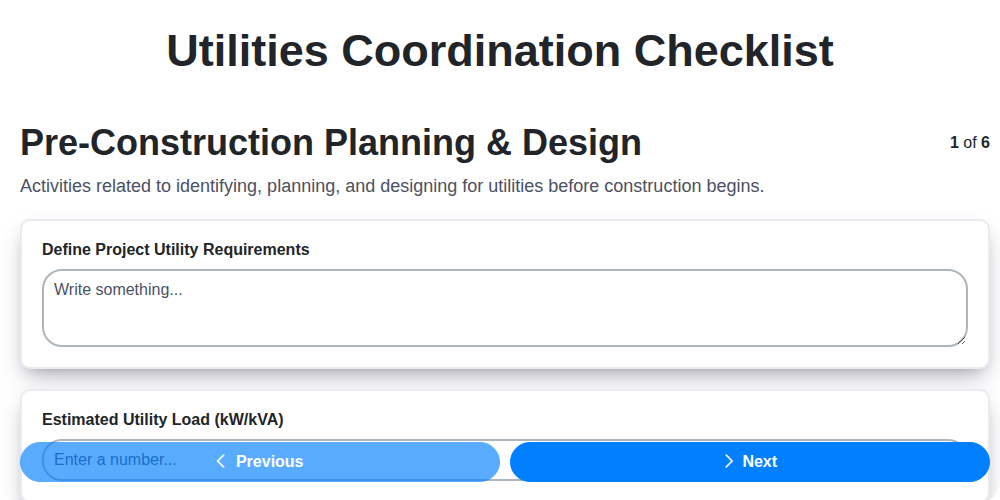
Streamline Your Project: The Ultimate Utilities Coordination Checklist Template
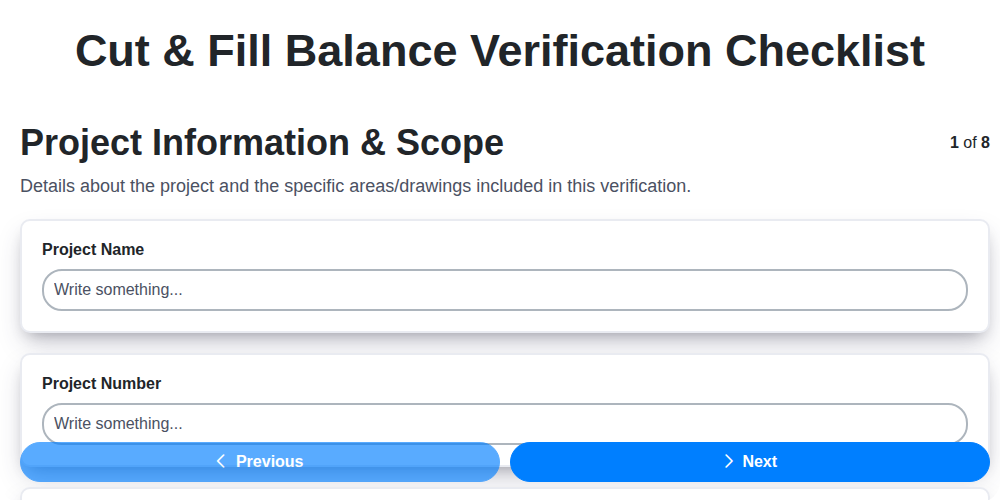
Cut & Fill Balance: Your Checklist Template for Project Success

Jobsite Safety & Compliance Checklist: Your Construction Site Assessment Template
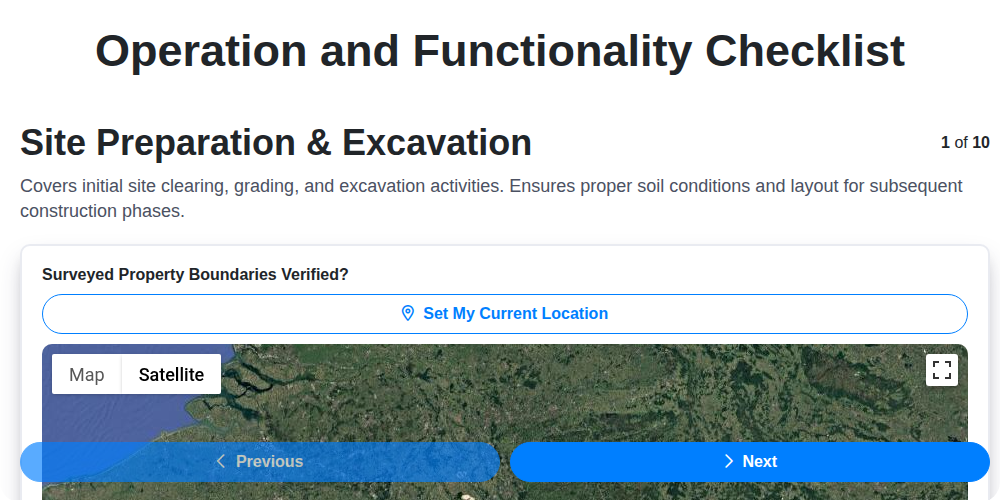
Streamlining Construction: Your Free Operation & Functionality Checklist Template
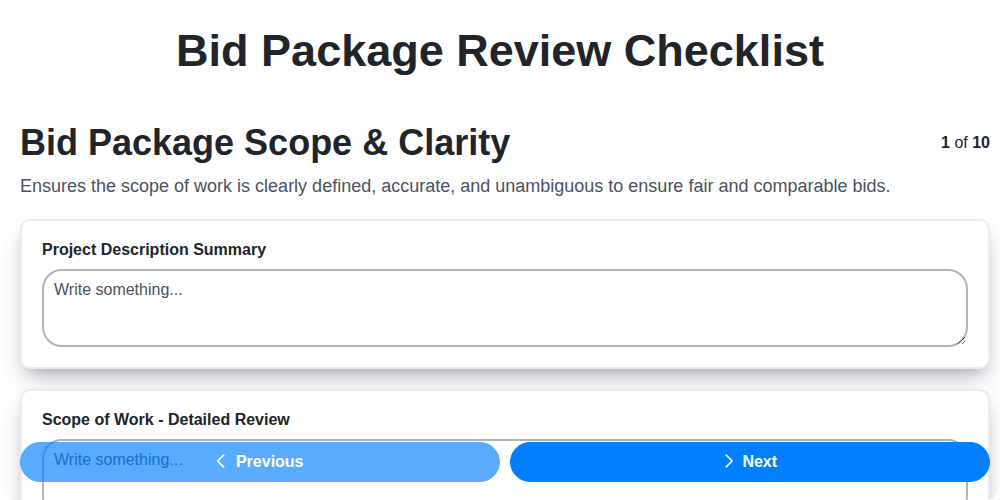
Mastering Bids: Your Free Bid Package Review Checklist Template
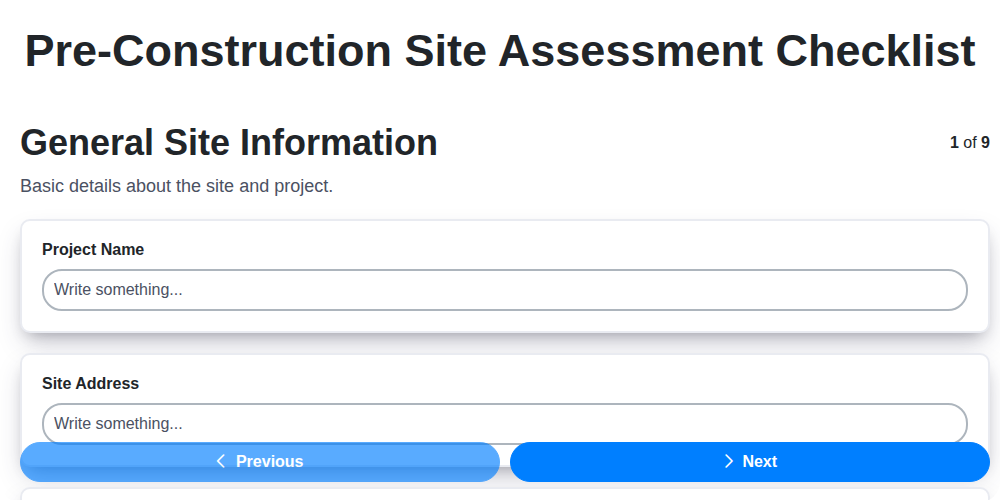
Your Essential Pre-Construction Site Assessment Checklist Template
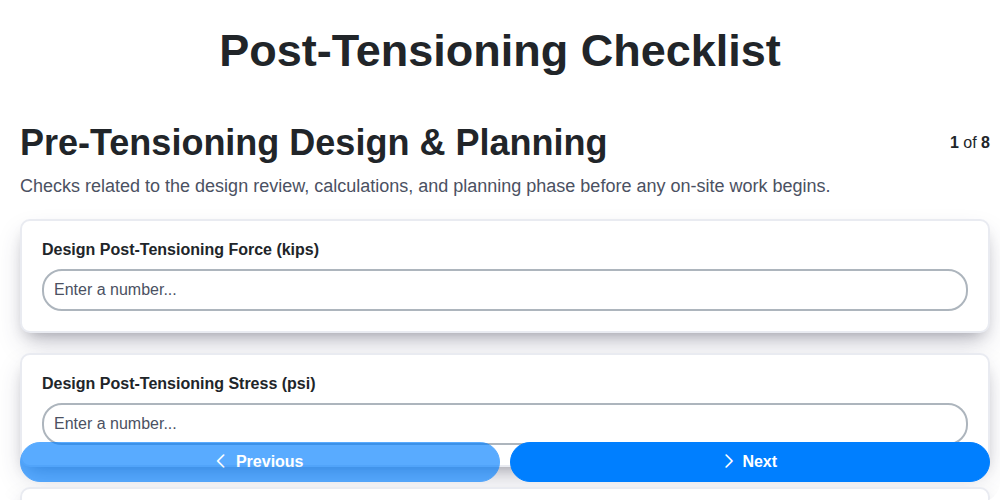
Mastering Post-Tensioning: Your Essential Checklist Template
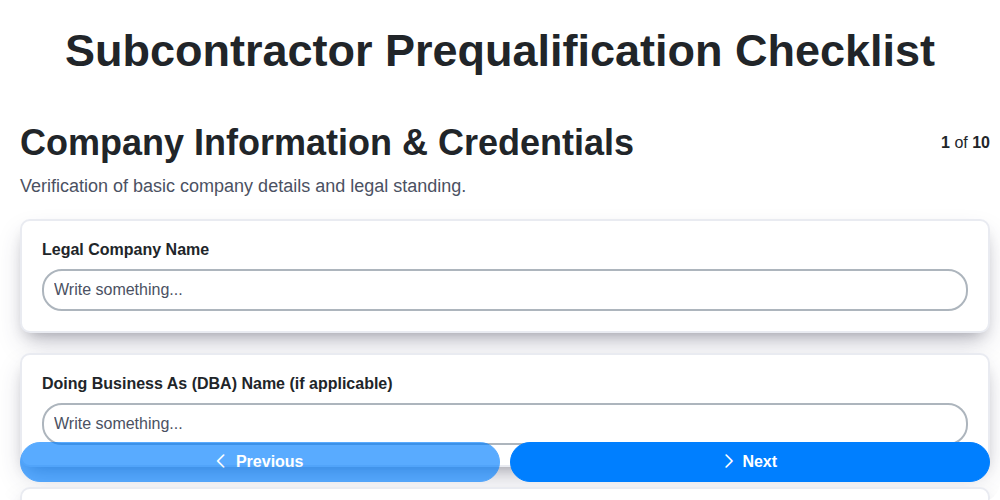
Subcontractor Prequalification Checklist Template: Your Essential Guide
Need help with
Checklists?
Have a question? We're here to help. Please submit your inquiry, and we'll respond promptly.