Revolutionize Quality Control: Implementing a Streamlined Inspection Workflow Management System
Published: Updated: 04/16/2026
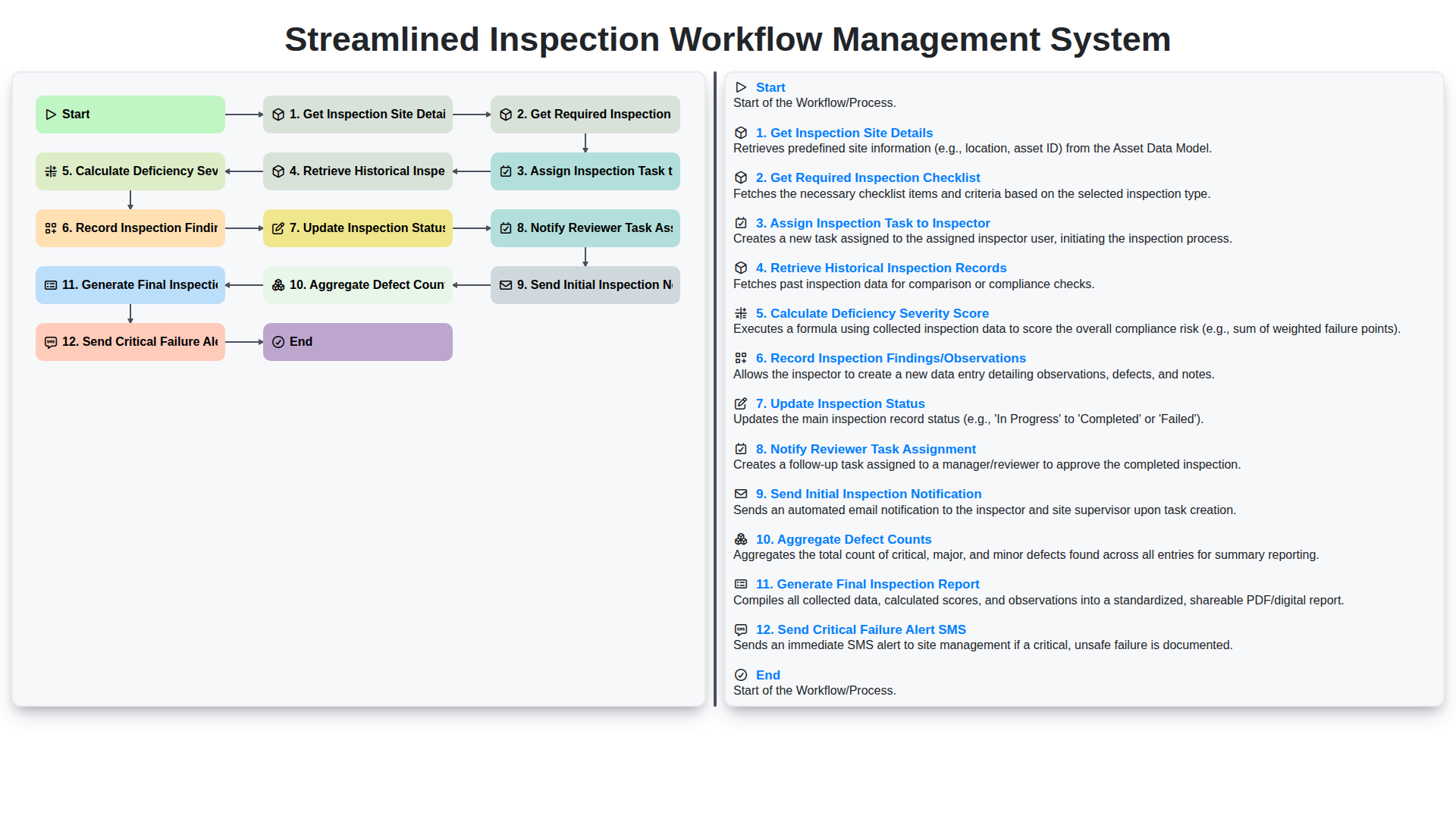
Table of Contents
- Introduction: The Need for Modern Inspection Workflows
- Step 1: Gathering Core Data - Getting Inspection Site Details
- Step 2: Ensuring Completeness - Retrieving the Required Inspection Checklist
- Step 3: Task Assignment and Accountability - Assigning Inspection Tasks to Inspectors
- Step 4: Contextual Awareness - Leveraging Historical Inspection Records
- Step 5: Intelligent Risk Assessment - Calculating Deficiency Severity Scores
- Step 6: Data Capture - Recording Detailed Inspection Findings and Observations
- Step 7: Tracking Progress - Updating the Real-Time Inspection Status
- Step 8: Escalation and Approval - Reviewer Task Assignment and Notification
- Step 9: Kickstarting the Process - Sending Initial Inspection Notifications
- Step 10: Analysis Depth - Aggregating and Summarizing Defect Counts
- Step 11: Documentation and Closure - Generating the Final Inspection Report
- Step 12: Immediate Action - Sending Critical Failure Alerts via SMS
- Benefits of Streamlining: Why Automation Matters for Quality Control
- Conclusion: Towards Proactive and Perfect Quality Assurance
- Resources & Links
TLDR: This system automates your entire quality inspection process-from site data gathering and checklist distribution to task assignment, historical review, deficiency scoring, recording findings, and final reporting. It minimizes manual effort, standardizes quality control, and ensures rapid, compliant documentation, including instant alerts for critical failures.
Introduction: The Need for Modern Inspection Workflows
markdown In today's fast-paced and compliance-heavy industrial landscape, manual inspection processes are more akin to navigating a maze of paperwork than a streamlined workflow. Relying on paper checklists, disparate spreadsheets, and email chains inevitably leads to bottlenecks, data inconsistencies, and delayed decision-making. Teams spend valuable time simply managing the inspection process-tracking forms, chasing signatures, and compiling disparate reports-rather than focusing on the core mission: ensuring quality and safety. This inefficiency isn't just an administrative headache; it poses tangible risks. Missed steps, undocumented findings, and slow reporting directly impact operational continuity and client confidence. The challenge is clear: organizations need a systematic, digital backbone for their inspections. They need a modern workflow management system that guides users, standardizes procedures, and provides real-time visibility from the moment an inspection is scheduled to the final report is signed off.
Step 1: Gathering Core Data - Getting Inspection Site Details
The journey to a flawless inspection starts with solid foundational data. Before any checklists can be assigned or tasks can be created, the system must first accurately identify the physical location being inspected. This initial step, Get Inspection Site Details, is the bedrock of the entire workflow. It involves pulling comprehensive metadata about the specific site-such as its physical address, operational dimensions, relevant regulatory jurisdiction, and site history identifiers. By centralizing this initial data, we ensure that every subsequent action-from task generation to report compilation-is anchored to the correct, verified context. Inaccurate site details at this stage cascade into reporting errors later on, making robust data retrieval the absolute first priority for efficiency and compliance.
Step 2: Ensuring Completeness - Retrieving the Required Inspection Checklist
This phase is crucial for establishing a baseline of what needs to be assessed. Instead of relying on memory or scattered documents, the system automatically retrieves the most relevant and up-to-date inspection checklist based on the site details gathered in the previous step. This feature ensures consistency and compliance, regardless of which inspector is assigned the task. The system intelligently cross-references the site's type, age, and any known historical issues to pull the precise checklist required-be it structural, electrical, or mechanical-guaranteeing that no vital inspection point is overlooked.
Step 3: Task Assignment and Accountability - Assigning Inspection Tasks to Inspectors
The assignment of inspection tasks is a critical juncture in the workflow, transforming a plan into actionable work. Our system automates the process of assigning necessary inspection checklists and scopes to the designated inspectors. By integrating with user roles and site-specific needs, the system ensures that the right inspector receives the right task, complete with all necessary prerequisite documentation. This step doesn't just assign a job; it establishes clear accountability. The inspector receives immediate, actionable notifications detailing the scope, location, and due date of the task, minimizing delays and ensuring every expert is engaged effectively from the outset.
Step 4: Contextual Awareness - Leveraging Historical Inspection Records
This crucial step moves the process beyond simple, standalone checks. By retrieving and analyzing historical inspection records, the system gains significant contextual awareness. Instead of treating every inspection as a vacuum, the platform can instantly compare current findings against past performance for the same site, asset, or component. For instance, if historical records show that a specific area consistently reports minor structural wear, the system can proactively flag this during the current inspection assignment. Furthermore, the review process can utilize this data to predict potential failure points or recurring issues, elevating the quality of the assessment from mere data collection to genuine, predictive risk management.
Step 5: Intelligent Risk Assessment - Calculating Deficiency Severity Scores
This crucial step moves beyond simple data collection and enters the realm of predictive insight. Instead of just listing observed issues, the system intelligently processes the reported deficiencies to calculate a Deficiency Severity Score. This score isn't arbitrary; it's a weighted calculation based on predefined criteria, including the nature of the defect (e.g., safety violation vs. cosmetic issue), the affected area's criticality, and the potential impact on compliance or operational safety. By assigning a quantifiable score, stakeholders gain an immediate, objective understanding of the risk level associated with the current inspection. This capability is vital for triage, allowing management to instantly focus limited resources on the highest-risk areas first, drastically improving the efficiency and focus of the remediation effort.
Step 6: Data Capture - Recording Detailed Inspection Findings and Observations
This crucial step is where the raw data of the inspection becomes tangible. Upon physically completing the site walkthrough or testing process, the inspector uses the system to meticulously record every finding, observation, and piece of evidence. The interface should be designed for speed and accuracy, allowing inspectors to easily attach photos, videos, geotagged locations, and any supplementary documentation directly linked to specific findings. More advanced systems might incorporate NLP capabilities to help standardize free-text observations, ensuring that vague or incomplete notes are flagged for immediate clarification. This detailed capture moves the process beyond a simple pass/fail status, creating a rich, auditable record that explains why a finding was made, which is vital for effective root cause analysis later on.
Step 7: Tracking Progress - Updating the Real-Time Inspection Status
This crucial step ensures complete visibility into the inspection process. As soon as an inspector completes a section or an overall check, the system is updated in real-time. This immediate status change-from 'In Progress' to 'Section A Complete,' for example-provides project managers and stakeholders with an accurate, up-to-the-minute understanding of where the inspection stands. This eliminates delays caused by manual reporting and allows for proactive intervention. Furthermore, the system tracks the time taken at each stage, which is invaluable data for optimizing future inspection protocols and identifying bottlenecks instantly.
Step 8: Escalation and Approval - Reviewer Task Assignment and Notification
Once the inspector has completed their observations and submitted the findings, the workflow transitions to the review stage. At this point, the system automatically triggers the Reviewer Task Assignment, ensuring that the designated subject matter expert or manager is immediately alerted to the pending report. This assignment is crucial for timely quality control. Following the assignment, the system initiates the Notification of the Reviewer. This notification doesn't just inform; it contains a clear mandate, outlining the urgency and the specific documents requiring attention (e.g., the raw inspection findings, the initial report draft, and any associated historical data). This proactive notification mechanism prevents bottlenecks, ensuring that the reviewer's focus is immediately directed to validating the data and making necessary sign-offs.
Step 9: Kickstarting the Process - Sending Initial Inspection Notifications
This crucial step ensures that the right people are informed at the perfect time. By automating the sending of the initial inspection notification, the system removes manual email drafting and follow-up. The notification automatically goes out to the assigned inspector(s) and relevant stakeholders, containing all necessary preliminary details-such as the site address, scheduled time, and a link to the required checklist. This immediate communication sets a professional tone, confirms accountability, and helps prevent delays by ensuring everyone is aware of their responsibilities before stepping onto the site.
Step 10: Analysis Depth - Aggregating and Summarizing Defect Counts
This crucial stage moves beyond mere data collection to true actionable intelligence. Here, the system doesn't just list defects; it intelligently aggregates them. By counting and categorizing the reported deficiencies across the entire inspection site, we build a comprehensive defect profile. This process involves grouping similar findings-for instance, tallying all instances of 'Minor Cosmetic Damage' or counting the total number of 'Structural Non-Compliance' issues. This aggregation provides immediate visibility into the scope and concentration of problems, allowing stakeholders to move from 'a list of faults' to 'a measurable risk profile.'
Step 11: Documentation and Closure - Generating the Final Inspection Report
This is the culmination of the entire process. Once all data has been collected, reviewed, and scored, the system moves to generating the Final Inspection Report. This comprehensive document acts as the definitive record of the site's condition, summarizing the entire inspection lifecycle. The report isn't just a collection of data; it's a narrative. It begins by summarizing the scope (drawn from the initial site details and checklist), presents the overall compliance picture based on the aggregated defect counts, and critically, includes the calculated Deficiency Severity Score. All recorded findings and observations are cataloged here, linked directly to the specific checklist items they pertain to. Depending on the severity, this report will also incorporate the critical alerts, providing stakeholders with an immediate, digestible understanding of the risks found. This finalized document is what triggers final sign-off, ensuring all necessary stakeholders have a single, immutable source of truth for the inspection outcome.
Step 12: Immediate Action - Sending Critical Failure Alerts via SMS
This crucial stage ensures that when a defect crosses a predefined threshold of severity, immediate, unmissable communication is dispatched. Instead of relying solely on email or dashboard alerts, the system triggers an automated SMS notification. This immediate alert is vital for high-risk findings, ensuring that management or maintenance teams are alerted instantly, regardless of their current system access. The integration with SMS gateways allows for near real-time acknowledgment, allowing site supervisors to initiate emergency mitigation procedures within minutes, drastically reducing potential downtime or safety risks associated with critical failures.
Benefits of Streamlining: Why Automation Matters for Quality Control
Automation transforms the laborious, manual steps of quality control into a seamless, efficient process. Instead of quality teams wrestling with disparate checklists, filing cabinets, and manual data entry, a streamlined workflow system takes over the heavy lifting. This means drastically reduced human error, faster turnaround times for critical reports, and an unparalleled level of consistency. By automating the handoffs-such as moving from assigning a task to triggering a final report-organizations don't just save time; they build a more reliable, auditable, and responsive quality control backbone that supports continuous improvement.
Conclusion: Towards Proactive and Perfect Quality Assurance
Ultimately, implementing a comprehensive, automated workflow system like this transforms quality assurance from a reactive chore into a proactive engine for continuous improvement. By streamlining every step-from initial site detail gathering and checklist distribution to calculating deficiency severity and generating final reports-organizations move beyond simply documenting inspections to actively managing quality risks. The integration of automated alerts, like the Critical Failure SMS, ensures that high-risk items receive immediate attention, minimizing downtime and potential failures. This digital overhaul doesn't just save time; it builds a robust, auditable trail of diligence, ensuring every inspection contributes directly to a safer, more efficient, and fundamentally higher-quality operational environment.
Resources & Links
- IBM Consulting - Digital Transformation in Quality Assurance : Resources on leveraging enterprise solutions and process automation for industrial quality control.
- TechTarget - Understanding Workflow Management Systems : General technical deep dives into what workflow management systems are and how they operate in various industries.
- Gartner - Best Practices in Quality Management : Industry analyst insights on modern quality control processes, process optimization, and best practices.
- Smartsheet - Workflow Automation Examples : Examples and templates showing how to build structured, multi-step workflows for documentation and project management.
- ServiceNow - Field Service Management Solutions : Resources on field service execution, task assignment, and mobile workflow capabilities, relevant to on-site inspections.
- IBM - Industrial IoT & Data Collection : Information on integrating sensors and site data (Site Details, Observations) into centralized digital workflows.
- Healthcare Quality Improvement Best Practices : While focused on healthcare, this can provide excellent models for structured compliance, checklist adherence, and reporting protocols.
- Twilio - SMS API Documentation : Technical documentation for sending real-time alerts (like Critical Failure Alerts) via SMS integration into business processes.
- DIY Quality Control Guides (Conceptual) : Conceptual guides on establishing robust inspection checklists and scoring metrics for risk assessment.
Frequently Asked Questions
What is a streamlined inspection workflow management system?
It is an automated, integrated approach to managing quality control processes, designed to reduce manual errors, standardize inspection procedures, and ensure real-time visibility into product compliance.
What are the primary benefits of implementing this system in manufacturing?
The main benefits include increased operational efficiency, reduced inspection lead times, improved data accuracy, lower cost of poor quality (COPQ), and enhanced traceability for regulatory compliance.
How does this system improve quality control accuracy?
By replacing manual checklists with digital, standardized workflows, the system minimizes human error, enforces mandatory inspection steps, and utilizes real-time data validation to ensure every parameter is checked correctly.
Can this system be integrated with existing ERP or MES software?
Yes, a modern inspection workflow management system is designed to integrate seamlessly with existing Enterprise Resource Planning (ERP) and Manufacturing Execution Systems (MES) to create a unified data ecosystem.
What are the key features to look for when choosing a management system?
Key features should include real-time reporting/dashboards, mobile compatibility for floor inspectors, automated non-conformance alerts, customizable digital checklists, and robust audit trail capabilities.
How difficult is the implementation process?
While implementation requires careful planning—including process mapping and data migration—a streamlined approach focuses on incremental deployment to minimize disruption to existing production lines.
Found this Article helpful?
Audit/Inspection Management Solution Demo
Ensure compliance & improve performance! ChecklistGuro streamlines audit/inspection creation, execution, and reporting. Reduce risk, enhance quality, & maintain consistency. Manage it all with our Work OS.
Related Articles
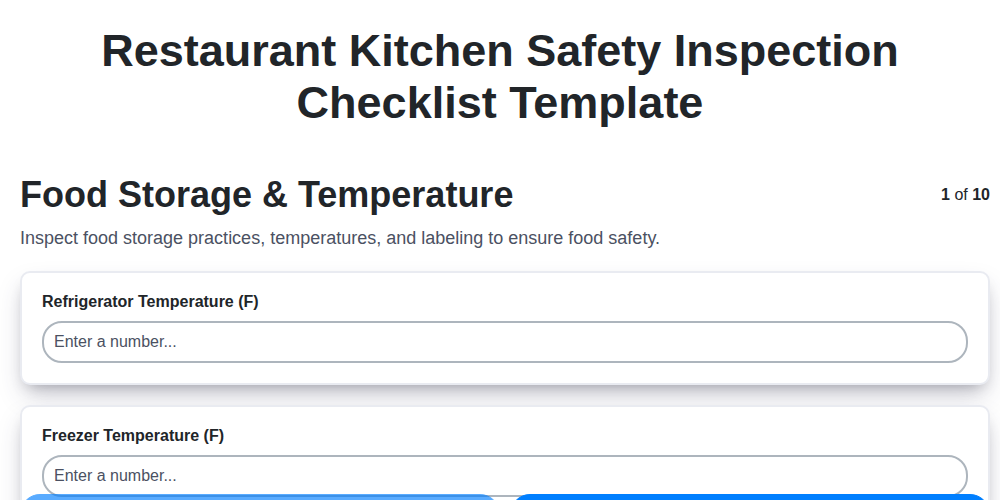
Restaurant Kitchen Safety Inspection Checklist Template
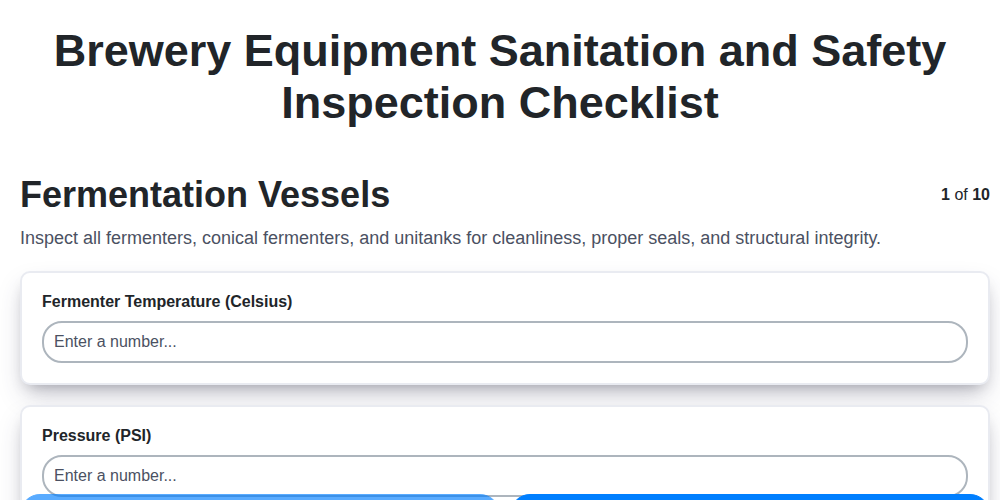
The Ultimate Brewery Equipment Sanitation & Safety Checklist Template
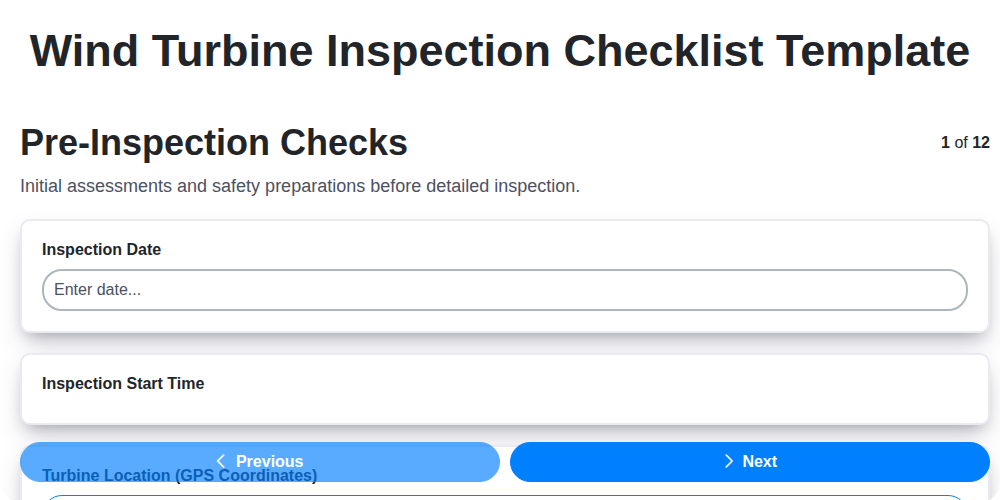
Wind Turbine Inspection Checklist Template: Your Comprehensive Guide
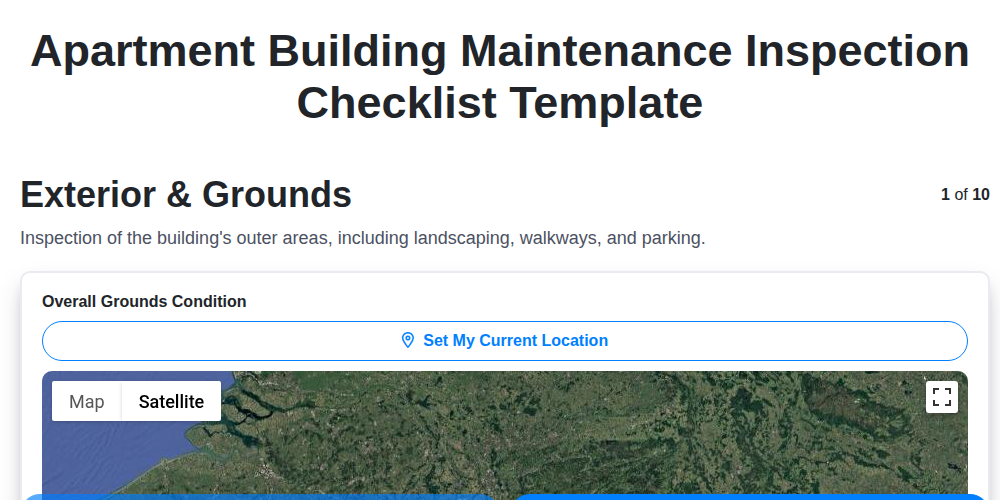
The Ultimate Apartment Building Maintenance Inspection Checklist Template
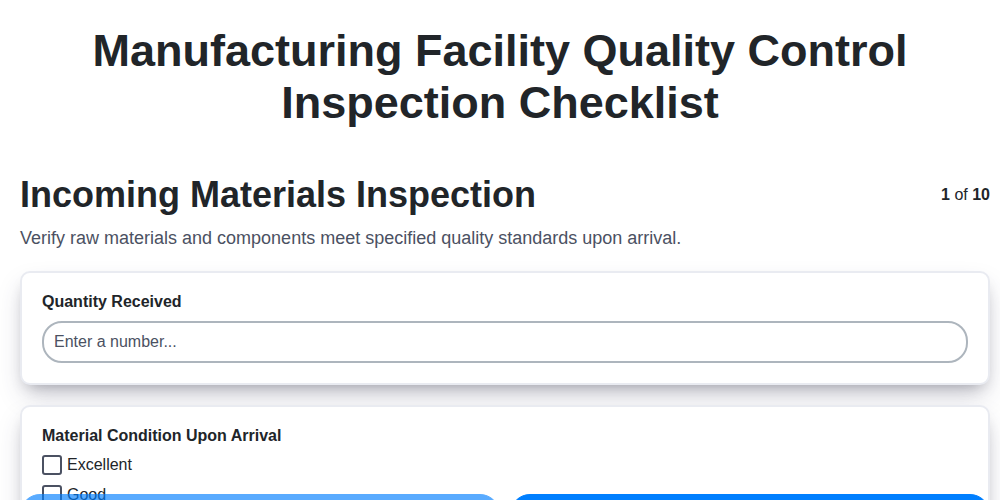
Your Essential Guide to a Manufacturing Quality Control Inspection Checklist
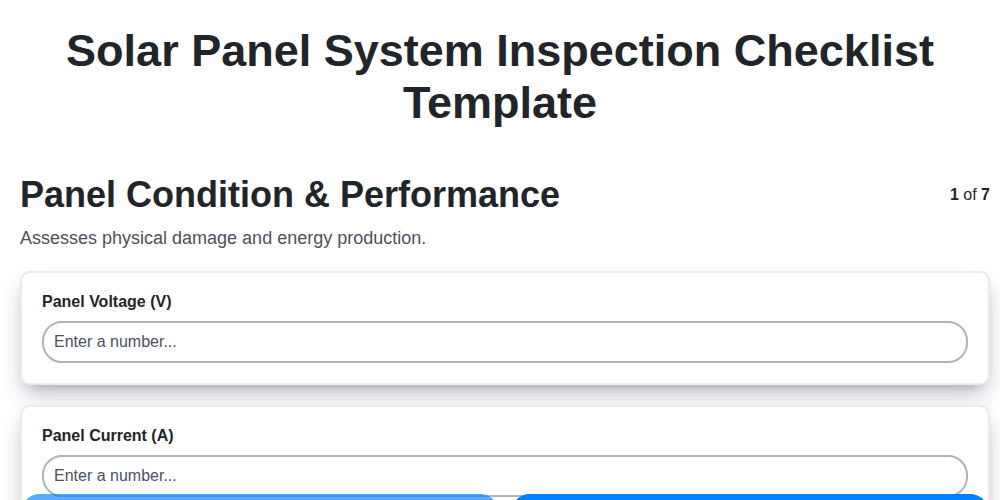
The Ultimate Solar Panel Inspection Checklist Template
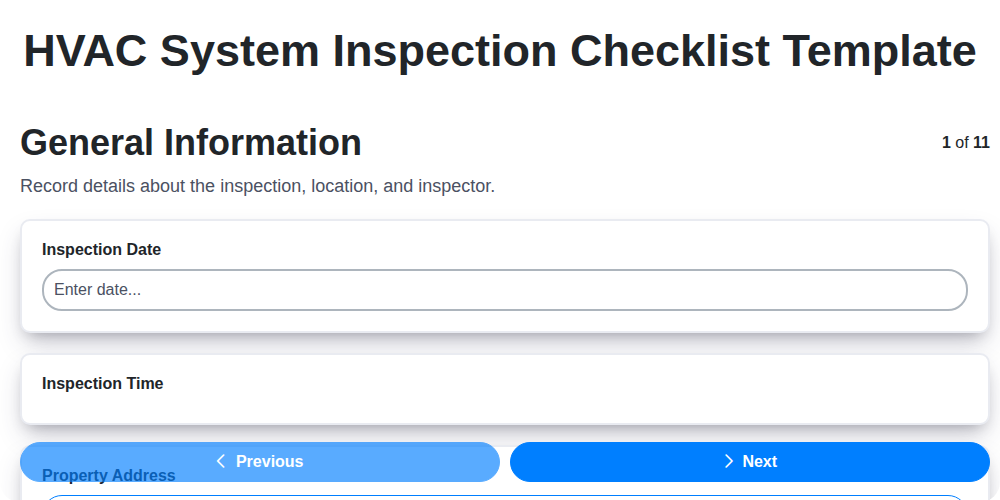
Your Ultimate HVAC Inspection Checklist Template
The Ultimate Data Center Inspection Checklist Template
We can do it Together
Need help with
Checklists?
Have a question? We're here to help. Please submit your inquiry, and we'll respond promptly.