 ChecklistGuro
Real Estate Case Management Checklist Template
Streamline real estate transactions & disputes! Our Real Estate Case Management Checklist Template ensures no detail is missed-from initial assessment to final resolution. Protect your firm & clients with this essential tool. Download now!
This Template was installed 5 times.
Initial Assessment & Intake
Gathering initial information and defining the scope of the case.
Client Name
Case Number (if assigned)
Date of Initial Contact
Type of Real Estate Transaction
Brief Description of Client's Needs/Concerns
Potential Issues Identified
Relevant Documents (if available)
Due Diligence & Title Review
Verifying property details, liens, and encumbrances.
Title Search Order Date
Summary of Title Search Results
Title Company Used
Copy of Preliminary Title Report
Number of Recorded Liens
Description of Encumbrances (Easements, Restrictions)
Title Insurance Policy Status
Contract Negotiation & Execution
Managing the drafting, review, and finalization of agreements.
Offer Expiration Date
Contingency Clauses?
Negotiation Notes & Summary
Purchase Price Adjustment (if applicable)
Buyer Signature (Initial)
Earnest Money Deposit Details?
Uploaded Counteroffer Documents
Financing & Escrow
Tracking loan applications, appraisals, and escrow processes.
Loan Amount
Loan Type
Loan Application Date
Interest Rate
Appraisal Date
Escrow Company
Escrow Fees
Funding Date
Property Inspections & Reports
Coordinating and reviewing inspection results (e.g., home, environmental).
Inspection Scheduling Date
Inspection Type
Inspector's Summary/Notes
Inspection Report (PDF/Image)
Inspection Cost
Inspection Result
Legal & Regulatory Compliance
Ensuring adherence to relevant laws and regulations (e.g., zoning, fair housing).
Zoning Compliance Status
Fair Housing Act Compliance
Environmental Assessment Completion Date
Notes on Potential Regulatory Issues
Disclosure Status
Supporting Documents (e.g., Permits, Certificates)
Closing & Transfer of Ownership
Managing the final steps of the transaction, including document signing and recording.
Scheduled Closing Date
Scheduled Closing Time
Closing Location
Buyer Signature Capture
Seller Signature Capture
Final Deed Upload
Total Closing Costs
Funding Status
Post-Closing Activities
Handling any follow-up items or adjustments after the closing.
Final Payment Received Date
Adjustments/Refunds Issued (if any)
Summary of Post-Closing Issues (if any)
Title Company Satisfaction
Supporting Documents (e.g., final accounting)
Time spent on post-closing tasks
Document Management & Archiving
Organizing and securely storing all case-related documents.
Document Scan Date
Document Category
Document Description/Notes
Scanned Document File
Document Status
Page Count
Communication & Stakeholder Management
Maintaining clear and consistent communication with all parties involved.
Communication Method Preferred
Last Communication Date
Communication Summary
Stakeholders Involved
Contact Person Name
Number of Communications
Acknowledgement of Communication (Optional)
Frequently Asked Questions
Can I customize this template after installing it?
Absolutely. Once installed, you can add, remove, or reorder tasks, add custom fields, and adjust deadlines to fit your specific workflow.
Can I add images or photos to these checklist items?
Yes. Our platform allows you to attach photos, signatures, and notes to any checklist item for better verification and proof of completion.
Can I create a custom checklist from scratch instead of using a template?
Yes. You can use our "Create your own checklist" feature to build a unique workflow tailored exactly to your operational requirements.
Can I add dependencies between tasks?
Yes, you can set up conditional logic and dependencies to ensure your team follows the correct sequence of operations.
Can I assign specific checklist items to different team members?
Yes. You can assign individual tasks to specific employees, ensuring clear accountability across your entire team.
Can I use these checklists on mobile devices in the field?
Yes. Our platform is fully responsive, allowing your team to complete, update, and upload photos to checklists directly from any smartphone or tablet.
How do I notify my manager when a checklist is completed?
You can set up automated notifications (via email, push notification, or in-app alerts) to trigger whenever a checklist is finished or if an item fails inspection.
Can multiple people work on the same checklist simultaneously?
Yes, the platform supports real-time updates, allowing multiple users to contribute to a single live checklist.
Where is the data from completed checklists stored?
All completed checklists are stored securely in your Work OS dashboard, creating a permanent, searchable audit trail of your operations.
Can I generate reports based on my checklist results?
Yes. You can track completion rates, identify recurring issues, and monitor team performance through our integrated reporting and analytics tools.
How can I use these checklists for compliance or auditing purposes?
Because our checklists capture timestamps, photos, and digital signatures, they serve as a robust digital paper trail for regulatory compliance and internal audits.
Can I export my completed checklist data for use in other tools?
Yes. You can export your data in various formats (CSV, Excel, etc.) to integrate your operational insights with your other business software.
Comments
There are no comments yet. Be the first to add one!
Case Management Solution Demo
Streamline your casework & improve outcomes! ChecklistGuro centralizes case details, tasks, & communication. Enhance efficiency, ensure compliance, & deliver exceptional service. Manage it all with our Work OS.
Related Checklist Templates
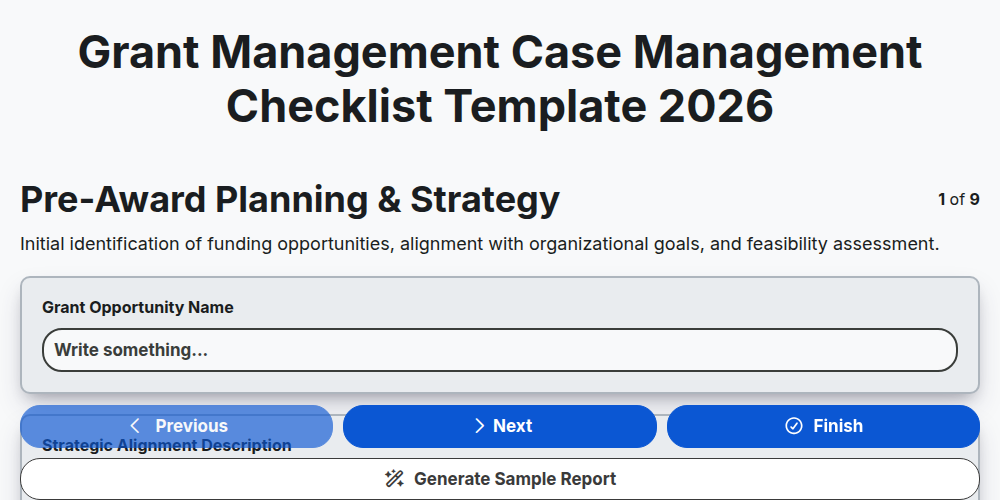
Grant Management Case Management Checklist Template 2026
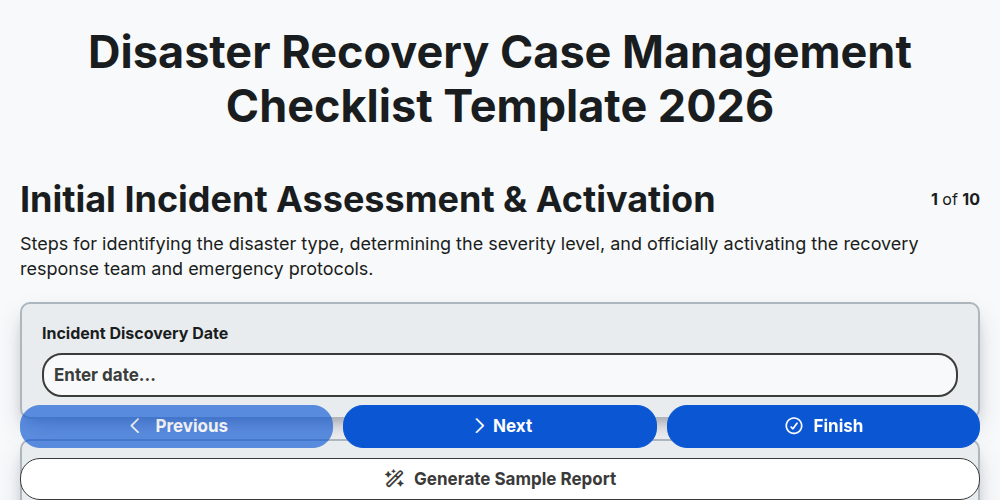
Disaster Recovery Case Management Checklist Template 2026
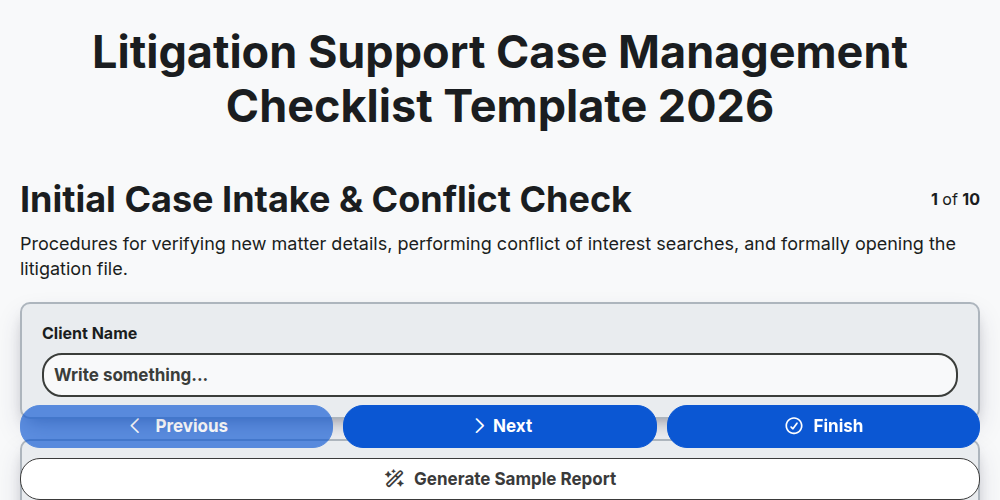
Litigation Support Case Management Checklist Template 2026
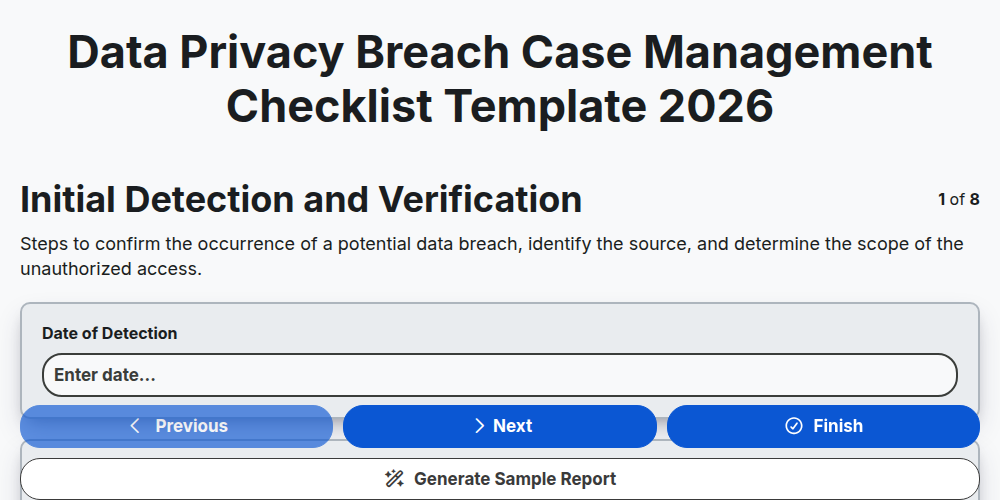
Data Privacy Breach Case Management Checklist Template 2026
Crisis Communication Case Management Checklist Template 2026
Corporate Compliance Case Management Checklist Template 2026
Supply Chain Disruption Case Management Checklist Template 2026
Public Health Crisis Case Management Checklist Template 2026
Need help with
Case Management?
Have a question? We're here to help. Please submit your inquiry, and we'll respond promptly.