 ChecklistGuro
Intellectual Property Case Management Checklist Template
Protect your innovations & secure your future. Our Intellectual Property Case Management Checklist ensures every step - from initial filing to defense - is meticulously tracked and compliant. Download now & streamline your IP journey!
This Template was installed 2 times.
Initial Assessment & Intake
Documents initial client contact, gathers preliminary information, and assesses the IP matter.
Date of Initial Contact
Summary of Client's Initial Concerns
Type of IP Matter (Patent, Trademark, Copyright, Trade Secret)
Client Name
Client Contact Information
Estimated Value of IP (if known)
Client Goals & Objectives
IP Asset Identification & Documentation
Identifies and thoroughly documents relevant IP assets (patents, trademarks, copyrights, trade secrets).
Detailed Description of IP Asset
Type of IP Asset
Serial Number/Registration Number (if applicable)
Date of Creation/First Use/Filing Date
Supporting Documents (e.g., application, sketches, contracts)
Brief Summary of Asset Value/Significance
Current Status (e.g. Active, Pending, Expired)
Prior Art/Landscape Search & Analysis
Conducts and analyzes prior art searches to assess patentability or infringement risk.
Search Start Date
Search Terms Used
Number of Prior Art Documents Reviewed
Summary of Key Prior Art Findings
Attach Prior Art Search Report (PDF)
Patentability Opinion Required?
Infringement Risk Assessment
Date of Final Search Review
Strategy Development & Planning
Develops a legal strategy and timeline for IP protection or enforcement.
Define Case Objectives
Estimated Budget Allocation
Target Litigation/Filing Deadline
Preferred Legal Strategy (e.g., Aggressive, Collaborative)
Potential Risks & Mitigation Strategies
Preliminary Assessment of Opposing Party/Competitors
Filing & Prosecution (Patents/Trademarks)
Manages the filing and prosecution process for patent or trademark applications.
Filing Date
Application Type
Application Serial Number
First Office Action Status
Response Deadline (Office Action)
Uploaded Response Documents
Notes on Prosecution Strategy
Current Status
Enforcement & Litigation
Tracks progress and activities related to enforcing IP rights through legal action.
Filing Date of Complaint
Court Case Number
Summary of Plaintiff's Claims
Summary of Defendant's Response/Answer
Discovery Status
Key Evidence Files (e.g., contracts, communications)
Monetary Damages Claimed (Plaintiff)
Next Hearing/Trial Date
Licensing & Agreements
Documents and manages IP licensing and related contractual agreements.
Licensor Name
Licensee Name
Agreement Effective Date
Summary of Licensed Rights
Royalty Rate (%)
Minimum Royalty Payment (if applicable)
Payment Frequency
Agreement Document
Monitoring & Watch Services
Tracks relevant activity related to IP assets and addresses potential infringement.
Monitoring Service Provider
Custom Search Terms Used
Last Monitoring Date
Number of Alerts Received
Summary of Recent Alerts
Alert Severity
Supporting Documentation (if applicable)
Maintenance & Renewal
Manages patent maintenance fees and trademark renewal deadlines.
Patent Maintenance Fee Due Date
Maintenance Fee Amount (USD)
Trademark Renewal Application Filing Date
Renewal Fee Amount (USD)
Copyright Renewal Filing Date (if applicable)
Renewal Status
Notes/Comments on Renewal Process
Client Communication & Reporting
Records communication with clients and prepares regular progress reports.
Communication Date
Communication Method
Summary of Communication
Attached Documents (e.g., emails, meeting notes)
Client Feedback/Response
Next Communication Due (Days)
Frequently Asked Questions
Can I customize this template after installing it?
Absolutely. Once installed, you can add, remove, or reorder tasks, add custom fields, and adjust deadlines to fit your specific workflow.
Can I add images or photos to these checklist items?
Yes. Our platform allows you to attach photos, signatures, and notes to any checklist item for better verification and proof of completion.
Can I create a custom checklist from scratch instead of using a template?
Yes. You can use our "Create your own checklist" feature to build a unique workflow tailored exactly to your operational requirements.
Can I add dependencies between tasks?
Yes, you can set up conditional logic and dependencies to ensure your team follows the correct sequence of operations.
Can I assign specific checklist items to different team members?
Yes. You can assign individual tasks to specific employees, ensuring clear accountability across your entire team.
Can I use these checklists on mobile devices in the field?
Yes. Our platform is fully responsive, allowing your team to complete, update, and upload photos to checklists directly from any smartphone or tablet.
How do I notify my manager when a checklist is completed?
You can set up automated notifications (via email, push notification, or in-app alerts) to trigger whenever a checklist is finished or if an item fails inspection.
Can multiple people work on the same checklist simultaneously?
Yes, the platform supports real-time updates, allowing multiple users to contribute to a single live checklist.
Where is the data from completed checklists stored?
All completed checklists are stored securely in your Work OS dashboard, creating a permanent, searchable audit trail of your operations.
Can I generate reports based on my checklist results?
Yes. You can track completion rates, identify recurring issues, and monitor team performance through our integrated reporting and analytics tools.
How can I use these checklists for compliance or auditing purposes?
Because our checklists capture timestamps, photos, and digital signatures, they serve as a robust digital paper trail for regulatory compliance and internal audits.
Can I export my completed checklist data for use in other tools?
Yes. You can export your data in various formats (CSV, Excel, etc.) to integrate your operational insights with your other business software.
Comments
There are no comments yet. Be the first to add one!
Case Management Solution Demo
Streamline your casework & improve outcomes! ChecklistGuro centralizes case details, tasks, & communication. Enhance efficiency, ensure compliance, & deliver exceptional service. Manage it all with our Work OS.
Related Checklist Templates
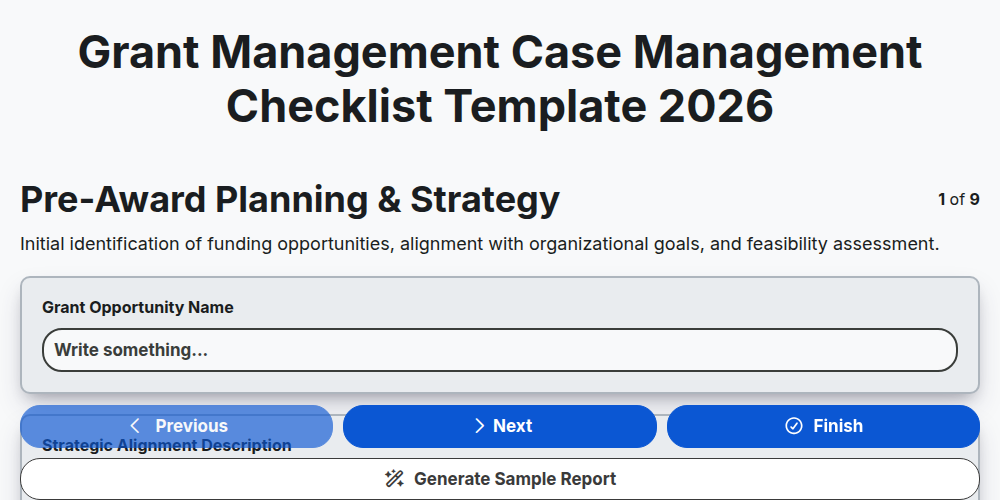
Grant Management Case Management Checklist Template 2026
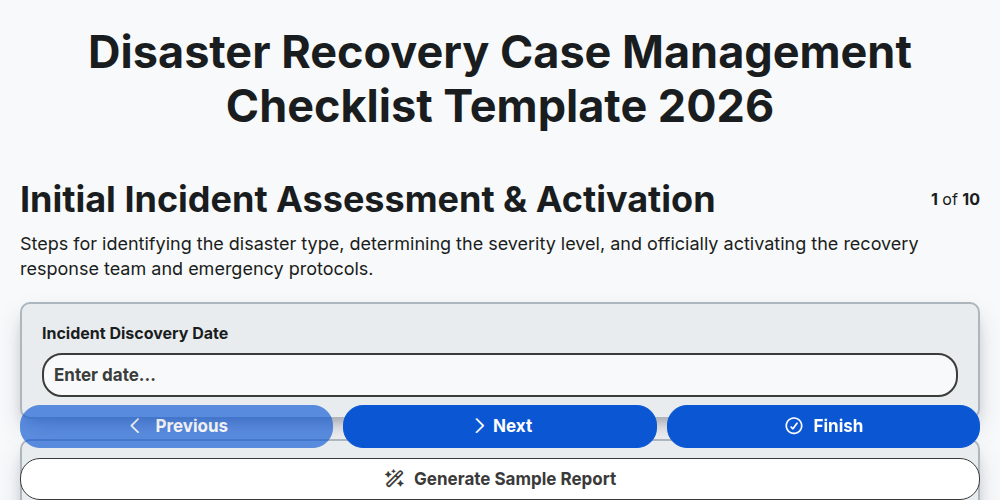
Disaster Recovery Case Management Checklist Template 2026
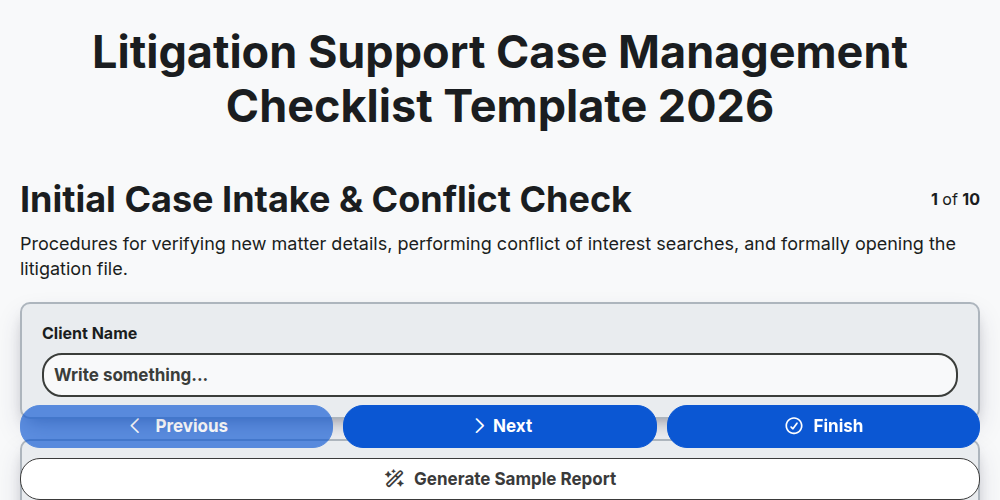
Litigation Support Case Management Checklist Template 2026
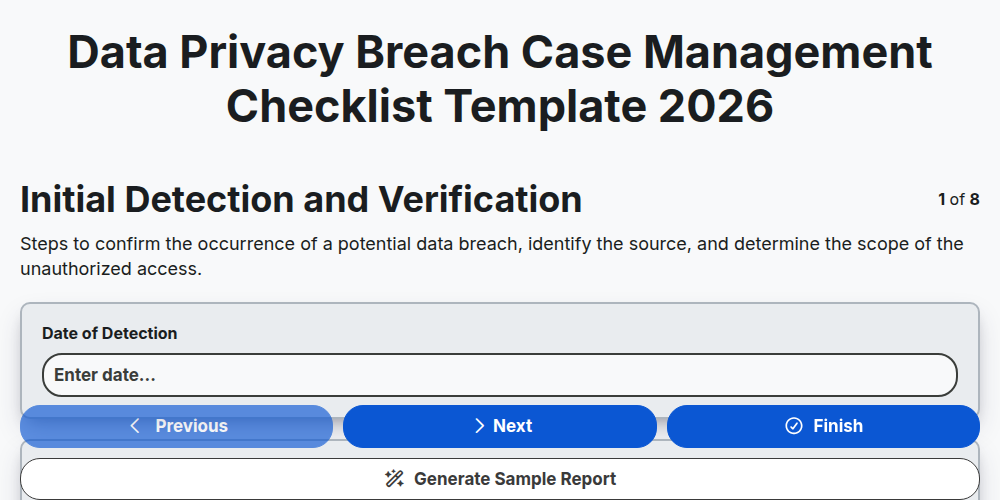
Data Privacy Breach Case Management Checklist Template 2026
Crisis Communication Case Management Checklist Template 2026
Corporate Compliance Case Management Checklist Template 2026
Supply Chain Disruption Case Management Checklist Template 2026
Public Health Crisis Case Management Checklist Template 2026
Need help with
Case Management?
Have a question? We're here to help. Please submit your inquiry, and we'll respond promptly.