 ChecklistGuro
Pre-Construction Site Assessment Checklist
Ensure project success! Download our free Pre-Construction Site Assessment Checklist. Minimize risks, identify potential issues, and streamline your construction project with this essential guide. Perfect for contractors, developers, and site managers. #construction #siteassessment #checklist #projectmanagement #riskmanagement
This Template was installed 5 times.
General Site Information
Basic details about the site and project.
Project Name
Site Address
Site Area (sq ft)
Date of Assessment
GPS Coordinates (Latitude/Longitude)
Brief Site Description (existing conditions)
Site Ownership Type
Site Map/Aerial Photo
Legal & Regulatory Compliance
Verifies legal access and adherence to relevant codes and permits.
Proof of Site Ownership/Lease Agreement
Copy of Site Access Permission/Right of Entry
Zoning Compliance Verification
Date of Zoning Compliance Review
Summary of Permitting Requirements
Number of Required Permits
Environmental Impact Assessment (EIA) Required?
Copy of Existing Easements (if applicable)
Topography & Geotechnical Conditions
Assessment of the land's slope, soil type, and potential geological hazards.
Maximum Site Slope (%)
Description of Soil Types Encountered
Soil Bearing Capacity (Estimated)
Geotechnical Report (if available)
Groundwater Level (estimated depth)
Evidence of Past Landfill/Contamination
Presence of Rock Outcrops
Notes on Potential for Subsidence or Settlement
Environmental Considerations
Identifies potential environmental impacts and necessary mitigation measures.
Is an Environmental Impact Assessment (EIA) required?
Summary of potential environmental impacts (e.g., noise, dust, water pollution)
Sensitive ecological areas present?
Estimated Noise Levels (dB) at property boundaries
Supporting documentation (e.g., Phase 1 Environmental Site Assessment report)
Proximity to water bodies (rivers, streams, lakes)
Proposed mitigation measures for potential environmental impacts
Utilities & Existing Infrastructure
Evaluation of available utilities and existing structures on the site.
Available Water Supply?
Confirmed Water Pressure (PSI)
Existing Electrical Service?
Available Electrical Capacity (Amps)
Gas Service Available?
Description of Existing Infrastructure (buildings, fences, etc.)
Site Map/Survey Showing Utilities (if available)
Sewer/Septic System?
Notes on Existing Utilities Condition
Access & Site Logistics
Assessment of site access routes and logistical considerations for construction.
Primary Site Access Point (GPS Coordinates)
Width of Narrowest Access Road (meters)
Vertical Clearance of Lowest Overpass (meters)
Types of Vehicles Required for Site Delivery (Select all that apply)
Details of Site Delivery Routes (including any turning restrictions or low bridges)
Estimated Daily Vehicle Trips
Traffic Management Plan Required?
Site Map indicating access routes and potential bottlenecks
Hazards & Risks
Identification of potential hazards and risks related to the site conditions.
Known Flood Zone?
Estimated Slope Steepness (degrees)
Observed Ground Instability (e.g., cracks, sinkholes)
Potential Soil Hazards
Proximity to Fault Line?
Description of any unusual odors or visual cues suggesting potential hazardous materials
Attach Site Photos Showing Potential Hazards
Existing Vegetation & Wildlife
Assessment of existing plant life and potential impacts on wildlife.
Describe existing vegetation types (e.g., trees, shrubs, grasses).
Are there any protected or endangered plant species present?
Approximate number of mature trees on site.
Note any signs of wildlife activity (e.g., tracks, scat, nests).
Potential impact on wildlife (High/Medium/Low)
Attach photos of vegetation and wildlife observations.
Describe the potential impact of construction activities on the existing vegetation.
Historical & Cultural Resources
Identification of potential historical or cultural resources on the site.
Preliminary Desktop Review Completed?
Known Historical Structures Present?
Description of Observed Historical Features (if any)
Photographs of Potential Historical Features
Contact with Local Historical Society Made?
Summary of Consultation with Local Historical Society (if applicable)
Archaeological Survey Required?
Notes regarding potential cultural impacts.
Frequently Asked Questions
Can I customize this template after installing it?
Absolutely. Once installed, you can add, remove, or reorder tasks, add custom fields, and adjust deadlines to fit your specific workflow.
Can I add images or photos to these checklist items?
Yes. Our platform allows you to attach photos, signatures, and notes to any checklist item for better verification and proof of completion.
Can I create a custom checklist from scratch instead of using a template?
Yes. You can use our "Create your own checklist" feature to build a unique workflow tailored exactly to your operational requirements.
Can I add dependencies between tasks?
Yes, you can set up conditional logic and dependencies to ensure your team follows the correct sequence of operations.
Can I assign specific checklist items to different team members?
Yes. You can assign individual tasks to specific employees, ensuring clear accountability across your entire team.
Can I use these checklists on mobile devices in the field?
Yes. Our platform is fully responsive, allowing your team to complete, update, and upload photos to checklists directly from any smartphone or tablet.
How do I notify my manager when a checklist is completed?
You can set up automated notifications (via email, push notification, or in-app alerts) to trigger whenever a checklist is finished or if an item fails inspection.
Can multiple people work on the same checklist simultaneously?
Yes, the platform supports real-time updates, allowing multiple users to contribute to a single live checklist.
Where is the data from completed checklists stored?
All completed checklists are stored securely in your Work OS dashboard, creating a permanent, searchable audit trail of your operations.
Can I generate reports based on my checklist results?
Yes. You can track completion rates, identify recurring issues, and monitor team performance through our integrated reporting and analytics tools.
How can I use these checklists for compliance or auditing purposes?
Because our checklists capture timestamps, photos, and digital signatures, they serve as a robust digital paper trail for regulatory compliance and internal audits.
Can I export my completed checklist data for use in other tools?
Yes. You can export your data in various formats (CSV, Excel, etc.) to integrate your operational insights with your other business software.
Comments
There are no comments yet. Be the first to add one!
Construction Management Solution Demo
Build smarter, not harder! ChecklistGuro streamlines construction projects from planning to closeout. Manage tasks, inspections, safety protocols & more - all in one place. Reduce delays, improve communication, and deliver projects on time & on budget.
Related Checklist Templates
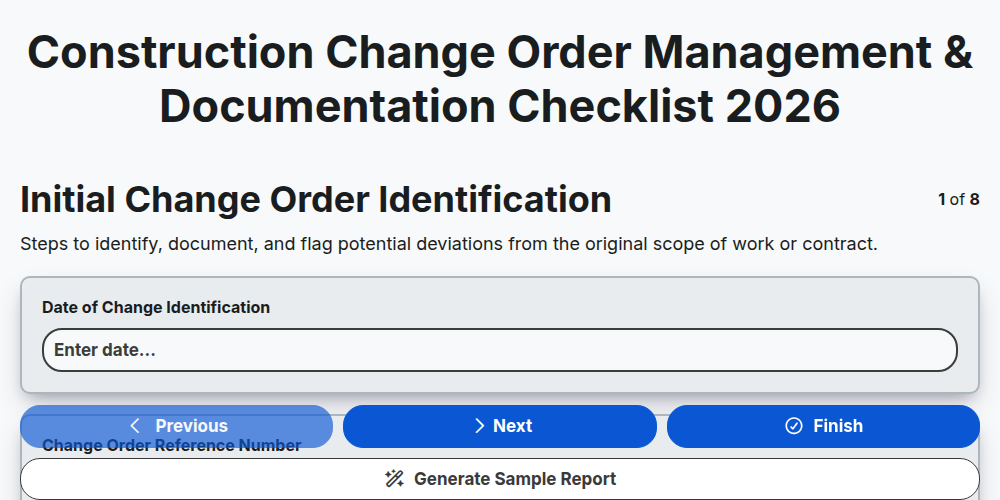
Construction Change Order Management & Documentation Checklist 2026
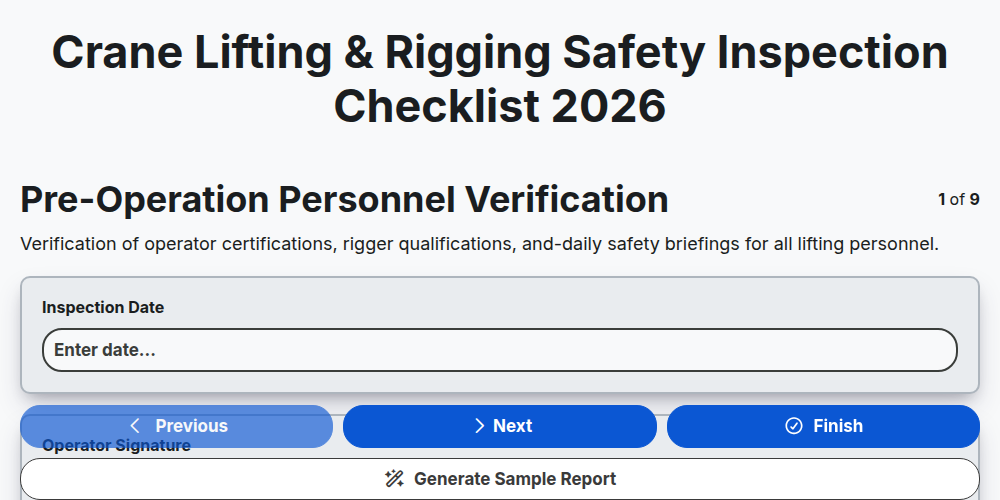
Crane Lifting & Rigging Safety Inspection Checklist 2026
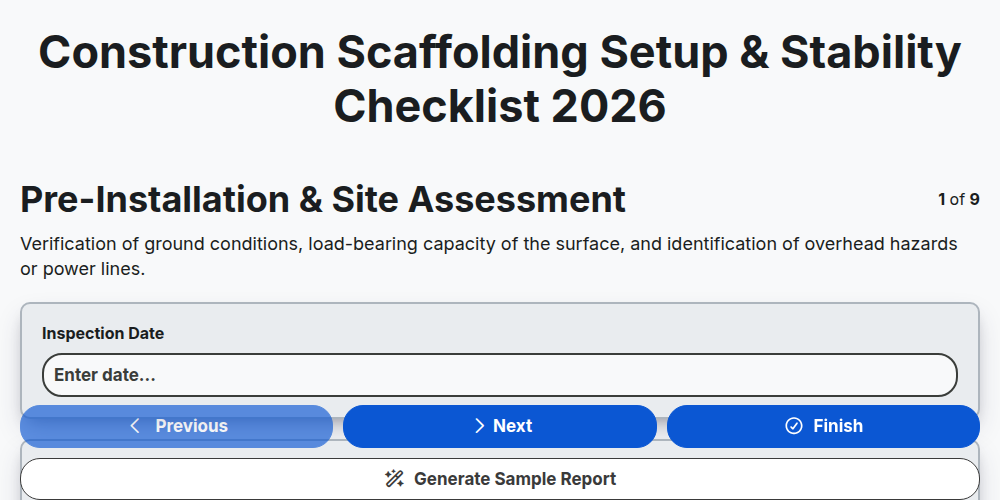
Construction Scaffolding Setup & Stability Checklist 2026
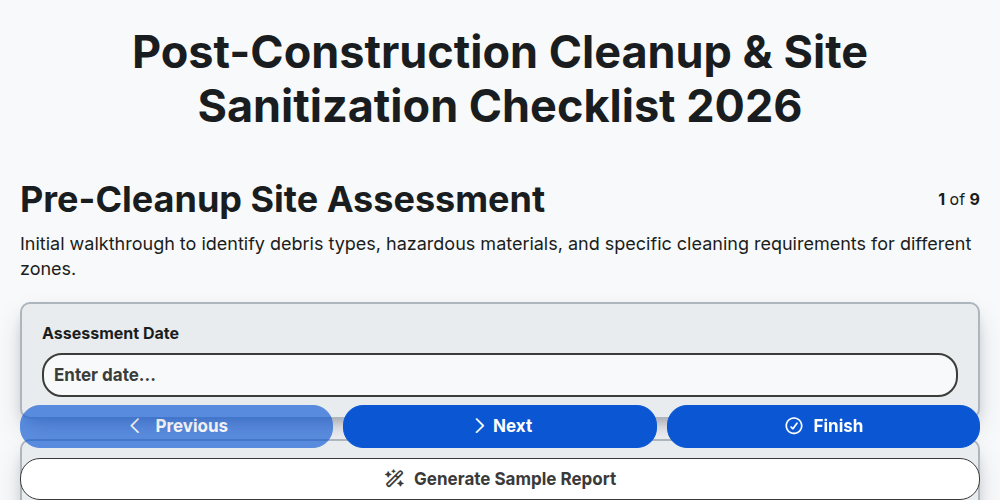
Post-Construction Cleanup & Site Sanitization Checklist 2026
Construction Site Security & Access Control Checklist 2026
Pre-Demolition Site Assessment & Safety Checklist 2026
Construction Site Waste Management & Recycling Checklist 2026
Subcontractor Daily Progress Reporting Checklist 2026
Need help with
Construction?
Have a question? We're here to help. Please submit your inquiry, and we'll respond promptly.