 ChecklistGuro
 Hybrid Event Planning Checklist Template: In-Person, Virtual & Attendee Experience Management
Plan a flawless hybrid event! Our Hybrid Event Planning Checklist Template covers every detail - from seamless in-person logistics to engaging virtual experiences & attendee satisfaction. Download now & confidently manage your blended event!
This Template was installed 4 times.
Pre-Event Planning & Strategy
Defining goals, audience, budget and overall event strategy for both in-person and virtual components.
Event Goals & Objectives
Target Attendee Count (In-Person)
Target Attendee Count (Virtual)
Primary Event Theme
Proposed Event Date
Target Audience Segments
Overall Event Budget
Platform & Technology Selection
Choosing and configuring virtual event platforms, A/V equipment, and necessary software.
Primary Virtual Event Platform
Secondary Communication Tool (e.g., Q&A)
Estimated Number of Virtual Attendees
Bandwidth Requirements (Mbps)
Platform Contract Expiration Date
Platform Demo Recording
Notes on Platform Security & Privacy
In-Person Logistics & Venue Management
Venue booking, catering, staffing, accessibility, and on-site experience planning.
Venue Address
Venue Booking Date
Venue Capacity
Estimated In-Person Attendees
Catering Vendor Selection
Venue Layout/Floor Plan
Venue Setup Date
Venue Load-in Time
Virtual Production & Content Creation
Creating engaging virtual content, rehearsals, livestream setup, and recording capabilities.
Livestream Script Outline
Pre-Recorded Video Files (Intro/Outro/Break)
Video Recording Date
Scheduled Livestream Start Time (Virtual)
Estimated Video File Size (MB)
Preferred Livestream Platform
Content Formats (Select All That Apply)
Hybrid Attendee Experience
Ensuring a seamless and consistent experience for both in-person and virtual attendees.
Primary Attendee Engagement Method (Virtual)
Number of Designated 'Hybrid Hosts' (Facilitators)
Accessibility Considerations for Hybrid Attendees
Date of Hybrid Attendee Training/Orientation (if applicable)
Time Slot for Hybrid Attendee Check-in/Welcome
Summary of Hybrid Attendee Journey Map (brief description)
Specific Strategies for Bridging the In-Person & Virtual Experience
Marketing & Promotion (Hybrid)
Developing a combined marketing strategy to reach both in-person and virtual audiences.
Total Marketing Budget
Marketing Channels Used (Hybrid)
Campaign Start Date
Campaign End Date
Key Messaging (Hybrid)
Detailed Marketing Strategy Description
Marketing Assets (Images, Videos)
Primary Target Audience (Hybrid)
Speaker & Presenter Coordination
Managing speaker logistics, content review, and technical readiness for both formats.
Speaker Name
Speaker Bio/Background
Speaker Headshot (High Resolution)
Presentation Format (In-Person/Virtual/Hybrid)
Presentation Deadline (Slides/Materials)
Rehearsal Scheduled Time (Virtual/In-Person)
Presentation Length (Minutes)
AV Requirements (Microphone, Projector, etc.)
Registration & Ticketing (Hybrid)
Setting up registration processes and ticketing options for both in-person and virtual attendees.
Total In-Person Tickets Available
Total Virtual Tickets Available
Ticket Type Options
Price - General Admission
Price - Virtual Only
Price - VIP
Payment Gateway Integration
Registration End Date
Technical Rehearsals & Dry Runs
Conducting rehearsals to test all technical aspects of both the in-person and virtual event.
Rehearsal Date
Rehearsal Start Time
Areas to Rehearse (Select all that apply)
Notes from Previous Rehearsal
Number of Speakers/Presenters involved
Screenshot of key virtual platform view
On-Site Event Management
Managing the on-site event, including registration, attendee flow, and troubleshooting.
Registration Area Setup
Number of On-Site Staff
Event Date Confirmation
Registration Start Time
Essential On-Site Supplies
Contact Person On-Site
Estimated Attendee Count (On-Site)
Virtual Event Moderation & Support
Providing technical support and moderation for the virtual event experience.
Number of Dedicated Moderators
Moderation Style (Strict, Casual, Interactive)
Moderation Focus Areas (Q&A, Chat, Polls, Technical Issues)
Moderation Guidelines & Responses (Example)
Scheduled Moderation Check-in Time (Start)
Scheduled Moderation Check-in Time (End)
Primary Contact for Moderation Support
Post-Event Evaluation & Reporting
Analyzing event performance, gathering feedback, and preparing a final report.
Total Event Attendance (In-Person)
Total Virtual Attendees
Overall Attendee Satisfaction Score (1-10)
Overall Event Success (Exceeded Expectations, Met Expectations, Below Expectations)
Which aspects of the event were most successful? (Select all that apply)
Detailed Feedback from Post-Event Survey (Summary)
Date of final report submission
Frequently Asked Questions
Can I customize this template after installing it?
Absolutely. Once installed, you can add, remove, or reorder tasks, add custom fields, and adjust deadlines to fit your specific workflow.
Can I add images or photos to these checklist items?
Yes. Our platform allows you to attach photos, signatures, and notes to any checklist item for better verification and proof of completion.
Can I create a custom checklist from scratch instead of using a template?
Yes. You can use our "Create your own checklist" feature to build a unique workflow tailored exactly to your operational requirements.
Can I add dependencies between tasks?
Yes, you can set up conditional logic and dependencies to ensure your team follows the correct sequence of operations.
Can I assign specific checklist items to different team members?
Yes. You can assign individual tasks to specific employees, ensuring clear accountability across your entire team.
Can I use these checklists on mobile devices in the field?
Yes. Our platform is fully responsive, allowing your team to complete, update, and upload photos to checklists directly from any smartphone or tablet.
How do I notify my manager when a checklist is completed?
You can set up automated notifications (via email, push notification, or in-app alerts) to trigger whenever a checklist is finished or if an item fails inspection.
Can multiple people work on the same checklist simultaneously?
Yes, the platform supports real-time updates, allowing multiple users to contribute to a single live checklist.
Where is the data from completed checklists stored?
All completed checklists are stored securely in your Work OS dashboard, creating a permanent, searchable audit trail of your operations.
Can I generate reports based on my checklist results?
Yes. You can track completion rates, identify recurring issues, and monitor team performance through our integrated reporting and analytics tools.
How can I use these checklists for compliance or auditing purposes?
Because our checklists capture timestamps, photos, and digital signatures, they serve as a robust digital paper trail for regulatory compliance and internal audits.
Can I export my completed checklist data for use in other tools?
Yes. You can export your data in various formats (CSV, Excel, etc.) to integrate your operational insights with your other business software.
Comments
There are no comments yet. Be the first to add one!
Event Planning Management Solution Demo
Plan flawless events with ease! ChecklistGuro streamlines event planning - from vendor management to budget tracking & guest communication. Stay organized, reduce stress, & deliver unforgettable experiences. Manage it all with our Work OS.
Related Checklist Templates
Farewell Party Checklist Template: Gifts, Memories & Guest Appreciation Management
School Event Checklist Template: Student Safety, Parent Communication & Volunteer Coordination Management
Campaign Launch Event Checklist Template: Messaging, Media & Social Promotion Management
Real Estate Open House Checklist Template: Staging, Marketing & Lead Capture Management
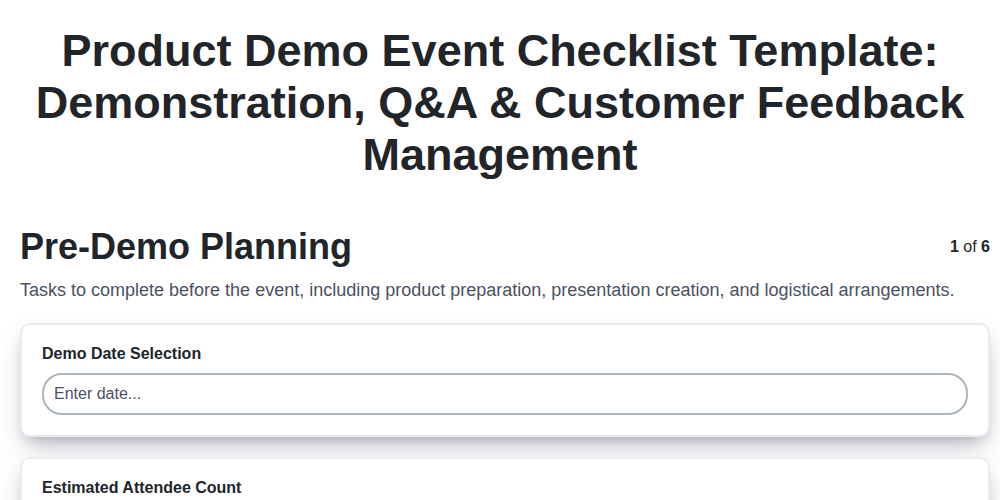
Product Demo Event Checklist Template: Demonstration, Q&A & Customer Feedback Management
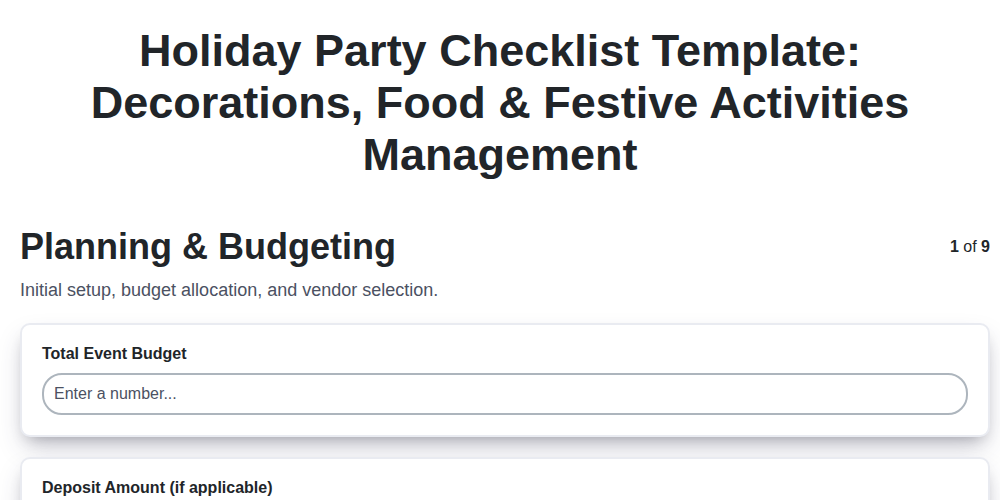
Holiday Party Checklist Template: Decorations, Food & Festive Activities Management
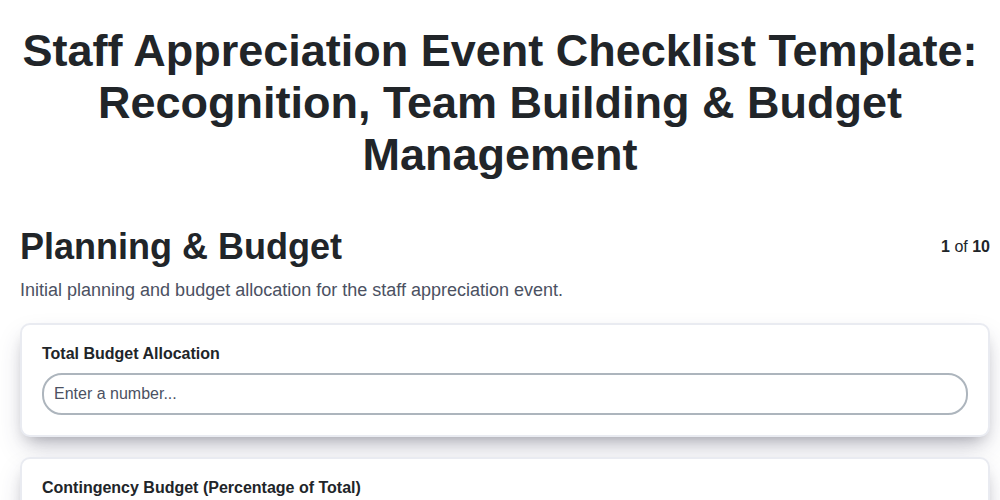
Staff Appreciation Event Checklist Template: Recognition, Team Building & Budget Management
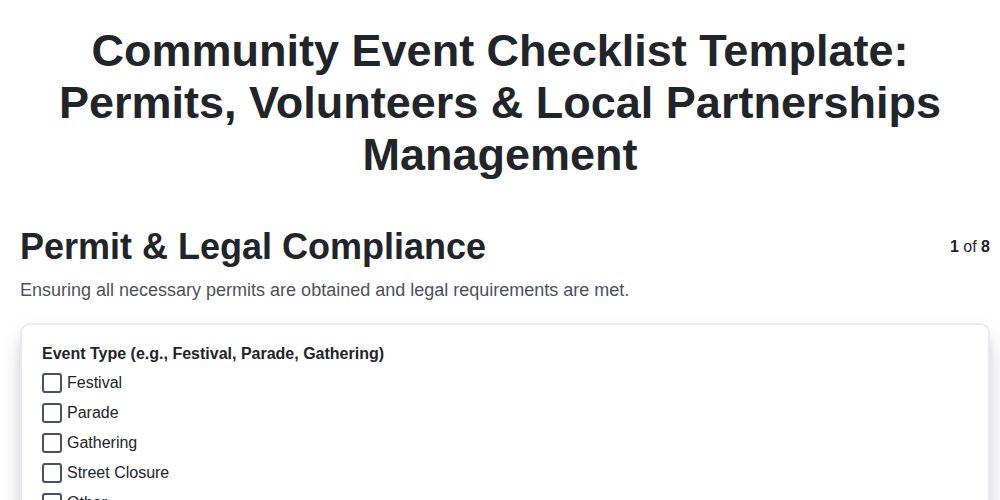
Community Event Checklist Template: Permits, Volunteers & Local Partnerships Management
We can do it Together
Need help with
Event Planning Management?
Have a question? We're here to help. Please submit your inquiry, and we'll respond promptly.