 ChecklistGuro
 Training Event Checklist Template: Materials, Trainers & Participant Evaluation Management
Ensure your training events are impactful & seamless! This checklist covers everything from materials & trainer prep to participant feedback & evaluation - so you can focus on delivering a stellar learning experience. Download now & simplify your training event planning!
This Template was installed 2 times.
Pre-Event Planning & Logistics
Tasks related to initial planning, budget allocation, and securing necessary resources.
Estimated Budget
Event Date
Primary Venue Location
Event Theme (if applicable)
Event Type (e.g., Workshop, Seminar)
Venue Booking Confirmation Date
Training Materials Development & Review
Checklist items for creating, reviewing, and finalizing all training materials.
Outline of Training Content
Draft Presentation Slides
Content Reviewer Assigned
Content Review Deadline
Summary of Reviewer Feedback
Number of Revisions Required
Final Version of Training Manual
Trainer Management & Preparation
Tasks related to selecting, briefing, and supporting the trainers delivering the training.
Trainer Experience (Years)
Trainer Expertise Area
Trainer Briefing Notes
Trainer Presentation Materials
Trainer Rehearsal Date
Trainer Rehearsal Start Time
Trainer Feedback and Concerns
Venue & Technology Setup
Ensuring the physical space and technology are properly prepared for the training.
Venue Address
Internet Bandwidth (Mbps)
AV Equipment Delivery Date
Soundcheck Start Time
AV Equipment Required
Preferred Internet Provider
Venue Layout Diagram
Participant Communication & Enrollment
Tasks related to informing participants, managing registration, and handling inquiries.
Number of Registered Participants
Registration Deadline
Communication Method (Email/Phone)
Welcome Email Content
Promotional Flyer (for sharing)
Confirmation Email Sent?
Cancellation Requests Received
During Training Session Management
Items to ensure smooth operation during the training itself.
Start Time Confirmation
Participant Attendance Count
Current Location (for hybrid/multiple rooms)
Audio/Visual Equipment Status
Training Activities Completed
Notable Observations/Incidents
Participant Evaluation & Feedback
Tasks for gathering participant feedback and assessing the effectiveness of the training.
Overall Satisfaction (1-10)
Trainer Effectiveness
What did you find most valuable about the training?
What could be improved about the training?
Which topics would you like to see covered in future training?
Did the training meet your expectations?
Post-Training Follow-Up & Reporting
Actions to take after the training, including follow-up communication and reporting on key metrics.
Date of Final Report Submission
Number of Participants Who Completed the Training
Average Participant Satisfaction Score (1-5)
Overall Training Effectiveness Rating
Summary of Key Findings from Participant Feedback
Upload Final Training Report (PDF)
Recommendations for Future Training Improvements
Comments
There are no comments yet. Be the first to add one!
Event Planning Management Solution Demo
Plan flawless events with ease! ChecklistGuro streamlines event planning - from vendor management to budget tracking & guest communication. Stay organized, reduce stress, & deliver unforgettable experiences. Manage it all with our Work OS.
Related Checklist Templates
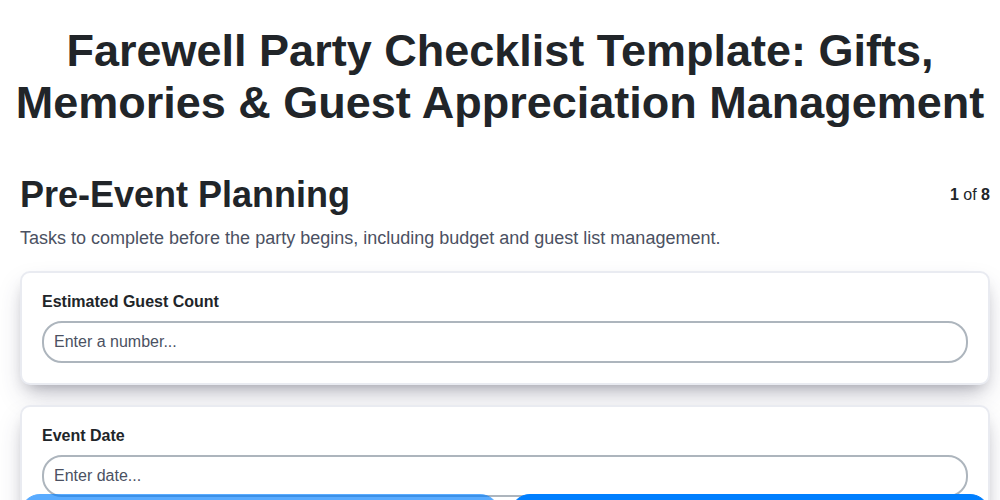
Farewell Party Checklist Template: Gifts, Memories & Guest Appreciation Management
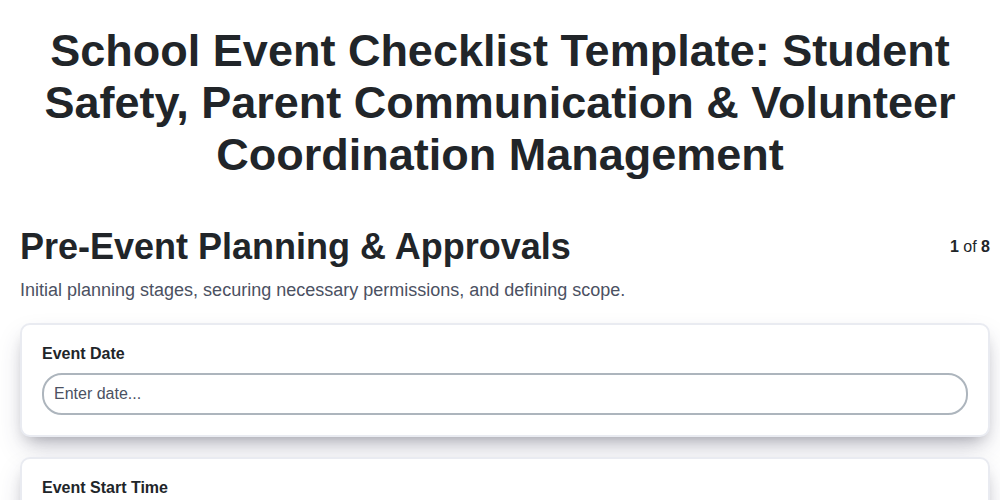
School Event Checklist Template: Student Safety, Parent Communication & Volunteer Coordination Management
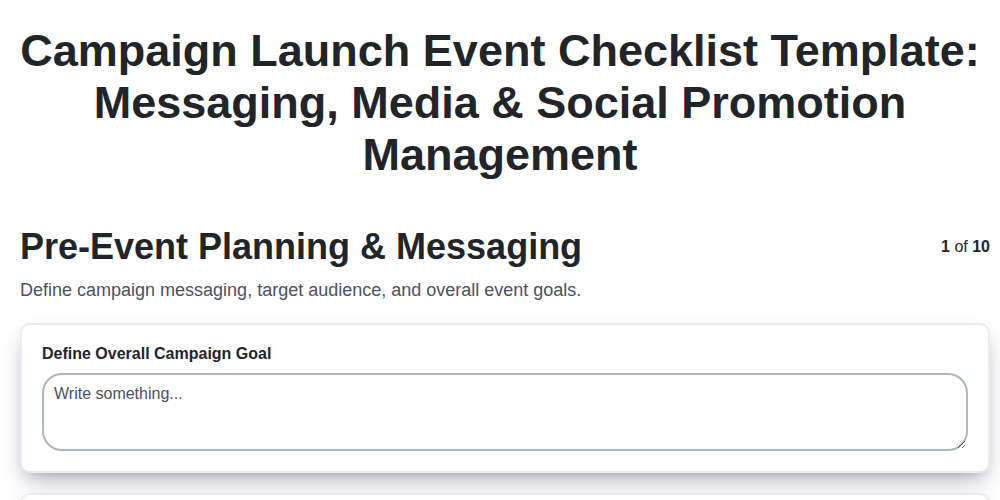
Campaign Launch Event Checklist Template: Messaging, Media & Social Promotion Management
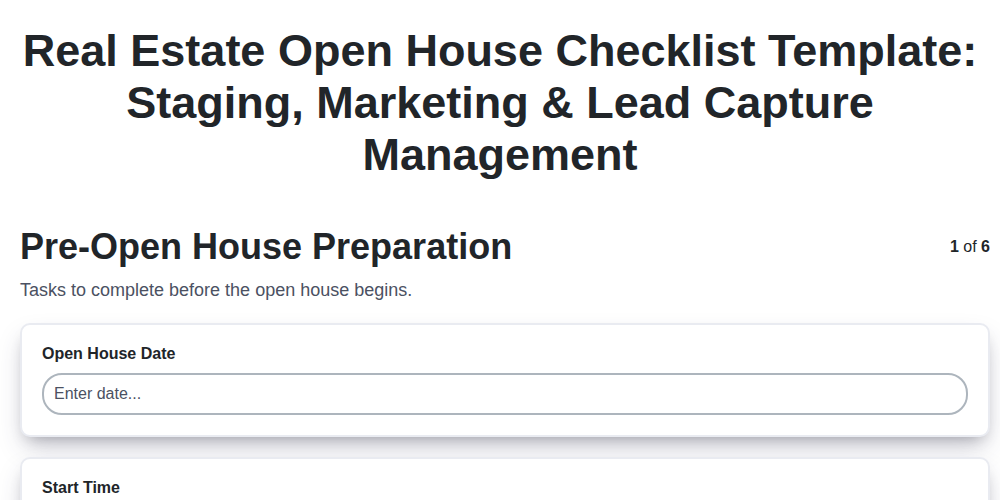
Real Estate Open House Checklist Template: Staging, Marketing & Lead Capture Management
Product Demo Event Checklist Template: Demonstration, Q&A & Customer Feedback Management
Holiday Party Checklist Template: Decorations, Food & Festive Activities Management
Staff Appreciation Event Checklist Template: Recognition, Team Building & Budget Management
Community Event Checklist Template: Permits, Volunteers & Local Partnerships Management
We can do it Together
Need help with
Event Planning Management?
Have a question? We're here to help. Please submit your inquiry, and we'll respond promptly.