 ChecklistGuro
 Virtual Event Planning Checklist Template: Platform, Tech & Engagement Management
Master virtual events with our comprehensive checklist! From platform selection and tech setup to audience engagement strategies, ensure a flawless online experience. Download now & plan like a pro!
This Template was installed 3 times.
Event Goals & Strategy
Define objectives, target audience, and overall event theme.
Describe the overall event objective(s)
Target Number of Attendees
Primary Event Type (e.g., Conference, Webinar, Workshop)
Key Performance Indicators (KPIs) to Track
Target Event Date (Initial Planning)
Platform Selection & Setup
Research, select, and configure the virtual event platform (e.g., Zoom, Hopin, Remo).
Primary Platform Choice
Platform Justification
Estimated Attendee Capacity (Platform Limit)
Platform Contract Start Date
Scheduled Platform Setup & Training (Start Time)
Required Platform Features
Platform Contract (if applicable)
Technical Requirements & Testing
Assess bandwidth, hardware, and software needs. Conduct thorough testing of all technical components.
Minimum Bandwidth (Mbps) Required
Preferred Virtual Event Platform
Date of Technical Rehearsal
Time of Technical Rehearsal
Upload Platform Configuration Document
Notes on Specific Technical Requirements (e.g., screen resolution)
Number of Expected Concurrent Attendees
Speaker & Presenter Management
Coordinate with speakers, provide technical guidance, and schedule rehearsals.
Speaker Name
Speaker Bio/Background
Speaking Slot/Session
Scheduled Presentation Time
Presentation Slides
Technical Requirements/Notes
Speaker Agreement Status
Content & Agenda Planning
Develop engaging content, schedule sessions, and prepare presentations.
Session Title 1
Session 1 Description (brief overview)
Session 1 Start Time
Session 1 End Time
Session 1 Presenter(s)
Estimated Session 1 Attendee Count
Content Format for Session 2
Content Review Deadline
Registration & Ticketing
Set up registration process, manage ticketing, and handle attendee communication.
Ticket Capacity
Ticket Type Options
Price per Ticket (General Admission)
Price per Ticket (VIP)
Registration Deadline
Registration Confirmation Email Subject
Registration Confirmation Email Body
Payment Gateway Integration
Attendee Engagement & Interaction
Plan interactive activities, Q&A sessions, networking opportunities, and virtual games.
Choose Engagement Activities
Estimated Number of Participants in Breakout Rooms
Date/Time of Networking Session
Chat Moderation Strategy
Description of Interactive Game/Contest
Gamification Elements (if applicable)
Marketing & Promotion
Develop marketing materials, leverage social media, and promote the event to the target audience.
Event Hashtag(s)
Social Media Platforms to Promote
Social Media Ad Spend (Budget)
Social Media Campaign Start Date
Primary Promotional Channel
Promotional Graphic/Video
Email Marketing Copy (Draft)
Accessibility & Inclusivity
Ensure the event is accessible to attendees with disabilities (e.g., captions, transcripts).
Closed Captioning Required?
Transcript Provided?
Assistive Technologies Supported?
Alternative Text Notes (for images/graphics)
Sign Language Interpreter Needed?
Number of Sign Language Interpreters Needed (if applicable)
Pre-Event Communication & Training
Send reminders, provide attendee guides, and train staff on virtual event procedures.
Attendee Welcome Email Send Date
Subject Line for Welcome Email
Welcome Email Content (including login instructions)
Attendee Guide/FAQ Document
Number of Staff/Volunteers Trained
Training Method (e.g., Live Webinar, Recorded Video, Document)
Date of Final Reminder Email
Time of final reminder email send
Event Day Execution
Manage event flow, monitor technical performance, and address attendee issues in real-time.
Event Start Time (Actual)
Peak Attendee Count
Technical Issues Encountered?
Summary of Key Events/Highlights
Overall Technical Performance Rating
Event End Time (Actual)
Post-Event Follow-Up
Send thank-you messages, gather feedback, analyze event performance, and share recordings.
Total Number of Attendees
Number of Survey Responses Received
Overall Event Success (Rating)
Summary of Attendee Feedback (Key Themes)
Link to Post-Event Survey Results Document
Date of Follow-Up Email Sent
Notes on Content and Speaker Performance
Comments
There are no comments yet. Be the first to add one!
Event Planning Management Solution Demo
Plan flawless events with ease! ChecklistGuro streamlines event planning - from vendor management to budget tracking & guest communication. Stay organized, reduce stress, & deliver unforgettable experiences. Manage it all with our Work OS.
Related Checklist Templates
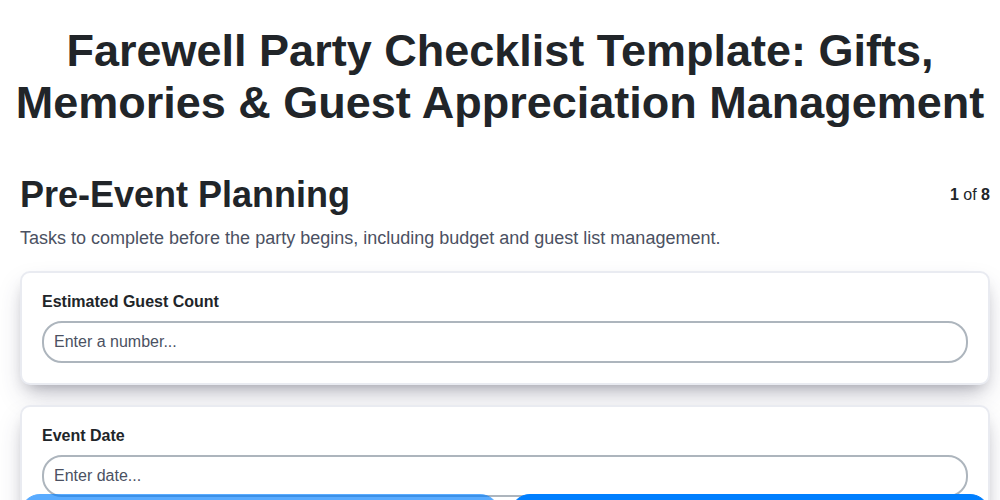
Farewell Party Checklist Template: Gifts, Memories & Guest Appreciation Management
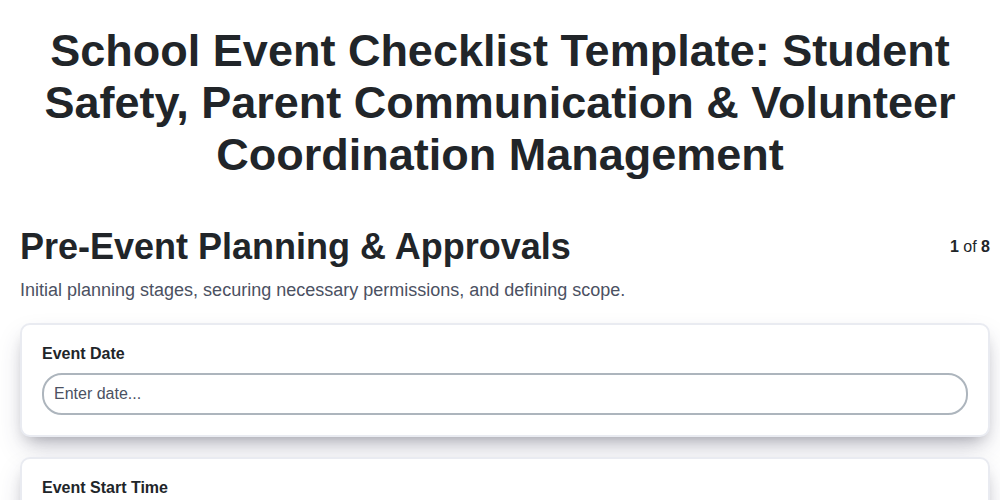
School Event Checklist Template: Student Safety, Parent Communication & Volunteer Coordination Management
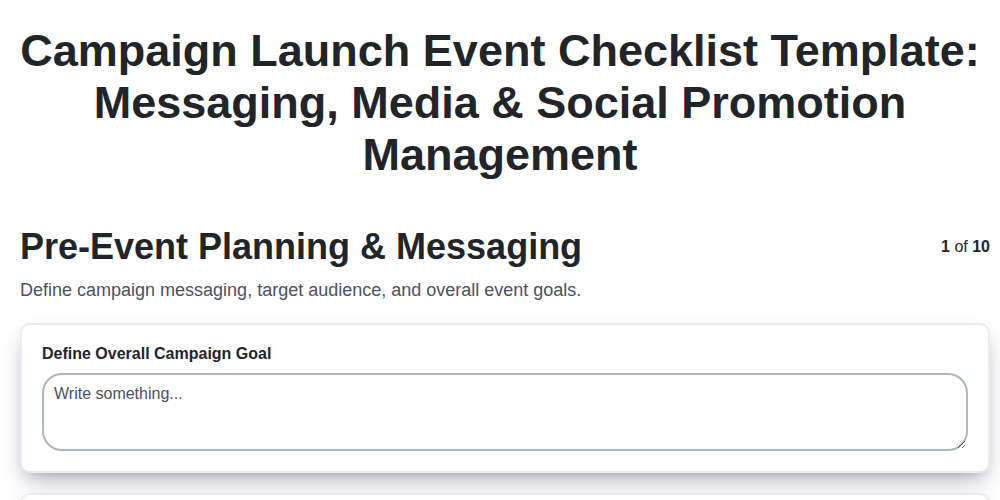
Campaign Launch Event Checklist Template: Messaging, Media & Social Promotion Management
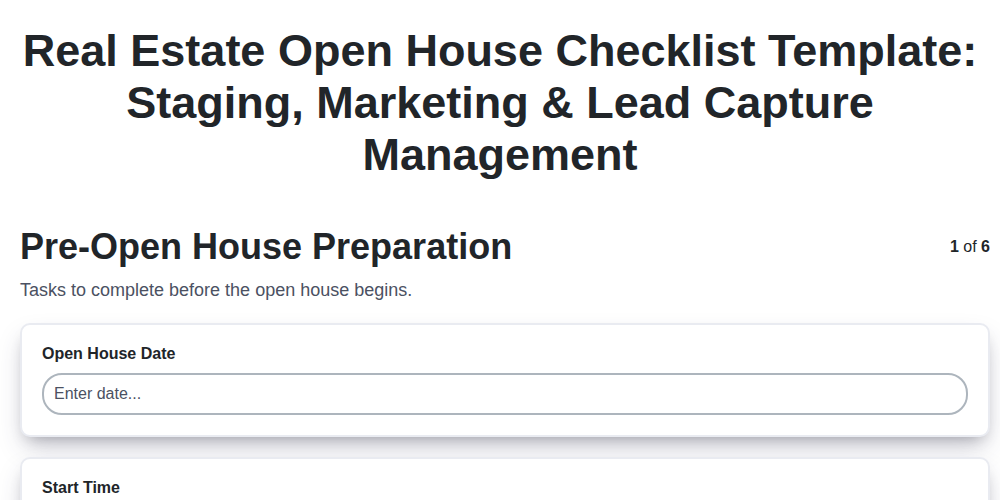
Real Estate Open House Checklist Template: Staging, Marketing & Lead Capture Management
Product Demo Event Checklist Template: Demonstration, Q&A & Customer Feedback Management
Holiday Party Checklist Template: Decorations, Food & Festive Activities Management
Staff Appreciation Event Checklist Template: Recognition, Team Building & Budget Management
Community Event Checklist Template: Permits, Volunteers & Local Partnerships Management
We can do it Together
Need help with
Event Planning Management?
Have a question? We're here to help. Please submit your inquiry, and we'll respond promptly.