 ChecklistGuro
Flower Shop Event Setup Checklist
Ensure flawless event floral displays! This Flower Shop Event Setup Checklist guides you through every detail, from venue coordination and centerpiece creation to delivery logistics and on-site adjustments. Perfect for weddings, parties, and corporate events - streamline your workflow and wow your clients!
This Template was installed 4 times.
Pre-Event Planning & Coordination
Tasks related to confirming details, client communication, and initial planning.
Event Date
Setup Time at Venue
Event Type
Client Contact Name
Client Phone Number
Event Details & Special Instructions
Delivery/Setup Method
Flower & Supply Procurement
Ensuring sufficient flowers, greenery, and necessary supplies are ordered and received.
Roses (Quantity)
Lilies (Quantity)
Greenery (Quantity - Bushels)
Floral Foam Type
Flower Order Delivery Date
Vase Inventory (Quantity)
Supplies Needed
Flower Processing & Conditioning
Hydrating, cleaning, and preparing flowers for design.
Stem Length (inches)
Flower Count (per stem/bunch)
Water Treatment Used
Flower Type
Processing Date
Processing Start Time
Notes on Flower Condition
Design & Assembly
Creating arrangements and designs according to client specifications.
Number of Bouquets/Arrangements
Design Style (e.g., Modern, Traditional)
Flower Types Included
Specific Design Notes/Instructions
Reference Image/Sketch (if applicable)
Stem Count (Per Arrangement/Bouquet)
Venue Preparation & Setup
Preparing the event venue and arranging floral displays.
Venue Address
Arrival Time at Venue
Number of Tables
Floral Placement Areas (Check all that apply)
Specific Venue Instructions/Notes
Date of Event
Arrangement Placement Type
Delivery & Transport
Securely transporting arrangements to the event location.
Delivery Address
Scheduled Delivery Time
Number of Packages/Boxes
Vehicle Used (e.g., van, car)
Delivery Route Optimized?
Delivery Confirmation Signature
Delivery Date
On-Site Arrangement & Placement
Final adjustments and placement of floral arrangements at the event.
Exact Placement of Centerpieces
Number of Table Arrangements Adjusted
Arrangement Height Confirmation (Client)
Arrival Time on Site
Signature Confirmation - On-Site Placement
Notes Regarding Arrangement Placement
Post-Event Cleanup & Retrieval
Removing floral displays and any associated materials after the event.
Cleanup Start Time
Cleanup Location (Specific Area)
Number of Items Retrieved
Items Requiring Extra Care/Cleaning
Notes on Condition of Returned Items
Date of Return to Shop
Signature of Cleanup Crew Member
Frequently Asked Questions
Can I customize this template after installing it?
Absolutely. Once installed, you can add, remove, or reorder tasks, add custom fields, and adjust deadlines to fit your specific workflow.
Can I add images or photos to these checklist items?
Yes. Our platform allows you to attach photos, signatures, and notes to any checklist item for better verification and proof of completion.
Can I create a custom checklist from scratch instead of using a template?
Yes. You can use our "Create your own checklist" feature to build a unique workflow tailored exactly to your operational requirements.
Can I add dependencies between tasks?
Yes, you can set up conditional logic and dependencies to ensure your team follows the correct sequence of operations.
Can I assign specific checklist items to different team members?
Yes. You can assign individual tasks to specific employees, ensuring clear accountability across your entire team.
Can I use these checklists on mobile devices in the field?
Yes. Our platform is fully responsive, allowing your team to complete, update, and upload photos to checklists directly from any smartphone or tablet.
How do I notify my manager when a checklist is completed?
You can set up automated notifications (via email, push notification, or in-app alerts) to trigger whenever a checklist is finished or if an item fails inspection.
Can multiple people work on the same checklist simultaneously?
Yes, the platform supports real-time updates, allowing multiple users to contribute to a single live checklist.
Where is the data from completed checklists stored?
All completed checklists are stored securely in your Work OS dashboard, creating a permanent, searchable audit trail of your operations.
Can I generate reports based on my checklist results?
Yes. You can track completion rates, identify recurring issues, and monitor team performance through our integrated reporting and analytics tools.
How can I use these checklists for compliance or auditing purposes?
Because our checklists capture timestamps, photos, and digital signatures, they serve as a robust digital paper trail for regulatory compliance and internal audits.
Can I export my completed checklist data for use in other tools?
Yes. You can export your data in various formats (CSV, Excel, etc.) to integrate your operational insights with your other business software.
Comments
There are no comments yet. Be the first to add one!
Flower Shop Management Solution Demo
Bloom with efficiency! ChecklistGuro simplifies flower shop management - from order tracking to inventory control and delivery scheduling. Enhance customer service, reduce waste, & boost profits. Manage it all with our Work OS.
Related Checklist Templates
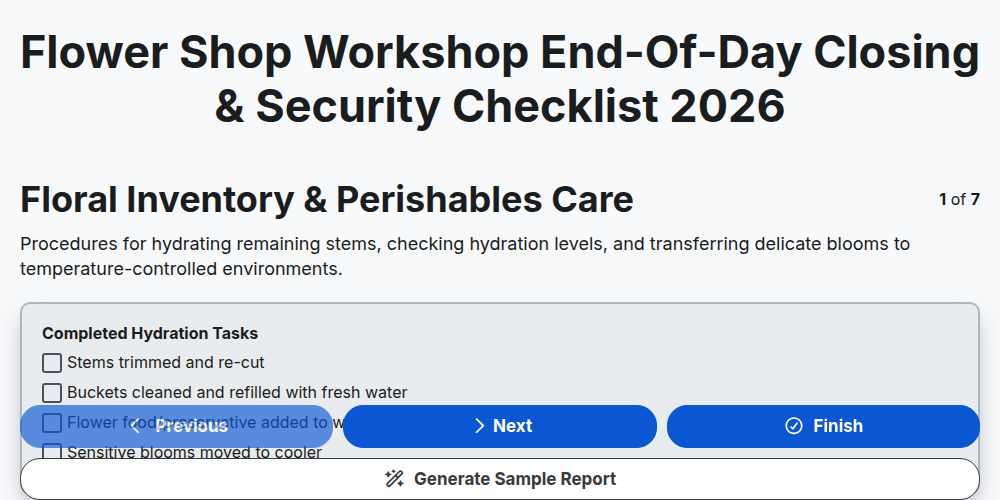
Flower Shop Workshop End-of-Day Closing & Security Checklist 2026
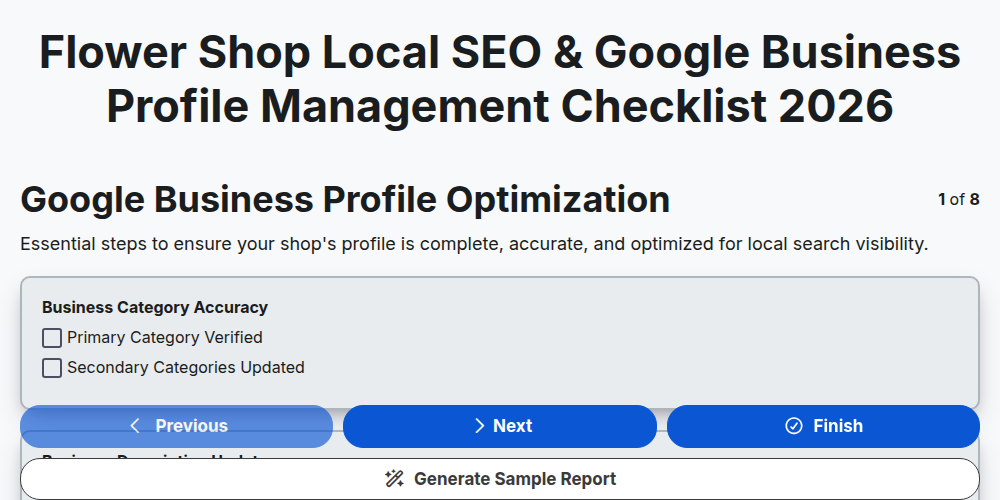
Flower Shop Local SEO & Google Business Profile Management Checklist 2026
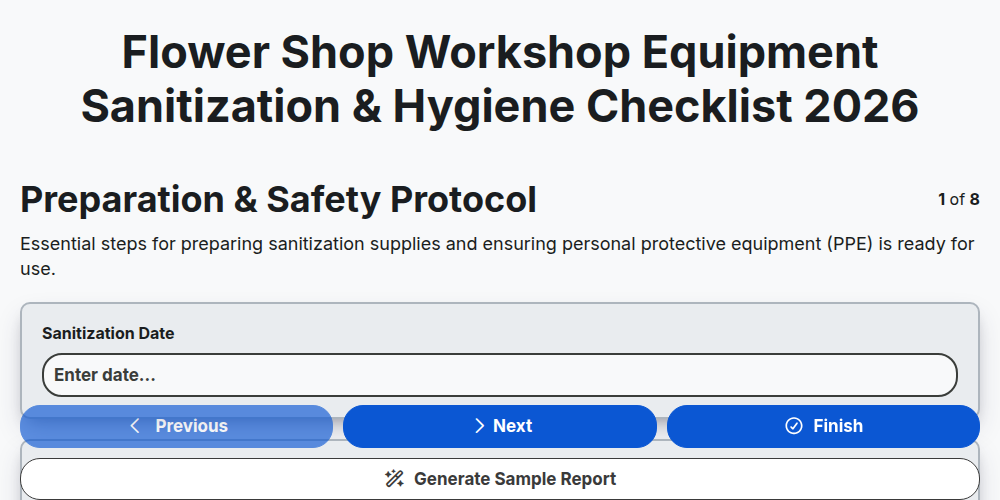
Flower Shop Workshop Equipment Sanitization & Hygiene Checklist 2026
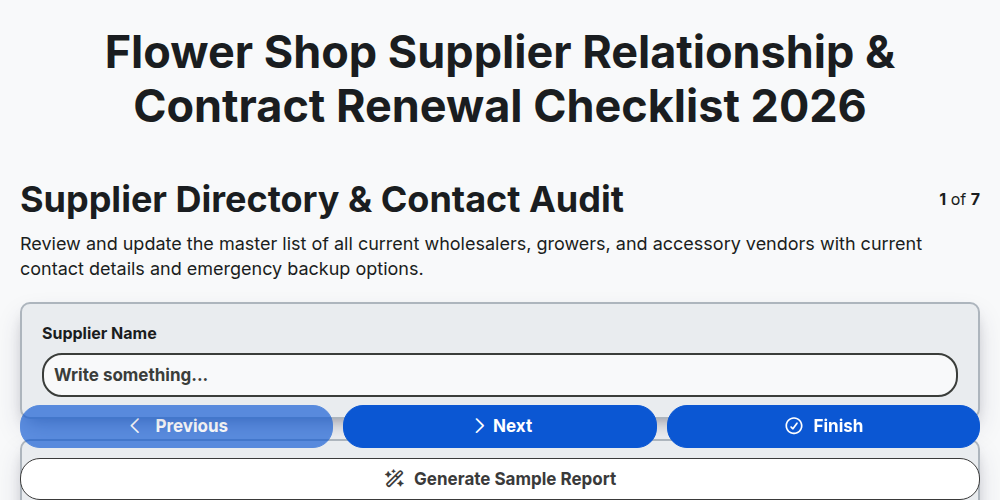
Flower Shop Supplier Relationship & Contract Renewal Checklist 2026
Flower Shop Workshop Interior Merchandising & Display Checklist 2026
Flower Shop Seasonal Pricing & Margin Management Checklist 2026
Flower Shop Grand Opening & Shop Launch Checklist 2026
Flower Shop Workshop Safety & Tool Maintenance Checklist 2026
Need help with
Flower Shop Management?
Have a question? We're here to help. Please submit your inquiry, and we'll respond promptly.