 ChecklistGuro
Flower Shop Valentine's Day Prep Checklist
Ensure a seamless and stunning Valentine's Day! Our Flower Shop Valentine's Day Prep Checklist guides you through everything from inventory and ordering to marketing and staffing, so you can focus on creating beautiful bouquets and delighting your customers. Download now and bloom into a successful holiday season!
This Template was installed 2 times.
Inventory & Ordering
Ensuring adequate stock of flowers, vases, and supplies.
Roses (Red) - Quantity Needed
Roses (Pink) - Quantity Needed
Roses (White) - Quantity Needed
Lilies - Variety Needed
Hydrangeas - Quantity Needed
Delivery Date for Initial Flower Order
Vases - Quantity Needed (Various Sizes)
Ribbon - Color Preference
Pre-Order Management
Tracking and fulfilling pre-orders efficiently.
Total Pre-Orders Received
Pre-Order Deadline
Orders by Delivery Date (Feb 14th)
Orders by Delivery Date (Feb 13th)
Orders by Delivery Date (Feb 12th)
Pre-Order Payment Status
Order Notes (Special Requests/Adjustments)
Preferred Flower Types (for customization)
Delivery Logistics
Planning delivery routes and ensuring vehicle readiness.
Number of Delivery Vehicles Available
Vehicle Inspection Location
Vehicle Maintenance Due Date
First Delivery Dispatch Time
Number of Delivery Drivers Scheduled
Delivery Vehicle Condition
Estimated Number of Deliveries Today
Notes on delivery route adjustments (if any)
Marketing & Promotion
Confirming marketing campaigns are active and effective.
Social Media Campaign Active?
Estimated Reach (Social Media)
Brief Description of Social Media Campaign
Email Marketing Sent?
Email Marketing Send Date
Promotional Flyers/Posters?
Marketing Channels Used
Website Banner Update Details
Staffing & Scheduling
Scheduling sufficient staff for increased demand.
Total Staff Needed (Valentine's Day)
Additional Staff Required
Staff Roles (Select All)
Staff Scheduling Deadline
First Shift Start Time
Last Shift End Time
Overtime Authorization Required?
Display & Merchandising
Creating attractive and appealing displays.
Number of Valentine's Rose Bouquets Displayed
Number of Mixed Valentine's Arrangements Displayed
Display Themes Utilized (e.g., Romantic, Modern, Classic)
Photograph of Front Display
Notes on High-Traffic Areas to Highlight
Vase Selection for Featured Arrangements
Description of Featured Arrangement Style
Pricing & Promotions
Finalizing prices and promotional offers.
Discount Percentage for Pre-Orders
Bundled Product Offerings (e.g., Flowers + Chocolate)
Price of Standard Dozen Roses
Price of Premium Dozen Roses
Description of Valentine's Day Specials
Free Delivery Threshold
Promo Code for Early Bird Orders (if applicable)
Equipment Check
Ensuring refrigeration, wrapping stations, and POS are functioning correctly.
Refrigerator Temperature (°F)
Cooler Fan Speed (1-10)
POS System Status
Wrapping Machine Status
Last Refrigeration Maintenance Date
Notes on Equipment Issues
Customer Service Readiness
Preparing staff for increased customer inquiries and orders.
Review Standard Greeting Script
Common Valentine's Day FAQs Prepared?
Briefing on Handling Rush Orders
Number of Staff Trained on POS System
Customer Service Role Play Completed?
Review Policy on Substitutions & Refunds
Post-Valentine's Day Plan
Planning for a smooth transition after Valentine's Day.
Estimated Remaining Inventory
Date to Reduce Flower Prices
Notes on Remaining Inventory Disposal
Marketing Campaign Focus (Post-Valentine's)
Date to Return to Normal Staffing Levels
Projected Sales Decline (Compared to Valentine's)
Frequently Asked Questions
Can I customize this template after installing it?
Absolutely. Once installed, you can add, remove, or reorder tasks, add custom fields, and adjust deadlines to fit your specific workflow.
Can I add images or photos to these checklist items?
Yes. Our platform allows you to attach photos, signatures, and notes to any checklist item for better verification and proof of completion.
Can I create a custom checklist from scratch instead of using a template?
Yes. You can use our "Create your own checklist" feature to build a unique workflow tailored exactly to your operational requirements.
Can I add dependencies between tasks?
Yes, you can set up conditional logic and dependencies to ensure your team follows the correct sequence of operations.
Can I assign specific checklist items to different team members?
Yes. You can assign individual tasks to specific employees, ensuring clear accountability across your entire team.
Can I use these checklists on mobile devices in the field?
Yes. Our platform is fully responsive, allowing your team to complete, update, and upload photos to checklists directly from any smartphone or tablet.
How do I notify my manager when a checklist is completed?
You can set up automated notifications (via email, push notification, or in-app alerts) to trigger whenever a checklist is finished or if an item fails inspection.
Can multiple people work on the same checklist simultaneously?
Yes, the platform supports real-time updates, allowing multiple users to contribute to a single live checklist.
Where is the data from completed checklists stored?
All completed checklists are stored securely in your Work OS dashboard, creating a permanent, searchable audit trail of your operations.
Can I generate reports based on my checklist results?
Yes. You can track completion rates, identify recurring issues, and monitor team performance through our integrated reporting and analytics tools.
How can I use these checklists for compliance or auditing purposes?
Because our checklists capture timestamps, photos, and digital signatures, they serve as a robust digital paper trail for regulatory compliance and internal audits.
Can I export my completed checklist data for use in other tools?
Yes. You can export your data in various formats (CSV, Excel, etc.) to integrate your operational insights with your other business software.
Comments
There are no comments yet. Be the first to add one!
Flower Shop Management Solution Demo
Bloom with efficiency! ChecklistGuro simplifies flower shop management - from order tracking to inventory control and delivery scheduling. Enhance customer service, reduce waste, & boost profits. Manage it all with our Work OS.
Related Checklist Templates
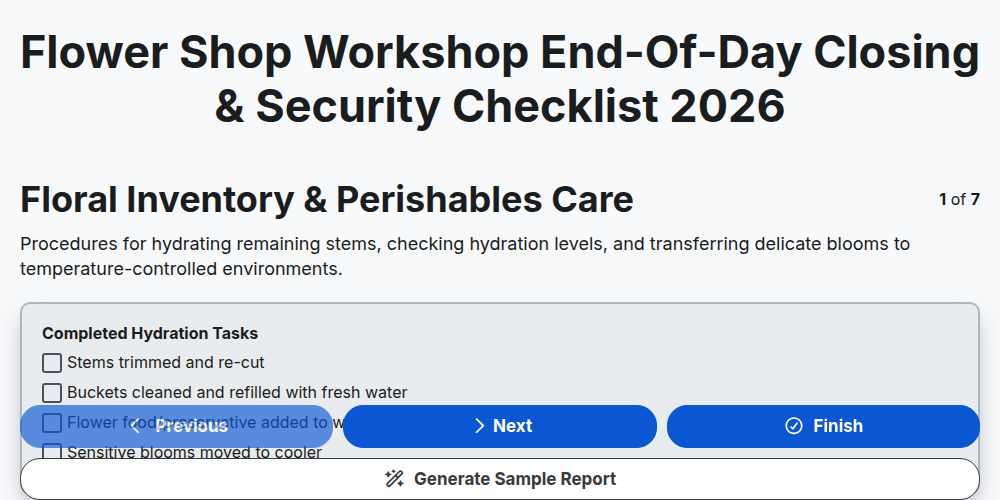
Flower Shop Workshop End-of-Day Closing & Security Checklist 2026
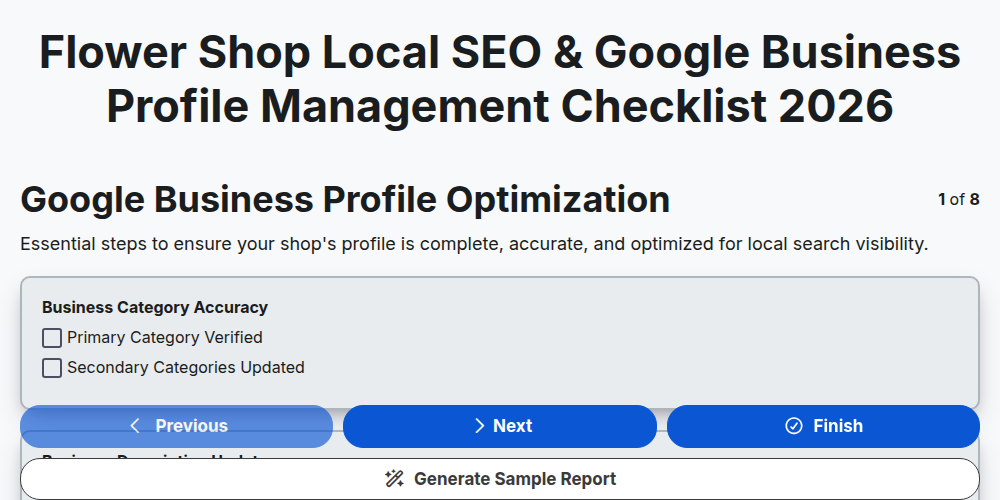
Flower Shop Local SEO & Google Business Profile Management Checklist 2026
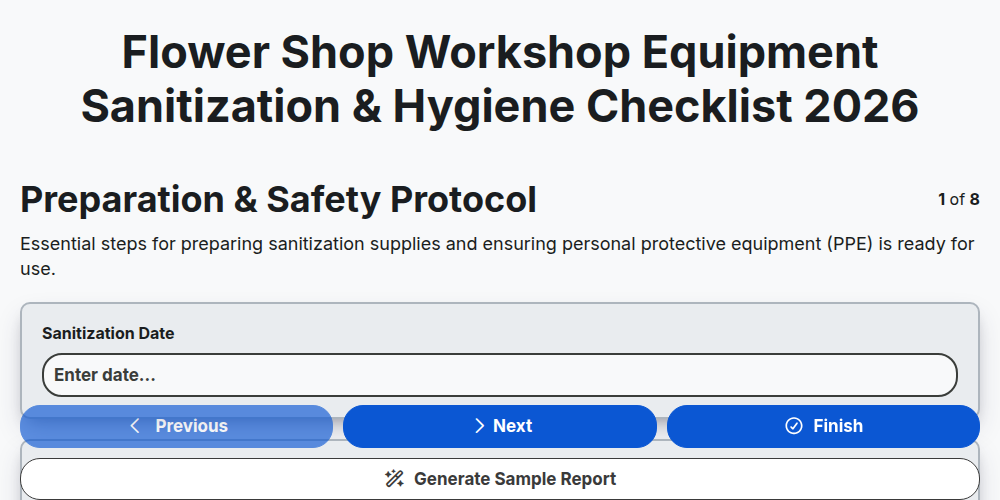
Flower Shop Workshop Equipment Sanitization & Hygiene Checklist 2026
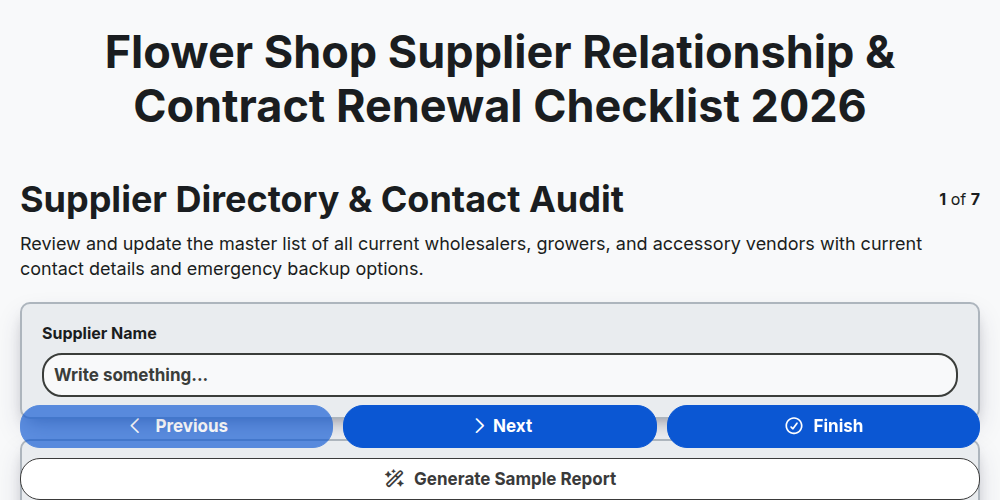
Flower Shop Supplier Relationship & Contract Renewal Checklist 2026
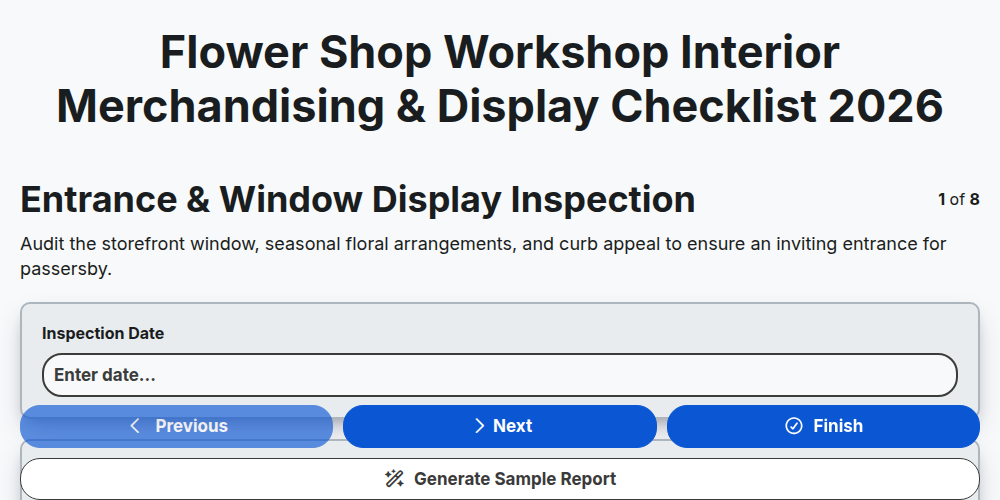
Flower Shop Workshop Interior Merchandising & Display Checklist 2026
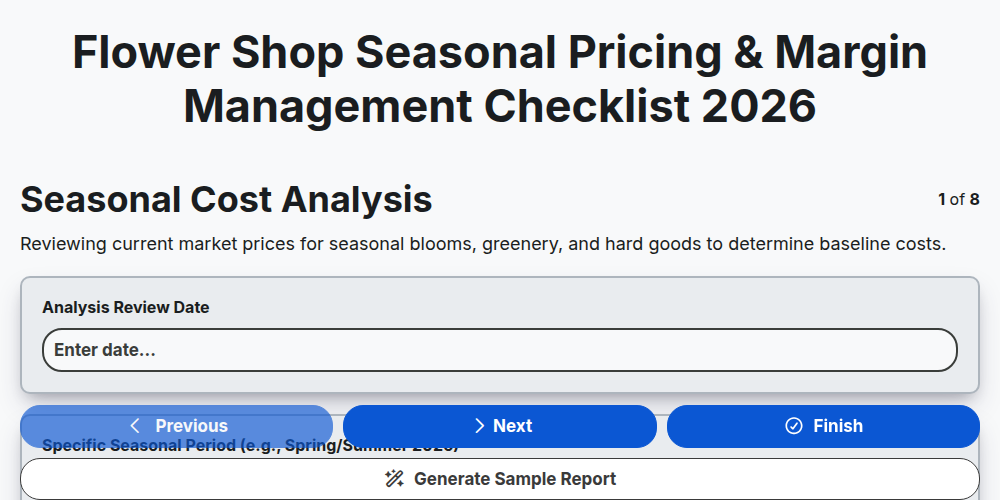
Flower Shop Seasonal Pricing & Margin Management Checklist 2026
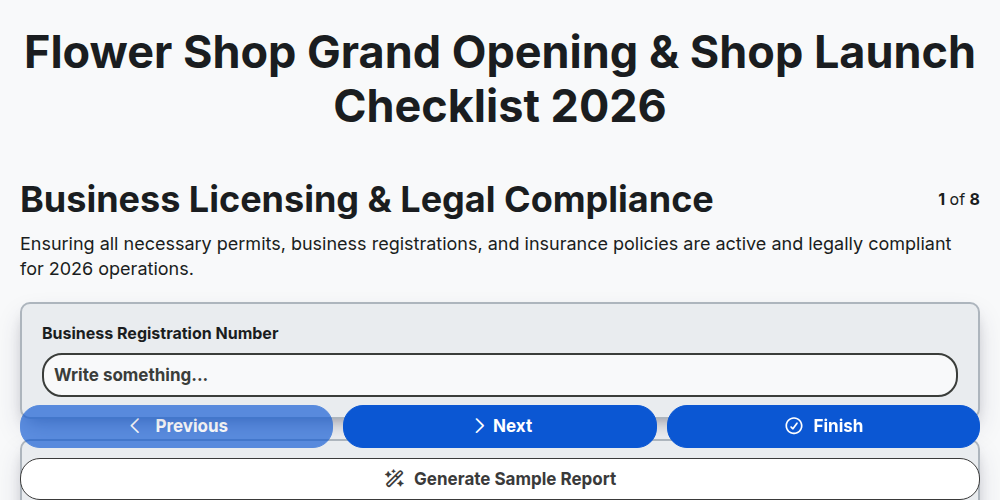
Flower Shop Grand Opening & Shop Launch Checklist 2026
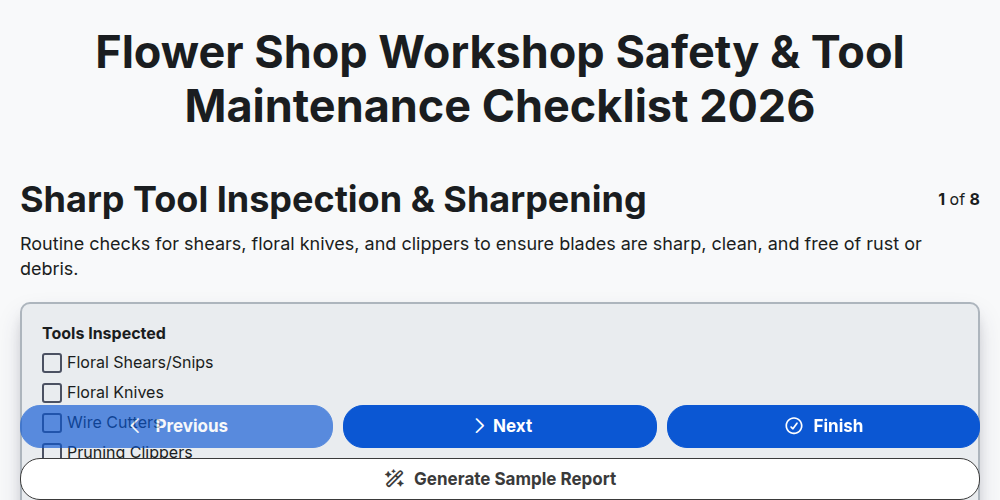
Flower Shop Workshop Safety & Tool Maintenance Checklist 2026
Need help with
Flower Shop Management?
Have a question? We're here to help. Please submit your inquiry, and we'll respond promptly.