 ChecklistGuro
 Healthcare Emergency Preparedness Checklist: Response & Recovery
Ensure rapid, effective responses with our Healthcare Emergency Preparedness Checklist. Streamline your disaster response plan, maintain compliance, and protect patients and staff-ready for download and customization.
This Template was installed 1 times.
Risk Assessment & Planning
Initial assessment of potential emergencies and development of preparedness plans.
Describe potential natural disasters relevant to the facility's location.
Identify potential human-caused emergencies (e.g., fire, active shooter, hazardous materials incident).
Estimated patient capacity during a disaster scenario.
Which facility areas are at highest risk (e.g., electrical room, pharmacy, lab)?
Date of last comprehensive risk assessment.
Summary of identified vulnerabilities and associated risks.
Communication Protocols
Establishing clear communication channels and procedures for internal and external stakeholders.
Primary Communication Method
Emergency Contact List
Designated Communication Lead
Number of Active Communication Channels
Last Communication Protocol Review Date
Communication Methods for External Agencies
Staff Training & Roles
Ensuring staff are trained on emergency procedures and understand their assigned roles.
Emergency Response Training Completion
First Aid/CPR Certification Status
Last Training Date (MM/DD/YYYY)
Designated Role in Emergency Response
Specific Training Notes (e.g., modules completed, refresher dates)
Next Certification Renewal Date
Proof of Certification (e.g., copy of certificate)
Resource Management
Inventorying and securing essential resources like medical supplies, equipment, and backup power.
Backup Generator Fuel Level (Gallons)
Medical Supplies - PPE Stock (N95 Masks)
Medical Supplies - IV Fluids Stock (Units)
Emergency Power Source Status
Copy of Emergency Resource Inventory Document
Date of Last Resource Inventory Check
Critical Resources Secured?
Evacuation & Shelter-in-Place Procedures
Planning and practicing evacuation and shelter-in-place strategies.
Evacuation Route Designated?
Shelter-in-Place Location Identified?
Estimated Evacuation Time (minutes)
Date of Last Evacuation Drill
Scheduled Time for Next Drill
Areas Requiring Assistance During Evacuation?
Notes/Specific Considerations for Evacuation
Patient Safety & Care
Protocols for patient safety and continuity of care during and after an emergency.
Patient's Immediate Medical Needs Addressed?
Detailed Notes on Patient Condition and Care Provided
Vital Signs Monitoring Frequency (minutes)
Date of Last Vital Signs Assessment
Time of Last Medication Administration
Necessary Support Services Provided?
Nurse Signature
Data Backup & IT Recovery
Protecting and restoring critical data and IT systems.
Last Full Backup Timestamp (Epoch Seconds)
Next Scheduled Full Backup Date
Backup Storage Location (Primary)
Systems Included in Backup
Backup Retention Period (Days)
Recovery Point Objective (RPO) - Detailed Explanation
Recovery Time Objective (RTO) - Detailed Explanation
Last Disaster Recovery Drill Date
Facility Security & Access Control
Maintaining security and managing access to the facility during an emergency.
Number of Security Personnel on Duty
Access Control System Status (Active/Deactivated/Maintenance)
Last Security System Inspection Date
Security Breach Points Identified (e.g., Front Entrance, Loading Dock, Windows)
Location of Security Camera Recordings
Details of Recent Security Incidents (if any)
Visitor Log Status (Active/Inactive)
Post-Emergency Evaluation & Improvement
Reviewing the emergency response, identifying areas for improvement, and updating the preparedness plan.
Date of Incident Review
Summary of Emergency Event
Assessment of Plan Effectiveness - What worked well?
Assessment of Plan Effectiveness - Areas for Improvement
Staff Performance Feedback – select all that apply
Estimated Downtime (hours)
Overall Rating of Emergency Response
Recommendations for Future Preparedness
Frequently Asked Questions
Can I customize this template after installing it?
Absolutely. Once installed, you can add, remove, or reorder tasks, add custom fields, and adjust deadlines to fit your specific workflow.
Can I add images or photos to these checklist items?
Yes. Our platform allows you to attach photos, signatures, and notes to any checklist item for better verification and proof of completion.
Can I create a custom checklist from scratch instead of using a template?
Yes. You can use our "Create your own checklist" feature to build a unique workflow tailored exactly to your operational requirements.
Can I add dependencies between tasks?
Yes, you can set up conditional logic and dependencies to ensure your team follows the correct sequence of operations.
Can I assign specific checklist items to different team members?
Yes. You can assign individual tasks to specific employees, ensuring clear accountability across your entire team.
Can I use these checklists on mobile devices in the field?
Yes. Our platform is fully responsive, allowing your team to complete, update, and upload photos to checklists directly from any smartphone or tablet.
How do I notify my manager when a checklist is completed?
You can set up automated notifications (via email, push notification, or in-app alerts) to trigger whenever a checklist is finished or if an item fails inspection.
Can multiple people work on the same checklist simultaneously?
Yes, the platform supports real-time updates, allowing multiple users to contribute to a single live checklist.
Where is the data from completed checklists stored?
All completed checklists are stored securely in your Work OS dashboard, creating a permanent, searchable audit trail of your operations.
Can I generate reports based on my checklist results?
Yes. You can track completion rates, identify recurring issues, and monitor team performance through our integrated reporting and analytics tools.
How can I use these checklists for compliance or auditing purposes?
Because our checklists capture timestamps, photos, and digital signatures, they serve as a robust digital paper trail for regulatory compliance and internal audits.
Can I export my completed checklist data for use in other tools?
Yes. You can export your data in various formats (CSV, Excel, etc.) to integrate your operational insights with your other business software.
Comments
There are no comments yet. Be the first to add one!
Healthcare Management Solution Demo
Streamlining healthcare operations and improving patient care? ChecklistGuro's Work OS platform simplifies everything from patient scheduling and billing to compliance and staff management. Enhance efficiency, reduce administrative burden, and focus on what matters most: your patients. Learn how ChecklistGuro can transform your healthcare organization!
Related Checklist Templates
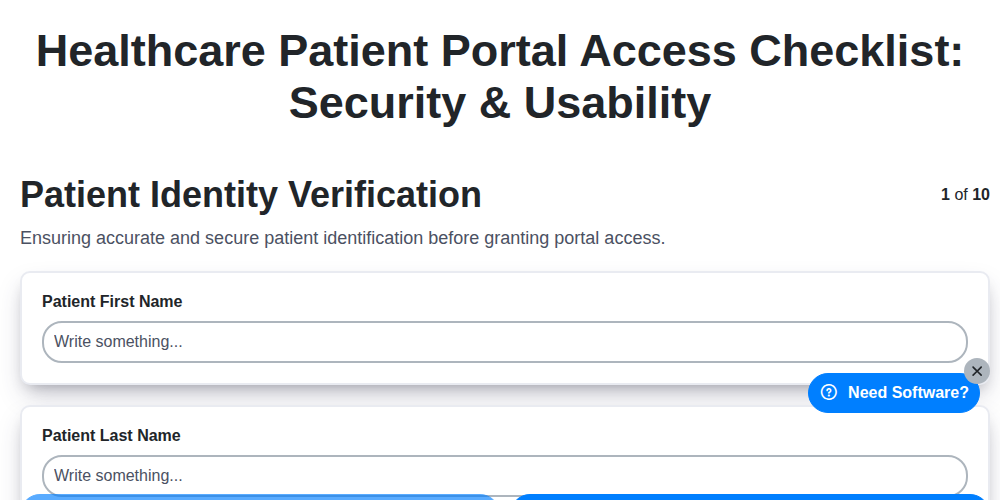
Healthcare Patient Portal Access Checklist: Security & Usability
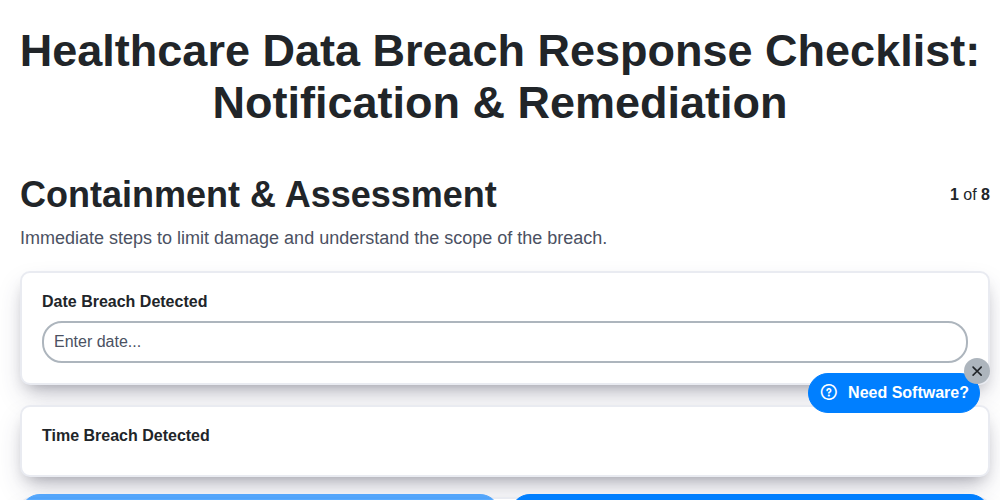
Healthcare Data Breach Response Checklist: Notification & Remediation
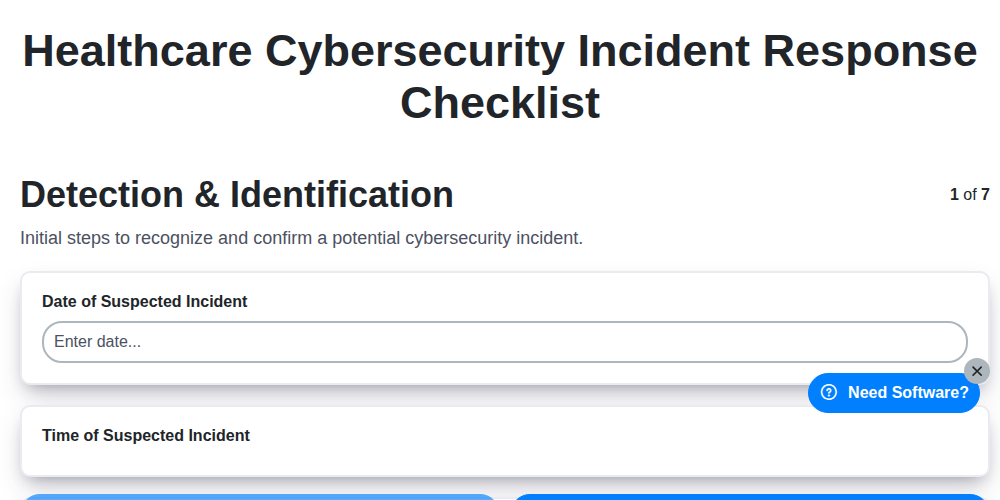
Healthcare Cybersecurity Incident Response Checklist

Healthcare IT Security Checklist: Data Protection & Access Control
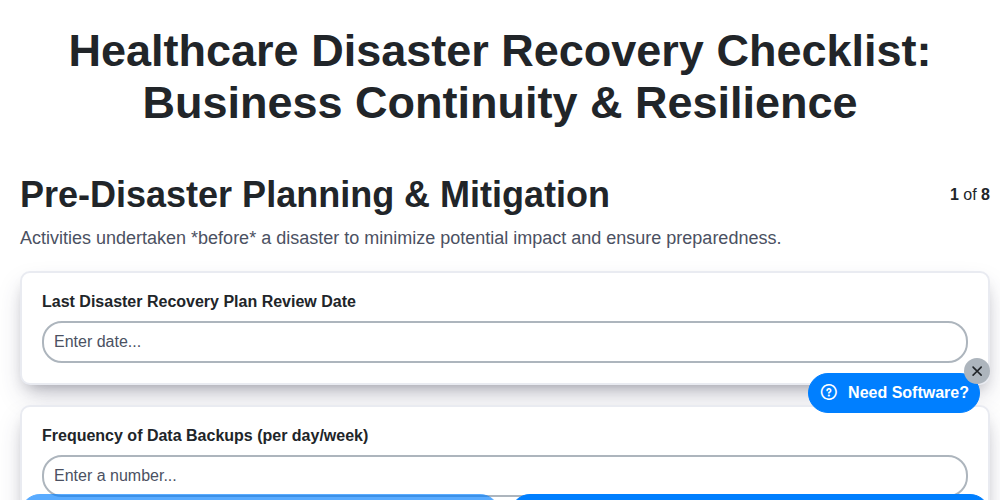
Healthcare Disaster Recovery Checklist: Business Continuity & Resilience
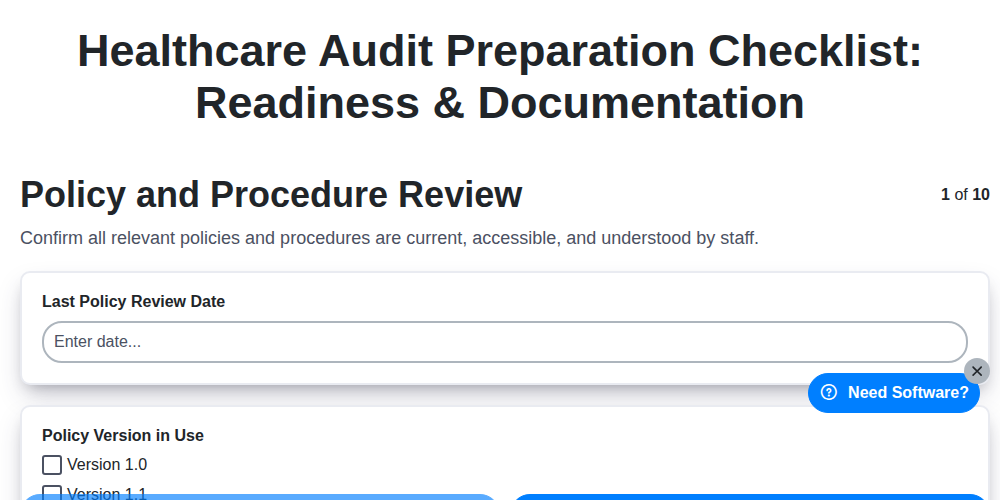
Healthcare Audit Preparation Checklist: Readiness & Documentation
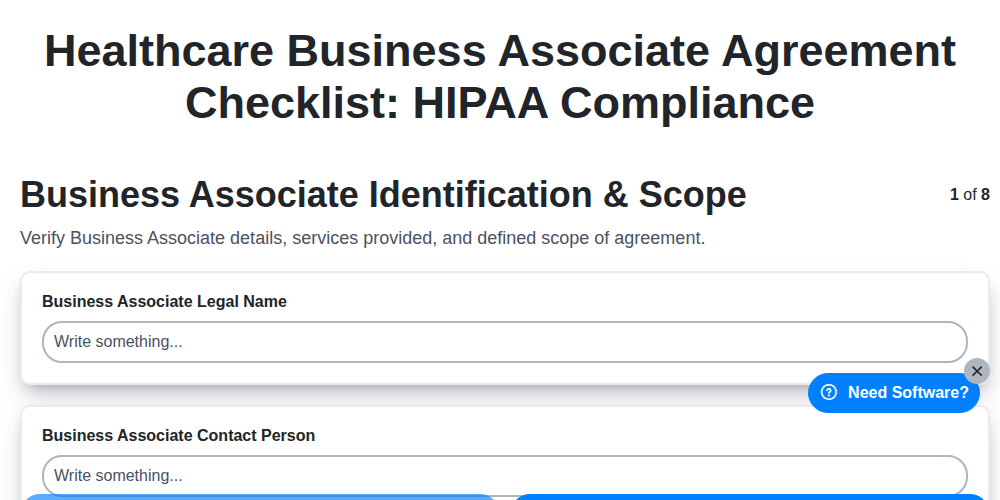
Healthcare Business Associate Agreement Checklist: HIPAA Compliance
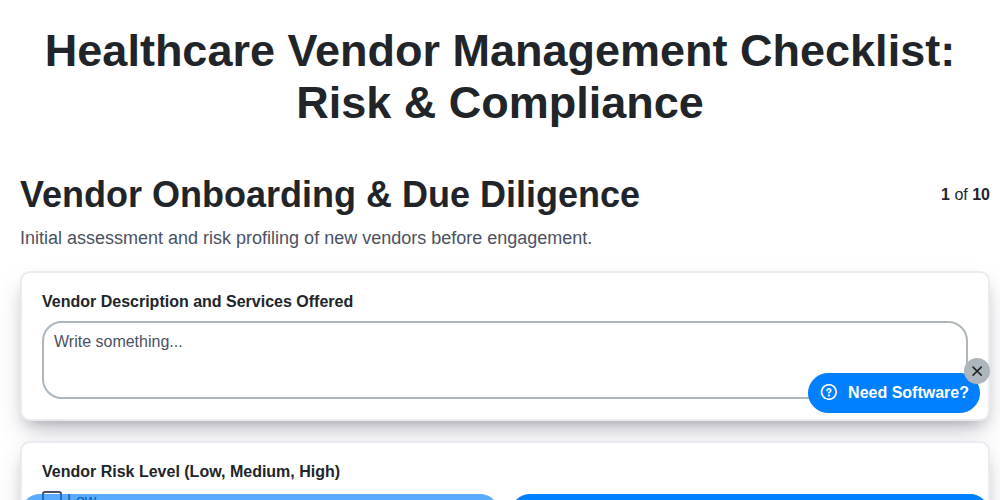
Healthcare Vendor Management Checklist: Risk & Compliance
Need help with
Healthcare?
Have a question? We're here to help. Please submit your inquiry, and we'll respond promptly.