 ChecklistGuro
 Guest Check-in and Check-out Protocol Checklist
Ensure seamless guest experiences! Download our free Guest Check-in & Check-out Protocol checklist for hotels, B&Bs, and vacation rentals. Boost efficiency, minimize errors, and elevate hospitality standards. Get your checklist now!
This Template was installed 5 times.
Pre-Arrival & Room Preparation
Tasks to be completed *before* the guest arrives and before check-out begins.
Expected Arrival Date
Number of Guests
Room Type Assigned
Special Requests Noted?
Details of Special Requests (if applicable)
Room Cleaning Status
Notes on Room Condition
Room Photo (Condition)
Guest Check-in Procedure
Step-by-step guide for welcoming and registering arriving guests.
Reservation Number
Guest Name(s)
Room Type Confirmed?
Payment Method
Arrival Date (Confirm)
Scheduled Arrival Time
Special Requests/Notes
Loyalty Program?
Guest Signature (Acknowledgement)
Room Inspection & Documentation (Check-out)
Procedure for inspecting the room and documenting its condition upon guest departure.
Overall Room Condition Notes
Damaged/Missing Items - Estimated Value (USD)
Evidence of Damage/Excessive Wear (Select all that apply)
Photographic Evidence of Damage/Issues (Mandatory)
Detailed Description of Any Found Issues
Room Cleanliness Assessment
Quantity of Remaining Toiletries
Condition of Mini-Bar (If Applicable)
Key/Access Card Handling (Check-out)
Protocol for collecting and managing keys/access cards after check-out.
Access Card Returned?
Key Returned?
Notes on Key/Card Return (if applicable)
Number of Keys/Cards Retrieved
Key/Card Condition (If Any Damage)
Detailed Description of Key/Card Damage (if applicable)
Key/Card Deactivated?
Billing & Payment (Check-out)
Process for reviewing charges, processing payments, and providing receipts.
Total Room Charge
Taxes Applied
Additional Charges (e.g., minibar, restaurant)
Discounts Applied
Payment Method
Notes on Payment (if applicable)
Authorization Code (if applicable)
Receipt Number
Guest Farewell & Feedback
Ensuring a positive final impression and gathering guest feedback.
Did the guest express overall satisfaction?
Record any specific positive comments from the guest.
Record any specific negative comments or concerns raised by the guest.
Was a follow-up offered for any issues raised?
Estimate guest satisfaction score (1-10)
Note any staff member interaction that significantly impacted the guest experience (positive or negative).
Post-Check-out Room Reset
Tasks to be completed after the guest has departed and the room is vacant.
Room Temperature (upon entry)
Damage/Missing Items Observed?
Detailed Description of Observed Damage/Missing Items (if applicable)
Room Cleaning Required?
Scheduled Cleaning Date
Scheduled Cleaning Time
Amenities Replenishment Required?
Specific Replenishment Details (if applicable)
Comments
There are no comments yet. Be the first to add one!
Hospitality Management Solution Demo
Running a hotel, restaurant, or other hospitality business is demanding. ChecklistGuro's Work OS platform simplifies management, from reservations and guest services to inventory and staff scheduling. Improve efficiency, enhance guest experience, and boost profitability! See how ChecklistGuro can transform your hospitality operations.
Related Checklist Templates
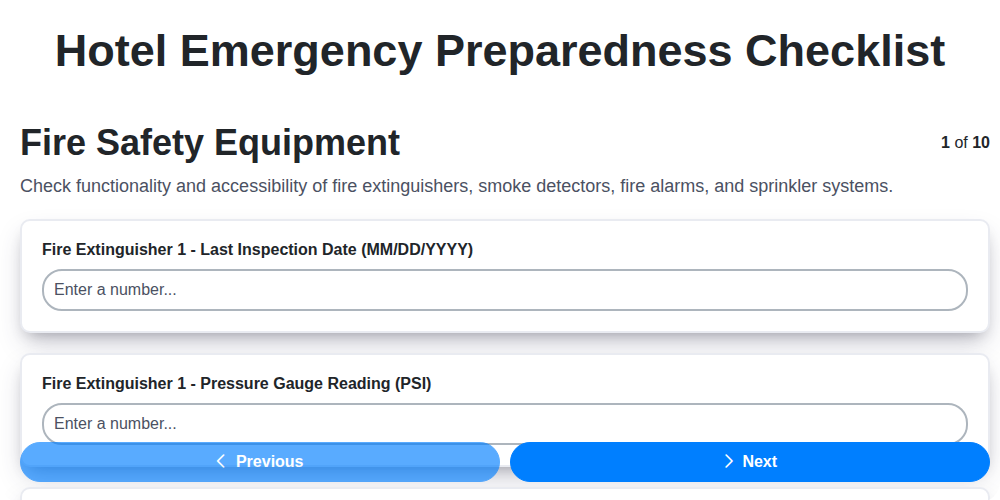
Hotel Emergency Preparedness Checklist
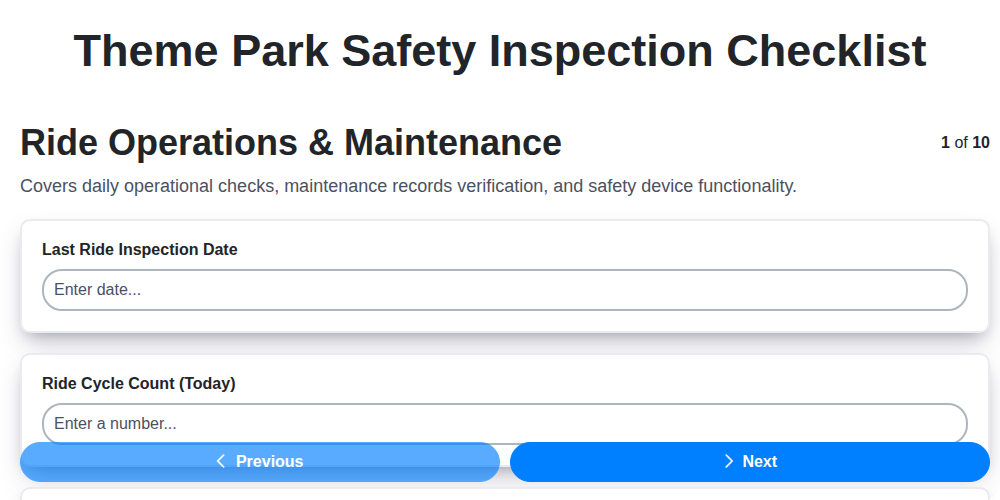
Theme Park Safety Inspection Checklist

Hotel Departure Checklist Template
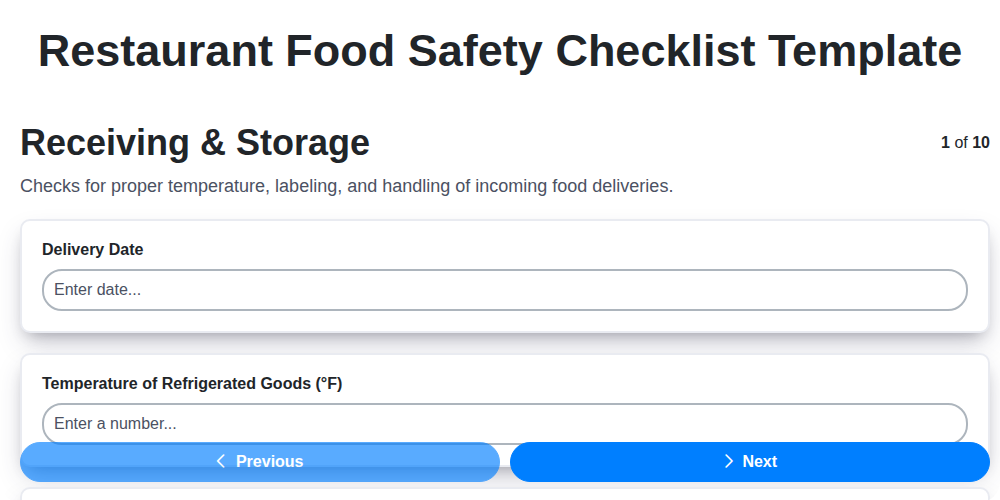
Restaurant Food Safety Checklist Template
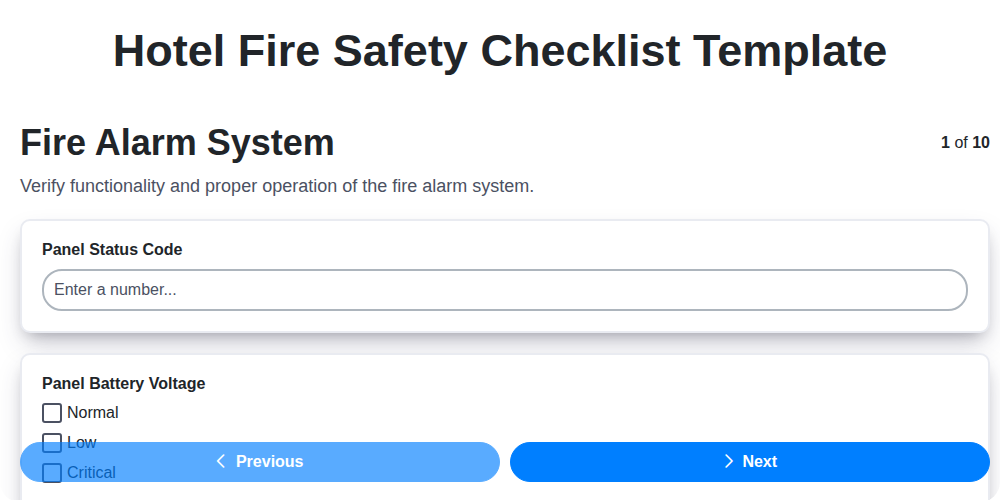
Hotel Fire Safety Checklist Template

Hotel Guest Arrival Checklist Template
Brewery Cleaning and Sanitation Checklist
Cruise Ship Cabin Housekeeping Checklist
We can do it Together
Need help with
Hospitality?
Have a question? We're here to help. Please submit your inquiry, and we'll respond promptly.