 ChecklistGuro
Restaurant Table Service Sequence Checklist
Master the art of exceptional table service! Our Restaurant Table Service Sequence checklist ensures flawless execution, from greeting to farewell. Boost guest satisfaction & streamline operations with this essential hospitality guide. Download now!
This Template was installed 5 times.
Pre-Service Preparation
Tasks completed before guests arrive to ensure a smooth and efficient service.
Confirm Table Count for the Evening
Check Linen Availability (Tablecloths, Napkins)
Verify POS System is Functional
Review Daily Specials & Promotions
Stock Silverware and Tableware
Check Wine Inventory and Temperature
Review Reservation List for the Evening
Guest Arrival & Seating
Procedures for greeting guests and guiding them to their tables.
Reservation Status?
Seating Preference (if available)?
Party Size
Table Assigned
Guest Name (if reservation)
Special Requests (if any)
Initial Table Service & Drink Orders
First interaction with the guest, including menu presentation and beverage service.
Greeting Style
Guest Name (if known)
Table Preference (if applicable)
Number of Guests
Menu Presentation
Special Requests/Dietary Needs (Initial)
Drink Order Prompt
Initial Drink Options Offered
Food Order Taking
Accurately taking and recording food orders.
Guest Requires Dietary Restrictions?
Specify Dietary Restrictions/Allergies (if applicable)
Appetizer Order - Table
Number of Appetizers Ordered
Main Course Order - Table
Number of Main Courses Ordered
Special Requests / Modifications (e.g., 'no onions', 'extra sauce')
Confirm order with guest?
Food & Beverage Service
Serving food and beverages according to established standards.
Confirm Drink Order Accuracy?
Food Order Delivered Correctly?
Number of Plates/Glasses Served
Did Special Requests Accommodate?
Notes Regarding Service (e.g., allergies, substitutions)
Wine Pairing Recommended?
Water Refills Offered?
Table Maintenance & Checkbacks
Regularly attending to guest needs and ensuring satisfaction throughout the meal.
Checkback Time (First)
Number of Table Checks (per guest)
Guest Satisfaction (Initial)
Guest Comments/Requests (During Meal)
Additional Beverages Requested?
Allergies/Dietary Restrictions Confirmed?
Did the guest appear satisfied with the food quality?
Dessert & Coffee Service
Offering and serving dessert and coffee options.
Offer Dessert Menu?
Offer Coffee/Tea Menu?
Dessert/Coffee Specials?
Number of Dessert/Coffee Orders Taken
Notes on Dessert/Coffee Service
Dietary Restrictions Noted?
Bill Presentation & Payment
Presenting the bill and processing payments.
Bill Total
Payment Method
Card Number (if applicable)
Expiration Date (if applicable)
CVV (if applicable)
Tip Amount (Optional)
Notes/Special Requests Regarding Payment (Optional)
Bill Splitting (if applicable)
Authorization Code (if applicable)
Guest Departure & Table Reset
Ensuring a pleasant departure and preparing the table for the next guests.
Guest Departure Method (Walkout/Escort)
Guest Satisfaction Level (Initial Impression)
Notes on Guest Experience (if any)
Table Number
Table Cleaning Priority
Table Reset Tasks Performed
Linens Condition
Frequently Asked Questions
Can I customize this template after installing it?
Absolutely. Once installed, you can add, remove, or reorder tasks, add custom fields, and adjust deadlines to fit your specific workflow.
Can I add images or photos to these checklist items?
Yes. Our platform allows you to attach photos, signatures, and notes to any checklist item for better verification and proof of completion.
Can I create a custom checklist from scratch instead of using a template?
Yes. You can use our "Create your own checklist" feature to build a unique workflow tailored exactly to your operational requirements.
Can I add dependencies between tasks?
Yes, you can set up conditional logic and dependencies to ensure your team follows the correct sequence of operations.
Can I assign specific checklist items to different team members?
Yes. You can assign individual tasks to specific employees, ensuring clear accountability across your entire team.
Can I use these checklists on mobile devices in the field?
Yes. Our platform is fully responsive, allowing your team to complete, update, and upload photos to checklists directly from any smartphone or tablet.
How do I notify my manager when a checklist is completed?
You can set up automated notifications (via email, push notification, or in-app alerts) to trigger whenever a checklist is finished or if an item fails inspection.
Can multiple people work on the same checklist simultaneously?
Yes, the platform supports real-time updates, allowing multiple users to contribute to a single live checklist.
Where is the data from completed checklists stored?
All completed checklists are stored securely in your Work OS dashboard, creating a permanent, searchable audit trail of your operations.
Can I generate reports based on my checklist results?
Yes. You can track completion rates, identify recurring issues, and monitor team performance through our integrated reporting and analytics tools.
How can I use these checklists for compliance or auditing purposes?
Because our checklists capture timestamps, photos, and digital signatures, they serve as a robust digital paper trail for regulatory compliance and internal audits.
Can I export my completed checklist data for use in other tools?
Yes. You can export your data in various formats (CSV, Excel, etc.) to integrate your operational insights with your other business software.
Comments
There are no comments yet. Be the first to add one!
Hospitality Management Solution Demo
Running a hotel, restaurant, or other hospitality business is demanding. ChecklistGuro's Work OS platform simplifies management, from reservations and guest services to inventory and staff scheduling. Improve efficiency, enhance guest experience, and boost profitability! See how ChecklistGuro can transform your hospitality operations.
Related Checklist Templates
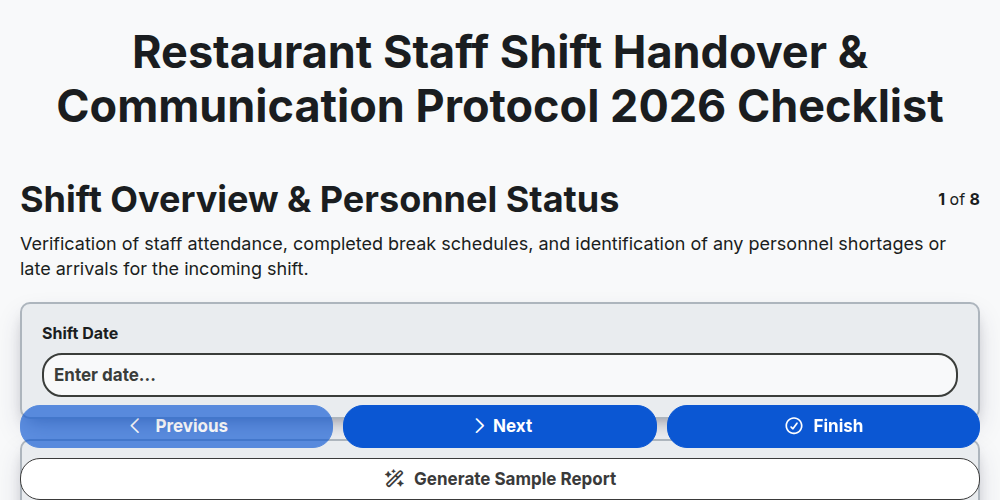
Restaurant Staff Shift Handover & Communication Protocol 2026
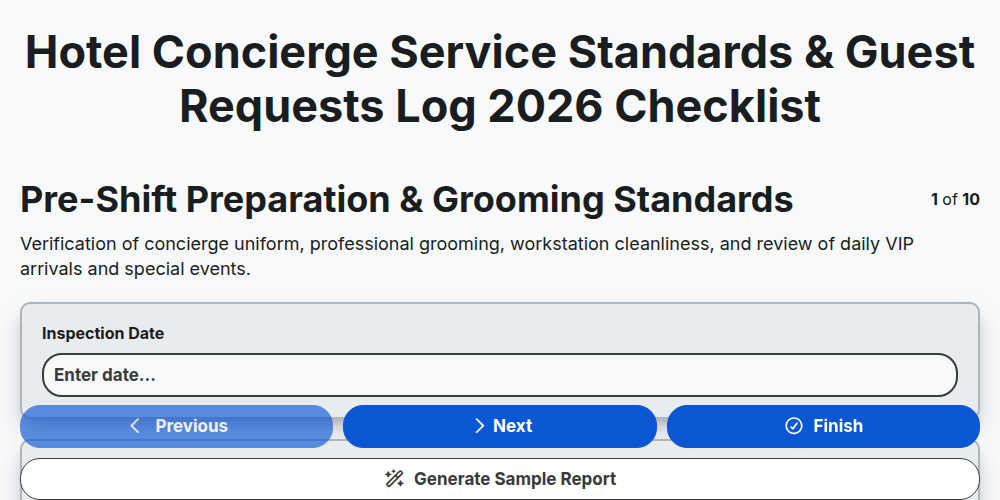
Hotel Concierge Service Standards & Guest Requests Log 2026
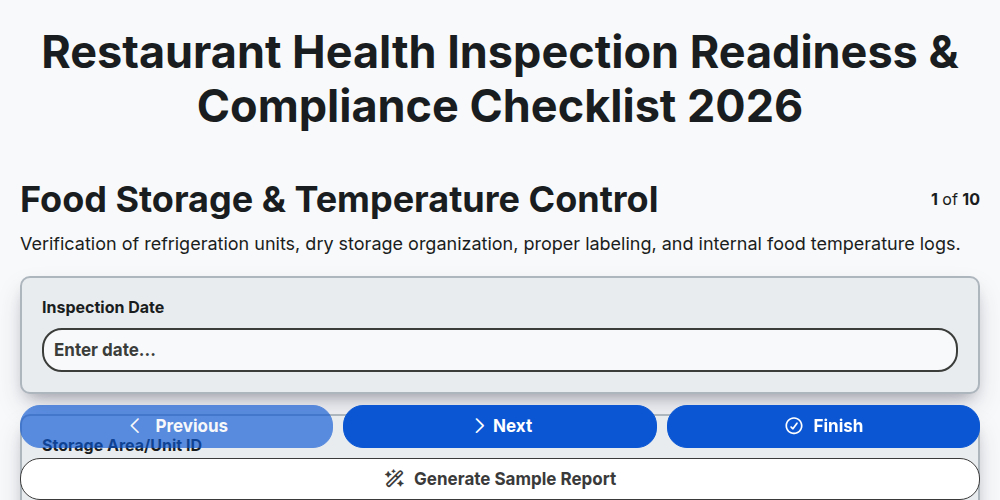
Restaurant Health Inspection Readiness & Compliance Checklist 2026
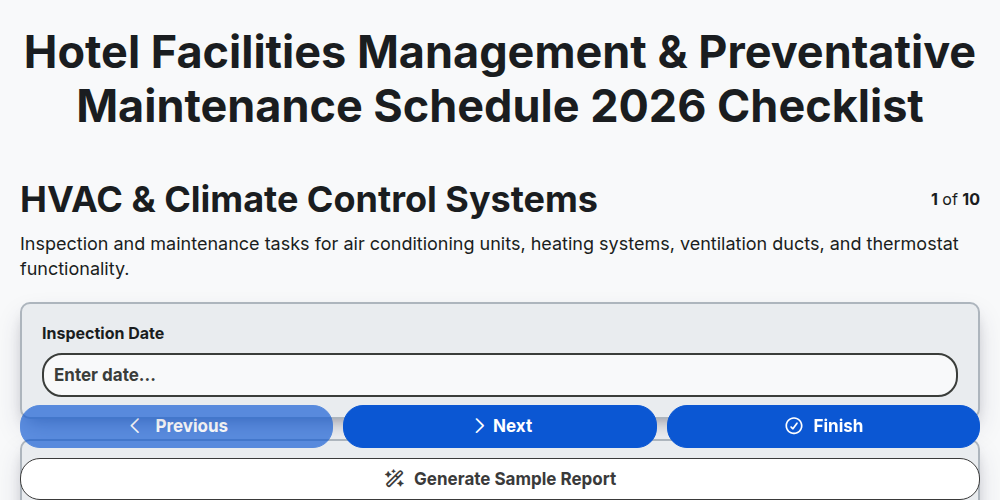
Hotel Facilities Management & Preventative Maintenance Schedule 2026
Restaurant Kitchen Opening & Closing Sanitation Audit 2026
Hotel Laundry Operations & Linen Quality Control Checklist 2026
Banquet Staff Training & Service Excellence Protocol 2026
Hotel Loyalty Program & Guest Retention Strategy Checklist 2026
Need help with
Hospitality?
Have a question? We're here to help. Please submit your inquiry, and we'll respond promptly.