 ChecklistGuro
 Art Gallery Inventory Authentication Checklist
Protect your valuable art collection with confidence! This Art Gallery Inventory Authentication Checklist ensures meticulous record-keeping, verifies authenticity, tracks provenance, and safeguards against loss or theft. A must-have for galleries and collectors alike.
This Template was installed 2 times.
Artwork Identification
Verify and document key identifiers for each artwork.
Artwork Title
Artist Name
Inventory Number
Medium
Dimensions (HxWxD)
Date of Creation (Estimate)
Artwork Status
Provenance Verification
Trace the ownership history of the artwork to confirm authenticity.
Initial Acquisition Source
Date of Initial Acquisition
Seller/Acquisition Details (Name, Contact)
Supporting Documentation (Receipts, Invoices)
Record of Previous Owners (if known)
Provenance Research Status
Expert Opinion/Appraisal Notes (Provenance)
Condition Assessment
Detailed record of the artwork's physical condition.
Overall Condition Description
Presence of Cracking (Scale 0-10)
Presence of Fading (Scale 0-10)
Presence of Water Damage (Scale 0-10)
Frame Condition (if applicable)
Condition Photos (Multiple)
Specific Damage Details (e.g., scratches, tears)
Conservation Treatment Required?
Authentication Documentation Review
Check for and document any existing authentication certificates or expert opinions.
Date of Authentication Document
Summary of Authentication Findings
Authentication Authority
Upload Authentication Certificate (if available)
Any discrepancies or concerns with the document
Document Validity Status
Digital Record Creation
Capture high-resolution images and create detailed digital records for each artwork.
Artwork Title
Artist Name
Year Created
Description of Artwork
Front View Image
Back View Image
Detail Image(s)
Medium (e.g., Oil, Acrylic, Bronze)
Insurance Valuation Confirmation
Compare current valuation with insurance documentation, noting any discrepancies.
Current Insurance Valuation
Previous Insurance Valuation
Justification for Valuation Change (if applicable)
Valuation Report (if available)
Valuation Source
Date of Valuation
Storage Environment Check
Assess storage conditions – temperature, humidity, light exposure – and note any adjustments needed.
Temperature (°C)
Relative Humidity (%)
Light Exposure (Lux)
UV Filter Status
Last Environment Calibration Date
Notes/Observations about Environment
Pest Control Measures
Security Protocol Verification
Confirm adherence to security protocols and access controls for artwork storage.
Alarm System Status (0=Off, 1=On)
Access Control System Status
Last Security System Maintenance Date
Scheduled Security System Check Time
Areas with Security Cameras
Visitor Log Usage
Security Personnel on Duty (Name/ID)
Frequently Asked Questions
Can I customize this template after installing it?
Absolutely. Once installed, you can add, remove, or reorder tasks, add custom fields, and adjust deadlines to fit your specific workflow.
Can I add images or photos to these checklist items?
Yes. Our platform allows you to attach photos, signatures, and notes to any checklist item for better verification and proof of completion.
Can I create a custom checklist from scratch instead of using a template?
Yes. You can use our "Create your own checklist" feature to build a unique workflow tailored exactly to your operational requirements.
Can I add dependencies between tasks?
Yes, you can set up conditional logic and dependencies to ensure your team follows the correct sequence of operations.
Can I assign specific checklist items to different team members?
Yes. You can assign individual tasks to specific employees, ensuring clear accountability across your entire team.
Can I use these checklists on mobile devices in the field?
Yes. Our platform is fully responsive, allowing your team to complete, update, and upload photos to checklists directly from any smartphone or tablet.
How do I notify my manager when a checklist is completed?
You can set up automated notifications (via email, push notification, or in-app alerts) to trigger whenever a checklist is finished or if an item fails inspection.
Can multiple people work on the same checklist simultaneously?
Yes, the platform supports real-time updates, allowing multiple users to contribute to a single live checklist.
Where is the data from completed checklists stored?
All completed checklists are stored securely in your Work OS dashboard, creating a permanent, searchable audit trail of your operations.
Can I generate reports based on my checklist results?
Yes. You can track completion rates, identify recurring issues, and monitor team performance through our integrated reporting and analytics tools.
How can I use these checklists for compliance or auditing purposes?
Because our checklists capture timestamps, photos, and digital signatures, they serve as a robust digital paper trail for regulatory compliance and internal audits.
Can I export my completed checklist data for use in other tools?
Yes. You can export your data in various formats (CSV, Excel, etc.) to integrate your operational insights with your other business software.
Comments
There are no comments yet. Be the first to add one!
Inventory Management Solution Demo
Optimize your inventory & boost profitability! ChecklistGuro streamlines tracking, ordering, & fulfillment. Reduce waste, minimize stockouts, & improve efficiency. Manage it all with our Work OS.
Related Checklist Templates
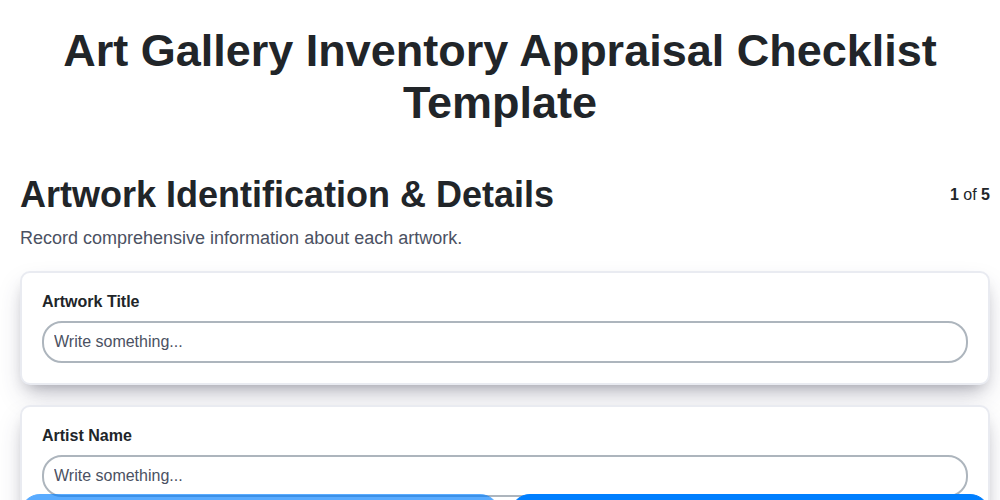
Art Gallery Inventory Appraisal Checklist Template
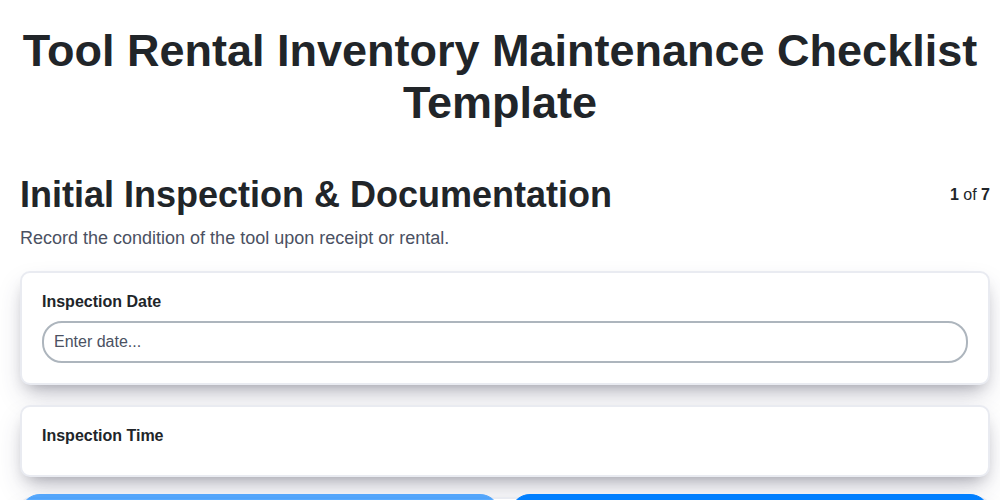
Tool Rental Inventory Maintenance Checklist Template
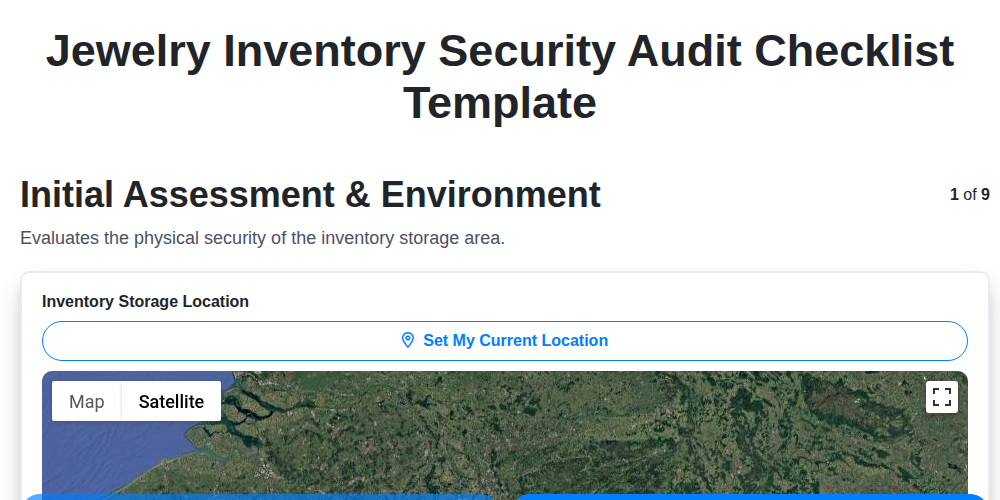
Jewelry Inventory Security Audit Checklist Template
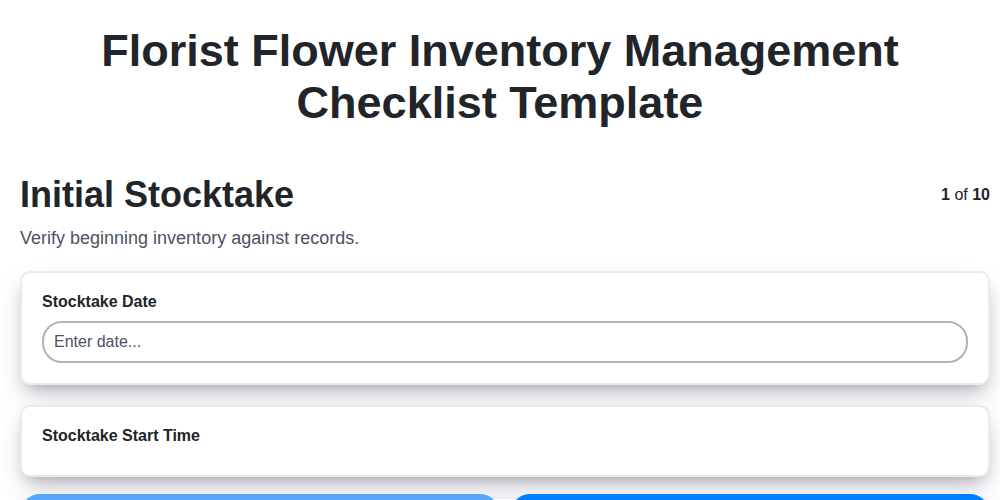
Florist Flower Inventory Management Checklist Template
Furniture Inventory Damage Assessment Checklist Template
Sporting Goods Inventory Condition Checklist Template
Apparel Inventory Shrinkage Audit Checklist Template
Cannabis Inventory Tracking Checklist Template
Need help with
Inventory Management?
Have a question? We're here to help. Please submit your inquiry, and we'll respond promptly.