 ChecklistGuro
Retail Inventory Cycle Count Checklist Template
Ensure accuracy and minimize loss with our Retail Inventory Cycle Count Checklist Template! Streamline your stocktakes, identify discrepancies, and optimize your inventory management process. Perfect for boutiques, department stores, and online retailers. Download now and boost your bottom line!
This Template was installed 3 times.
Preparation & Planning
Steps to ensure the accuracy and efficiency of the cycle count process.
Cycle Count Date
Cycle Count Type
Number of Items to Count
Department/Location
Cycle Counter(s) Assigned
Threshold for Investigation (Units)
Special Instructions / Notes
Item Selection & Verification
Process for choosing items to count and verifying their details.
Cycle Count Sequence Number
Item Category
Item SKU/Product Code
Item Description
Location Bin Number
Unit of Measure
Expected Quantity (System)
Physical Count & Documentation
Recording the actual quantity on hand for each item.
Item Quantity Counted
Condition of Item (e.g., damaged, expired)
Item Location Within Store/Warehouse
Date of Count
Time of Count
Lot Number (if applicable)
System Quantity Validation
Comparing the physical count with the recorded quantity in the inventory management system.
System Quantity on Hand
Recorded Unit Cost
Unit of Measure
Total System Value
System Accuracy Flag
Notes on System Quantity (if applicable)
Discrepancy Investigation & Resolution
Steps to identify, investigate, and correct any differences found between the physical and system counts.
Physical Count Quantity
System Quantity
Discrepancy Amount (Difference)
Possible Cause of Discrepancy (e.g., data entry error, theft, damage)
Root Cause Category
Detailed Description of Investigation Findings
Corrective Action Taken
Notes on Corrective Action and Preventative Measures
Date of Resolution
Inventory Adjustment & Reconciliation
Updating the inventory records and reconciling any discrepancies.
Quantity Adjustment
Reason for Adjustment
Adjustment Type
Variance Amount
Supporting Documentation (Notes)
Adjustment Date
Adjustment Approved By
Review & Follow-Up
Steps to analyze cycle count performance and identify areas for improvement.
Cycle Count Review Date
Total Items Counted
Number of Discrepancies Found
Percentage of Discrepancies
Overall Cycle Count Accuracy
Summary of Findings and Recommendations
Root Cause Analysis Required?
Next Review Date
Frequently Asked Questions
Can I customize this template after installing it?
Absolutely. Once installed, you can add, remove, or reorder tasks, add custom fields, and adjust deadlines to fit your specific workflow.
Can I add images or photos to these checklist items?
Yes. Our platform allows you to attach photos, signatures, and notes to any checklist item for better verification and proof of completion.
Can I create a custom checklist from scratch instead of using a template?
Yes. You can use our "Create your own checklist" feature to build a unique workflow tailored exactly to your operational requirements.
Can I add dependencies between tasks?
Yes, you can set up conditional logic and dependencies to ensure your team follows the correct sequence of operations.
Can I assign specific checklist items to different team members?
Yes. You can assign individual tasks to specific employees, ensuring clear accountability across your entire team.
Can I use these checklists on mobile devices in the field?
Yes. Our platform is fully responsive, allowing your team to complete, update, and upload photos to checklists directly from any smartphone or tablet.
How do I notify my manager when a checklist is completed?
You can set up automated notifications (via email, push notification, or in-app alerts) to trigger whenever a checklist is finished or if an item fails inspection.
Can multiple people work on the same checklist simultaneously?
Yes, the platform supports real-time updates, allowing multiple users to contribute to a single live checklist.
Where is the data from completed checklists stored?
All completed checklists are stored securely in your Work OS dashboard, creating a permanent, searchable audit trail of your operations.
Can I generate reports based on my checklist results?
Yes. You can track completion rates, identify recurring issues, and monitor team performance through our integrated reporting and analytics tools.
How can I use these checklists for compliance or auditing purposes?
Because our checklists capture timestamps, photos, and digital signatures, they serve as a robust digital paper trail for regulatory compliance and internal audits.
Can I export my completed checklist data for use in other tools?
Yes. You can export your data in various formats (CSV, Excel, etc.) to integrate your operational insights with your other business software.
Comments
There are no comments yet. Be the first to add one!
Inventory Management Solution Demo
Optimize your inventory & boost profitability! ChecklistGuro streamlines tracking, ordering, & fulfillment. Reduce waste, minimize stockouts, & improve efficiency. Manage it all with our Work OS.
Related Checklist Templates
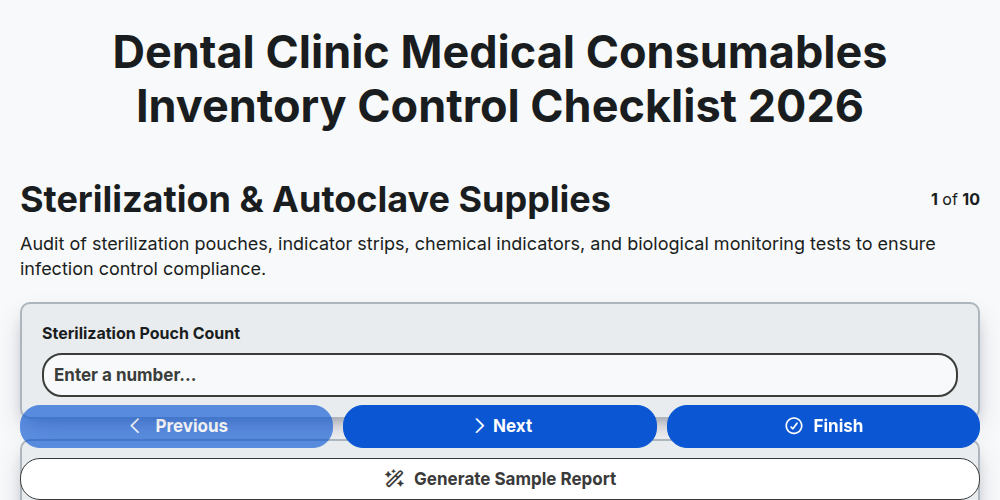
Dental Clinic Medical Consumables Inventory Control Checklist 2026
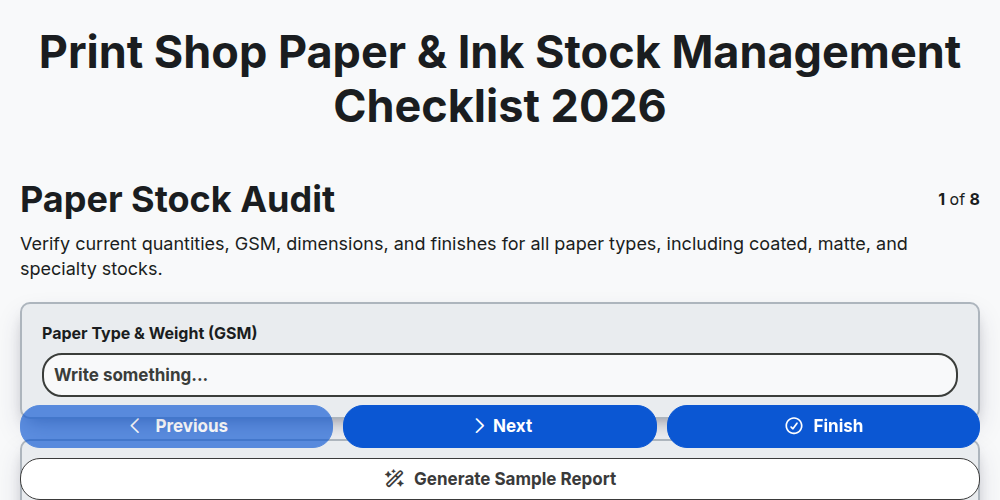
Print Shop Paper & Ink Stock Management Checklist 2026
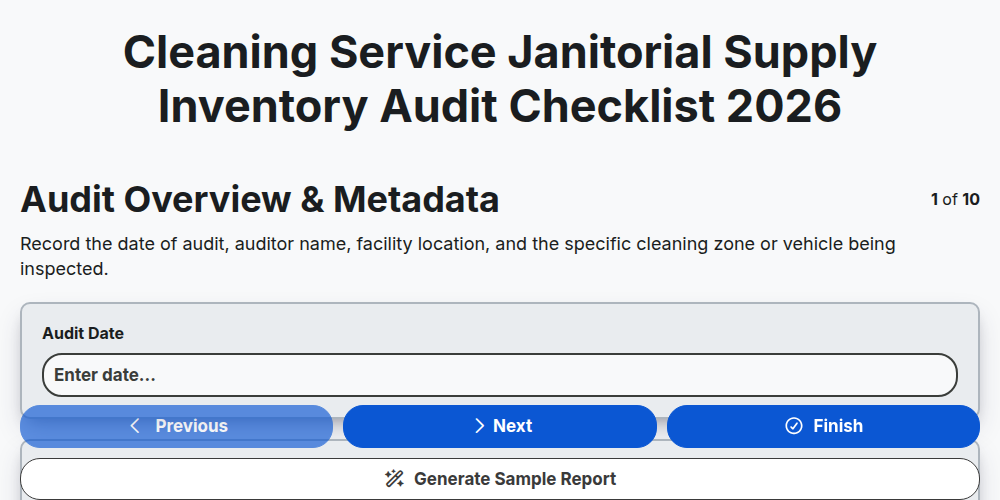
Cleaning Service Janitorial Supply Inventory Audit Checklist 2026
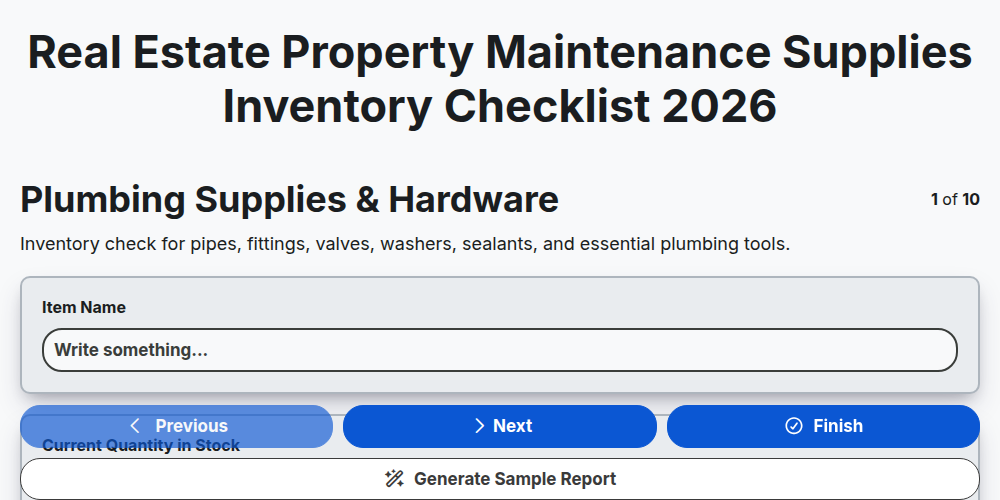
Real Estate Property Maintenance Supplies Inventory Checklist 2026
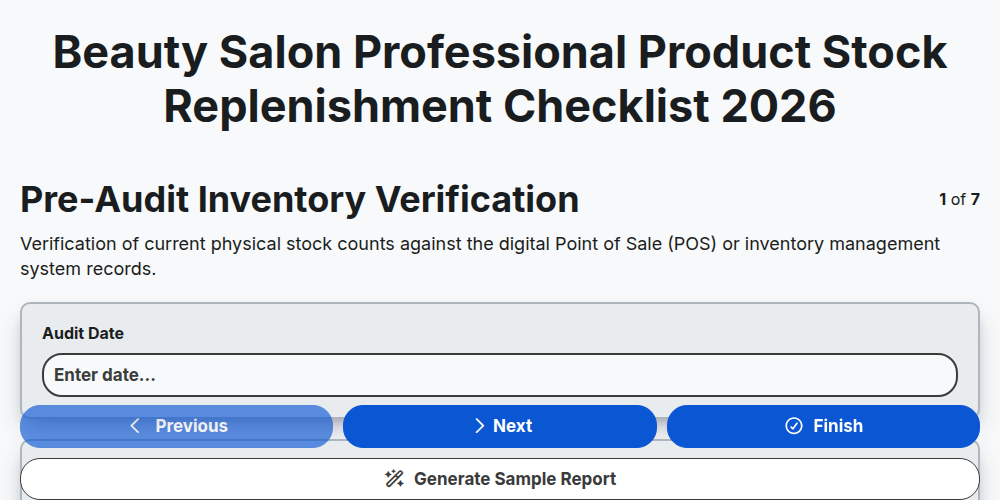
Beauty Salon Professional Product Stock Replenishment Checklist 2026
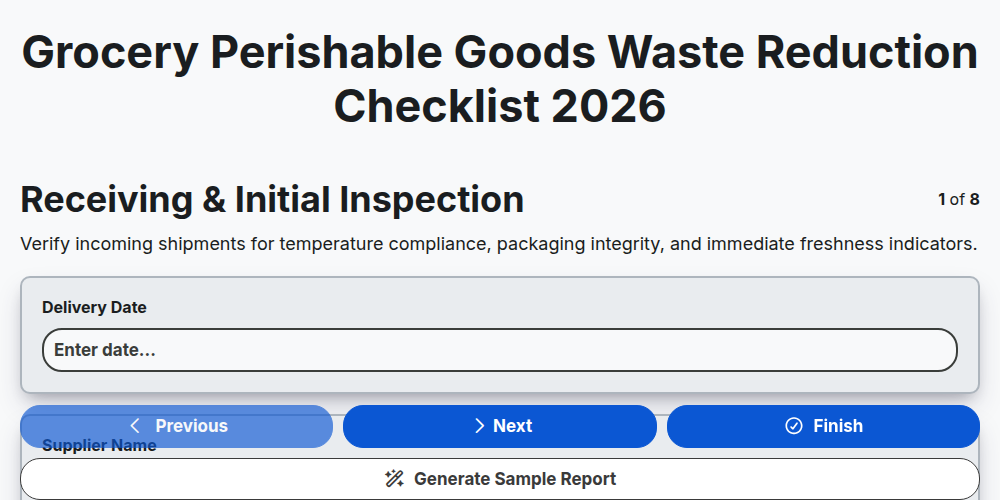
Grocery Perishable Goods Waste Reduction Checklist 2026
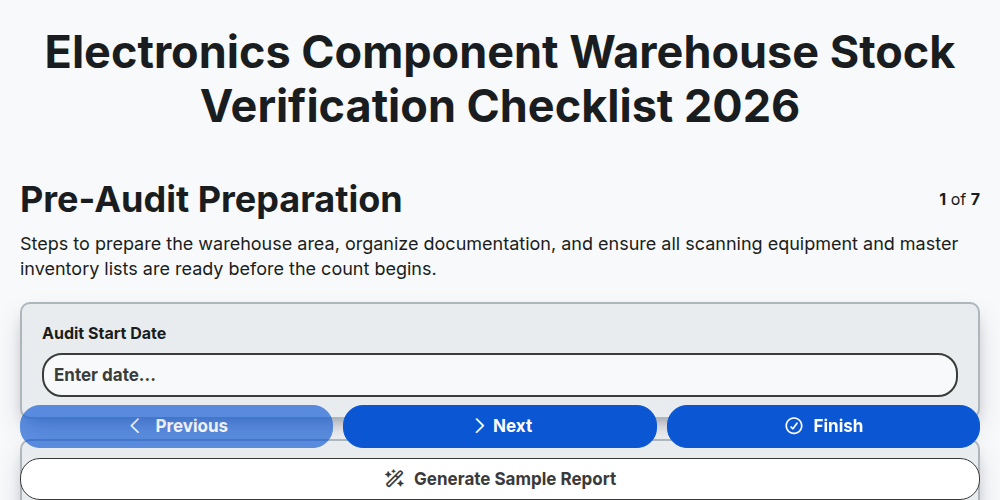
Electronics Component Warehouse Stock Verification Checklist 2026
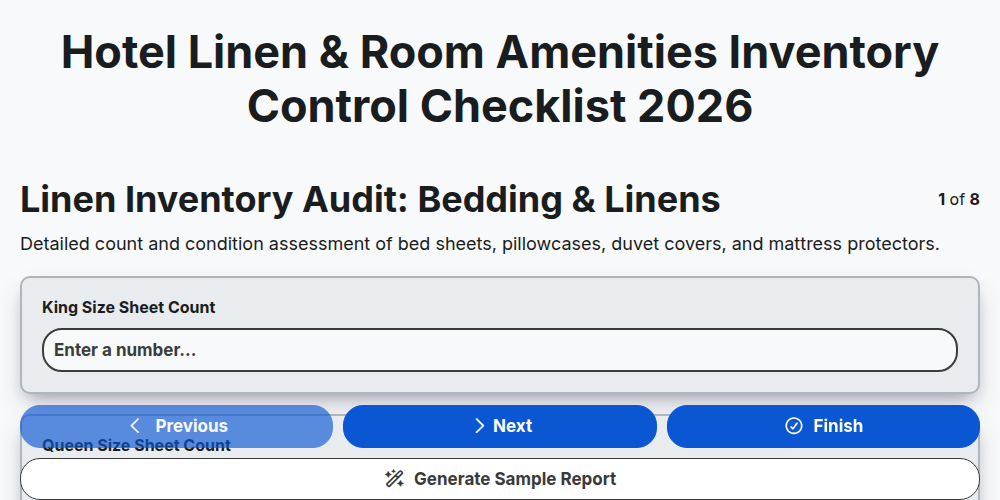
Hotel Linen & Room Amenities Inventory Control Checklist 2026
Need help with
Inventory Management?
Have a question? We're here to help. Please submit your inquiry, and we'll respond promptly.