 ChecklistGuro
 Tool Rental Inventory Maintenance Checklist
Keep your tool rental business running smoothly with this comprehensive inventory maintenance checklist! Track condition, schedule repairs, and prevent costly downtime. Perfect for ensuring tool readiness and maximizing rental revenue.
This Template was installed 2 times.
Initial Inspection
Assess the tool's overall condition upon return.
Rental Return Date
Rental Return Time
Tool ID Number
Rental Agreement Number
Condition Upon Return
Brief Description of Return Condition
Mechanical Functionality
Test all major functions and moving parts.
Engine RPM (if applicable)
Blade Speed (if applicable)
Operation Sound
Motor Response
Gear Shift (if applicable)
Detailed Operational Notes
Safety Features
Verify proper operation of safety guards and mechanisms.
Guard in Place?
Blade/Bit Secure?
Emergency Stop Functioning?
Pressure Gauge Reading (if applicable)
Handle/Grip Secure?
Safety Latch Engaging?
Damage Assessment
Document any existing damage (scratches, cracks, missing parts).
Severity Score (1-5)
Type of Damage
Detailed Description of Damage
Damage Photos
Part Affected
Estimated Repair Cost
Repair Notes (if applicable)
Cleaning & Sanitization
Thoroughly clean and sanitize the tool.
Cleaning Method
Concentration of Cleaning Agent (%)
Areas Cleaned
Cleaning Notes
Cleaning Date
Cleaning Time
Repairs & Maintenance
Record any necessary repairs or maintenance performed.
Description of Repair/Maintenance Performed
Parts Used (Quantity)
Date of Repair
Time of Repair
Repair Priority
Photos of Damage/Repair (Optional)
Estimated Labor Hours
Notes/Additional Comments
Parts Replacement
Document any parts replaced and reason for replacement.
Quantity of Parts Replaced
Part Replaced (Select from list)
Description of Part Replacement
Part Replacement Cost
Date of Part Replacement
Reason for Replacement (Select one)
Final Inspection
Confirm tool is ready for next rental.
Condition Score (1-10)
Ready for Rental?
Notes (if 'No' selected above)
Date of Final Inspection
Time of Final Inspection
Inspected By (Role)
Documentation
Record all inspection and maintenance details.
Inspection Date
Inspection Time
Inspector ID
Detailed Inspection Notes
Condition Rating
Photos/Video Evidence
Inspector Signature
Frequently Asked Questions
Can I customize this template after installing it?
Absolutely. Once installed, you can add, remove, or reorder tasks, add custom fields, and adjust deadlines to fit your specific workflow.
Can I add images or photos to these checklist items?
Yes. Our platform allows you to attach photos, signatures, and notes to any checklist item for better verification and proof of completion.
Can I create a custom checklist from scratch instead of using a template?
Yes. You can use our "Create your own checklist" feature to build a unique workflow tailored exactly to your operational requirements.
Can I add dependencies between tasks?
Yes, you can set up conditional logic and dependencies to ensure your team follows the correct sequence of operations.
Can I assign specific checklist items to different team members?
Yes. You can assign individual tasks to specific employees, ensuring clear accountability across your entire team.
Can I use these checklists on mobile devices in the field?
Yes. Our platform is fully responsive, allowing your team to complete, update, and upload photos to checklists directly from any smartphone or tablet.
How do I notify my manager when a checklist is completed?
You can set up automated notifications (via email, push notification, or in-app alerts) to trigger whenever a checklist is finished or if an item fails inspection.
Can multiple people work on the same checklist simultaneously?
Yes, the platform supports real-time updates, allowing multiple users to contribute to a single live checklist.
Where is the data from completed checklists stored?
All completed checklists are stored securely in your Work OS dashboard, creating a permanent, searchable audit trail of your operations.
Can I generate reports based on my checklist results?
Yes. You can track completion rates, identify recurring issues, and monitor team performance through our integrated reporting and analytics tools.
How can I use these checklists for compliance or auditing purposes?
Because our checklists capture timestamps, photos, and digital signatures, they serve as a robust digital paper trail for regulatory compliance and internal audits.
Can I export my completed checklist data for use in other tools?
Yes. You can export your data in various formats (CSV, Excel, etc.) to integrate your operational insights with your other business software.
Comments
There are no comments yet. Be the first to add one!
Inventory Management Solution Demo
Optimize your inventory & boost profitability! ChecklistGuro streamlines tracking, ordering, & fulfillment. Reduce waste, minimize stockouts, & improve efficiency. Manage it all with our Work OS.
Related Checklist Templates
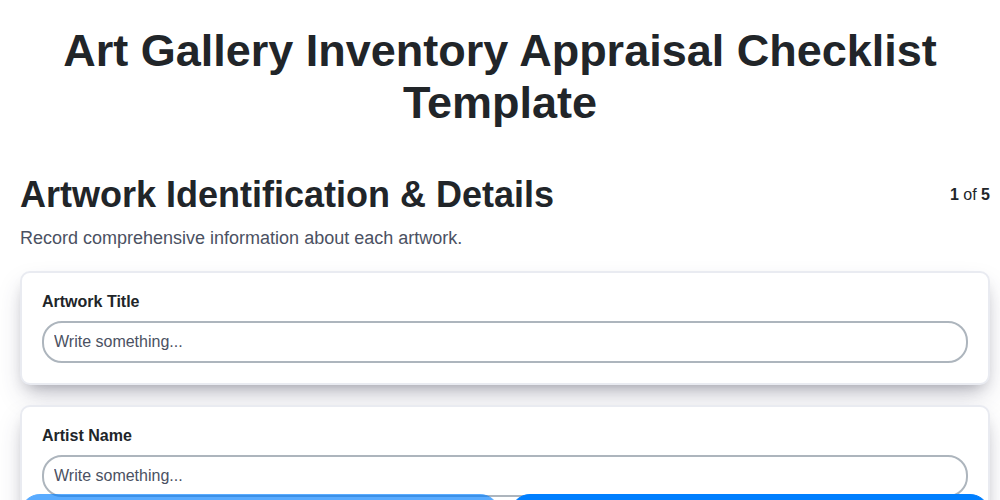
Art Gallery Inventory Appraisal Checklist Template
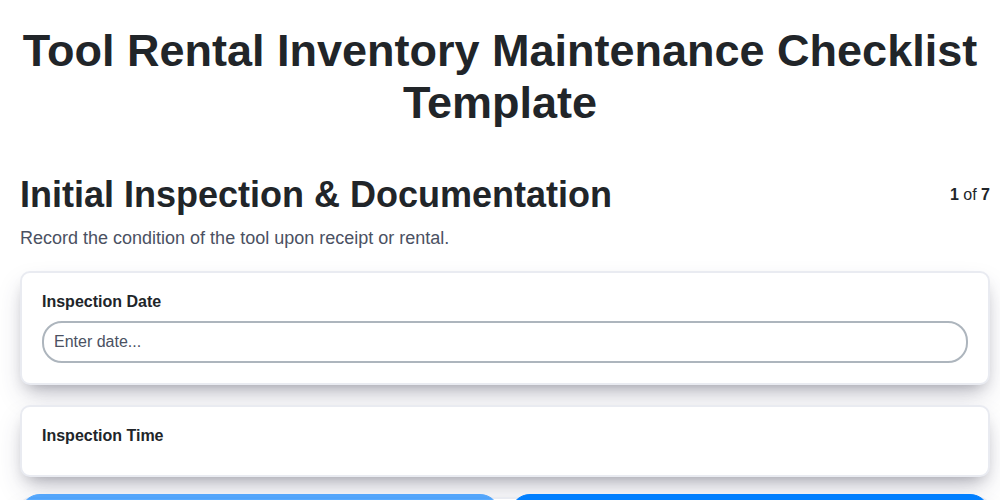
Tool Rental Inventory Maintenance Checklist Template
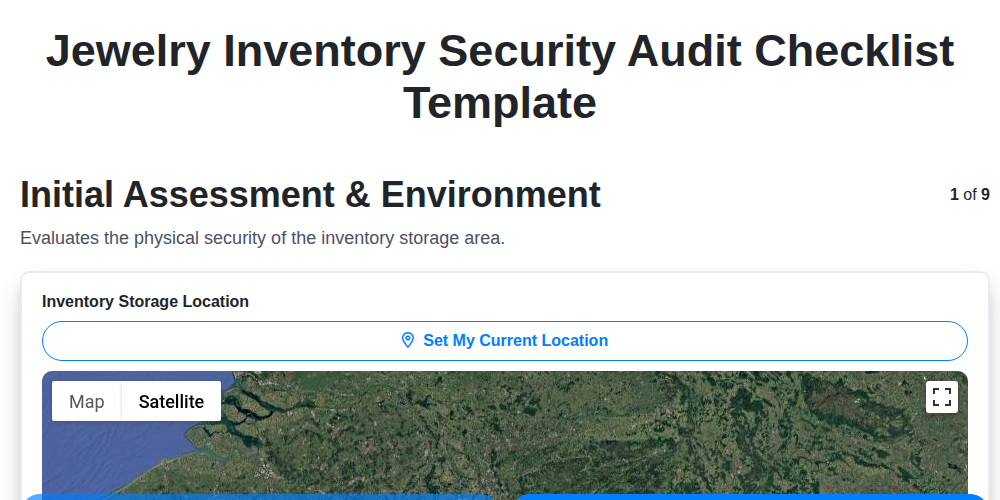
Jewelry Inventory Security Audit Checklist Template
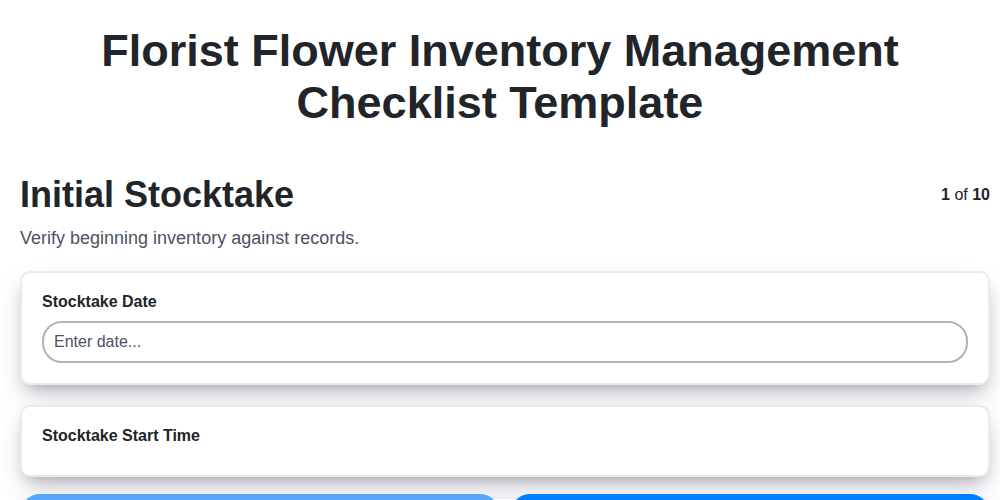
Florist Flower Inventory Management Checklist Template
Furniture Inventory Damage Assessment Checklist Template
Sporting Goods Inventory Condition Checklist Template
Apparel Inventory Shrinkage Audit Checklist Template
Cannabis Inventory Tracking Checklist Template
Need help with
Inventory Management?
Have a question? We're here to help. Please submit your inquiry, and we'll respond promptly.