 ChecklistGuro
 Wine Inventory Management Checklist Template
🍷 Keep your wine cellar organized and profitable! Our Wine Inventory Management Checklist Template ensures accurate stock levels, minimizes waste, and helps you delight your customers with the perfect vintage, every time. Download now and raise a glass to efficient inventory! 🥂
This Template was installed 5 times.
Initial Stocktake & Setup
Preparing for the inventory process – ensuring accuracy from the start.
Stocktake Date
Stocktake Start Time
Stocktake Team Member Count
Stocktake Method
Specific Areas Included in Stocktake
Inventory Management System Used
Inventory Control Personnel Initial
Wine Receiving & Inspection
Documentation and quality control upon delivery of wine.
Delivery Date
Pallet Count Received
Bottle Count Received
Shipping Carrier
Condition Upon Arrival
Delivery Notes (e.g., Special Handling Instructions)
Supporting Documents (e.g., Packing Slip)
Cellar Storage Conditions
Verification of ideal storage conditions (temperature, humidity, light).
Temperature (Celsius)
Temperature (Fahrenheit)
Humidity (%)
Light Exposure
Date of Last Temperature Check
Time of Last Humidity Check
Notes on Cellar Conditions (e.g., ventilation, odors)
Bottle Count & Identification
Physical count and verification of labels, vintages, and bottle sizes.
Bottle Count - Red Wine (Vintage)
Bottle Count - White Wine (Vintage)
Bottle Count - Rosé Wine (Vintage)
Bottle Count - Sparkling Wine (Vintage)
Label Condition (Red Wine)
Vintage Confirmation (Red Wine)
Notes on Bottle Condition/Identification
Case Count
Inventory Record Reconciliation
Comparing physical counts with digital inventory records.
Expected Quantity (from records)
Actual Quantity (physical count)
Discrepancy (Expected - Actual)
Discrepancy Explanation (if any)
Reconciliation Status
Reconciliation Date
Investigated By (if applicable)
Corrective Actions Taken (if applicable)
Damaged or Defective Wine
Identifying and documenting any bottles with faults.
Number of Damaged Bottles
Type of Damage
Description of Damage (if 'Other' selected above)
Photo Evidence of Damage (Optional)
Action Taken
Notes/Comments Regarding Damage and Action Taken
Security & Loss Prevention
Reviewing security measures to minimize theft or damage.
Security Camera Functionality Check - Last Inspection Date
Alarm System Status
Entry Point Security Checks
Date of Last Security Audit
Any Recent Security Incidents? Describe.
Employee Awareness Training
Reporting & Discrepancy Resolution
Documenting any discrepancies and initiating corrective actions.
Discrepancy Quantity
Description of Discrepancy
Reason for Discrepancy (Suspected)
Affected Wine Types
Date of Discrepancy Noted
Corrective Action Taken
Resolution Status
Investigating Employee Name
Record Keeping & Updates
Ensuring accurate and complete record maintenance for traceability.
Date of Inventory Update
Time of Inventory Update
Total Bottles Counted
Number of Discrepancies Found
Notes on Discrepancies & Resolution
Inventory System Used
Supporting Documentation (e.g., Receiving Slips)
Inventory Manager Signature
Comments
There are no comments yet. Be the first to add one!
Inventory Management Solution Demo
Optimize your inventory & boost profitability! ChecklistGuro streamlines tracking, ordering, & fulfillment. Reduce waste, minimize stockouts, & improve efficiency. Manage it all with our Work OS.
Related Checklist Templates
Art Gallery Inventory Appraisal Checklist Template
Tool Rental Inventory Maintenance Checklist Template
Jewelry Inventory Security Audit Checklist Template
Florist Flower Inventory Management Checklist Template
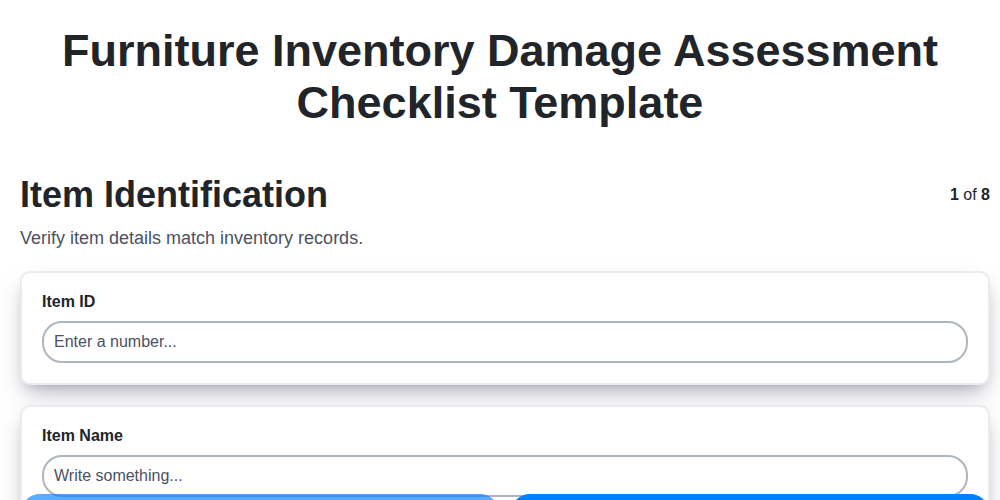
Furniture Inventory Damage Assessment Checklist Template
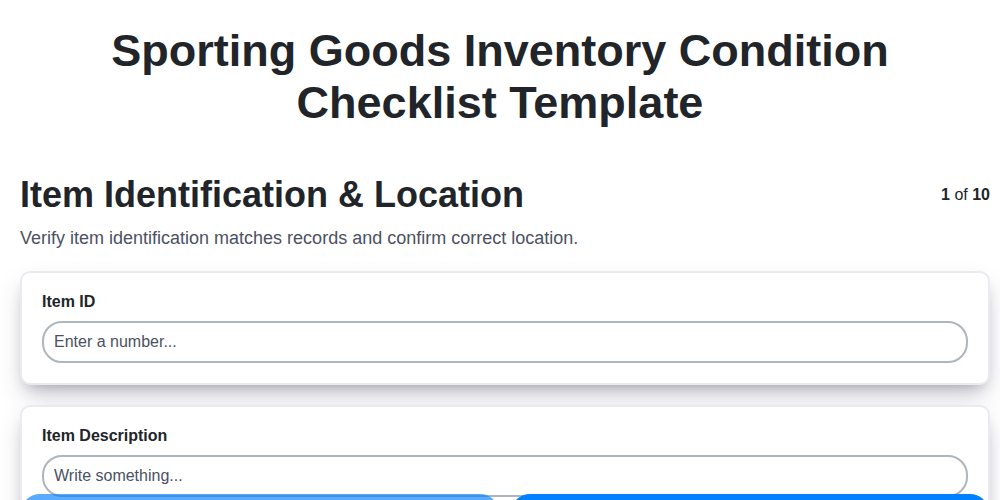
Sporting Goods Inventory Condition Checklist Template
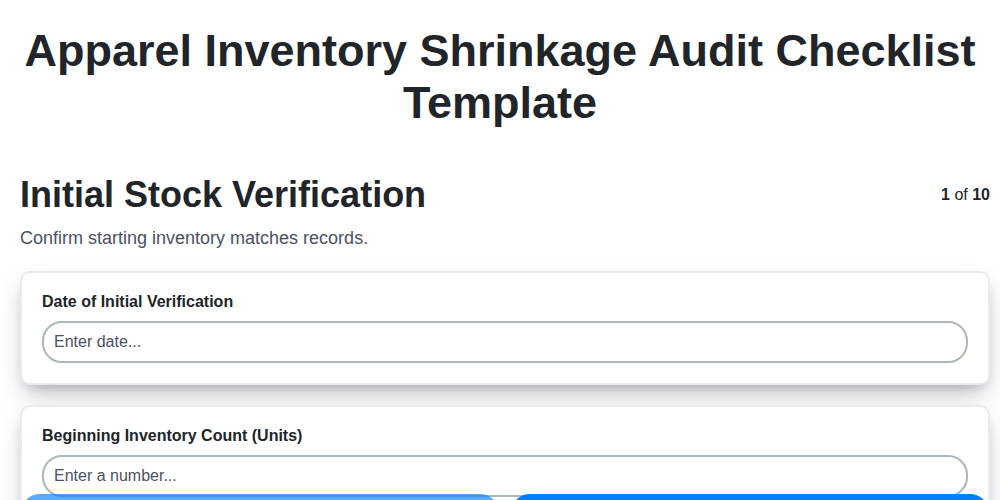
Apparel Inventory Shrinkage Audit Checklist Template
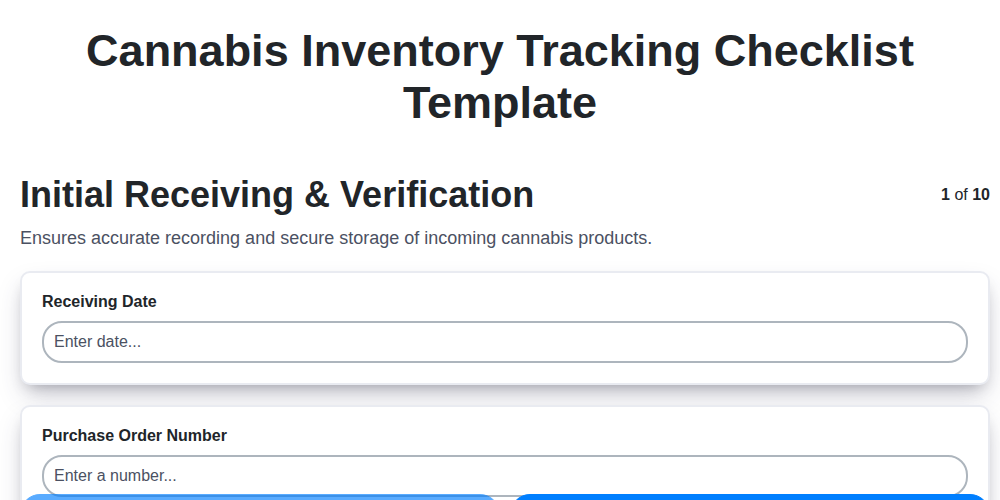
Cannabis Inventory Tracking Checklist Template
We can do it Together
Need help with
Inventory Management?
Have a question? We're here to help. Please submit your inquiry, and we'll respond promptly.