 ChecklistGuro
 Swimming Pool Safety Inspection Checklist for Property Managers
Ensure resident safety and minimize liability with our Swimming Pool Safety Inspection Checklist! This essential tool helps Property Managers stay compliant, identify potential hazards, and maintain a pristine pool environment. Download now and protect your investment & tenants!
This Template was installed 5 times.
Pool Area General Inspection
Assess the overall condition and safety of the pool area.
Overall Condition Notes
Ambient Temperature (Fahrenheit)
Debris Present?
Date of Last Cleaning
Visible Hazards?
Location of Any Hazards
Fencing & Gate Operation
Verify fencing height, integrity, and self-closing/self-latching gate functionality.
Fence Height (in inches)
Fence Material Condition
Gate Self-Closing Function
Gate Self-Latching Function
Last Gate Inspection Date
Inspector Signature
Drain Safety & Covers
Inspect drain covers for proper installation, condition, and compliance with current safety standards.
Cover Type
Cover Thickness (inches)
Cover Condition
Detailed Notes on Cover Condition
Cover Securely Installed?
Drain Cover Model Number (if available)
Chemical Balance & Water Quality
Review recent water test results and ensure proper chemical balance.
pH Level
Alkalinity (ppm)
Free Chlorine (ppm)
Cyanuric Acid (ppm)
Water Clarity
Water Test Date
Notes / Observations
Safety Equipment
Check availability and condition of safety equipment (e.g., life ring, shepherd's hook, first aid kit).
Quantity of Life Rings
Quantity of Shepherd's Hooks
Quantity of First Aid Kits
First Aid Kit Inspection Status
Last First Aid Kit Restock Date
Emergency Contact List Present?
Photo of Safety Equipment (Optional)
Deck & Surroundings
Inspect the pool deck and surrounding areas for slip hazards, cracks, and damage.
Deck Height (Above Ground)
Deck Surface Condition
Potential Slip/Trip Hazards Present?
Detailed Description of Any Issues Found
Upload Photos of Deck/Surroundings
Lighting
Verify proper lighting functionality and coverage for safe nighttime use.
Ambient Light Level (Foot-Candles)
Lighting Type (e.g., LED, Halogen)
Time of Inspection (for darkness assessment)
Adequate Illumination?
Notes on Lighting Condition
Signage
Confirm presence and clarity of required safety signage (e.g., rules, warnings).
Pool Rules Signage Present?
Depth Warning Signage Present?
Emergency Contact Information Posted?
Notes on Signage Condition/Legibility
Signage Meets Local Regulations?
Alarm System (if applicable)
Test pool alarm functionality and ensure compliance with regulations.
Alarm System Status
Last Alarm Test Date (YYYY-MM-DD)
Time of Last Alarm Test
Description of any alarm malfunctions/issues
Date of Next Scheduled Maintenance
Alarm Type
Documentation & Records
Review maintenance logs, inspection reports, and other relevant documentation.
Last Inspection Date
Inspection Frequency (e.g., Monthly)
Previous Inspection Report
Summary of Findings
Compliance Status
Date of Next Inspection
Frequently Asked Questions
Can I customize this template after installing it?
Absolutely. Once installed, you can add, remove, or reorder tasks, add custom fields, and adjust deadlines to fit your specific workflow.
Can I add images or photos to these checklist items?
Yes. Our platform allows you to attach photos, signatures, and notes to any checklist item for better verification and proof of completion.
Can I create a custom checklist from scratch instead of using a template?
Yes. You can use our "Create your own checklist" feature to build a unique workflow tailored exactly to your operational requirements.
Can I add dependencies between tasks?
Yes, you can set up conditional logic and dependencies to ensure your team follows the correct sequence of operations.
Can I assign specific checklist items to different team members?
Yes. You can assign individual tasks to specific employees, ensuring clear accountability across your entire team.
Can I use these checklists on mobile devices in the field?
Yes. Our platform is fully responsive, allowing your team to complete, update, and upload photos to checklists directly from any smartphone or tablet.
How do I notify my manager when a checklist is completed?
You can set up automated notifications (via email, push notification, or in-app alerts) to trigger whenever a checklist is finished or if an item fails inspection.
Can multiple people work on the same checklist simultaneously?
Yes, the platform supports real-time updates, allowing multiple users to contribute to a single live checklist.
Where is the data from completed checklists stored?
All completed checklists are stored securely in your Work OS dashboard, creating a permanent, searchable audit trail of your operations.
Can I generate reports based on my checklist results?
Yes. You can track completion rates, identify recurring issues, and monitor team performance through our integrated reporting and analytics tools.
How can I use these checklists for compliance or auditing purposes?
Because our checklists capture timestamps, photos, and digital signatures, they serve as a robust digital paper trail for regulatory compliance and internal audits.
Can I export my completed checklist data for use in other tools?
Yes. You can export your data in various formats (CSV, Excel, etc.) to integrate your operational insights with your other business software.
Comments
There are no comments yet. Be the first to add one!
Real Estate Management Solution Demo
Simplify your real estate operations! ChecklistGuro streamlines property management, lease renewals, and maintenance requests. Enhance tenant satisfaction and maximize ROI. Manage it all with our Work OS.
Related Checklist Templates
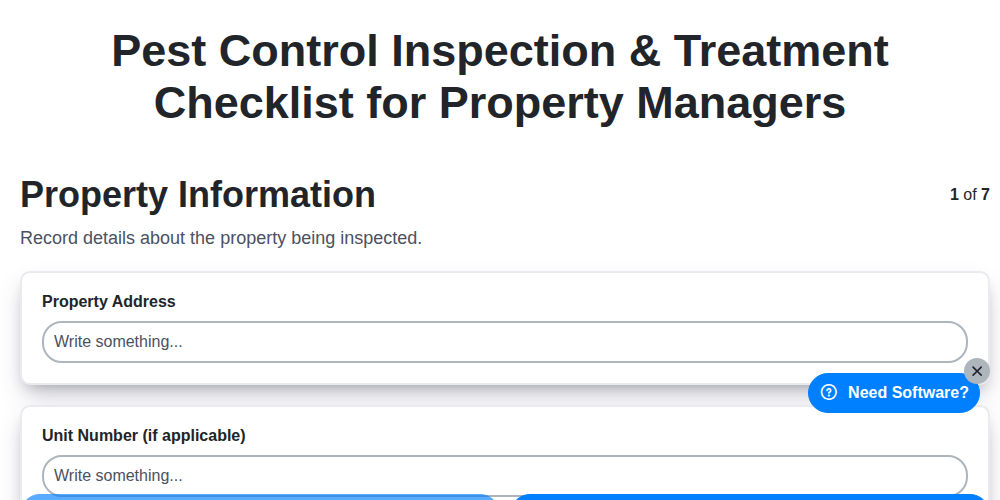
Pest Control Inspection & Treatment Checklist for Property Managers
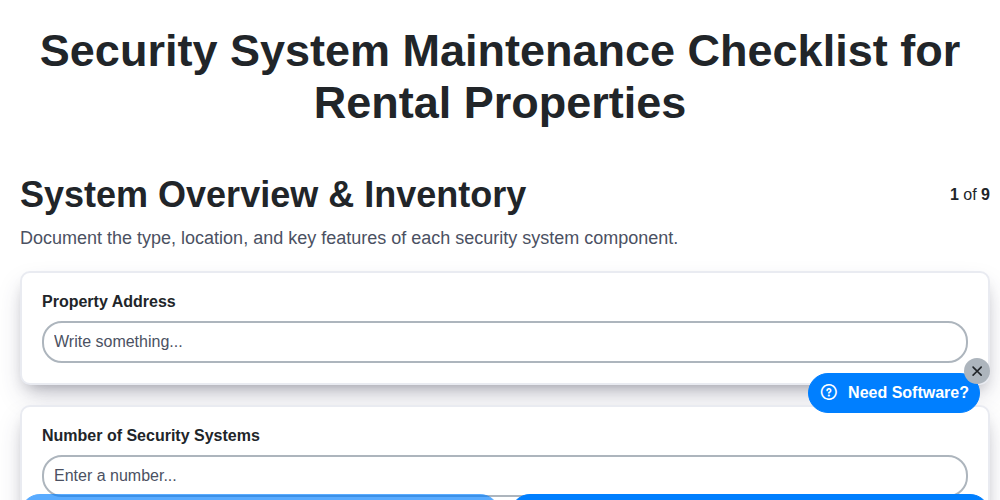
Security System Maintenance Checklist for Rental Properties

Resident Event Planning Checklist for Property Management
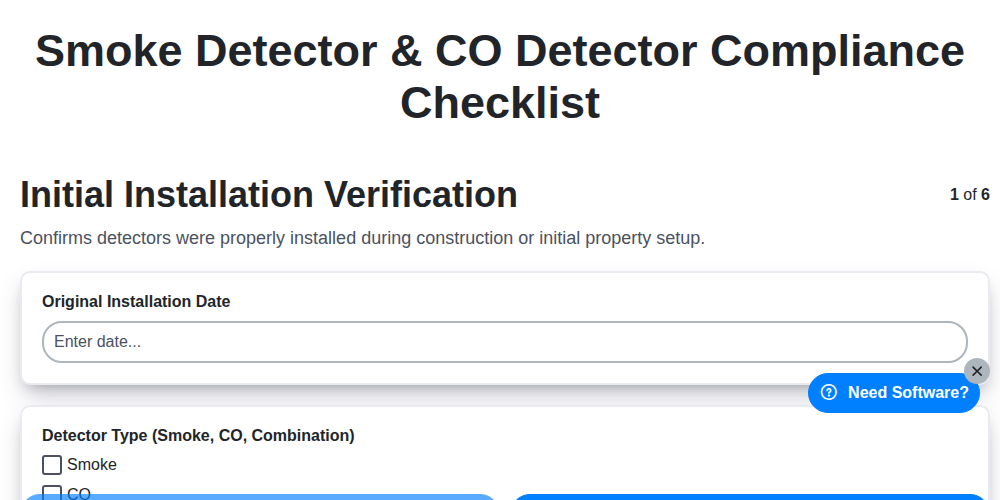
Smoke Detector & CO Detector Compliance Checklist
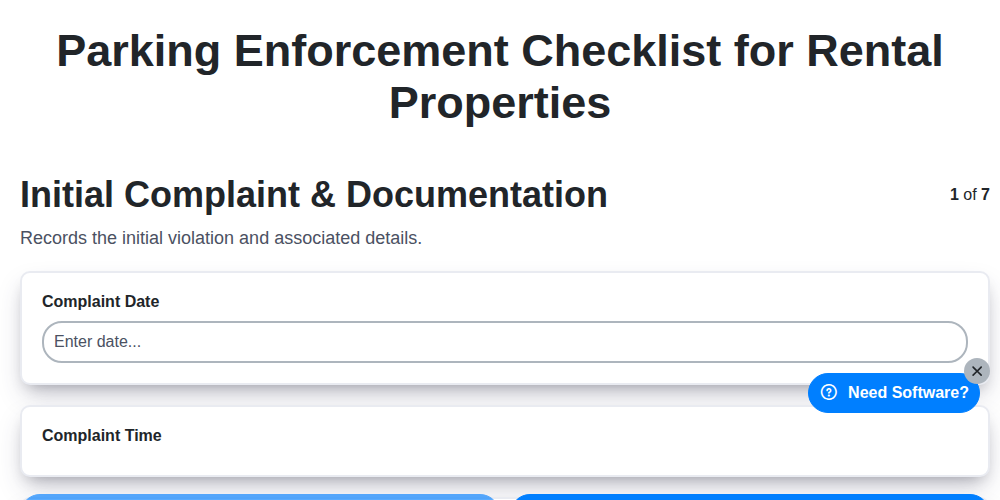
Parking Enforcement Checklist for Rental Properties
Noise Complaint Resolution Checklist for Property Management

Mold Remediation Inspection Checklist for Rental Properties
Snow Removal Readiness Checklist for Property Managers
Need help with
Real Estate?
Have a question? We're here to help. Please submit your inquiry, and we'll respond promptly.