 ChecklistGuro
 Display Case/Fixture Cleaning Checklist
Keep your retail displays sparkling & sales soaring! Download our free Display Case/Fixture Cleaning Checklist - a simple guide to maintain a professional, inviting store. Boost customer perception & protect your merchandise. Get organized today!
This Template was installed 5 times.
Pre-Cleaning Inspection
Initial assessment of the display case/fixture to identify areas needing attention and note any damage.
Date of Inspection
Time of Inspection
Display Case/Fixture ID (if applicable)
Describe any existing damage (scratches, cracks, etc.)
Overall Cleanliness Level (Before Cleaning)
Specific Issues Observed (Check all that apply)
Additional Notes on Condition
Dusting & Debris Removal
Removing loose dust, dirt, and any visible debris from all surfaces.
What tools were used for dusting?
If 'Other' was selected, please specify the tool(s) used:
Estimated time spent dusting (in minutes):
What types of debris were removed?
If 'Other' was selected, please specify the debris type:
Surface Cleaning
Cleaning surfaces with appropriate cleaning solutions based on material type (glass, wood, metal, etc.).
Surface Material:
Cleaning Solution Used:
Specific Cleaning Solution Used (if 'Specialized Cleaner' selected):
Amount of Cleaning Solution Used (oz/ml):
Notes on Surface Condition (e.g., scratches, stains):
Cleaning Method:
Other Cleaning Method (if 'Other' selected):
Detail Cleaning
Focusing on hard-to-reach areas and removing stubborn marks.
Describe any stubborn marks or residue encountered (e.g., sticky residue, grease spots).
Cleaning Solution Used for Stubborn Marks:
Amount of Cleaning Solution Used (for tracking purposes)
Describe method used to remove stubborn marks (e.g., gentle scrubbing, soaking)
Tool Used for Detail Cleaning:
If 'Other' was selected for tool, please specify:
Product Placement & Organization
Ensuring products are neatly arranged and positioned to maximize visual appeal.
Product Facing Direction?
Average Product Spacing (inches)
Product Presentation Issues?
Notes on Product Placement Adjustments
Price Signage?
New Products Introduced?
Final Inspection & Touch-Ups
A final look to ensure cleanliness and identify any areas needing further attention.
Overall Appearance: Is the display case/fixture clean and presentable?
Glass Clarity: Is the glass/acrylic clear and free of streaks?
Product Placement: Are products arranged neatly and facing forward?
Number of Items Adjusted/Replaced
Notes/Comments (e.g., any issues requiring further attention)
Date of Inspection
Time of Inspection
Inspector Signature
Comments
There are no comments yet. Be the first to add one!
Retail Management Solution Demo
Boost retail efficiency! ChecklistGuro simplifies store operations, inventory management, and employee training. Improve customer experience and maximize profitability. Manage it all with our Work OS.
Related Checklist Templates
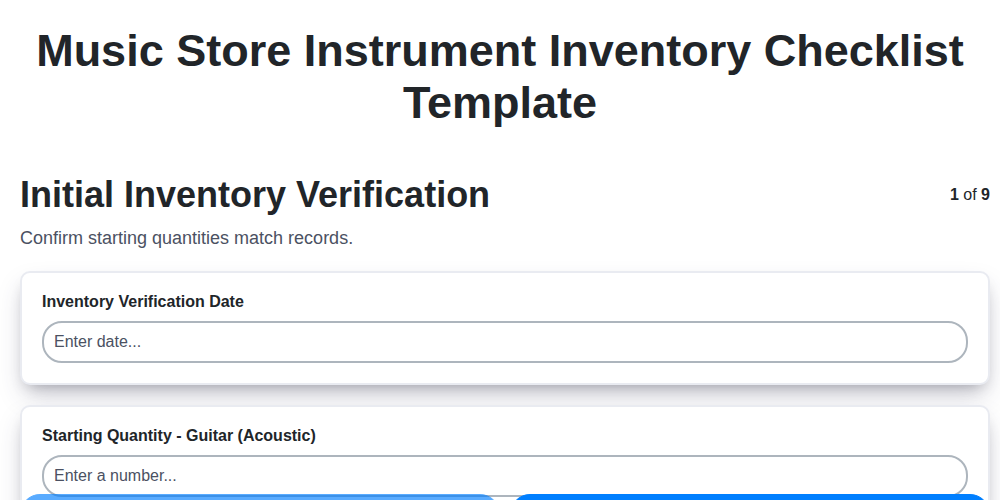
Music Store Instrument Inventory Checklist Template
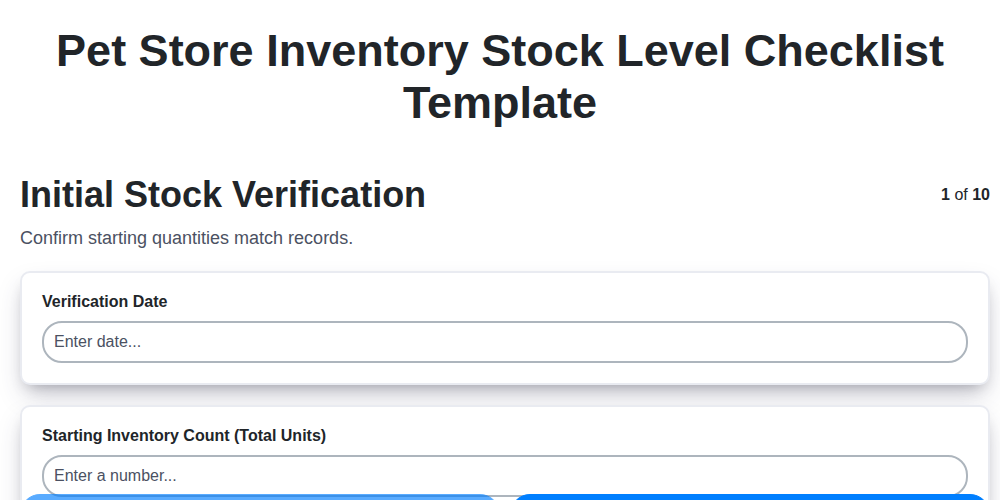
Pet Store Inventory Stock Level Checklist Template
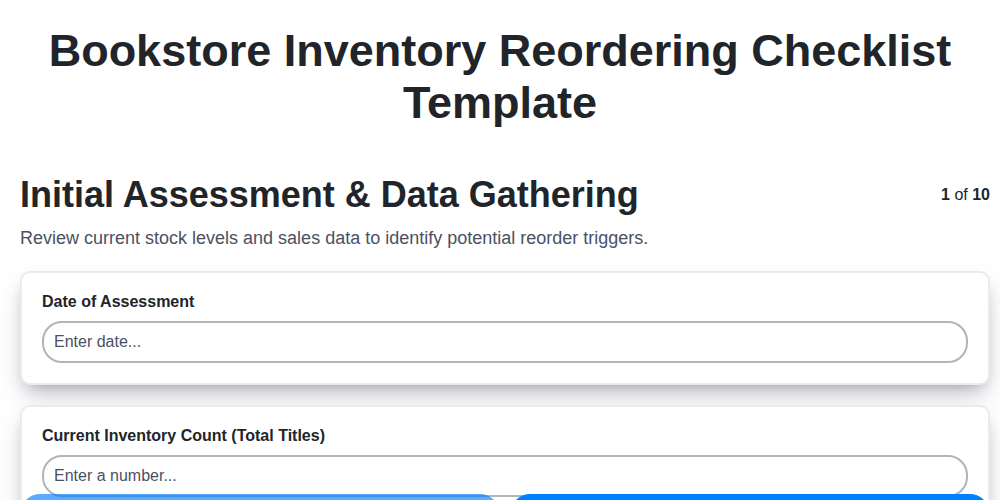
Bookstore Inventory Reordering Checklist Template
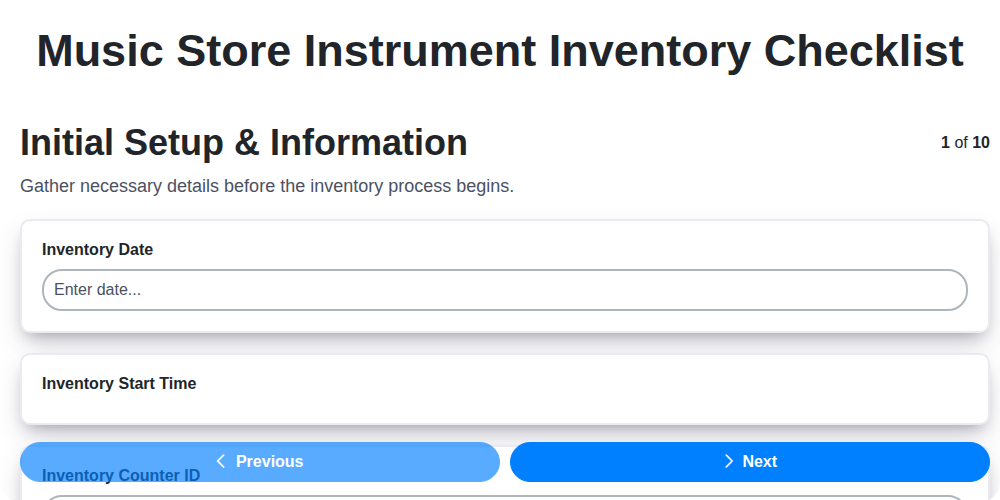
Music Store Instrument Inventory Checklist
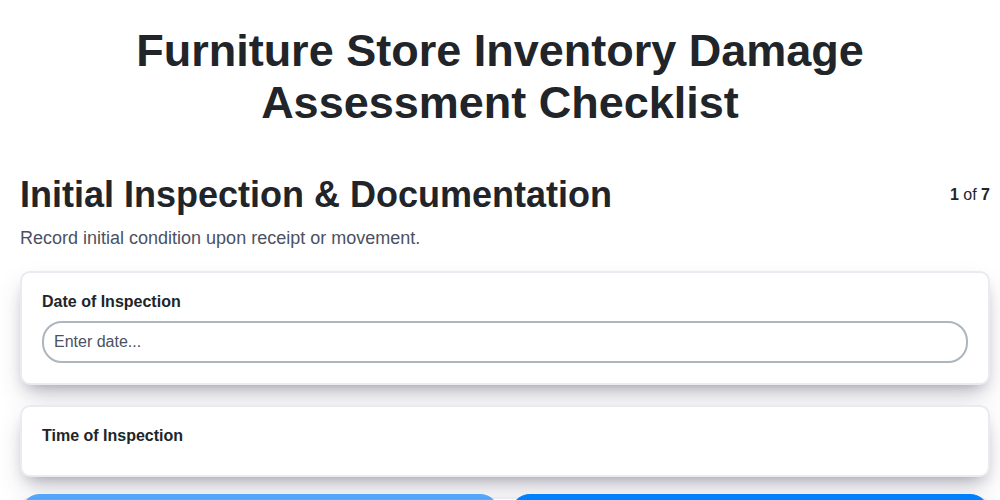
Furniture Store Inventory Damage Assessment Checklist
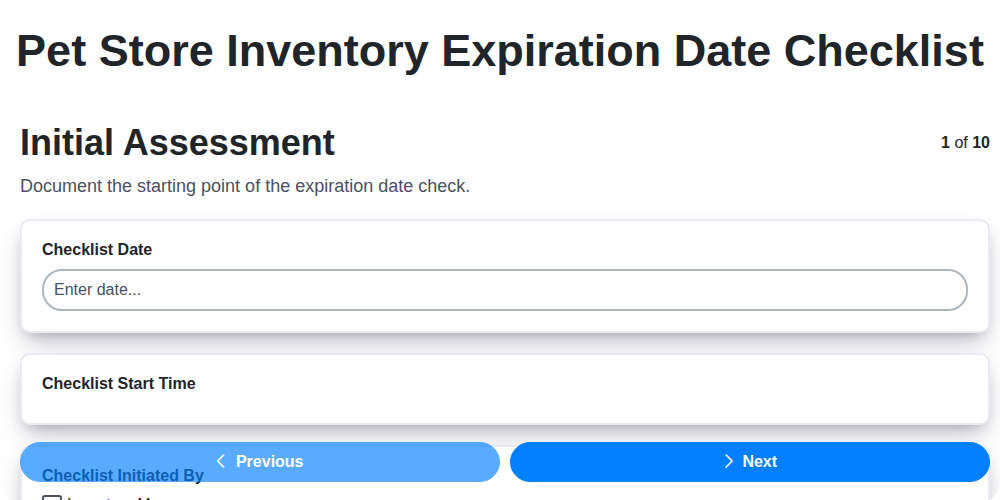
Pet Store Inventory Expiration Date Checklist
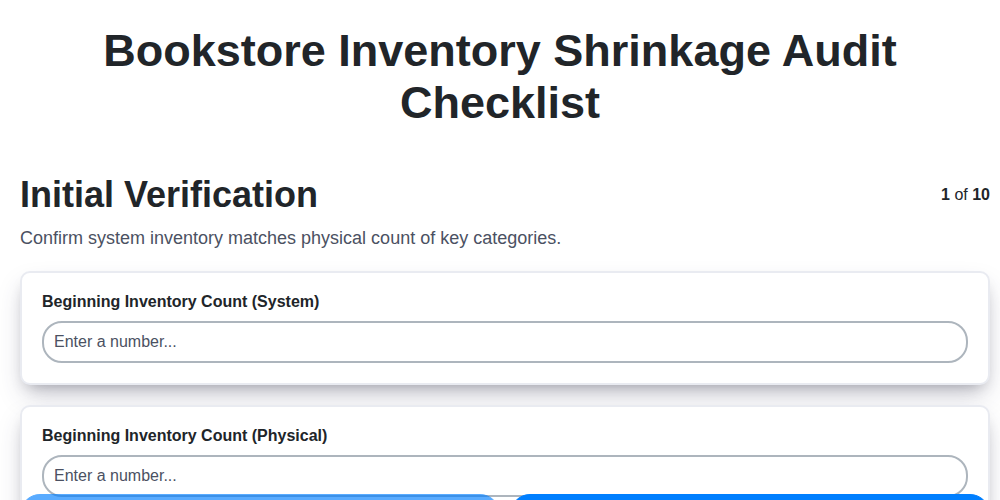
Bookstore Inventory Shrinkage Audit Checklist
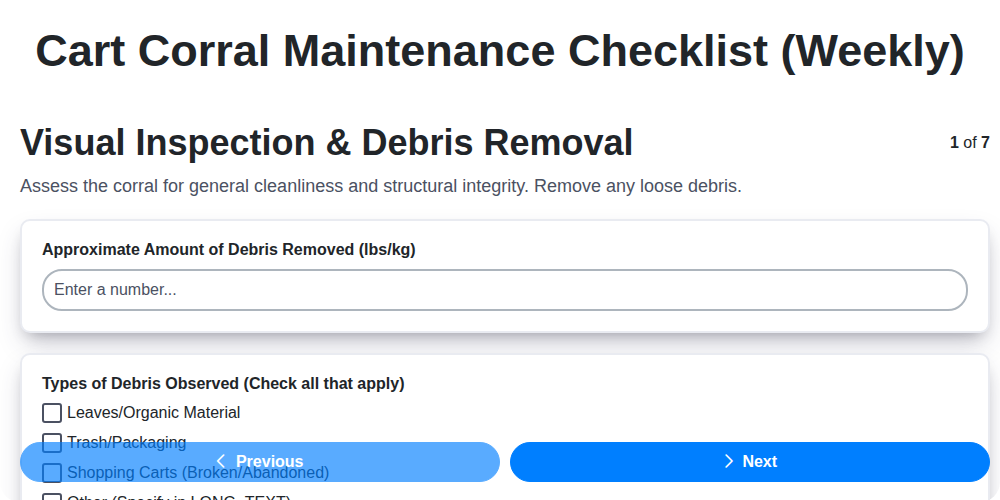
Cart Corral Maintenance Checklist (Weekly)
We can do it Together
Need help with
Retail?
Have a question? We're here to help. Please submit your inquiry, and we'll respond promptly.